
Laravel Herd Pro is a native macOS development environment that bundles every service a Laravel app touches into one lightweight menu bar app.
1. Spin Up a Full Backend Stack Instantly
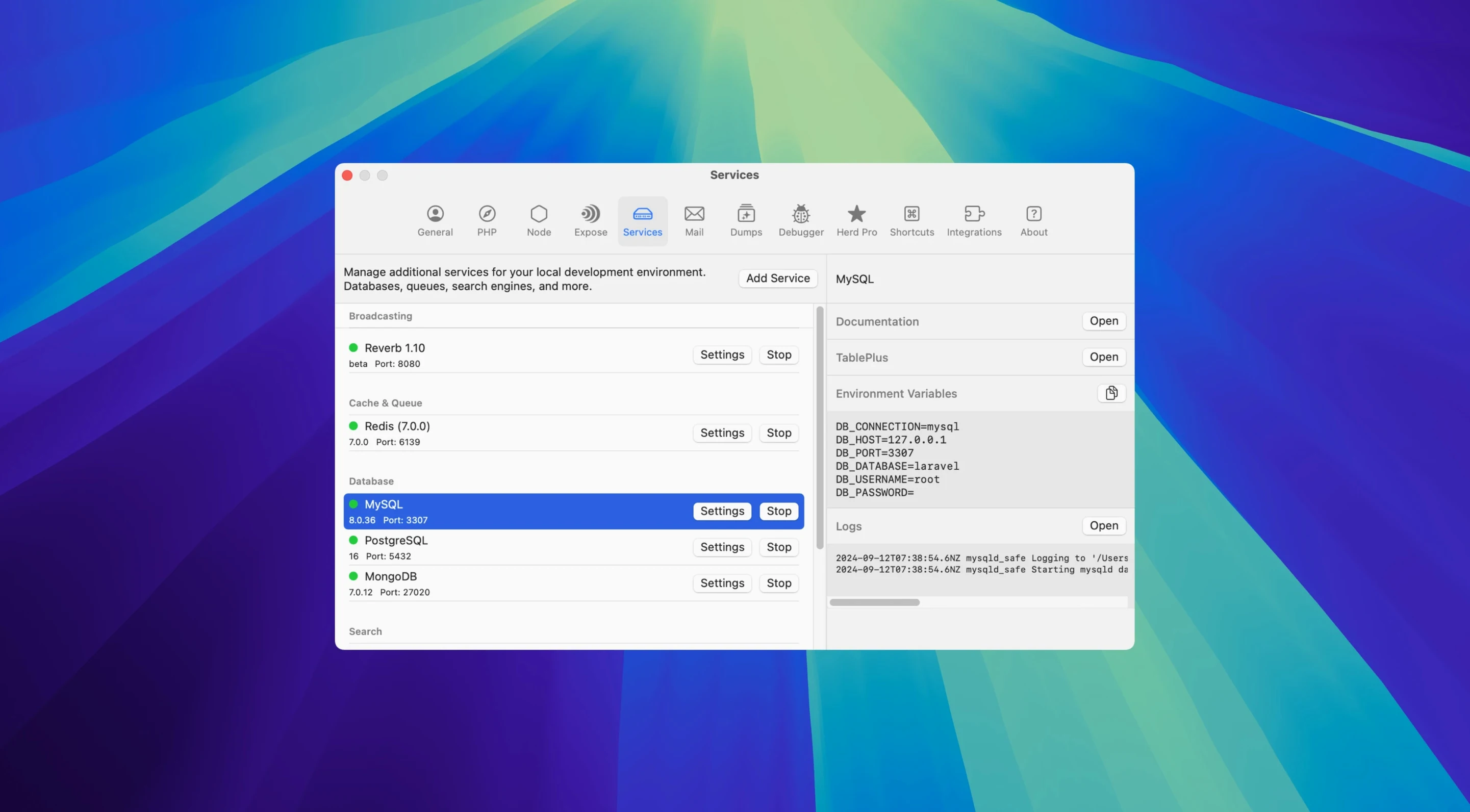
Right from the menu bar you can start and stop MySQL, PostgreSQL, MariaDB, Redis, Memcached, Meilisearch, Typesense, MinIO, and Laravel Reverb. No Docker daemon, no resource drain — just a toggle for each service when you need it.
2. Debug with Xdebug That Stays Out of the Way
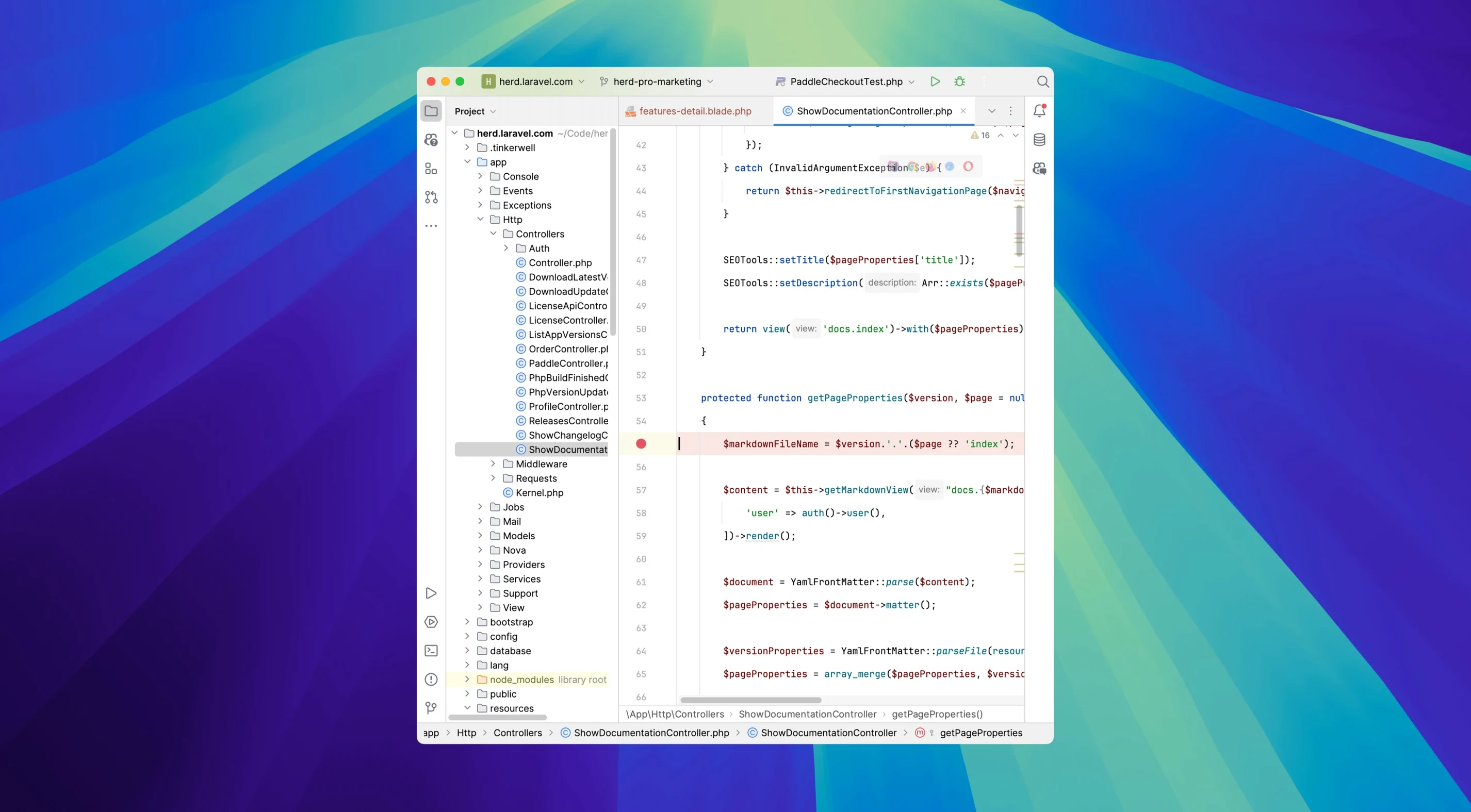
Herd keeps Xdebug dormant until a debugging request arrives. Your app runs fast during normal work, and the debugger wakes up the moment you fire a request from PhpStorm or VS Code. No more editing php.ini every time you switch contexts.
3. Catch Every Outbound Email Locally
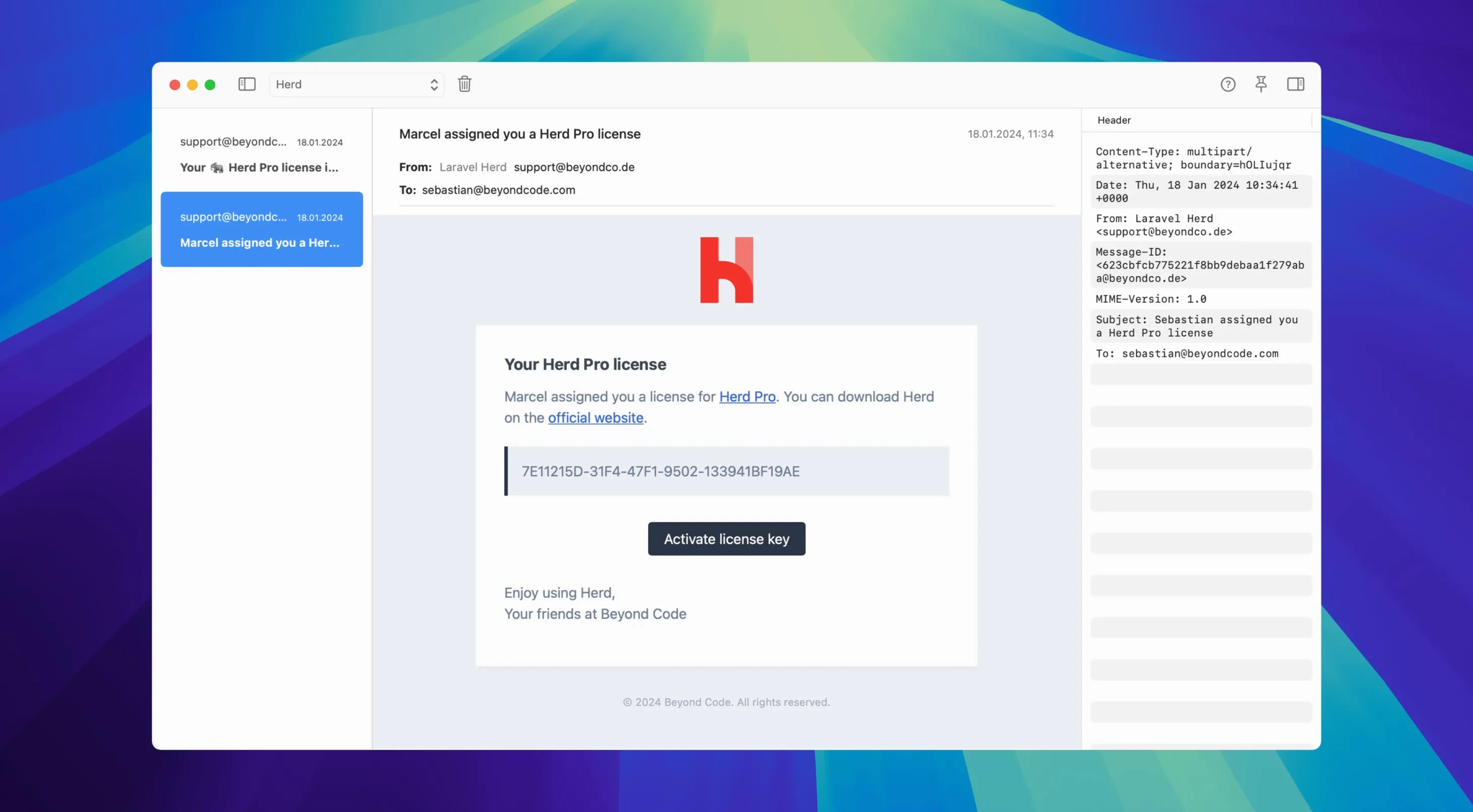
Mailpit is built in and catches every email your app sends. You can inspect HTML and text versions, view attachments, and check raw headers — all without accidentally emailing a real customer from your staging environment.
4. Monitor Logs Across Projects
The log viewer lets you search and filter entries by project and file. History persists between requests, so you can trace an error that spanned multiple page loads without losing the trail.
5. Share Your Environment with the Team
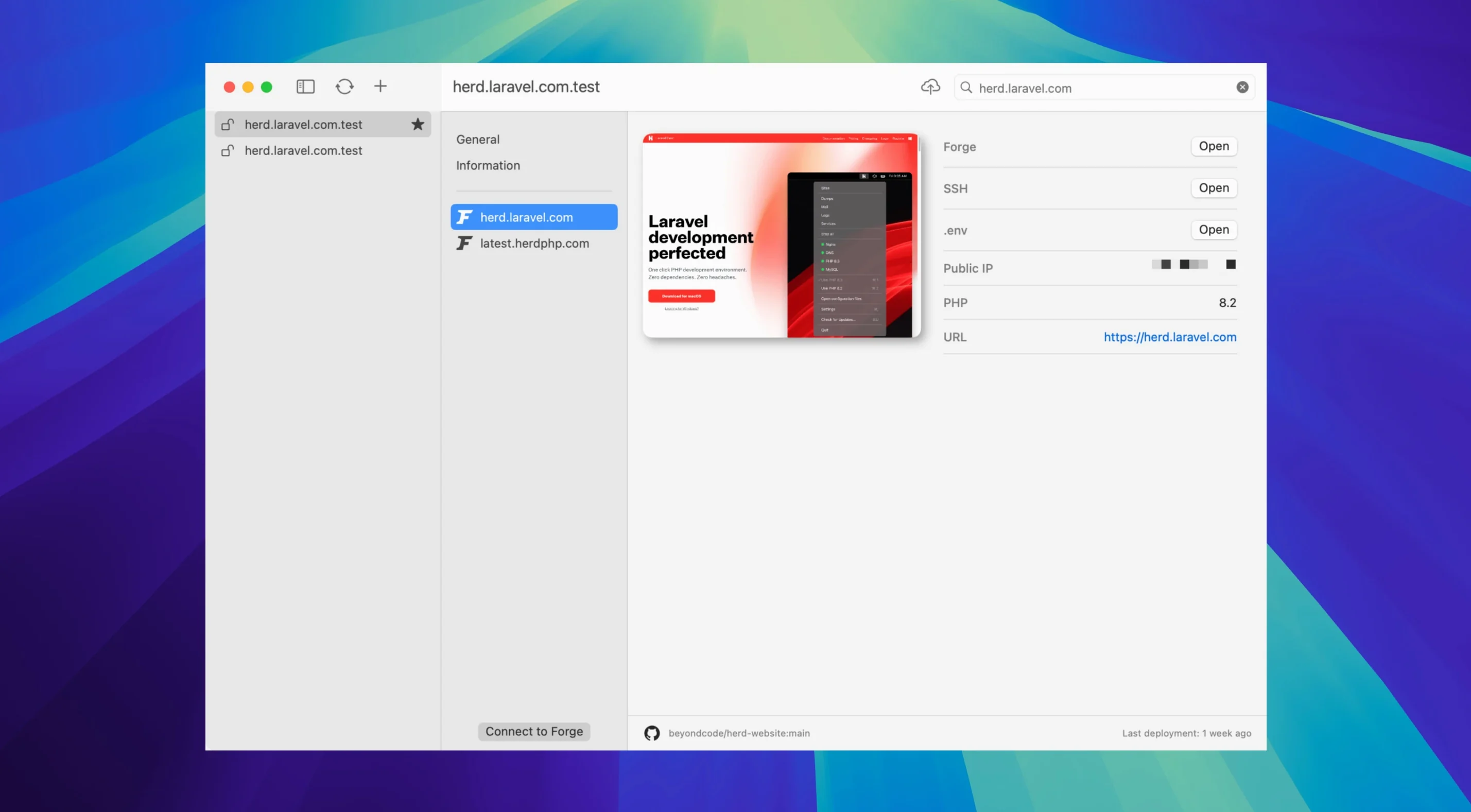
Site settings like the PHP version, active services, and Laravel Forge connection all live in a file you can commit to version control. A new team member pulls the repo and Herd knows exactly which stack to boot.
The package ties everything together with command-line access to php, composer, laravel, and node, plus a migration path that pulls sites, certificates, and settings straight from Valet. It’s the full-stack toolbelt without the weight.
Performance Notes from Daily Use
Menu bar apps tend to be lightweight, and Herd follows that rule. Idle RAM sits around 120–150 MB with MySQL and Redis running. Toggling PostgreSQL or Meilisearch nudges that number up, but the footprint stays modest enough that I forget it's there during Premiere renders. CPU spikes are rare — the real work happens inside PHP-FPM workers, not the manager itself.
Cold-booting all services takes under eight seconds on an M1 Pro. Site routing through *.test domains resolves instantly after the first request, and switching PHP versions (7.4 to 8.5) applies without restarting nginx. That speed holds whether you're running a single API project or juggling six client sites with different service stacks.
Stability over weeks of uptime is uneventful in the best way. PHP processes that exhaust memory die without taking down the whole proxy. The menu bar icon occasionally lags when cycling through too many services quickly, but it sorts itself out within a second. I haven't seen a kernel panic or a hung nginx worker traceable to Herd since the 1.24 days.
When MySQL Port 3306 Is Already Taken
The most common hiccup involves port conflicts. If you already run a Homebrew MySQL on 3306, Herd's version will refuse to start until you pick a different port in the service settings. The fix is quick: open the Services tab, click the gear next to MySQL, and bump the port to 3307. Same logic applies to Redis (6379) and PostgreSQL (5432).
Mailpit capture sometimes misses emails fired before the SMTP server fully binds on port 2525. Restarting the Mailpit toggle in the menu bar clears that up. Another quirk: the dump() interceptor window can fill up fast if you forget a dd() inside a loop — clearing the history with the broom icon brings the interface back to a usable state without restarting the app.
Teams syncing the site-settings file occasionally trip over mismatched PHP versions. If a colleague commits a config pinning a project to PHP 8.4 and you haven't installed that version yet, Herd shows a warning badge. Installing the missing PHP version through the preferences pane resolves it in two clicks. The laravel herd pro mac full version download includes every supported PHP release, so you're never hunting for a separate package.
- macOS 12 or later
- Apple Silicon or Intel Mac
- English interface
Questions I actually get
Can Herd Pro migrate my existing Valet sites?
Yes, it includes a migration tool that brings over your sites, SSL certificates, and settings from Laravel Valet.
Notes from the edit bay · 0
Sign in or get an edit-bay pass to leave a note.
No notes from the edit bay yet. They go up after I read them.