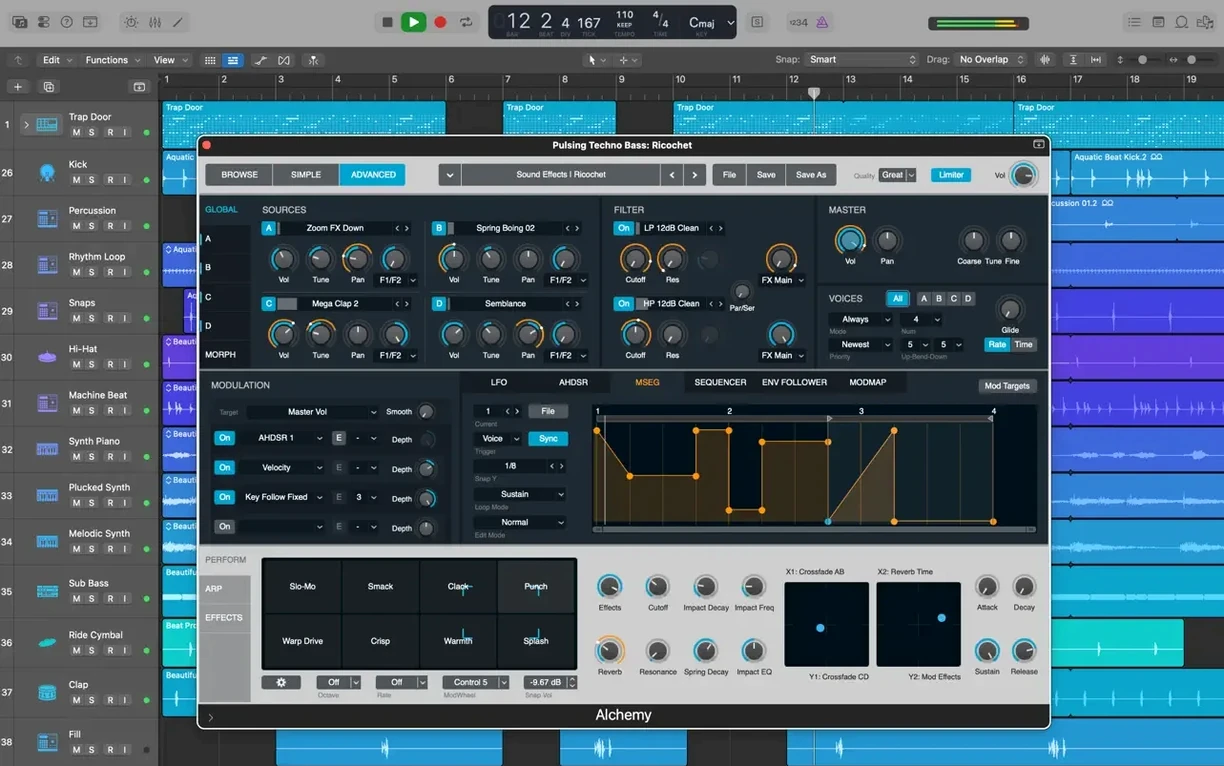
If you know GarageBand, the leap to Logic Pro feels like walking into a familiar room where someone suddenly expanded all the walls. The transport controls and track headers are right where you left them, but now there's a full mixer, a sample-accurate editor, and enough processing power underneath to finish a record.
One Idea, Start to Finish
- Capture the scratch track. I plug in a guitar, arm an audio track, and lay down a rough verse and chorus. Timing isn't perfect, but the idea is down.
- Build the rhythm section. I add a Drummer track. Out of 28 drummers, I pick one with a tight, dry indie feel and pull the Kick & Snare pattern closer to what's in my head. Then I open Drum Kit Designer to swap the snare for a deeper maple sample from the 1,000 included instruments.
- Comp the takes. I record three more passes of the guitar part. Quick Swipe Comping lets me drag across the best bars of each take instantly — no slicing, no manual crossfades. One clean composite track in under a minute.
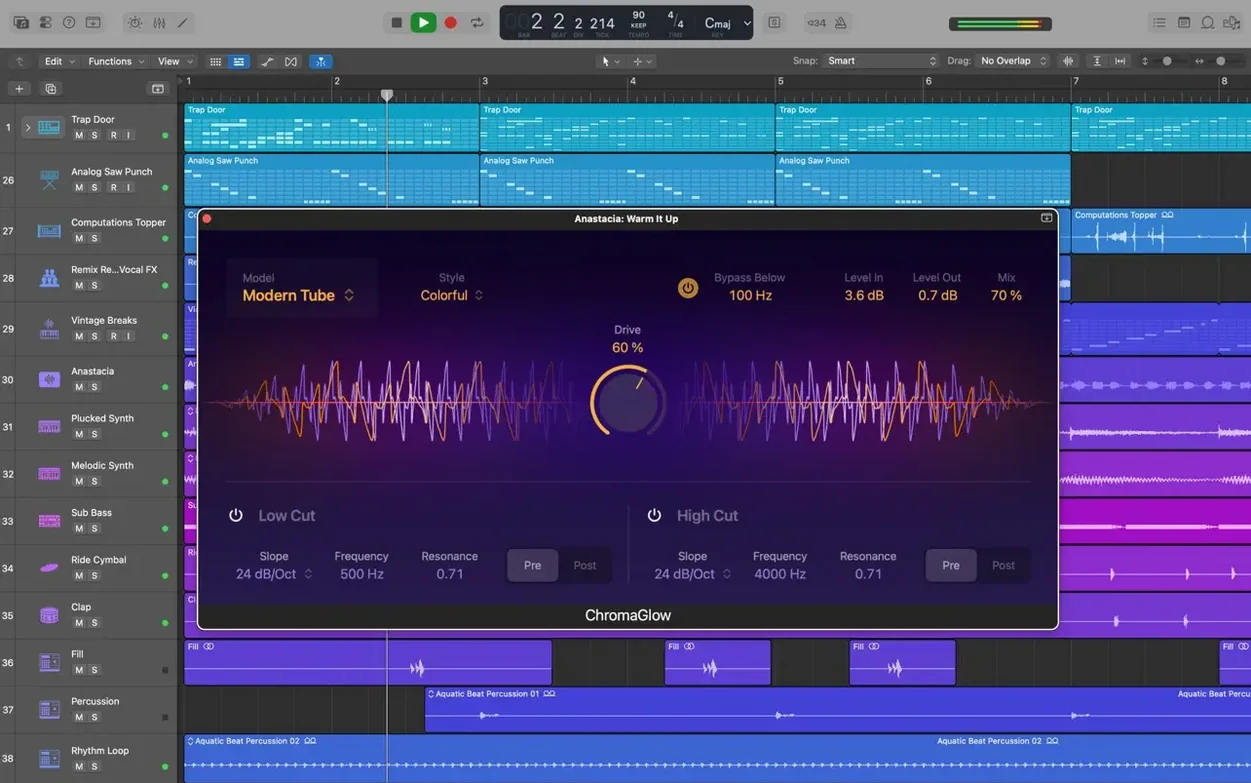
- Tweak the tone. I highlight a noisy segment and apply Selection-based Processing. A noise gate and an EQ curve render directly into the file, keeping the channel strip clear. For the chorus, I pull up Pedalboard and chain a mild overdrive into a spring reverb.
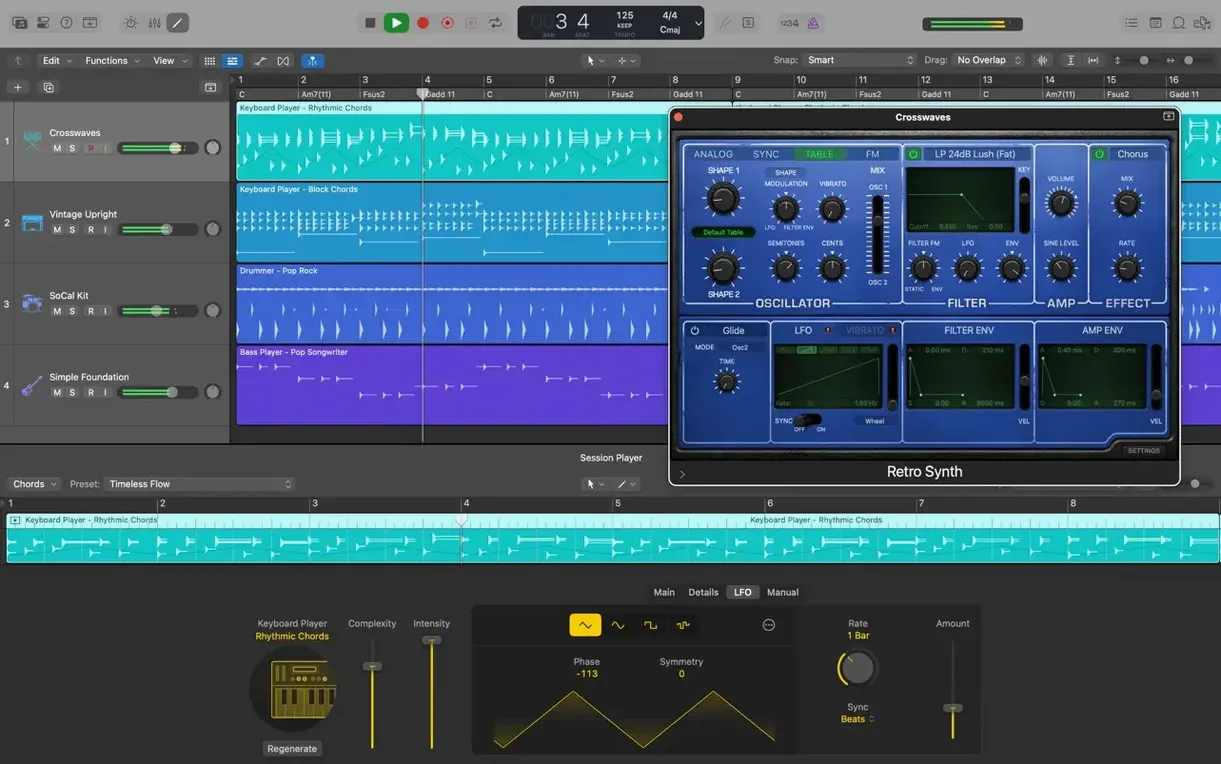
- Add texture. Alchemy loads a warped piano pad I tweak with the morph pad. It sits under the second verse without crowding the midrange.
- Mix and export. Levels set, a little bus compression on the master. I bounce to a 24-bit/48 kHz WAV — stereo today, though the surround panners are right there when I need them. The iCloud sync means I can grab the stems on an iPad later if I want to sketch a remix.
That's the workflow: an idea at noon, a rough mix by one. No menu diving, just the tools staying out of the way while the arrangement takes shape.
Will Your Mac Have Enough Free Space?
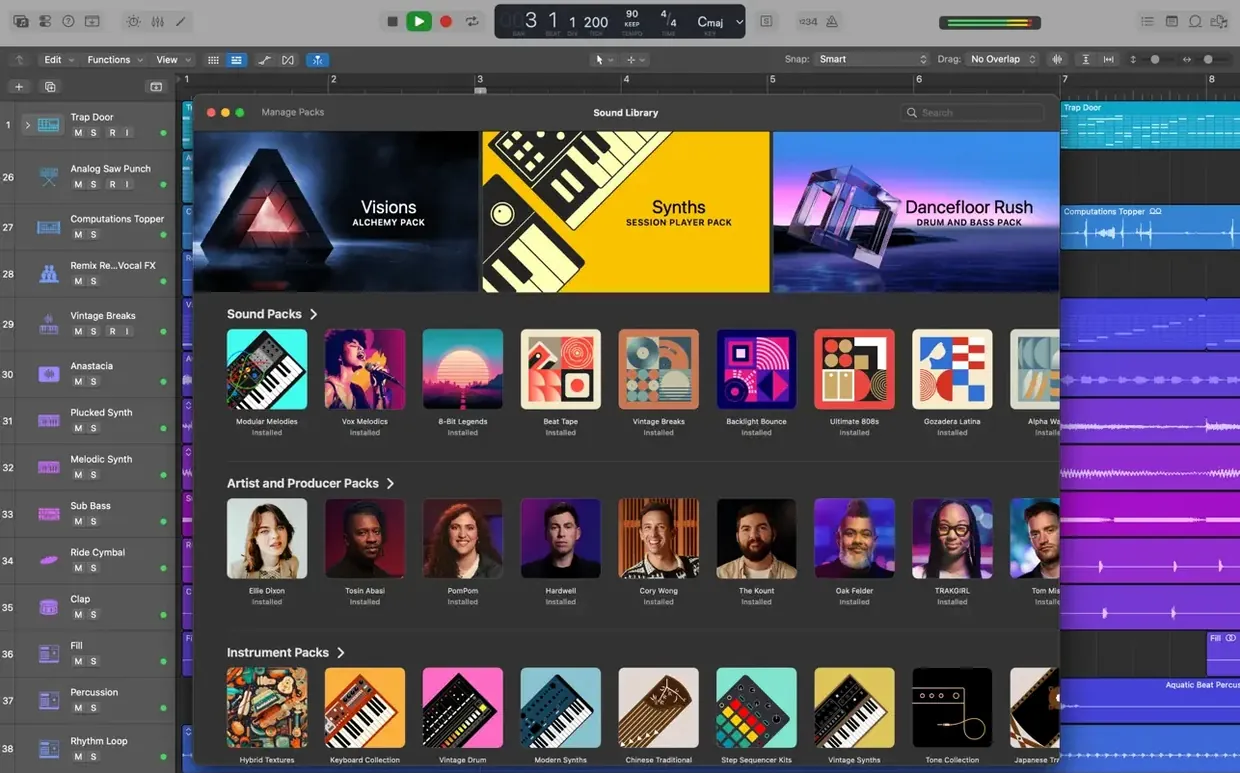
Can my Mac actually run it? The short answer: if you're on macOS 15.6 or later, yes. Both Intel and Apple Silicon machines work. The real limiting factor is free disk space — 6 GB gets you the core app, but you'll want 63 GB for the full Sound Library. Those 7,000 Apple Loops and 1,000 sampled instruments eat space fast. An external SSD for the library is a common move, and Logic handles it natively through the Sound Library Manager.
Will my old projects open? Projects dating back to Logic 5 come right in. I've pulled up sessions from 2008 without a hitch — channel strips, automation, even EXS24 instruments migrate to Sampler automatically. The only casualties tend to be long-dead third-party plug-ins you stopped using years ago.
Do I need an audio interface? Not to start. The built-in headphone jack on a MacBook Pro handles playback fine for arranging and mixing. But the moment you plug in a microphone or a guitar, you'll want one. Logic's low-latency mode works well with class-compliant interfaces — nothing to install, just plug in and set the input device in Audio Preferences.
GarageBand user — will my projects transfer? They open directly. Tracks, effects, tempo map, all intact. The only thing you'll notice is extra headroom: GarageBand's hidden limiter on the master bus is gone, so your mix will sound quieter until you gain-stage it properly. A fair trade for full dynamic range.
When Plugins Vanish After an Update
The Sound Library Won't Download
You open the Sound Library Manager, click "Install All," and the progress bar sits frozen. Nine times out of ten, it's a network hiccup. Quit Logic, flush your DNS cache with sudo dscacheutil -flushcache; sudo killall -HUP mDNSResponder in Terminal, then relaunch. If that doesn't do it, download the essential sounds first, then grab the rest in smaller batches. Apple's servers throttle large library pulls occasionally.
MIDI Controller Not Recognized
Plug it in before launching Logic. Sounds obvious, but Logic polls MIDI devices at startup and gets stubborn about hot-plugging. If you already launched, open the MIDI Studio window (Window > Show MIDI Studio), click "Rescan MIDI," and tap a key on your controller. No response? Delete the device icon and click "Add Device," then drag virtual cables to reconnect it.
System Overload Messages During Playback
The "System Overload" dialog is Logic's least subtle nudge. First move: bump the I/O Buffer Size to 256 or 512 samples in Audio Preferences. Still choking? Freeze tracks — the snowflake icon on each track header renders the channel strip to a temporary audio file. Drummer and Alchemy tracks are the usual suspects. On Apple Silicon, check that the project sample rate matches your interface's native rate; real-time conversion eats more cycles than you'd think.
Flex Pitch Artifacts on Sustained Notes
Flex Pitch works wonders on short phrases but can warble on long held notes. Select the offending note, open the Flex Pitch editor, and reduce the Vibrato parameter to zero. If the artifact persists, bounce that region in place with Flex disabled, then re-enable Flex Pitch — the algorithm gets a cleaner source to analyze.
Turn Off the Grid for Live Audio Takes
Out of the box, Logic is polite. A few tweaks make it yours.
Disable "Musical Grid" for audio recordings. By default, Logic snaps audio regions to bars and beats, which works for loops but fights you on live takes. Click the Tracks area's background, uncheck "Snap Edits to Zero Crossings" in the Snap menu, and switch to "Smart" instead of "Beat." Dragging region boundaries now respects the waveform, not the grid.
Turn on complete features in Advanced Tools. Logic hides half its power behind a checkbox. Preferences > Advanced Tools > Enable All. Track Stacks, Flex modes, MIDI Transform, the full list of region parameters — they all appear. Without this, you're flying with instruments locked out of the cockpit.
Set your cycle range pre-roll. Recording over a four-bar loop? Preferences > Recording > "Cycle Pre-Processing" set to 1 bar. Logic starts playback one bar early before the punch-in, so your fingers find the groove before the red light clicks on. Small thing, massive difference in comp quality.
Flip the metronome to click during count-in only. Recording > "Click while recording" off, "Only during count-in" on. You hear two bars of pulse, then silence — no bleed into your open-back headphones.
Quick Swipe Comping for Layered Songwriting
Songwriters who track in layers. If you build songs by stacking guitar, vocals, keys, and percussion one pass at a time, Logic's comping workflow is the killer feature. Quick Swipe Comping plus Track Alternatives means you can try completely different approaches to a section without duplicating the project. I've watched singer-songwriters cut a full demo in two hours that would've been an all-day session in another DAW.
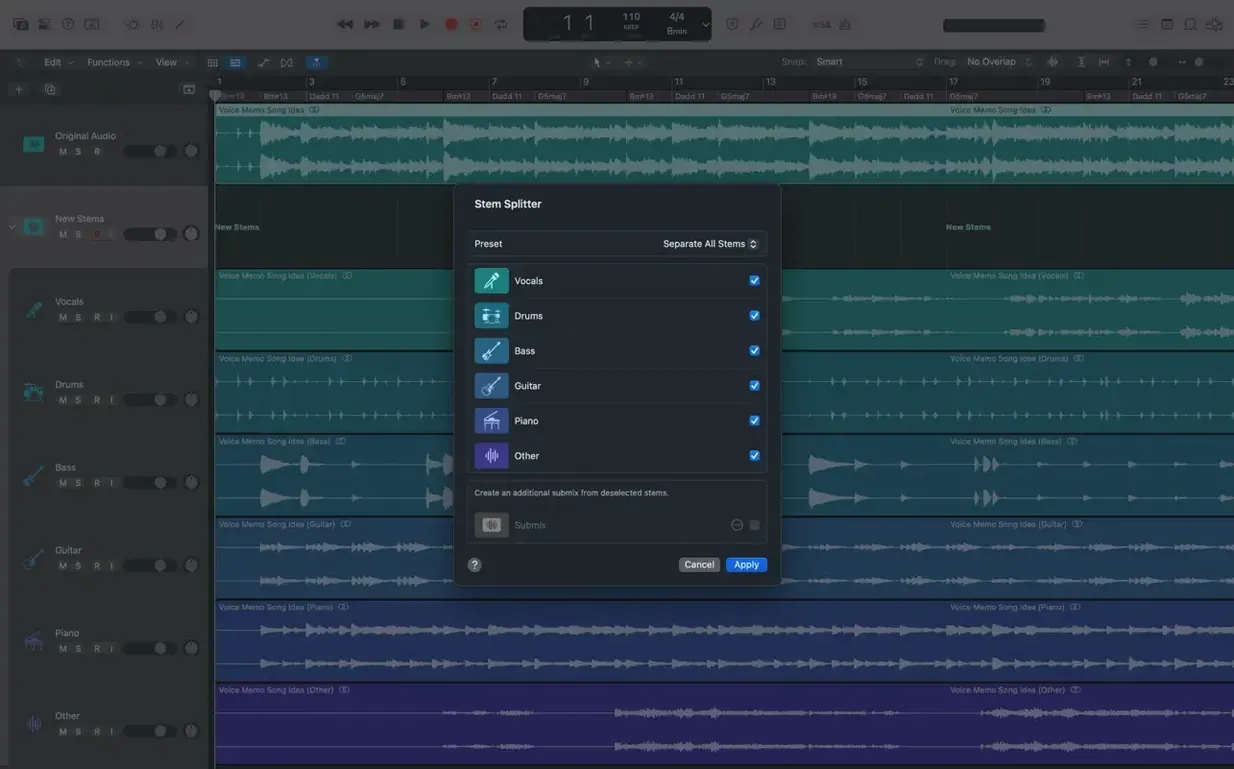
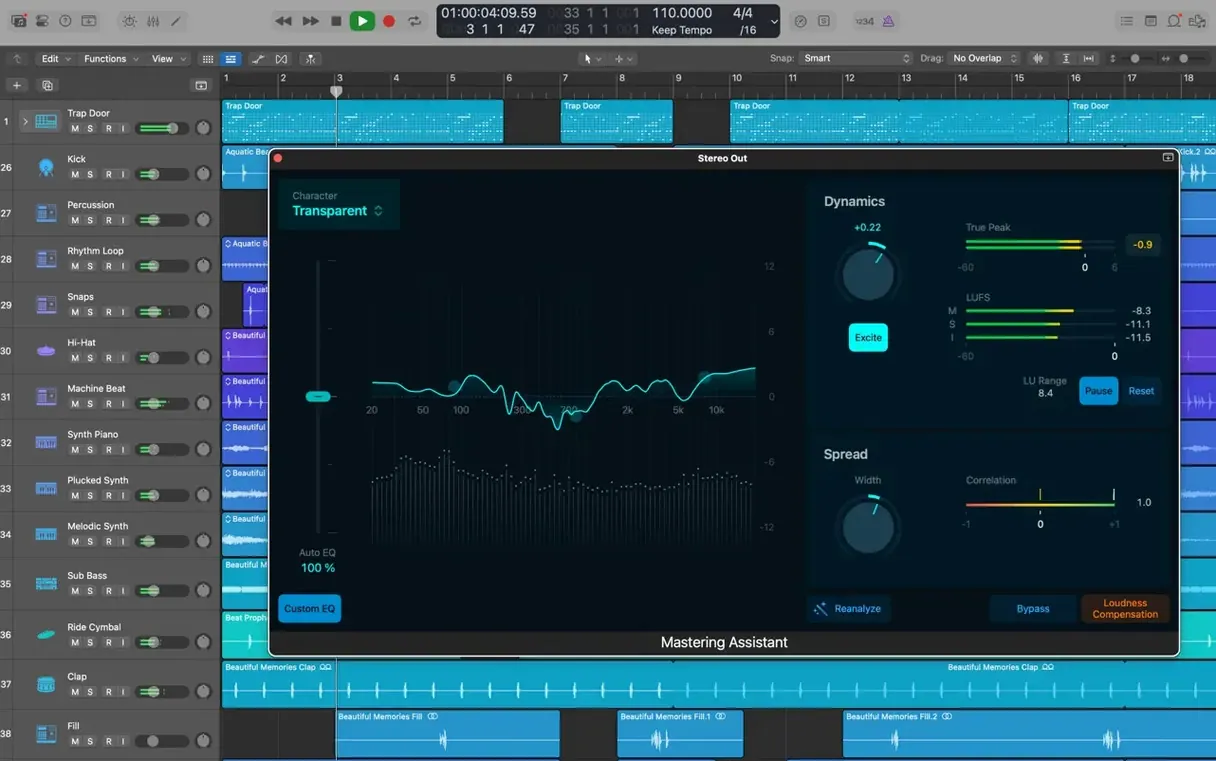
Mix engineers working with stems from other studios. The stock plug-in suite is deep enough that you can mix an entire record without reaching for third-party tools. Space Designer's convolution library covers real rooms and hardware units. The Channel EQ's analyzer overlays work exactly how you want them. And Selection-based Processing lets you commit effects to problem regions before the mix bus sees them — a workflow that makes stem mastering cleaner.
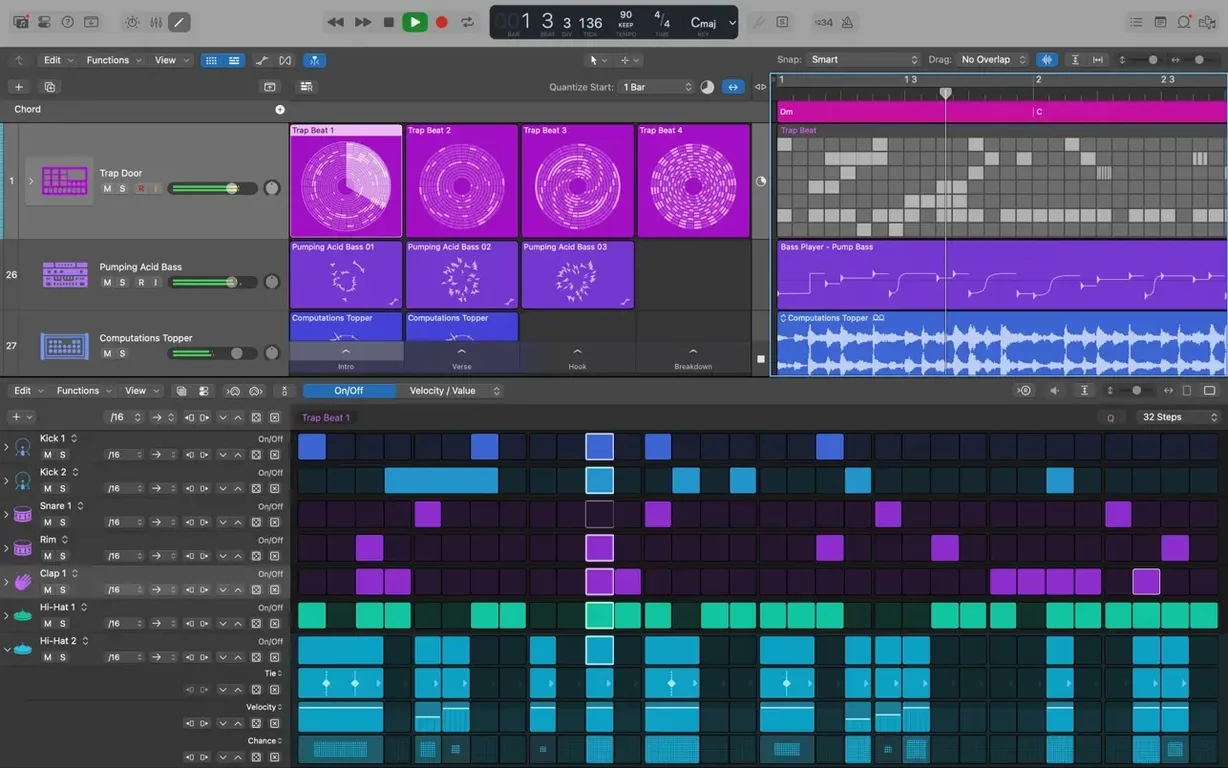
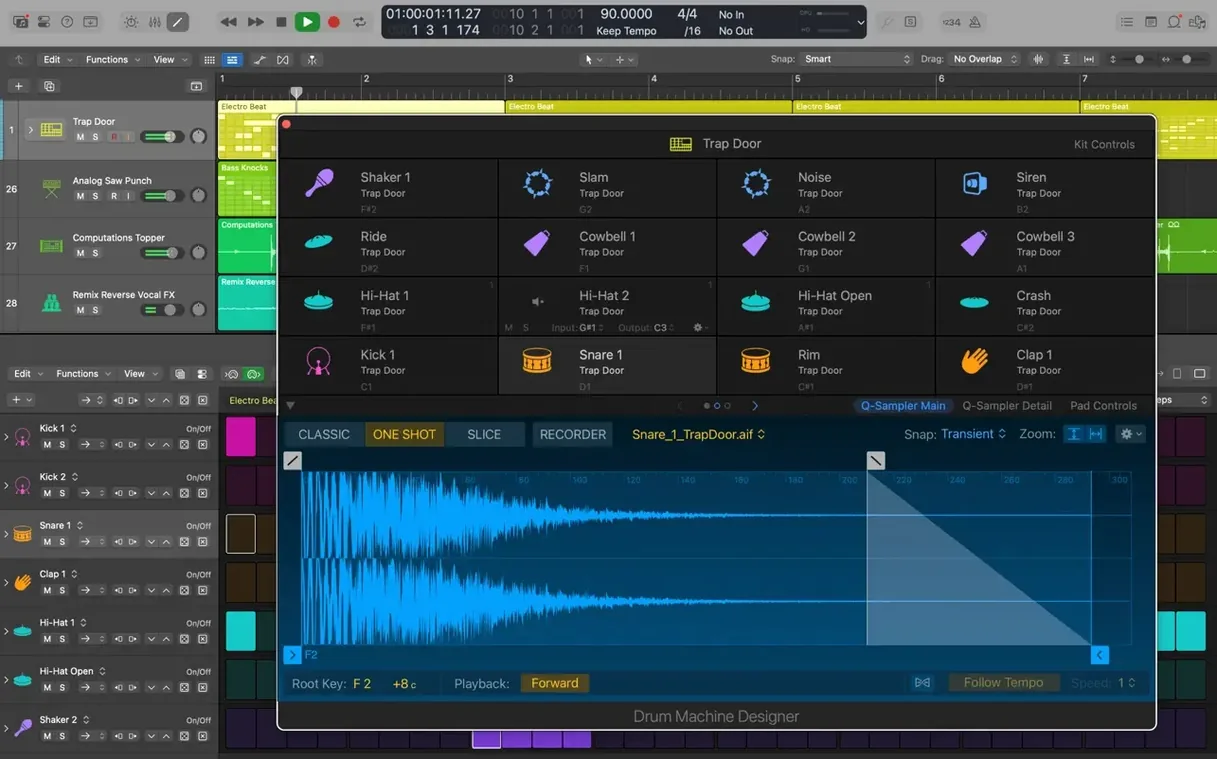
Electronic producers and remixers. Alchemy alone justifies the download. It's a granular, additive, spectral, and virtual-analog synth in one window, and the morph pad crossfades between four snapshots of a sound. Drum Machine Designer turns any sample into a playable kit with per-pad processing. Then there's the 7,000 Apple Loops, all tagged by mood and key, all tempo-flexible. People grabbing a Logic Pro X torrent often don't realize the factory content fills a 63-gig drive — it's a production library that ships with the app.
Composers working to picture. The XML round-trip with Final Cut Pro X means you score to a locked cut, then export a tempo map that the editor drops right onto the timeline. Video thumbnails appear on the global track, frame-accurate. The surround panner supports 5.1 and 7.1, and the included instruments lean cinematic — string ensembles, orchestral percussion, evolving pads. When someone searches logic pro 11 free download, they're often surprised that the current version handles film scoring workflows that used to require a separate app.
A Workflow: Vocal Tuning and Time Alignment
Say a vocalist tracked a strong performance, but three phrases drift sharp and the bridge rushes ahead of the beat. Here's the fix, start to finish.
- Comp first, tune second. Use Quick Swipe Comping to build the master vocal take. Committing to the comp before tuning prevents the nightmare of Flex Pitch artifacts shifting when you swap take snippets later.
- Duplicate the track. Option-drag the comped region to a new track. Rename it "Vox Tuned." Right-click the original and disable it — you want an untouched safety copy one click away.
- Enable Flex Pitch. Click the Flex button on the track header and choose Flex Pitch from the mode menu. Logic analyzes the audio and paints a piano roll of detected notes. Wait through the analysis; rushing this gets you octave misreads.
- Correct pitch, not perfection. Drag each sharp note to the center of the pitch lane. Set the "Fine Tune" slider to around 30% — full correction sounds robotic, but a third keeps the human waver. For vibrato-heavy phrases, leave the Vibrato parameter alone; killing it makes the voice sound like a cheap vocoder.
- Lock pitch and switch to Flex Time. Once the notes sit right, bounce the region in place (Control-B). Now switch the bounced region to Flex Time — Polyphonic mode for vocals, with the "Complex" box checked. This handles formants better than monophonic mode.
- Time-align the bridge. Add transient markers to the start of each rushed phrase. Drag the markers left to stretch the syllables back onto the grid. Two or three markers per line is plenty; over-marking introduces digital chatter.
- Crossfade the transitions. Zoom into the join between each stretched segment and the next. Apply a 5 ms crossfade with the Fade tool — just enough to hide the splice without smearing consonants.
- Render and move on. Bounce in place one more time to print the time corrections. Now you have a tuned, time-aligned vocal that still sounds like the original performance, sitting cleanly in the pocket.
That entire process takes under ten minutes on a project with one vocal. The same approach scales to stacked harmony tracks — group them in a Track Stack, apply Flex Pitch to each, then bounce the stack when you're happy. Anyone downloading a logic pro free download for mac looking for vocal production tools will find this combination of Flex Pitch and Flex Time handles what used to require Melodyne and a separate time-stretching utility, all inside one timeline.
Logic Pro 12.3.1 fixes the beat mapping tool so transients can be relocated again. The Score editor now respects Staff Style changes you make in the Inspector, and dragging the right edge of a crossfade actually works. A MIDI playback crash when video was in the project has been squashed, and tracks stuffed with regions feel snappier now.
- macOS: 15.6 or later
- Processor: Intel or Apple Silicon
- RAM: 4 GB minimum
- Display: 1280 × 768 or higher
- Storage: 6 GB for the app, up to 63 GB for the full Sound Library
- Plug-ins: 64-bit Audio Units only
Notes from the edit bay · 0
Sign in or get an edit-bay pass to leave a note.
No notes from the edit bay yet. They go up after I read them.