
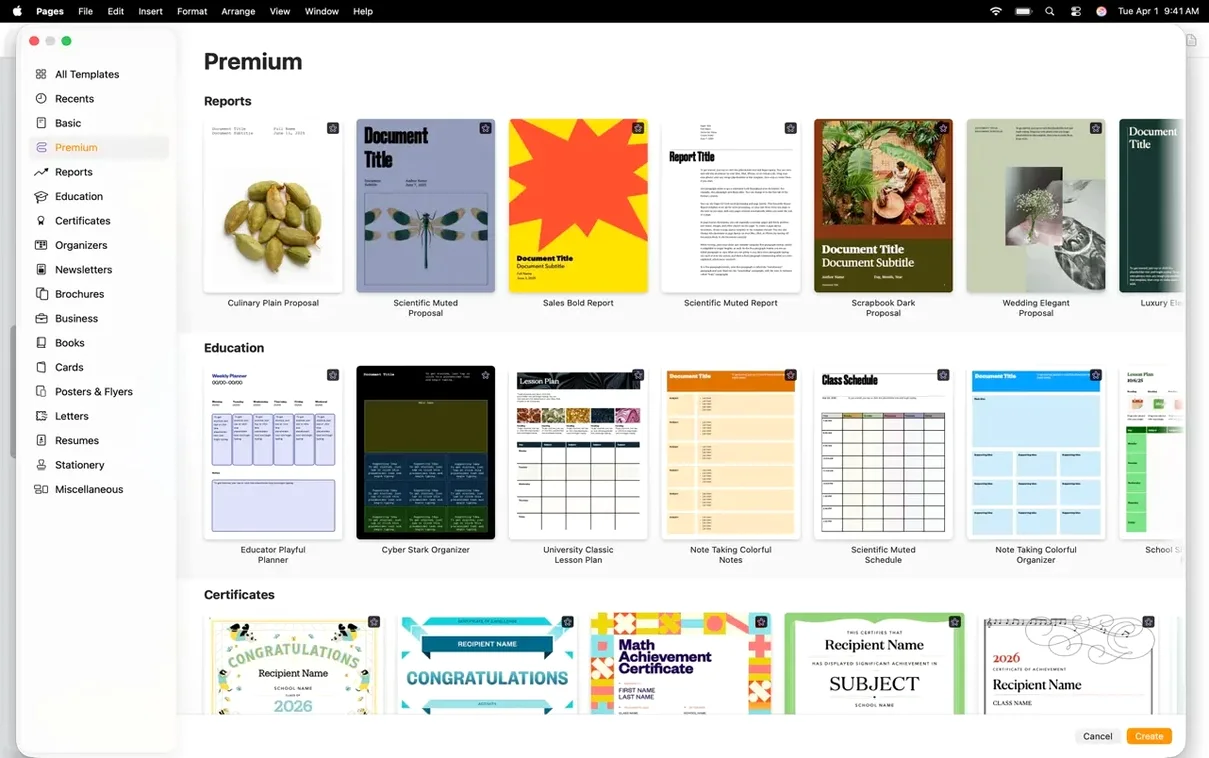
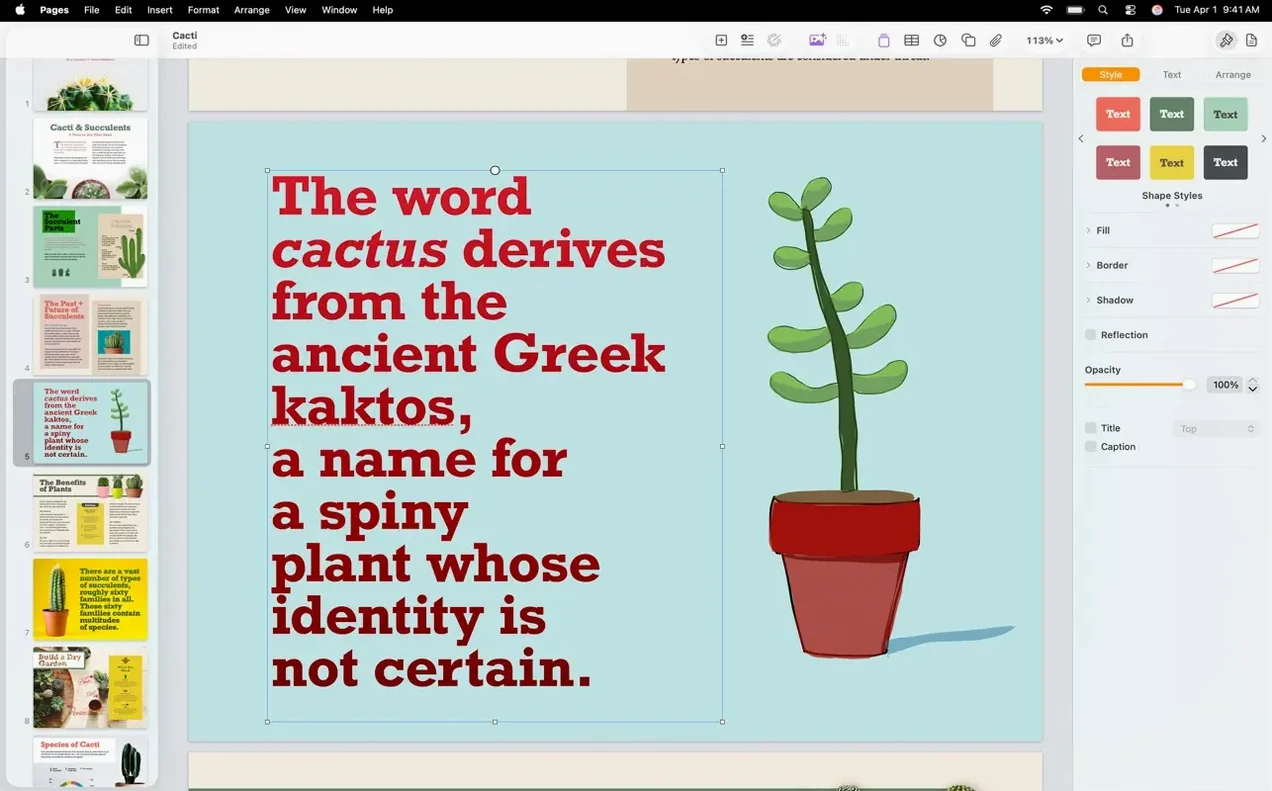
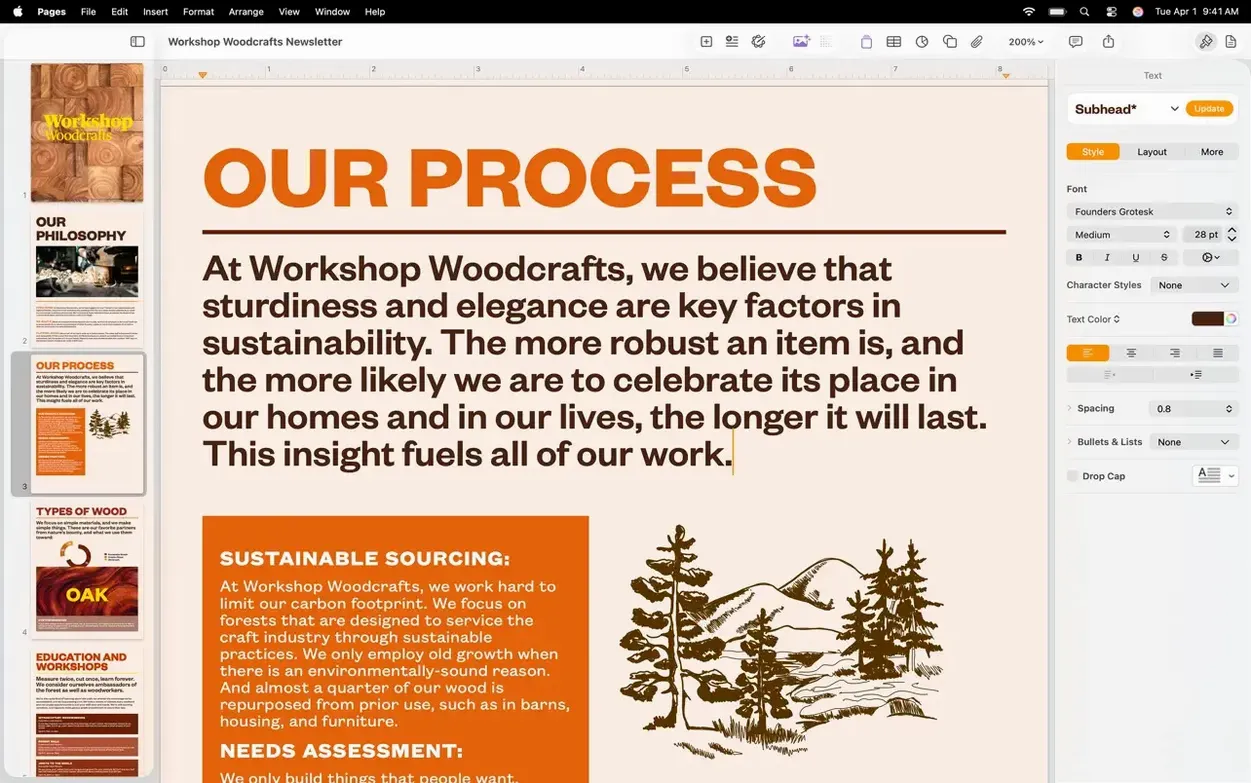
If you've ever opened TextEdit and wished it could handle a proper layout, Pages is the next logical step. It's the word processor Apple includes with every Mac, iPad, and iPhone, and it sits right between a blank-slate text editor and a heavy publishing suite.
When a Finished Look Matters More Than Fighting Toolbars
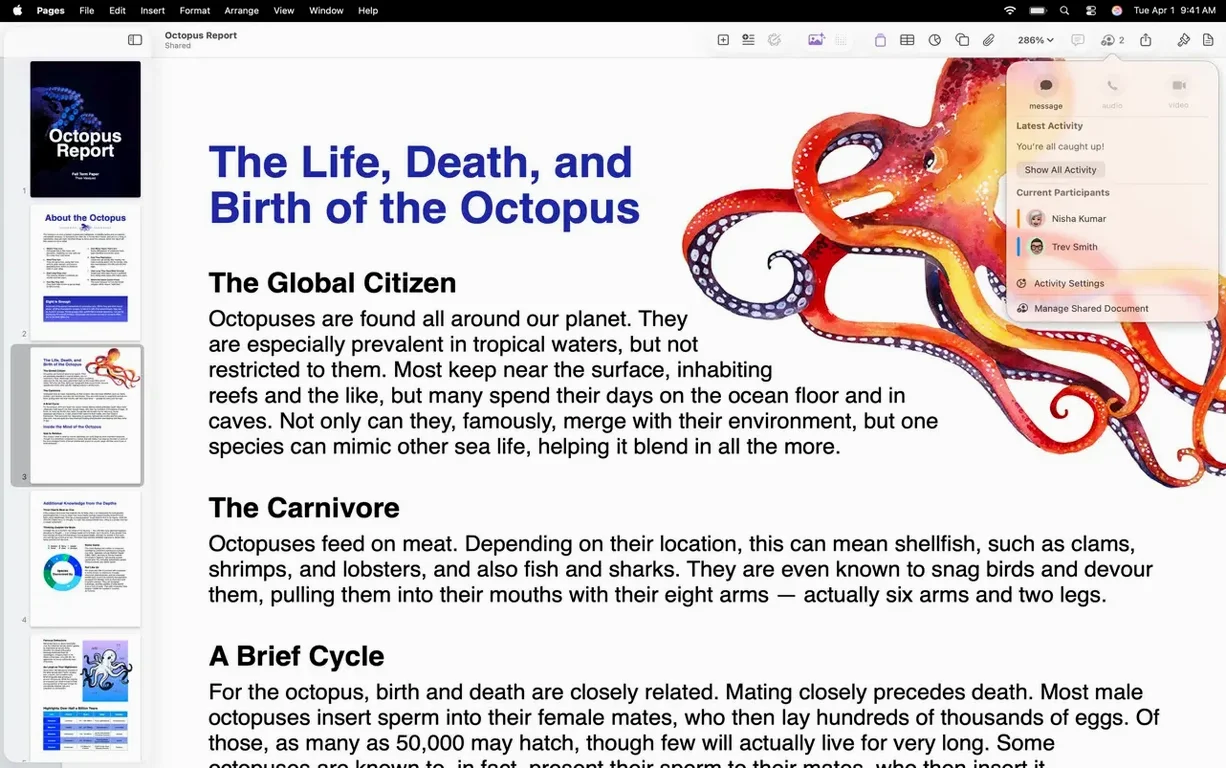
Anyone who needs a document that looks finished without fighting the interface. Students build bibliographies and outlines. Small teams collaborate on reports. And plenty of designers use it for quick posters and flyers because the template engine respects image placement.
Word Compatibility Without the Ribbon Overhead
It reads and writes Word files, but it doesn't try to clone Microsoft Word's ribbon. The toolbar stays minimal, and Apple's iCloud sync means a doc started on a Mac appears on your phone without a second thought. For most home and light-office work, that's the whole pitch.
What Kinds of Documents Can You Build?
Reports, letters, and books are the obvious ones. Less obvious: posters with embedded video galleries, or a travel journal with voice notes and audio recordings dropped right onto the page. It handles all of those without breaking the layout.
What 15.3.1 Changed Day-to-Day
Bug fixes and performance bumps headline the release notes, and that's exactly what you feel on a machine that's been running Pages all afternoon — fewer micro-pauses when scrolling a 40-page report packed with charts. But two workflow additions in 15.3.1 change what you reach for mid-edit.
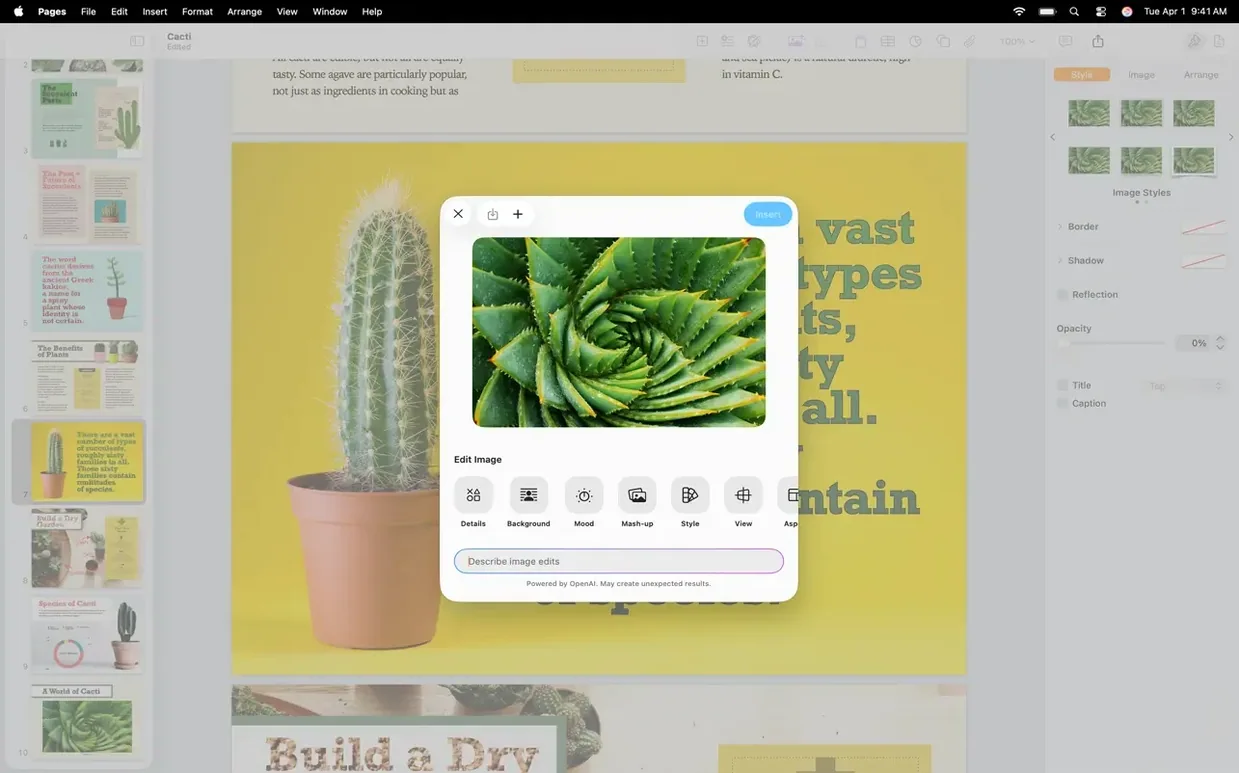
First, the Pixelmator Pro roundtrip. Right-click an image in your document and send it straight to Pixelmator Pro. Make your adjustments, save, and the updated version lands back in Pages without dragging files around the Finder. For anyone who touches up photos inside a brochure or a proposal, that cuts out three manual steps per image.
Second, text-to-shape generation. Type a description — “curved arrow pointing right,” “organic leaf silhouette” — and Pages creates an editable vector shape you can resize, recolor, and tweak with bezier handles. It's not a full illustration tool, but for callouts, icons, and decorative elements on a poster or a title page, it saves a trip to a separate drawing app.
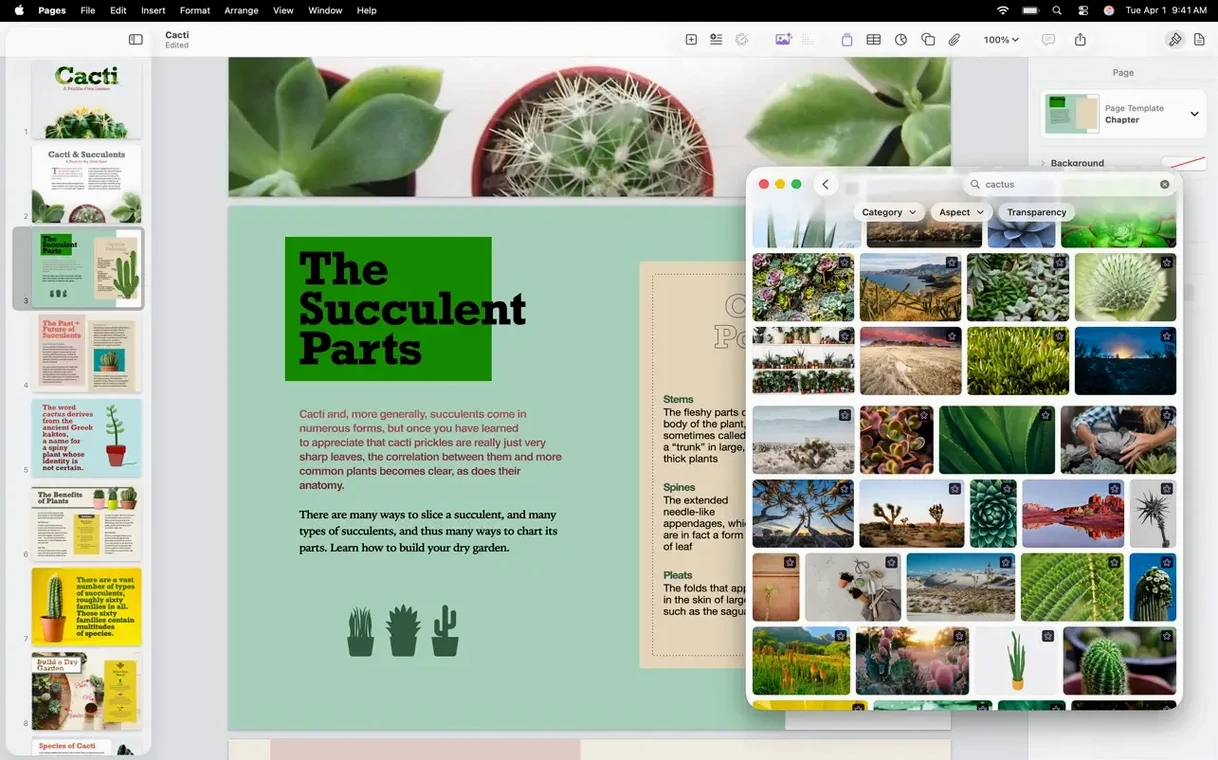
The Content Hub image replacement got smoother too. Dragging a new photo onto an existing placeholder now snaps into the same crop and mask automatically, so re-skinning a template takes seconds instead of fiddling with size handles.
Stop Defaulting to iCloud for Every Blank Document
Out of the box, Pages defaults to iCloud saving for every new document. If your working drive is local, flip that in Pages > Settings > General and set Default Document Storage to your Mac. You can always move things to iCloud later.
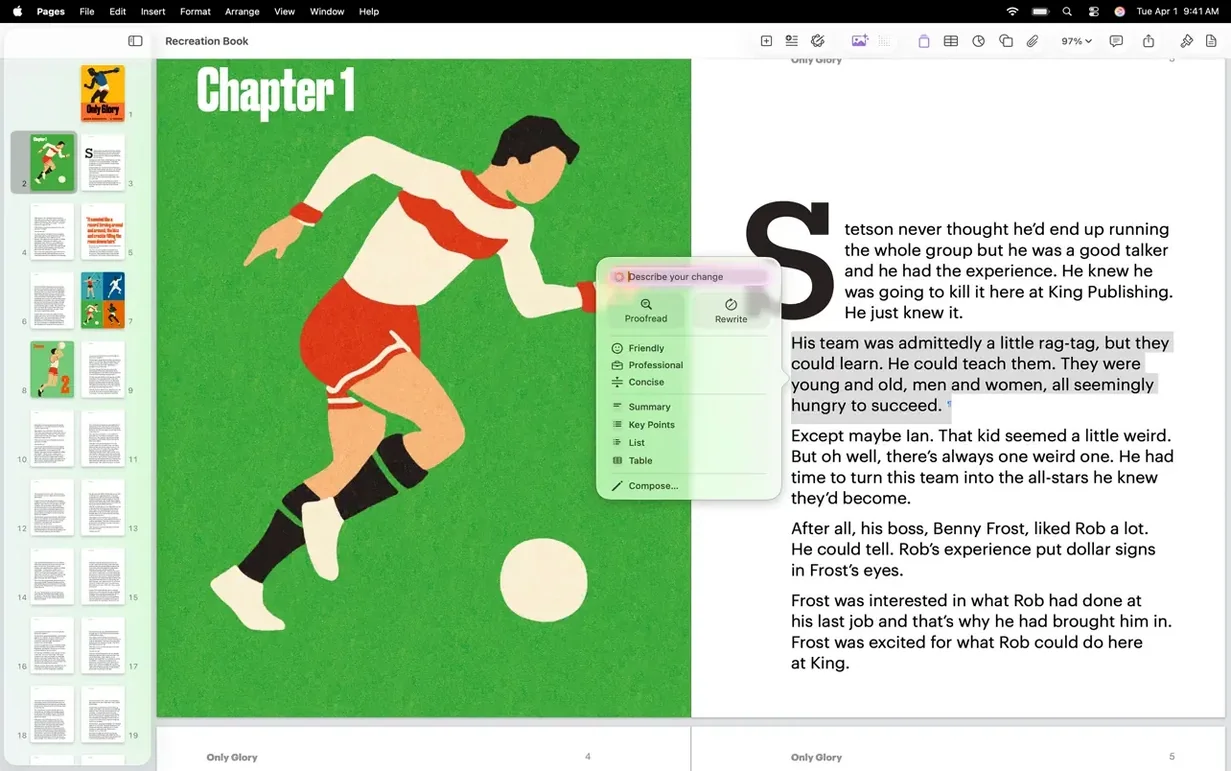
While you're in Settings, check Auto-Correction. Pages shares its substitution list with TextEdit, so old typos you taught one app get carried into the other — sometimes aggressively. Kill the ones that keep “fixing” product names or technical terms. And under Rulers, switch the units to points if you're doing print layout; inches never give you the precision a tight grid demands.
Last one: Show word count at the bottom of the window. It's off by default, and it's the first thing a writer or editor hunts for.
Can You Work Completely Offline Without an Apple ID?
Do I need an Apple ID to use it? Not for local work. You can create, edit, and print documents without signing in. Collaboration and iCloud sync are what require an account, and Pages will simply skip those features if you stay offline.
Will it mess up my old .docx files? Pages imports and exports Word documents directly. Complex formatting — tracked changes with nested comments, for instance — can shift slightly on roundtrip, but the text, images, and basic styling survive intact. Most people open a .docx, do their edits, and export back without a problem.
Does it replace InDesign or Affinity Publisher? No. It handles multi-page layouts well enough for a brochure or a book draft, but it lacks master page controls, CMYK output, and professional preflight tools. Think of it as a word processor with layout ambition, not a page-layout engine.
Can I use it without the rest of Apple Creator Studio? Yes. Pages installs and runs independently, even if you've never downloaded Numbers or Keynote. The full pages creator studio mac full version gives you the whole suite, but Pages alone covers the writing and design side.
Version 15.3.1 keeps things moving with the usual tuning passes and a few workflow tweaks that editors will notice. You can now fire an image from Pages straight into Pixelmator Pro, make your edits, and see the result update in the document — no export dance required. The Content Hub also gets a smarter image replacement flow, so swapping out placeholder shots is less fiddly. There's a new shape generator, too: type a description and Pages builds a custom editable shape from it.
Also fixed: the standard round of bug fixes and performance improvements Apple doesn't detail.
- macOS 15.6 or later
- Apple Silicon or Intel 64-bit processor
Notes from the edit bay · 0
Sign in or get an edit-bay pass to leave a note.
No notes from the edit bay yet. They go up after I read them.