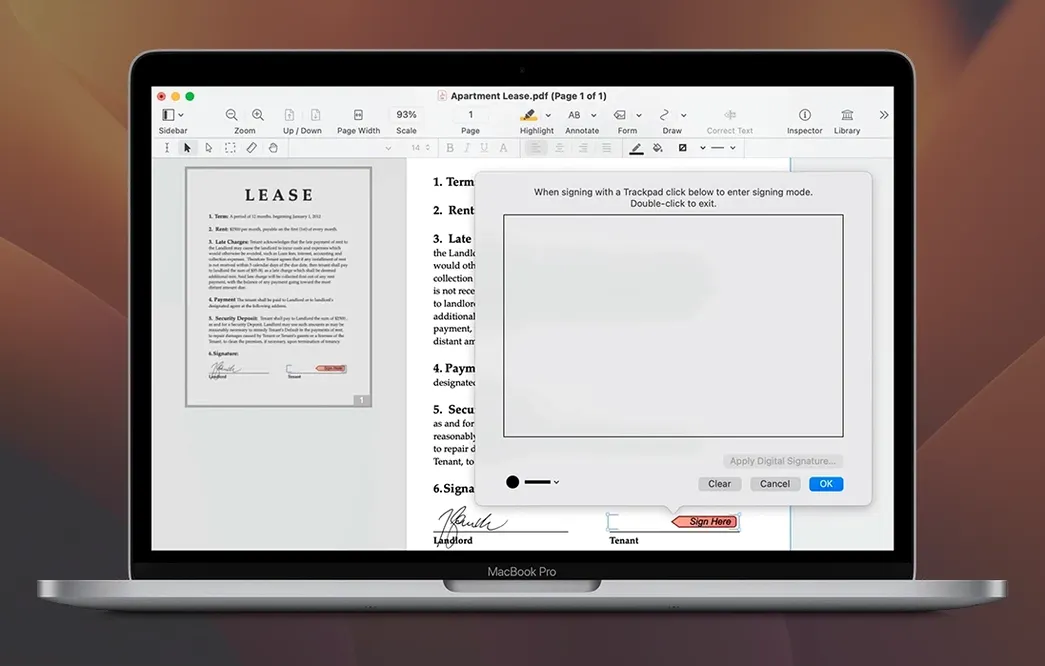
You get a 40-page contract at 4:57 PM, and page 12 has a typo that needs a fix before the 5:00 send-off — that's where it lives.
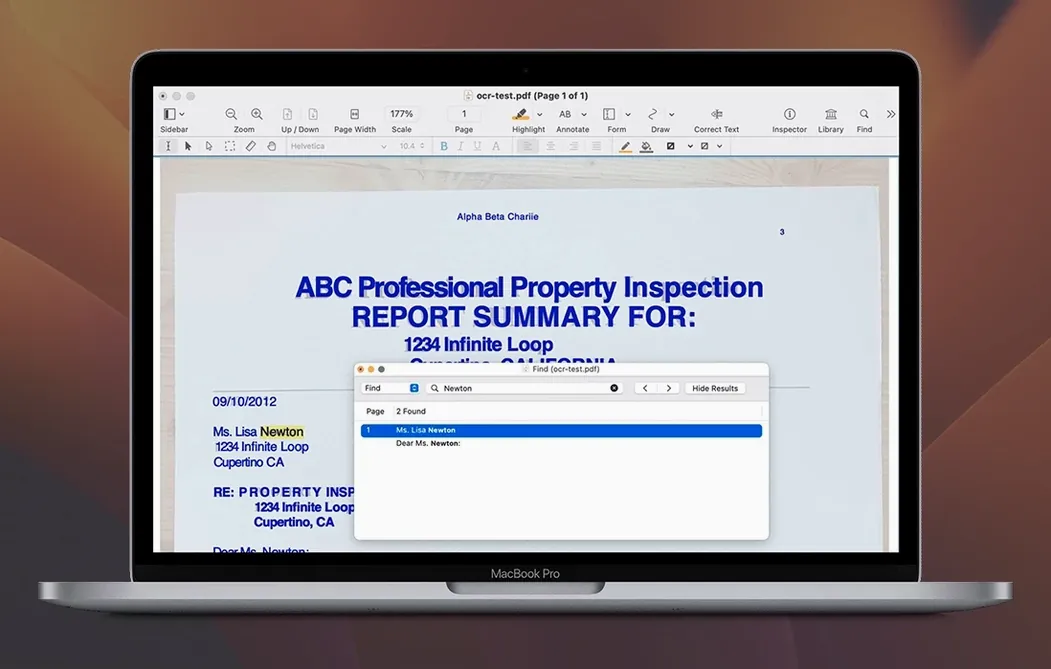
OCR engine — turns flat scans into searchable, selectable text you can actually work with, not just stare at.
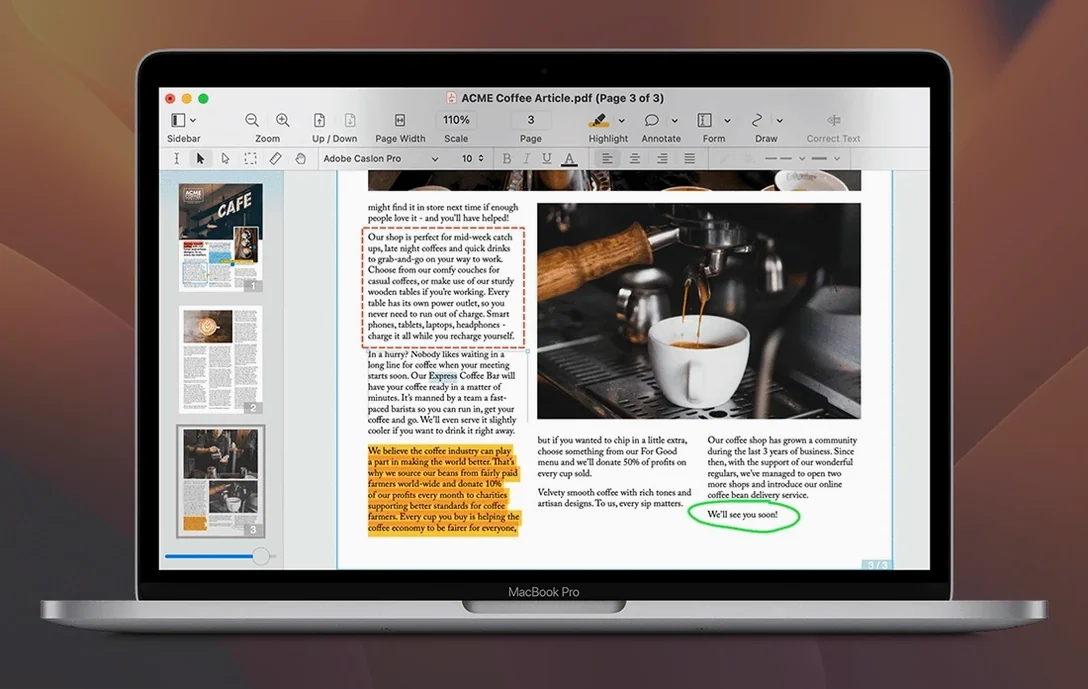
Editable text blocks — click into the original PDF and fix a date or a name right in the layout, no round-trip to Word required.
Fillable forms — build cross-platform forms with checkboxes and text fields; also fills and signs them so you aren't chasing printer ink for a signature.
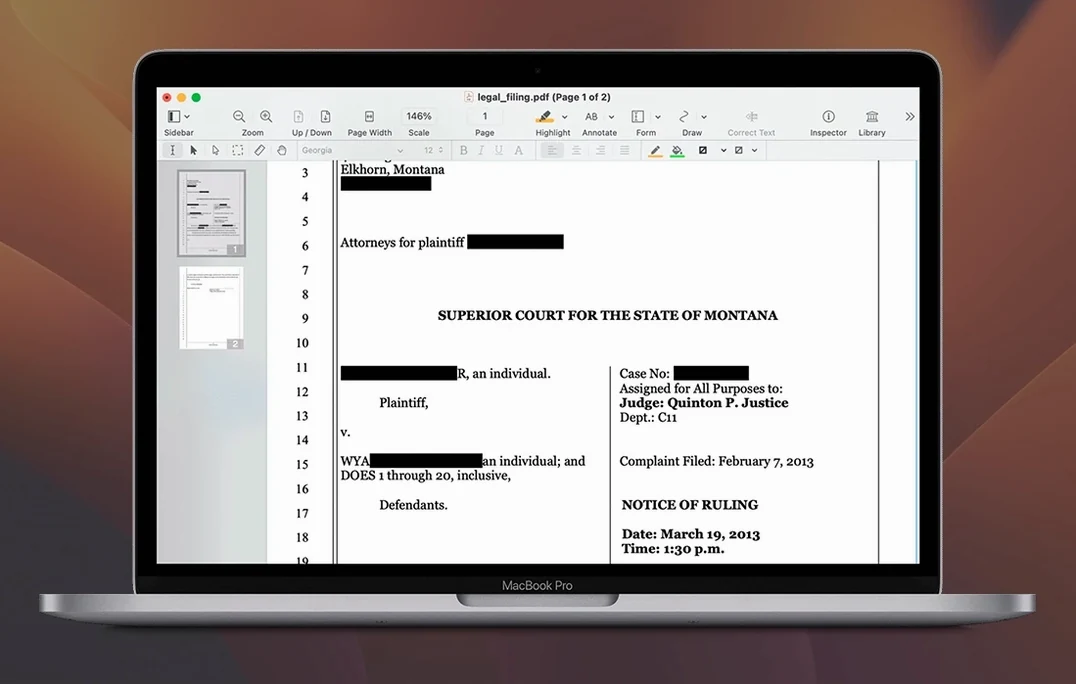
Redaction — draws a black box and actually removes the data underneath, which Preview's black rectangle doesn't do.
Office exports — pushes PDFs out to Word, Excel, or PowerPoint when someone demands an editable file and won't take no for an answer.
Batch processing — runs OCR or exports across a folder while you grab coffee, because nobody processes forty files one at a time on purpose.
Website-to-PDF — captures a full site with hyperlinks intact, useful for archiving pages that might change tomorrow.
Copy Multi-Column Text as Clean Rich Text
The big features grab attention, but the daily quality-of-life stuff is what keeps the app in the Dock. A few I leaned on more than I expected:
Copy rich text with columns intact. Grab a two-column layout from a PDF, paste it into an email or a Word doc, and the structure holds. Fonts and formatting come along for the ride too — no paste and reformat everything from scratch routine.
Audio annotations. Record a voice note right onto a page, then play it back. Sounds niche until you're marking up a design proof at midnight and typing feels like a chore. The other person just clicks the icon and hears your note. Done.
Document portfolios. Merge related files — a contract, the addendum, the supporting exhibits — into one portfolio wrapper instead of five separate attachments. The table of contents builder auto-links to each document inside, so the recipient navigates without hunting through email threads.
Attachment handling. You can view, add, edit, and extract file attachments buried inside a PDF. Someone sends a PDF with an embedded spreadsheet? Pull it out without asking them to resend.
Keyboard shortcuts save real time too: Cmd-E jumps into text edit mode on the selected block, Cmd-Shift-T opens the thumbnail sidebar for fast page navigation, and Cmd-Option-R applies the last redaction shape you used — handy when you're scrubbing the same stamp across twenty pages.
Three-Second Launches and Zero Block Lag
On an Apple Silicon Mac, the app launches cold in about three seconds. Intel machines take a beat longer but nothing that interrupts momentum. The editor doesn't lag when you click into text blocks or drag images around — the selection feels immediate, and reflow happens on release, not while you're still positioning.
OCR is where the processor earns its keep. A 30-page scanned PDF at 300 dpi chews through about 40 seconds on an M-series chip, and the fan stays quiet. On older Intel hardware, expect closer to two minutes and some heat. The recognition quality holds up well against typed documents; handwriting is hit-or-miss, which is true of every OCR engine I've used.
Memory sits around 400 MB with a few medium documents open. It'll climb past 700 MB during batch OCR runs, then release back down. Not lightweight, but well-behaved for what it's doing.
Crashes are rare in 13.3.1. The one consistent quirk I've seen: if you leave the app open for days with a dozen tabs, the thumbnail previews in the sidebar can go blank until a relaunch. No data loss, just a cosmetic hiccup. The TNT release has been stable across Mojave through Ventura; nothing in the activation touches system-level files, so it plays nicely with other installed tools.
For anyone hunting a solid Mac PDF editor, nitro pdf pro mac delivers where Preview stops short. If you've been searching nitro pro for mac or nitro pro torrent, this build gives you the full toolkit without jumping through hoops. Some folks look for nitro pdf pro for mac free download and end up on nitro torrenty pages — this catalog page covers what you actually get once it's installed.
Set Word as Your Default Export Format
Right after you drag the app into Applications and launch it, do three things:
- Set your default export format. Preferences > Export lets you pick Word, Excel, or PowerPoint as the default. If most of your exports go to Word, set it once and stop clicking through the format picker every time.
- Turn on the OCR language pack you need. The app ships with English active. If you work with multi-language documents, download the extra recognition data under Preferences > OCR before you need it — the download takes a couple of minutes and beats waiting mid-deadline.
- Customize the toolbar. Right-click the toolbar and drag Redact, Attachments, and Export to the front. The default layout prioritizes annotation tools; most editing workflows want those three closer to hand.
One workflow worth practicing early: open a scanned contract, run OCR (Tools > Recognize Text), then use Cmd-F to search for a clause. Once you trust the recognition results, you'll stop retyping scanned documents into Word just to find a sentence.
Also, the batch processor lives under File > Batch Process, not in the toolbar at all. It's easy to miss for the first week. Point it at a folder, pick your action — OCR, export, or redact — and let it run. You can keep working in other apps while it churns; it doesn't lock the interface.
It sits between Preview's lightweight markup and the heavy hitters — a tool for when a document needs surgery, not just a sticky note.
- macOS 10.14 Mojave or newer
- Intel and Apple Silicon Macs
- 1 GB RAM minimum
- Up to 2 GB disk space
- Display at least 1280×800
Questions I actually get
Can Nitro Pro edit text that's already in a PDF?
Yes. It uses editable text blocks so you can fix typos, update numbers, or reword a sentence directly in the original layout.
Does it handle scanned documents?
Absolutely. The built-in OCR engine converts scanned pages into searchable PDFs you can highlight, copy, and edit.
What makes its forms different from a basic PDF form?
You can create cross-platform fillable forms with text fields, checkboxes, and digital signature blocks that work on both Mac and Windows.
Notes from the edit bay · 0
Sign in or get an edit-bay pass to leave a note.
No notes from the edit bay yet. They go up after I read them.