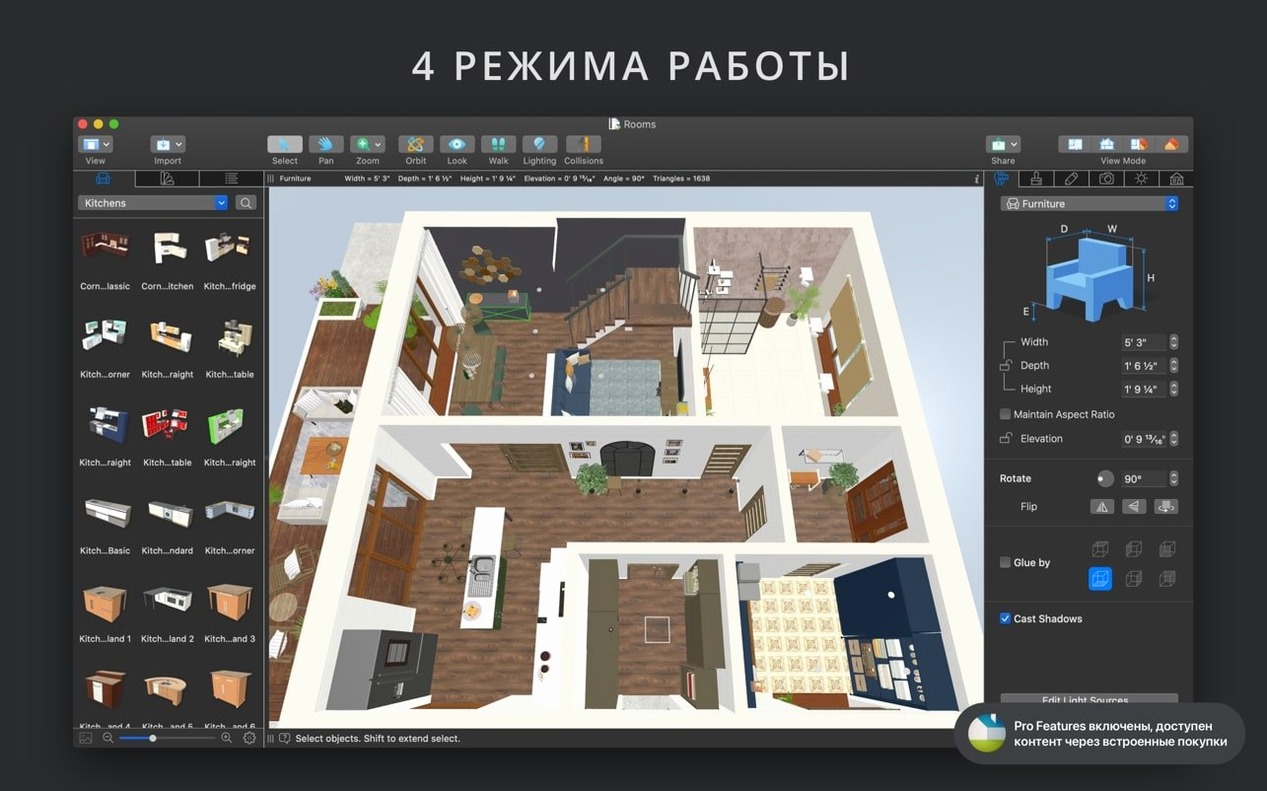
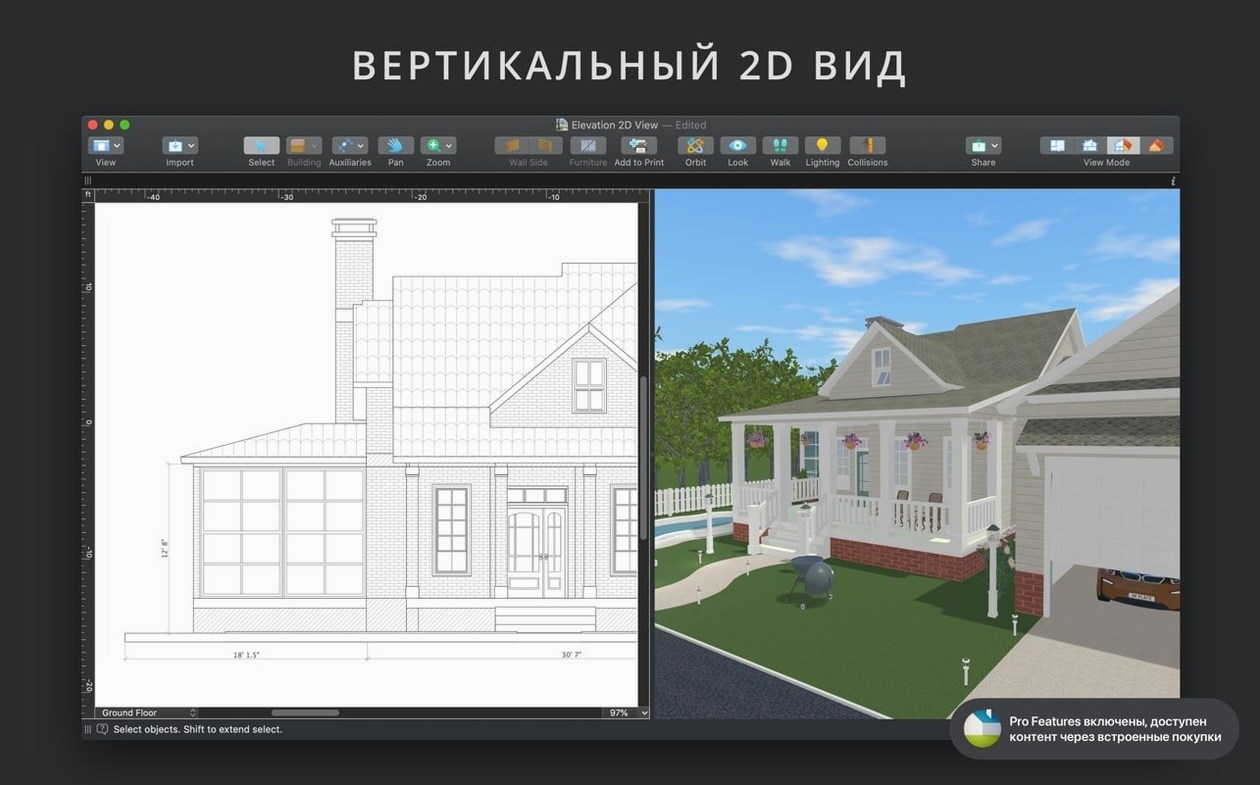
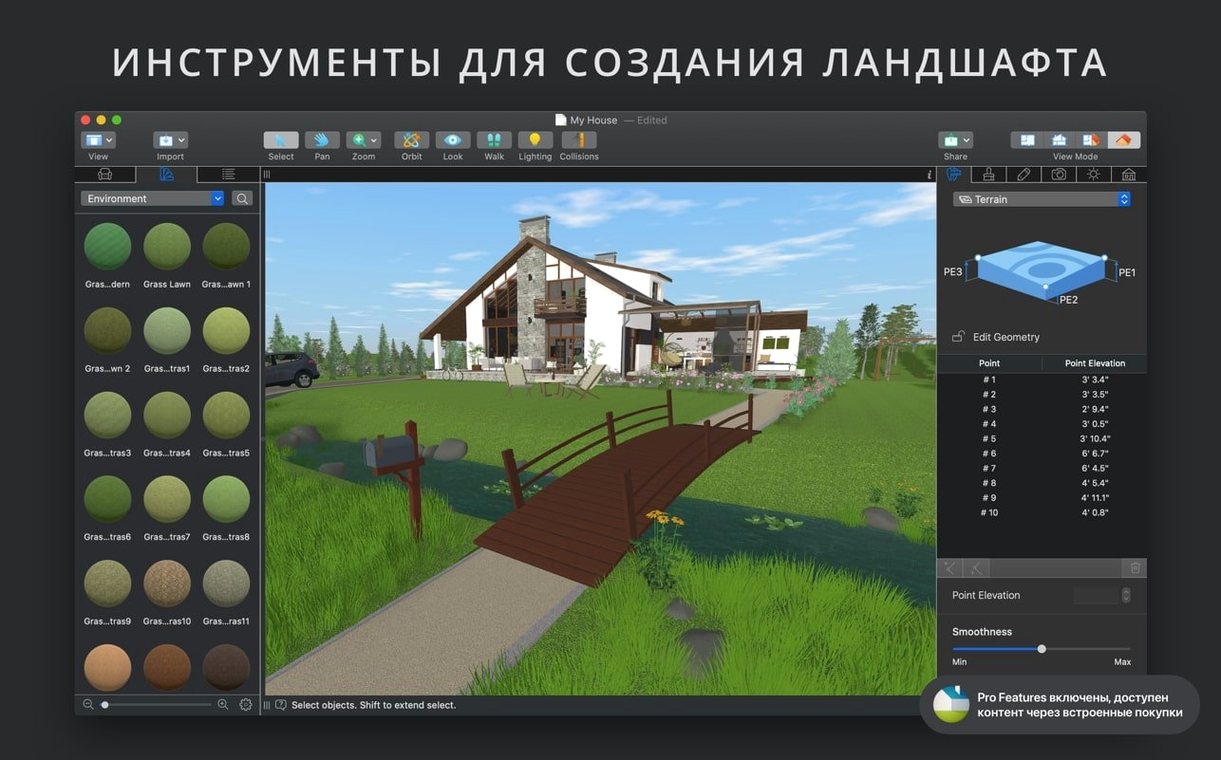
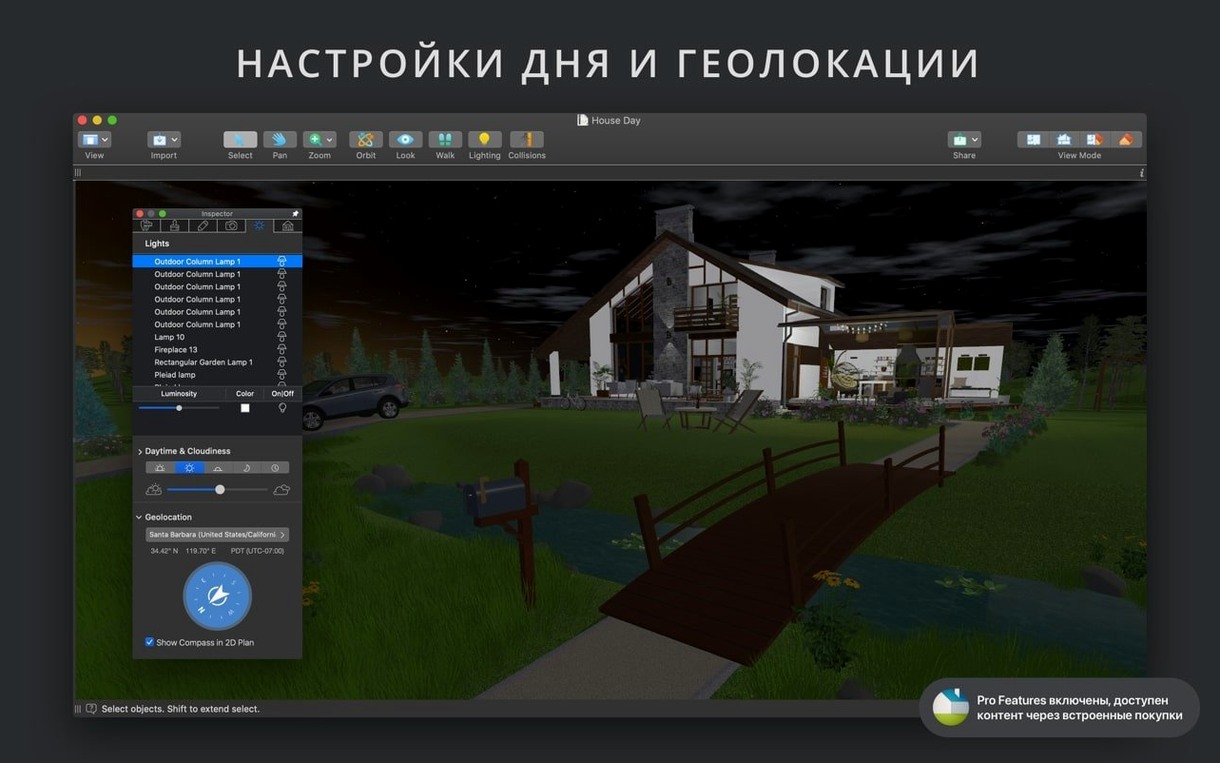
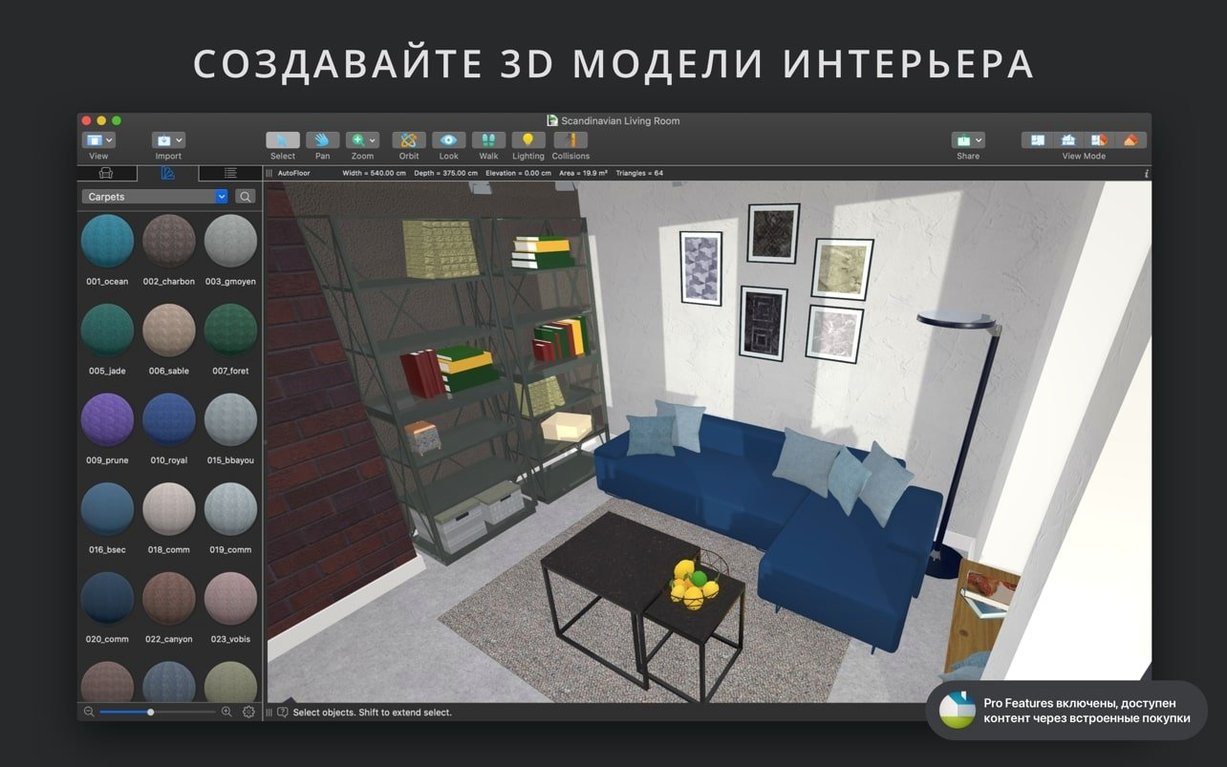
When a client changes their mind about wall placement at the eleventh hour, you need a tool that recalibrates instantly, not one that bogs down in a rebuild. Live Home 3D Pro is built for that pressure. It swaps the hand-holding of consumer apps for a drafting table that responds in real time, making it the logical step up for anyone moving from mood boards to construction-ready plans.
Tools That Separate Pro From Standard
The feature gap is where the Pro version earns its keep. You're not just placing furniture; you're defining the very logic of the structure:
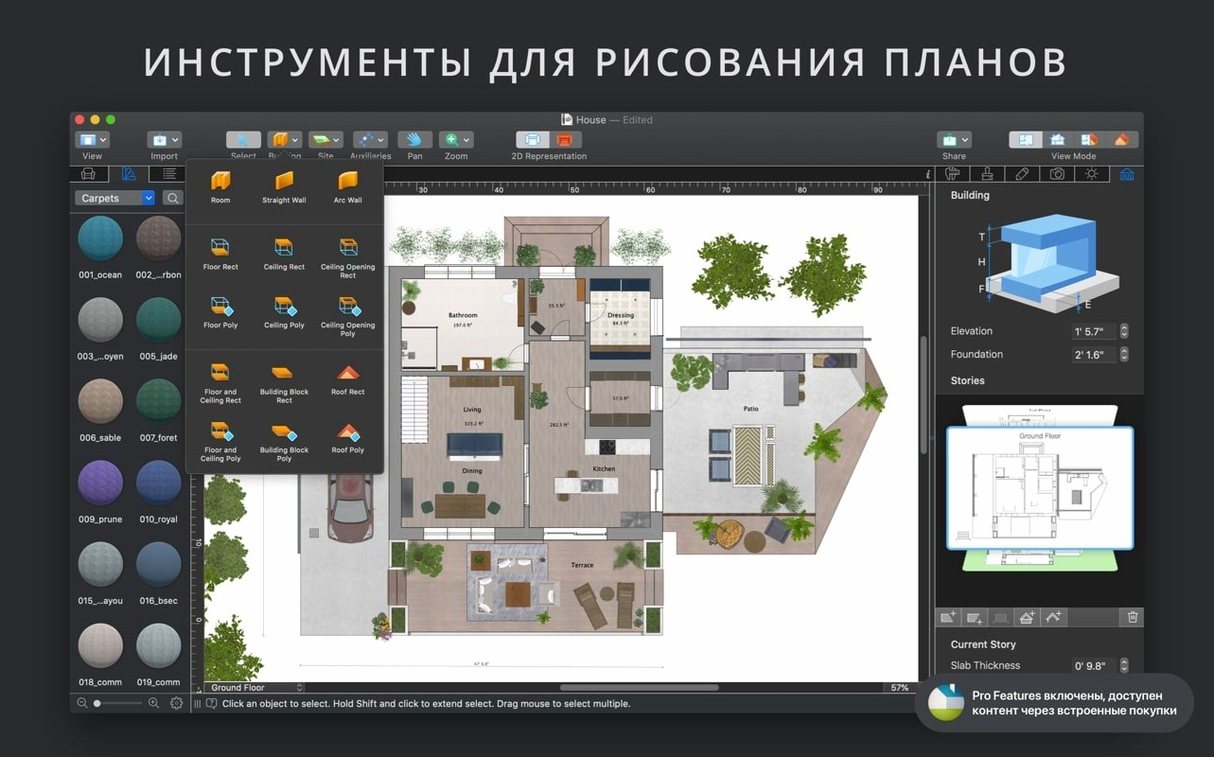
- Auto-Dimensioning While You Draw: Automatic dimension lines for walls, floors, and ceilings appear as you work, not as a final export step. This turns a 3D model into a live blueprint.
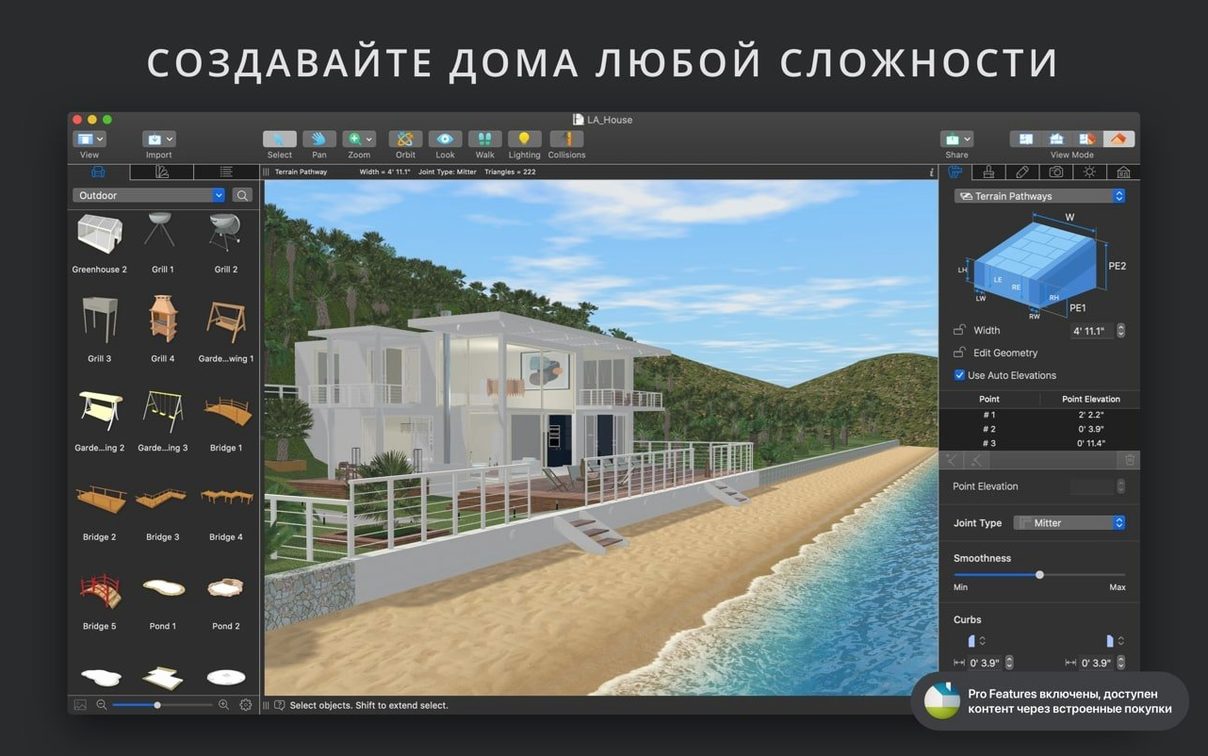
- Material Literally Anything: Drag any image from Finder onto a surface and it becomes a custom material. A photo of existing brickwork or a specific wood stain swatch maps directly onto a 3D object.
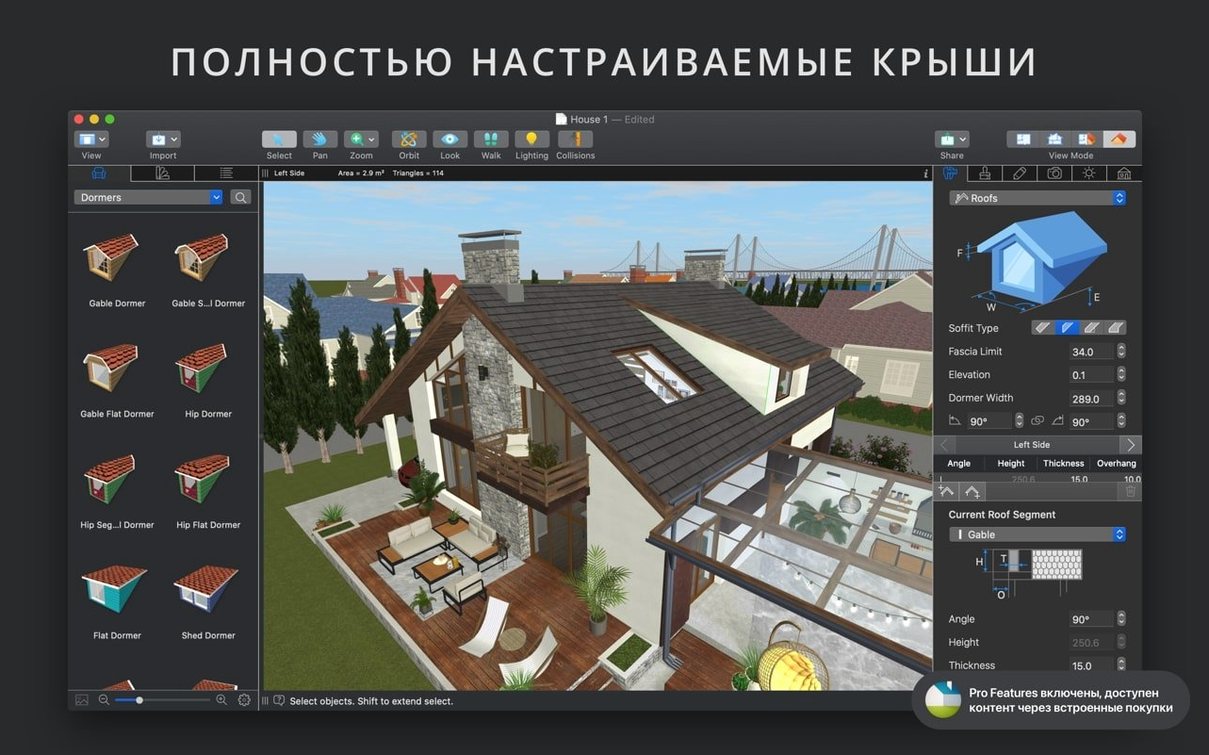
- Roof Assembly Assistant: Twelve templates handle complex roof geometries without the usual polygon-pushing headache. It's a starting point for a custom truss setup, not just a cosmetic cap.
- Level-of-Detail Control: Simplify heavy 3D models on the fly to keep the viewport fluid during editing, then crank the detail back for the final render. A small lever that prevents large-project lag.
Ultra HD Walkthroughs Are Client Sign-Off Tools
The walkthrough video export in Ultra HD isn't a gimmick—it's a client delivery format. Rendering a fly-through at that resolution means a stakeholder can sign off on spatial flow from an iPad. Combine that with the roof assistant and precise snapping guides, and you have a single pipeline from foundation to walkthrough, all in an app that speaks the language of proper carpentry and joinery rather than just decoration.
Build Walls First or Nothing Snaps Together
The curve isn't steep, but it's real. Most new users dive straight into furniture placement and ignore the structural skeleton that makes everything else snap together. Build your walls first, even rough ones, and let the auto-dimensioning confirm your measurements as you go. Skip this and you'll spend an afternoon nudging cabinets by half-inches later.
A practical sequence for the first afternoon: draw a single room with four walls, assign a floor material, drop in two light sources, then switch to 3D walkthrough mode and adjust the camera's field of view to something closer to 70 degrees — the default can feel claustrophobic for small spaces. That loop alone teaches you more than any video tutorial because you feel the render engine respond to every change.
The built-in video tutorials sit under a menu most people miss. They're not splash-screen interruptions; they're tucked away and actually worth the fifteen minutes for the roof assistant alone. The help assistant is context-aware, so clicking it while the material editor is open surfaces relevant advice rather than dumping a manual on you.
Smoother License Transfers Between Your Machines
Version 5.0.4 is a tight, targeted fix. The sole bullet point is a correction for standalone Pro app licensing sharing, which matters if you move the app between machines or accounts. Before this patch, some users hit a wall where the Pro feature set wouldn't follow the license across a migration. That's resolved now, so installing on a new Mac or restoring from a backup doesn't trigger a round of feature hunting.
In everyday terms, the update is invisible. No interface shuffle, no relocated tools, no feature deprecation. That stability is the point — a version bump that quietly fixes a backend hiccup without demanding you relearn anything. If you're coming from an earlier 5.x build, your muscle memory carries over intact.
Settings to Rethink Immediately
Two preferences are set conservatively out of the box and deserve a look before you start a real project:
- Shadow Map Quality: Buried in the 3D rendering preferences, the shadow map technique defaults to a balanced setting that prioritizes frame rate. Crank it one notch higher for softer, more realistic shadows in still renders. The performance hit is negligible on Apple Silicon, and the difference in material depth is noticeable on matte surfaces like plaster and fabric.
- Auto-Save Frequency: Live Home 3D Pro doesn't nag you about saving, which is a blessing until it isn't. The auto-save interval starts at 15 minutes. I drop it to five. The app handles background saves without a stutter, and with projects that can span dozens of floors, losing ten minutes of roof geometry stings less than losing a quarter-hour.
Also worth flipping: the measurement unit doesn't default to your system locale reliably. If you work in imperial, check that feet and inches are selected before you dimension anything. Converting a finished plan from meters to inches is tedious; setting it upfront is two clicks in the project inspector.
Material Tricks Nobody Mentions
The advanced material editor has a quiet superpower: you can adjust specular and bump maps on any imported material, not just the built-in library. Drag a photo of a textured wall into the editor, dial the bump map intensity to around 30%, and the 3D preview reacts as if the surface has physical grain. The same trick works on countertop materials where slight reflectivity sells the realism without going full mirror.
For those pulling assets from Trimble 3D Warehouse — and you should, because the built-in 2,000-object library is solid but finite — the light source editor becomes essential. Many imported models arrive without luminous properties. Adding a point light to a pendant fixture or a spot to a track light takes under a minute and transforms how the model reads in evening lighting simulations. This is where the Pro feature set pulls away from the standard edition in a way that matters for client presentations.
The standout fix in version 5.0.4 targets a licensing hiccup that could trip up standalone Pro users—the sharing mechanism for the license is now stable.
Also fixed: no other changes noted for this release.
- macOS 12 or later
- Apple Silicon and Intel Macs supported
Questions I actually get
Can I use my own photos as surface textures?
Absolutely. You can drag any image from Finder onto a floor, wall, or piece of furniture, and the app will use it as a custom material in real time.
Does it handle multi-story buildings with proper roof designs?
Yes. The roof creation assistant provides 12 customizable templates to automatically generate complex roofs, which you can then adjust manually with snapping guides for precise placement.
Is the rendering live, or do I need to wait for previews?
All 2D and 3D changes render in real time. You also get a level-of-detail slider to simplify models and maintain performance during heavy editing sessions.
Notes from the edit bay · 0
Sign in or get an edit-bay pass to leave a note.
No notes from the edit bay yet. They go up after I read them.