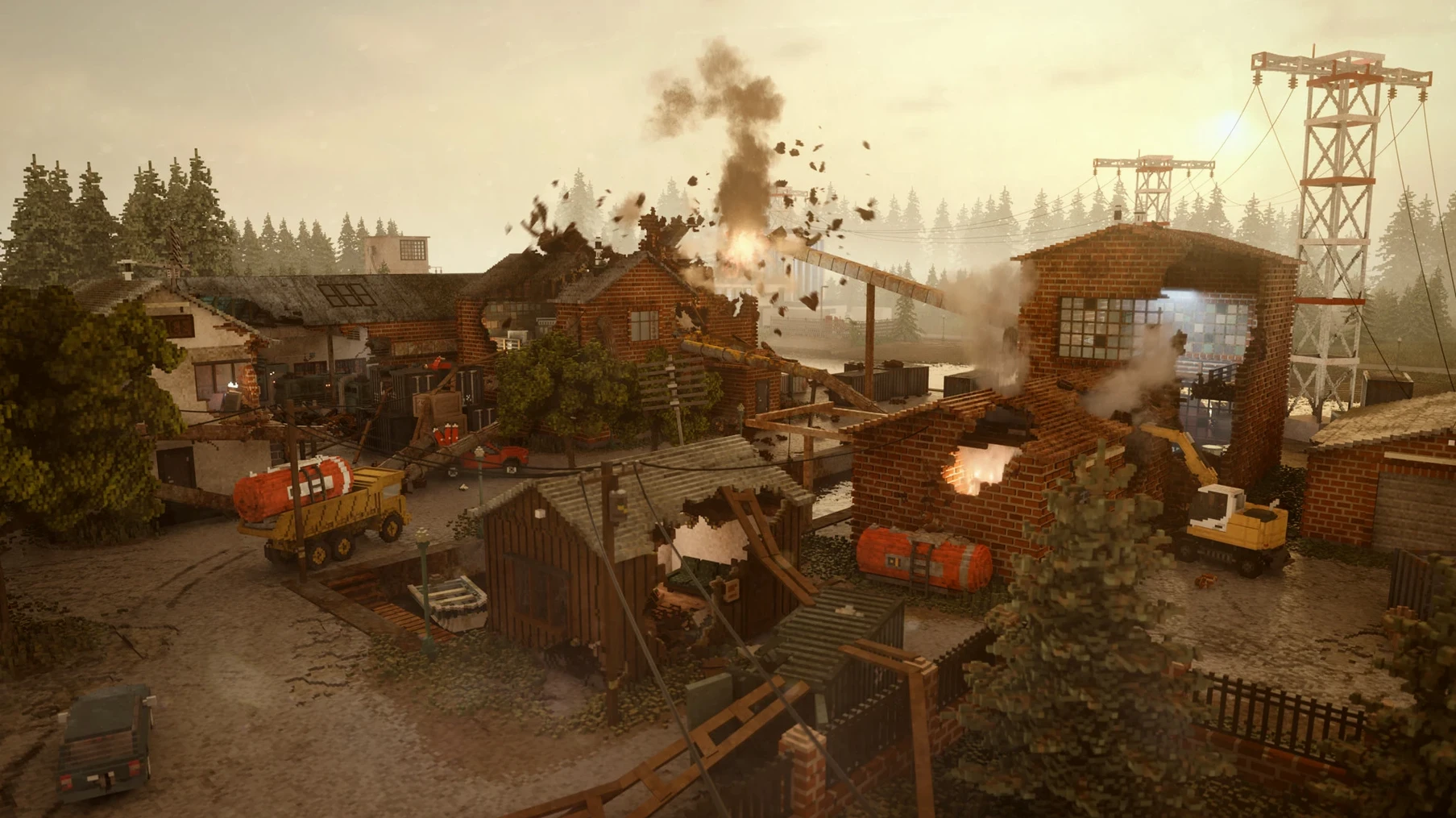
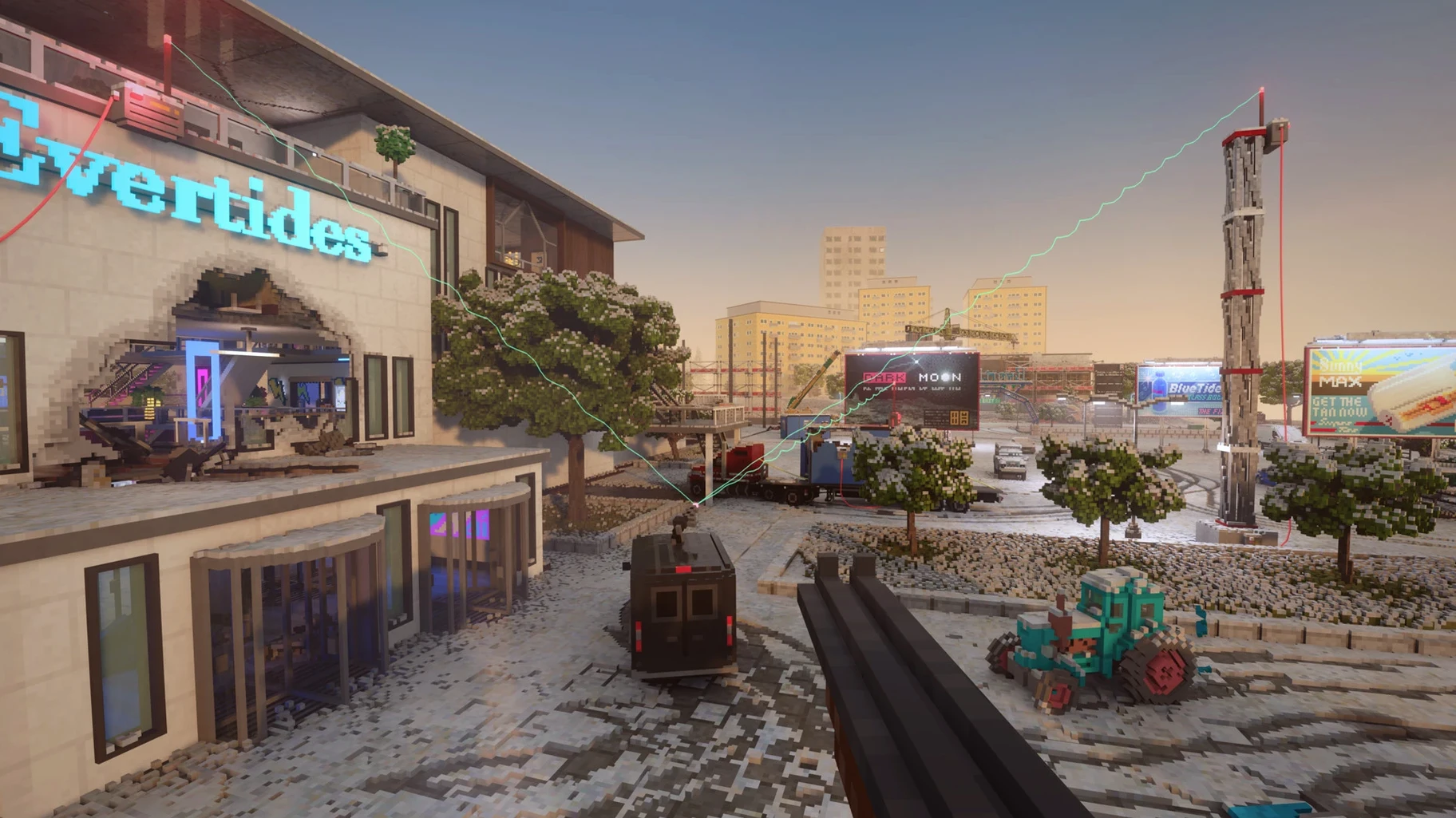
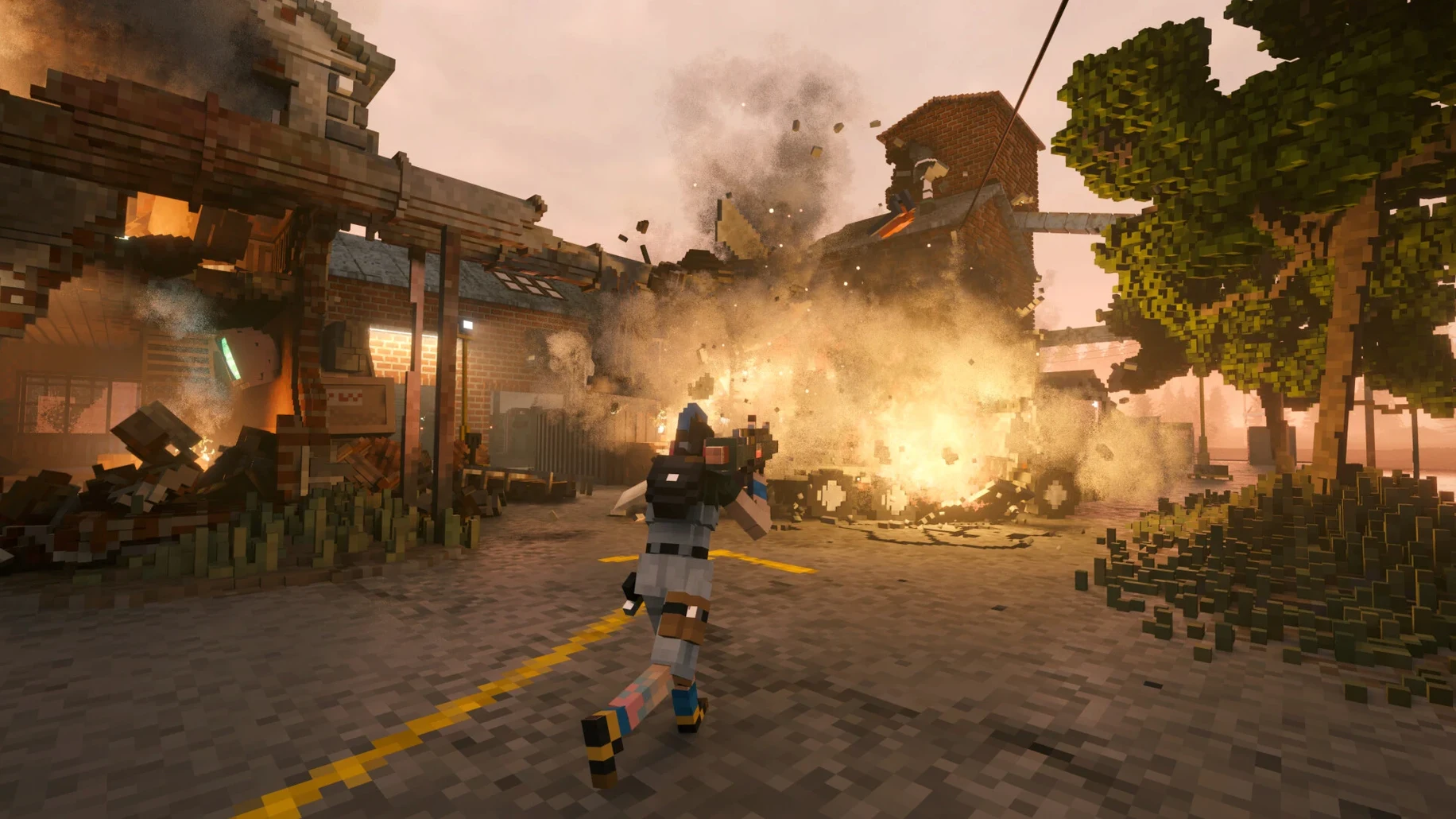
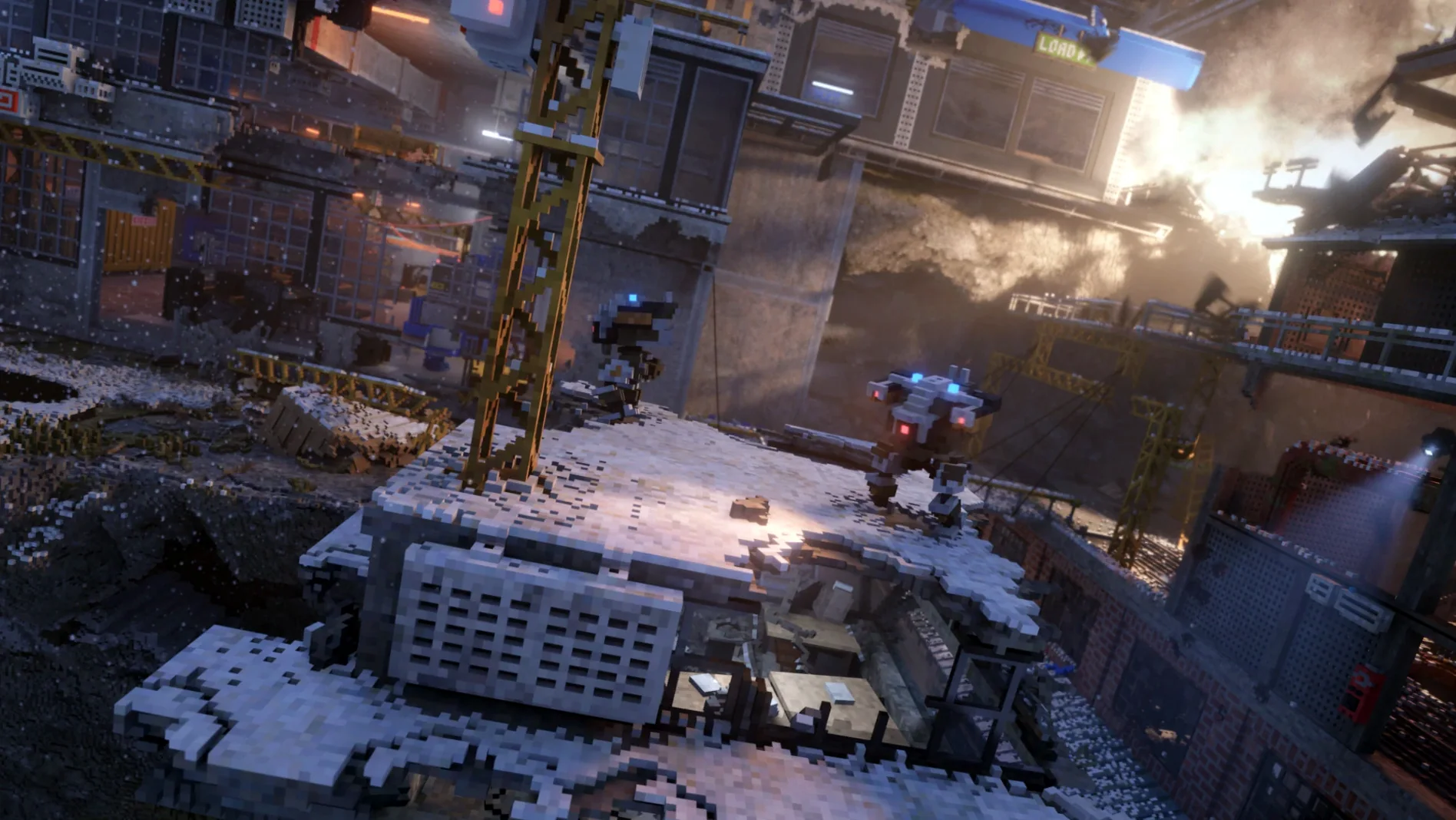
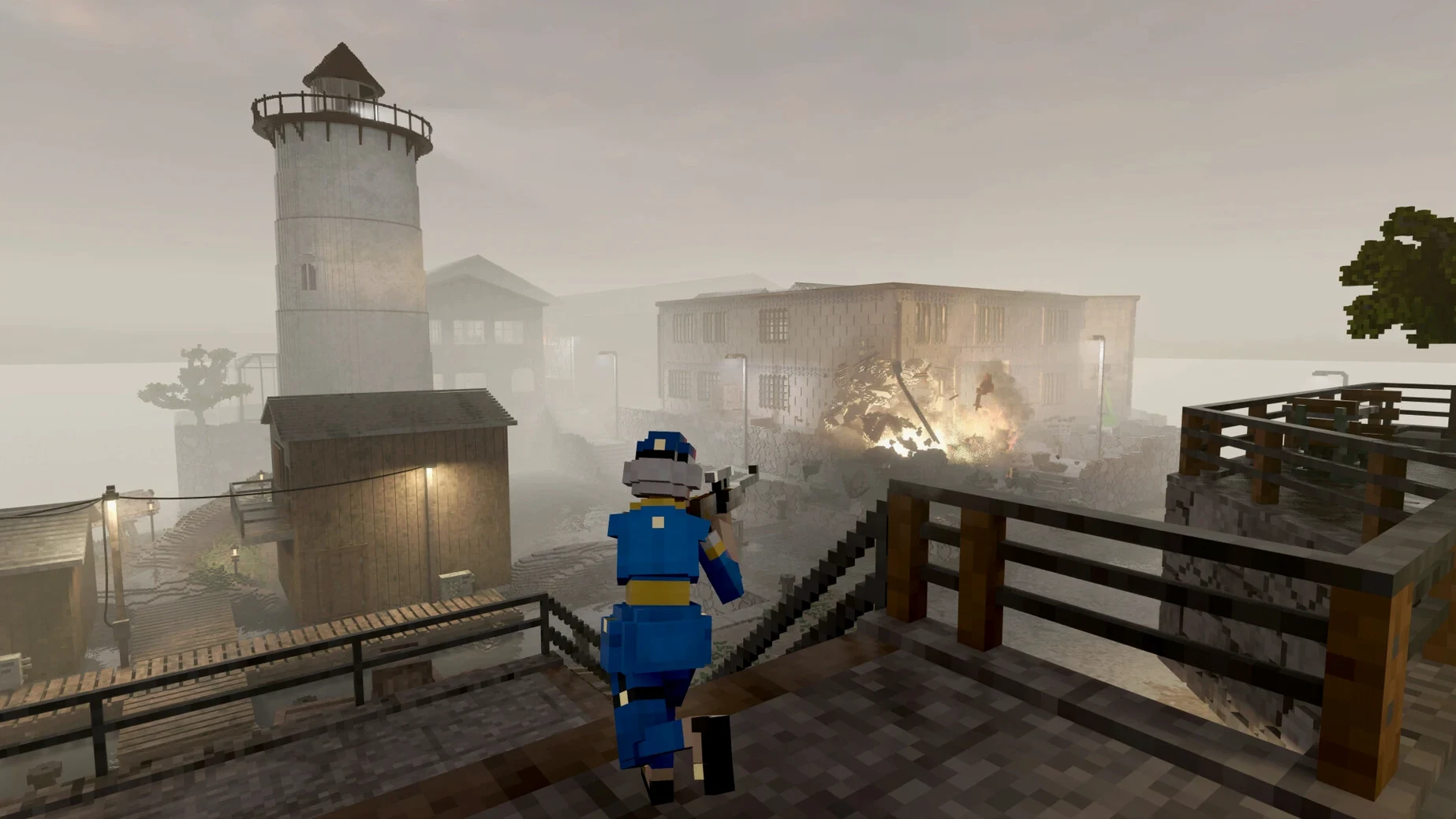
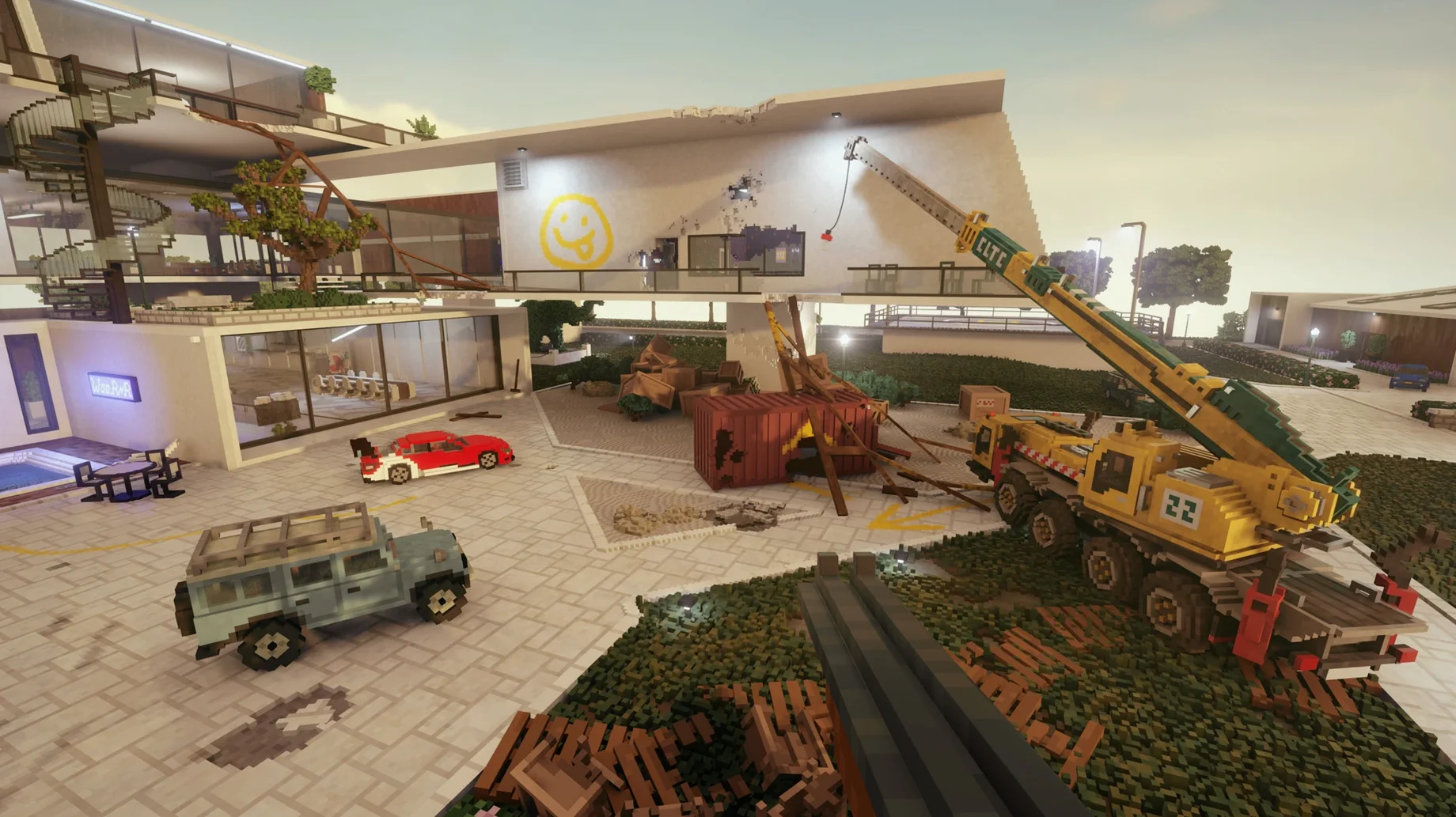
Barrel Distortion. It’s the first graphics setting you’ll hunt down if the frame rate tanks below 20 fps. Toggle it off and the M3 Pro breathes easier — suddenly you’re smashing through a brick facade at a playable clip, not a slideshow. This isn’t a native Metal port. The Teardown Mac torrent build runs inside a Wineskin wrapper, tested on macOS Sequoia and an M3 Pro MacBook Pro. You get the full, ridiculous physics sandbox — every wall, beam, and window frame is a separate voxel waiting to be pulverized — but you inherit the usual translation-layer quirks.
| What you're getting | The Mac reality |
|---|---|
| Fully destructible heist campaign | Runs via Wineskin; stable but not native |
| Sandbox with unlimited resources | Expect to tweak graphics on first launch |
| Vehicles, explosives, lethal robots | Apple Silicon only; Intel Macs not supported |
The campaign still hits hard. You’re a company owner buried in debt, and the only way out is through — ramming a truck through a wall to shave seconds off a heist route, then hiding from patrolling robots whose AI doesn’t care about your artistic demolition choices. Running, jumping, driving, and accelerating all map cleanly to a keyboard or controller. Sandbox mode hands you unlimited tools and vehicles when you just want to see how a skyscraper collapses. Interface languages are tucked under Options > Game > Language, with a dozen picks available. Mod support exists — drop files deep into the wrapper’s AppData path — and save files live nearby. It’s a containerized Windows build doing a decent impression of a Mac game, held together by a wrapper and one critical checkbox in the graphics menu.
Why Teardown Gets Its Own Desktop
Teardown doesn't play like most Mac games, and that changes how it sits alongside everything else. Mission Control is your friend here — the Wineskin wrapper sometimes fights with Spaces, so I assign Teardown its own desktop and avoid swiping away mid-heist. If you're capturing footage for a video project, OBS sees the window as any other app, but expect a performance dip when recording at full resolution. I pull the capture down to 1080p and let the M3 Pro handle the rest.
The Mods folder sits inside the app bundle, which means Spotlight won't index your workshop subscriptions. That's fine until you're troubleshooting a crash and can't remember what you installed last week. I keep a plain text list inside the mods directory itself — low-tech, but it beats unzipping the wrapper to browse subfolders. When a mod breaks physics (and one will), you're not digging through Library folders; you're drilling into Teardown.app/Contents/SharedSupport/prefix/ and hoping the filename gives you a clue.
QuickTime screen recording works in a pinch, but the wrapper doesn't always respect the stop command on the first click. Two tries usually does it. If you're routing audio through Loopback for a stream, set your virtual device before launching the game — the prefix grabs whatever output is active and doesn't let go until you quit.
The Fix Script Solves the First-Launch Crash
The Fix file on the disk image isn't decorative. On a fresh install, you might see a cryptic error at startup — something about a missing DLL or a render context that couldn't initialize. Run the Fix script, wait ten seconds, and launch again. That solves it nine times out of ten. The tenth time is usually a permissions issue: macOS quarantining the wrapper because it came from outside the notarization system. Right-click the app, pick Open, and confirm the dialog. Same dance as any unsigned Mac software.
Barrel Distortion isn't the only performance lever. If you're still chugging after disabling it, drop shadow resolution to medium and knock particle effects down a notch. The physics engine keeps churning regardless — those settings only affect what the GPU draws on top. You'll lose some atmosphere, but the destruction stays just as satisfying.
Controller support is hit-and-miss through the wrapper. A wired Xbox controller usually maps correctly; Bluetooth gamepads sometimes lose connection when the prefix takes focus. If the triggers don't register in a vehicle, close the game, connect the controller first, then relaunch. The wrapper reads devices at startup and doesn't refresh the list mid-session.
Why Intel Macs Can't Open the Wrapper
Will this run on an Intel Mac? No. The build is compiled for Apple Silicon, and the Wineskin configuration targets ARM translation paths. An Intel machine won't even open the wrapper — you'll get a blunt architecture mismatch dialog. Tested and confirmed on M-series chips only.
Does mod support work the same as the Windows version? Mostly. You're dropping files into the same relative folder structure, and Lua-based mods run fine. Heavy script mods that hook into Windows-specific APIs sometimes throw errors, but voxel packs, vehicle additions, and map replacements work without fuss. The community maps that add entire new heists are the real prize, and those load flawlessly.
How do I back up my save files before reinstalling? Dig into the app bundle: Teardown.app/Contents/SharedSupport/prefix/drive_c/users/Sikarugir/AppData/Local/Teardown. Copy the entire folder somewhere safe. When you drop it back into a fresh install, your campaign progress, sandbox creations, and challenge unlocks all return. The wrapper doesn't touch that directory during a Fix run, so your saves survive most troubleshooting.
Is the full version the same as the Steam release? The build includes the campaign, sandbox mode, and challenge modes — everything that ships with the base game. What you don't get is Steam Workshop integration; you're installing mods manually instead of clicking Subscribe. The trade-off is that you don't need a launcher running in the background, and the wrapper doesn't phone home for version checks.
- Apple Silicon Mac (tested on M3 Pro, 2023)
- Tested on macOS Sequoia
- Wineskin wrapper included
Notes from the edit bay · 0
Sign in or get an edit-bay pass to leave a note.
No notes from the edit bay yet. They go up after I read them.