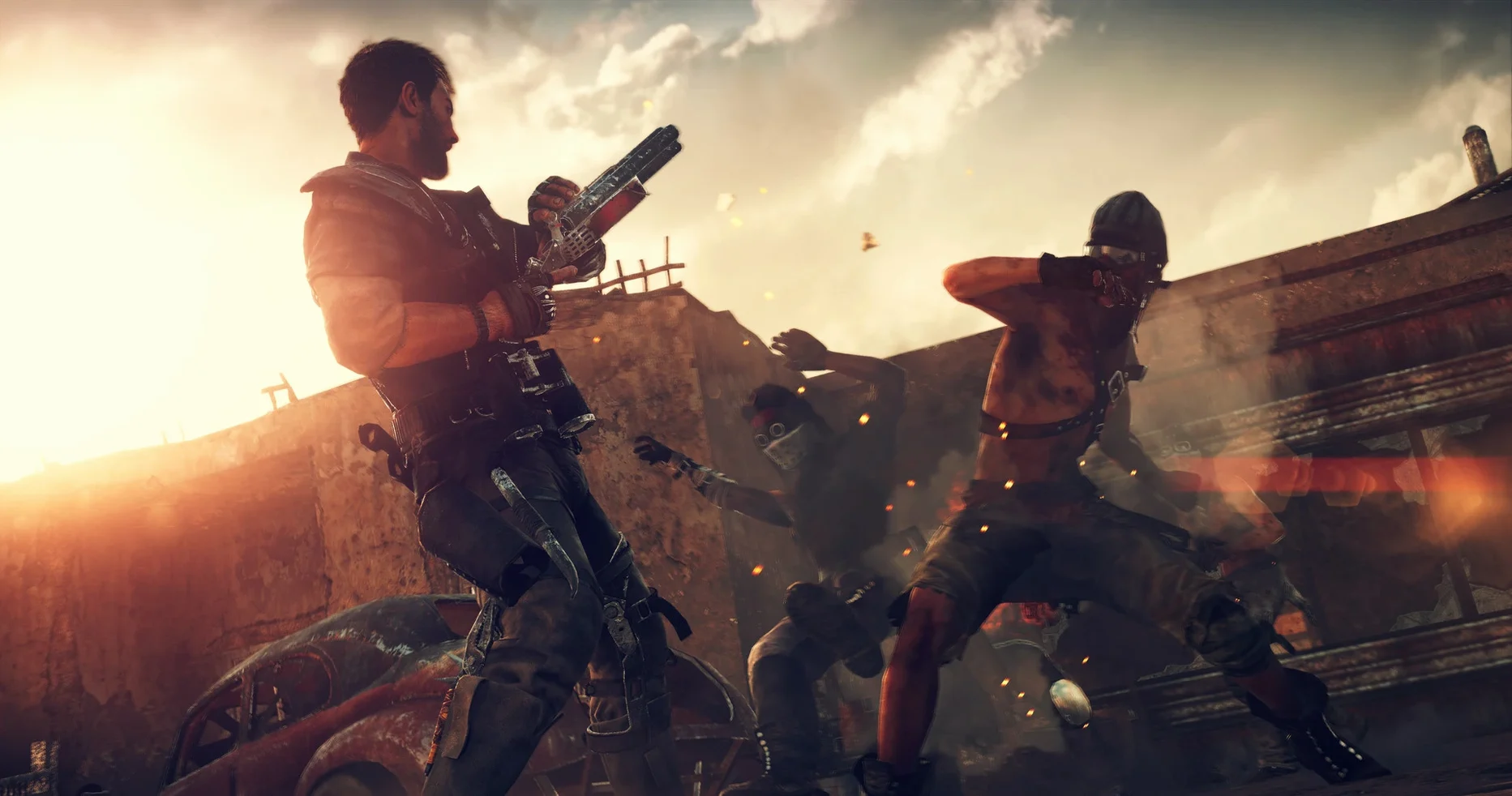
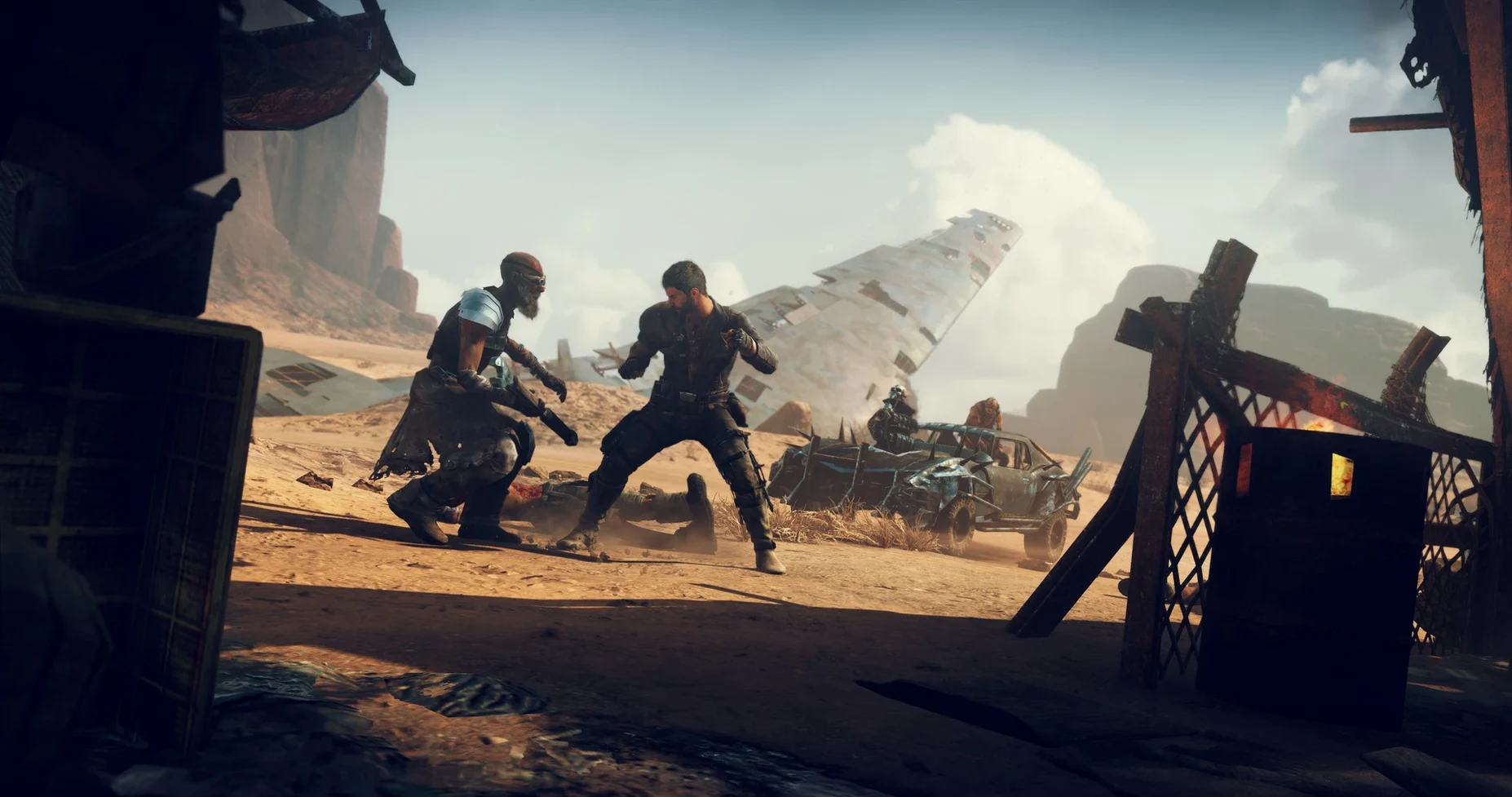
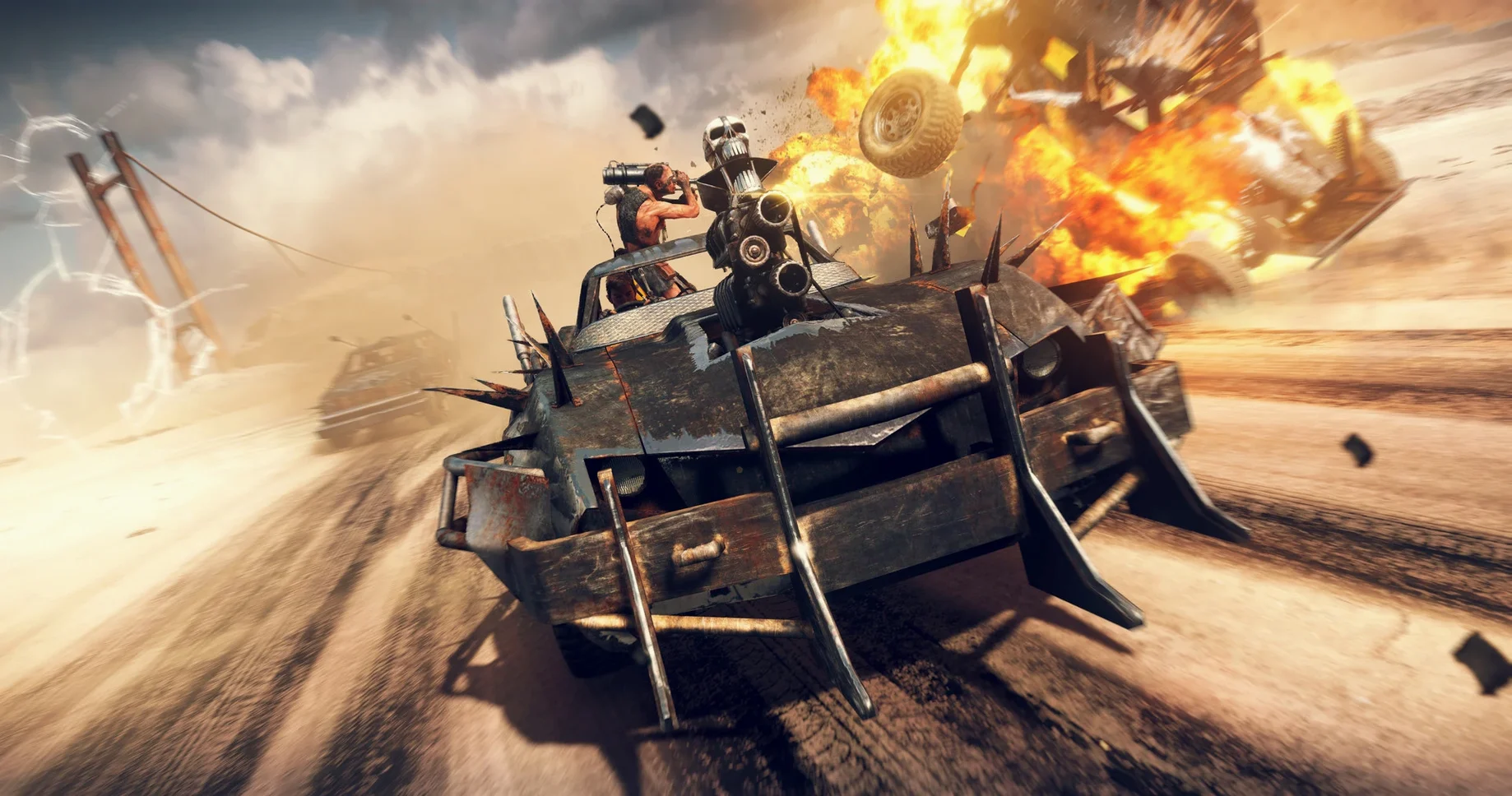
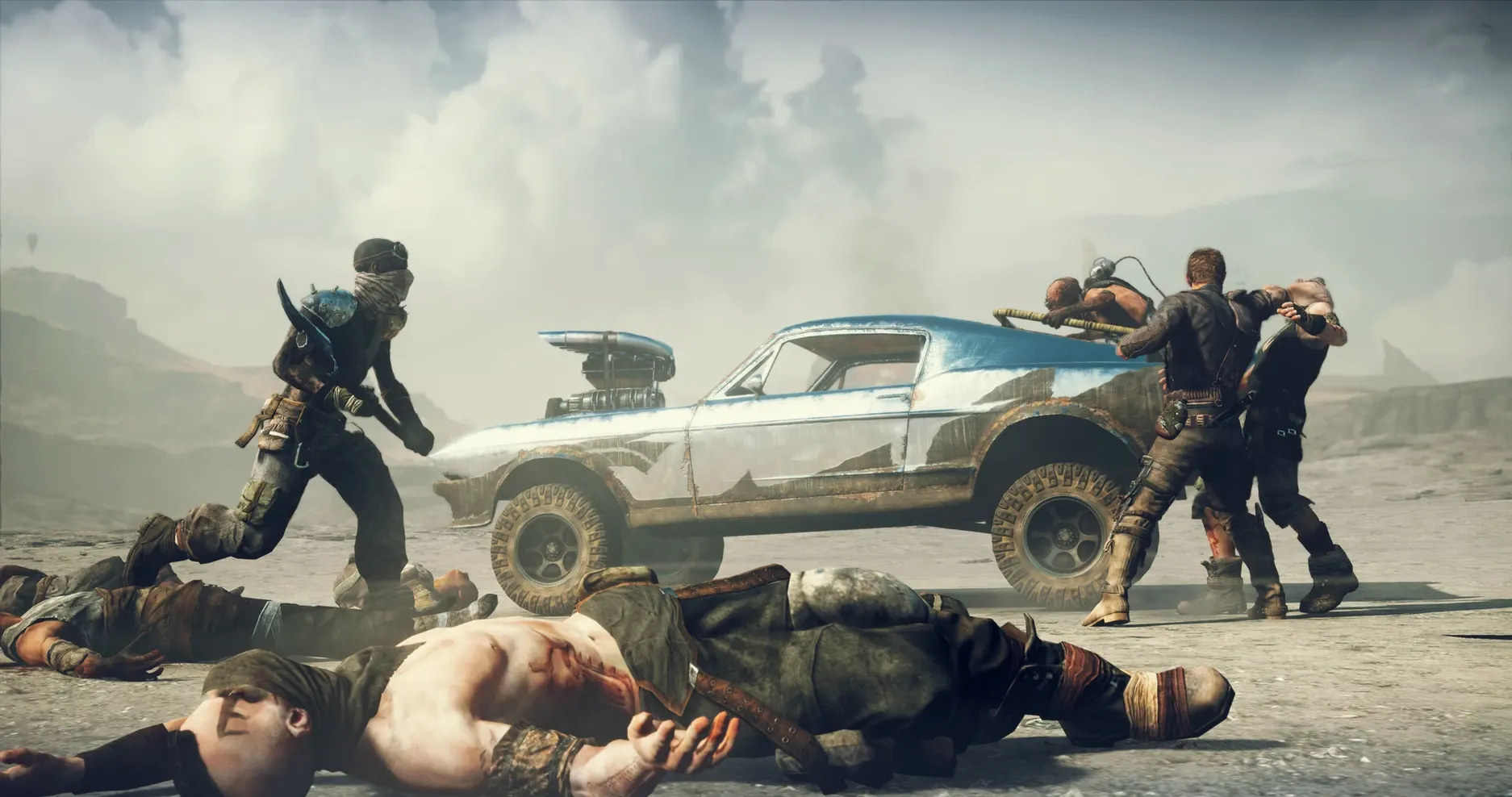
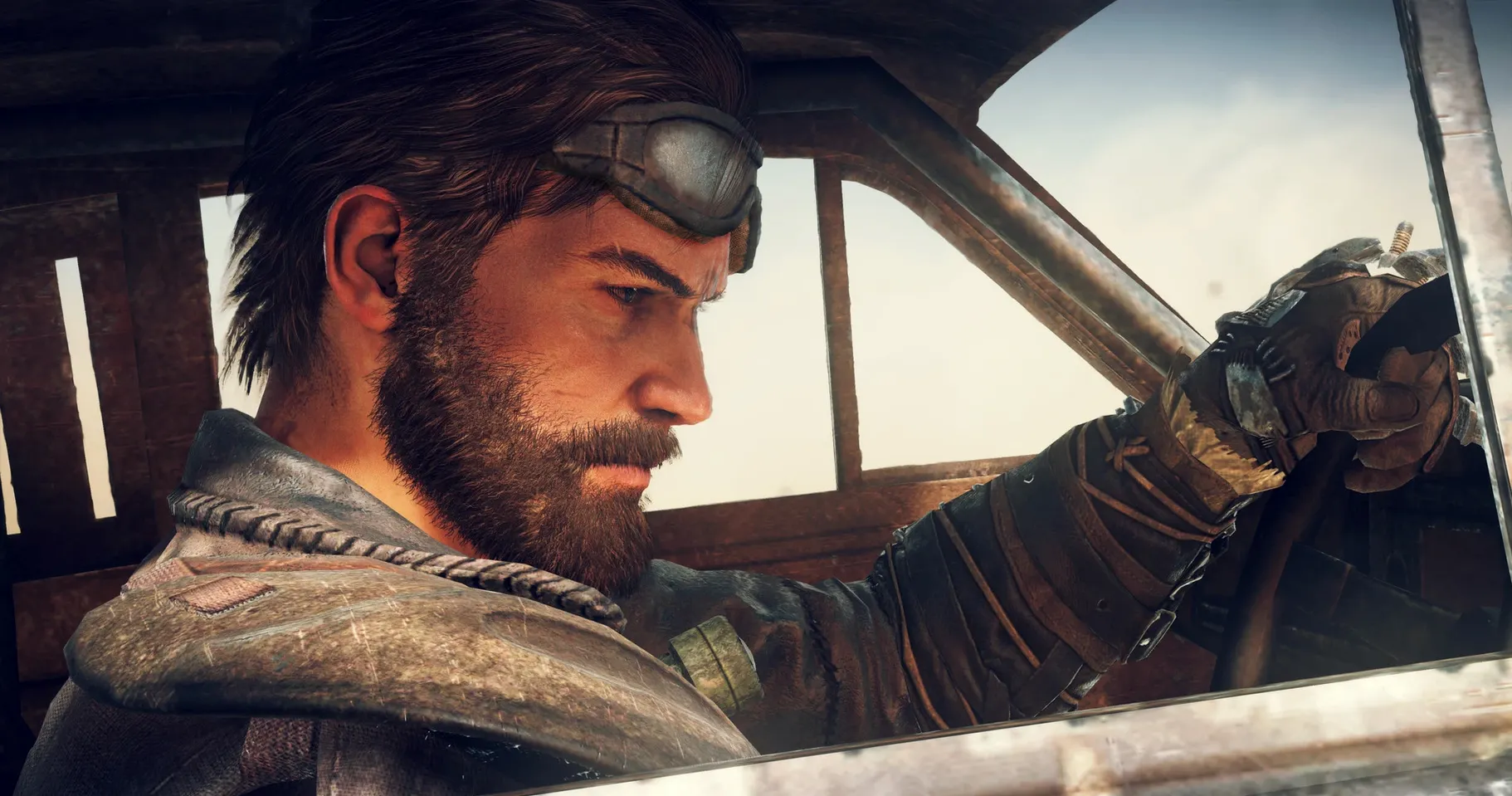
Harpooning a fuel truck and dragging it back to a stronghold takes about three minutes of real time. That loop — fight, salvage, upgrade, repeat — is the whole game. Mad Max doesn't waste your session with filler. It gives you a rusty Magnum Opus, a shotgun, and a desert full of problems.
- Driving across The Wasteland, ramming war parties off the road and ripping wheels off with the harpoon.
- Clearing camps on foot, mixing punches and shotgun blasts when the crowd gets too tight.
- Collecting scrap and fuel, then deciding whether to spend it on engine parts or armor.
- Managing water and food for strongholds, which changes what shows up on the map.
- Chasing convoys for hood ornaments and other upgrades that actually change how the car handles.
- Surviving storms that tear across the map and turn every encounter into a scramble for cover.
The pace is steady. You are always either driving somewhere dangerous or fighting inside somewhere dangerous. The x86 build runs on Intel Macs, and the 1.0 fix is marked as tested on macOS Tahoe with a Mac mini 2024 M4. Language switching takes a quick edit in the app's Resources folder.
Push the Field of View Past 65 Before the First Chase
Hop into the options menu before you even start the Magnum Opus. The default field of view sits around 65, which feels cramped once you are weaving through a canyon with three cars on your tail. Push it to 80 or 85 and the whole chase opens up. Screen shake is on by default and it is aggressive — every explosion rattles the frame. Turn it down to about 30% and the game still hits hard without making you squint.
Motion blur is another one. Off. The Wasteland looks sharper without it, and the frame rate stays more consistent on Intel hardware. While you are there, set the minimap to rotate with the player rather than staying fixed north. It makes reading convoy routes and storm paths much faster when you are mid-pursuit.
When a Dozen Scavengers Pile Into the Frame on an M4 Mini
On a Mac mini M4 running through Rosetta, the 1.0 fix build holds its own. Open desert stretches cruise at a smooth clip, and ground combat stays responsive even when a dozen scavengers pile into the frame. The real test is a dust storm: lightning, flying debris, and four enemy vehicles all at once. There is a dip — a brief hitch when the storm first spawns — but it recovers quickly and never crashed during extended sessions.
Memory pressure sits higher than you might expect. The game wants around 6 to 8 GB of RAM for itself. If Safari is open with a dozen tabs, you will feel it. Closing the browser before launching mad max macos free sessions keeps everything in the green. Load times from the internal SSD are short — under 15 seconds from menu to Wasteland — and fast travel between strongholds is nearly instant.
One quirk: leaving the game idle on the pause screen for more than 10 minutes sometimes causes a stutter when you resume. A quick quit and relaunch clears it, so it is not a memory leak, just a quirk of the Rosetta layer catching its breath.
Don’t Touch the Menus—Edit activated.ini Inside the App Bundle
The language switcher trips people up. You do not touch anything in the game menus. You right-click the Mad Max app, pick Show Package Contents, drill into Contents/Resources, and open activated.ini. Delete the word english next to language and type russian — or whichever supported language you need. Restart the game and the text switches. Voice stays English no matter what; that is hard-coded into the build.
Another one: the first launch asks you to point to the MadMaxData folder. People skip this window or point to the wrong directory, then wonder why the game sits on a black screen. The folder lives right next to the app itself. Select it, let the game restart, and you are in.
If the camera suddenly snaps to a weird angle during vehicle combat, you probably tapped the photo mode key by accident. The default binding is easy to hit in a panic. Rebind it to something out of the way, like F8, and the problem disappears.
Controller support works out of the box for PlayStation and Xbox pads over Bluetooth. If the game ignores your controller, plug it in via USB once — that forces macOS to recognize it, and wireless works fine after that.
- Architecture: Intel (x86 64-bit)
- Tested on: macOS Tahoe, Mac mini 2024 M4
- Languages: Russian, English, German, Spanish, Italian, Polish, Portuguese, French, Japanese
Notes from the edit bay · 0
Sign in or get an edit-bay pass to leave a note.
No notes from the edit bay yet. They go up after I read them.