
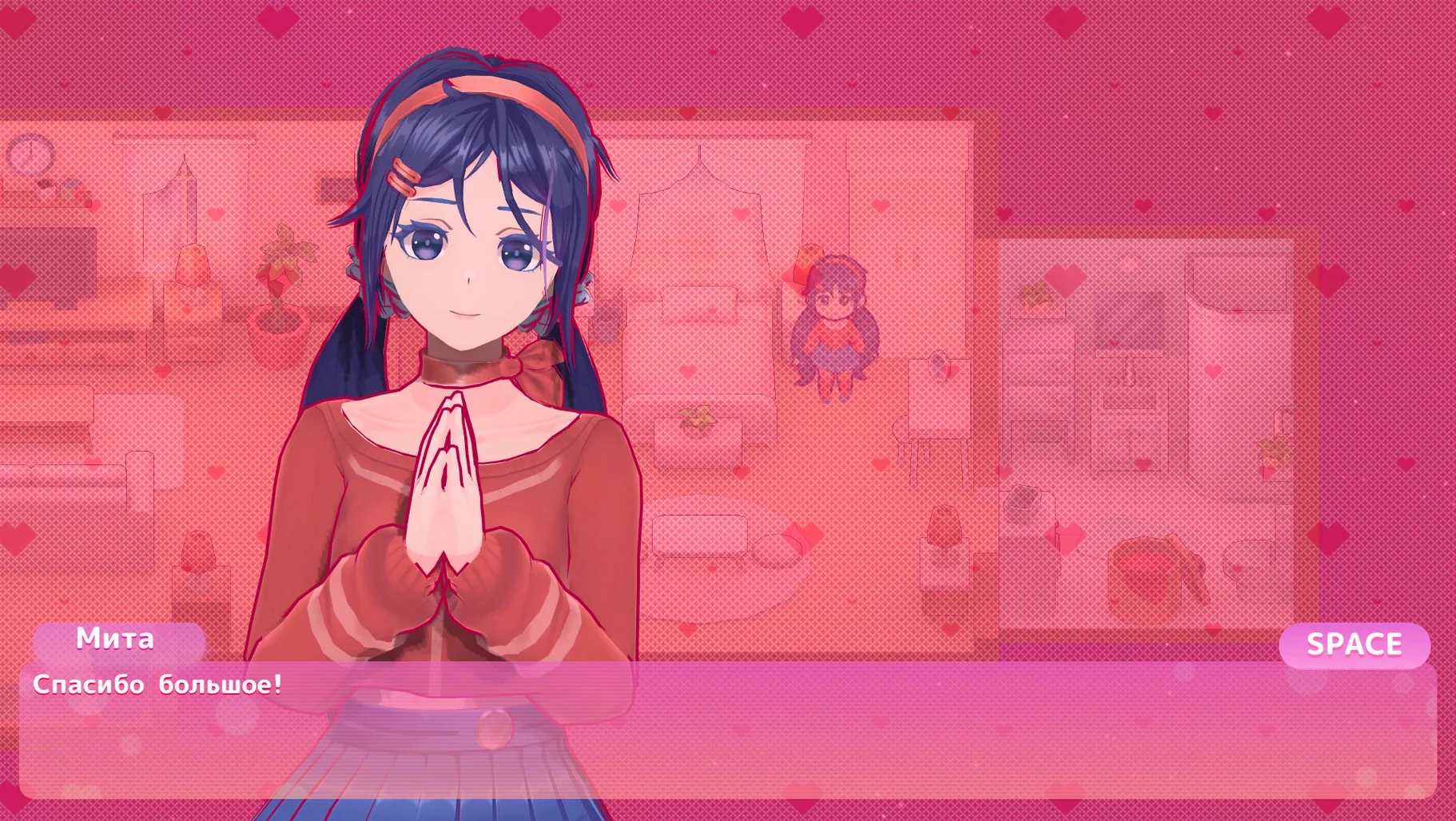
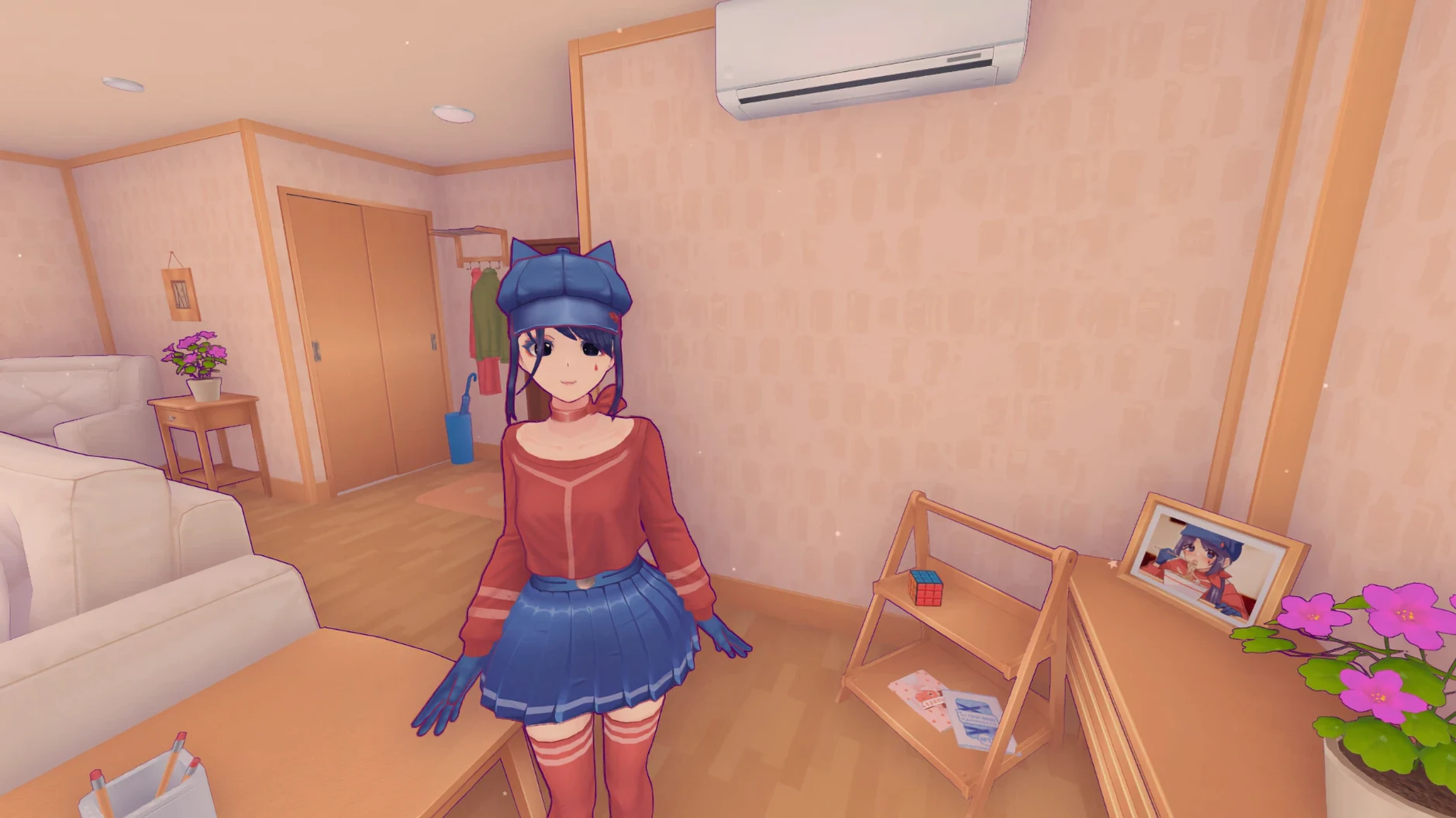
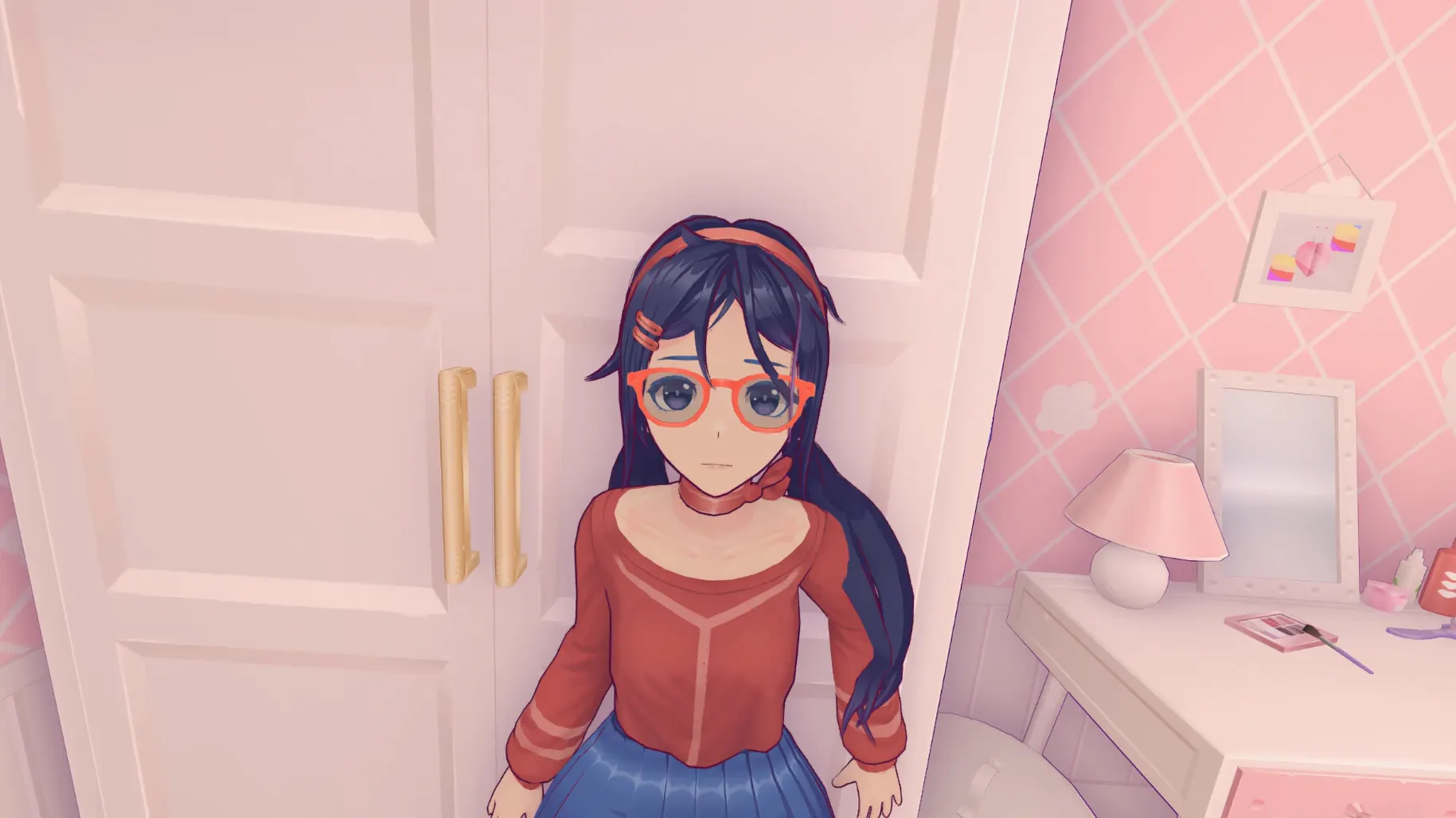
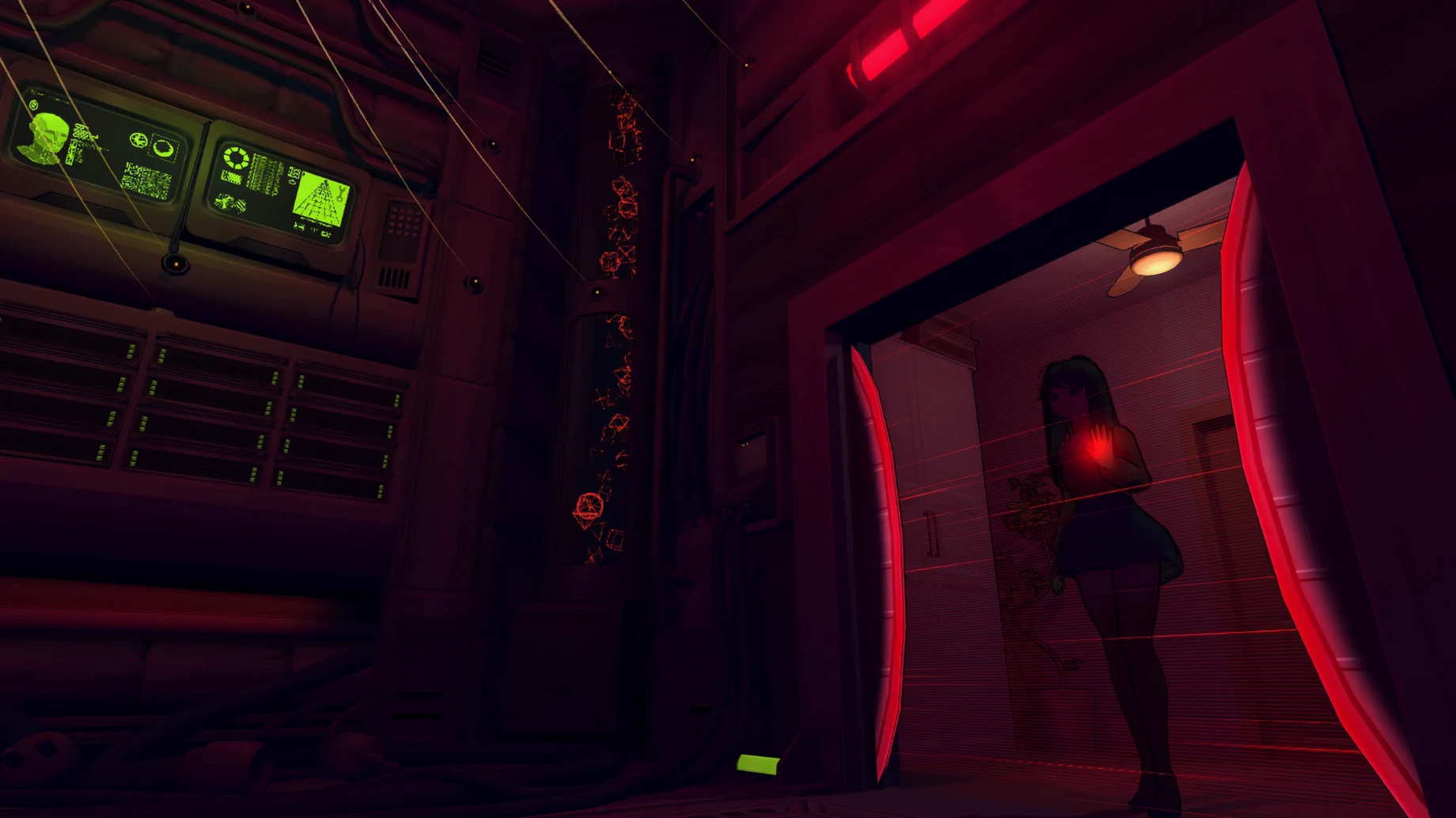
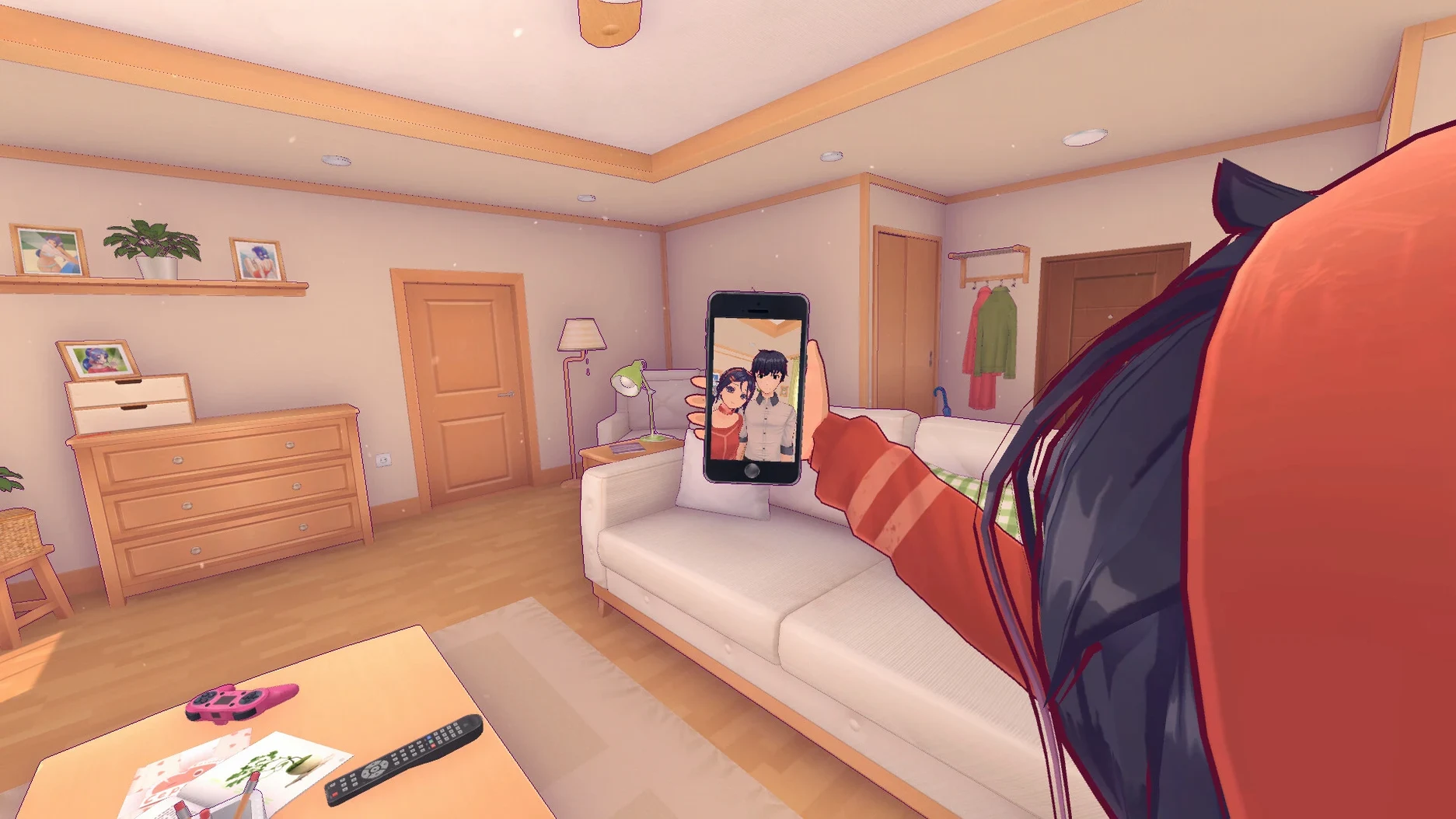
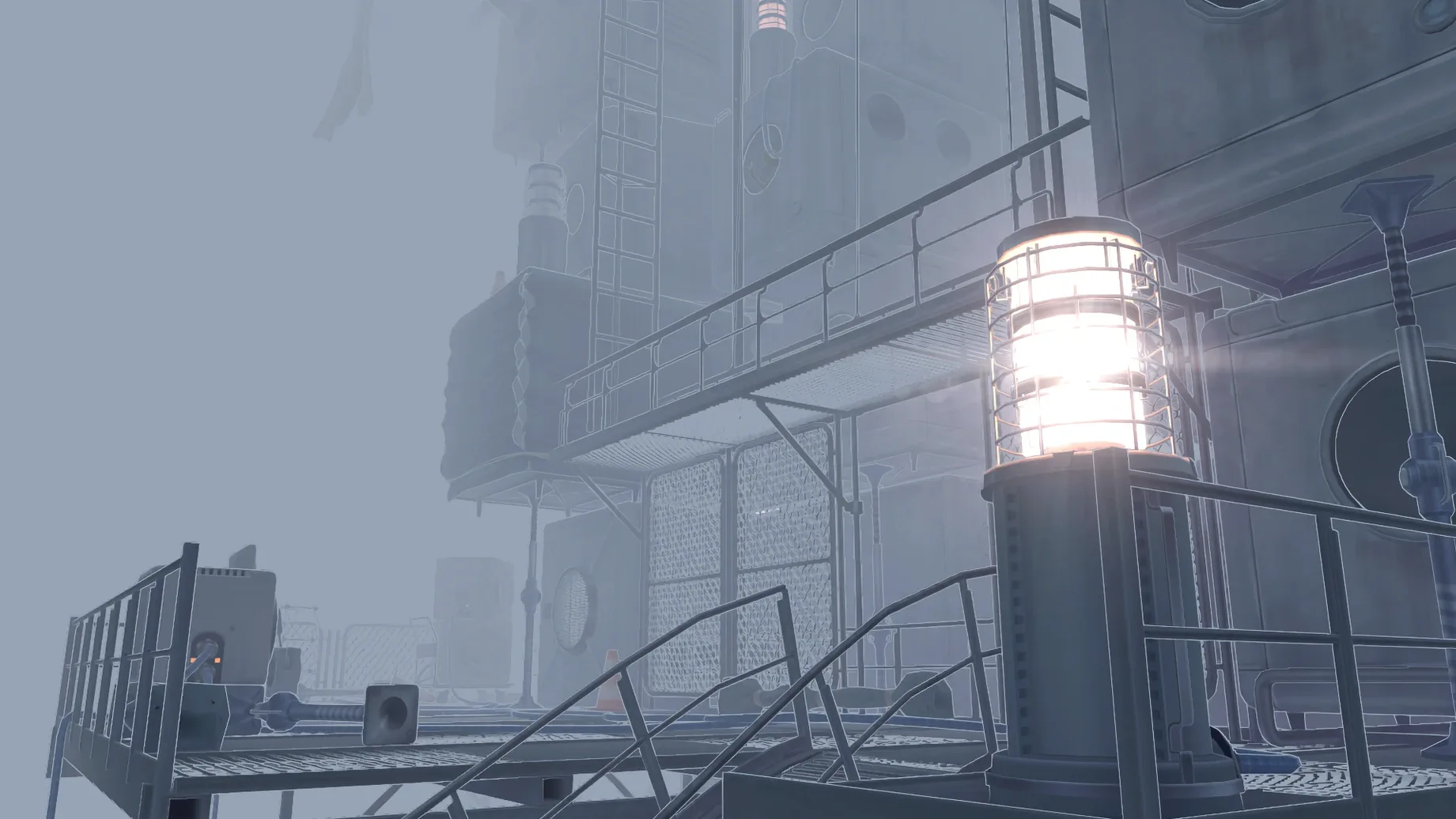
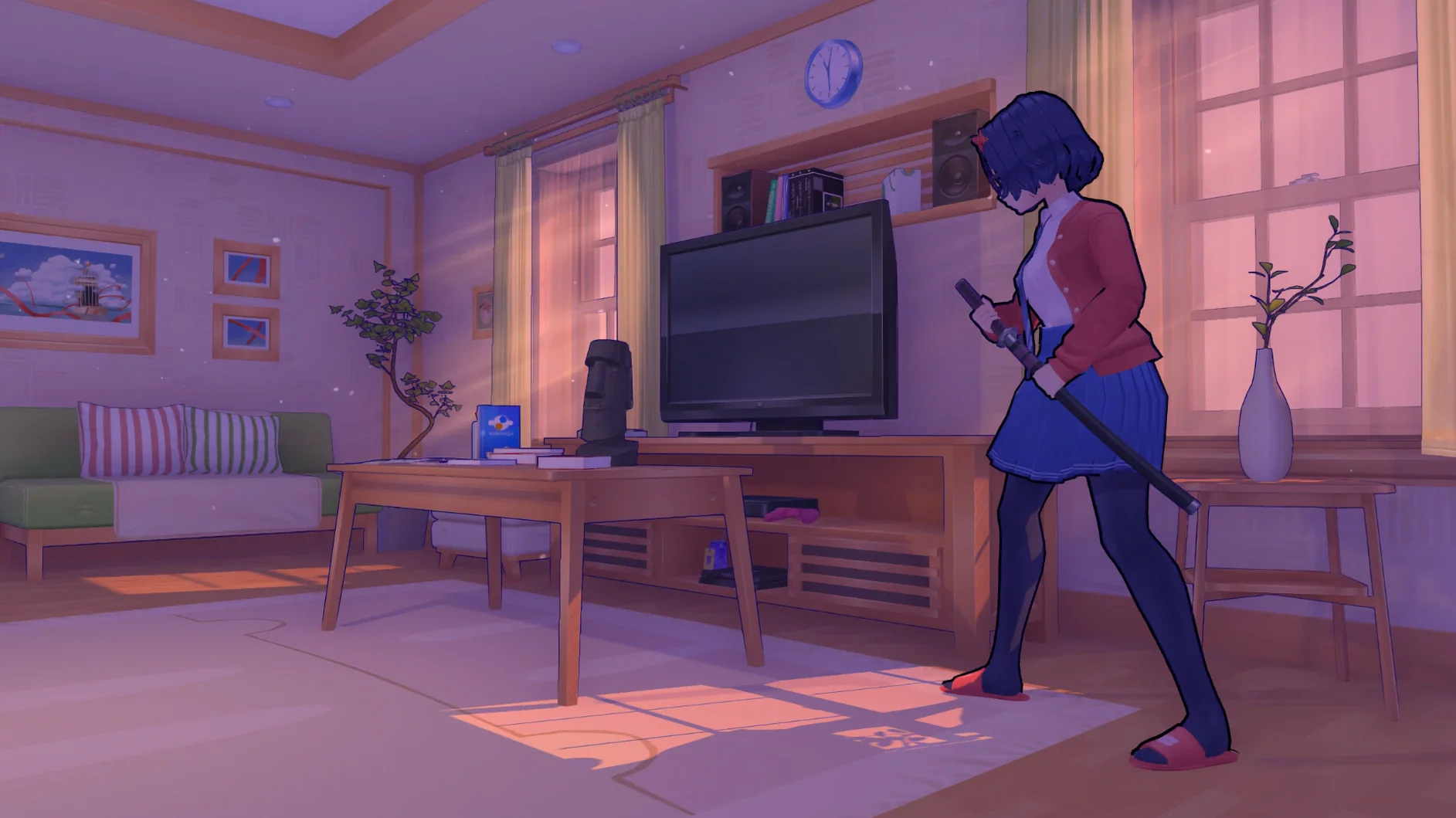
You double-click the app, and Mita is already waving at you through the screen. A few taps on her in-game phone, and the protagonist is pulled from his desk into a pastel-colored apartment that feels a little too aware of your presence. MiSide wastes no time getting weird.
Who’s Mita, and Why Are You Here?
The setup is simple: an unnamed guy gets sucked into a mobile game where Mita, the mascot character, controls every detail of her world. She wants company. You’re it. What follows is a first-person adventure with a life-sim layer — cook, play console games, fix things around the apartment — that slowly warps into something else. The nonlinear structure means you’re not just riding rails. Choices branch, rooms shift, and Mita’s mood swings from playful to unsettling without a loading screen. More than ten characters drift in and out, and the mini-games aren’t throwaways. Some are rhythm challenges, others are tense hide-and-seek sequences that remind you this is not a dating sim.
A Single Build With a Lot of Voices
The macOS version ships with one app bundle and a long list of supported languages — Russian, English, German, Hungarian, Vietnamese, Indonesian, Spanish, Italian, Simplified Chinese, Korean, Polish, Portuguese, Romanian, Thai, Turkish, Ukrainian, French, Swedish, and Japanese. You pick at launch and go. The whole thing runs natively on Apple Silicon, tested on a Mac mini M1 under macOS Sequoia. No Rosetta hacks, no wrapper. If the app throws a launch error, a Fix script sits right in the mounted disk image — run it, close the window, and try again. The 0.93L build lines up with the official Steam release, so you’re getting the same Mita everyone else is nervously laughing at.
First-Day Settings That Save Headaches
Before you get pulled into the apartment, hit the main menu and lock in your language. The game remembers the choice, but only if you confirm it before starting — switching mid-session bounces you back to the title screen and you lose whatever Mita was about to say. Voice language is a separate slider. Russian and Japanese performances feel the most deliberate, Spanish has a warmer, slightly unhinged delivery, and Portuguese lands somewhere in between. Try two combinations in the first ten minutes and commit to the one that makes your skin crawl the right way.
The other immediate fix is the save system. MiSide writes progress into a folder buried deep inside the app bundle — MiSide.app/Contents/SharedSupport/prefix/drive_c/users/Sikarugir/AppData/LocalLow/AIHASTO/MiSideFull/Save. Copy that path into a Finder window, drag the Save folder to your sidebar, and back it up before any long session. The Wineskin wrapper doesn't hook into iCloud or Time Machine cleanly, so you're your own safety net. Five seconds now beats losing two hours of choices later.
From Boot-Up to the First Branch: A Walkthrough
Pick a quiet evening — the game wants your ears as much as your eyes. Launch from Launchpad. If the icon bounces and dies, mount the disk image again, double-click the Fix file, and wait for the terminal window to close itself. On a clean launch, the title screen offers the language dropdown. Set it, pick voice, start.
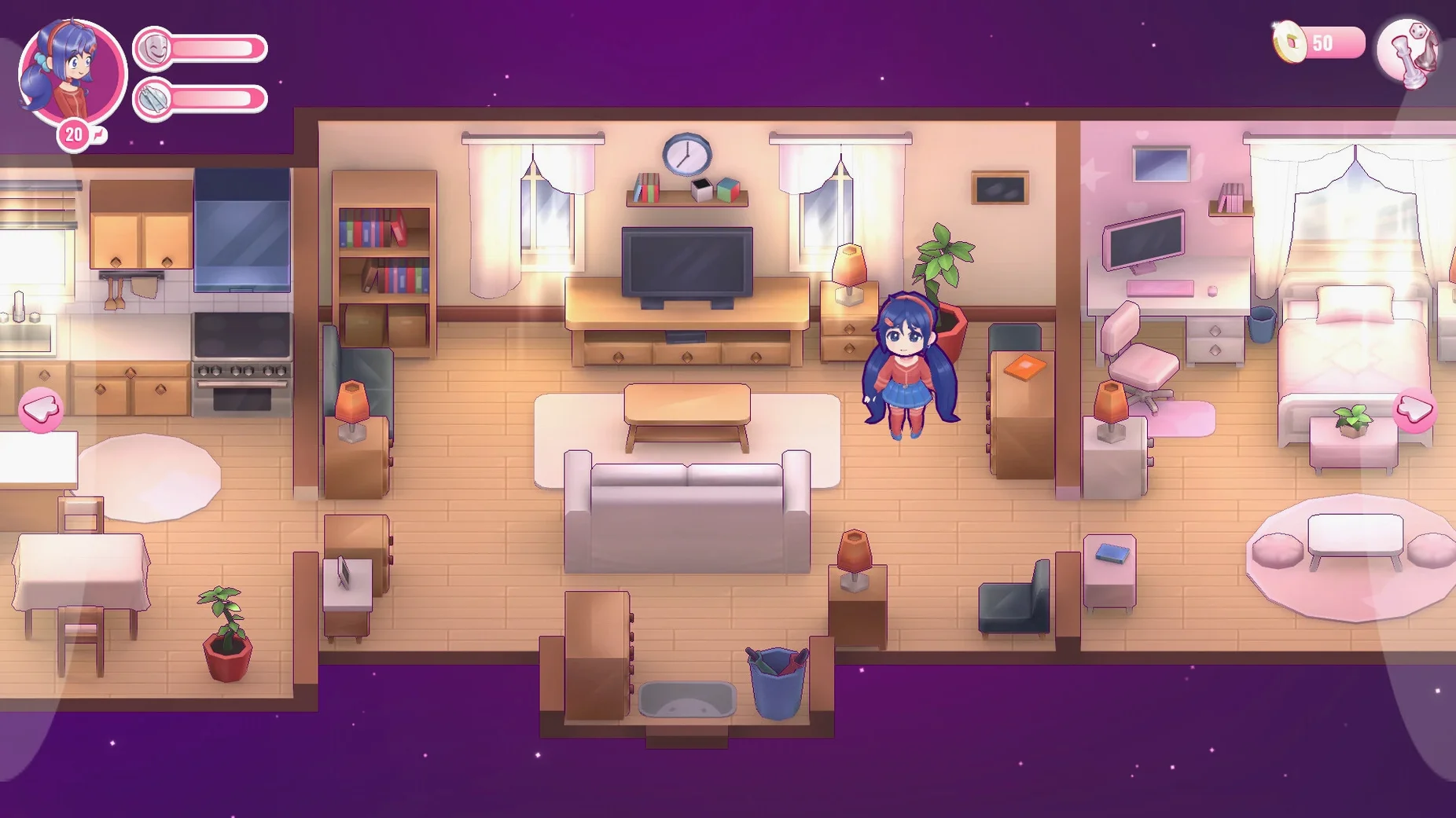
You appear at a desk. Mita texts you through an in-game phone interface; answer her. The apartment opens up — kitchen, living room, her room, a hallway that didn't seem to be there a minute ago. Spend the first twenty minutes doing what she asks: cook the meal, find the remote, play the console game she suggests. These tasks teach you the interaction radius and the inventory logic without a tutorial pop-up in sight. The mini-games here are low-stakes. Win or lose, Mita reacts, and the story logs the outcome.
Around the forty-minute mark, the apartment shifts. A door you walked past twice is now unlocked. That's your first real branch — enter immediately or circle back to the kitchen. Circling back reveals dialogue you miss if you rush. Entering right away pushes the mood into horror-adjacent territory faster. Neither choice locks you out of the full story, but the tone diverges for the next hour. If you're hunting the miside mac full version narrative beats, slow down here and exhaust every room before moving forward.
Three Beginner Mistakes That Spoil the Ride
Treating the mini-games as filler. They're not. The console games, the rhythm sections, even the housekeeping tasks feed variables into Mita's behavior later. Skip them or bomb them repeatedly, and you'll see a flatter version of her reactions. The game doesn't punish you with a game-over screen — it punishes you with a less interesting Mita.
Ignoring the audio mix. MiSide uses positional sound to telegraph where Mita is and what she's doing. Wearing open-back headphones or keeping the Mac's speakers at a moderate volume is the difference between hearing her hum in the next room and being startled when she's suddenly behind you. A lot of the dread lives in the stereo field. Crank the music slider down to about 70% and leave sound effects at full — the soundtrack is lovely but it can mask footsteps.
Rushing the life-sim sections. The game lets you linger. Cook extra meals, replay the console, rearrange objects. Mita notices. The nonlinear structure means some dialogue trees only unlock if you've spent enough cumulative minutes in the apartment doing nothing urgent. Speedrunners will finish the game and miss half the character writing.
The 0.93L release aligns with the official Steam build, bringing macOS players in sync with the latest story content and fixes.
Also fixed: launch stability on Apple Silicon when running the Fix script from the mounted image.
- macOS: Tested on macOS Sequoia
- Architecture: Apple Silicon (tested on Mac mini 2020 M1)
Notes from the edit bay · 0
Sign in or get an edit-bay pass to leave a note.
No notes from the edit bay yet. They go up after I read them.