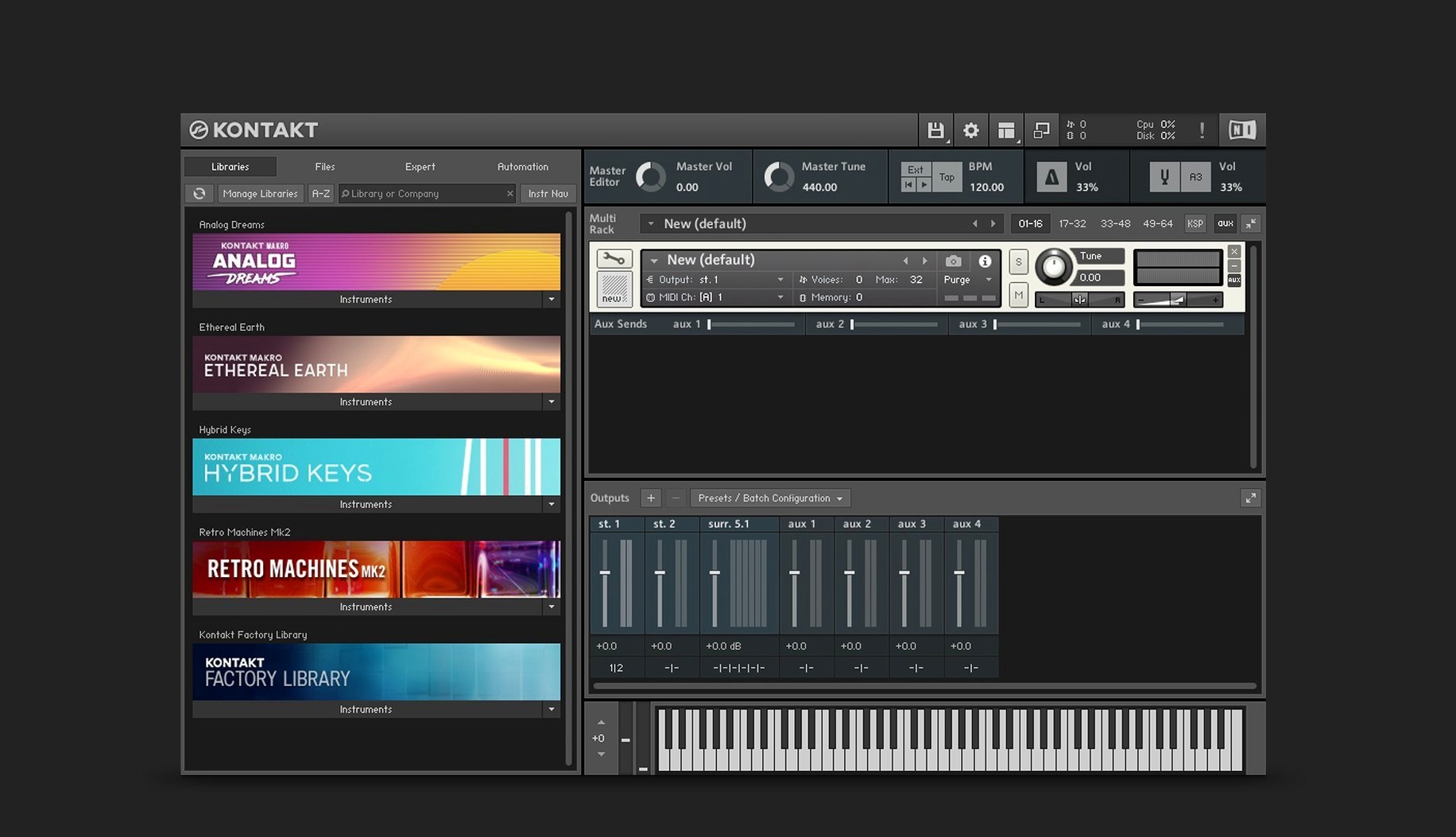
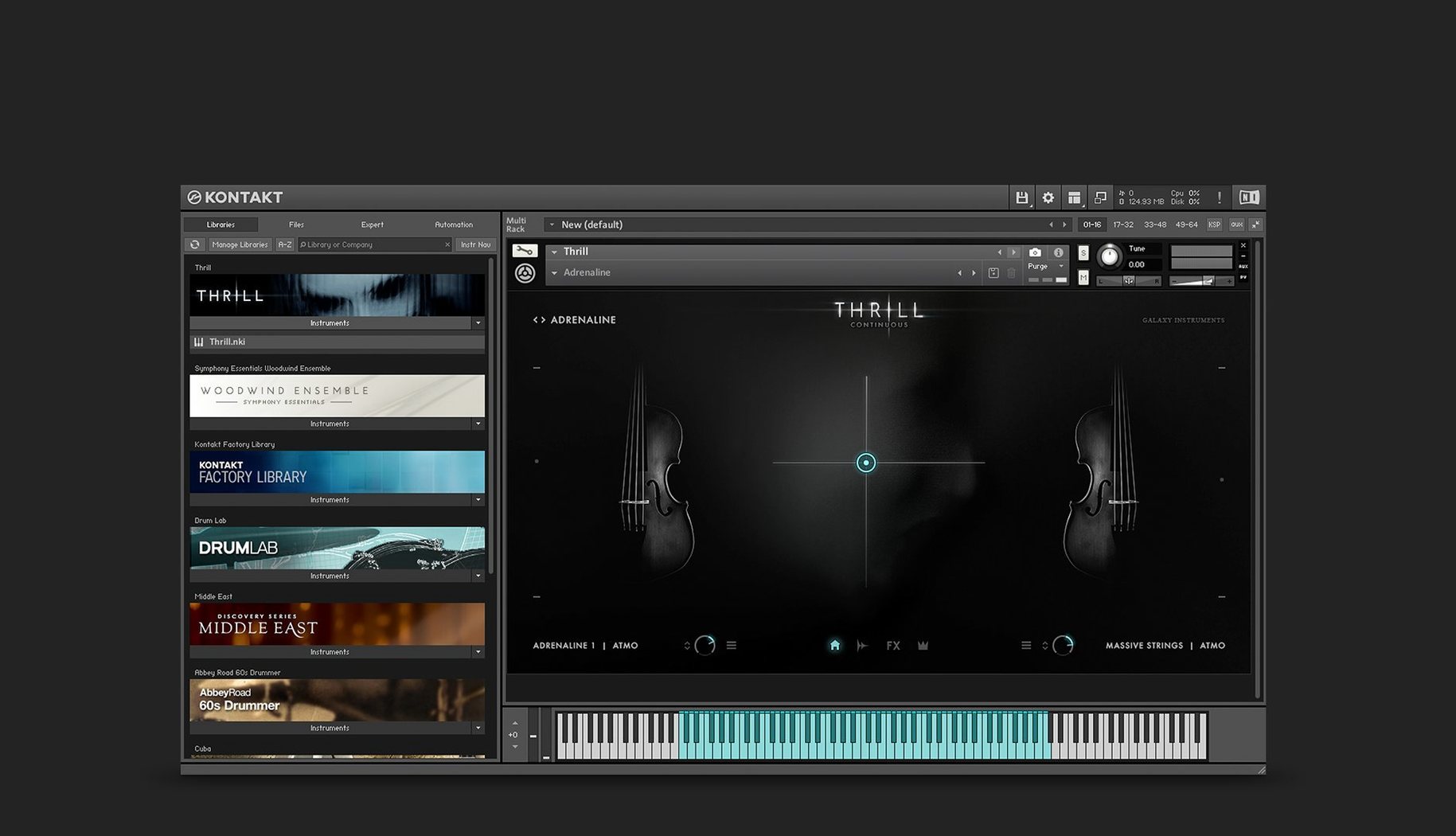
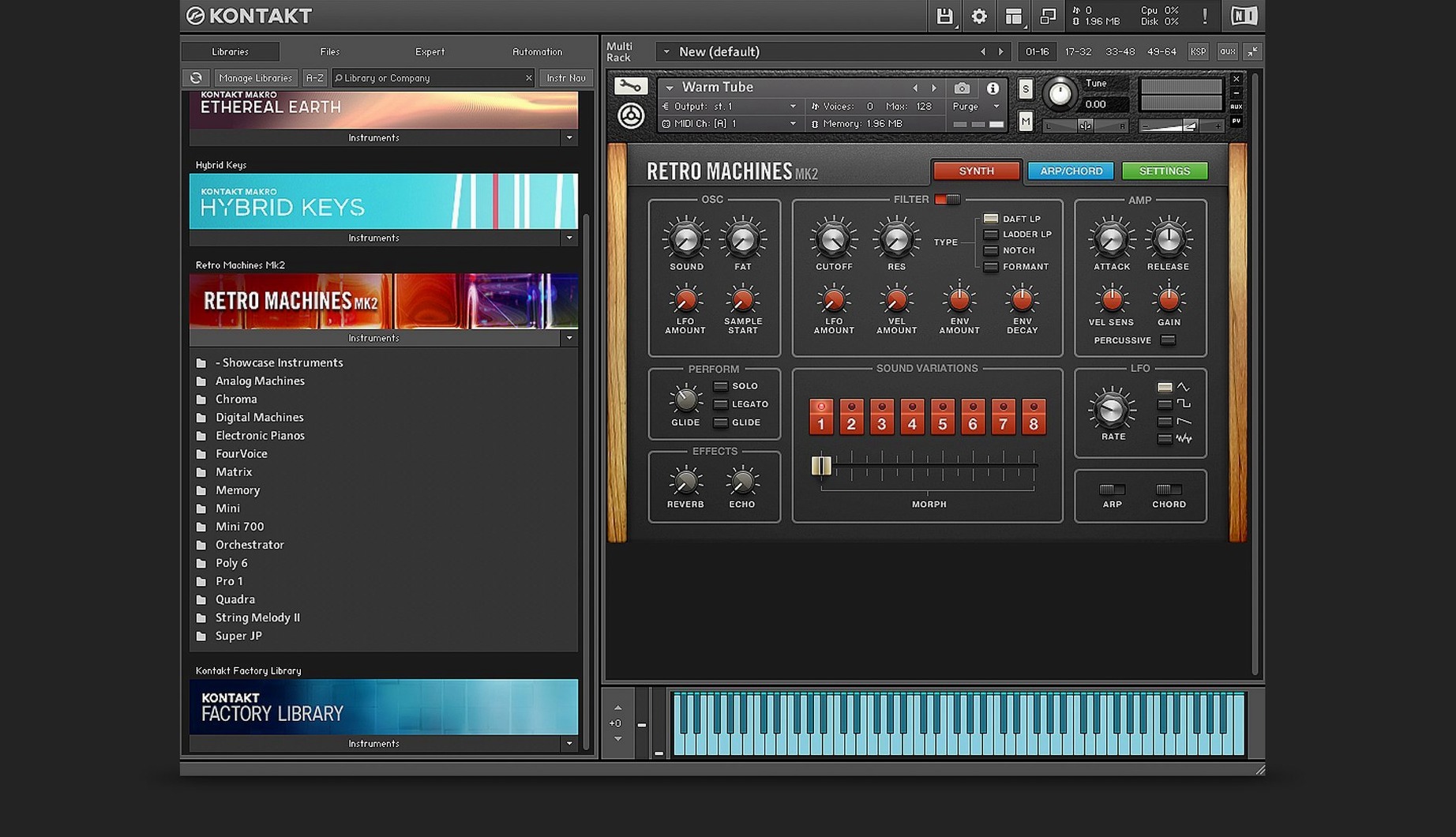
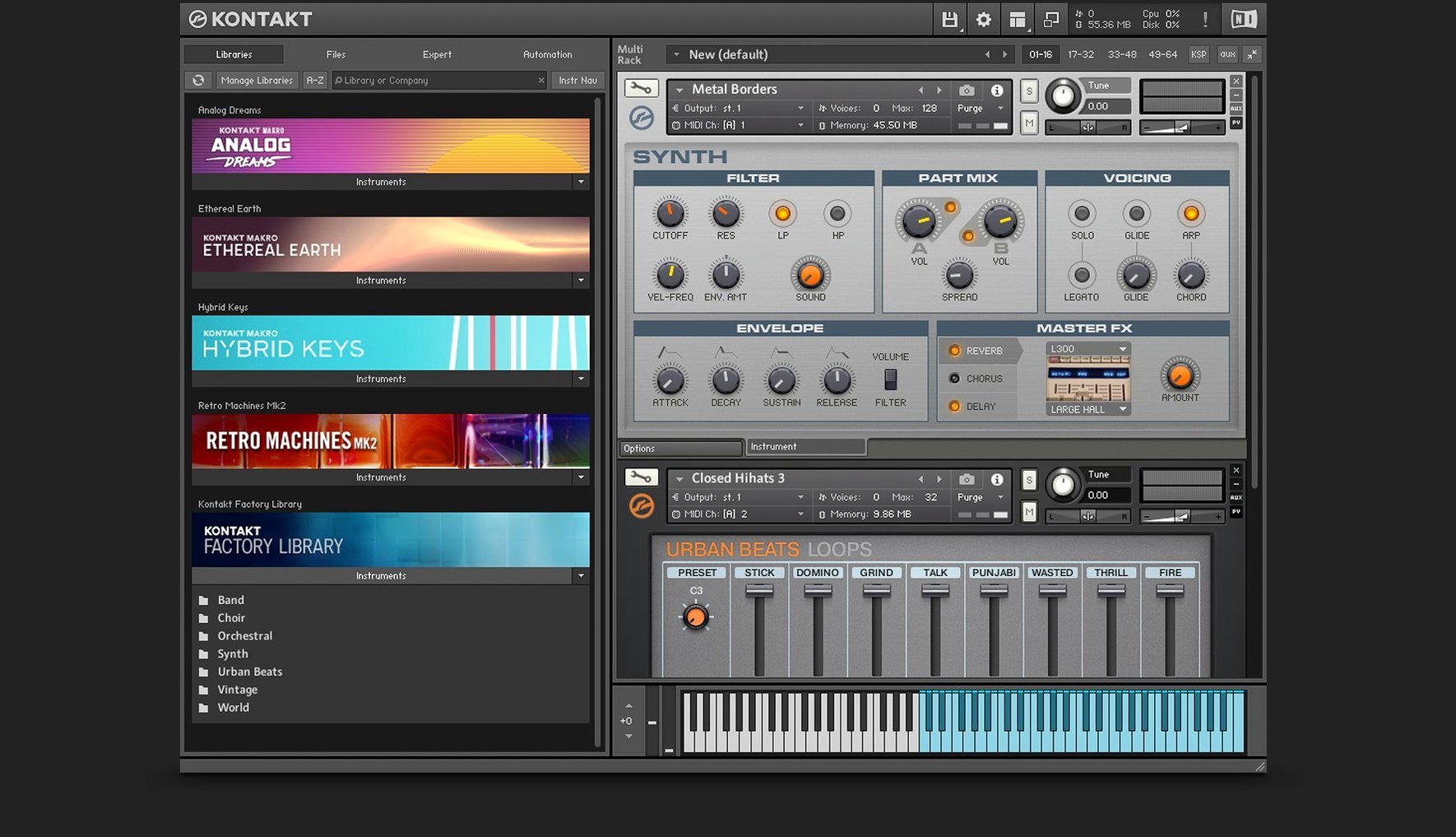
Kontakt 8 is a sampling platform where libraries become instruments you actually play. It's the host, the editor, and the final sound source—loading everything from a grand piano to a warped tape loop and letting you shape it from raw sample to polished, mix-ready patch. This version isn't just a library loader. It adds a whole new layer of MIDI manipulation and a fresh way to handle loops and one-shots.
- MIDI Tools – A side pane you connect directly to an instrument. Drop in a tool and it reworks incoming MIDI in real time—arpeggios, strumming patterns, or custom note remapping—without touching the original part on your timeline.
- Leap – A dedicated engine for loops and one-shot samples. Drag a sample in and Leap slices it across the keyboard, syncs it to tempo, and gives you hands-on macro controls for slicing and layering. It's the fastest way to turn found sound into a playable instrument.
- Komplete UI & Komplete Script – The new instrument-building toolkit. Komplete UI renders crisp, scalable interfaces on high-DPI screens, while Komplete Script gives developers a modern language for wiring up controls and behavior.
- Wavetable Module – The built-in synth engine now packs a modulation oscillator for adding harmonic motion. It pushes beyond static sample playback into evolving pads and textured leads that move while you hold the key.
- Expanded Effects Rack – The internal mixer gained a Solid G-EQ, Solid Bus Comp, integrated Transient Designer, and Tape Saturator. You can build out 16 internal stereo buses and treat instruments like tracked channels on a console.
Whether you're loading a third-party orchestral library or building your own instrument with Komplete Script, everything routes through that clean, scalable interface. The Player edition handles your library collection; the full version opens the hood.
Opening Logic and Loading Kontakt’s New Default View
I open a blank project in Logic, add a software instrument track, and load Kontakt 8 as an AU plug-in. The new Default view shows me a clean browser on the left and a large instrument pane on the right—no clutter, no tiny text on my 5K display. I browse to a felt piano, double-click, and it loads in seconds. The Komplete UI scaling means every knob label is sharp, every slider snaps exactly where I expect it. I tap a few keys on my MIDI controller. The piano responds with full dynamic range, no velocity jumps.
Now the fun starts. I open the side pane and drag a MIDI Tool—the Strummer—onto the piano channel. Suddenly my block chords become fingerpicked patterns, each note offset slightly in time and velocity. I tweak the strum speed with one slider, listening as the same three chords cycle differently. Nothing changed on the piano roll. It's all real-time remapping, and I can record the output to a new MIDI track if I want to commit.
Next I drag a field-recording snippet from Finder directly into Kontakt's Leap slot. It auto-slices across C3 to C5, tempo-synced to my project at 120 bpm. I hold C3—a gritty door slam loops perfectly. I layer that under the piano by playing a few bass notes, then dial in a low-pass filter from the macro knobs. The whole thing took under four minutes, and I never left the plug-in window.
Dialing the Memory Buffer and Other First-Run Options
Out of the box, Kontakt 8 works, but a few preference tweaks make it feel like yours. Open the Options menu—here's what I dial in first.
- Engine memory buffer – Bump this to at least 60 KB if you're running orchestral templates with heavy streaming libraries. It smooths out voice dropouts when you're playing dense chords with long release tails. If you're on Apple Silicon with fast internal storage, you can push it higher without penalty.
- Multiprocessor support – Kontakt defaults to the number of cores it detects, but I switch this manually to leave one core free for the DAW's mixer and real-time audio thread. On a 10-core M-series chip, setting it to 8 cores keeps Logic responsive even with 16 instances loaded.
- Default instrument view – The new Default view is clean, but if you build your own instruments, switch the startup mode to the full Rack view so your edit panels are always one click away.
- MIDI channel handling – Set the port and channel to "Omni" only if you use a single keyboard. For multi-timbral setups, assign fixed channels per instrument slot and label them in the header. You'll thank yourself during a late-night arranging session.
- Database locations – Kontakt scans your sample drives on launch. Add only the folders you actually use, not your entire external drive. A lean database loads faster and the browser search stays snappy.
Sound Designer's Afternoon
Maya builds custom horror-score instruments. She's been collecting bowed metal samples for weeks—a radiator, a dumpster lid, a broken cello string. Today she opens Kontakt 8 in standalone mode, no DAW, because she just wants to map and mangle sounds without a timeline staring at her.
She drags all six samples into the mapping editor, spreads them across three octaves, and sets root notes by ear. Kontakt's auto-mapping guesses correctly for four of them; she nudges the other two manually. Then she opens the Wavetable module and routes one sample's output through it as a modulation source. The Form shaper—second stage, new in this version—adds harmonic grit that makes the radiator drone feel alive. She dials the modulation oscillator slowly, just enough to introduce a wobble that doesn't repeat predictably.
On the effects side, she chains the Tape Saturator into the Solid Bus Comp on one of the 16 internal buses, then sends two other sample groups to that same bus. The transient designer sharpens the attack of the dumpster lid hits so they cut through the drone. She saves the instrument, and it appears in Kontakt's library browser instantly. Tomorrow it goes straight into a cue.
App Connections and macOS Fit
Kontakt 8 runs as an AU, VST3, or AAX plug-in, so it slots into Logic Pro, Ableton Live, Cubase, and Pro Tools without friction. In standalone mode, it talks directly to your audio interface via Core Audio—no DAW overhead, which matters when you're auditioning a hundred snares or building an instrument layer by layer. The standalone app also respects macOS Focus modes, so notifications stay quiet during a session.
It integrates with Native Access for library management. New libraries download in the background and appear in Kontakt's browser without a restart. The browser itself uses macOS file system bookmarks, so moving a library folder doesn't break paths—Kontakt asks once where it went and remembers.
For users who only need playback, the Kontakt Player runs the same libraries with the same Komplete UI scaling. It's the bridge between a purchased library and a working session, and many producers keep both versions installed—Player for quick loading, full Kontakt when they need to edit mapping or add MIDI Tools.
The plug-in plays well with Logic's Smart Controls and Ableton's Macro mappings—map a hardware knob to Kontakt's MIDI learn, and it stays assigned across sessions. On Apple Silicon, it runs natively, and one instance handling 16 instruments inside Logic uses less CPU than a handful of separate sampler plug-ins would. When you grab a Kontakt Mac torrent that includes the ARM-native build, that architecture is the detail that keeps sessions running smoothly on current hardware.
Building a Layered Percussion Kit: Start to Finish
Let's walk through a real task—turning a pile of one-shot drum samples into a playable, layered percussion kit with macros.
Collect the samples. I gather eight kicks, twelve snares, and a handful of shakers and rim hits from my sample library. They're all WAV files spread across three folders. I open Kontakt 8 standalone so the process stays focused.
Map the samples. I create a new Instrument from the File menu. Kontakt opens the mapping editor with a blank keyboard. I drag all kick samples to C1–E1, all snares to D2–F#2, and shakers up around C4. The mapping editor shows each sample as a colored bar. I adjust start points on two kicks where the transient was buried, using the waveform display's zero-crossing snap.
Group and layer. I assign kicks to Group 1, snares to Group 2, and shakers to Group 3. Then I duplicate Group 2, pitch one copy down three semitones, and narrow its velocity range to 100–127. Now hard hits trigger a deeper snare layer automatically. I set Group 1's voices to four—polyphonic kicks sound terrible, but I want round-robin cycling, so I enable cycling in the group's voice settings and set it to "cycle random." No more machine-gun repeats.
Route to internal buses. I send Group 1 to Bus 1 with the Solid Bus Comp tightening the low end. Group 2 hits Bus 2 with the Transient Designer adding 15% attack and reducing sustain. Group 3 goes to Bus 3 dry. All three buses feed the main output, where I place the Solid G-EQ with a gentle smile curve. Sixteen internal stereo buses sounds like overkill for a percussion kit—I'm using three—but the routing keeps the mixer organized when I later add a bass instrument to the same multi.
Add MIDI Tools. I connect the Arpeggiator tool to the shaker group only. Now holding a single shaker key triggers a programmed pattern that follows my project tempo. I set it to one octave, eighth notes, and lock the velocity to stay in the background.
Save and tag. I save the instrument as "Layered Perc Kit" and add tags: drums, percussion, layered, custom. The browser indexes it instantly. Next time I'm in Logic, it appears under my user instruments, and I drag it onto a track without reopening the mapping editor.
The whole build—sample drag to tagged instrument—took under twenty minutes. That's the Kontakt 8 loop: load raw material, shape it with the tools, and commit it as a reusable instrument that shows up in every session after.
Kontakt 8 shifts focus to how you feed notes into a sampler. The headline is MIDI Tools—a side pane that connects creative processors to any instrument for real-time arpeggiation, strumming, and note manipulation. Then there's Leap, a new engine built entirely for loops and one-shots that auto-slices and tempo-syncs as you drag audio in. Under the hood, Komplete UI and Komplete Script replace the old interface toolkit, giving instruments a sharp, high-DPI look and a modern scripting language for developers.
Also fixed: stability improvements and general optimizations across the platform.
- macOS 14 or later
- Apple Silicon or Intel Mac
- Interface language: English
Questions I actually get
What's the difference between Kontakt 8 and Kontakt Player?
Kontakt 8 is the full sampling platform for building and deeply editing instruments. Kontakt Player is the streamlined companion that loads licensed libraries, but locks you out of the instrument editor and scripting.
Does Kontakt 8 run natively on Apple Silicon?
Yes. Version 8.13.1 lists support for both ARM and x86 64-bit architectures, so it runs natively on Apple Silicon Macs.
What are MIDI Tools in Kontakt 8?
MIDI Tools are creative processors that sit between your MIDI input and the instrument—arpeggiators, strummers, and custom note transformers that manipulate the performance in real time without altering the recorded MIDI clip.
Notes from the edit bay · 0
Sign in or get an edit-bay pass to leave a note.
No notes from the edit bay yet. They go up after I read them.