
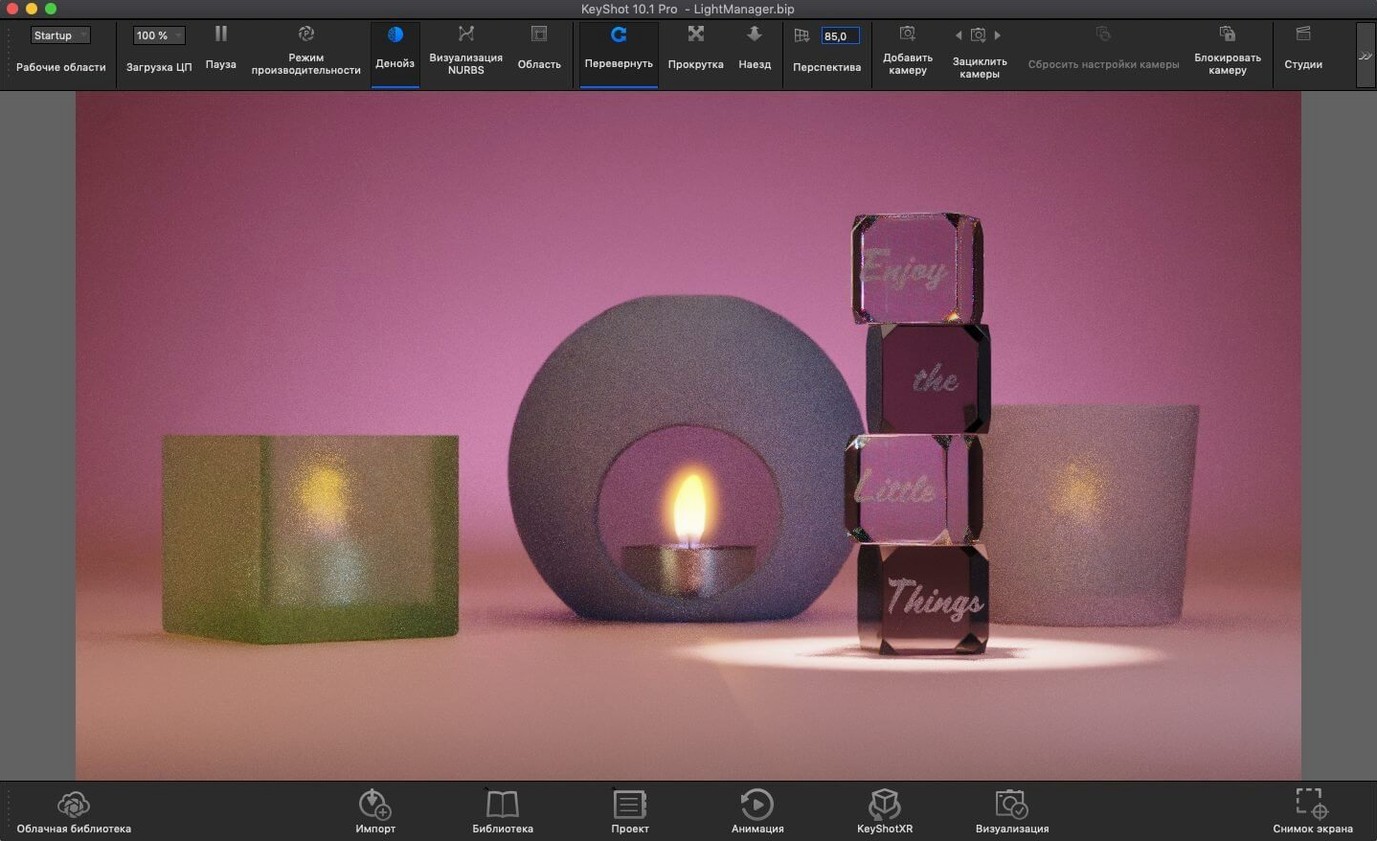
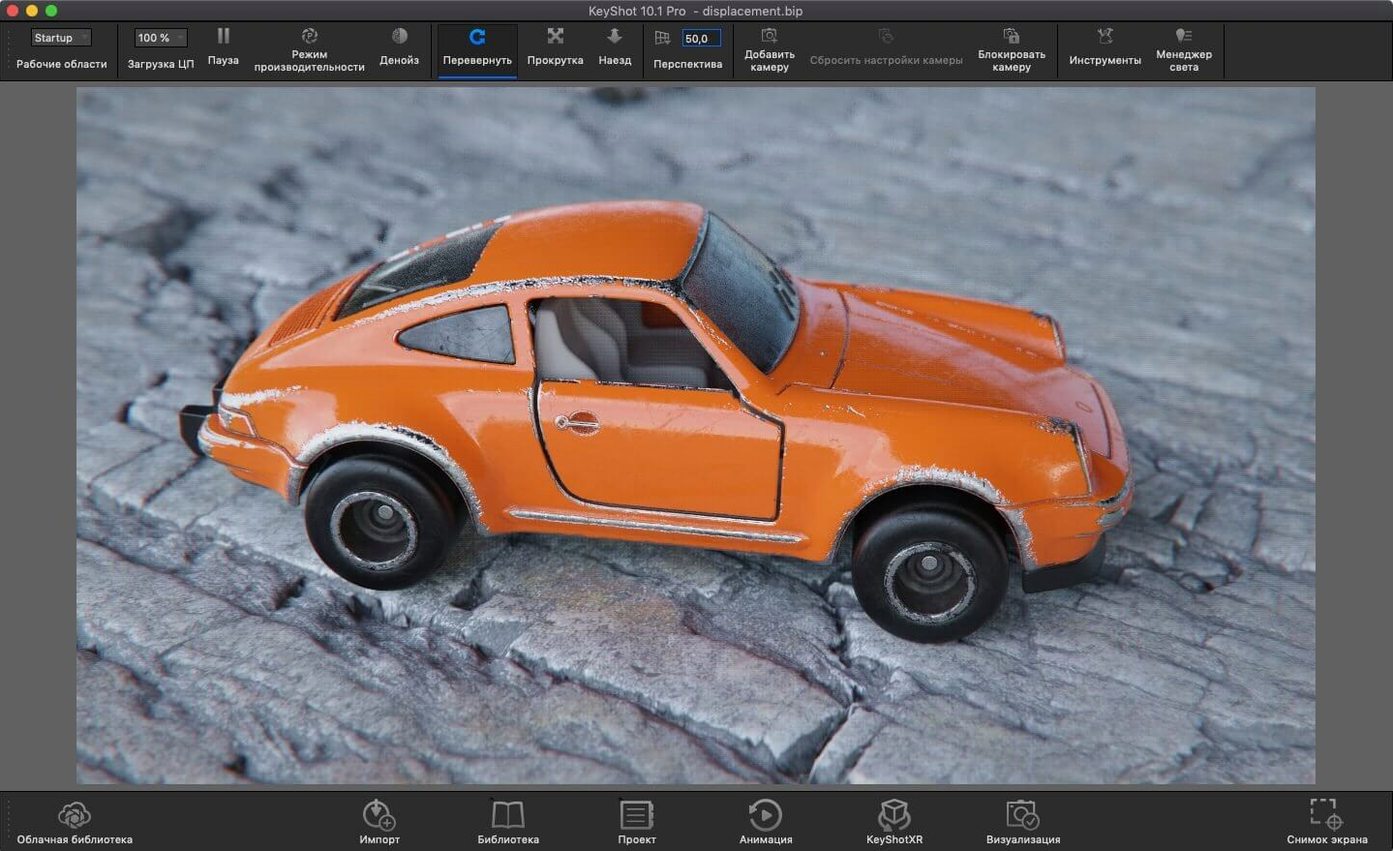
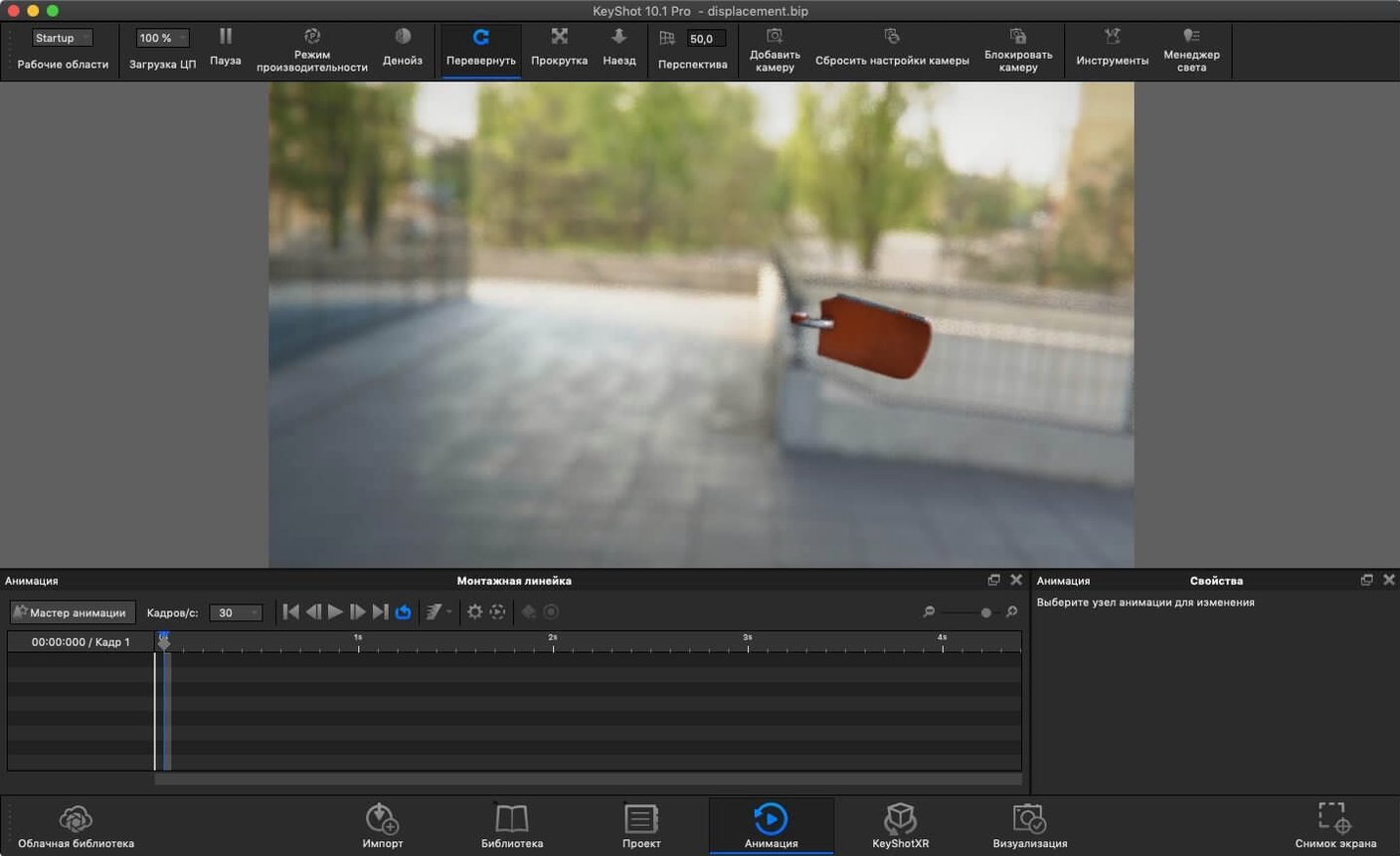
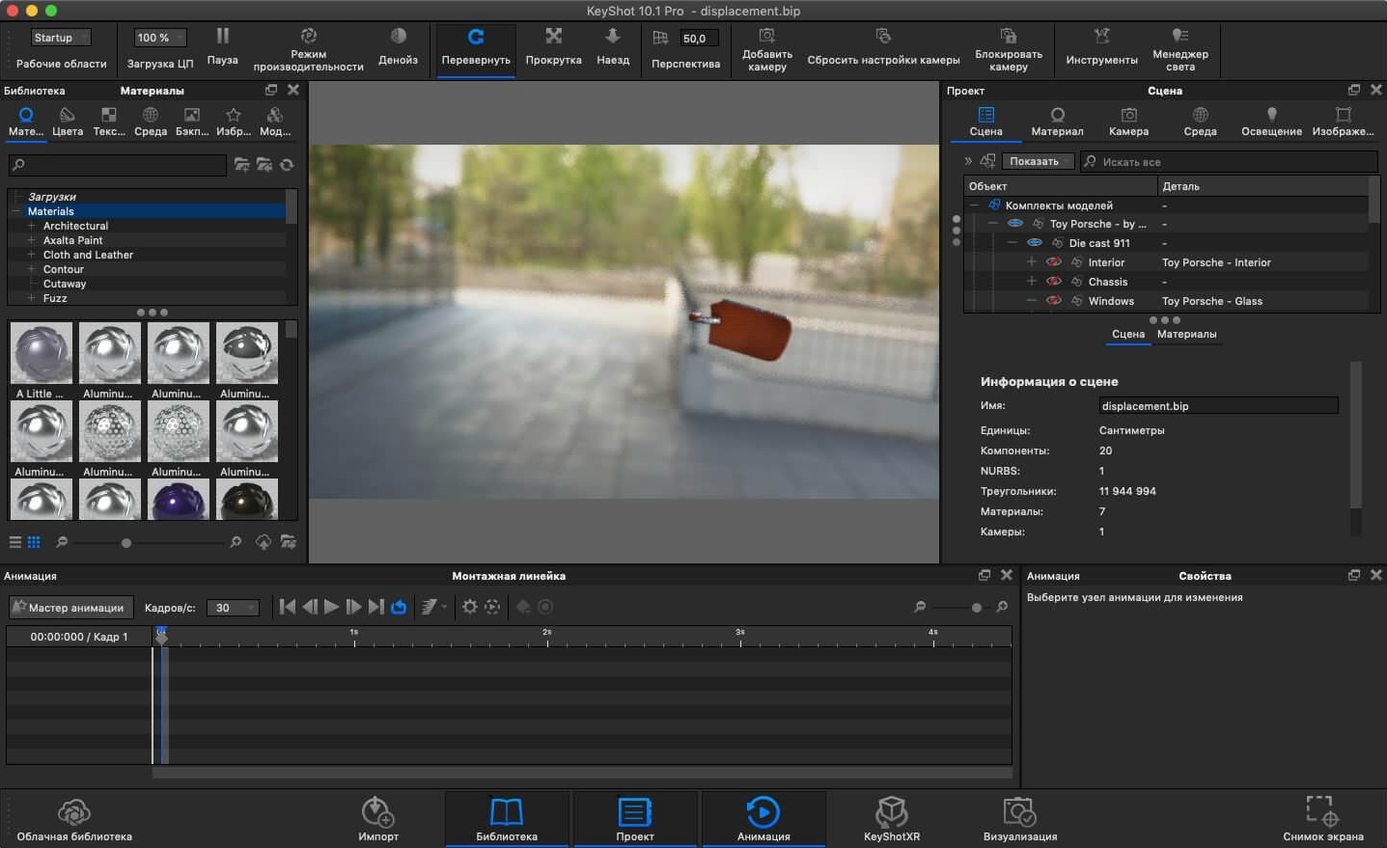
It reads over 30 native CAD and 3D formats. That's where a KeyShot workflow often starts — pulling in a solid model from a STEP, IGES, or Parasolid file without converting it first. On a Mac, that matters, because it cuts out a round-trip through another translator just to get geometry on screen.
Who needs a standalone renderer on Mac?
Anyone whose CAD or poly model already lives outside the Adobe ecosystem. KeyShot runs solo, not as a plugin you wedge into Photoshop, so it sidesteps the mismatch between engineering data and 2D compositing apps.
Upstream from After Effects: Building the Shot Before the Edit
Think of it upstream from After Effects or DaVinci Resolve. You build the product shot, assign physically accurate materials, and light the scene with real-world values — then render a still or animation to bring into your edit or grade.
What changes when you export from KeyShot 2025?
USD, USDz, and GLB export puts the render in reach of AR previews and Apple's 3D pipeline. A client can drop a product variant onto a tabletop from a text message, straight from your render window.
Why the Re-tessellate Tool Can Beachball a Mac Studio
The Re-tessellate Tool is a hero until it isn't. On dense CAD imports — think an automotive assembly with 30,000 parts — hitting that button without culling the hierarchy first can beachball a Mac Studio for minutes. The fix is almost always the same: select only the part you need to refine, not the whole scene tree.
Physical Lights trip up new users constantly. You drag one into the scene, the viewport goes dark, and suddenly the HDRI you spent twenty minutes dialing in looks dead. That's by design — a Physical Light overrides the environment when intensity is set too high relative to the HDRI. Drop the light's lumens by a factor of ten, then creep back up. Or stack it with the environment blend slider in the Lighting tab so the HDRI still fills shadows.
The keyshot mac install sometimes throws a host error right after the first launch. Terminal is the way through. The provided command maps a local host entry so the license check stays local, and skipping that step leaves you staring at a connection refused dialog. Restart after running it — not before — or the mapping won't stick.
Missing textures after import are rarely a KeyShot problem. It reads relative paths from the originating app, so if you moved the model folder after exporting from SolidWorks or Rhino, the links break. Re-link one texture and KeyShot will find the rest if they share a folder, but you have to point it to the right directory first.
GPU mode on Apple Silicon is solid, but some caustics and interior-mode scenes still fall back to CPU automatically. If the render switches engines mid-frame and your time estimate doubles, check whether you have "Interior Mode" enabled under Lighting — it forces CPU photon mapping regardless of the GPU toggle.
Intel vs. Apple Silicon: Which Architecture Runs It Natively?
The biggest one is about Intel versus Apple Silicon. KeyShot 2025.1 runs native on both, no Rosetta gymnastics. The GPU renderer taps into Metal on Apple Silicon, and on Intel Macs with AMD graphics it uses OpenCL. So the architecture question isn't really a decision — the installer sorts it out.
Another common question: does this thing need an always-online connection? It doesn't. Once the host mapping is in place, it works offline. That matters for anyone rendering on a laptop in a client's conference room or on a flight.
People coming from Blender or C4D often ask whether KeyShot replaces their main 3D app. It doesn't, and it's not supposed to. It sits at the end of the modeling pipeline. You model wherever you model, then bring the geometry here for materials, lighting, and final output. Think of it as a dedicated photo studio, not a workshop.
The file-format question comes up early: "Can I open a native Fusion 360 file?" No — export a STEP or an OBJ from Fusion first. KeyShot reads the interchange formats listed in the spec, not proprietary application files. The translation is fast, but it has to happen on the CAD side.
And yes, the keyshot 2025 download includes the full material library. Nobody wants to find out after installing that half the plastics and metals are locked behind a separate package. They're all there.
Standalone Studio vs. a Render Engine Plugged into Cinema 4D
Octane X runs on Metal, like KeyShot's GPU mode, but it lives inside host apps as a plugin — Cinema 4D, Blender, Houdini. That makes it a render engine, not a standalone studio. If your workflow stays inside one DCC app, Octane's tight integration wins. If you need to pull CAD from five different teams and render without opening another program, KeyShot's standalone design makes more sense.
Blender's Cycles is the obvious free comparison. Cycles gives you a full modeling suite plus a path tracer, and on Apple Silicon it's quick. What it doesn't give you is the material-science backbone — KeyShot's physically based materials are measured, not eyeballed, so a clear polycarbonate looks like polycarbonate without guesswork. Blender can get there, but it takes more manual tuning.
Twinmotion sits on the Unreal Engine and targets architecture and landscape viz, with real-time flythroughs and a huge asset library. KeyShot's real-time viewport is fast, but it's not a game engine — Twinmotion handles massive outdoor scenes with foliage and animated crowds better. For a single product on a cyclorama, though, KeyShot's lighting tools and the new Light Tool in 2025.1 are far more precise.
If your work is product shots with measured materials and you need USDz for AR handoff, KeyShot carves out a spot none of those three covers exactly the same way.
Dragging a Titanium Bike Frame STEP File into the Window
Say you've got a client who makes titanium bike frames. They sent a STEP file from Creo and a sketch of the new colorway — matte carbon with a gloss logo mask. You drag the STEP into KeyShot's window. The importer resolves the assembly tree in about four seconds on an M1 Max.
First move: assign a camera. You orbit to a three-quarter front angle, hit the save-view hotkey, and lock it. Now every material tweak and light adjustment plays back from the hero angle.
Materials come next. You open the library, pull a bead-blasted titanium preset onto the frame body, and drop the roughness from 0.15 to 0.22 to match the client's reference photo. The real-time viewport updates before you release the slider. For the logo, you drag a glossy carbon preset onto the masked surface and set the clearcoat to 1.0 — instant wet look.
Lighting is where the new Light Tool earns its spot. You add a Physical Light as a softbox overhead, set it to 800 lumens, and pull it back until the top tube reads with a gentle gradient. An HDRI from the built-in library fills the shadows — a studio setup with a warm key and cool fill that makes the titanium look cold and precise.
You render a still at 4K to check noise levels. The GPU churns through 256 samples in under a minute. The client wants a turntable animation, so you set a 360-degree rotation over eight seconds, queue it in the render dialog, and walk away while the frames pile up as EXR sequences.
Export wraps it up. You send the still as a 16-bit TIFF to the retoucher, the turntable as ProRes 4444 to the editor, and a USDz of the frame to the client's marketing team so they can preview it in AR on an iPhone. One session, three deliverables, no file-format wrestling.
Showing a VP the Part Before Tooling Starts
Industrial designers who live in SolidWorks or Creo all day are the core audience. They need to show a VP what a part looks like before tooling starts, and they don't have time to learn a full 3D package. KeyShot gives them a drag-and-drop photo studio that reads their native geometry, and the learning curve from import to render is measured in hours, not weeks.
Product viz freelancers who juggle clients across different CAD platforms are another sweet spot. One week it's a STEP from a medical-device team, the next it's an FBX from a game-art outsource. KeyShot swallows both without complaining, and the material library means consistent output across projects — the same anodized aluminum looks the same whether it's on a surgical tool or a controller shell.
Marketing teams inside manufacturing companies benefit differently. They're not modeling anything — they're receiving models from engineering and need to produce hero shots, packaging renders, and now AR previews. The KeyShot Studio 2025 crack of the new USDz export pipeline means their renders go straight from the viewport to a customer's living room, and that's the kind of workflow that used to require a separate pipeline and a specialist.
Architects and VFX artists tend to bounce off KeyShot — not because it's weak, but because their needs skew toward scene assembly and animation rigging that a dedicated 3D app handles better. KeyShot is a finishing tool, not a world builder, and that focus is exactly why its core audience sticks with it.
A new Light Tool makes placing Physical Lights feel less like guesswork. The Add Studio hotkey speeds up environment switching during look-dev sessions. Also fixed: the Re-tessellate Tool is now available through the Scripting API for batch geometry cleanup.
- macOS 12 or later
- Apple Silicon or Intel Mac
Questions I actually get
Can KeyShot Studio import files directly from engineering apps?
Yes — it reads STEP, IGES, JT, and Parasolid files natively alongside common interchange formats like OBJ, FBX, and 3DS, so you skip extra conversion steps.
Notes from the edit bay · 0
Sign in or get an edit-bay pass to leave a note.
No notes from the edit bay yet. They go up after I read them.