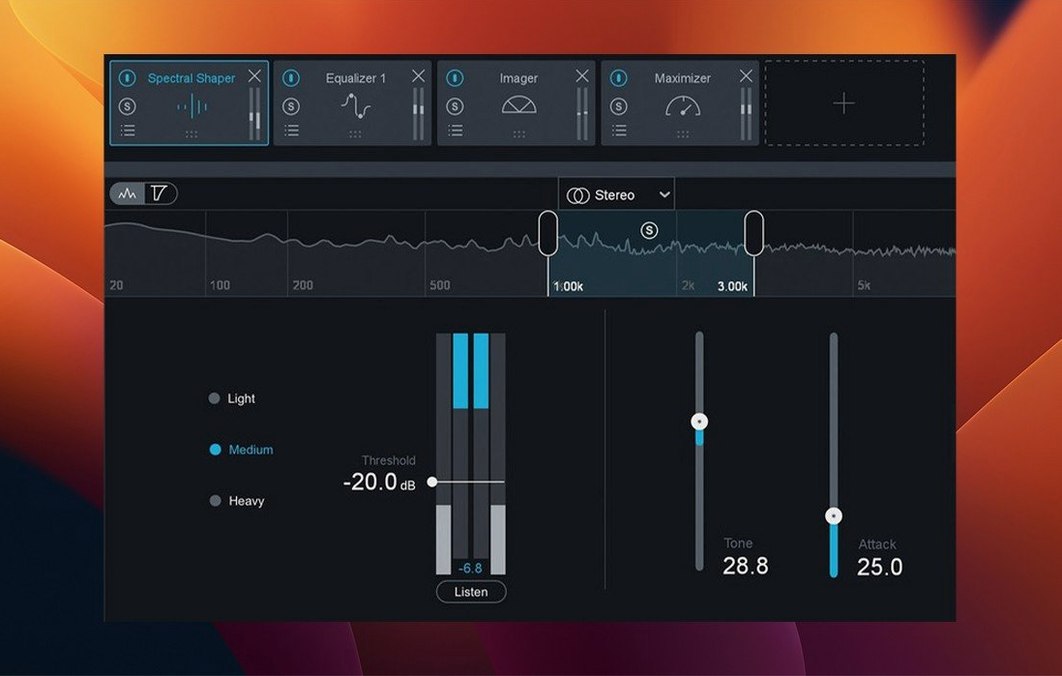
Mixing engineers finishing a record, post-production editors sweetening a mix, and beatmakers who want a competitive loudness before uploading all reach for Ozone. It's a mastering chain that doesn't force you to patch together ten different tools.
Who Needs the Stabilizer?
Anyone whose mix sounds fine in the studio but falls apart in the car. You pick one of 25 genre targets—modern hip-hop, indie rock, electronic—and it shapes the tonal balance and dynamics toward that sound, giving you a smarter starting point than a static EQ curve.
What Does Bass Control Actually Do?
It isolates the low end and lets you shape the punch and weight of a kick drum without muddying the bassline. You get two independent bands that work below 300 Hz, so a boomy synth bass and a thin kick can be fixed in the same pass.
Where Does Stem EQ Fit In?
When you receive a stereo mix but the vocal is buried or the drums are harsh, Stem EQ uses assisted source separation to pull those elements apart. You can then apply broad, musical EQ moves directly on the vocal or drum stem inside the mastering session—no multitrack required.
Why the Unlimiter Over a Standard Limiter?
It uses intelligent release behavior to keep transients sharp while still hitting modern loudness targets. When a regular limiter starts to pump or smear the snare, the Unlimiter preserves the hit and pushes the track forward instead of flattening it.
Shortcuts That Stick After One Session
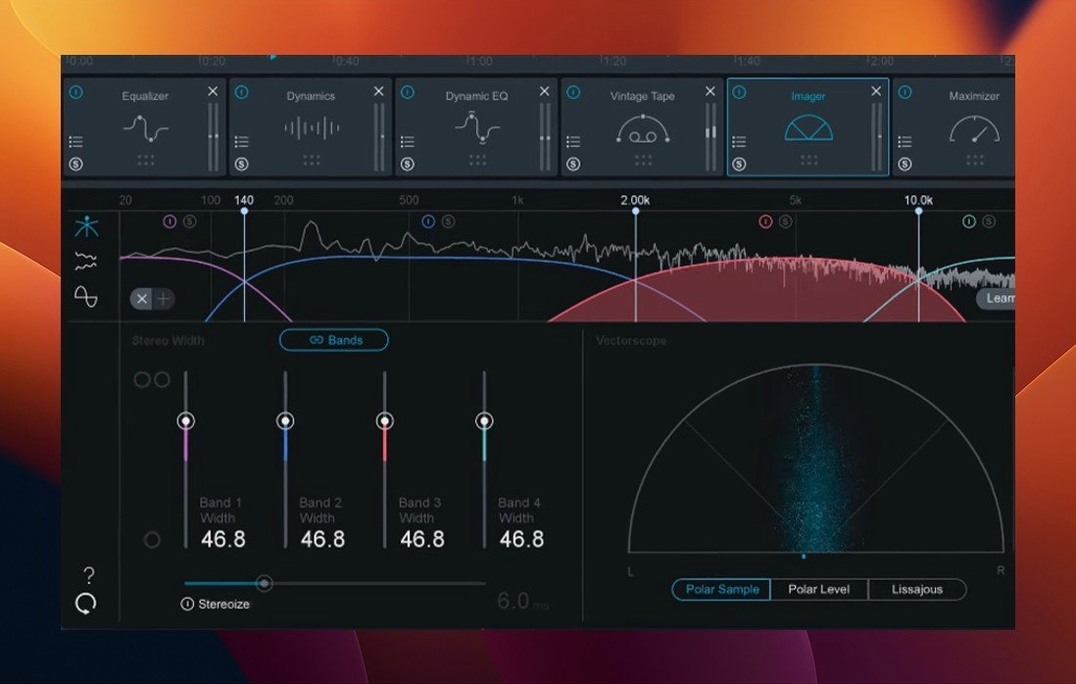
Ozone packs a few moves that are easy to overlook if you dive straight for the Assistant. The first one I tell every editor about: option-click any module's power button to solo that processor. No digging through menus, no temporary routing—just hold option and click. You hear exactly what the Imager is adding to the sides, or what the Vintage Limiter is doing to the transients. Let go and you're back in the full chain.
Another lifesaver lives in the Module Gain sliders. Command-drag the input or output gain on any module and Ozone automatically compensates the opposite end. Push the EQ input up 3 dB? The output drops 3 dB to match. Level-matched auditioning becomes second nature instead of a guessing game.
If you bounce between the standalone app and your DAW, save a Module Chain preset from a session you like. Right-click the chain header, save it, and that exact order—EQ into Dynamics into Maximizer—loads next time with one click. Not a full preset, just the skeleton. Great when you've dialed in a signal flow that works for your genre but want fresh settings per track.
The delta button on any module (that little triangle next to the bypass) is quietly essential. Click it once and you hear only what the processor is removing or adding. On the Maximizer, it reveals exactly what's being clipped or limited. On the Vintage Compressor, you hear the grab and release in isolation. It turns every module into an ear-training tool.
First Settings to Rethink
Out of the box, Ozone ships with a few defaults I always tweak before anything else. Open the preferences—the gear icon top-right—and bump the undo history to 50 steps. The default 20 runs out fast when you're comparing IRC modes on the Maximizer or flipping between Stabilizer targets.
Next, switch the meter ballistics from "Slow" to "Medium." Slow looks smooth but hides what your kick and snare are actually doing to the ceiling. Medium gives you a truer read on peaks without the jitter of Fast mode. While you're in there, enable "Show module gain reduction on meters"—tiny meters appear under each module name in the chain, so you spot a compressor working too hard without opening its panel.
One more: if you master across multiple monitors or headphones, set up the Reference panel with three or four tracks you know intimately. Drag them in from Finder, set target loudness per track, and they'll appear in the Level Match section. The panel stays collapsed until you hit the Reference button, then slides out and level-matches on the fly. Way faster than importing reference tracks into the session.
Mastering a Hip-Hop Track, End to End
A beatmaker sends me a stereo bounce—808s rattling the low end, a vocal that ducks behind the hi-hats, and a peak level around -9 dBFS. The mix feels exciting but collapses on a phone speaker. Here's the path I take from empty chain to finished master, leaning on Ozone's newer tricks.
Step one: load the chain and hit Assistant. I drop the file into Ozone standalone, set the Assistant target to "Streaming" with a -14 LUFS integrated goal, and pick the "Hip-Hop / Trap" genre target. The Assistant listens for about twelve seconds, then places modules in a sensible order and sets initial thresholds. I never trust it blindly, but it's a faster starting point than an empty rack.
Step two: shape the low end with Bass Control. The 808 and kick are fighting below 60 Hz. I open Bass Control, solo the Low band (0-100 Hz), and hear nothing but sub wash. I tighten the attack on the Low band to let the kick transient poke through, then widen the High band (100-300 Hz) slightly and cut 2 dB to pull mud out of the bassline. The whole low end breathes better in under a minute.
Step three: Stabilizer for tonal balance. Switching to the Stabilizer, the default curve looks close but the high-mids are a little hot—that's the hi-hats eating the vocal space. I nudge the target curve down 1.5 dB around 4 kHz and up 1 dB around 2 kHz where the voice lives. The Stabilizer's transient/sustain slider gets pushed 20% toward "Transient" so the snare cuts through without getting harsh.
Step four: Stem EQ to rescue the vocal. I engage Stem EQ, wait for it to separate, and solo the Vocal stem. A broad 2 dB boost at 1.5 kHz brings the rapper forward. I cut 3 dB at 500 Hz on the Drums stem to clean up boxiness. The instrumental separation isn't multitrack quality, but for broad tonal fixes inside a mastering session, it's remarkably clean.
Step five: Maximizer with IRC 5. I pull the threshold down until the integrated LUFS hovers around -13.5. IRC 5 mode set to "Modern" keeps transients snappy; "Classic" mode on this track softened the kicks too much. I engage True Peak limiting at -1 dBTP and watch the meter—no overs, no audible pumping. The delta button confirms I'm shaving only about 3 dB on the loudest hits.
Step six: final listen and export. Fifteen minutes in, I toggle Reference against a commercial track I trust, match loudness, and switch between my monitors, headphones, and a mono fold-down using the Output section's mono button. The 808 still has weight in mono, the vocal doesn't disappear, and the hi-hats aren't fatiguing. Export as 24-bit/48 kHz WAV, done.
A Tuesday Evening Session
It's 9 p.m. and I've got three tracks to master for a client's EP. The coffee's cold, the monitors are warm, and Ozone's standalone app is pinned to the left half of the screen. Finder sits on the right with the mixes folder open.
I drag the first track—an indie rock song with a dense chorus—straight onto the Ozone window. The waveform draws instantly. Assistant runs for ten seconds and lands on a chain: EQ, Dynamics, Imager, Maximizer. The Stabilizer suggestion pops up but I dismiss it; this mix is already well-balanced and I'd rather not nudge what's working.
The Dynamics module catches my eye. The Assistant set the compressor threshold too aggressively for the chorus, so I open the module, switch to Detection Filter mode, and set a high-pass sidechain at 80 Hz. Now the compressor reacts to the vocal and guitars, not the kick drum. The chorus breathes instead of collapsing.
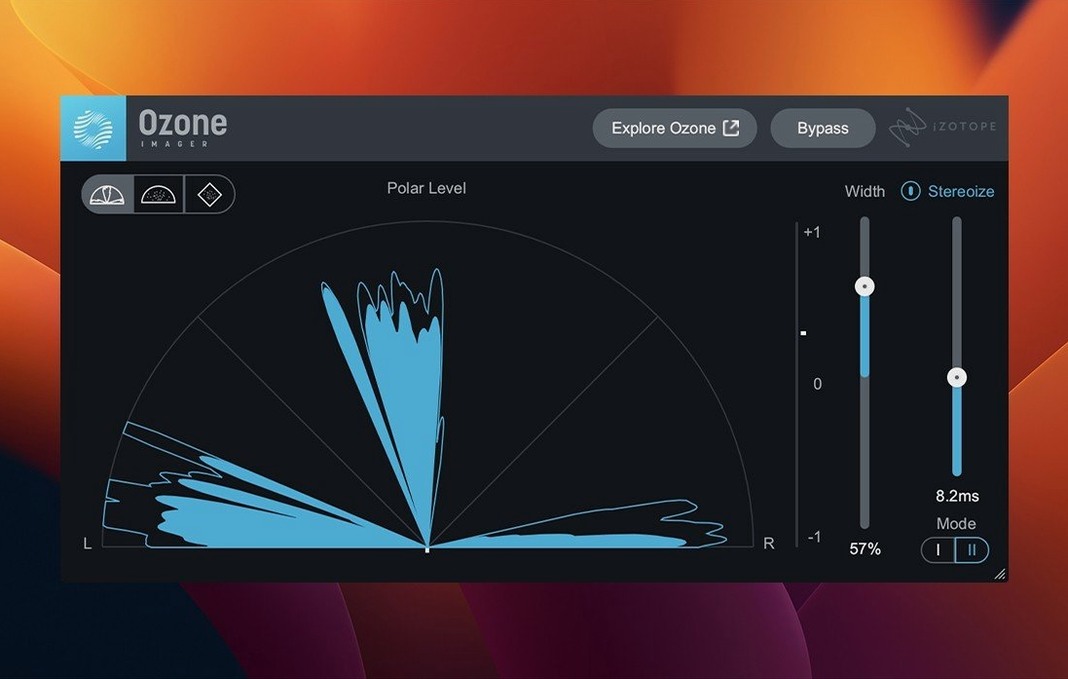
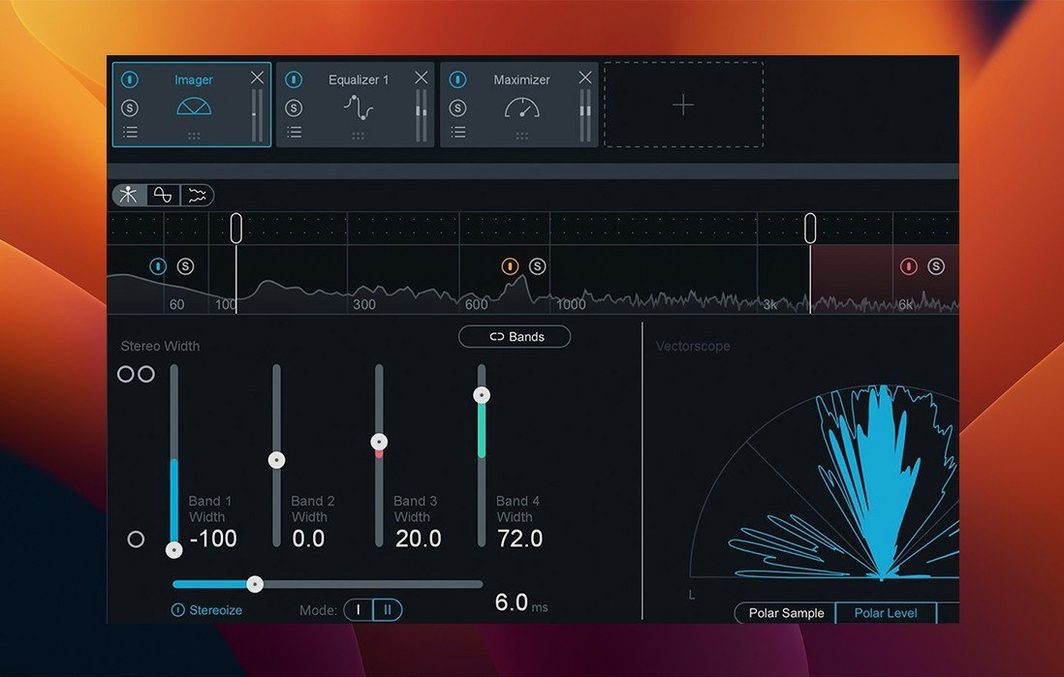
I spend eight minutes on the Imager, widening the sides above 2 kHz while keeping the low end mono with the band-split controls. A quick A/B with bypass confirms the stereo field opens up without losing center focus. Reference against a Phoebe Bridgers track, match loudness, export.
Track two is a synth-heavy instrumental. I switch tactics—no Dynamics module, just Bass Control, EQ, and Maximizer. The low end needs taming below 50 Hz, so Bass Control's Low band gets a fast release and a 2 dB cut. Done in six minutes.
Track three lands with a vocal that's noticeably dull. I engage Stem EQ for the first time tonight, isolate the Vocal stem, and apply a high-shelf boost from 3 kHz up. The vocal sharpens without touching the lush reverb on the instrumental stem. Twelve minutes total.
By 10:15, three masters are bounced, named, and sitting in the client's folder. No crashes, no UI lag—the 12.1.0 update made module switching noticeably snappier than the previous build I was running.
Where Ozone Sits Among Other Tools
Ozone isn't the only thing open when I master. It's the hub, but it talks to a small ecosystem. The standalone app accepts drag-and-drop from Finder, so I pull reference tracks straight off the desktop. I keep a folder of lossless references organized by genre—no iTunes purchases, no streaming rips, just CD rips and Bandcamp downloads.
Inside a DAW like Logic Pro, Ozone lives on the stereo output as an AU plugin. I often run it after a metering plugin like Youlean Loudness Meter, not before. That way I see the pre-mastering loudness and dynamics, then Ozone's Maximizer pushes it to final levels. The two work in series without stepping on each other.
If I'm doing restoration work, iZotope RX sits upstream on individual tracks before the mixdown hits Ozone. Mouth clicks, hum, and broadband noise get cleaned in RX; tonal balance and loudness get handled in Ozone. They share a similar spectral worldview, which makes the handoff feel logical rather than disjointed.
macOS features sneak into the workflow too. Quick Look (spacebar on any WAV) previews mixes without opening anything. I tag finished masters with Finder tags—green for approved, yellow for revision—so the client folder stays organized. And because Ozone's standalone app respects Core Audio, switching between my interface and the MacBook's headphone output is a single click in the menu bar, no relaunch needed.
For producers hunting down Ozone 12 torrent or an iZotope Ozone 12 free download, the draw is obvious: twenty pro plugins in one installer, from Bass Control to the Unlimiter, without patching together a chain from scattered freeware. The same applies for those searching Ozone 11 Mac torrent or iZotope Ozone 11 torrent—the module count grew, but the core idea stayed intact: one window, one chain, one finished master.
The big relief in 12.1.0 is the snappier interface—slow UI loading and sluggish instantiation times are squashed. Also fixed: stereo output handling for mono-to-stereo instances, so routing behaves correctly now. Cubase 15 has been added to the supported host list, and the compatible macOS versions have been updated.
- macOS 13.7, 14.7, or 15.4
- Intel or Apple Silicon Mac
- 64-bit AU, AAX, or VST3 host
Questions I actually get
Which plugin formats come with Ozone 12?
You get 64-bit AU, AAX, and VST3 plugins for use in Logic Pro, Pro Tools, Cubase 15, and other compatible DAWs.
Notes from the edit bay · 0
Sign in or get an edit-bay pass to leave a note.
No notes from the edit bay yet. They go up after I read them.