
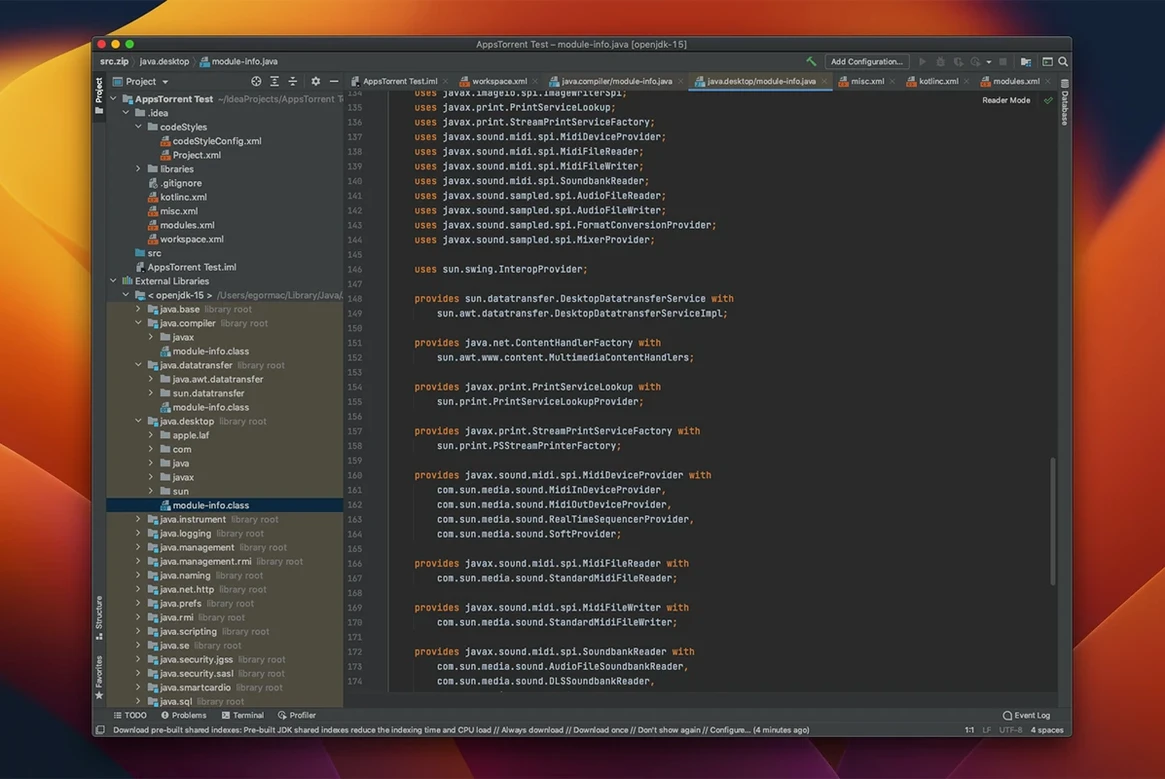
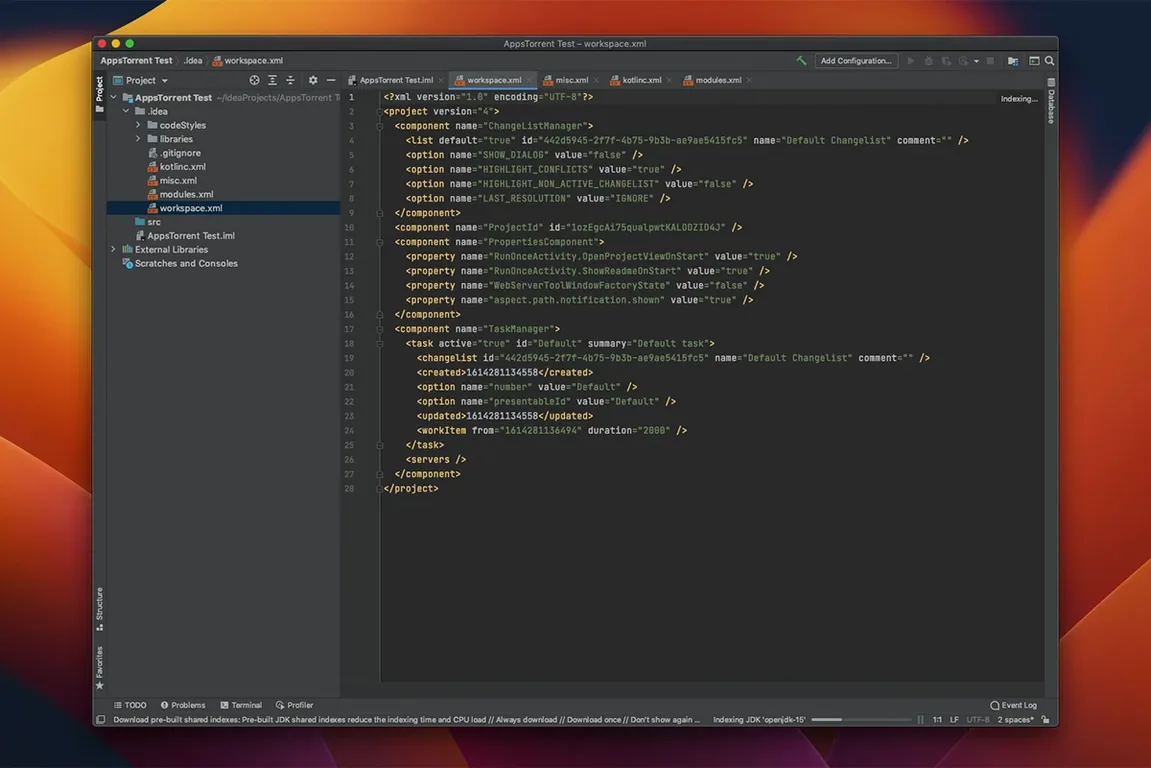
Smart code completion isn't just a fancy autocomplete. It’s the thing that understands your intentions halfway through a line and offers to wrap the statement, add the semicolon, and import the class before you finish typing. That’s the kind of assistance running under every keystroke in IntelliJ IDEA, JetBrains’ unified IDE for Java and Kotlin. The 2026.2.3 build keeps that engine humming while cleaning up a few rough edges that crept into recent releases.
This is development with the deep static analysis turned on by default. The IDE reads your code in real time, flags issues as you write, and suggests refactorings that actually account for every call site across the project. You’re not just editing text; you’re reshaping structure with tooling that understands the graph. JavaScript, SQL, and a dozen other languages sit alongside your Java sources without needing a separate editor for each.
Version control is baked into the interface, not bolted on. Diff views, blame annotations, and branch management live where you expect them, and the merge conflict resolver actually makes sense when two developers step on the same method. The single installer replaces the old Community and Ultimate split, so you get one path into the tool and let your license sort out which features light up.
On the Mac, it runs natively on both Intel and Apple Silicon hardware and asks only for macOS 11 or later. If you live inside a JVM, edit Kotlin multiplatform projects, or just want an editor that catches your mistakes while the coffee is still hot, this is the workhorse.
Type .sout and Hit Tab Instead of Wrapping Expressions
Postfix completion is the one shortcut that changes how you type. Instead of wrapping an expression, just tack on .sout, .var, or .null after a value and hit Tab. The IDE expands the whole construct around it. You probably use it twice a day without realizing there are three dozen postfix options hiding in Settings under Editor > General > Postfix Completion.
Local History is a quiet lifeline. Even if you never committed a change, IntelliJ tracks every save point, test run, and deployment. Right-click any file or folder, pick Local History > Show History, and you get a diff view of what changed and when. It's pulled more than one late-night refactor out of the fire.
The Search Everywhere double-tap (Shift-Shift) does more than find files. Type / to scope to actions, : for symbols, or just start typing a setting name to jump straight into preferences. Most people use it for files and never discover those prefixes.
Oh, and that distraction-free mode? It's called Zen Mode, found under View > Appearance. No toolbars, no tabs, just the code. Escape exits it instantly.
Friction Points Worth a Fix
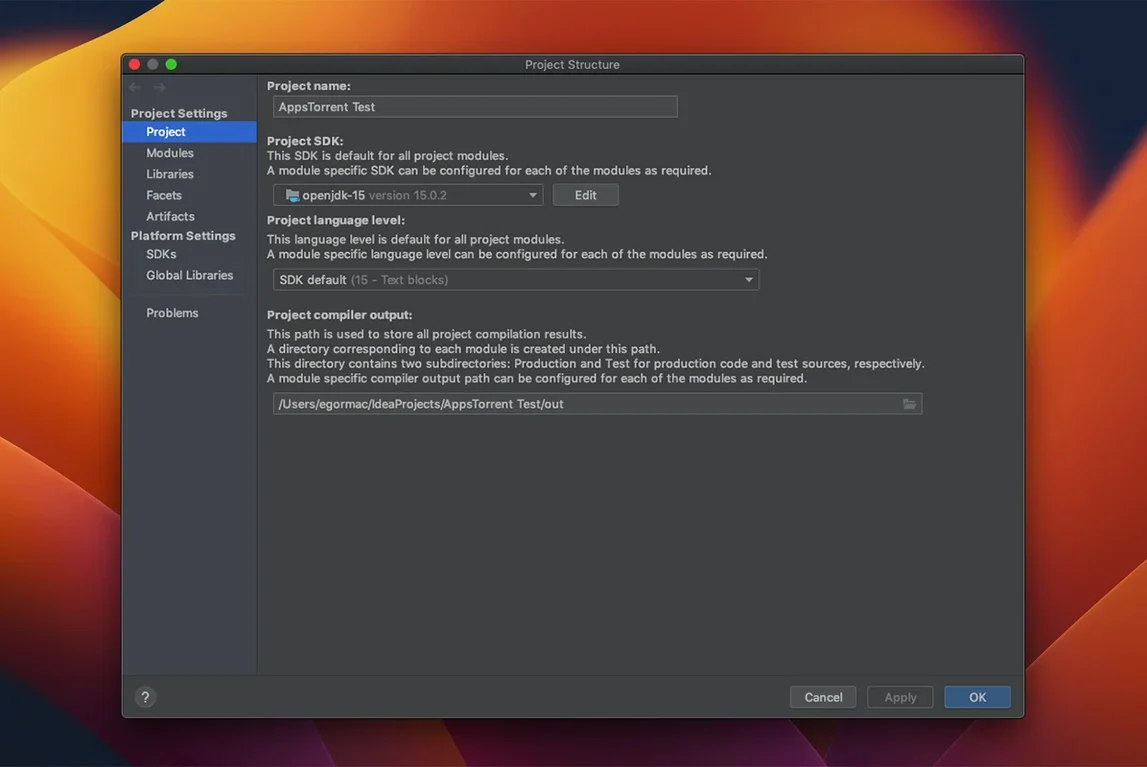
Indexing stalls on huge projects. If the IDE spins on "Indexing" for minutes after switching branches, invalidate caches from File > Invalidate Caches and restart. You'll lose local history for uncommitted files, so commit or shelve first. Also check that the project's JDK is set correctly under Project Structure — a mismatched SDK confuses the indexer more than you'd think.
Plugins dragging startup time. A fresh install of intellij idea mac full version arrives lean, but after a few months of plugin creep you'll feel the launch lag. Go to Help > Diagnostic Tools > Activity Monitor and sort by the Plugins tab. Disable anything you haven't used in two sprints. The PlantUML extension got a bump to 1.2026.6 in this build, by the way, so if you were holding off on updating it, now's the time.
WSL2 debugging lockups were a known headache on mirrored networking setups. The 2026.2.3 update specifically addresses unresponsiveness in Debug mode there, so if you've been avoiding stepping through code on a Windows target from your Mac, that's resolved.
Markdown preview scrollbar vanishing was another papercut fixed here. If your preview pane still looks off after updating, toggle the preview off and on again — the renderer sometimes holds onto a cached state.
Several causes of IDE freezes were resolved, so the editor stays responsive during long indexing sessions. The vertical scrollbar in the Markdown preview pane is back where it belongs and displays correctly again. Also fixed: the bundled PlantUML extension was updated to version 1.2026.6.
- macOS 11 or later
- Intel or Apple Silicon Mac
Questions I actually get
What languages does IntelliJ IDEA support beyond Java?
It supports development in Kotlin, SQL, and JavaScript natively, with additional language support available through plugins.
Notes from the edit bay · 0
Sign in or get an edit-bay pass to leave a note.
No notes from the edit bay yet. They go up after I read them.