
Open a Problem File
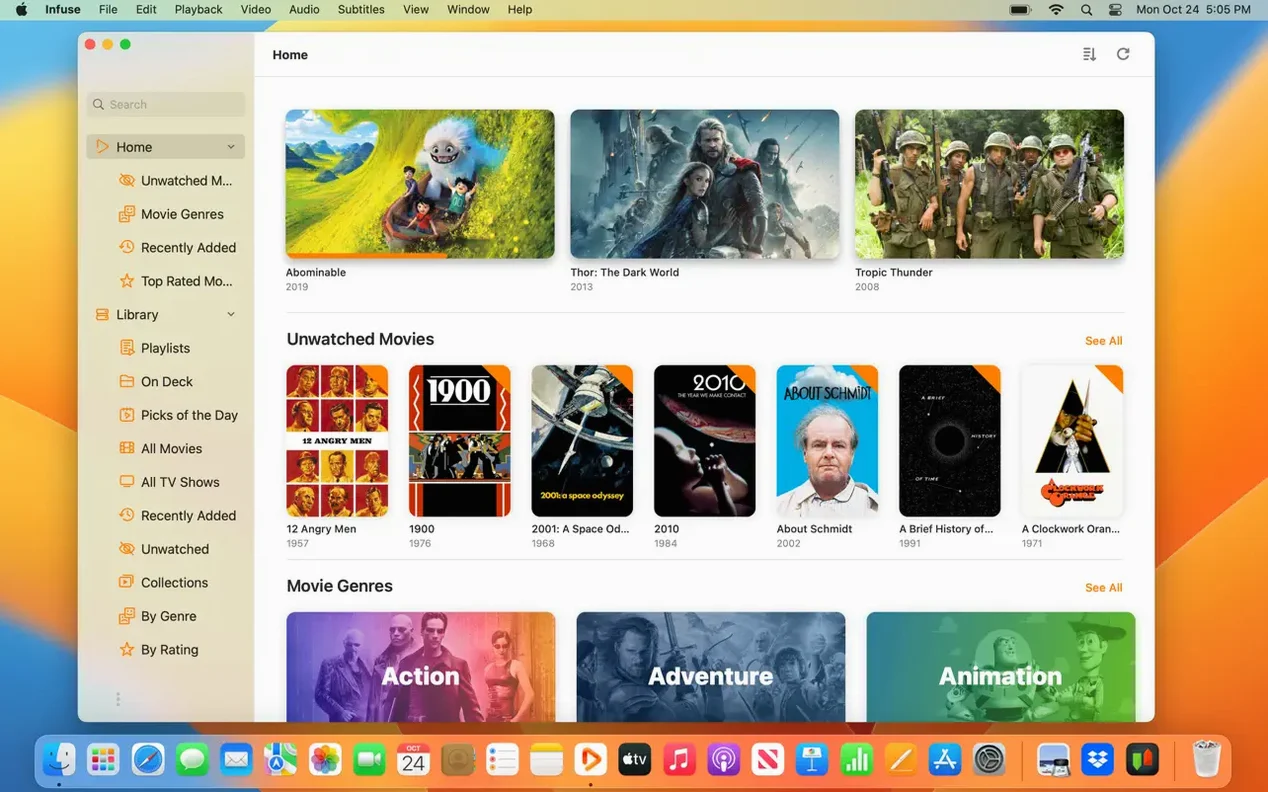
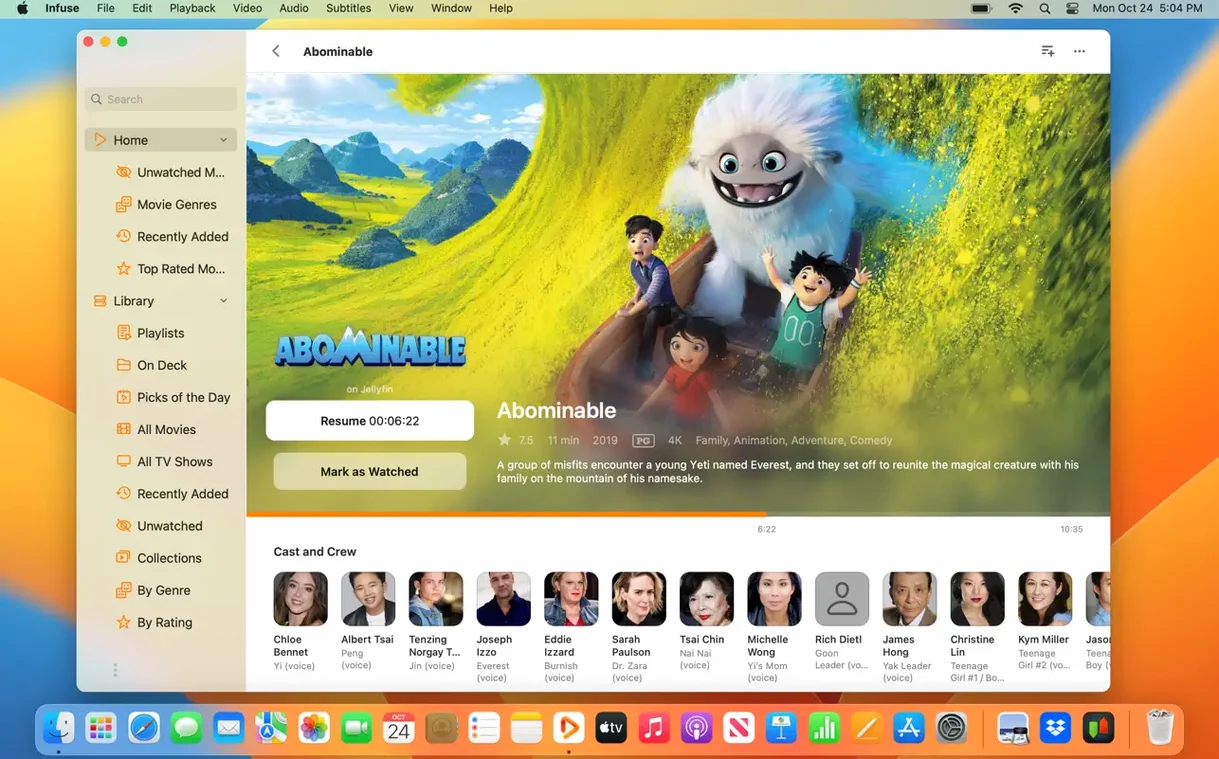
QuickTime bailed on you again. Maybe it's an MKV, a Blu-ray ISO, or a client's ancient WMV. You download Infuse, open the DMG, drag the app to Applications, and launch it. Drop that file on the window and it just plays. No plug-in hunt, no handbrake queue, just a picture on the timeline you can actually watch.
Pull a Subtitle on the Fly
Halfway through, you realize the dialogue is in German with no embedded subs. Hit the subtitle menu, search OpenSubtitles right from the playback overlay, and grab an SRT. It syncs to the track without a restart, and you can tweak the offset with a slider if the timing drifts.
Stream From a Server
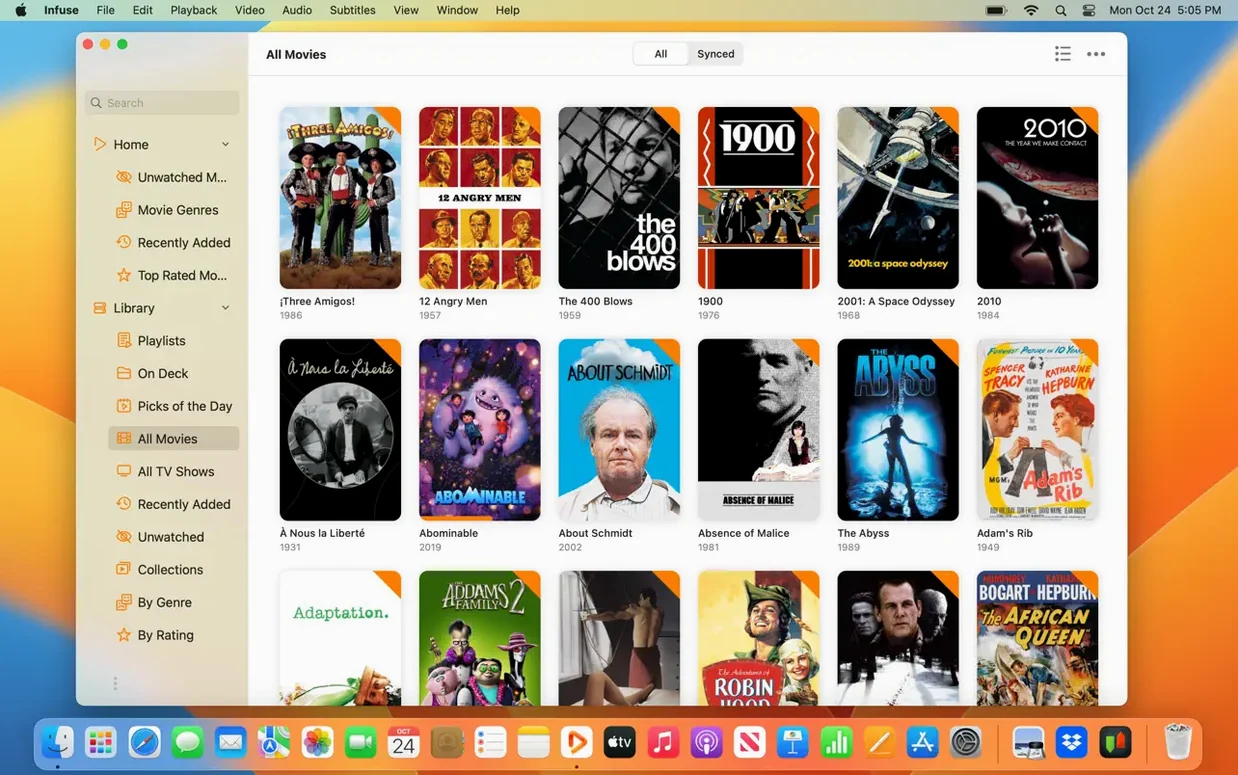
The media lives on a Synology at the office. Add the SMB share, and Infuse scans it into a library without copying a single file. You browse folders, tap a 4K HEVC clip, and it starts streaming with DTS-HD passthrough to your receiver. For a freelance editor with fast deadlines, it turns a messy pile of formats and network drives into one simple play button.
SMB Reconnects After Sleep Finally Work
If you grabbed an infuse 8.2 build last year, the move to infuse pro 8.3.9 and eventually 8.5.5 rewired a few things under the hood. The most noticeable fix lands on network shares: SMB reconnection after your Mac wakes from sleep actually works now. Earlier versions would spin for ten seconds and dump you back to the home screen. With 8.5.5, the library picker reconnects silently, and the file resume point holds steady.
Also fixed: a color shift on certain 10-bit HEVC files that made skin tones look sunburned on Apple Silicon displays, and a crash when jumping chapters inside a DTS-HD MKV. Neither sounds glamorous, but when a client is watching dailies over your shoulder, you feel every single one.
Why Kill Artwork Fetching for Work Drives
Out of the box, Infuse scans and plays. A few tweaks in the first hour save you from irritations later.
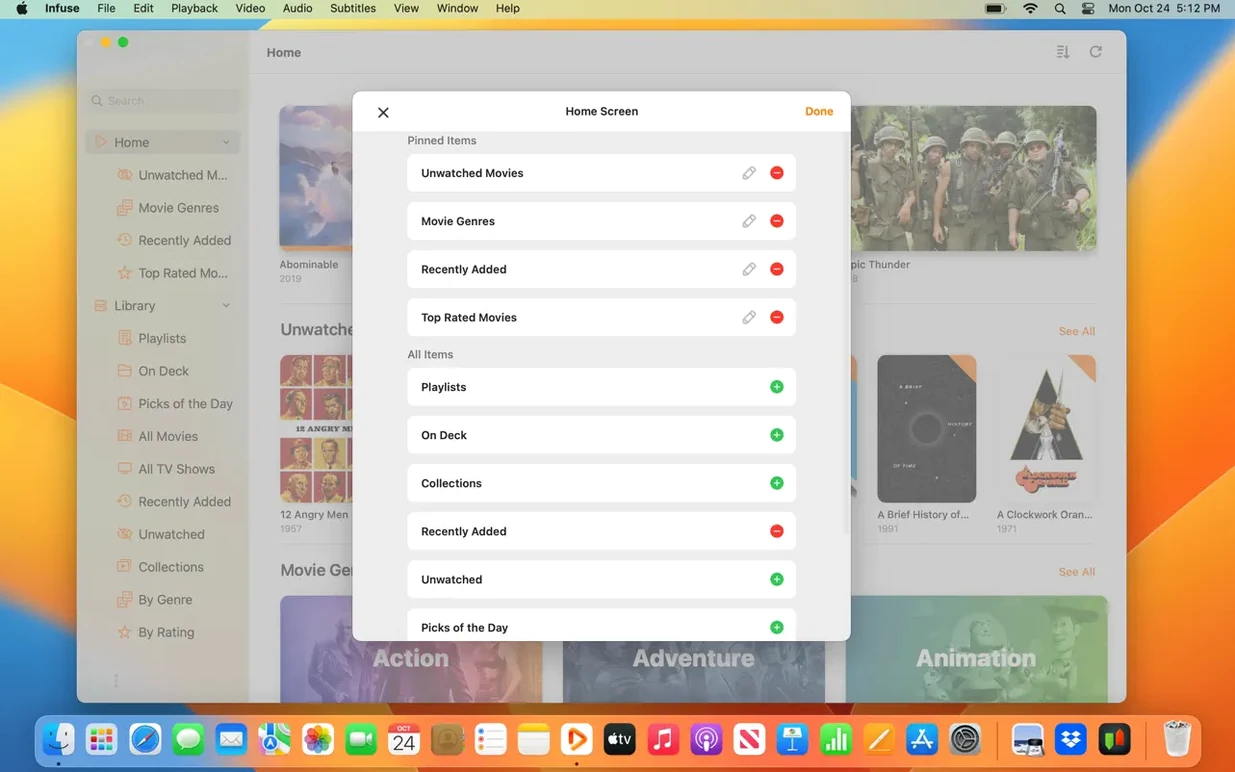
- Turn off artwork fetching for work folders. Infuse pulls posters and metadata aggressively. If you drop a drive full of proxy files and temp renders, you don't need it trying to match "Scene_12_v3.mov" to a movie database. Go to Library settings and disable it per share.
- Bump the buffer for network streams. Default is fine for local Wi‑Fi, but a 4K remux over a VPN or slow NAS benefits from a larger cache. Settings → Playback → Streaming Cache, push it to 256 MB or higher if you have the RAM.
- Set the double-tap gesture. On a trackpad, a two-finger double-tap can toggle fullscreen or play/pause. Muscle memory from QuickTime makes this feel right immediately.
Shortcuts and Small Things That Stick
Some conveniences hide in plain sight. You use them once and wonder why every player doesn't copy them.
The one-finger vertical swipe on the right edge of the trackpad controls volume; the left edge controls brightness. No overlay appears — the screen simply dims or brightens, which is perfect when you're checking shadow detail in a grade reference.
Holding the Option key while clicking the playback speed indicator cycles through discrete steps instead of the slider. Quick way to jump between 1×, 1.5×, and 2× without dragging.
When subtitles load from OpenSubtitles with a slight drift, Command-Shift-Left/Right bumps the offset by half a second. The slider in the menu is fine, but the keyboard shortcut keeps you in fullscreen without reaching for the cursor.
Pulling a fresh infuse pro cracked build onto a second Mac? iCloud sync for watched history and playback position kicks in automatically once you sign in. Start a film on the Mac Studio, pick it up on a MacBook Air in the kitchen at the exact timestamp you left it.
A Workflow: Reviewing a Client's Rough Cut From a NAS
Picture this: the edit house drops a rough cut onto their Synology as a 10-bit 4K MKV with embedded timecode subtitles. You're on a deadline and the file won't open in QuickTime. Here's how Infuse turns that into a review session.
Open the app, hit Command-N to add a new share, and point it at the SMB path. The folder appears in the sidebar. Navigate to the MKV and press Space — the file starts playing instantly with direct playback, no transcoding.
Tap the subtitle track button and switch to the embedded timecode stream so every frame reference is visible on screen. Need to send notes? Command-I opens the inspector overlay, which shows the current timecode, bitrate, and codec details at a glance. Jot down your timestamp notes without pausing playback.
When the director asks about a specific moment at 12:34, type 12:34 on the keyboard while the overlay is visible — Infuse jumps straight there. No scrubbing, no guesswork. If the audio is a DTS-HD mix and your Mac's internal speakers fold it down fine, great. If you're plugged into a receiver via HDMI, the passthrough sends the full bitstream untouched.
When you finish the review and close the app, Trakt sync logs the watch. Next time you grab an infuse 8 pro build on the Apple TV in the living room, the file is marked as watched and the library stays clean across devices. For a freelancer bouncing between rooms and machines, that consistency is the whole point.
- macOS 12 or later
- Apple Silicon or 64-bit Intel Mac
Notes from the edit bay · 0
Sign in or get an edit-bay pass to leave a note.
No notes from the edit bay yet. They go up after I read them.