When a studio machine locks up mid-render and you're across town, a remote desktop client isn't a luxury — it's how you keep the deadline from blowing out.
Apple Silicon & Intel — Runs natively on both architectures, so no Rosetta penalty on M-series Macs.
macOS 11 Big Sur minimum — If you're still on Catalina, it won't launch. Anything newer is fine.
RDP & VNC support — Connects to Windows boxes via RDP and Macs or Linux machines via VNC. One client for everything on the network.
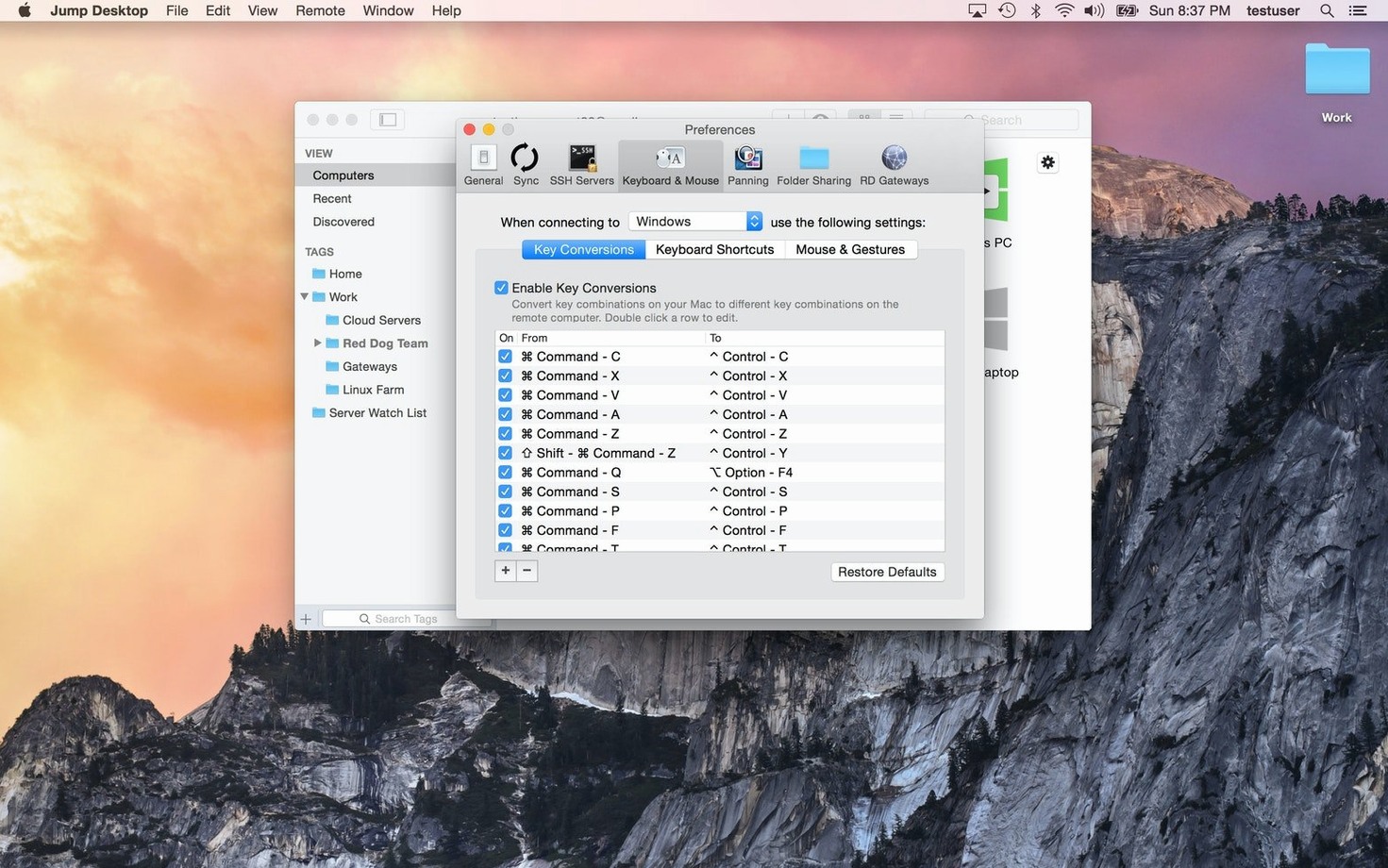
Keyboard remapping — Swaps Command and Control between Mac and Windows layouts so muscle memory doesn't trip over itself when you jump into a PC session.
File transfer — Push clips or project files between the local and remote machine without firing up a separate cloud sync. Drag, drop, done.
English only — The interface ships in one language.
Remap Your Keyboard Before You Do Anything Else
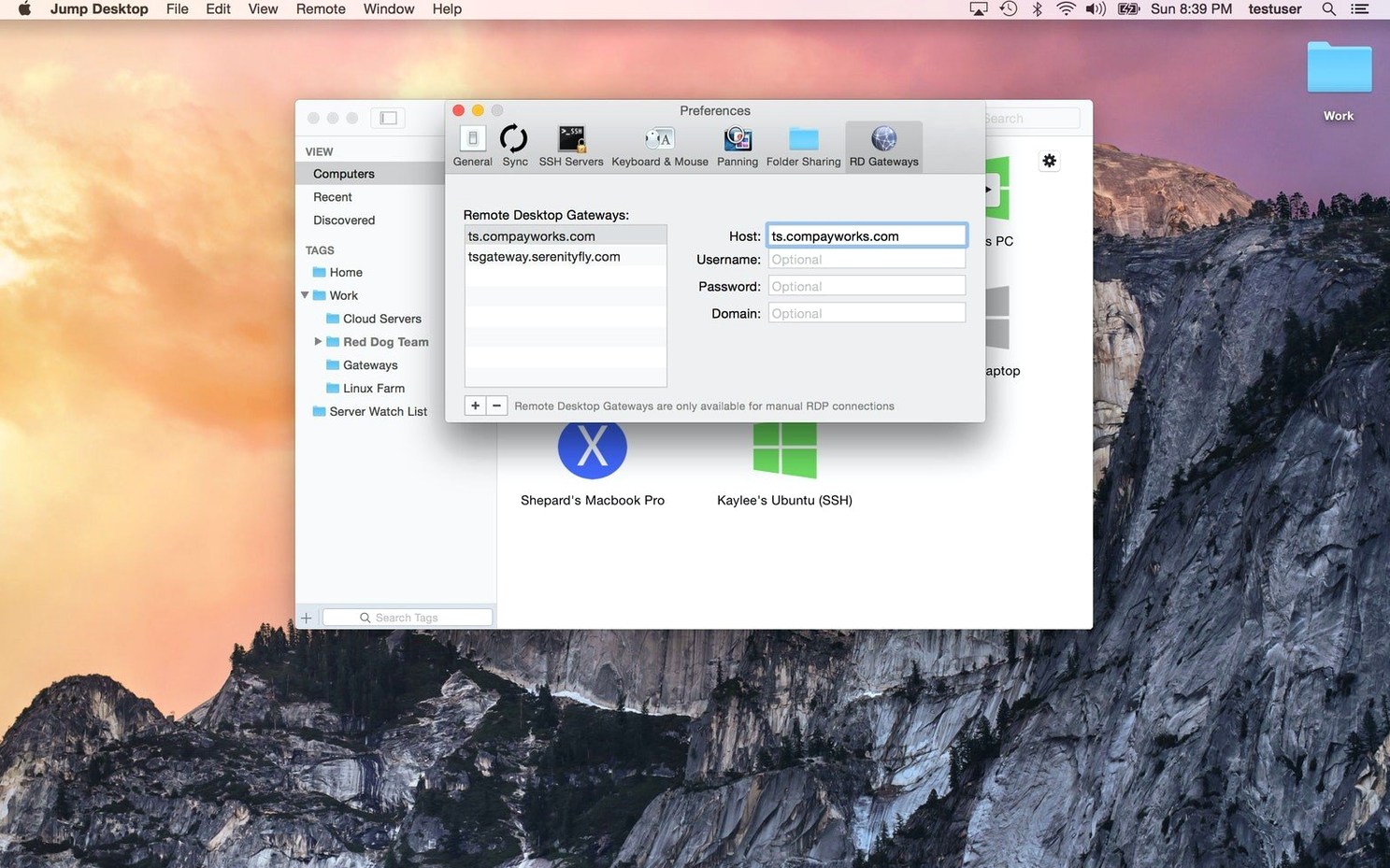
Out of the box, Jump Desktop guesses what you want from a keyboard layout — and in cross-platform sessions, it guesses wrong often enough to be annoying. Open the preferences, go to the Keyboard tab, and set up your profiles per connection rather than globally. A Windows RDP session needs the Command key to behave like the Windows key, but a VNC session into a headless Mac mini should leave it alone.
Also turn off “Send system keys to remote” unless you actually want Command-Tab switching apps on the machine two states away. I leave it off and use the remote's own shortcuts instead.
One more checkbox worth hunting down: under Display, disable “Scale to fit” if you're working with a UI that has tiny click targets — Pro Tools faders, for example. Scaling introduces just enough cursor offset to make a -3 dB trim feel like a game of Operation.
Three-Studio Check From a Coffee Shop
A freelance colorist I share a render node with had this come up last month. They were grading a music video, the client was in the suite, and a specific LUT lived on the machine back at their desk across the building — not on the shared storage. They pulled out a MacBook Air, opened Jump, jumped into the offline Mac via the Connect agent, found the LUT sitting in a project folder, and dragged it onto the Air's desktop. Then they opened a session to the suite machine and dropped the file into the Resolve LUT folder. The client never knew the grading stopped for ninety seconds.
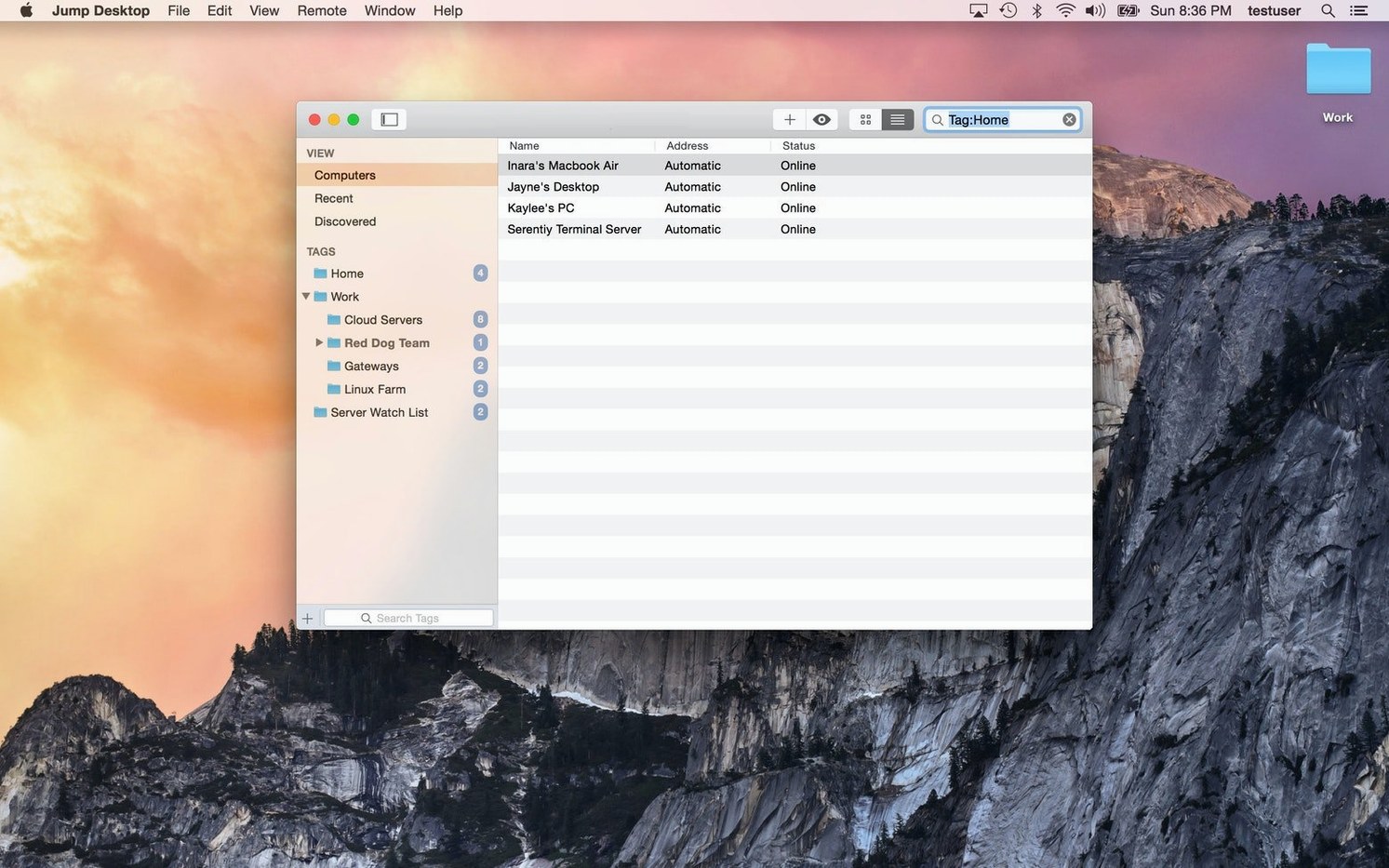
Same tool, different muscle: an IT admin I know keeps a single Jump window open to the render node, another to his office iMac, and a third to a Windows box running license server software. Three tabs, three machines, zero desk space. He remapped Windows shortcuts once, saved the connection profile, and hasn't thought about it since.
Who Runs This Daily — And Why
Editors with a home rig and a client suite. The Jump Desktop Mac torrent crowd isn't always about avoiding payment — plenty of post people grab it because they need a known build that works on both their M1 MacBook and the trashcan Mac Pro still chugging in a machine room. RDP and VNC in one app means they're not juggling Microsoft Remote Desktop and RealVNC depending on which bay they're dialing into.
Audio engineers with headless Macs. A Mac mini bolted to a rack doesn't need a monitor if Jump Desktop Connect is installed. Open the session, tweak Dante routing, close it. VNC is all they need, and Jump doesn't saddle them with a bloated UI.
Cross-platform households. Someone editing on a Mac Studio who also maintains a Windows PC for Resolve render jobs gets a single remote client. Keyboard remapping alone saves them from the Command-vs-Control brain scramble that happens when switching machines ten times a day.
IT staff who touch both stacks. RDP to Windows servers, VNC to Mac endpoints — one app, one set of saved credentials, one clipboard that actually works across both. That's the jump desktop download mac use case that keeps the ticket queue moving.
Workflow: Dial In, Grab a File, Get Out
Here's a sequence I run at least twice a week. The project drive lives on my desk Mac Studio. I'm on a laptop in the living room, and I realize I need the After Effects project file I forgot to copy to the portable SSD.
Step one: Launch Jump. The Connect list shows the Studio as online — it went to sleep but the agent woke it for a network ping. I click the icon. Connection takes about four seconds over Wi-Fi on the same LAN.
Step two: The remote desktop fills the MacBook screen at native resolution. I don't bother scaling — I'm not editing here, just navigating. I open the project drive in Finder, locate the .aep, and hit Command-C.
Step three: On the local machine, I paste. Jump's clipboard tunnel moves the file reference, and the transfer dialog pops up with a progress bar. A 180 MB project file takes maybe fifteen seconds over decent Wi-Fi.
Step four: I close the session. The Studio locks itself again thirty seconds later per its energy saver settings. I never left the couch.
This flow works identically over a cellular hotspot, though the initial connection takes longer — budget ten to fifteen seconds before the desktop paints. If I know I'll be on a slow link, I drop the color depth to 16-bit in the connection settings beforehand. The interface gets a little crunchy, but file transfers don't care about color depth, and neither do I when the deadline is in an hour.
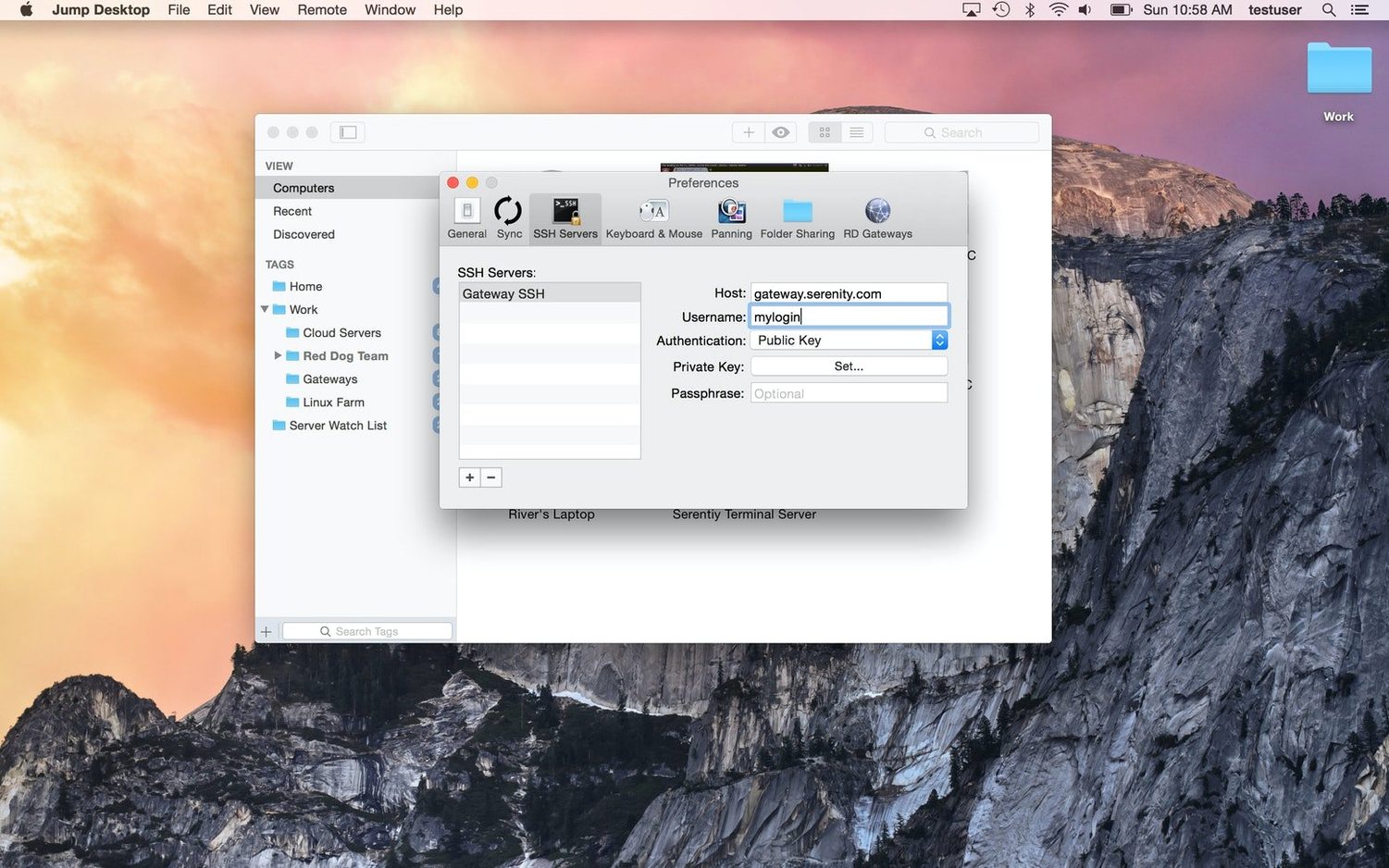
A variation for Windows users: the same steps apply, but you'll want the jump torrent build that includes the Connect agent for the PC side. Install the agent, link it to the same email account you used on the Mac client, and the machine appears in your list automatically. No IP addresses, no port forwarding, no router config. That's the part that saves twenty minutes of phone support with a less technical team member.
For anyone searching a Jump Desktop Mac crack, the draw is often exactly this — a frictionless setup that doesn't require a subscription conversation with accounting. The TNT build strips the activation step and gets straight to the Connect agent pairing.
What's New in Jump Desktop 10
This is the big one. Jump Desktop 10 rebuilds the connection pipeline for speed and clarity. First thing you'll notice: up to 480 frames per second. Leave Framerate on Auto and let it chase your screen's refresh rate — games, fast scrolls, and motion stay fluid instead of smearing into a mess.
Hardware encoding is the quiet hero. Flip Codec to Hardware and you get sharper detail at the same bandwidth while the host sips CPU. On a MacBook, that means actual battery life when you're remoting in from the couch.
Virtual displays get serious. Save resolution presets, dial in an exact scale and refresh rate, then turn on Keep After Disconnect — the display stays alive on the host between sessions. No more window-shuffle when you reconnect.
They also added USB device redirection for Windows and Mac hosts, full game controller passthrough, and two features that make creative work feel local: Input Trail draws your stylus and mouse strokes instantly on high-latency links, and Color Passthrough delivers the host's pixels unprocessed to a calibrated display.
Everyday touches round it out — back/forward mouse buttons, trackpad pinch-to-zoom, and much better CJK text composition.
- macOS 11 or later
- Apple Silicon or Intel 64-bit Mac
Questions I actually get
Can I use Jump Desktop as a plain VNC client?
Yes. It connects to any standard VNC server, so you can reach macOS, Linux, and other VNC hosts without extra software on the remote side.
Does the remote computer need special software installed?
For the best experience, you install the companion host component on the target machine. For basic VNC or RDP connections, the built-in server on that machine may be enough.
Notes from the edit bay · 0
Sign in or get an edit-bay pass to leave a note.
No notes from the edit bay yet. They go up after I read them.