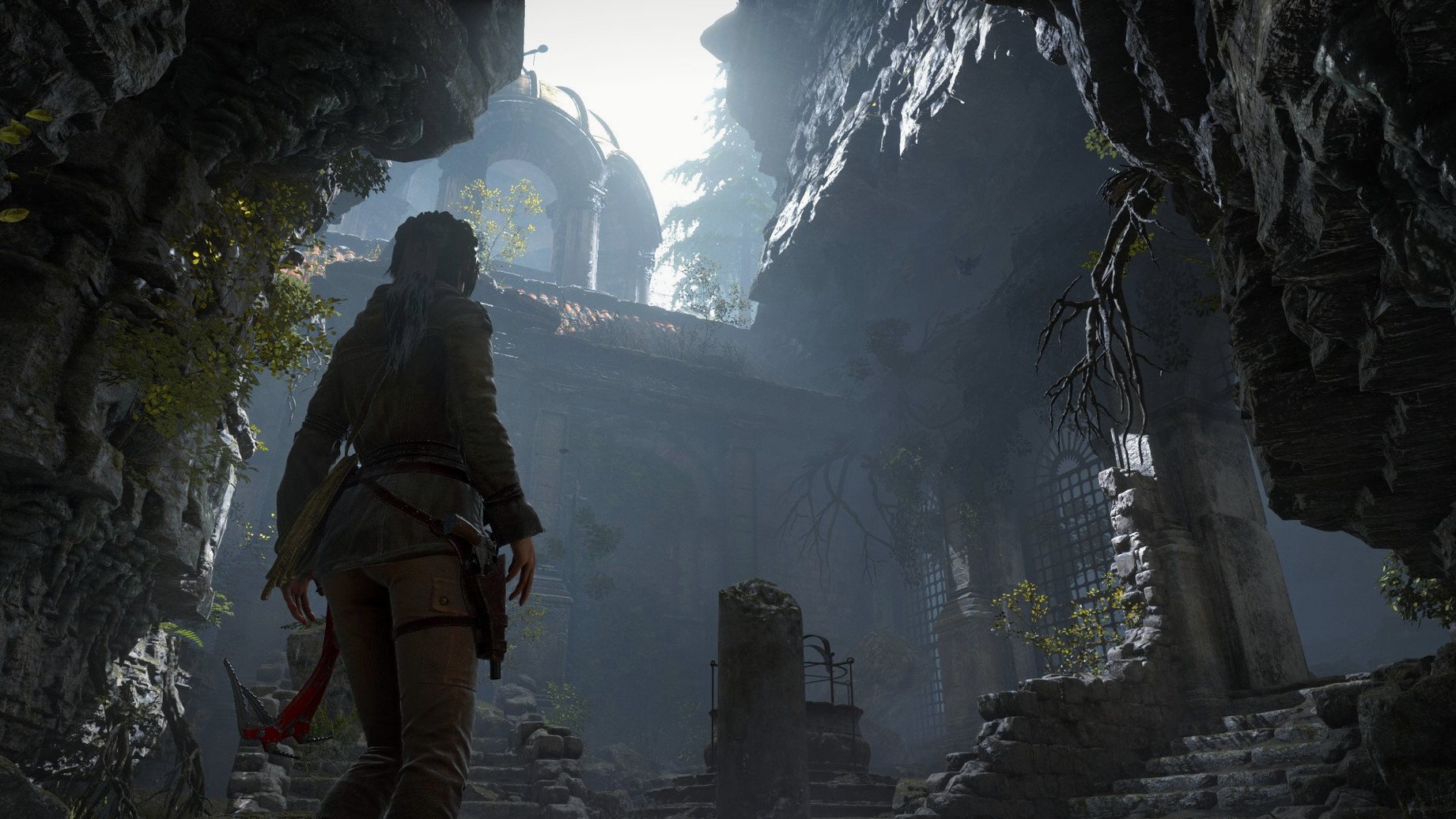
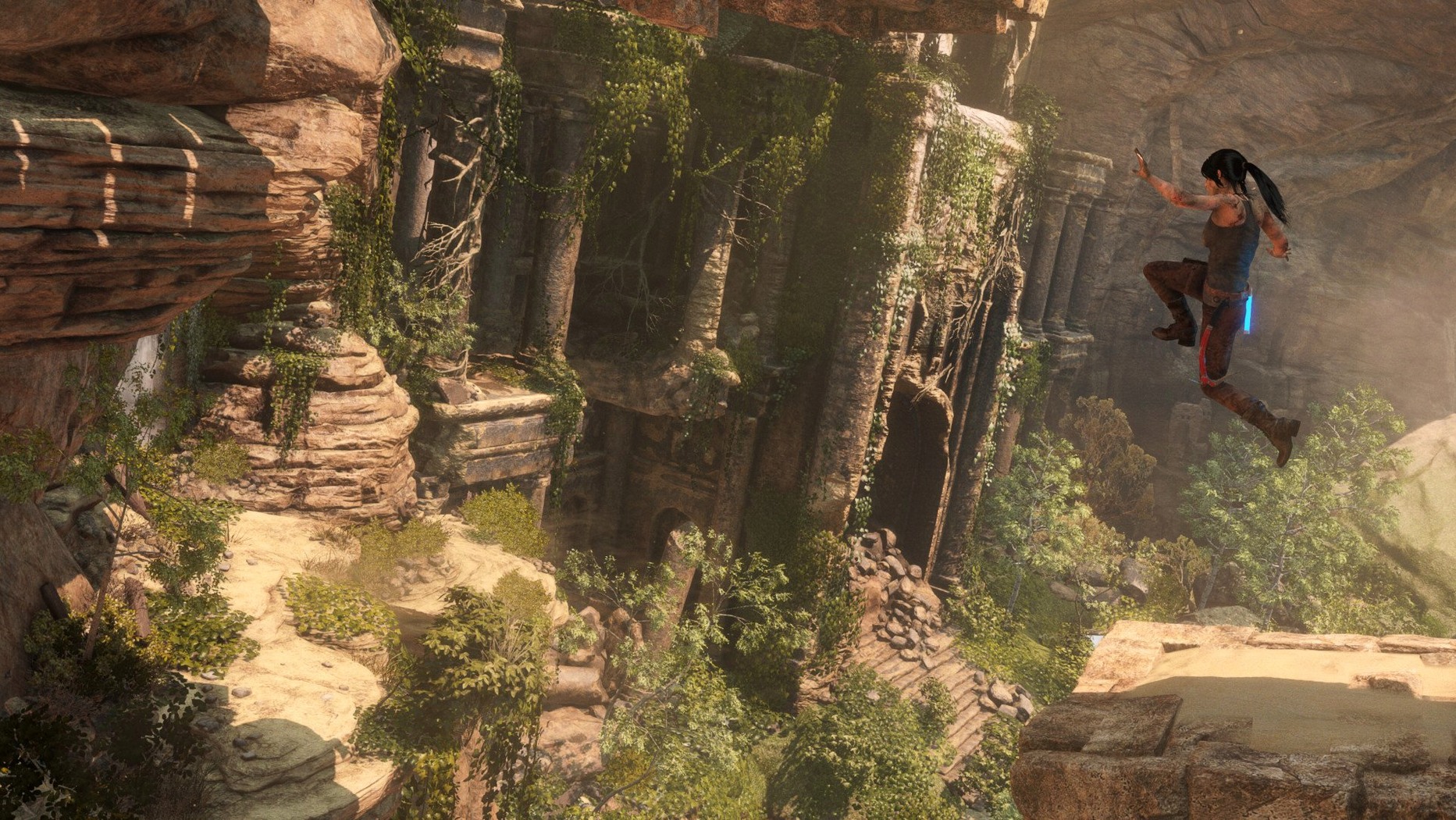
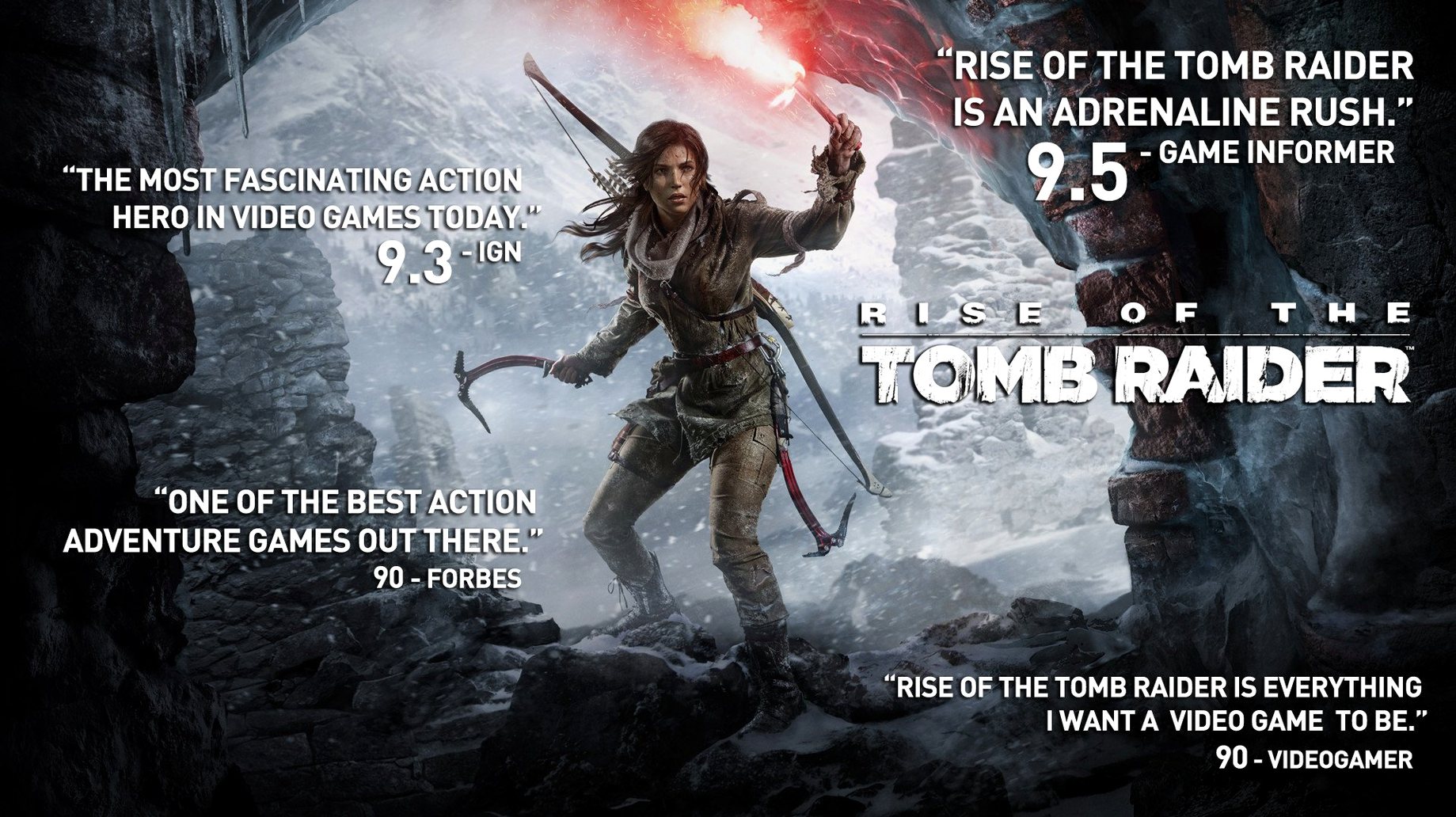
Version 1.0.4 fixed lands with a meaningful addition for Mac players: official eGPU support. That means laptops with a capable external chassis can push the Siberian snow at higher frame rates, and the 20 Year Celebration tag isn't just a label — it bakes in all the bonus content that rolled out since launch. You get the complete package in one drag-and-drop install.
Here's what the 20 Year Celebration edition puts on your drive:
- The full main story — Lara's first major expedition to uncover a lost city and the secret of immortality, picking up after the 2013 reboot.
- Blood Ties single-player chapter, plus Lara's Nightmare mode that turns the manor into a zombie survival gauntlet.
- Endurance mode co-op — two players dropped into the wilderness, scavenging fire and food against the cold.
- All DLC outfits, weapons, and expedition cards that tweak difficulty and bonuses for replay runs.
- Cold Darkness Awakened — a horde-mode chapter set in an abandoned Soviet base.
- Baba Yaga: The Temple of the Witch story mission, woven into the main campaign.
It's a hefty install at 36GB, so clear some room. The adventure focus stays tight across all modes — less corridor shooting, more climbing, puzzle tombs, and quiet story beats between the gunfire. If your machine's on the supported iMac or MacBook Pro list, this build is the one to grab.
Flip the Floaty Mouse Curve First
Before you rappel down the first cliff, flip a few defaults that make the game feel tighter on a Mac. The mouse acceleration curve ships way too floaty. Drop the in-game mouse sensitivity somewhere around the lower third of the slider, then disable mouse smoothing entirely. Your aim during frantic firefights will thank you.
Next, pop into the graphics tab. The preset profiles are decent, but the default anti-aliasing choice rarely matches what an Intel Mac's GPU handles best. If you're running a machine with 1.5GB VRAM, switch to SMAA instead of the heavier SSAA option and knock shadows down one notch. You lose almost no visual fidelity and gain a much steadier frame rate when the Siberian weather effects kick in.
Keyboard bindings deserve a minute too. The default dodge and melee keys sit awkwardly close — remap dodge to a side mouse button or a key you can hit without taking fingers off movement. Lara's moveset relies on quick evades once the combat scales up.
Craft a Bigger Ammo Pouch Before Siberia
Ignoring the crafting system until the first big combat spike. You can scavenge animal hides, plants, and salvage from the opening Syrian ruins onward. Crafting a larger ammo pouch and the bow stabilizer early changes how forgiving the Syria-to-Siberia transition feels. If you wait until the Soviet installation ambush to craft anything, you'll burn through checkpoint reloads unnecessarily.
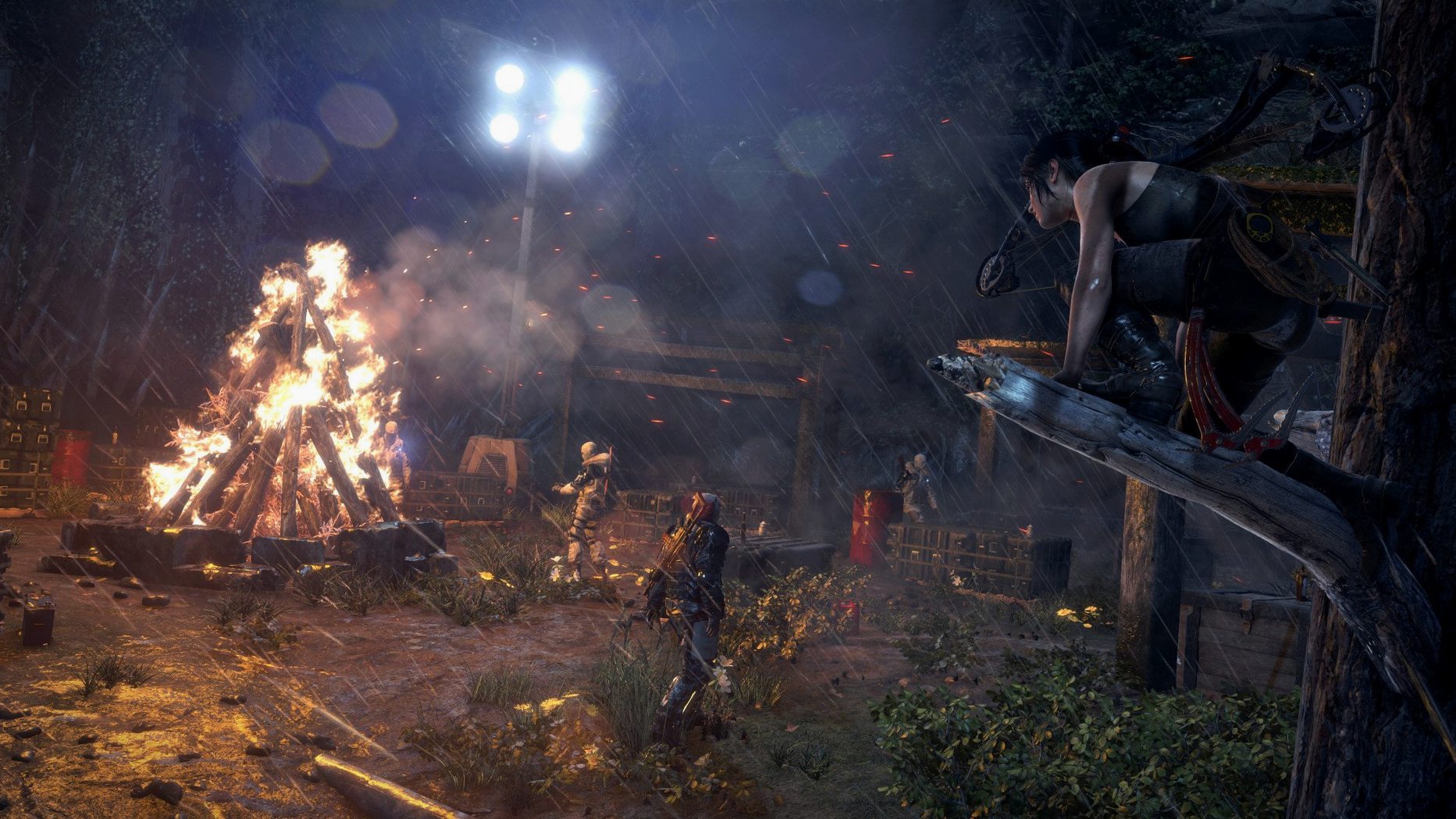
Another classic blunder: treating every encounter like a cover shooter. Lara has verticality for a reason. Climb trees, swing to ledges, drop into tall grass between volleys. The AI loses tracking fast when you move vertically, and the bow's silent headshots from above thin out patrols before they radio for backup. Standing behind a crate trading shots with a dozen Trinity soldiers is not the way the encounter design rewards you.
Also, avoiding the optional tombs. They're the best part of the game, and their rewards — permanent skill bonuses — stack into noticeable advantages. The voice lines even change slightly if you complete them early.
Post-Install Launch Hang? Open the App Twice
The post-install hang that Feral's notes mention catches a few people. You mount the image, drag the app to Applications, and double-click — nothing. The screen stays on the desktop. The fix is baked into the package: open Rise of the Tomb Raider.app/Contents/MacOS/ in Finder, locate the file named load, and run it directly. That kicks the process into gear without any terminal fiddling. After the first successful launch, normal double-clicking works fine.
On supported iMacs with certain GPU configurations, the opening Syria sequence sometimes drops frames hard when the camera pans across the sunlit ruins. An eGPU clears this up completely, but if you're on internal graphics, disable the "PureHair" setting under advanced graphics. That single toggle strains older AMD chips disproportionately during close-ups and cutscenes, and the visual difference is negligible for most of the campaign.
Finally, the rise of the tomb raider mac full version 20 Year Celebration build bundles the Endurance co-op mode, but matchmaking expects two players. If your co-op partner can't connect, both copies need to be on the same version and both need Steam's networking ports open — UDP 27000-27036. Local co-op isn't an option, so plan around an online session before you stockpile firewood in the tundra.
eGPUs are now officially supported on macOS, a welcome fix for anyone pushing a laptop beyond its internal GPU. The 20 Year Celebration edition bundles all previously released content into a single build.
- macOS 10.13.4 or later
- Intel processor, 2.3GHz or better
- 8GB RAM
- 1.5GB graphics memory
- 36GB free disk space
Notes from the edit bay · 0
Sign in or get an edit-bay pass to leave a note.
No notes from the edit bay yet. They go up after I read them.