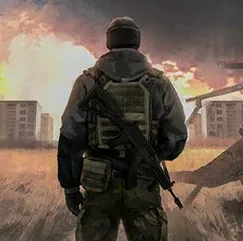
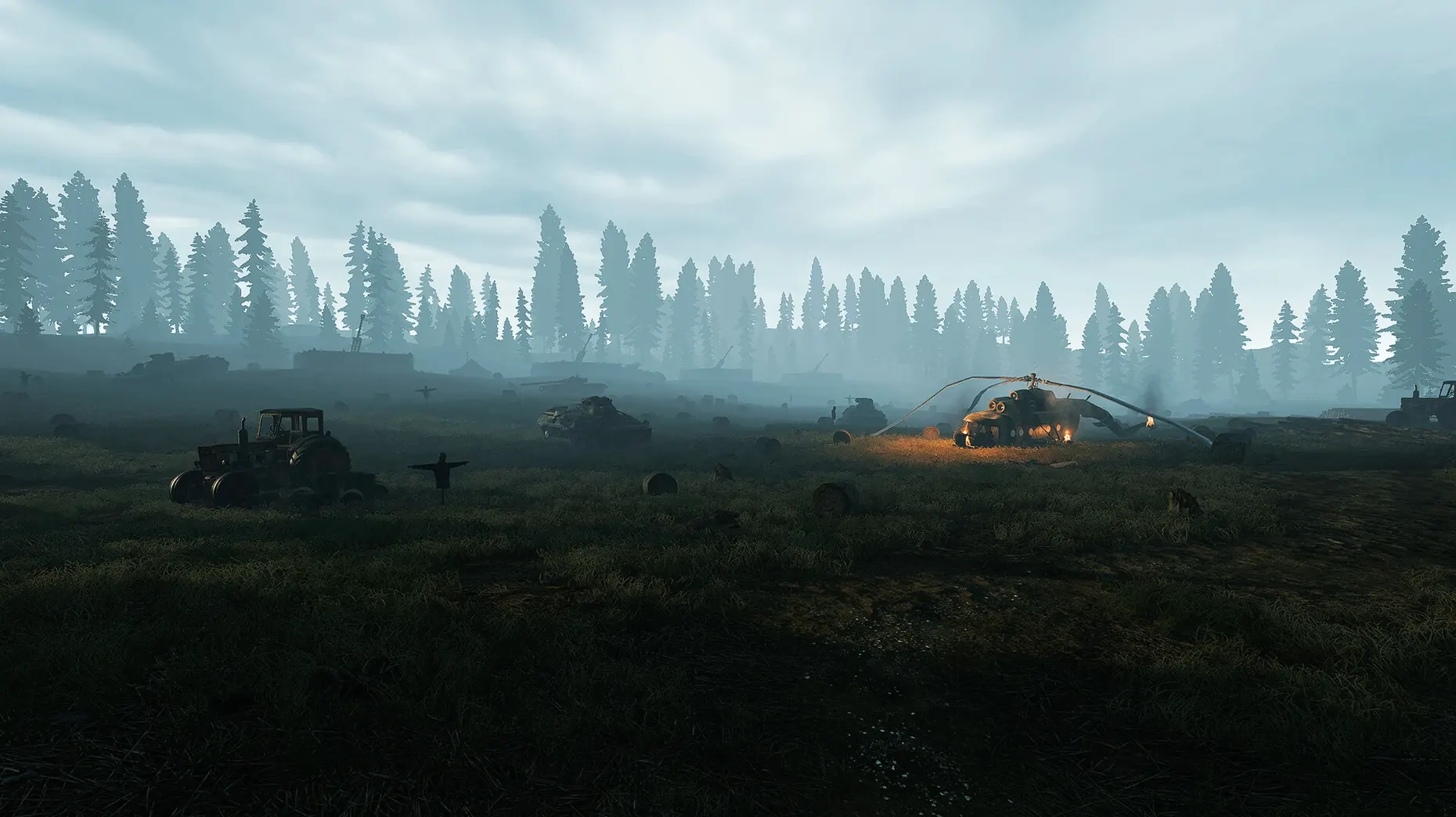
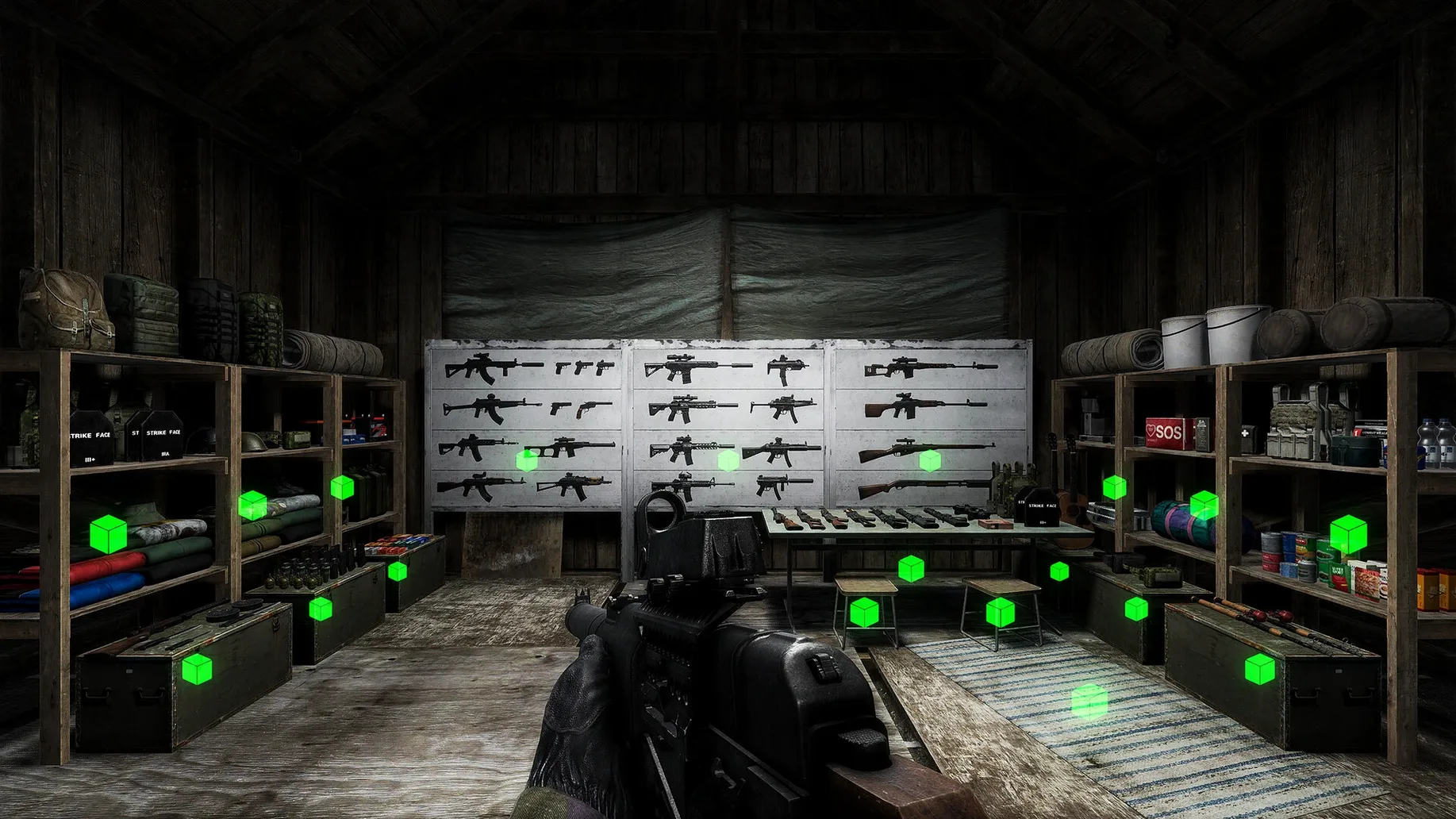
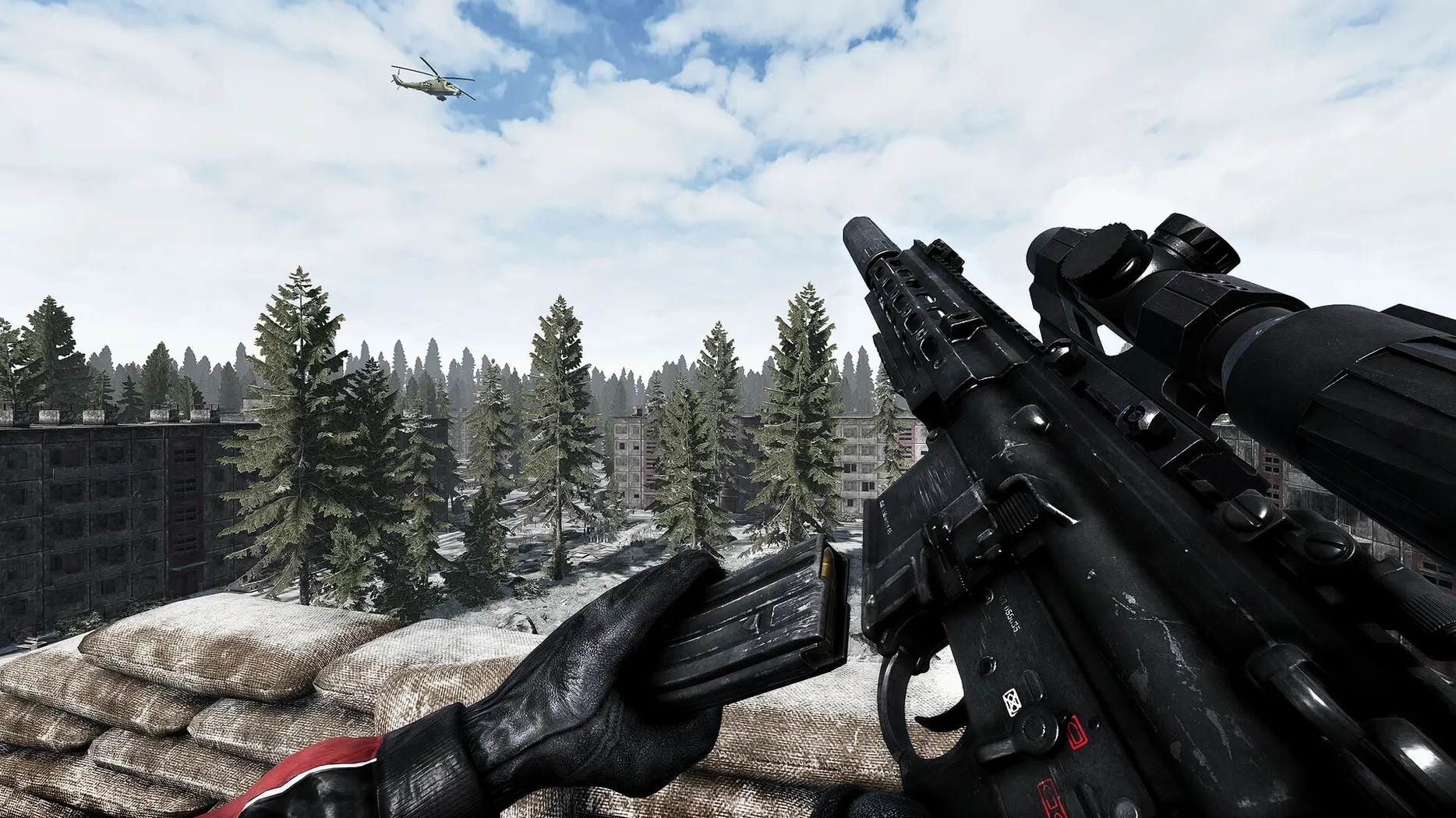
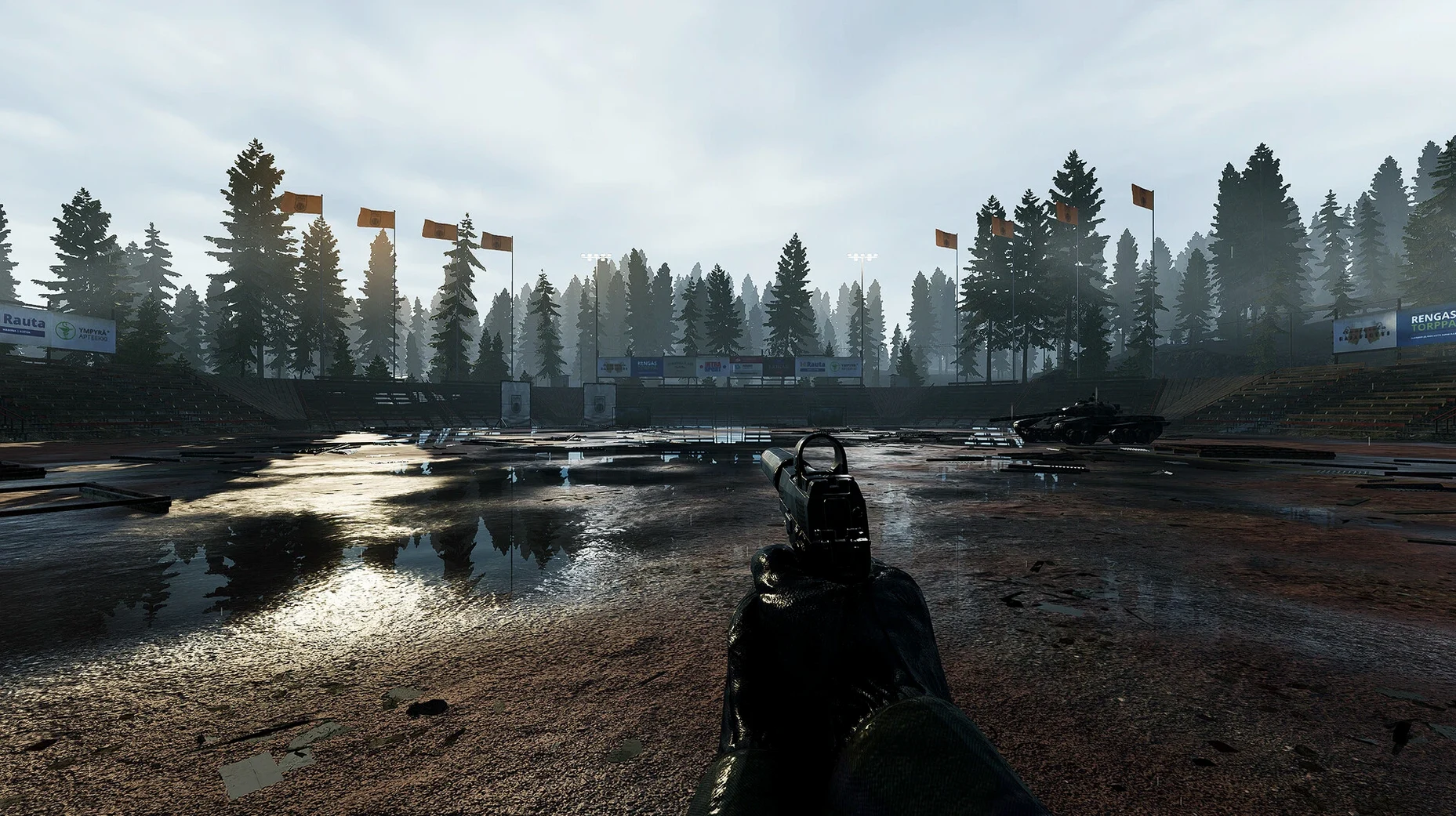
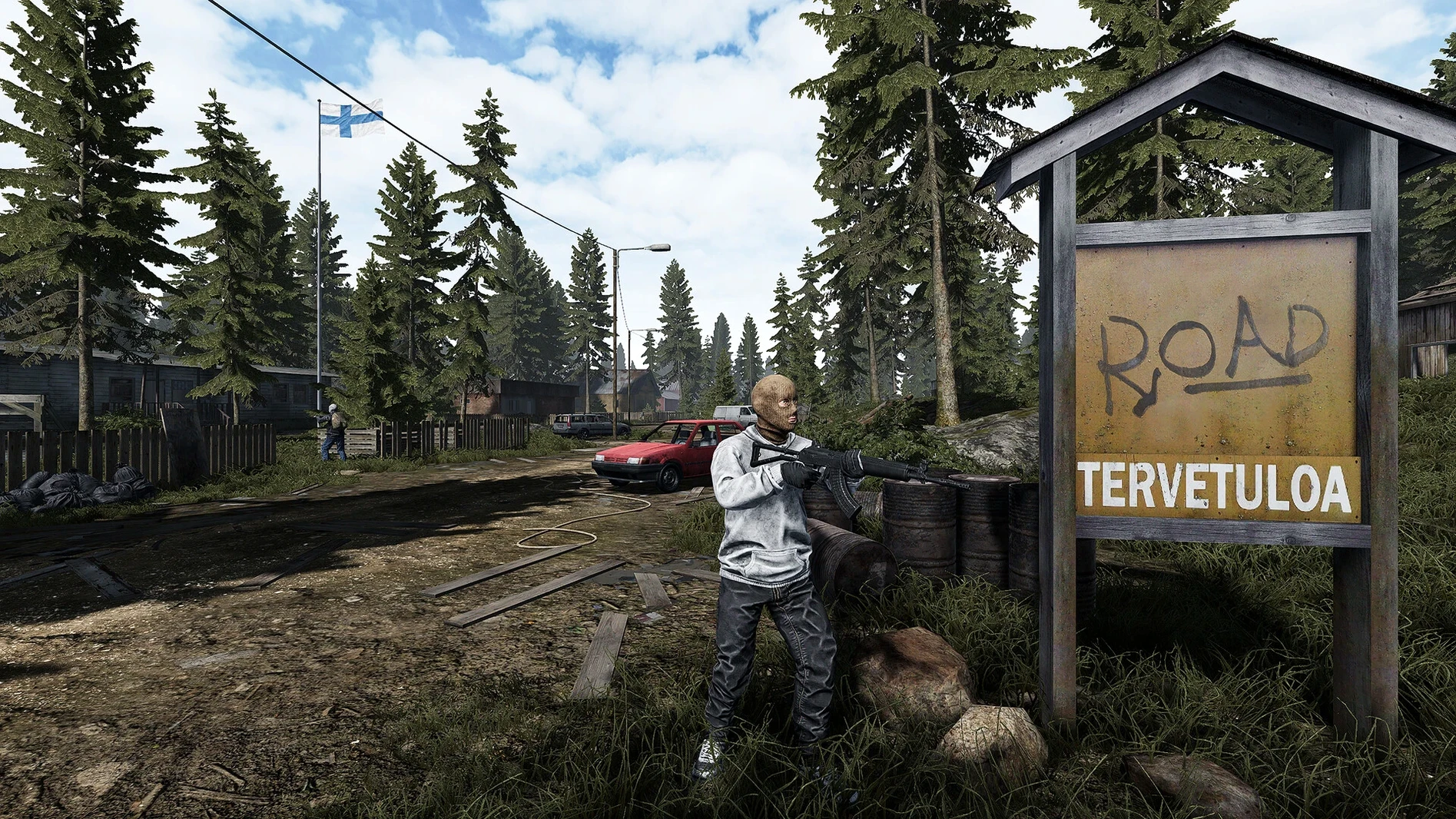
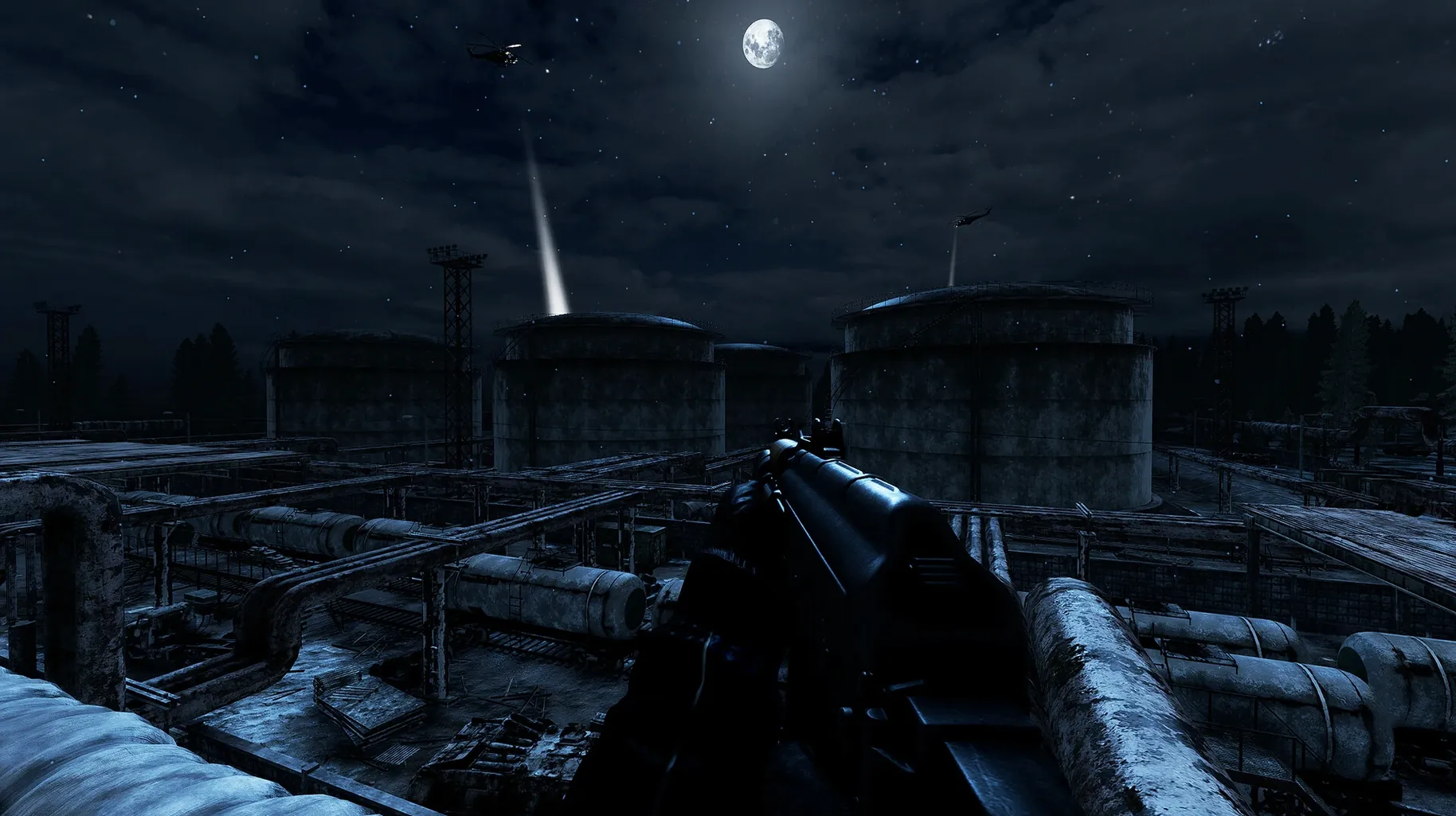
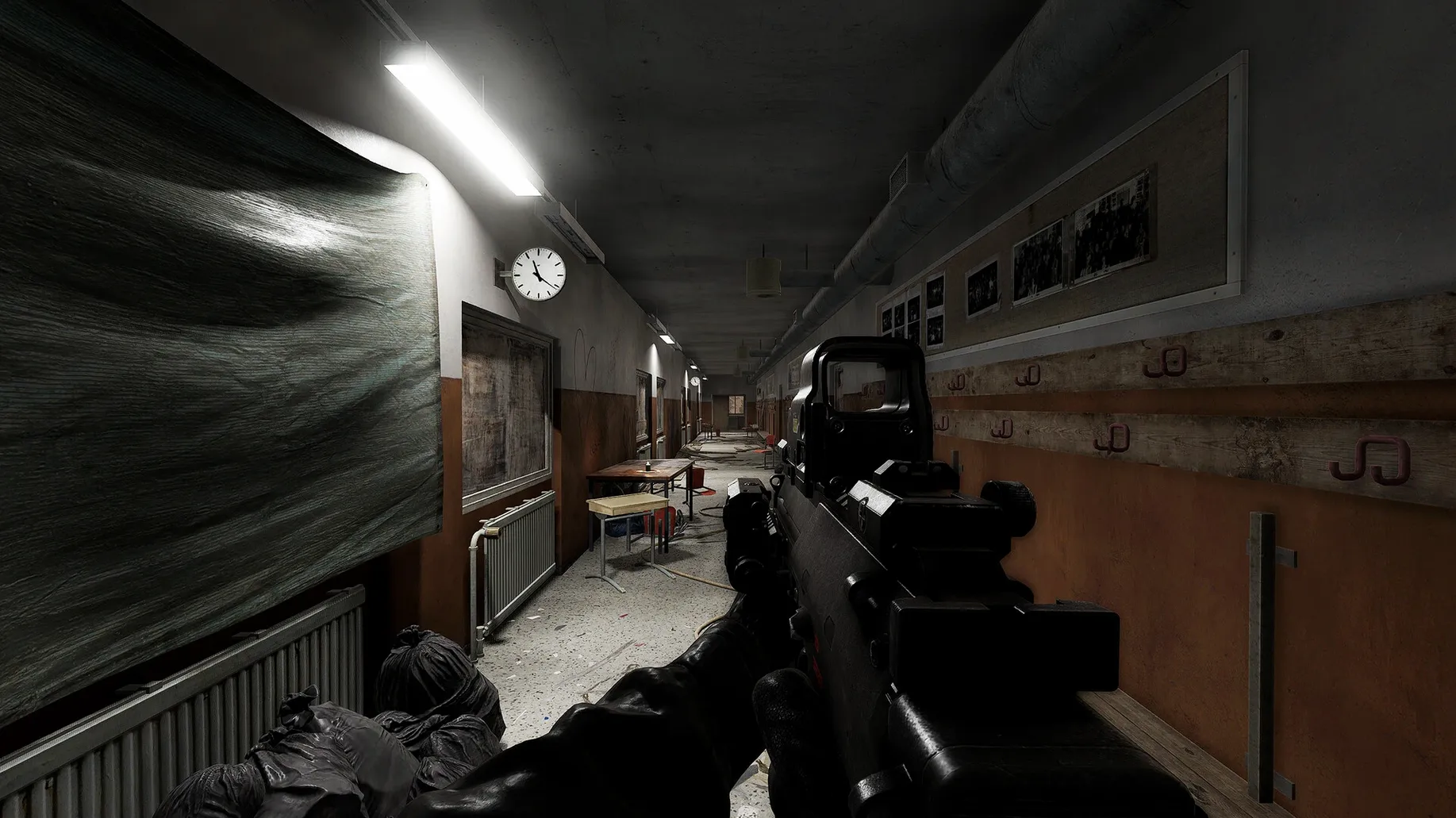
Finding a survival sim that respects your intelligence rather than holding your hand is rare on any platform. Road to Vostok strips away everything comfortable and drops you in a hostile border zone where the loot is scarce, the weather wants you dead, and there is no second chance. This isn't a power fantasy—it's a problem to be solved, one scavenged magazine at a time.
What a Mac Needs to Survive Vostok
The developer built and tested version 0.1.1.3 on a Mac mini 2024 M4 running macOS Tahoe, and the Apple Silicon performance holds up. Frame rates stay smooth enough that a stutter won't be what kills you—your own decisions will. Intel Macs are supported too, though you'll want a machine that doesn't break a sweat rendering the dense forests and abandoned checkpoints. An M1 or newer keeps the experience tense for the right reasons, with the fan barely spinning up during a sudden firefight.
Controls, Tension, and One-Life Logic
Keyboard and mouse is the way to go here. The inventory management demands precision clicks, and snap-aiming during an ambush feels natural without any controller latency getting between you and a headshot. Since every encounter could be your last, the game benefits from a setup where you can lean in—literally. A clean desk, a wired mouse, and the knowledge that death means starting over changes how you move through every abandoned village. You'll check corners not because a tutorial told you to, but because the cost of not doing so is absolute.
When macOS Blocks Your First Launch
First launch can throw a scare if macOS flags the app as unverified. Head into System Settings → Privacy & Security and click “Open Anyway” — once approved, it launches without drama every time after. Some players report the cursor feeling floaty on high-refresh-rate displays. Locking the frame rate to 60 via the in-game settings (or through a third-party tool like MonitorControl) tightens the input response right up.
Inventory management trips people up early. The game doesn't pause when you're rummaging through a backpack, so bind the inventory key to something your left hand can reach without leaving WASD. Side mouse buttons are a lifesaver here. Also, the save system is purely checkpoint-based — if you quit mid-run expecting to resume exactly where you stood, you'll be disappointed. Plan your sessions around reaching the next safe house, not around the clock.
For Players Who Treat Death as a Lesson Plan
This isn't a weekend sandbox for casual sightseeing. Players who thrive on the road to vostok mac full version are the ones who treat failure as data — every death teaches a new patrol route, a better sightline, or a resource you overlooked. It clicks hardest with ex-military sim fans, Escape from Tarkov refugees who want a solo space, and anyone who misses when shooters felt heavy and consequential.
Mac users who dual-boot or own a Steam Deck will find it fits the same niche: a methodical, lonely experience that rewards patience over reflexes. If your idea of fun is spending twenty minutes repositioning before a single shot, you're the target audience. If you want a story, cutscenes, or a quest log, you'll bounce off within an hour. The border zone doesn't owe you an explanation, and the game is better for it.
- macOS Tahoe (used for testing)
- Apple Silicon or Intel Mac (M4 tested)
Questions I actually get
What kind of game is Road to Vostok?
It's a hardcore single-player survival game with permadeath, set in a post-apocalyptic border zone between Finland and Russia.
What was the Mac version tested on?
The build was tested on a Mac mini 2024 M4 running macOS Tahoe, with support for both Apple Silicon and Intel Macs.
Notes from the edit bay · 0
Sign in or get an edit-bay pass to leave a note.
No notes from the edit bay yet. They go up after I read them.