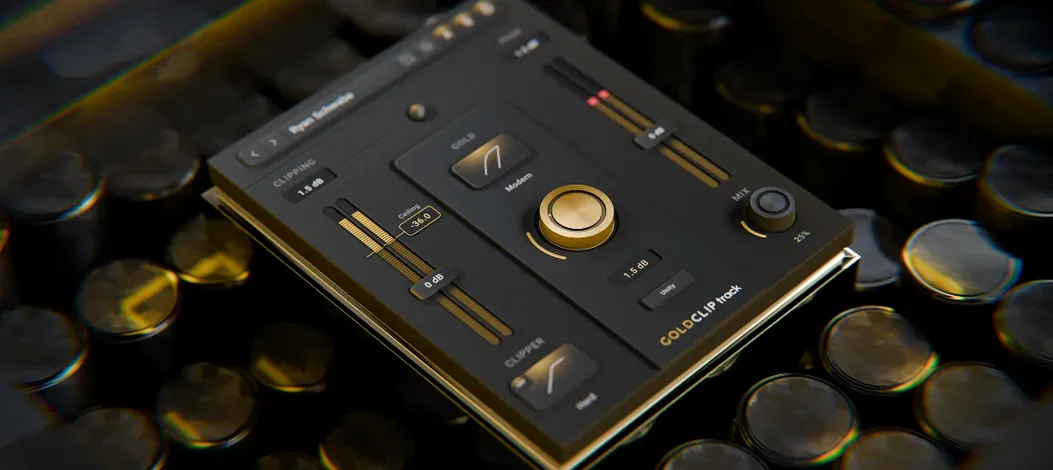
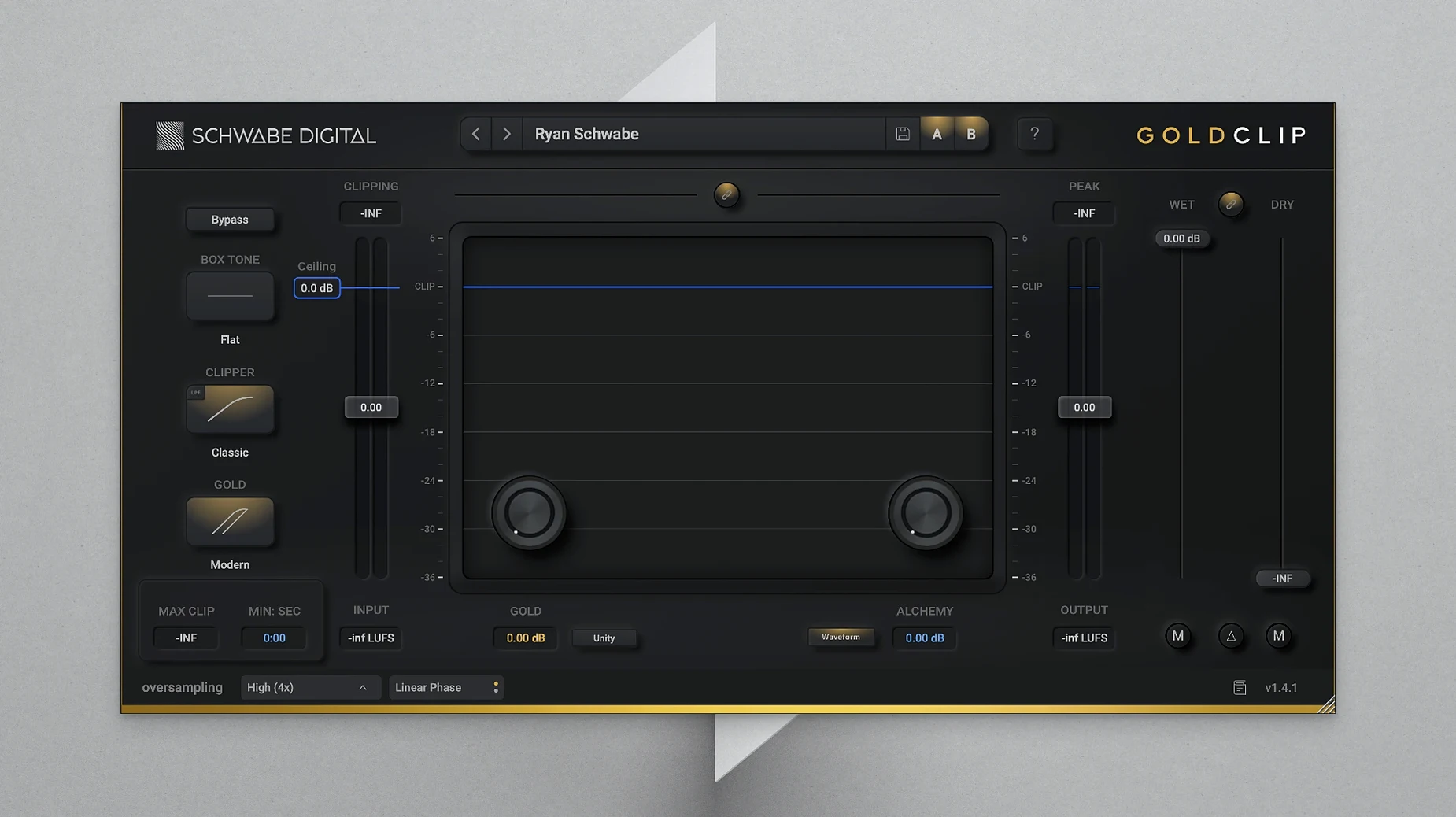
Version 1.4.1 landed as a maintenance release focused on stability. Ryan Schwabe kept the engine tight—no new knobs, just a more reliable build for the final processing chain. If you were already using it to make mixes loud without falling apart, this update simply cements that.
What You're Actually Turning
- ALCHEMY — Clears out harsh buildup in the top end. The detail stays; the fatigue doesn't. It's the one control I reach for when a vocal or an entire mix bus feels crisp but mean.
- GOLD Mode — Adds a soft saturation layer before the clipper hits. Think of it as a cushion that catches transients and warms them up, so the loudness comes from density, not from sanding off the peaks.
- Clip Ceiling — Sets the threshold where shearing happens. Push into it gently and you get glue; slam it and you get attitude, all without the abrupt crackle of a naked digital clip.
Last Slot, Loud and Softened by GOLD Saturation
Gold Clip sits at the end of the chain on purpose. It's built to take a finished mix or stem and crank perceived volume while the GOLD saturation softens the blow. On Apple Silicon or Intel, the latency stays low enough to work in real time. The whole package reads as one sound—louder, more present, and somehow less fatiguing than the same LUFS hit from a stock limiter.
Here's where Gold Clip earned its keep on a recent project. I was handed a pop track from a producer who wanted "competitive loudness" but had already pushed the limiter ceiling to the point where the chorus felt thin and the vocal sibilance turned into needles. Importing the stereo bounce into a fresh session, I dropped Gold Clip onto the mix bus as the final insert.
GOLD mode went on first. Not for vibe—for damage control. The soft clip acted like a ceiling the transients could push against without snapping. I pulled the Clip Ceiling down until the meters showed about 4 dB of reduction on the loudest snare hits, then backed it off by half a dB. ALCHEMY took care of the vocal edge. A quarter-turn clockwise and the "tss" sounds rounded into air instead of spikes. The track exported at the same integrated LUFS as the original, but the chorus had weight again and I didn't wince at the hi-hats.
Why GOLD Ships Off and Where to Start Instead
Out of the box, the plugin loads with GOLD off and the Clip Ceiling at 0 dB—essentially a unity pass until you start moving things. A few tweaks get you to a working baseline faster.
- Switch GOLD on before you touch the ceiling. It reshapes the signal that the clipper sees, so adjusting the ceiling afterward gives you a different result than doing it in reverse. A 10–15% wet/dry blend is subtle enough for a master without obvious coloration.
- Set the Clip Ceiling to –3 dB as a starting anchor. Drive into it with the track's output level and listen for the point where punch turns into flattening. On a drum bus, I'll often land closer to –6 dB; on a full mix, around –2 dB.
- Use ALCHEMY in small increments. The control works like a tilt on the high shelf—too much and cymbals lose stick definition. I nudge it by 0.2 at a time, checking at low monitoring volume where harshness hides.
Workflow: Competitive Loudness Without the Crunch
This is the chain I use when a client sends a mix that already sounds finished but needs another 2–3 dB of apparent level for a streaming reference. The goal is loudness through density, not through brick-wall brute force.
1. Gain-stage into the plugin. I insert a trim utility before Gold Clip and bring the input level to roughly –6 dB peak. The plugin reacts more gracefully when it's not already eating a fully-normalized file.
2. Warm up with GOLD. GOLD mode activates at 20% wet. I solo the effect and listen to the saturation tail on a kick drum and bass note—too much and the low end smears. I settle on a blend where the body thickens but the sub stays tight.
3. Clip for loudness. I lower the Clip Ceiling until the gain reduction meter shows 3–4 dB on the loudest sections. A quick A/B against the original confirms that transient snap is preserved. If the snare starts to feel rounded, I back off by 0.5 dB.
4. Shape the highs with ALCHEMY. After the clipper, any harshness introduced by the density gets tamed here. I sweep through a problematic chorus and listen for the vocal "ess" sounds. A setting between 0.4 and 0.8 usually clears it.
5. Match output level and export. I adjust the output trim so the bypassed and processed signals sit at the same perceived loudness—not the same peak level. The processed version typically sounds more present and glued at equal volume. Hit render.
- macOS 10.13 or later
- Apple Silicon or Intel 64-bit processor
- VST or AU host
Notes from the edit bay · 0
Sign in or get an edit-bay pass to leave a note.
No notes from the edit bay yet. They go up after I read them.