
Version 2026.5.1 lands with a handful of stability fixes. The big one on Mac: a crash tied to resizing the Outline is gone. Also fixed: jittering when resizing multiple selected nodes, and cleaner error messages during AI brainstorming.
Who Needs a Visual Thought Bucket?
You, the moment a project brief arrives or a script starts to tangle. MindNode is for dumping text, images, links, and rough notes onto a canvas and pulling order out of them before the timeline tightens.
Connective Tissue Between Fleeting Thoughts and Actionable Plans
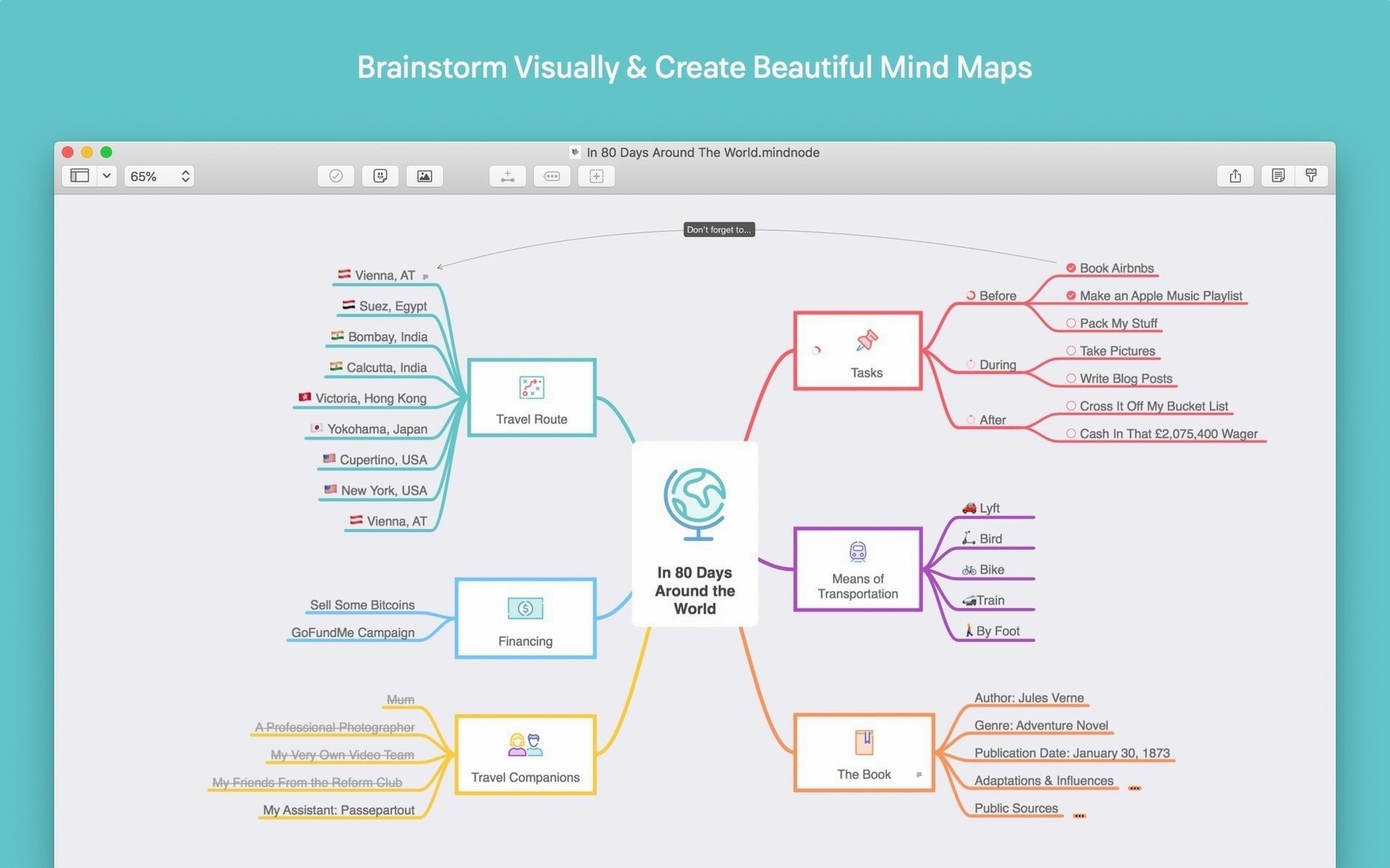
It’s the connective tissue. Capture a stray idea with Quick Entry, then expand it into nodes with collapsible branches and a Focus Mode to hide everything else. The neat trick: turn any node into an actionable task that lands directly in Apple Reminders, Things, or OmniFocus.
What Happens When the Map Gets Too Large?
You fold it up. Collapsible branches keep the canvas readable, and the Focus Mode drills into a single branch so you can work a sub-topic without deleting the surrounding context.
Does It Look Right at 2 a.m.?
Dark mode has you covered. The app runs natively on Apple Silicon and Intel Macs under macOS 15 Sequoia, and it’s localized into fourteen languages including Russian, Arabic, and Japanese.
How MindNode Feeds the Rest of Your Toolkit
MindNode’s export menu is an editor’s Swiss Army knife. A project map can be spat out as an OPML file for OmniOutliner, a Markdown document for Obsidian or Ulysses, or a plain text list for the script supervisor's email. Send task nodes to Apple Reminders and they show up with the map’s indentation structure intact—no flat list of orphaned to-dos. Collaboration isn’t live, but the RTF and DOCX exports slot straight into Pages or Word when a producer demands a formatted breakdown.
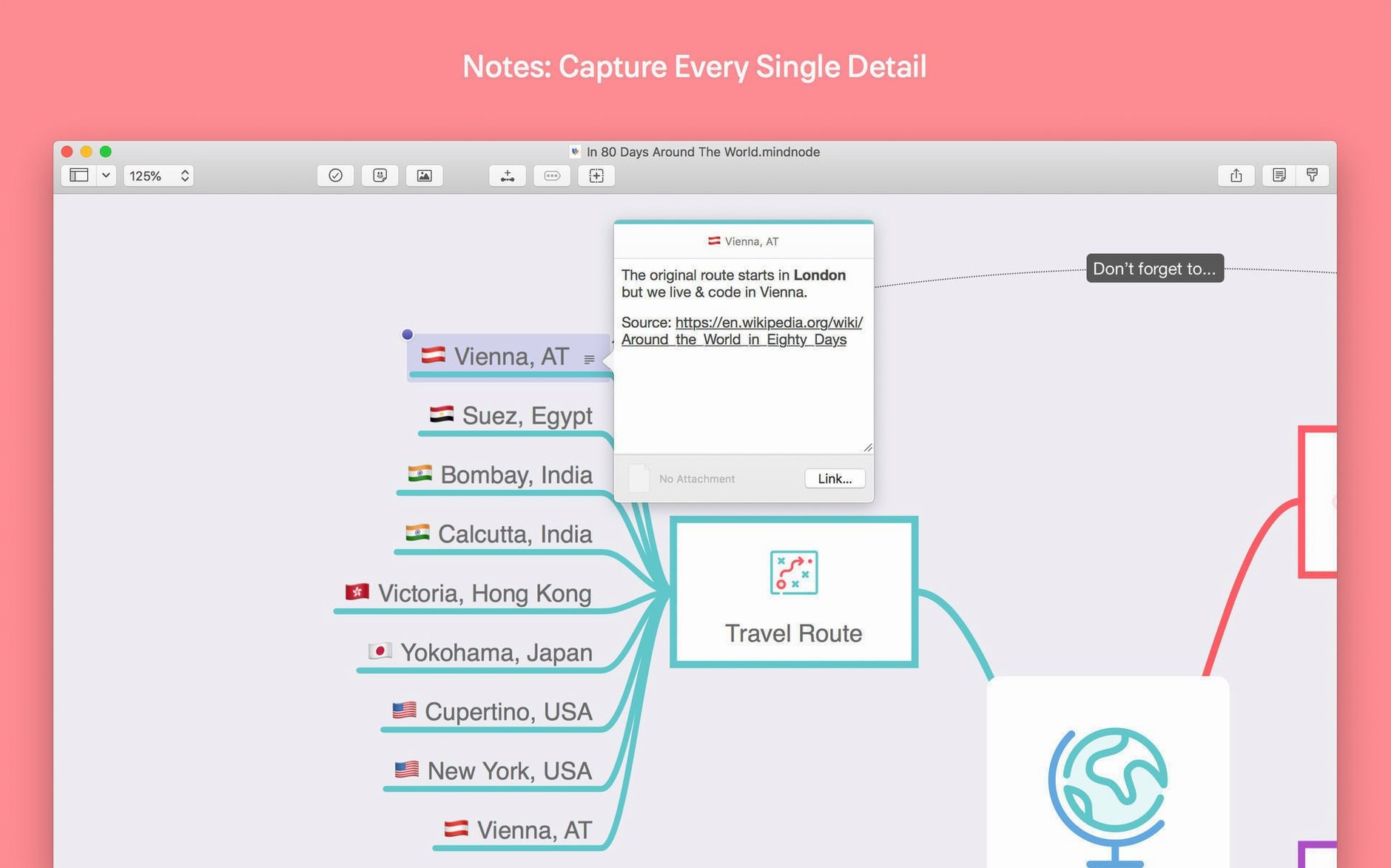
On the macOS side, Quick Look handles .mindnode files in Finder, so you can peek at a map without launching the full app. Drag an image from Photos or a URL from Safari onto a node, and it becomes a live attachment. The external display support means you can stretch the canvas across a second monitor while keeping a Final Cut timeline or a script open on the main screen.
Bumps You Might Hit and How to Smooth Them
iCloud sync stays silent. The iCloud features don’t activate in this version. Your maps live locally. Set up a manual folder in your Documents directory, and if you need the file on another Mac, copy it over—or use an external sync tool you already trust.
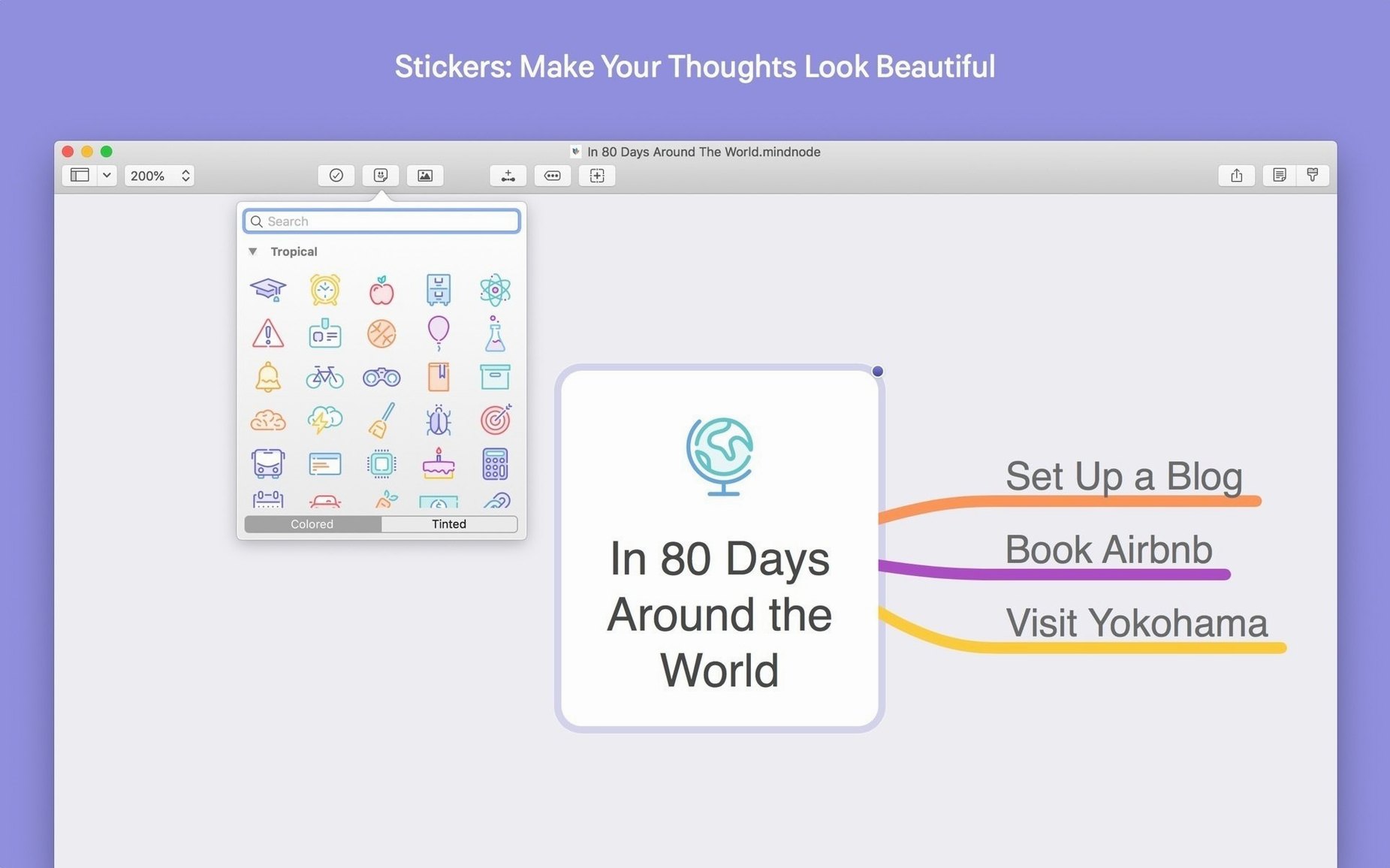
Stickers can slow the canvas. With 260+ handcrafted stickers available, dropping two dozen onto a dense map can make resizing feel sticky, especially on Intel machines. Stick to emoji or small icons for heavily branched sections and save the color-customized stickers for key parent nodes.
Outline resize crash—fixed. The 2026.5.1 update specifically killed a crash when dragging the Outline pane wider. If you’re coming from an earlier build, that annoyance is gone.
Non-ASCII equation keyboards. On the Mac, the equation editor already handles standard input. The keyboard fix in this release is an iOS improvement, but it signals the developer’s attention to input quirks across languages.
From Brain Dump to Shot List in Fifteen Minutes
Say a client sends a music video treatment at 9 a.m. and wants a shot breakdown by 10. Here’s a workflow that skips the whiteboard panic.
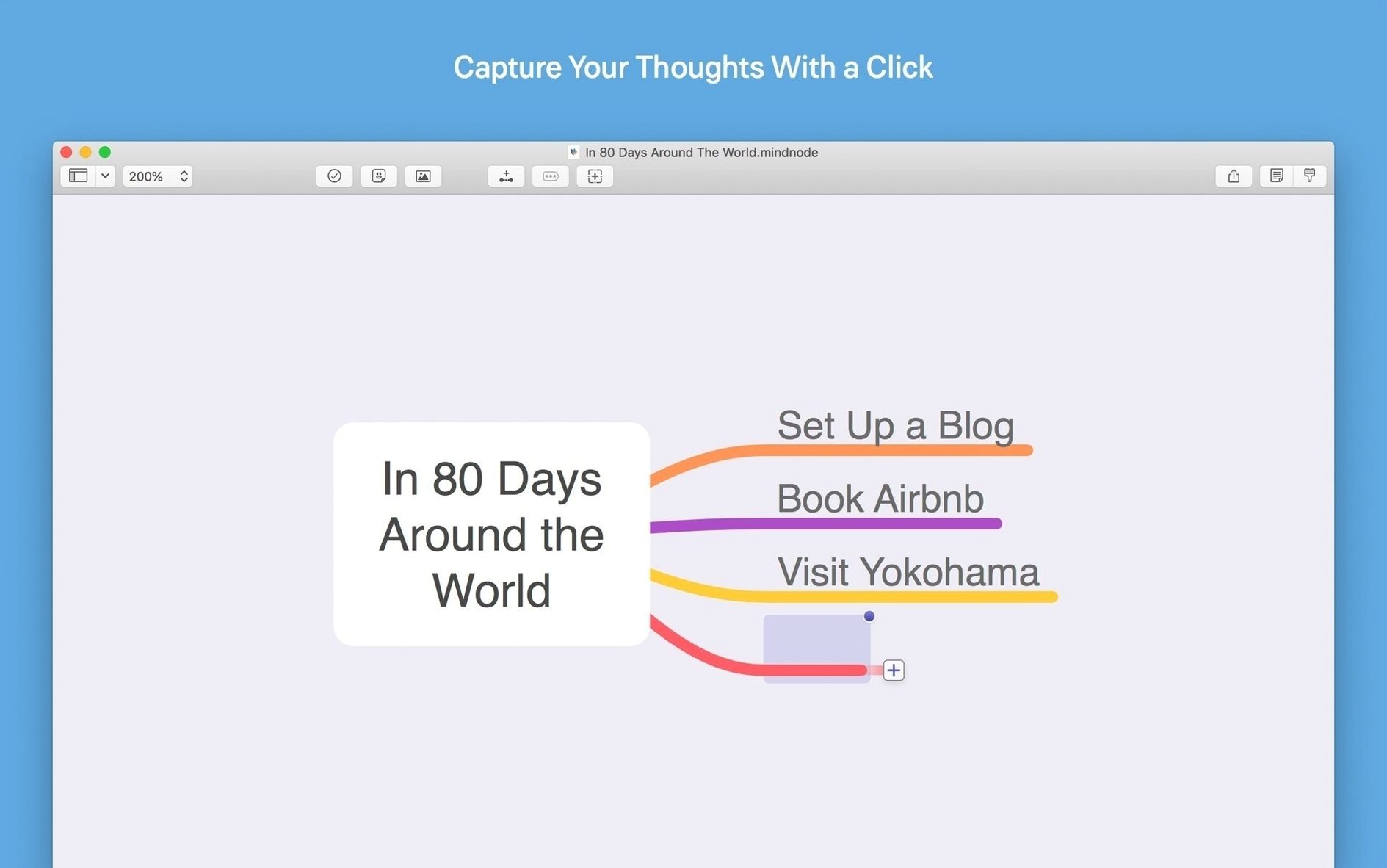
- Quick Entry dump. Open MindNode, hit the Quick Entry shortcut, and type every visual idea the treatment triggers. Don’t organize—just free-associate lyrics, locations, lens ideas, lighting notes. Press Return between each thought.
- Rough grouping. Drag related nodes into loose parent groups. “Performance,” “Story Beat,” “B-Roll Texture,” “Lighting Gags.” Move fast. If a connection feels wrong, break it and reattach—the canvas doesn’t punish indecision.
- Focus Mode on each group. Drill into “Performance” and flesh out sub-nodes for each setup: camera movement, lens choice, frame rate. Switch to “Story Beat” and do the same. Focus Mode hides the rest so you don’t get pulled sideways.
- Task extraction. Identify nodes that require a crew decision or a rental booking. Mark them as tasks and send them to Things with a single click. The map’s hierarchy carries over, so you’ll see “Music Video > Story Beat > Rain Machine Test” in your task manager with context intact.
- Export for the DP. Select the top-level node and export as Markdown. Drop the file into a shared folder or paste it into a Slack thread. The DP gets a clean, indented list of setups with notes attached.
- macOS 15 or later
- Apple Silicon or Intel 64-bit Mac
Questions I actually get
What's the difference between MindNode and MindNode Classic?
MindNode Classic is the legacy version of the app. The current MindNode is a full rewrite for modern Apple platforms, including Vision Pro and Apple Watch support.
Notes from the edit bay · 0
Sign in or get an edit-bay pass to leave a note.
No notes from the edit bay yet. They go up after I read them.