
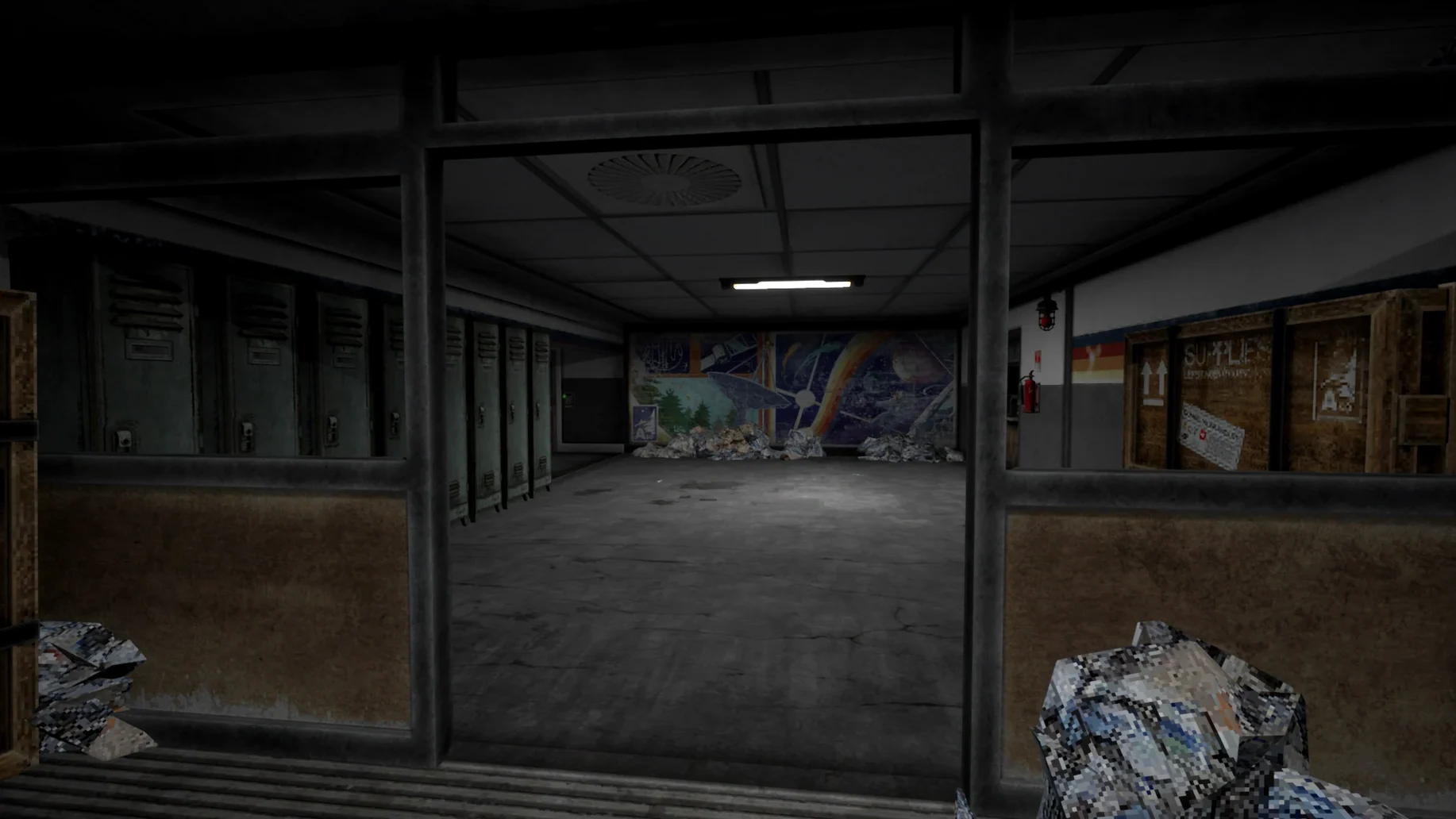
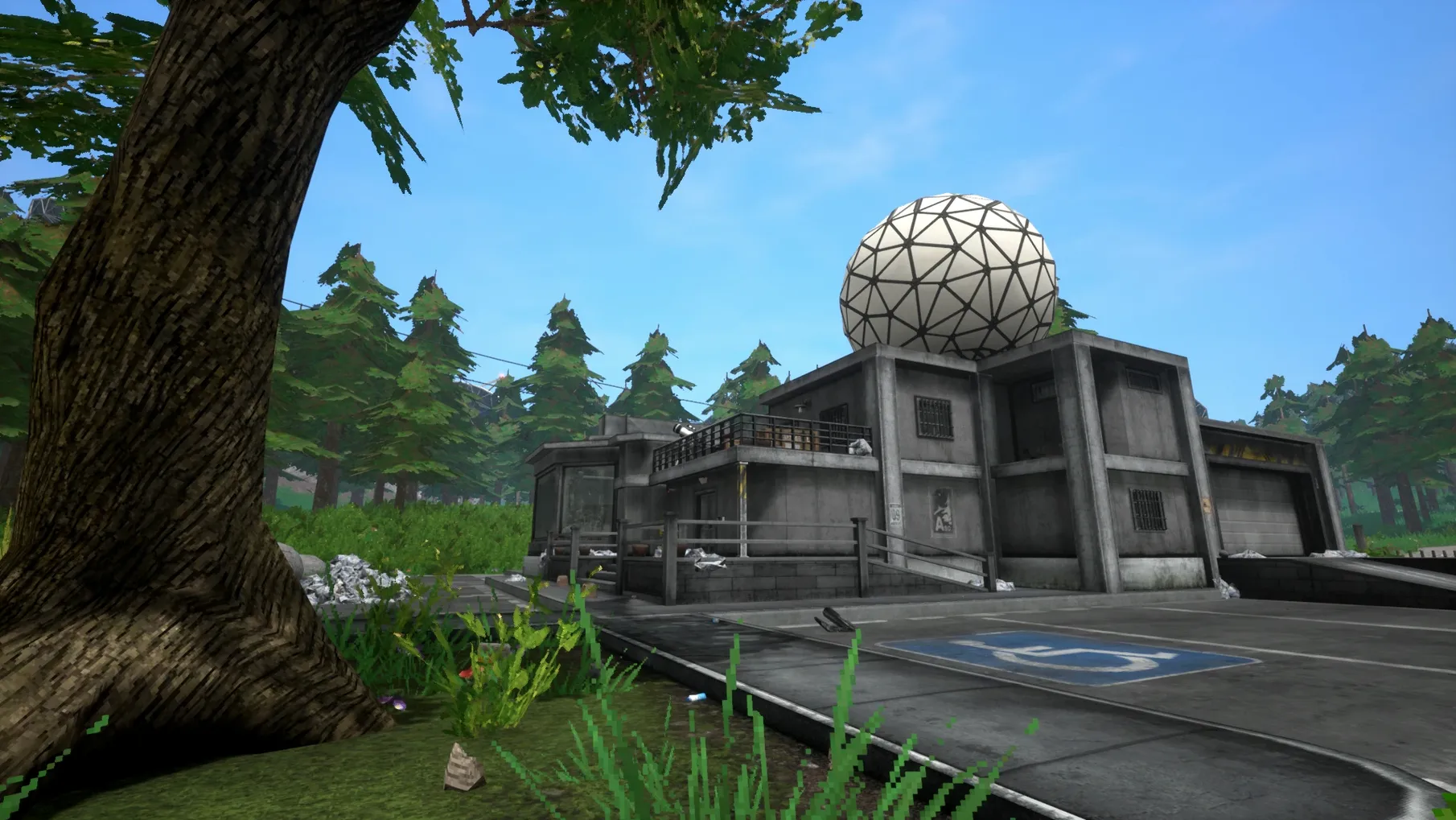
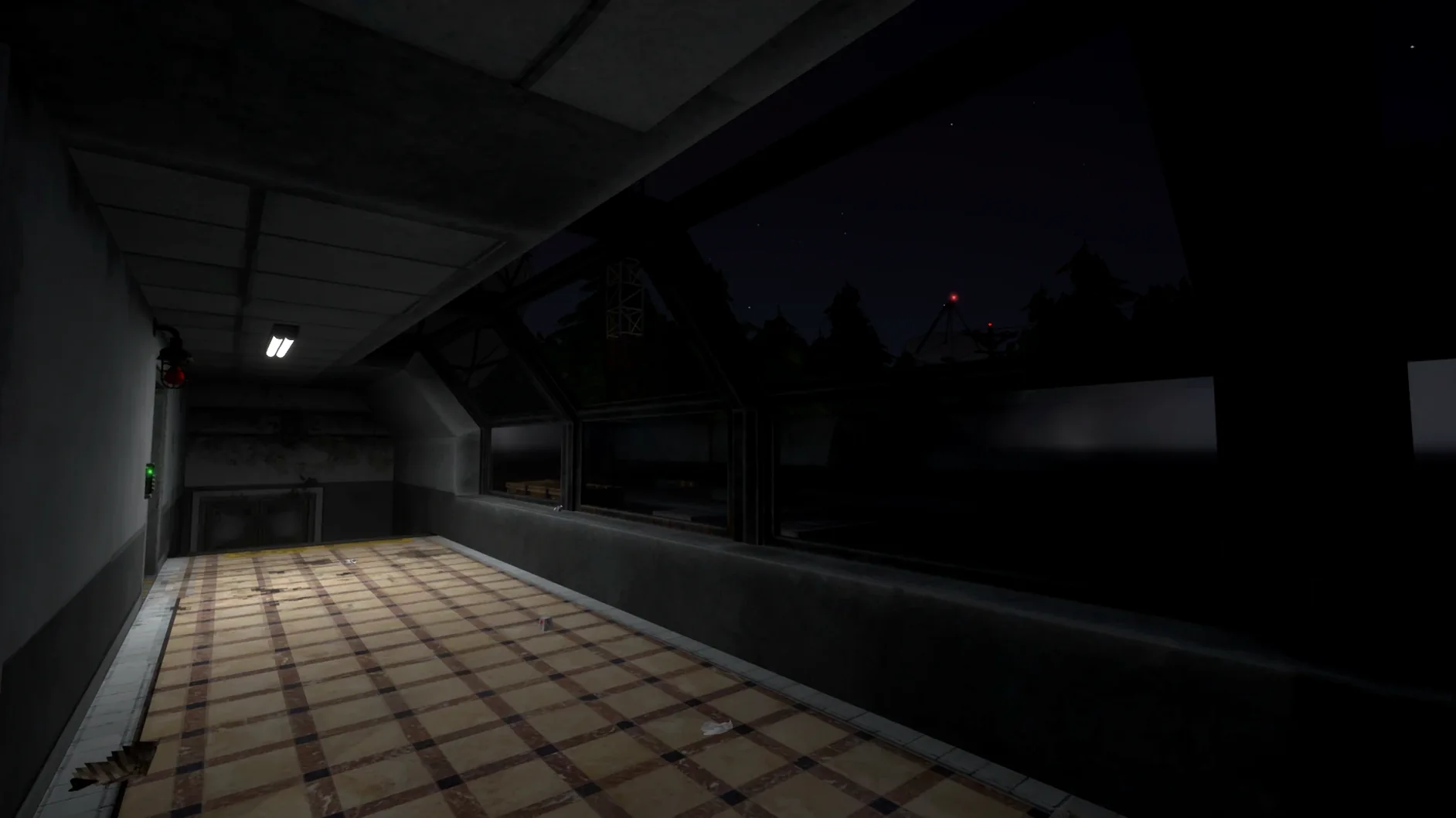
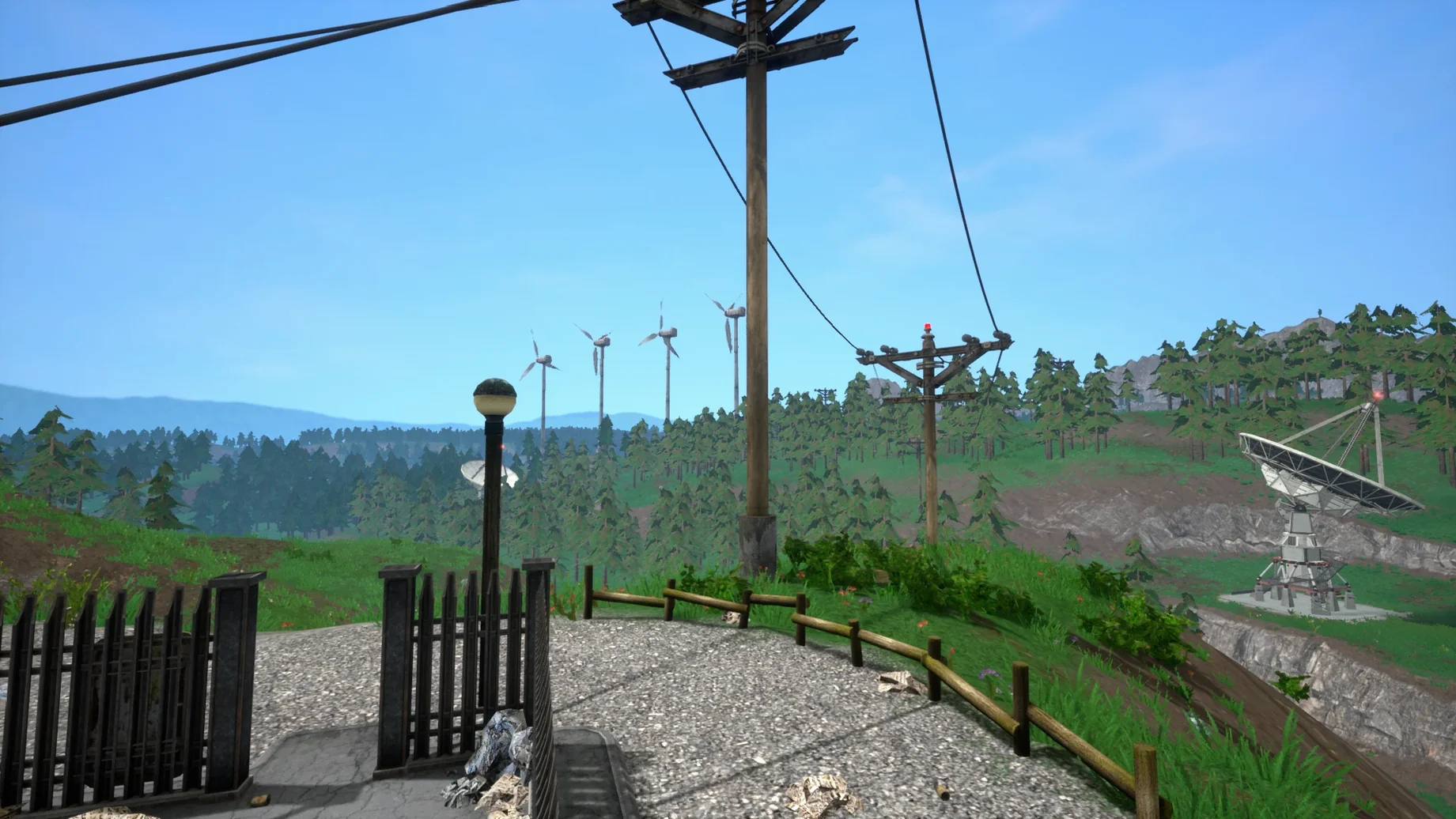
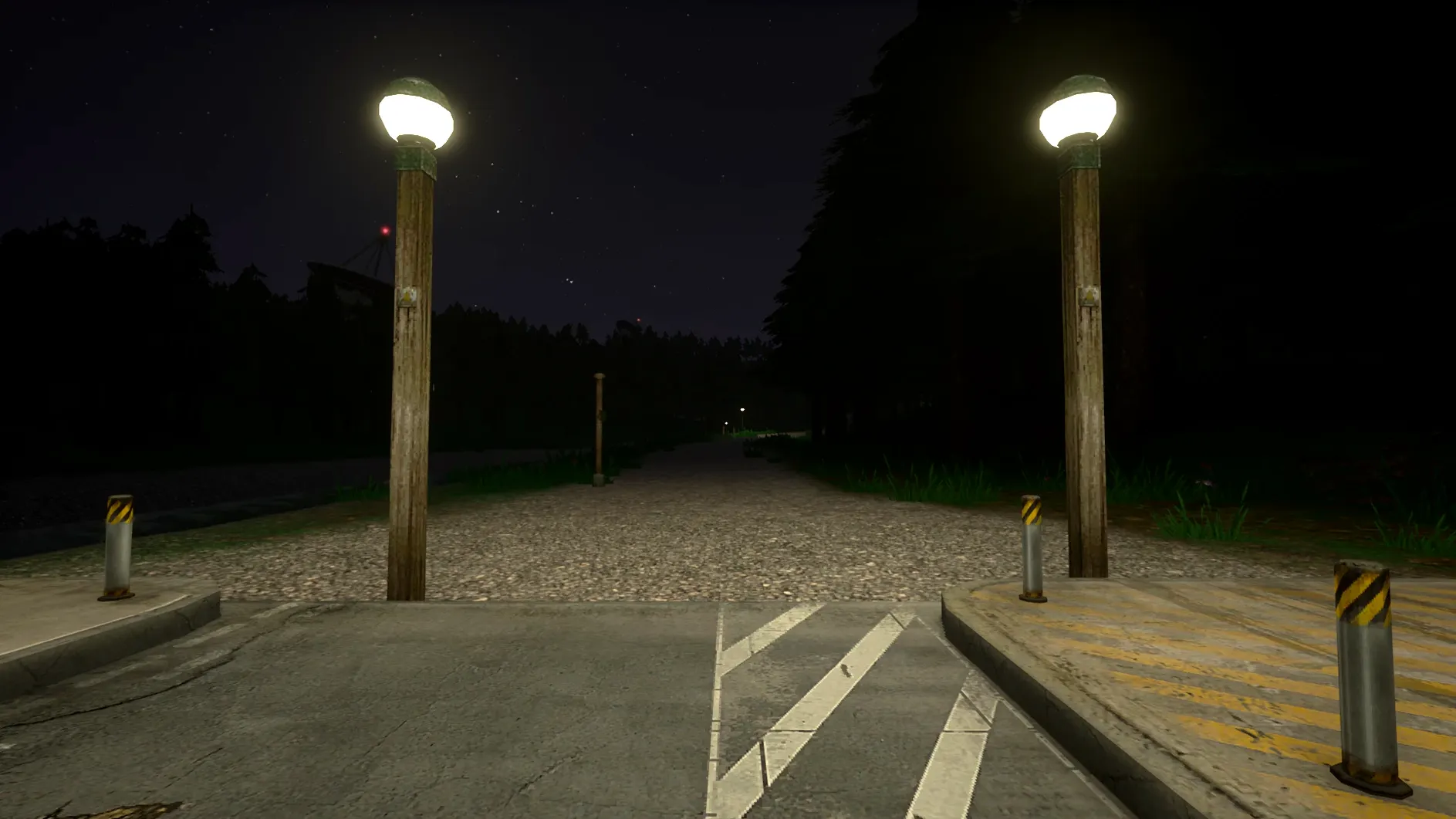
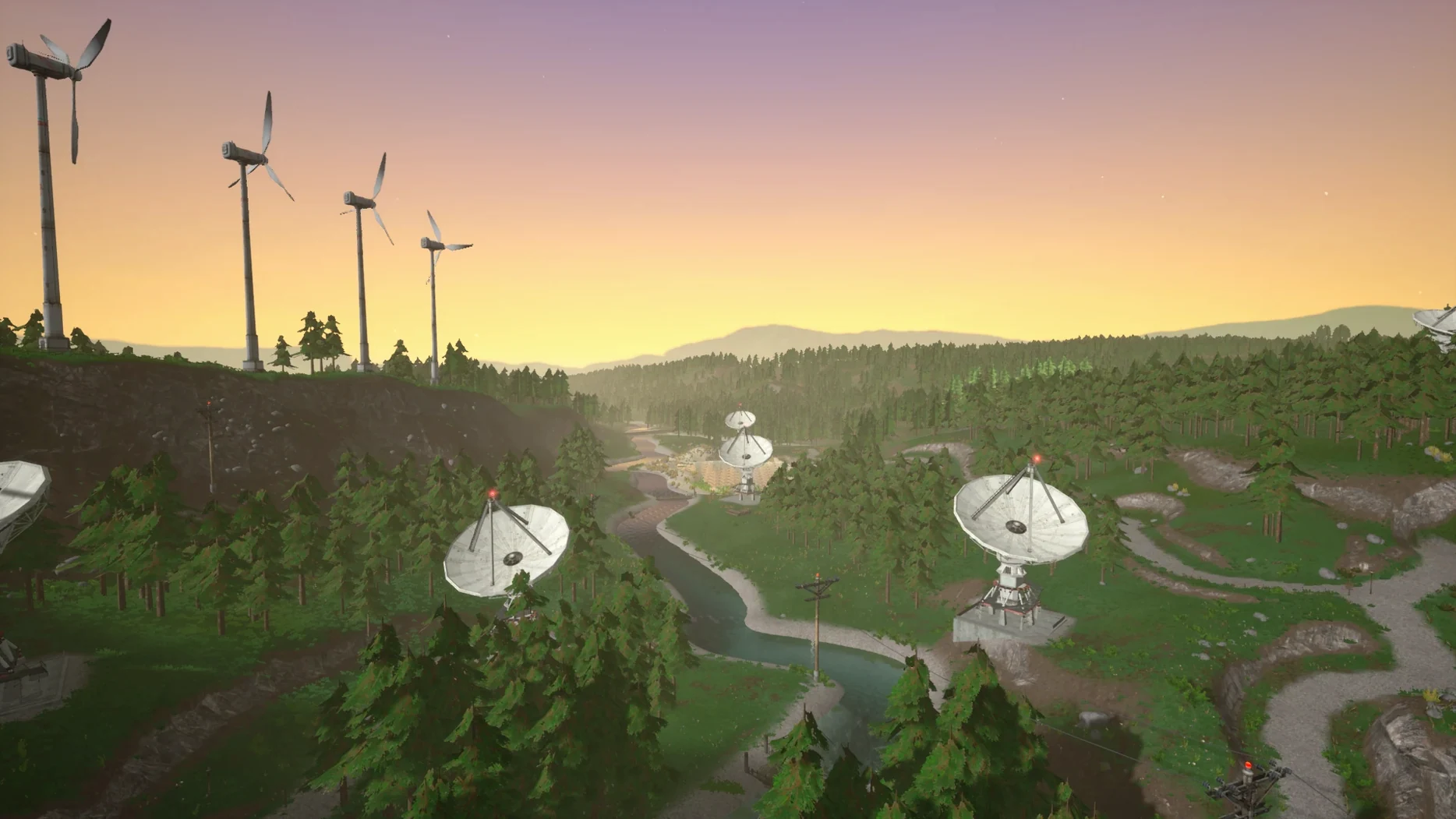
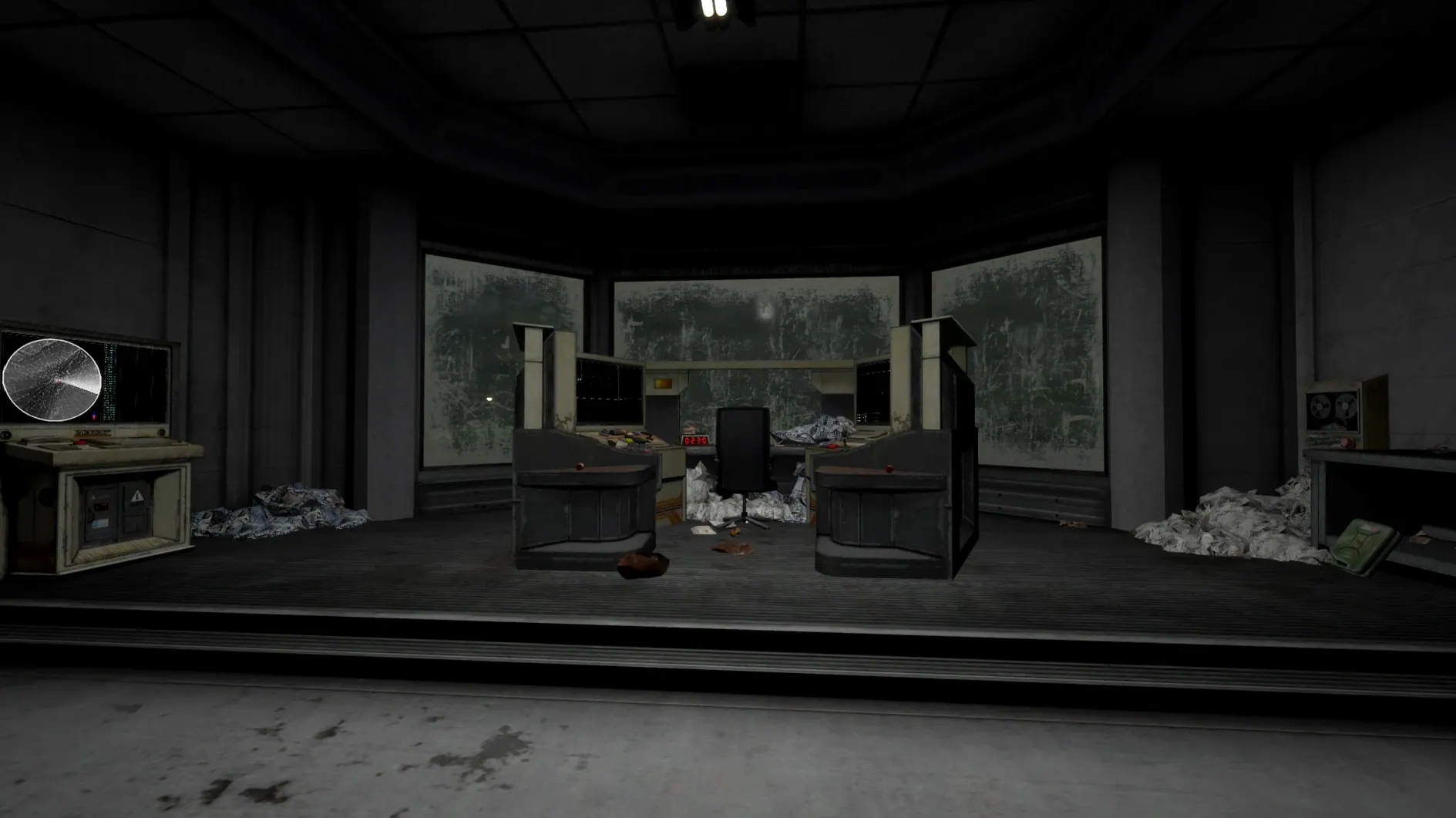
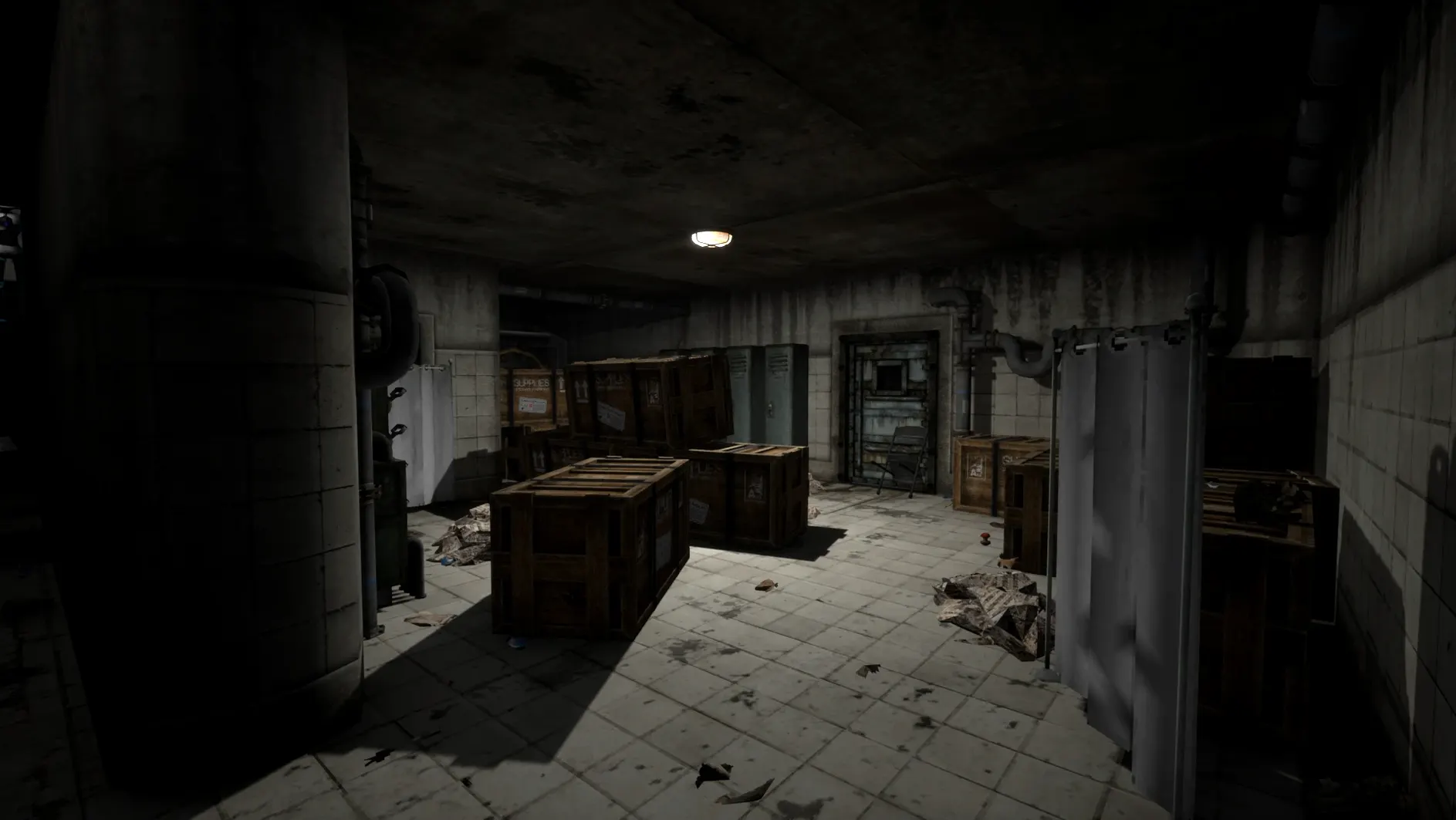
One research station. 45 days until the next supply drop. And a sky full of radio noise that gets a little too personal after midnight. Voices of the Void drops you onto an isolated outpost and hands you the keys to a signal processing rig, then waits. The horror here is a slow build—a simulator of routine maintenance that gradually warps into something far less comfortable.
Your Shift, Step by Step
- Secure the station. Do a walkthrough. Check power levels, repair the inevitable breakdowns, and keep the lights on. Neglect the hardware and the darkness starts to feel heavier than it should.
- Work the dish array. Point the antennas, lock onto signals buried in static, and process the raw data. Not every transmission is meant for human ears, but your job is to log them anyway.
- Monitor the perimeter. The base gives you tools to watch the treeline. Use them. The emptiness outside has a habit of rearranging itself when you look away.
- Manage the quiet hours. Eat, sleep, organize your findings. The tension ratchets up in the gaps between tasks, and the game knows exactly when to interrupt a calm moment with something you can’t name.
The F10 console is always there if you want to tinker under the hood—it fits the early-access nature of the project, where the systems are already tight but the edges are still being sanded. With interface support across eleven languages including Russian, German, and Polish, the isolation feels designed to travel.
Shift-Click to Queue Signals Instantly
A few habits turn a chaotic first night into a manageable rotation. Hold Shift while clicking any signal on the console to queue it immediately—no drag, no delay. The dish alignment tool has a fine-tuning mode you reach by tapping Ctrl while adjusting a bearing; it’s never mentioned in the tutorial, and it cuts the hunt for a clean lock by half.
The coffee machine in the common room isn’t decorative. Drink from it twice in a row and the stamina penalty from missed sleep slides back a full hour. In a game where every minute of darkness costs composure, that’s real currency. Also worth knowing: you can pin a processed recording to the corkboard above the desk by right-clicking the waveform. The game never tells you, but pinned signals sometimes attract follow-up events the next cycle.
What Nobody Mentions About the Mac Build
The Wineskin wrapper on Apple Silicon runs cool—fans stay quiet on an M1 through M4 even during the heavier signal decode passes. If the app throws a launch error, don’t reinstall. Run the Fix file from the disk image once, and the permissions align. After that, the app behaves like any native title in Launchpad.
Save files live deep inside the bundle, at SharedSupport/prefix/drive_c/users/Sikarugir/AppData/Local/VotV/Saved/SaveGames. Backing those up manually is the only way to branch a session before a decision you might regret, because the game commits every action immediately.
Atmosphere Over Jumpscares
Does the horror lean on jumpscares or atmosphere? Atmosphere, overwhelmingly. Things happen in the treeline and over the radio, but the game respects the silence. The fear comes from what you notice rather than what lunges at the screen. If you’ve hunted for a Voices of the Void Mac torrent that preserves the tension without cheap triggers, this is the build that holds the line.
Is it playable without a manual? The first hour is trial and error, deliberately. The signal processing UI expects you to twist knobs until the static clears. Once you internalize frequency sweeps and gain staging, the loop becomes second nature. Nobody hands you a checklist—that’s the point.
How much simulation weight is there, really? Enough that skipping station upkeep for two cycles will cascade into dead equipment and a very dark dish array. It’s not a spreadsheet sim, but the base is a character, and it demands attention.
- macOS 11.0 or later
- Apple Silicon Mac required
- Packaged with Wineskin
Questions I actually get
Is Voices of the Void a finished game?
No, it's an early-access title currently at Alpha 0.9.0l, so systems are in place but content and polish are still evolving.
How do I open the developer console?
Press F10 during gameplay to bring up the console for commands and debugging.
Notes from the edit bay · 0
Sign in or get an edit-bay pass to leave a note.
No notes from the edit bay yet. They go up after I read them.