
Lommel functions. That is the kind of addition that tells you exactly who a Mathematica point release is for. If you are knee-deep in electromagnetic theory or light scattering simulations, version 14.3 just handed you a direct, optimized implementation instead of a workaround. That is the rhythm of this app: deep symbolic math packaged as fresh kernel functions, not surface polish.
| Version | macOS |
|---|---|
| 14.3.0 | macOS 12+ (Intel & Apple Silicon) |
The marquee feature is dark mode, but I care more about the plumbing. The Python and R integration got faster, which means external data pipelines and statistical models snap into a notebook with less friction. ColumnwiseCombine cleans up messy data frames. LLMGraph lets you pull large language model outputs directly into a graph structure for analysis. For geospatial work, geodesic computation removes a long-standing headache. These are not flashy bullet points; they are the kind of tools that shave hours off a research report or a render for a data-driven video proof-of-concept. Mathematica has always been a strange beast: part notebook, part development environment, part visualization powerhouse. The 14.3 update sharpens the side of it that talks to the outside world, whether that is a Python script, an R model, or a Markdown export for your team.
Where It Fits Between the Notebook and the Terminal
A fresh install of Mathematica sits somewhere between a Python environment and a CAD tool. That middle ground is half the friction for new users. On macOS, the Wolfram Language kernel runs as a background process. You can drive it from the notebook front end, from Terminal via wolframscript, or from any editor that speaks the Wolfram Language Server protocol. The 14.3 update plays nicer with external runtimes now. A notebook cell tagged as Python hands off to your local environment, and the round-trip time dropped noticeably — useful when you are piping sensor data through pandas before visualizing with ListFitPlot.
For video work, I do not edit inside Mathematica. But I do use it to prototype LUT transforms, generate histograms from frame dumps, or batch-process color data before it touches Final Cut. The new vector-based maps and mesh tools make it easier to overlay graphics that I can export as PDF and animate in Motion. That export pipeline — Mathematica to Markdown or PDF to a compositing app — is what keeps it on my dock. If you are downloading this as a Wolfram Mathematica torrent for academic use, you are probably aiming at a similar chain: compute, visualize, export to LaTeX or slides, present. The Markdown export support in 14.3 cleans up that last step considerably.
Resist the Notebook—Start in wolframscript
Day one, resist the notebook. Open Terminal and type wolframscript. Type a few arithmetic expressions. Get a feel for the kernel without the front-end overhead. Then open a blank notebook and test the new dark mode. It honors the macOS appearance setting automatically, and the new standard colors keep plot labels legible against a black background — something earlier versions botched on Retina displays.
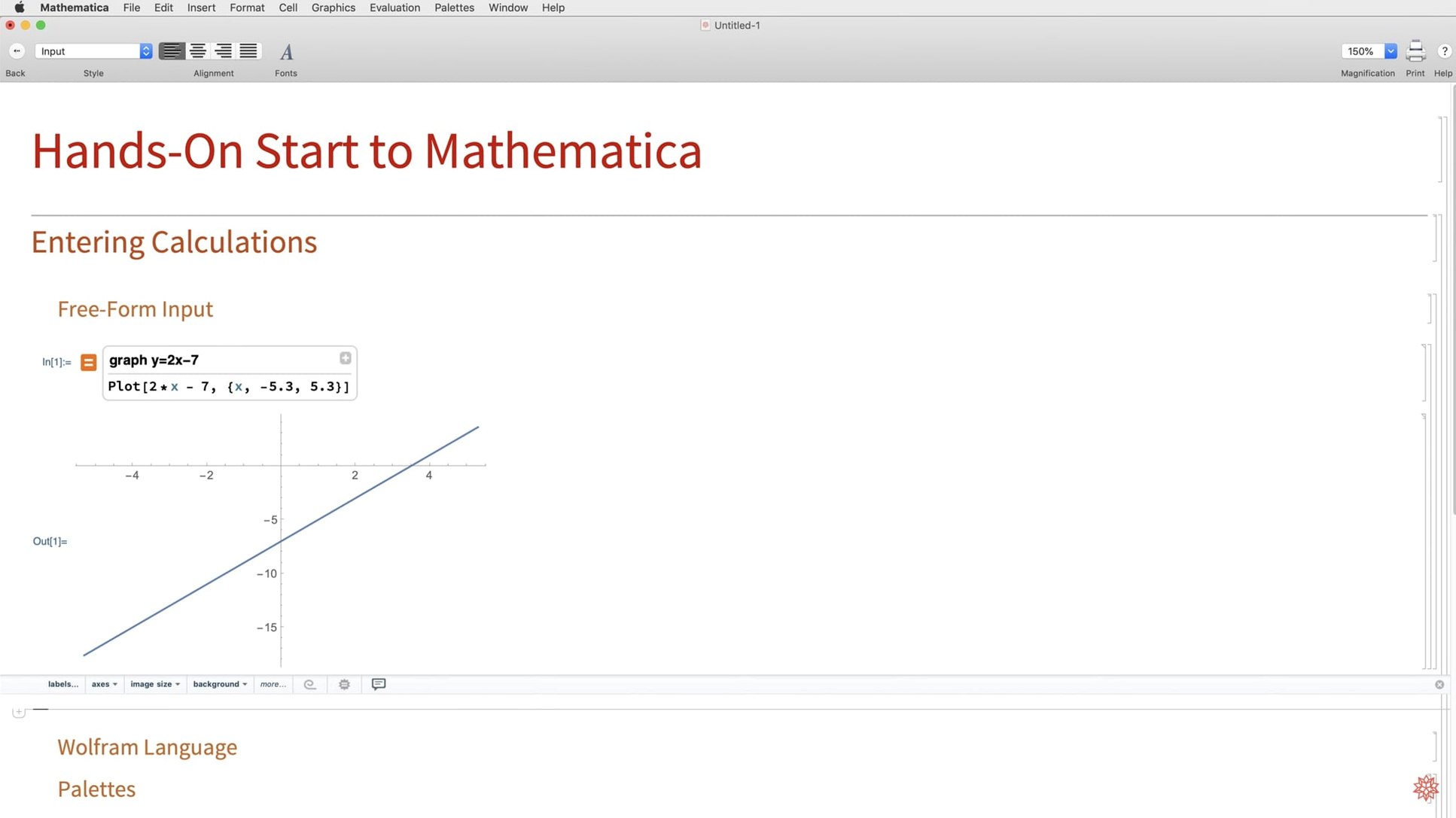
Day two, feed it something real. Drop a CSV of weather data or stock prices into a notebook and run SemanticImport. The natural-language parser is blunt but fast. Try the new ColumnwiseCombine on two related tables. This is where a mathematica for mac free download stops being a novelty and starts acting like a data workbench. Do not bother memorizing function names yet. Use the natural-language input bar with a phrase like "plot closing price as a function of date with a red dashed line" and let the system propose the Wolfram Language syntax. You learn by reading what it generates.
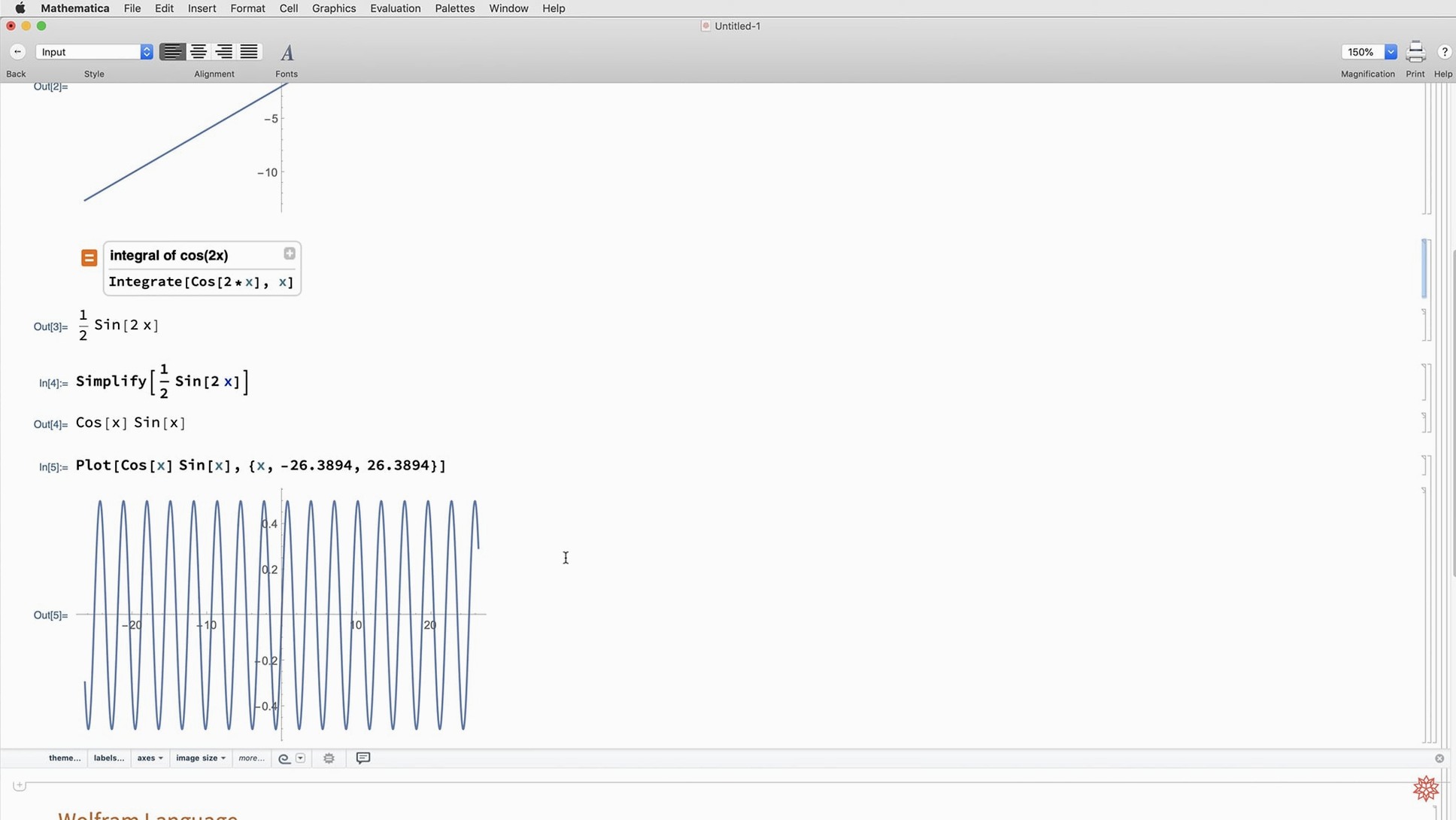
Day three, connect an external runtime. Point a notebook cell to your Python environment and import NumPy. Run a quick Fourier analysis with Mathematica's native Fourier on one side and NumPy's FFT on the other, then compare outputs. The speed bump in 14.3 shows here — less idle time waiting for the interop layer to marshal data. If you grabbed a mathematica 13.3 download in the past and found the Python bridge sluggish, 14.3 is the reason to update.
Settings I Change Immediately
The default style sheet is functional but busy. Under Preferences > Appearance > Stylesheet, I switch to "NaturalColor" — it tightens spacing and drops the heavy cell brackets without hiding them entirely. In the same panel, I set "Show open/close icon for cell groups" to off. The brackets alone are enough of a visual cue.
Under Evaluation, I uncheck "Show Tooltip for Dynamic objects." On large notebooks with multiple plots, those tooltips introduce a tiny but cumulative lag during scrolling. While I am there, I bump the "MaxPlotPoints" default for ListPlot up to 5000. The new ListFitPlot honors this setting, and waiting for a render mid-thought breaks flow.
The natural-language input bar gets a tweak: I limit it to the Wolfram Language interpreter only, disabling web search suggestions. When I want to query Wolfram Alpha, I do it explicitly with a double-equals shortcut. Accidental network calls during an iterative session are a distraction. If you are working through a mathematica 13 download upgrade path, these preference tweaks carry forward cleanly into 14.3.
Universal Kernel, Native Apple Silicon
Does this play well with Apple Silicon, or is it a Rosetta translation layer? The kernel is universal. You get native ARM execution on M-series chips. Large matrix decompositions, one of the new features in 14.3, peg all efficiency cores without a fan spike on an M2 Air during my usual test — a 2000×2000 symbolic determinant expansion. Intel Macs run the x86-64 slice natively. No emulation in either direction.
Will my old notebooks from version 12 or 13 break? Notebook format is forward-compatible. Functions deprecated across major versions trigger a warning banner in the front end, not a silent failure. The 14.3 kernel handles syntax from 12.x without complaint. If you relied on undocumented internal functions, that is your gamble, but documented Wolfram Language code survives upgrades reliably. Anyone hunting a Mathematica torrent for an older machine running macOS 12 Monterey will find 14.3 installs and runs identically to what the system requirements promise.
Can I use it offline, or does it phone home constantly? The desktop app runs fully offline once activated. Cloud features — Wolfram Alpha queries, cloud deployment, LLMGraph calls — need a connection, but the kernel, documentation, and all local computations do not. You can disable network access entirely in Preferences > Internet & Mail and still work through a full differential equations course.
How does the natural-language input compare to a ChatGPT-style prompt? Shorter scope, stricter syntax. It translates your sentence into Wolfram Language code and shows you the translation before executing. You can edit that generated code. Over a week of daily use, you start absorbing the language structure. The LLMGraph function in 14.3 is a different beast — it connects to external large language models for graph-based analysis of their outputs, not for writing Mathematica code itself.
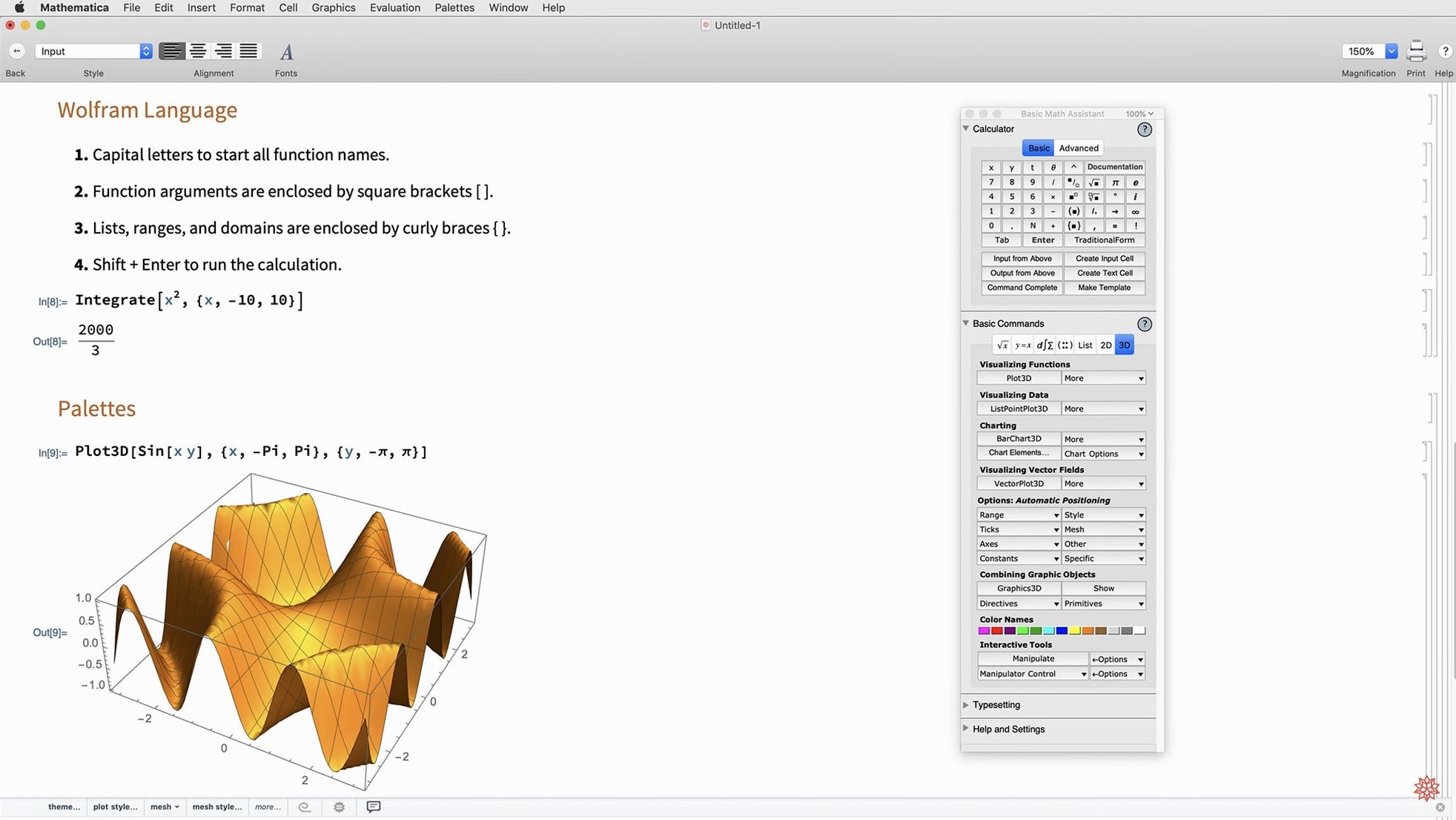
Full dark mode lands, with a new palette of standard colors that adapt to light and dark environments. On the math side, we get Hilbert transforms, Lommel functions, and new matrix decompositions. Visualization picks up ListFitPlot, more surface plotting functions, vector-based maps, and mesh processing tools. Also fixed: geodesic computation, LLMGraph, faster Python and R integration, ColumnwiseCombine, system model validation tools, and Markdown export support.
- macOS 12 or later
- Intel or Apple Silicon Mac
Questions I actually get
Does Mathematica 14.3 support natural-language input?
Yes, you can type calculations in plain English instead of strict Wolfram Language syntax.
Notes from the edit bay · 0
Sign in or get an edit-bay pass to leave a note.
No notes from the edit bay yet. They go up after I read them.