
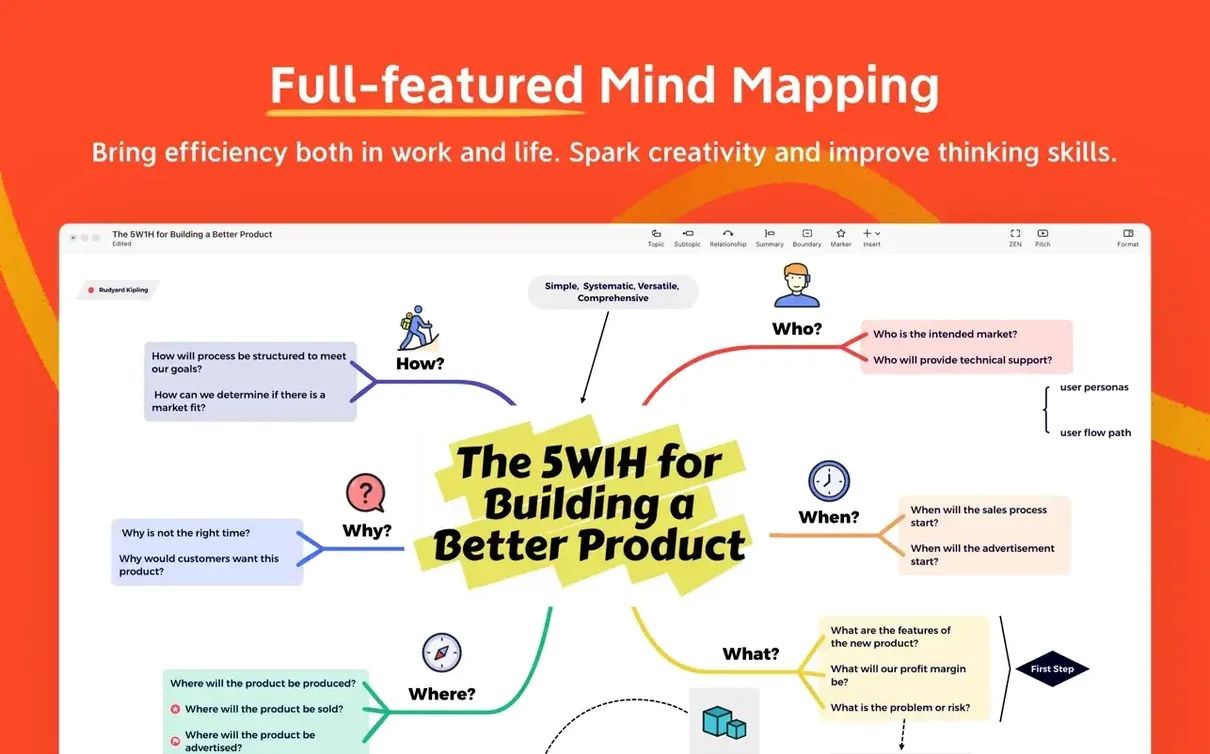

Thirteen interface languages ship with the current build, and that tells you plenty about XMind Pro. It’s built for distributed teams and solo planners who just need the diagram to make sense. You start with a central node and branch out through mind maps, Ishikawa diagrams, tree charts, logic charts, or straightforward tables. No friction, no decorative clutter—just the structure you pick.
The 2026 release doesn’t shake up the feature list. What you get is a stable, cross-platform mind-mapping engine that already talks to FreeMind files, so old brainstorms don’t get stranded. Mac users on Apple Silicon and Intel are on the same page with native support back to macOS 11. That matters when a tool is meant for task management one morning and meeting prep the next.
Where it fits: this is a lightweight, fast idea mapper for people who live inside outlines but need a visual pivot. It handles knowledge management and time management without turning into a project-management monster. Open it, map it, export it, move on.
What Version 26.04.01337 Changed Day-to-Day
The jump to 26.04.01337 wasn't a headline-grabber, but it tightened a few bolts that editors like me lean on when a deadline is breathing down my neck. The biggest shift is how the app handles larger maps. Panning across 200-node monsters used to feel like dragging a mattress up stairs on Intel Macs. Now the canvas scrolls cleanly, and zoom responsiveness is snappier on both architectures. That matters when a client is watching over your shoulder during a revision.
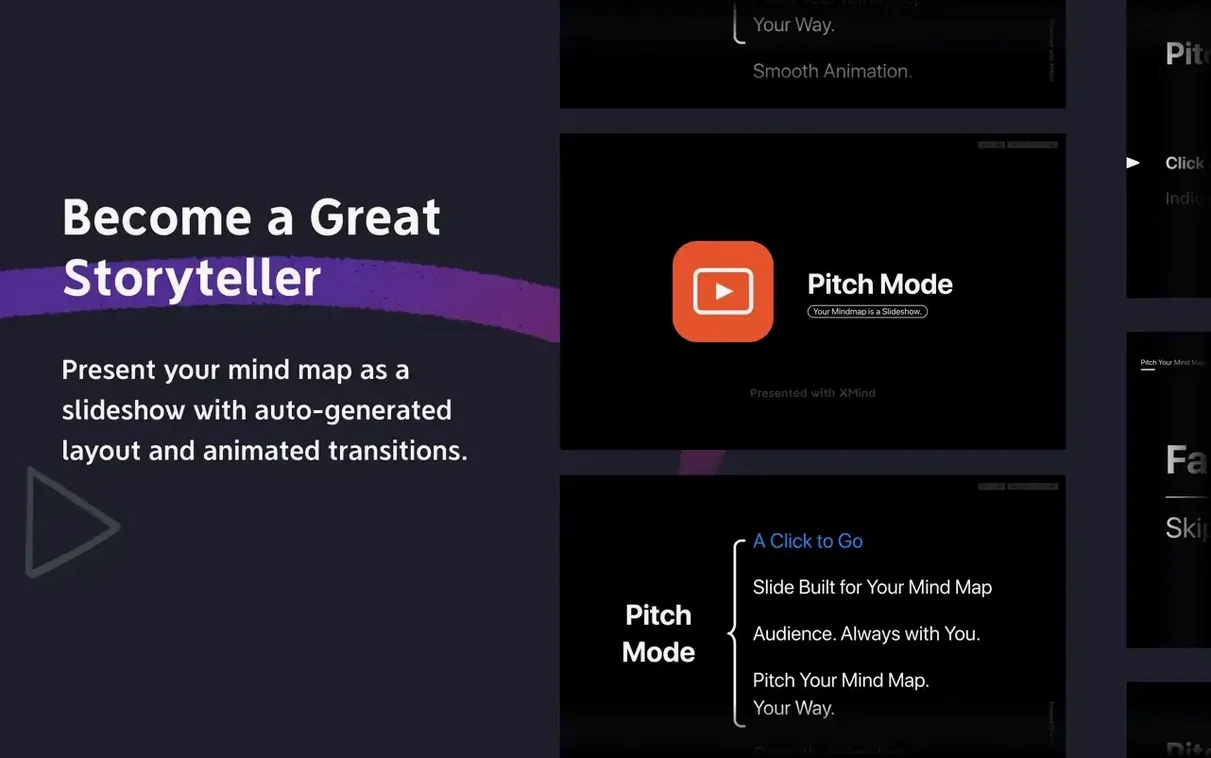
Pitch mode got a quiet overhaul. Presenting a mind map slide-by-slide now respects the aspect ratio of whatever display you're on, so you stop getting letterboxing surprises on ultrawides. The fishbone diagram templates also received alignment tweaks. Labels that used to drift off-center on deep Ishikawa branches now sit flush. It's a small fix, but anyone who's exported a root-cause analysis to PDF knows that a crooked label makes the whole deliverable look sloppy.
Also fixed: the FreeMind import path stopped choking on .mm files that contained embedded HTML notes. Search indexing inside the app got faster too—typing a keyword now filters nodes before you finish the word, which cuts down the "where did I put that idea" scramble during long planning sessions.
Beginner Mistakes That Trip People Up
New users treat XMind Pro like a drawing app. They drag nodes around pixel by pixel, trying to make everything symmetrical, then wonder why the layout snaps back when they add a sibling. The app works off a layout engine, not a freeform canvas. You pick the structure—tree, logic chart, timeline—and the engine positions everything. Fight it and you'll waste twenty minutes nudging boxes that reset on the next edit. Embrace it and you map at the speed of thought.
Another classic: ignoring the outline panel. People build elaborate visual maps, then manually export to text when they need a linear document. The outline view already mirrors every node as a nested list. Drag it, print it, or copy it straight into a proposal. It's sitting right there in the left sidebar the whole time.
And for the love of deadlines, learn the Tab and Enter shortcuts. Tab adds a child node, Enter adds a sibling. Mouse-clicking the toolbar for every new idea turns a five-minute brainstorm into a click marathon. The keyboard is where speed lives in this app.
When Dropbox Syncing Breaks Your .xmind File
The collaboration feature works, but it's picky about file location. Two people opening the same .xmind file from a sync folder like Dropbox or iCloud will eventually clash if both save at the same moment. The app doesn't do live co-editing the way a web-based tool does. The fix: one person owns the master file, shares it read-only, and merges changes manually. Or use the export-to-image workflow for feedback rounds and keep the source file untouched.
On Apple Silicon Macs, some users hit a blank canvas right after install. The app launches but the workspace doesn't draw. Nine times out of ten, macOS Gatekeeper didn't get a chance to verify the downloaded disk image properly. Quit the app, eject the DMG, re-mount it, and drag the app over again. The second launch usually sticks.
Export resolution catches people too. The default PNG export scales to the canvas size, not to a DPI you'd want in a printed deck. When a map looks fuzzy in a presentation slide, go into export settings and bump the resolution manually. 300 DPI is overkill for screen, but 150 DPI keeps text crisp when a projector magnifies it. PDF export avoids the resolution question entirely and it's my go-to for client handoffs.
How a Marketing Lead Uses It for Campaign Planning
Maya runs content for a mid-size agency. Every quarter she kicks off a campaign with a topic cluster brainstorm, and XMind Pro is where it starts. She opens a blank mind map, drops the campaign theme as the central node, and brain-dumps twenty content angles as child nodes. The Tab key never stops clicking.
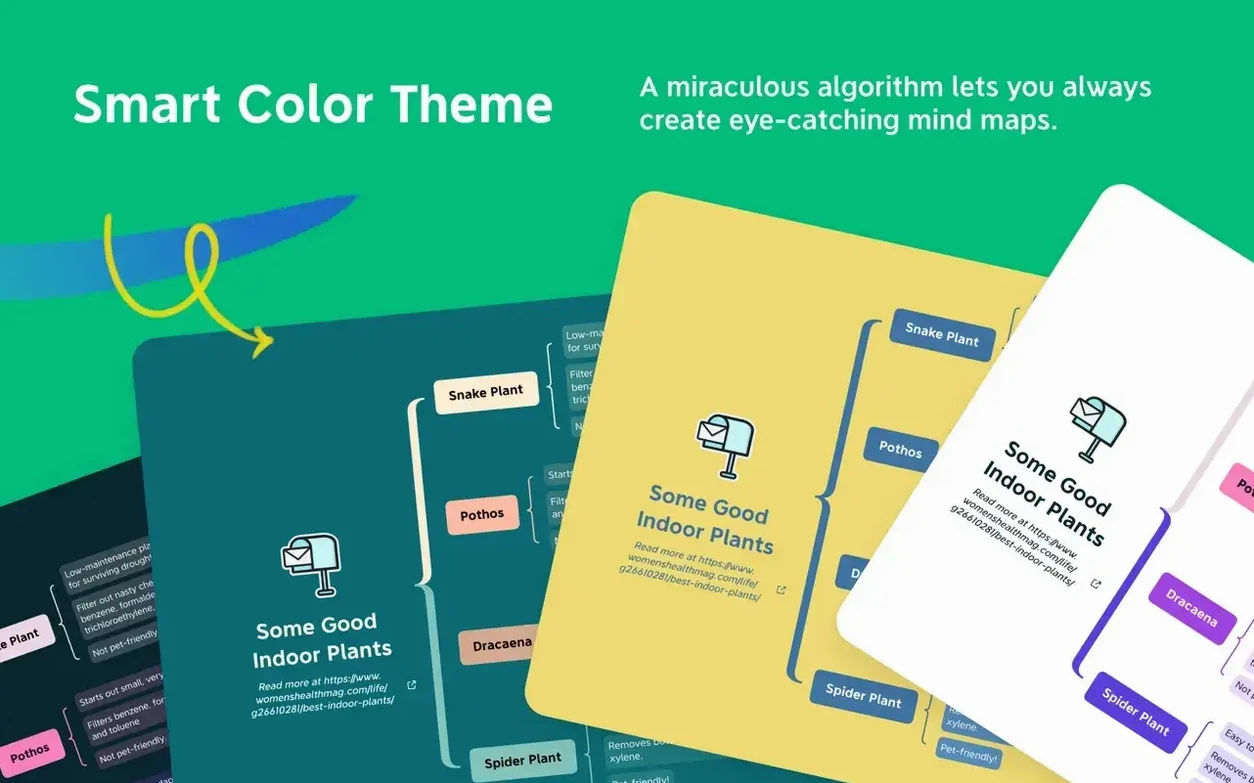
Once the ideas are out, she switches to tree-chart view so the hierarchy reads top-to-bottom for her team. Each angle gets sub-nodes for target keywords, asset types, and due dates. She color-codes by channel—blue for blog, orange for social, green for email—and the map becomes a visual brief that replaces three Slack threads and a spreadsheet nobody was updating.
Before the kickoff meeting, she exports the tree to PDF and drops it into the deck. During the meeting, she shares her screen in Pitch mode, walking through branches one at a time so the team stays focused on the current segment instead of jumping ahead. When a stakeholder asks for the raw outline, she copies it from the outline panel straight into a Notion doc. No reformatting, no retyping. The whole workflow, from blank canvas to PDF handoff, runs under forty minutes. That's why xmind pro mac searches keep popping up among marketing teams—it slots into the planning stack without demanding a new workflow.
- macOS 11 or newer
- Apple Silicon or Intel processor
Questions I actually get
Can XMind Pro open old FreeMind files?
Yes, FreeMind compatibility is built in, so you can import and continue working with legacy mind maps.
What diagram types does XMind Pro support?
You can create mind maps, Ishikawa (fishbone) diagrams, tree diagrams, logic charts, and table structures.
Does XMind Pro run on Apple Silicon Macs?
Absolutely. The app runs natively on both Apple Silicon and Intel Macs with macOS 11 or later.
Notes from the edit bay · 0
Sign in or get an edit-bay pass to leave a note.
No notes from the edit bay yet. They go up after I read them.