
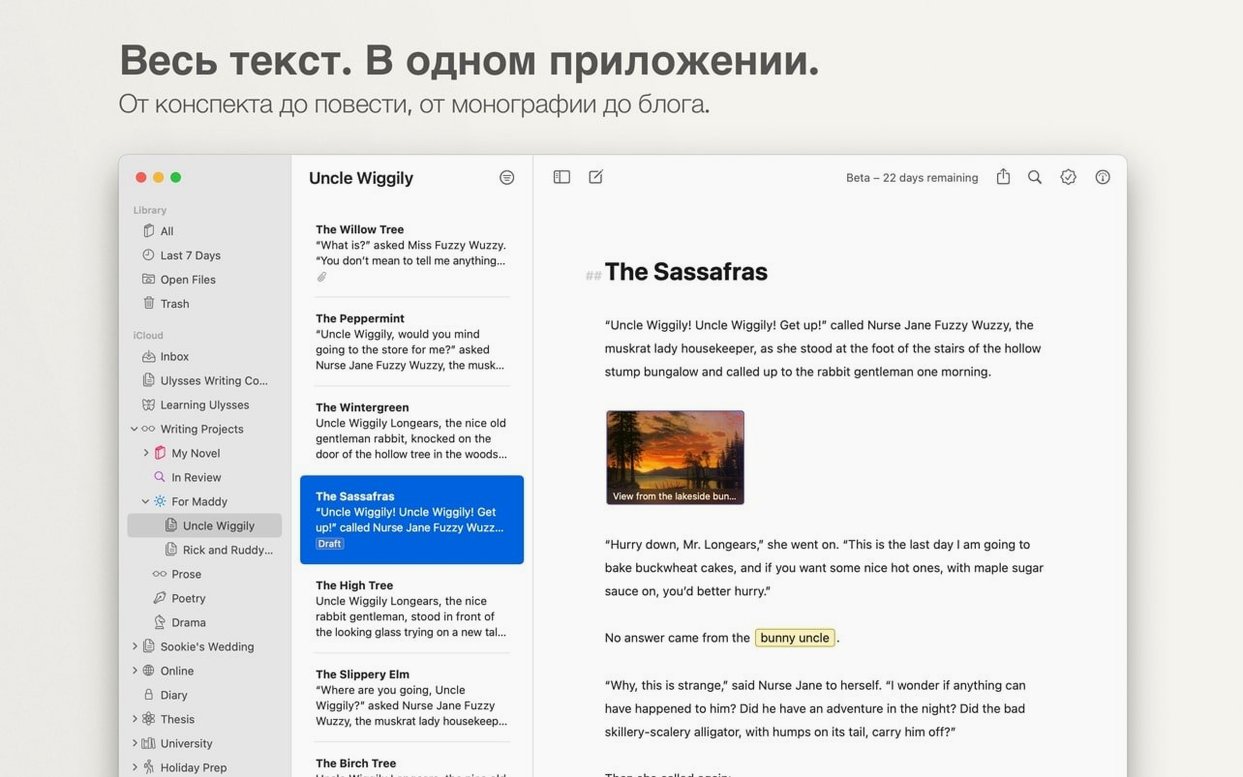
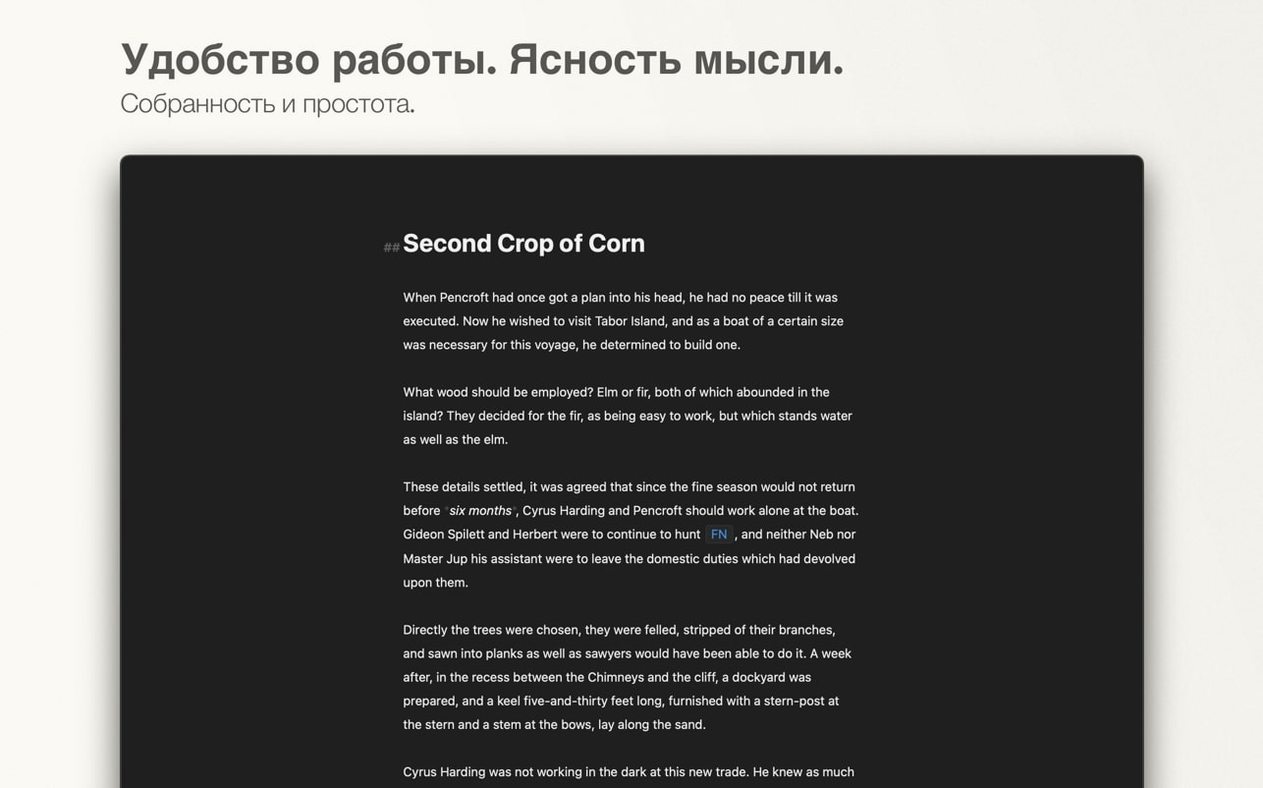
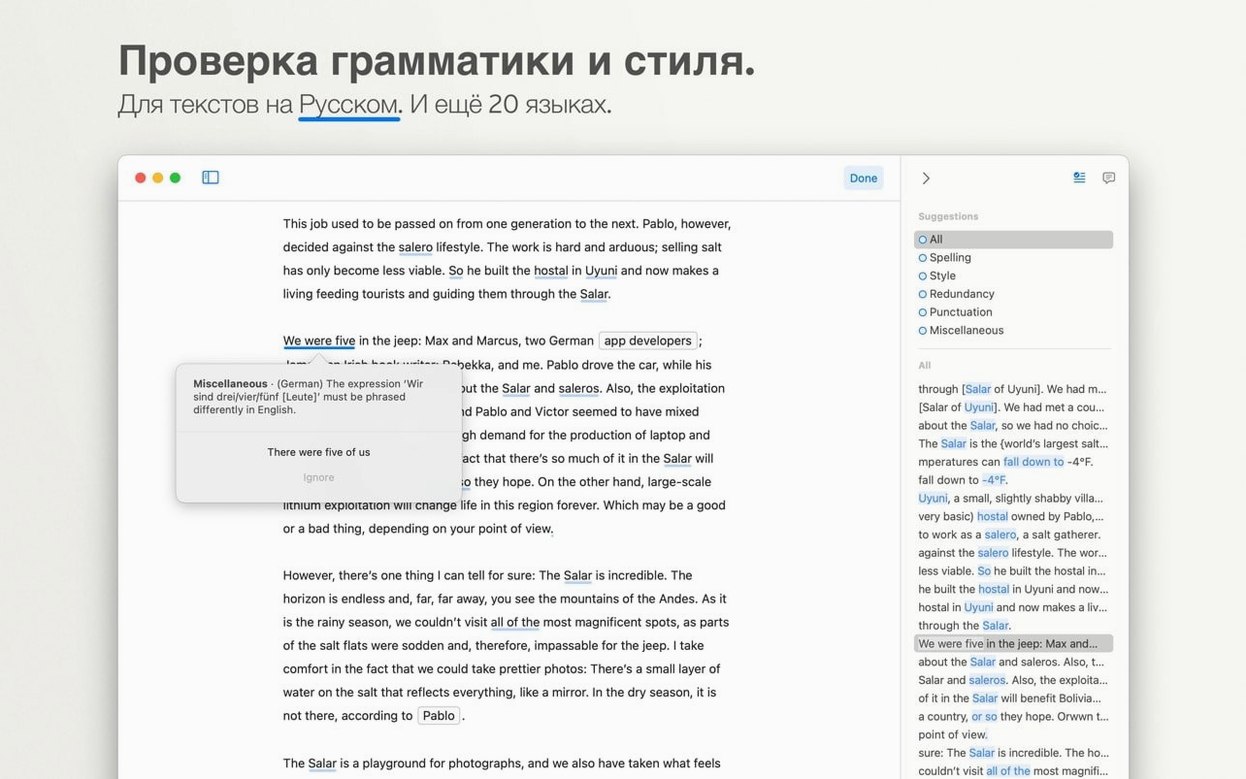
Think of it as the clean, focused cousin to a word processor you already know—one that strips away the ribbon clutter and lets you write in plain text with Markdown. Here’s what that means in practice.
Markdown — Format text with simple characters like # for headings and * for italics. The preview stays out of your way until you need it.
Structured Library — All your sheets and groups live in a single, searchable sidebar instead of loose files in Finder.
iCloud Sync — Keeps your library identical across a Mac, iPad, and iPhone without extra steps.
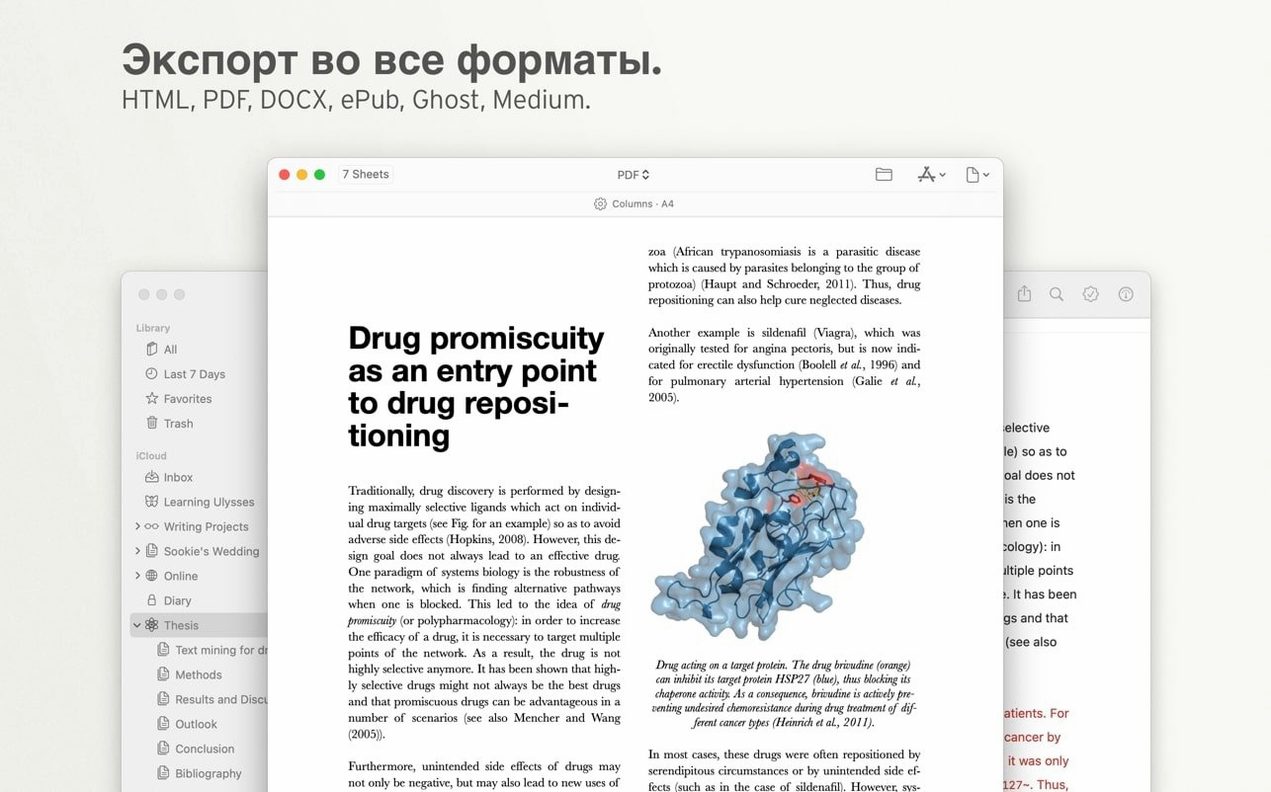
Export to Word — Hand off a clean .docx when an editor or client demands it.
Publish to WordPress — Draft and push a post straight from the app. No copy-paste dance.
Built-in Purchases — The app itself uses a subscription model to unlock all features across devices.
Under the hood, Ulysses needs macOS 13 or later. It runs natively on both Intel and Apple Silicon machines, so there’s no Rosetta penalty on newer Macs. If your rig is still on Monterey or older, this version won’t launch.
The Blank Library Panic on First Launch
iCloud sync stalls on first launch. The library sits blank for a minute or two while Ulysses talks to Apple’s servers. If it stays empty longer than five minutes, toggle iCloud off and on in System Settings, then relaunch the app. That usually nudges the handshake. Big libraries with hundreds of sheets take longer to index — grab a coffee, don’t force quit.
Markdown characters show up in exported PDFs. You meant to export the styled version but got raw hashes and asterisks instead. In the export dialog, check the Style dropdown isn’t set to “Raw Markdown.” Pick a theme — like “Clean” or “Technical” — and the formatting applies correctly.
WordPress publishing fails with a cryptic error. Nine times out of ten, the REST API is disabled on the site or a security plugin blocks XML-RPC. Try adding /wp-json to the end of your site URL in Ulysses’ account settings. If that doesn’t do it, a quick peek at the WordPress dashboard under Settings → Writing confirms the remote publishing toggle is on.
Groups disappear after dragging sheets around. The sidebar hierarchy can trick you — dropping a sheet just above a group sometimes nests it instead. Use the “Move to” command from the right-click menu for precision. Command-Z jumps back one step if things land in the wrong spot.
Reading Is Free, Typing Costs You
Does it work without a subscription? The app opens and your existing library is fully readable. Creating new sheets or editing anything beyond a trial window requires the built-in purchases to unlock, which is how the subscription gates the feature set. If you’re evaluating whether the workflow clicks, the reading-only state gives you a tour of the structure before committing.
Can I keep local files instead of iCloud? Ulysses stores everything inside its own library container — there’s no “Save to Finder” option for individual sheets. You can export a .md, .docx, or PDF copy to any folder, but the living document lives in the iCloud-synced library. For offline work, everything still saves locally and syncs the next time you’re online.
Will this version run on an older Mac? macOS 13 is the hard floor. Machines stuck on Monterey or earlier won’t launch it at all. If someone’s hunting a ulysses mac torrent for an older OS, grabbing a much earlier release that matches their system version is the way to go — this build checks the system version on launch and exits immediately if it falls short.
Skipping the Research Fortress to Just Write
Scrivener. Scrivener is a research fortress — corkboards, binder folders, snapshot backups, and compile presets that can export a formatted manuscript in seconds. Ulysses skips all that. It wants you writing, not organizing note cards. Where Scrivener feels like a project manager that also writes, Ulysses feels like a writing pad that grew just enough structure to handle a book. If you need character sheets and pinned research side-by-side, Scrivener wins. If you want to open a blank sheet and go, Ulysses is faster to the words.
iA Writer. iA Writer shares the Markdown-first, one-sheet-at-a-time philosophy. The difference is the library. iA Writer points to folders in Finder or iCloud Drive; Ulysses pulls everything into its own managed database. That means Ulysses gives you cross-device handoff and a unified search without ever touching a file path. iA Writer’s advantage is simplicity — it’s a text editor with style. Ulysses’ advantage is scale — it handles a hundred blog drafts without the mental weight of managing files.
Bear. Bear is a notes app that grew Markdown muscles. It’s fantastic for short-form, tagged snippets and quick capture. Ulysses stretches further into long-form territory — blogging, manuscripts, serialized non-fiction. Bear’s tag-based organization feels lightweight and personal; Ulysses’ group-based hierarchy fits projects with clear structure. Many writers keep both: Bear for ideas and clipping, Ulysses for the actual draft.
The markup bar no longer breaks its layout on compact iPhone screens, and a hang that could hit on first launch is gone.
- macOS 13 or later
- Intel 64-bit or Apple Silicon processor
- Includes built-in purchases (subscription)
Questions I actually get
Does Ulysses support Intel and Apple Silicon Macs?
Yes, version 41.1 runs natively on both architectures, so it works on older Intel machines and M-series chips without emulation.
What file formats can Ulysses export?
It can export to Microsoft Word documents and HTML, on top of its native plain text and Markdown workflows.
Notes from the edit bay · 0
Sign in or get an edit-bay pass to leave a note.
No notes from the edit bay yet. They go up after I read them.