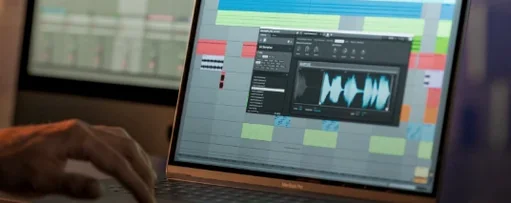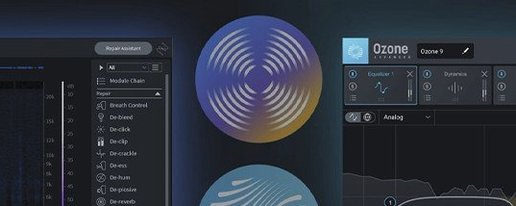
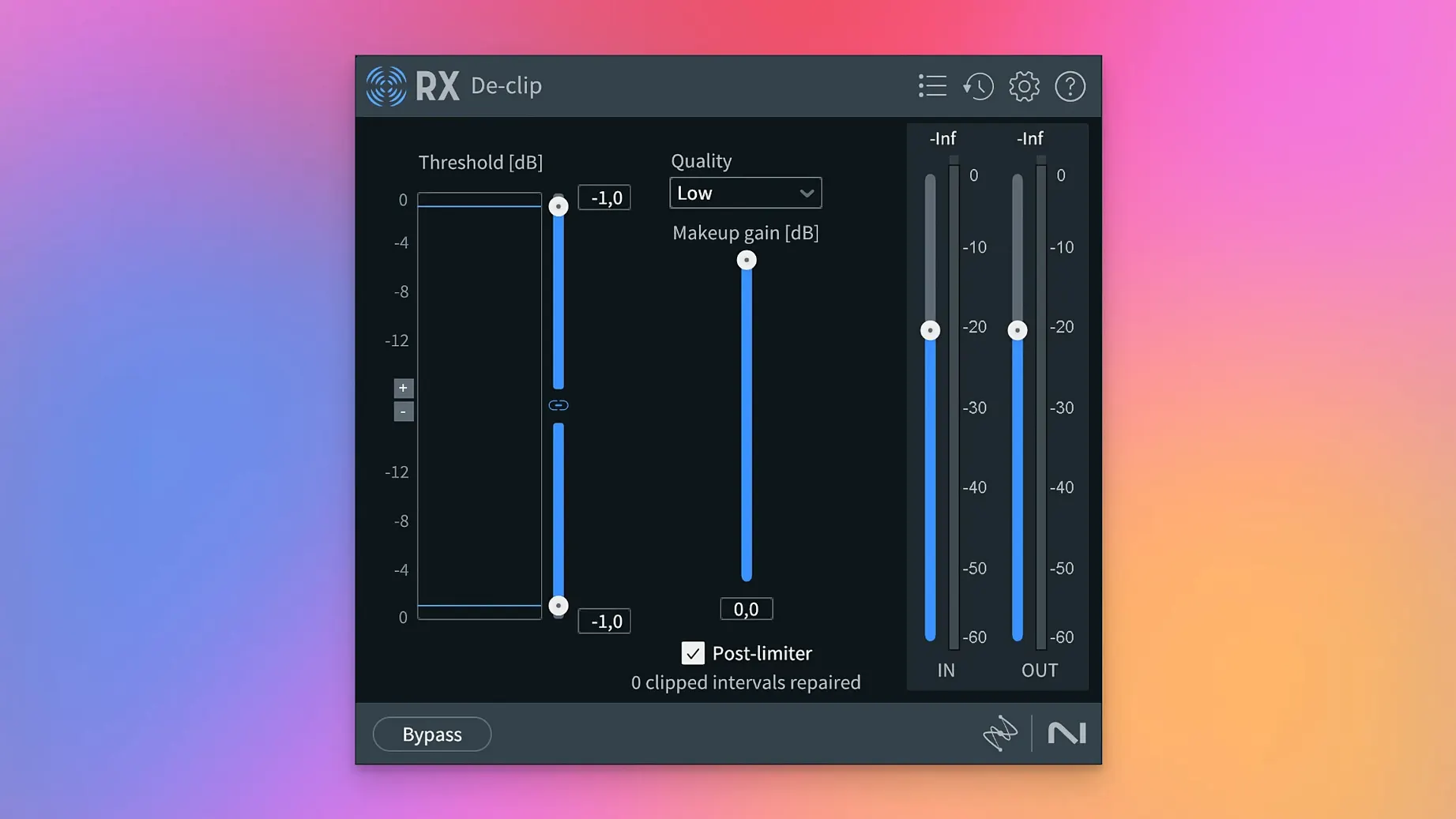
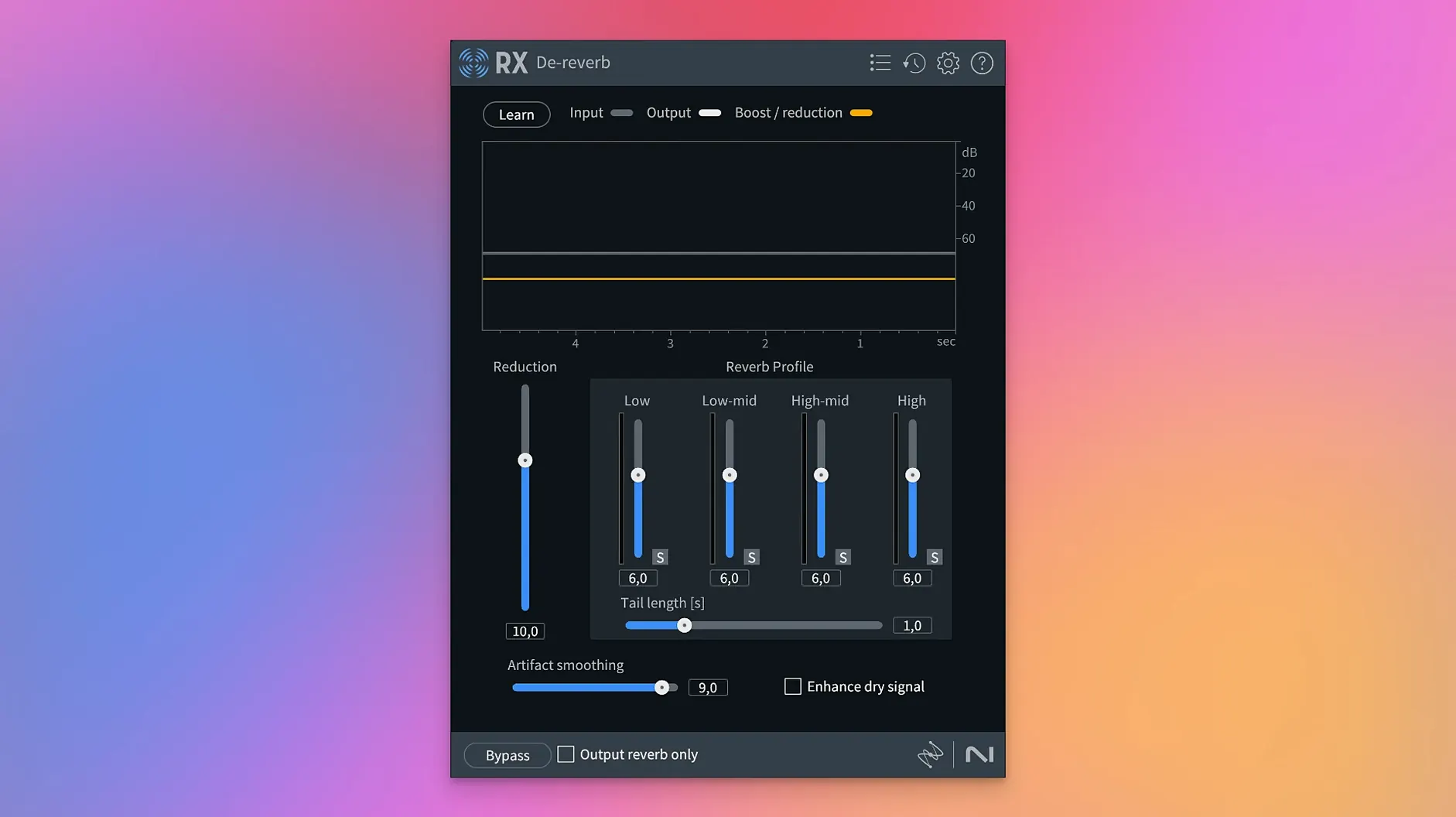
Everyone knows the Spectral De-noise module. It's the one you reach for when the air conditioning hum on a take would make any compressor wince. But plugging an iZotope RX 11 torrent of thought into a session isn't about a single module — it's about where the tool sits in the chain. RX lives in three spots for me: as a clip-level processor, on a dialogue bus, and as the standalone application when a file needs surgery, not just a bandage.
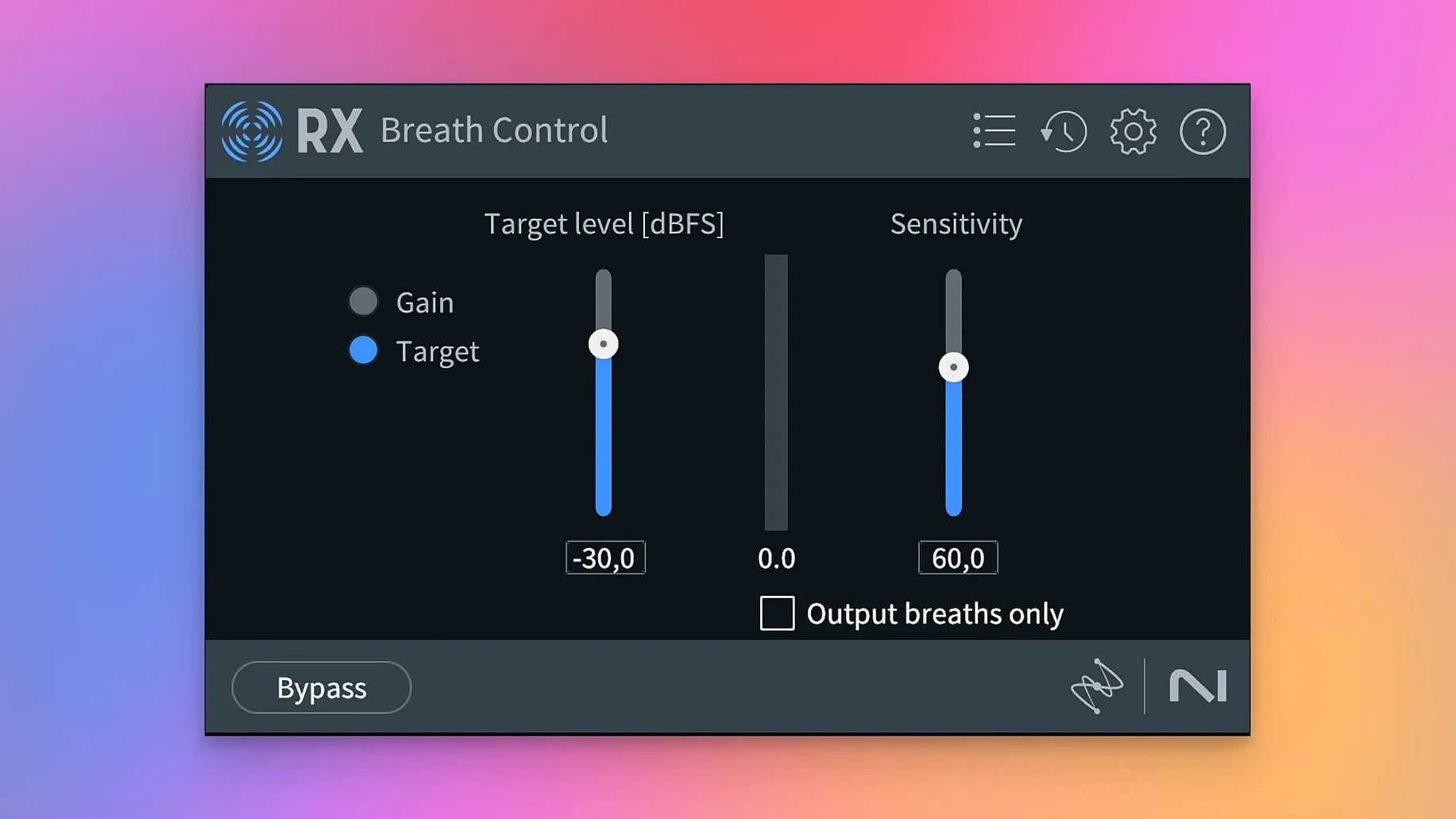
On a clip, it's De-click, Mouth De-click, and the rebuilt Breath Control. I nudge down a sharp inhale before it ever hits a fader. The module actually follows the breath's envelope now instead of just dipping gain across a fixed threshold. It feels less like a gate and more like a smart volume ride.
On a dialogue bus, Dialogue Isolate and the new Scene Rebalance earn their place. Scene Rebalance is a lifesaver when a rough mix hands you a stereo file with music stomping on a quiet line — pulling the elements apart on a bus means the rest of the track gets a consistent treatment downstream.
The standalone app is for the ugly stuff. De-bleed, completely rebuilt, untangles a snare from a vocal mic with way fewer artifacts. And for a long interview, Trim Silence strips the dead air before it ever sees a timeline. It's repair, not mixing, and that's exactly the point.
How It Runs Under Pressure
RX doesn't feel lightweight, and it shouldn't. Loading a one-hour stereo file into the standalone app on an Apple Silicon machine takes about eight seconds — the waveform draws, the spectral view fills in, and then everything is snappy. Scrubbing through a spectrogram is butter. No beachballs.
Where you notice the weight is module processing. Dialogue Isolate on that same hour-long file runs offline, not real-time, so I queue it and grab coffee. The progress bar is honest. A thirty-second clip with De-bleed and Voice De-noise in the plugin chain processes faster than real-time during playback in Logic, which keeps the session flowing. On Intel, the same chain taxes the CPU harder — expect fans on a MacBook Pro — but it doesn't crackle or drop out.
RAM use sits around 1.2 GB for the standalone app with a moderate session. Stacking six modules in a DAW adds maybe 400 MB. Not a memory hog, but not something you ignore on an 8 GB machine. Stability has been uneventful, which is what you want. No plugin scans failing, no AU validation complaints, no mysterious crashes when reopening a session. The one quirk I've seen: Spectral Editor occasionally needs a second click to wake up its selection tool after switching windows. That's it.
Default De-click That Smears Acoustic Transients
Out of the box, a few defaults are conservative to a fault. I change these immediately.
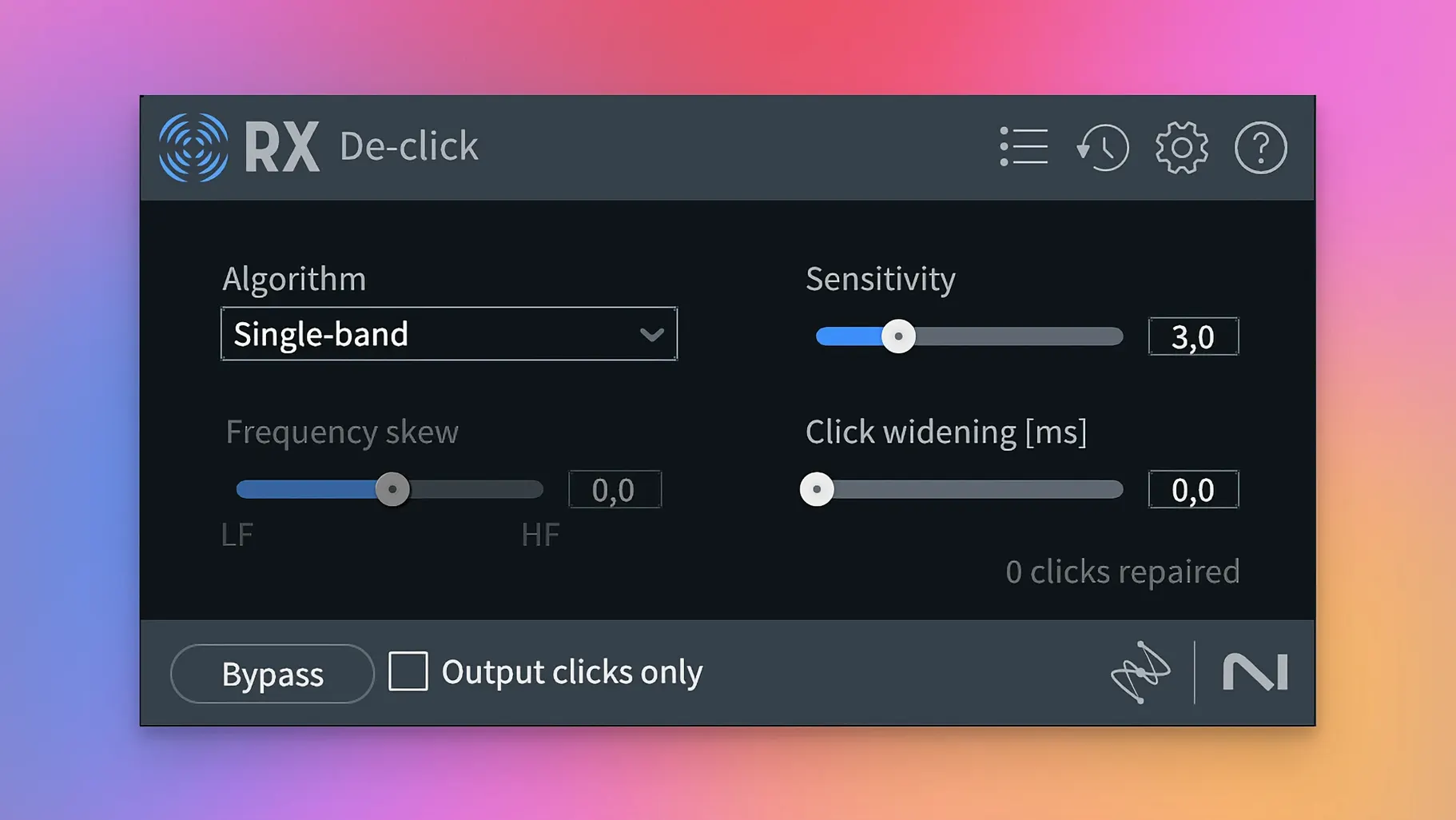
De-click: Algorithm to "Single-band (periodic)." The multi-band default sounds safer on paper but smears transients on a close-miked acoustic guitar. Single-band with the click width narrowed to 3 ms preserves the pick attack while catching the electrical pop.
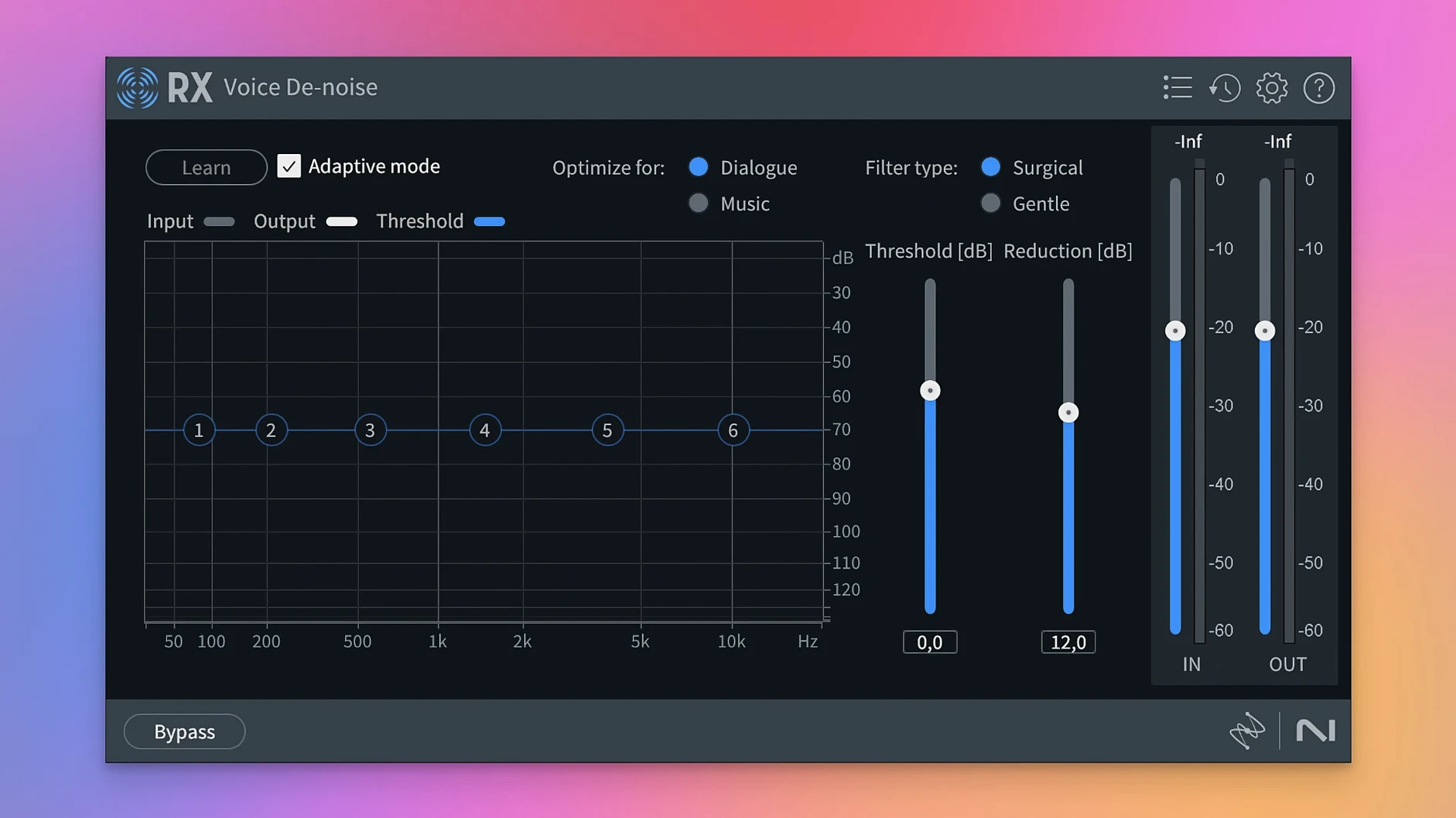
Voice De-noise: Adaptive mode off, Reduction curve to "Gentle." Adaptive mode chases the noise floor and sometimes dips into consonants on a speaker with a soft voice. I'd rather print a static noise profile and ride the reduction manually. The Gentle curve leaves more of the room tone intact — a completely dead background sounds like ADR, not location audio.
De-bleed: FFT size bumped to 8192. The default 4096 is fine for quick work, but on a drum bleed problem — hi-hat in the snare mic — the higher FFT size gives the separation algorithm more frequency resolution. It costs processing time, but the result is a cleaner stem with fewer phasey artifacts.
Trim Silence: Threshold to -48 dB. The -60 dB default is too hungry. It nibbles the tail of room tone on a quiet passage and leaves a choppy edit. Raising the threshold keeps the natural decay of a sentence ending intact.
A Session With RX, Step by Step
Yesterday's project: a twenty-minute podcast interview recorded in a kitchen. Hard surfaces, a refrigerator, and a guest who taps the table when making a point. The raw file lands on the desktop around 10 a.m.
First move — standalone app. I drag the file in and the waveform builds. Spectral view shows a low-frequency smear around 120 Hz, the fridge compressor. I grab a noise print from a pause between two sentences, open Spectral De-noise, and set the reduction to 8 dB with the Smoothing slider at 3. Render. The hum disappears without touching the voice body.
Next, De-click. The table taps register as sharp vertical lines in the spectrogram. I set De-click to the single-band algorithm, sensitivity at 6, and let it scan. The taps vanish. I leave a few faint ones for character — over-cleaning makes the guest sound like they're in a booth, and the kitchen is part of the story.
Mouth De-click catches the lip smacks. Sensitivity at 4, frequency skew toward the high end. I render, then scroll through looking for a particularly wet "p" sound. Gone.
Now Breath Control. The host has a sharp inhale before every question. The rebuilt module finds each one and applies a downward ramp that follows the breath shape. I set the reduction to -8 dB and leave the target at "Breath." The result is a quieter inhale that still breathes — not a mute gap.
Trim Silence next. Threshold at -48 dB, minimum silence duration 0.5 seconds. The software strips the dead air between answers without touching the natural pause rhythm. The twenty-minute file drops to eighteen, and the pacing feels tighter without a single edit point.
Finally, I export a cleaned WAV and drop it into the timeline. No plugins on the track yet — the file is already repaired. I add a light EQ and a compressor for tone, not for fixing problems. That's the workflow: RX handles the repair before mixing starts, so the mixer only has to mix.
A Noise-Reduction Workflow From Scratch
Task: rescue a voiceover recorded near a highway. The talent sent a WAV with traffic bleed throughout — not clipping, not distorted, just a constant low rumble punctuated by the occasional truck downshift.
Step one is spectral analysis. I open the file in the standalone app and switch to spectrogram view. The rumble lives below 200 Hz, steady and broad. The truck gears show as diagonal sweeps climbing from 80 Hz to about 400 Hz over three seconds.
I train Voice De-noise on a section with traffic but no speech. The noise print captures the constant element. I set reduction to 10 dB and leave the tone slider neutral. Render the whole file. The rumble drops, but the truck sweeps are still there — Voice De-noise handles steady-state noise, not transient events.
For the trucks, I open Spectral Editor in the DAW. Each gear shift is a visible arc. I lasso the first one with the selection tool, gain it down 12 dB, and feather the edges by two FFT bins so the cut blends. Three more trucks get the same treatment. Two minutes of surgical work, and the voiceover sits in a quiet room.
Last step: De-ess. The talent's "s" sounds spike around 7 kHz. I set De-ess to the spectral mode, threshold at -30 dB, and narrow the bandwidth to focus on the sibilance range. Four dB of reduction, and the esses soften without becoming lispy. The file exports clean and the client never knows the original recording was a highway disaster.
Where RX Sits in the Ecosystem
RX talks to everything. AU and VST3 plugs load in Logic, Reaper, Ableton, and any DAW that respects the format. ARA support means Spectral Editor works directly on a clip in Logic without round-tripping audio — select a region, open the editor, clean it, and the waveform updates in the arrange window. That tight integration with the DAW turns a repair suite into an editing tool, not a separate process.
With Final Cut Pro, the workflow is a round-trip: export the audio clip, clean it in the standalone app, bring it back. The Mac's Quick Look integration helps here — I can audition a cleaned WAV with the spacebar in Finder and drag it straight into the timeline. No renaming, no confusion.
The modules also play well with other repair tools. I sometimes pair De-hum with a surgical EQ like FabFilter Pro-Q 4 to notch out harmonics the hum module leaves behind. Or I'll run Music Rebalance to pull a vocal up 3 dB, then send that stem to a separate bus for parallel compression. RX does the separation, the DAW handles the mix.
For podcasters working in Hindenburg or Descript, the standalone app is the bridge. Clean the file first, then import it into the editing environment. The Trim Silence module is especially useful here — it strips pauses before the edit session, which means fewer cuts to make manually.
On the system side, RX respects macOS audio routing. A cleaned file opens in Apple's Compressor for encoding without a hiccup. The plugins don't interfere with system audio or hog the interface during background processing. I've had RX standalone rendering a long file while Logic plays back a different session, and both chug along fine. That's the kind of coexistence you need when a deadline is three hours away and the render bar is moving.
Scene Rebalance is the headliner — it separates dialogue, music, and effects from a single file, which is a genuine session-saver for quick turnaround work. Trim Silence joins the toolkit for cleaning up long recordings before editing. The Stems View lets you apply any repair module to isolated stems. Also rebuilt: De-bleed handles mic bleed with far fewer artifacts, and Breath Control now tracks the natural envelope of a breath instead of applying a static cut.
- macOS 14.7 Sonoma or later
- Apple Silicon or Intel 64-bit Mac
- Interface language: English
Questions I actually get
Can I use iZotope RX 12 as a standalone application or just a plugin?
RX 12 works both ways — you can open it as a standalone application for deep file repair or load its modules as plugins directly inside your DAW.
Notes from the edit bay · 0
Sign in or get an edit-bay pass to leave a note.
No notes from the edit bay yet. They go up after I read them.