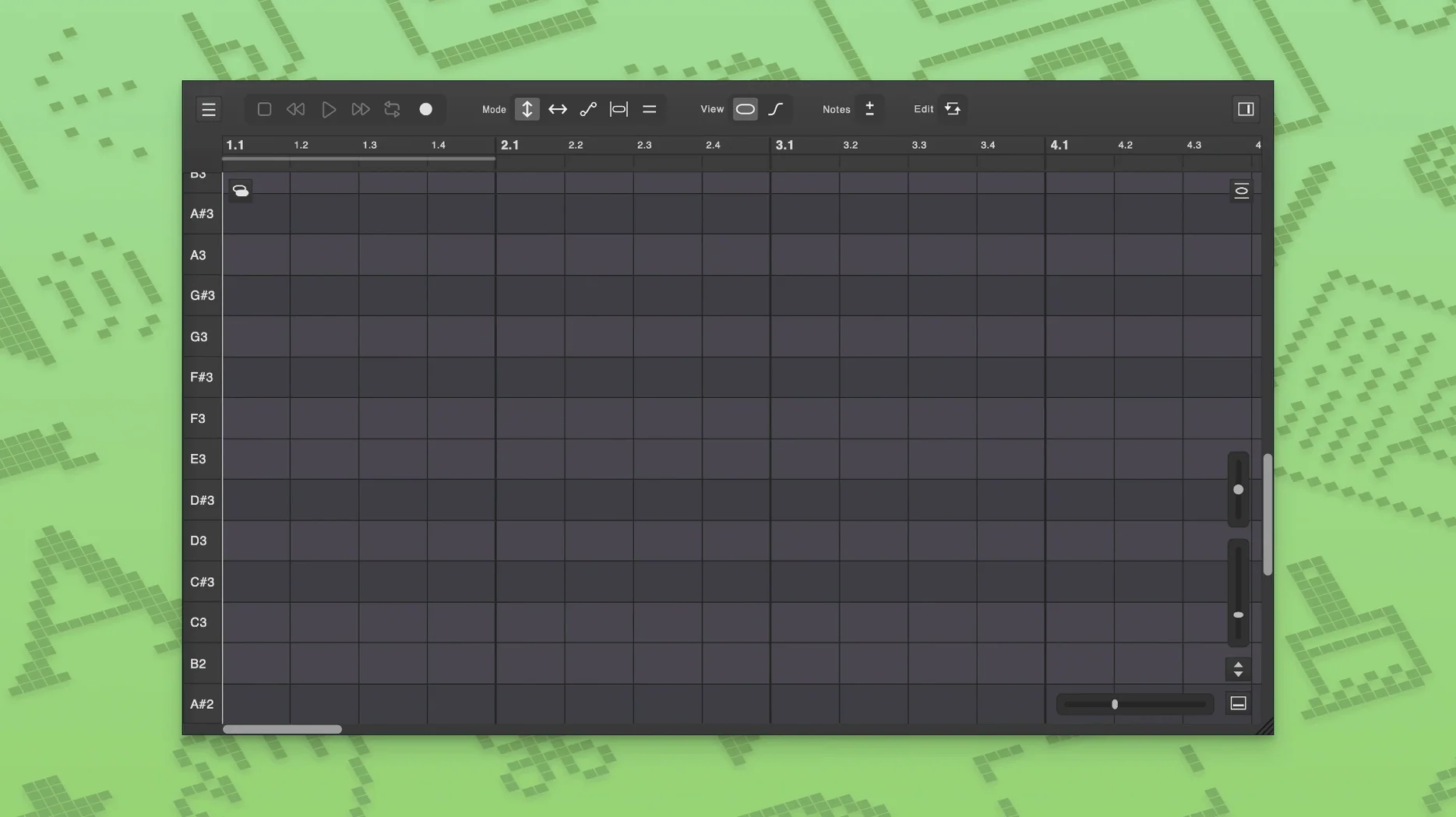
If you’ve ever wished Melodyne slipped more naturally into your DAW’s transport and loop cycle, Vovious makes that the starting point. It’s a local, ARA-capable vocal editor that syncs with your project’s tempo and meter, so the vertical timing grid actually lines up with the downbeat. Notes appear as colored segments you can drag into shape, with pitch-change boundaries you set, not the plugin.
| What | Detail |
|---|---|
| Type | ARA vocal editing & pitch correction plugin |
| Processing | All local, neural-network pitch detection |
| DAW sync | Transport, loop, tempo, meter via ARA |
Where does it fit? On a vocal track that needs spot correction before mixing, or on a doubled take where you’re nudging timing across two lanes at once. Vovious lets you open multiple tracks in the same window, so lining up a tight double feels like a single task instead of a ping-pong match. Multi-level undo means you can try a drastic pitch push on a bridge vocal without freezing the comp. It’s not a character plug-in you slap on a bus for vibe — it’s the clean-up pass that happens before you reach for the EQ.
Dig into the preferences before you touch a note. The defaults are sensible, but a couple of tweaks make Vovious feel like it was set up on your machine, not someone else’s.
Pitch snap range
The neural detection is sharp, but it can be too literal. If your singer scoops into phrases or hangs just south of the target, dial the pitch snap range down to about 60%. That gives you the grid as a guide without yanking every waver to dead center. Full hard-tune sounds artificial on anything but stacked BGV layers — this setting respects the performance.
ARA follow behavior
In the ARA tab, flip “Suspend edits during loop” off by default, unless you’re trying to isolate a syllable. With it off, any pitch move you make while the DAW loops stays live across repetitions. That’s the faster workflow for verse tuning, where you’re making passes and hearing context, not stopping playback after every tweak.
Separate noise lane visibility
Vovious splits sibilants, breaths, and noise into their own layer. Enable that lane from the view menu immediately. You won’t always edit it, but seeing where the esses land against your note boundaries prevents you from dragging a pitch transition through a hard “t” — which sounds like a bad crossfade.
A verse in four minutes
Assume a lead vocal, one verse, recorded in Logic. The timing’s solid but the second line lands a little flat on the tail, and there’s a breath that pulls focus before the third phrase. Here’s the end-to-end move.
Open the clip in Vovious via ARA. The plug-in inherits the project tempo, so the bars grid already matches Logic’s ruler. Hit play and let the verse loop once — you’re not editing yet, just watching how the colored note segments map to the waveform. The neural detection has already placed boundaries at each pitch change; you’ll see them as vertical breaks between segments.
Stop on the flat phrase. Grab the slope handle at the end of that note segment and lift it slightly — a quarter-tone is usually enough. The pitch ramp stays natural because you’re adjusting the tail curve, not snapping the whole note to a grid line. Toggle the temporary notes button (the small clock icon) to isolate just that syllable for fine-tuning without affecting the surrounding segments.
Now find the breath before line three. Switch to the noise lane. The breath appears as a low-amplitude block separate from the pitched material. Drag its amplitude down — don’t delete it entirely or the gap sounds unnaturally dead. A 6 dB reduction usually keeps the phrasing intact while pulling it out of the spotlight.
Play the full verse back. If the corrected note still tugs against the key, hit the auto-detect key button in the header bar. Vovious reads the tonal center from the clip and nudges the display grid to match, so your eyes and ears agree on what “in tune” means. Done in under four minutes.
Small moves that add up
- Freehand pitch draw with a modifier. Hold
Optionand drag directly on a note segment to draw a pitch curve freehand. No node-clicking, no separate tool. It’s the fastest way to smooth a wobbly vibrato tail without opening a sub-menu. - MIDI reference without leaving the window. If you have a synth line or a guide melody as a MIDI region, drag it onto the Vovious interface. The notes appear as ghost segments behind the vocal, so you can align harmonies by eye. Works as a pitch reference even if the MIDI track is muted.
- Multi-track selection trick. With two vocal lanes open in the same window,
Shift-click a note on one track and the corresponding segment on the other highlights. Adjust formants on both simultaneously without grouping or bussing — handy when a doubled chorus needs the same subtle darkening. - Undo scoping. Multi-level undo isn’t linear across tracks; it’s per-instance. If you tweak a lead vocal and a double in the same window, undoing only rolls back the active track. Click into the other lane before you hit
Cmd+Z, or you’ll undo the wrong edit. - Logic Pro multi-project stability. The 1.0.16 update specifically addresses crashes when the same plug-in instance is shared across open Logic projects. If you juggle sessions, this is the build that stops the 3 p.m. restart ritual — something anyone running a DoublePi Technologies Vovious Mac torrent will appreciate on a tight turnaround.
- macOS 11 or later
- Apple Silicon and Intel Macs
Questions I actually get
Does Vovious process audio in the cloud?
No, all pitch detection and editing calculations run locally on your computer.
Can I edit more than one vocal track at once?
Yes, Vovious supports editing multiple tracks in a single window, which is handy for aligning doubles and harmonies.
What does ARA integration actually do in my DAW?
It synchronizes Vovious with your project’s transport, loop points, tempo, and meter changes, so the timing grid matches your session.
Notes from the edit bay · 0
Sign in or get an edit-bay pass to leave a note.
No notes from the edit bay yet. They go up after I read them.