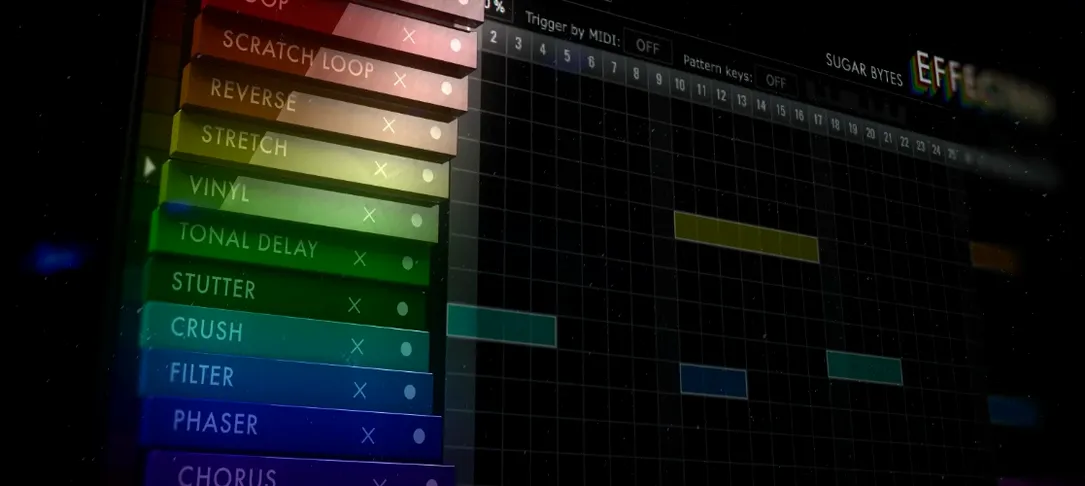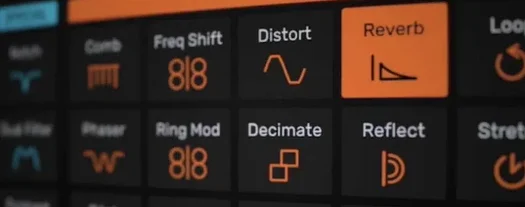
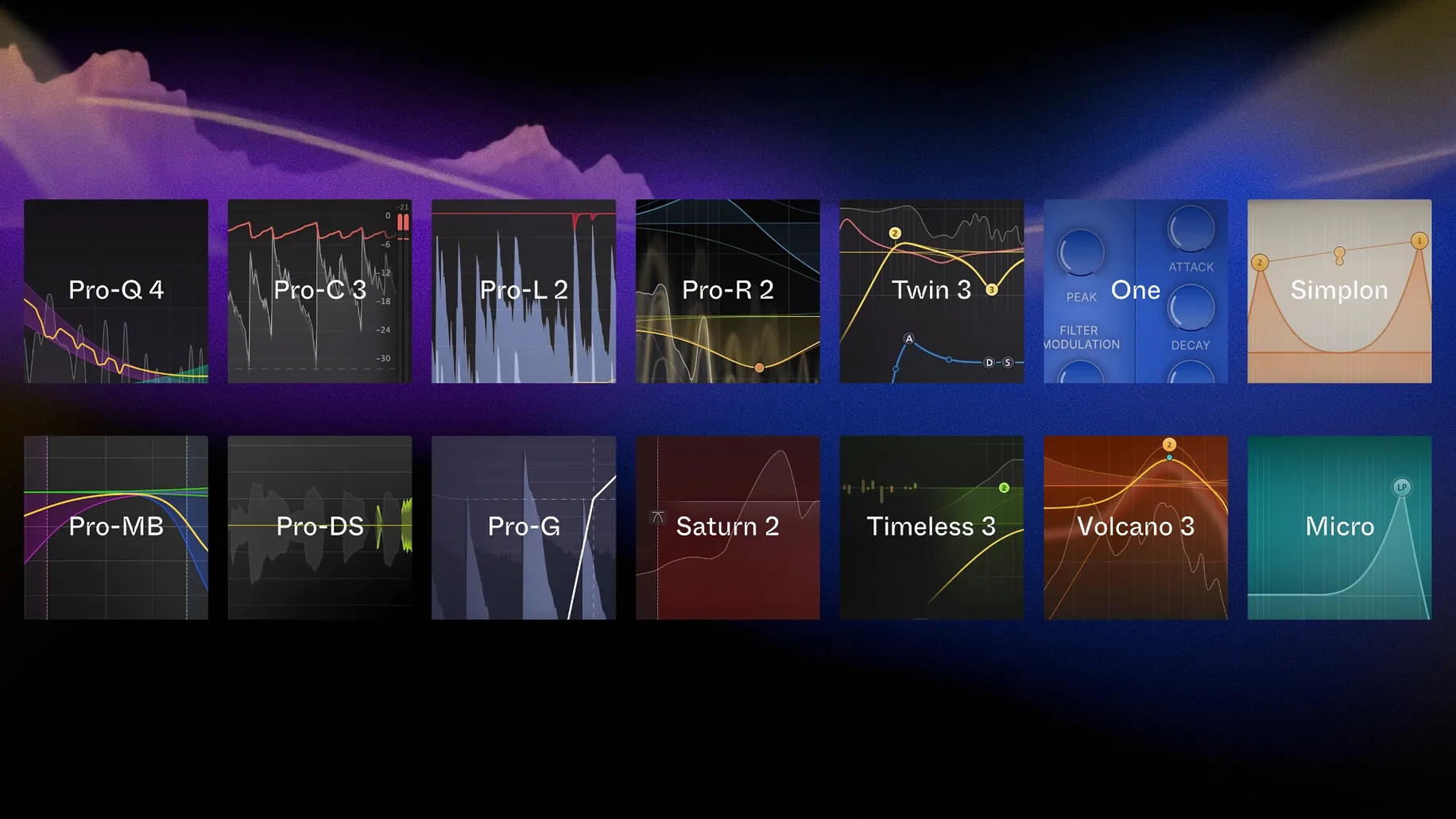
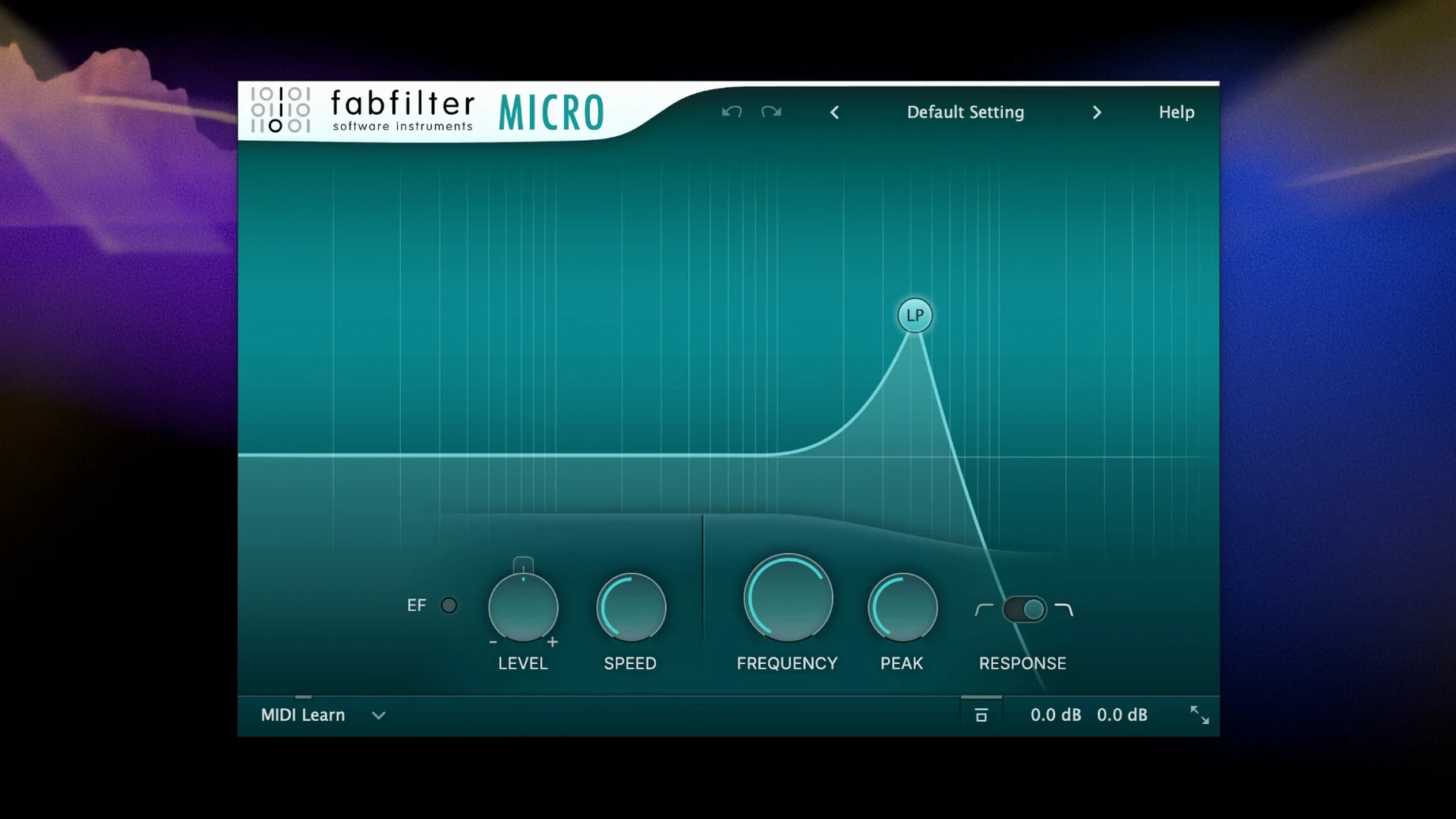
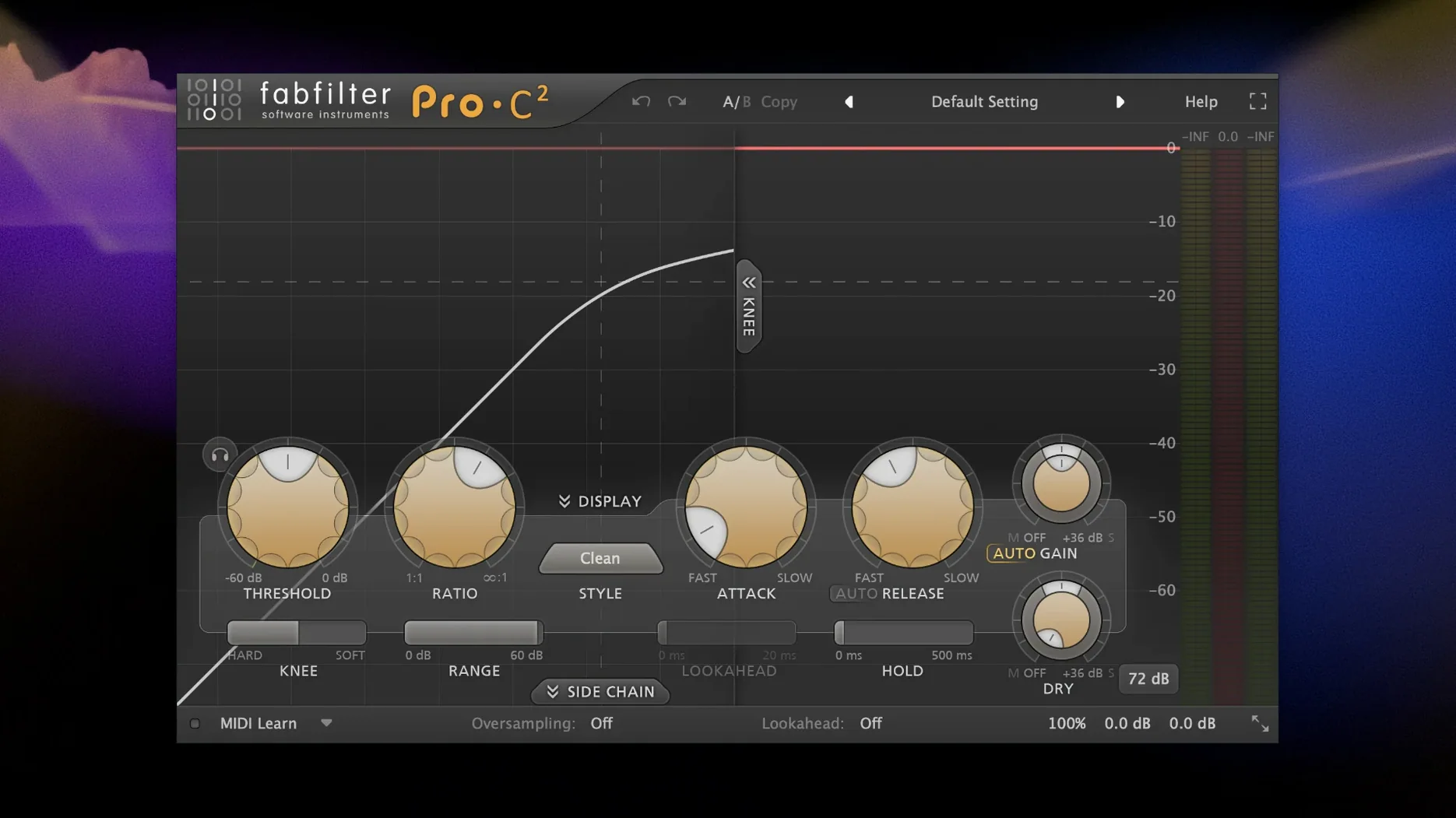
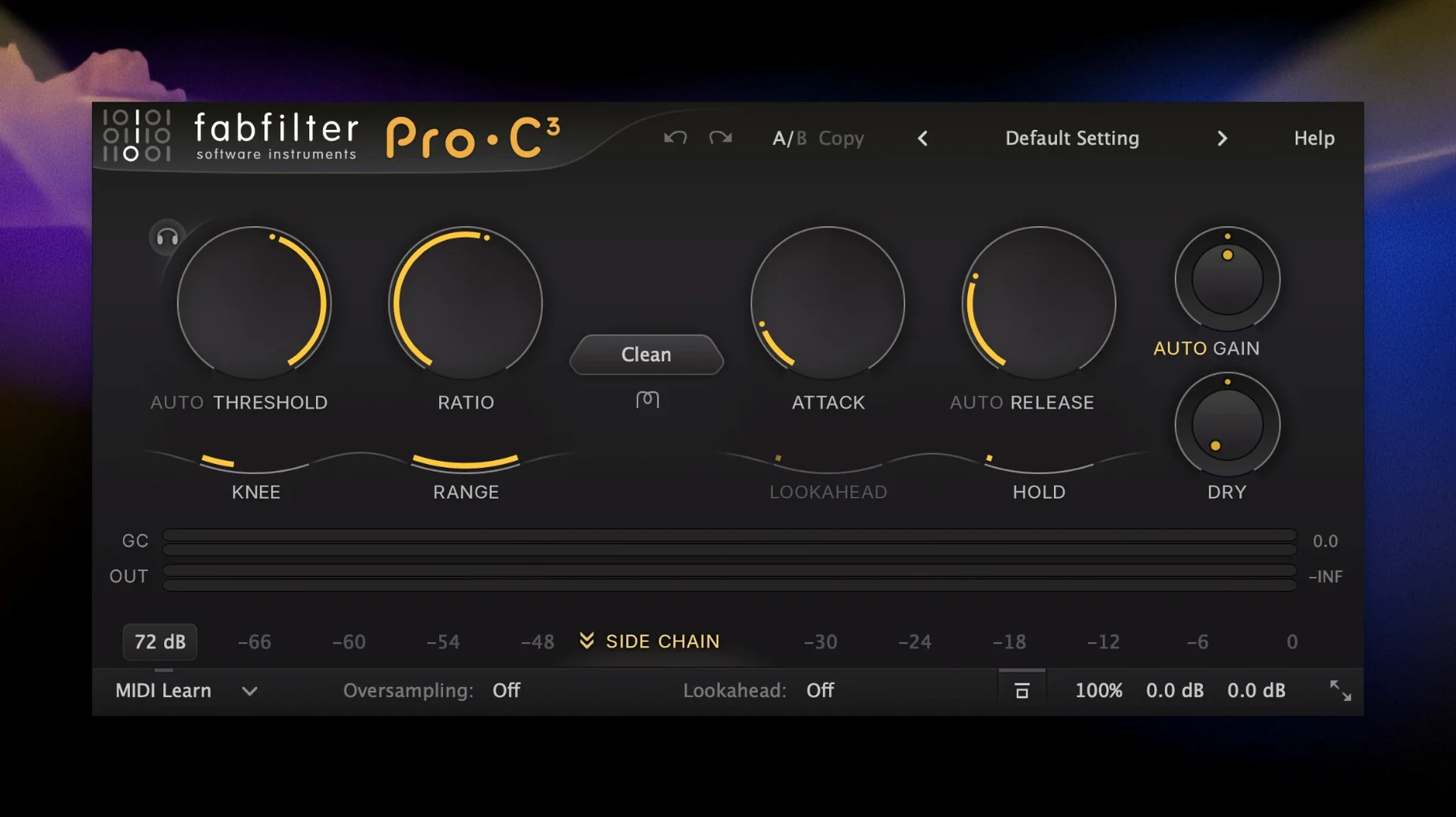
You've got a dense mix—drums, bass, a wall of synths, a vocal that's fighting for air. You pull up Pro-Q to notch out some boxiness, then strap Pro-C across the drum bus to glue the transients. Saturn adds a little grit to the bass without eating the low end, and a touch of Pro-R pushes the pad into a believable space. In ten minutes, a cluttered session starts to breathe. That's the Total Bundle in practice: a chain of processors that talk to each other through a shared design language, so you're problem-solving, not menu-diving.
Quick Look
| Detail | Info |
|---|---|
| Developer | FabFilter |
| Version | Total Bundle 25.06.2026 |
| macOS | 10.13 or later |
| Architecture | Apple Silicon & Intel 64-bit |
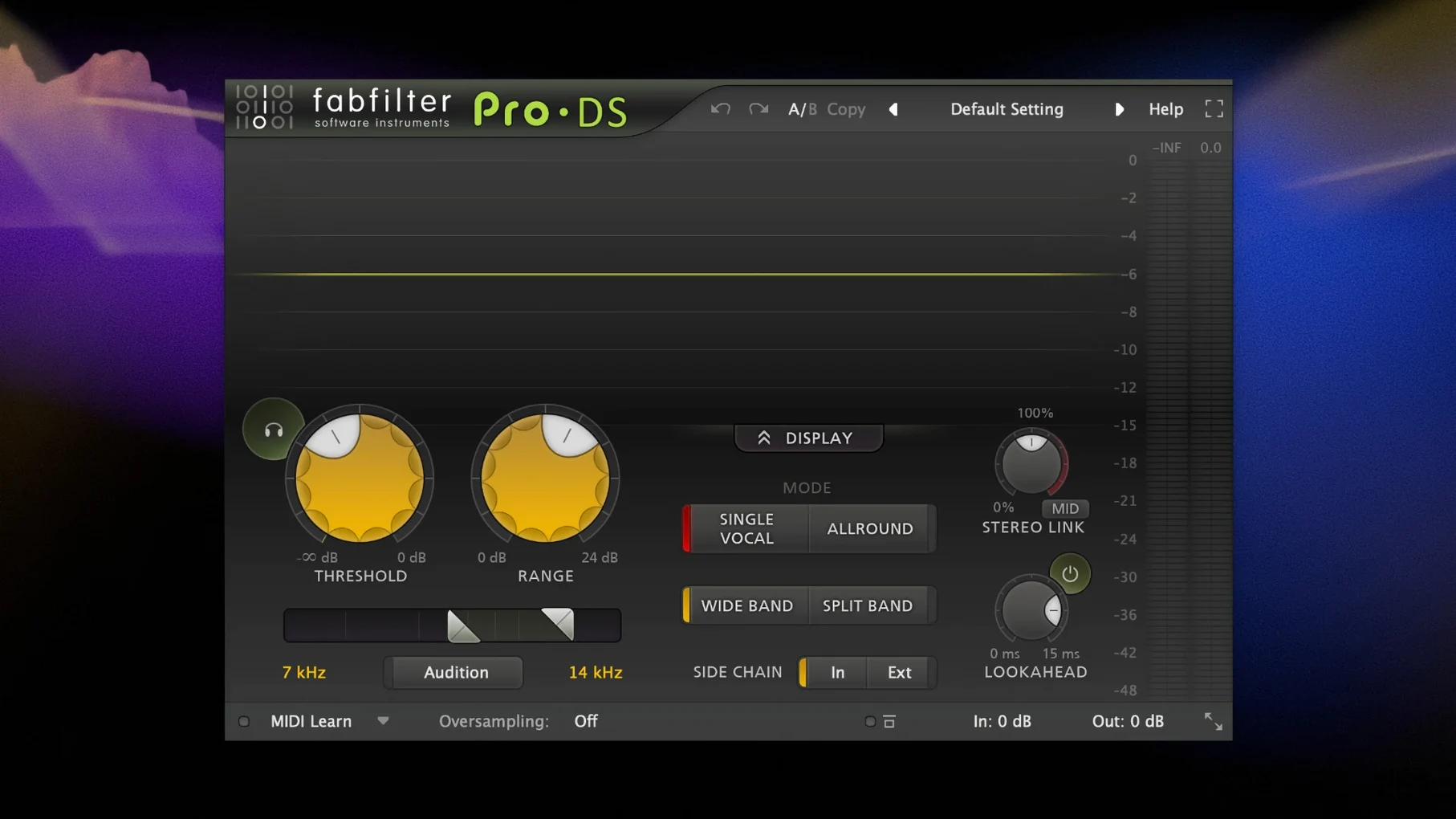
| Plug-in Count | 14 tools (Micro, One, Pro-C, Pro-DS, Pro-G, Pro-L, Pro-MB, Pro-Q, Pro-R, Saturn, Simplon, Timeless, Twin, Volcano) |
Where this bundle earns its keep is in the detail. The Pro-Q interface turns EQ into a fast, visual task—drag a node, hear the change, no sub-menus. Pro-MB lets you split a signal by frequency and apply dynamics independently, so you can compress the low mids but leave the sub alone. The creative side runs deep too. Timeless is a tape delay that can modulate into chorus territory, Volcano is a filter with per-step envelope control, and Twin is a surprisingly analog-sounding virtual synth. It's a toolbox built around the idea that a good interface makes you faster, and a fast editor is a happy editor when the render bar is crawling toward the finish line.
When a Plug-In Window Opens Tiny or Blurry
High-DPI displays on modern Macs occasionally trip up the older plug-in scaling engine. If a window opens tiny or blurry, right-click the plug-in header and cycle through the scaling options—most hosts respect the manual override immediately. The setting sticks per instance, so you only do this once per session template.
DAW validation hiccups after installation are usually a cache issue. Logic Pro users can force a full rescan by deleting the Audio Unit cache file in ~/Library/Caches/AudioUnitCache/ and restarting. For Ableton Live, holding the Option key while clicking "Rescan" forces a deeper scan that catches plug-ins the quick scan misses. This is especially relevant when the FabFilter Total Bundle torrent includes a fresh set of component files that haven't been seen by the host yet.
CPU spikes with multiple Pro-R or Saturn instances tend to come from the visual analyzer, not the DSP. Disabling the real-time spectrum display in Pro-Q and Pro-L drops the GPU hit by a measurable chunk on integrated graphics Macs. The plug-in still processes audio identically—you're just turning off the eye candy. Switch it back on when you need to zero in on a problem frequency.
Another gotcha: Pro-MB's band crossover points can drift if you're automating the threshold heavily. The fix is to lock crossover frequencies in the Expert tab, which decouples them from dynamic band interaction. Miss this and your carefully tuned low-mid split starts wandering under heavy gain reduction.
Dynamic EQ Bands Got Quieter
The inclusion of Pro-Q 4.13 brought a quieter default noise floor on the Dynamic EQ bands. Before this build, stacking multiple dynamic notches on a vocal chain could introduce a faint hiss when bands were pushed past 6 dB of gain reduction. Now the noise shaping is cleaner, so surgical vocal chains with four or five active bands don't accumulate that haze.
Pro-R 2.06 refined the decay curve on the plate algorithm. The old plate preset had a metallic ring in the tail above 4 kHz that you either lived with or EQ'd out yourself. The updated algorithm rolls off more naturally, which means less post-processing on dialogue and acoustic guitar sends. You still get the brightness, but it sits in the mix instead of hovering above it.
Pro-C 3.02 tightened the sidechain detector timing. If you were ducking a bass against a kick drum, the previous release had a 2-3 ms lag that softened the initial transient cut. The update makes the detector near-instant, so the duck is tighter and the bass punches through exactly when the kick decays. Subtle, but on a dense electronic track it keeps the low end from smearing.
Learn Modulation Routing Once, Use It Everywhere
Mixing engineers working on deadline benefit from the interface consistency across every plug-in. Once you learn the modulation routing in one FabFilter tool, you know it in all of them—Saturn's LFO section mirrors Timeless's, and the band controls in Pro-MB are the same interaction model as Pro-Q's. That cuts down the mental switching cost when you're bouncing between EQ, dynamics, and saturation on fifteen tracks before lunch.
Sound designers who build their own effects racks gravitate toward the modulation system inside Volcano and Timeless. You can map an envelope follower to a filter cutoff and have it react to the input signal's amplitude, then route that same follower to delay feedback for a patch that changes character depending on how hard the source hits it. No external sidechain routing needed—it's all internal to the plug-in.
Mastering engineers lean heavily on Pro-L and Pro-MB as a transparent final chain. The true-peak limiting in Pro-L catches inter-sample peaks without crushing the transient snap, and Pro-MB's linear-phase mode keeps the phase relationship intact when you're doing subtle multiband compression across the stereo bus. For anyone who finishes records, the bundle covers the last mile without needing third-party metering.
Users grabbing the fabfilter bundle mac torrent often mention the synth Twin as an unexpected bonus. It's not an emulation of anything specific, but the filter section has a saturation stage that breaks up like a driven console channel, and the oscillator drift parameter adds enough instability to make pads feel alive. It's the dark horse of the collection.
40 Pro-Q Instances on an M1 Mac
On an M1 Mac, a single Pro-Q instance with the analyzer running pulls about 2% CPU in Logic Pro at a 128-sample buffer. Disable the analyzer and it drops under 1%. Stacking forty instances across a mix still leaves headroom for other processing, which is why projects don't fall apart when you add Saturn to every drum channel.
Intel Macs from 2018 onward run the bundle comfortably, though Pro-R and Timeless push older quad-core chips harder. On a 2019 6-core i7 MacBook Pro, ten Pro-R instances with long decay times hover around 35% total CPU. Freezing reverb-heavy tracks recovers most of that overhead without committing the sound permanently.
The bundle uses very little RAM relative to the plug-in count—each instance allocates what it needs for the DSP and visual buffers, typically under 50 MB per plug-in. You can load the full bundle into a template without hitting memory pressure, which makes it practical to keep every tool pre-loaded in a default session.
Stability is a highlight. Crashes are rare, and when they happen it's almost always a host-specific AU validation conflict rather than the plug-in itself. The HCiSO build includes a fixed validation routine that avoids the Logic Pro timeout on first scan, which is worth noting for anyone who's dealt with plug-in timeouts on large sessions.
Double-Click Any Knob to Reset It
Double-clicking any knob returns it to its default value. This works across the entire bundle and speeds up auditioning changes—crank a parameter, listen, double-click to reset. No modifier key required.
Pro-Q has a solo-band feature that's hidden in plain sight. Hold Command and click any band node to hear only that frequency range. It's faster than setting up a band-solo in the analyzer panel, and it works in both standard and dynamic EQ modes.
The output section on every FabFilter plug-in includes a level trim that's independent of the main output knob. Use it to gain-stage between plug-ins in a chain without touching the make-up gain that's tied to your compression or limiting settings.
Saturn's modulation slot accepts any parameter as a destination by right-clicking the target control and selecting "Modulate." The drag-and-drop modulator assignment is quicker for obvious routings, but the right-click method reaches parameters buried in sub-panels that don't have visible drag targets.
Timeless has a freeze button that loops the current delay buffer indefinitely. It's not just for ambient washes—you can freeze a rhythmic delay pattern, tweak the filter on the frozen signal, and record the result as a new texture layer. Most people miss it because the button is small and sits next to the less useful ping-pong toggle.
For anyone working with the fabfilter pro q torrent specifically, the recent builds include a tilt EQ shelf mode accessed by holding Shift while dragging the high or low shelf node. It tilts the entire frequency spectrum around the node's position, brightening one half while darkening the other. Great for quick tonal rebalancing without touching individual bands.
- macOS 10.13 or later
- Apple Silicon or Intel 64-bit processor
Questions I actually get
Which plug-ins come in the FabFilter Total Bundle?
The bundle includes 14 processors: Micro, One, Pro-C compressor, Pro-DS de-esser, Pro-G gate/expander, Pro-L limiter, Pro-MB multiband compressor, Pro-Q equalizer, Pro-R reverb, Saturn multiband distortion, Simplon filter, Timeless delay, Twin synthesizer, and Volcano filter.
Does the bundle include creative effects or just mixing tools?
It covers both. You get surgical mixing and mastering tools like the Pro-series, plus creative instruments and effects like the Twin synth, Saturn distortion, and Timeless delay.
Notes from the edit bay · 0
Sign in or get an edit-bay pass to leave a note.
No notes from the edit bay yet. They go up after I read them.