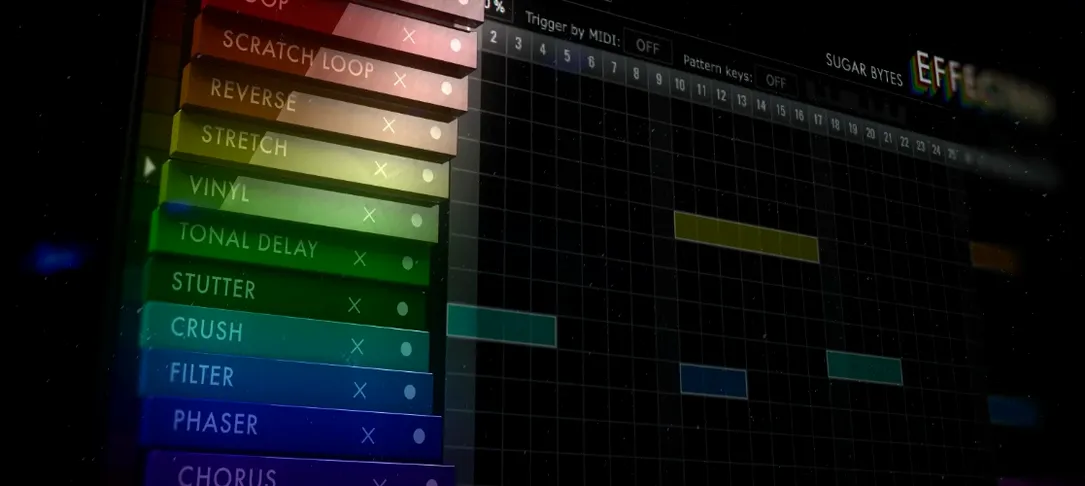
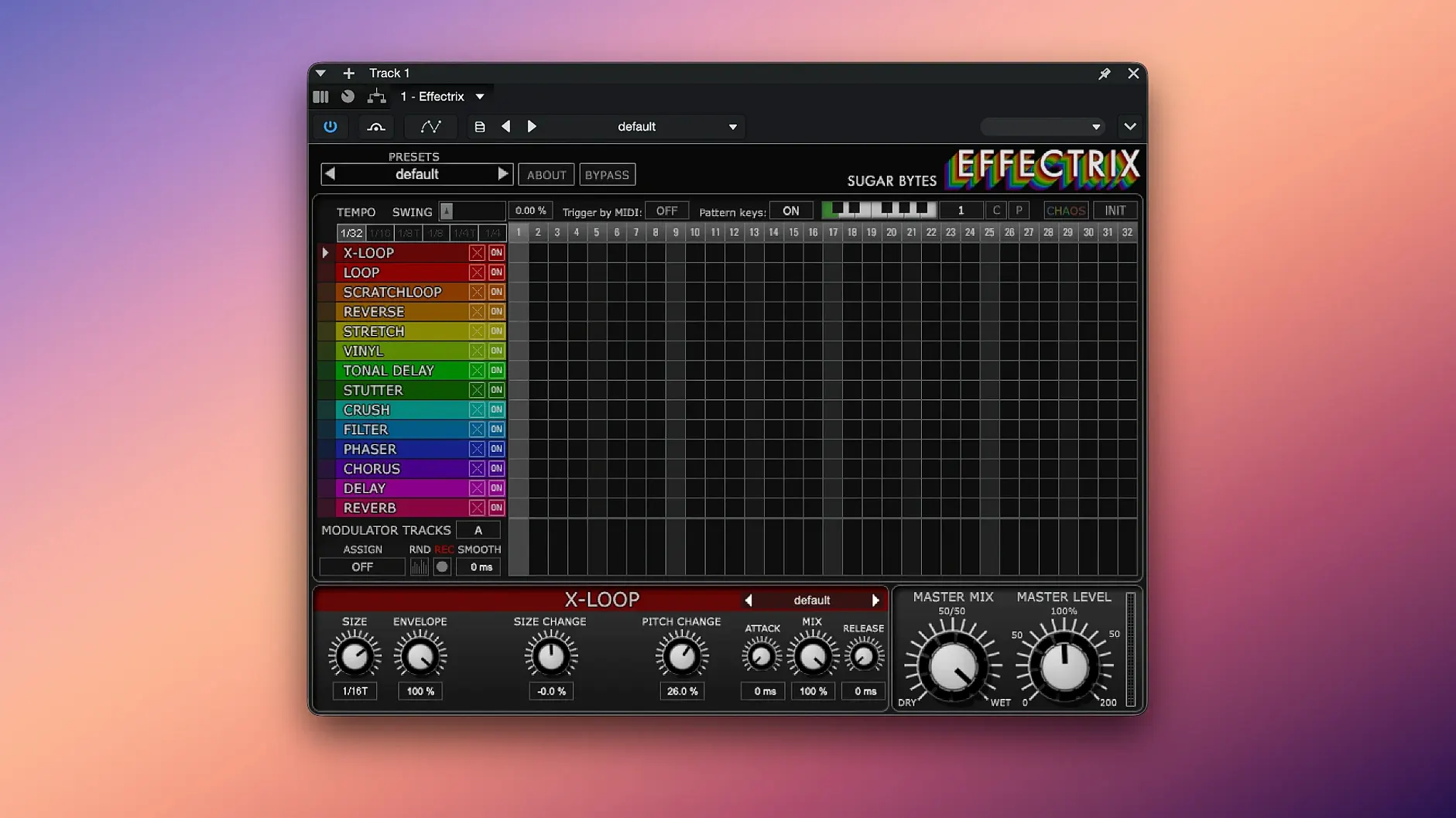
Anyone who has ridden a filter cutoff knob by hand knows the limitation: you only have two hands. Effectrix solves that by turning every effect into a sequence. Think of it as a step sequencer that prints parameter changes onto your audio instead of MIDI notes onto a synth. Each of its 16 steps can fire a different effect, and every effect is locked to your host tempo.
Where the Grid Takes Over
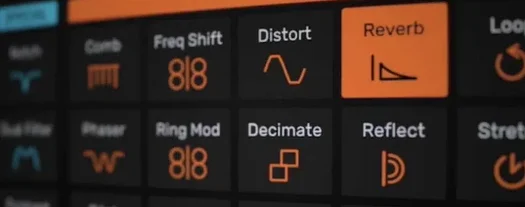
The main lane is a 16-step grid where you paint in one of 14 effects per step — bitcrush on the downbeat, a looper trill on the fourth step, a vinyl stop on the last. Tempo division lets you run the whole sequence at double-time or half-speed. Hit the swing control and the grid breathes, pulling a stiff pattern into a groove that sits in a mix rather than riding on top of it. Copy and paste is straightforward: grab a bar you like, drop it a few scenes ahead, then tweak the modulation to keep things moving.
Modulation and Movement
Two modulation tracks run underneath the effect lane, each one a curve you draw per step. Route one to a filter frequency so the lo-fi crush opens up gradually. Send the other to the mix level of a delay and it ducks the repeats on the kick. The result is an effect chain that feels performed — stutters that build, tonal shifts that bend into the next section — all while the transport keeps rolling.
A producer switching from a basic tremolo plugin will feel the jump immediately. Effectrix is closer in spirit to Glitch 2 or Cableguys ShaperBox than to any single-effect insert. Glitch 2 throws a scene-based grid at you and excels at random, IDM-style destruction, but it leans hard into pre-built scene juggling and its modulation is less hands-on. ShaperBox splits each effect into its own module with deep envelopes, which is brilliant for surgical sidechain and filter work, yet the multi-effect sequencing — stacked stutters, tonal shifts, bitcrush rolls on the same step — stays a few clicks away. Effectrix puts every effect on one grid and lets you audition combinations fast. Where ShaperBox treats each effect as its own lane, Effectrix treats the bar as the instrument. That difference matters when you're building a transition in real time and don't want to hop between tabs.
Another neighbor is iZotope Stutter Edit 2, which shares the tempo-locked gesture idea. Stutter Edit is a performance powerhouse driven by MIDI gestures, with deep slice-and-shuffle engines, but the curve is steeper — getting a simple looper trill to land on the fourth beat of a bar requires more setup. Effectrix keeps the relationship between step and effect visible at all times, so a producer sketching a bridge can click a few squares and hear the fill instantly.
Painting a Vinyl Stop on Step 16 to Tighten a Chorus
Electronic music producers who build drops and transitions in the arrangement view get the most mileage. Painting a vinyl stop on step 16 and a looper on step one creates a turnaround that tightens a chorus entrance without touching the audio regions. Hip-hop beatmakers who want hi-hat glitch that follows the tempo grid — not a chopped audio file that drifts — will keep an instance on the hat bus and audition patterns while the loop plays. Live performers using a MIDI keyboard to recall 12 patterns mid-set can fire off fills without looking at the laptop, which is where the pattern-switching from a controller earns its keep.
Sound designers working on game or film cues find value in the two modulation tracks routed to wet/dry or pitch parameters; a drone can pulse through a tonal delay curve that shifts in quarter-time, and because the cycle length is adjustable beyond 16 steps, longer textures feel less repetitive. People who work primarily in audio-editing mode, slicing and rearranging by hand, will probably find the sequencer approach less intuitive — Effectrix rewards keeping the transport running and the grid visible.
Runs Natively on Apple Silicon and Intel Macs
Does it work on an M-series Mac running the latest macOS? The current build — Effectrix 1.4.8 — runs natively on Apple Silicon and Intel, with support from macOS 10.14 onward. The installer includes Audio Unit, VST2, VST3, AAX and a standalone app, so you can open it outside a DAW to sketch ideas.
Will it sync to a tempo that changes mid-song? Yes. The step grid follows host tempo, and the tempo division control lets you halve or double the effective rate on the fly. If your track shifts from 128 to 96 BPM in the bridge, the sequence stays locked. The swing control applies across the whole grid and does not fight tempo changes.
How steep is the learning curve if I already know a step sequencer? The pattern is immediately familiar: 16 steps, click to activate, drag effect parameters per step. The two modulation tracks take an extra session to feel natural, mainly because you are routing destinations by name rather than grabbing a knob. The preset library — hundreds of global presets covering individual effects and combined sequences — gives you finished patterns to reverse-engineer, which flattens the first few hours.
Can I trigger patterns from hardware? Twelve patterns can be recalled via MIDI notes from a keyboard or pad controller. That is enough to map a verse, chorus and fill variation onto three pads and still have slots left for breakdowns. The standalone app recognizes connected controllers immediately, so a quick test with a Launchpad or similar grid is painless.
- macOS 10.13 or higher
- Intel or Apple Silicon Mac
- 64-bit host (AU, VST2, VST3, AAX)
Questions I actually get
What formats does Effectrix run in on a Mac?
It ships as a 64-bit plugin in Audio Unit, VST2, VST3, AAX, and standalone formats.
How many effects does the sequencer include?
The step grid offers 14 synchronized effects, including filters, delays, loopers, and vinyl stops.
What macOS version is required for Effectrix 1.4.8?
Sugar Bytes states that macOS 10.13 or higher is needed, with the 64-bit version running natively on both Intel and Apple Silicon Macs.
Notes from the edit bay · 0
Sign in or get an edit-bay pass to leave a note.
No notes from the edit bay yet. They go up after I read them.