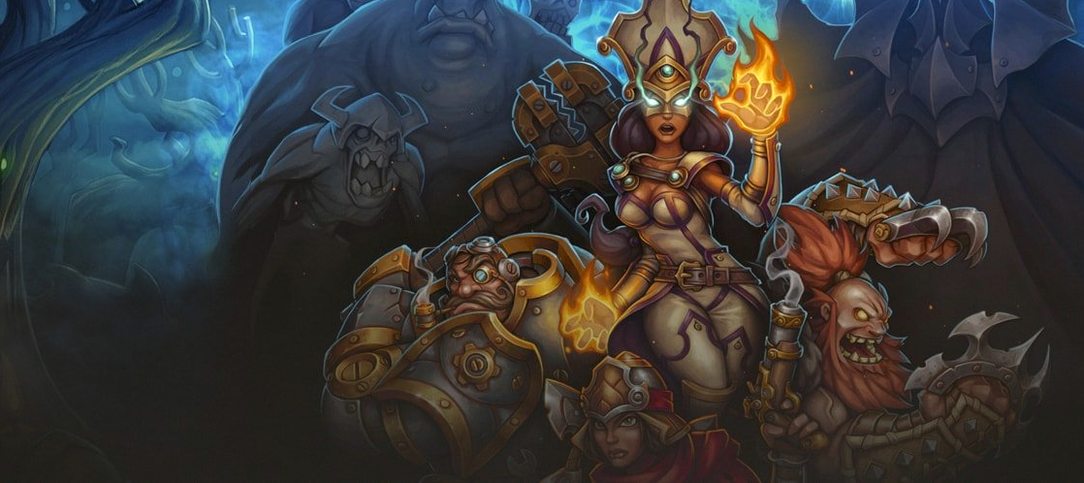
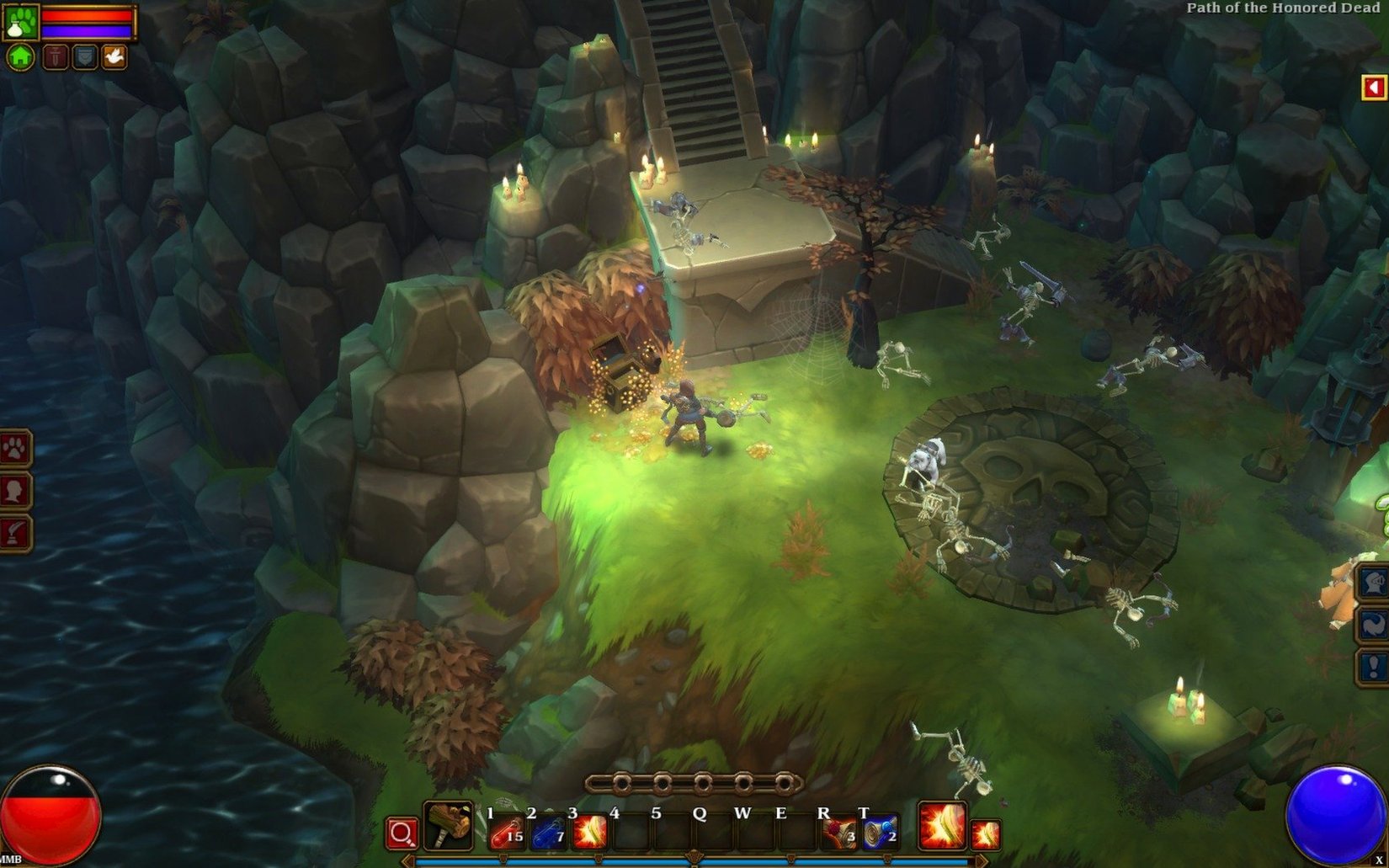
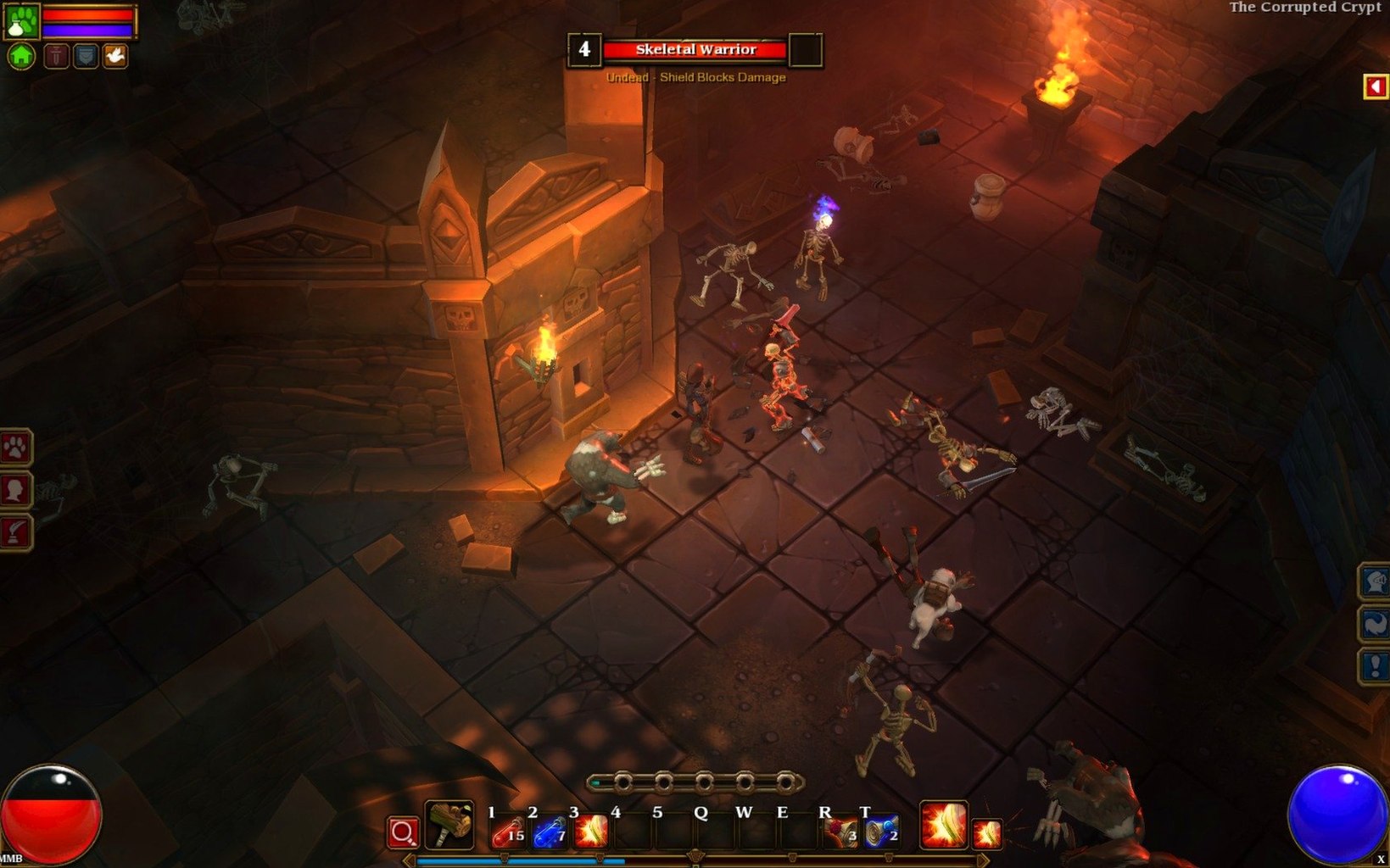
Torchlight II is the fast, colorful action RPG that lets you blast through hordes solo or with friends, now running on modern Mac hardware.
Get It Installed
The x86 build comes as a standard disk image. Run the installer, and when it asks for a location, point it straight to your Applications folder—keeping it there avoids permission hiccups down the line.
Pick Your Playstyle
Fire up a single-player campaign or jump into an online or LAN co-op session. The interface switches comfortably between English, German, Russian, Simplified Chinese, Polish, and Japanese, so you can play in whatever language feels right.
Expect Smooth Performance
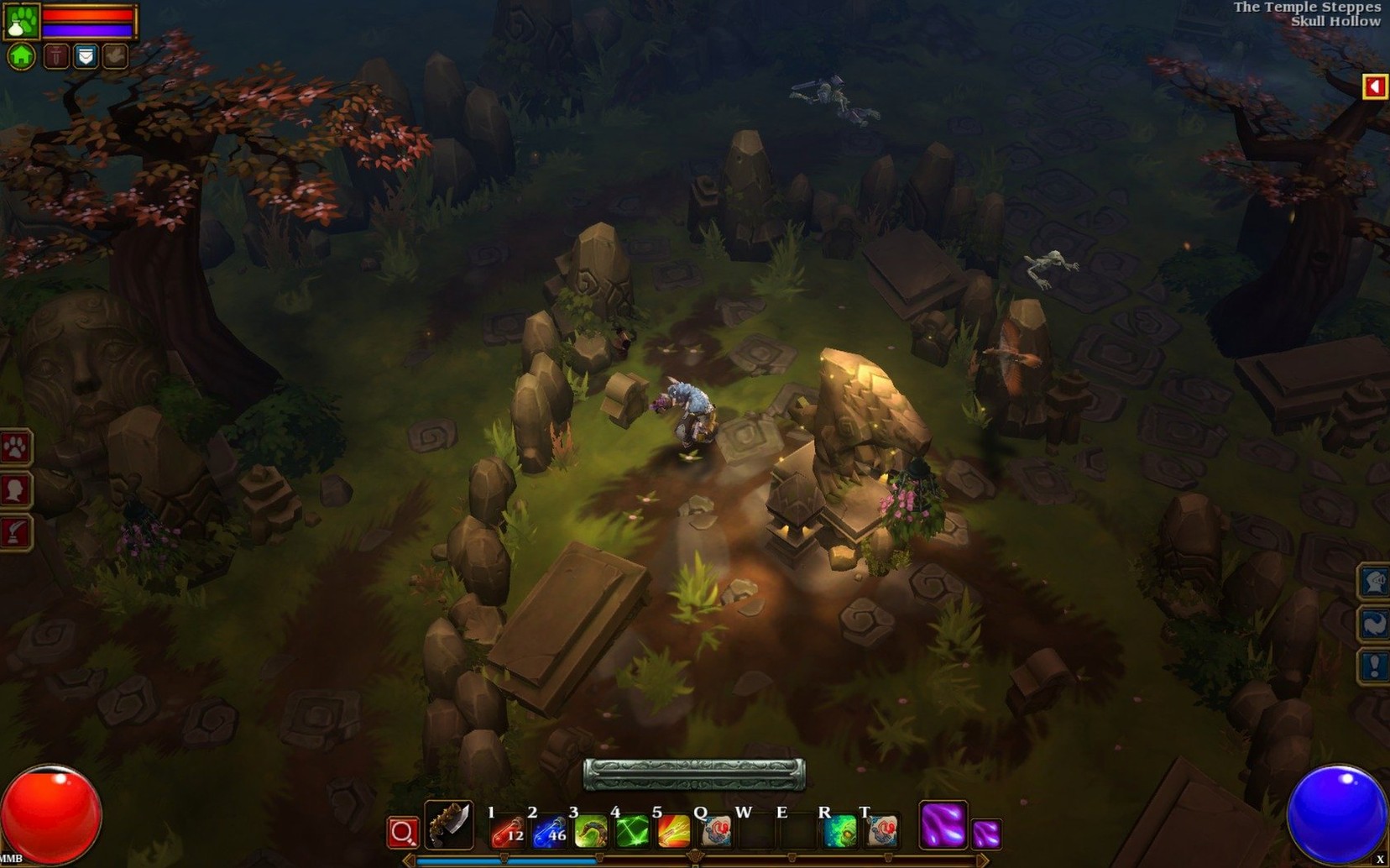
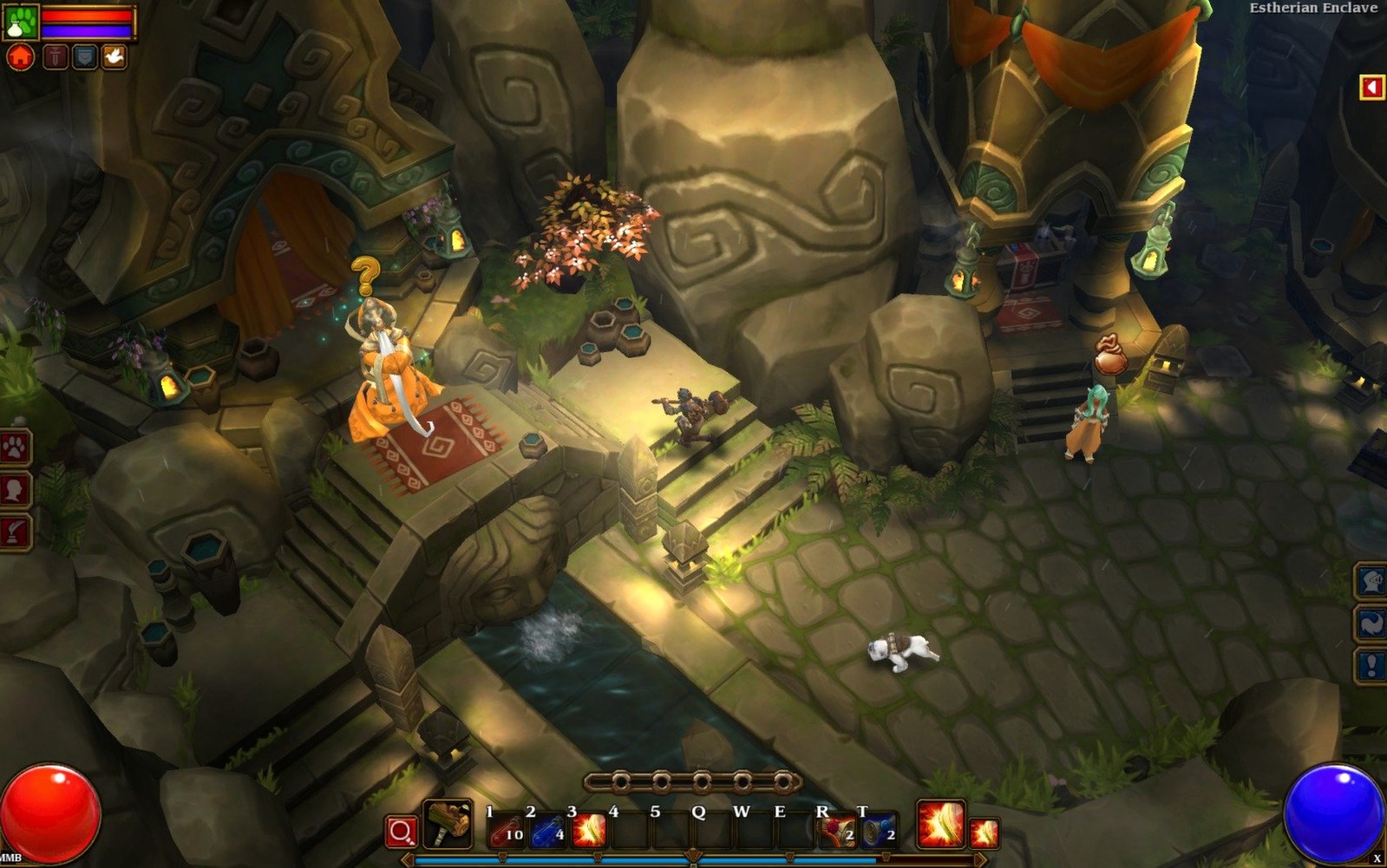
On an M4 Mac mini running macOS Tahoe, the game runs through Rosetta without a hitch. Don't let the Intel-only tag scare you—frame rates stay high and the stylized art looks sharp, even when the screen fills with loot and explosions.
Black Screen on Launch? It's Usually a Permissions Fix
Over the years, a few recurring hiccups have popped up on Mac installs. The most common one: the game launches to a black screen and hangs. Nine times out of ten, that's a permissions issue. If you dropped Torchlight II into a folder the OS doesn't fully trust, right-click the app, pick Get Info, and check that it's not being blocked. Another culprit is leftover config files from old mods—wipe the ~/Documents/My Games/Runic Games/Torchlight 2/ folder and let the game rebuild it fresh.
LAN play can get stubborn when your Mac's firewall treats the game like an intruder. Head to System Settings > Network > Firewall > Options and make sure Torchlight II has an incoming connection allowance. If you grabbed a Torchlight II Mac torrent that bundled an older wrapper, the multiplayer lobbies might not populate; the 1.25.9.6 fix build handles matchmaking cleanly, so stick with it.
Kill Micro-Stutter by Disabling One Video Switch
Before you roll your first character, flip two switches that make a real difference. Under video options, turn off Vertical Sync unless you're seeing screen tearing—on Apple Silicon through Rosetta, it occasionally introduces micro-stutter that disappears with VSync disabled. The engine doesn't suffer much tearing anyway.
Second, bump Particle Density down one notch if you plan on heavy multiplayer sessions. Four Embermages spamming meteor storms can tank even a capable machine, and the visual difference between High and Medium particles is negligible in motion. Leave Shadow Detail alone—the stylized shadows are light on the GPU, and dropping them makes town hubs look flat.
Beginner Mistakes That'll Cost You
Runic's respec system is stingy by modern standards. You get your last three skill points back at an NPC in town, and that's it. New players often dump points into a flashy early skill, then realize at level 40 it doesn't scale. Read the skill tooltips for weapon-damage percentages and elemental tags before committing—anything that says "converts 50% weapon DPS" will carry you further than a flat-number nuke.
Another trap: hoarding gems like they're rare. By Act 2, your stash fills with chipped embers you'll never socket because "a better weapon is just around the corner." Use them. The enchantment vendor in town can blow up your gear too, but wait until you have a piece you'll wear for ten levels—the cost spirals fast and the result can brick an item with a negative roll.
Lastly, pet management. Your companion can sell junk in town while you keep clearing a dungeon floor. Send them off with a full inventory the moment you spot a waypoint. It's a two-minute round trip that saves you from portaling out mid-flow, and it's the single best habit for keeping momentum through long sessions.
- macOS (Intel build, runs via Rosetta on Apple Silicon)
- Architecture: x86 64-bit
Questions I actually get
Does Torchlight II support multiplayer on the Mac version?
Absolutely. You can dive into a session with friends over an online connection or set up a local LAN party, exactly as on PC and Linux.
Notes from the edit bay · 0
Sign in or get an edit-bay pass to leave a note.
No notes from the edit bay yet. They go up after I read them.