


It's 11 p.m. and your Sim just set the kitchen on fire trying to make a grilled cheese sandwich. You could put them out, maybe call the fire department. Or you could watch them panic, see if the cheap stove finally breaks, and let the insurance payout fund a bathroom remodel. That's the real rhythm of The Sims 4 — not just telling a story, but reacting to the chaos as it unfolds.
| Key Detail | Info |
|---|---|
| Developer | Electronic Arts |
| Architecture | Apple Silicon & Intel |
| Genre | Life Simulation |
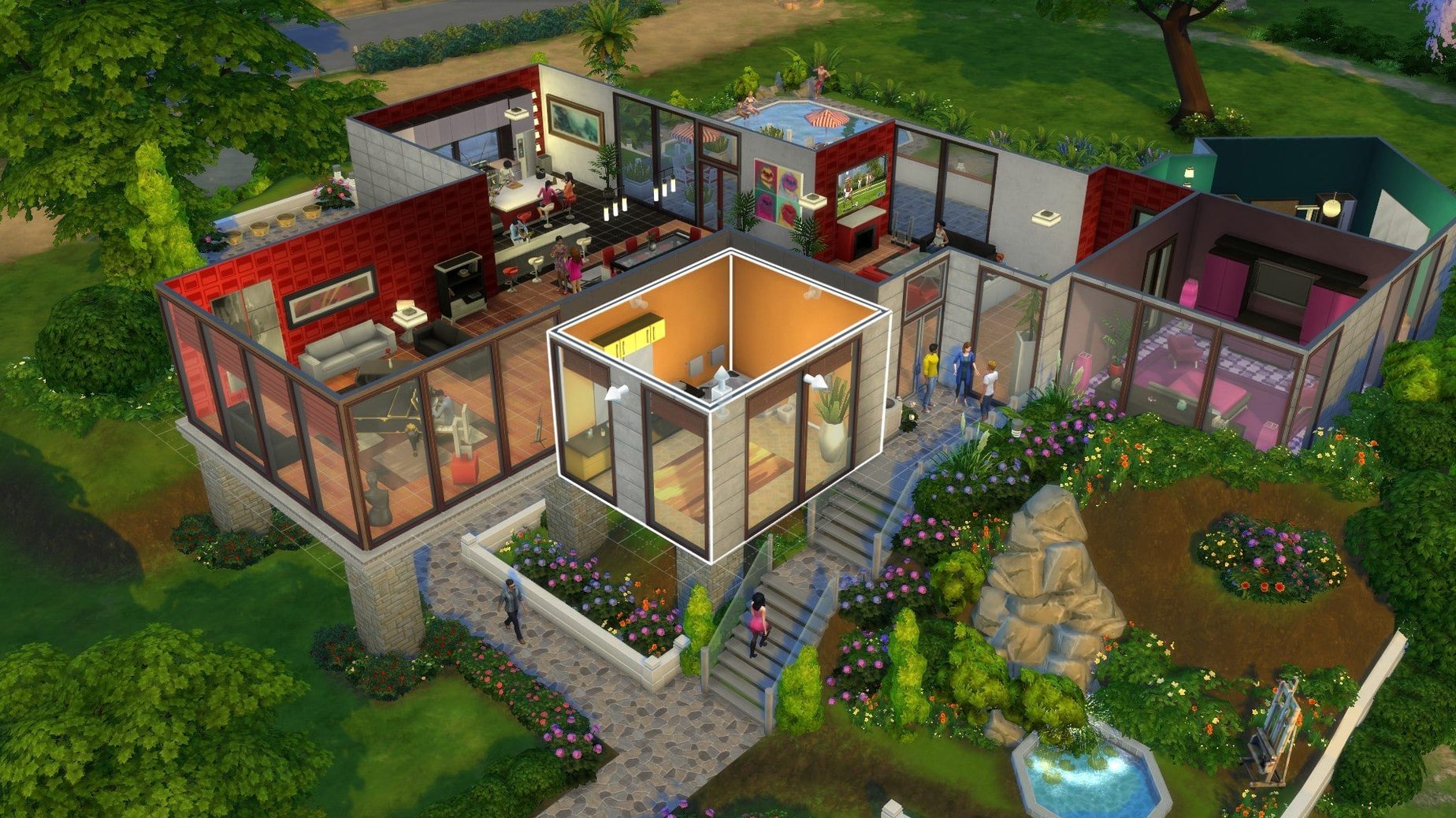
Minute to minute, you're bouncing between a few core loops. In Build Mode, you drag walls and drop furniture into a functional space where every object has a gameplay purpose — a cheap bed offers lousy sleep, a high-end easel unlocks a painting skill. In Live Mode, you queue up actions, nudge Sims toward a promotion, a friendship, or a first kiss, and see if their mood swings let them follow through. The real tension comes from conflicting needs: your Sim desperately needs a shower before work, but their roommate is hogging the only bathroom. So you improvise. Maybe they get fired. Maybe they meet their future spouse at the park while blowing off the gig entirely. It's a sandbox that treats failure as a plot twist, not a game over.
Holding 60 fps on an M1 Air Without Fans
On an M1 MacBook Air, the game loads in under a minute from the title screen to a populated save. Not blazing, but consistent. Once you're in, Live Mode holds 60 fps on medium settings at 1440p without the fans ever waking up — on a machine that doesn't have fans. Build Mode is similarly smooth, even when you're dragging an eight-Sim household through a furnished three-story house.
The real stability test is a long session with mods. After four hours with 12 GB of custom content, the game didn't crash once. Memory pressure stayed in the green, though the Air got warm around the F5 key. One quirk: the initial splash screen can freeze for thirty seconds if you've recently messed with DLC files. That's not a crash — it's the game reconciling content. Give it a minute. If it still hangs, the fix is simple: clear the The Sims 4 folder in Documents, keep only Saves, Tray, and Mods if you use them. Relaunches cleanly after that.
Compared to the bloated feeling some Windows players report with all expansions active, the Mac build runs lean. The Marketplace image caching added in this build means browsing the gallery doesn't re-download the same thumbnails every time you scroll — a small change that cuts the laggy "pop-in" effect when flipping through lot previews.
Why Your First Sim Belongs in a Clean, Unmodded Save
The biggest one is loading a hundred mods before playing the base game once. You need a clean save first, even if it's just a test Sim in a starter home. That baseline tells you whether a bug is EA's fault or your custom content's fault. Skipping this step turns every glitch into a guessing game.
Another classic: ignoring the Needs panel. New Sims stand in the kitchen at 2 a.m. waving their arms because they're exhausted, hungry, and need a toilet — but the player is zoomed in decorating the foyer. You can't out-decorate a Sim who passes out in their own urine. Queue a meal, a shower, and a bed before you touch Buy Mode on a fresh move-in.
Over-tooling a starter home burns through §20,000 faster than anything. You don't need the §3,000 computer on day one. A §800 model lets them write novels and look for jobs just fine. The money you save buys walls for a second bedroom when the baby comes. Build the shell, furnish cheap, upgrade later. Sims don't care what the countertop costs — they only care about the stats beneath it.
Last one: treating aspirations like passive background goals. They're not. Pick one on day one and chase it. Completing aspiration milestones dumps satisfaction points into your account, and those buy reward traits like "Never Weary" that break the game in your favor. Ignoring aspirations is like leaving free real estate on the table.
A Build-and-Move-In Workflow, Start to Finish
You've grabbed a fresh the sims 4 torrent mac build, installed the DLC Unlocker, and you're staring at an empty lot in Willow Creek. Here's a sequence that gets a household functional in under an hour.
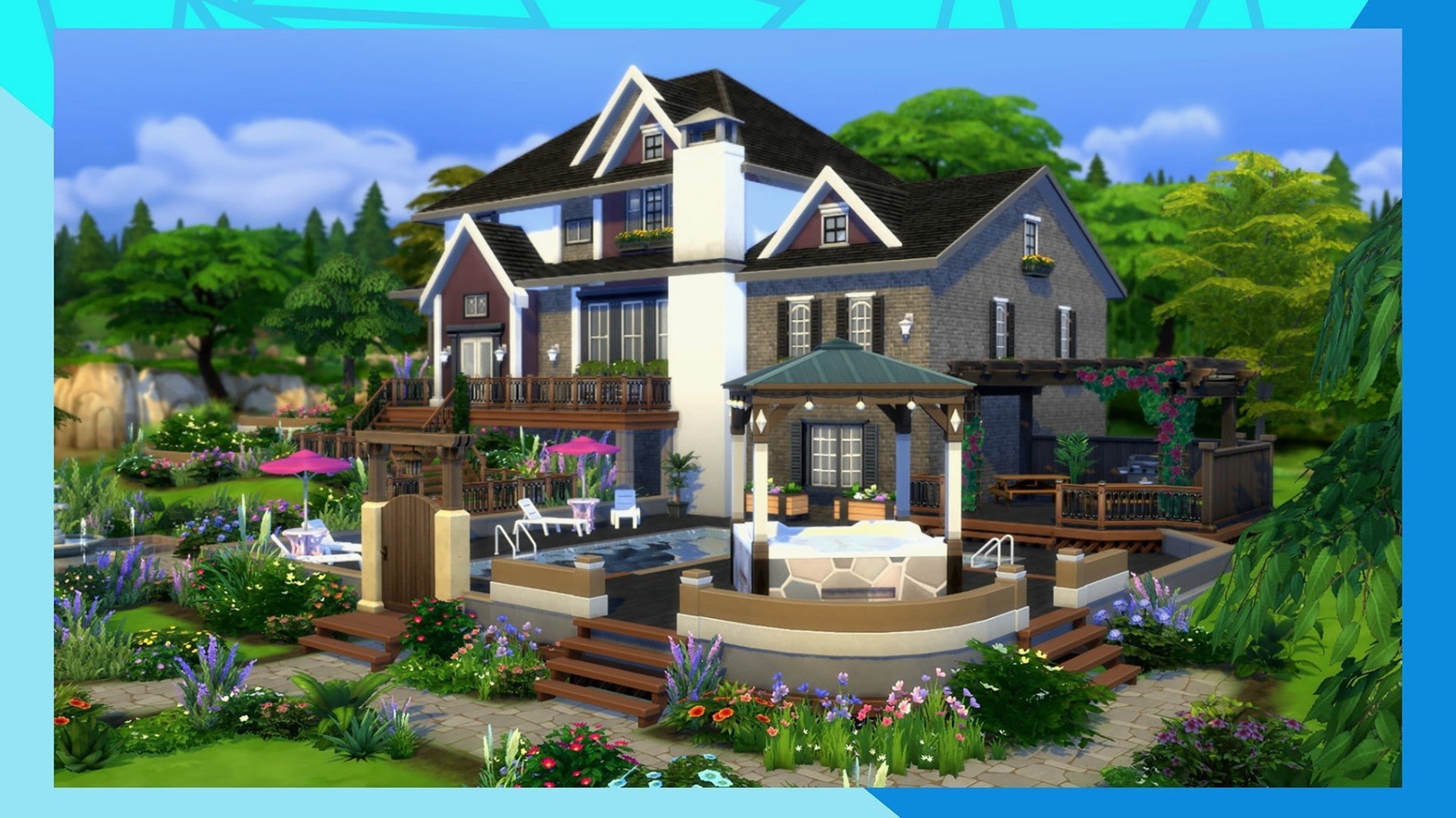
Open Build Mode on a 30×20 lot. Drag a rectangle roughly eight tiles wide by six deep. That's your shell. Drop a front door, two windows on each wall, and a cheap roof — the auto-roof tool works fine for a starter. Now split the interior: wall off a 2×3 bathroom near the back. The remaining space becomes an open-plan living area and a 3×4 bedroom.
Furnish the bathroom first — toilet, sink, shower. Sims queue bathroom actions first thing in the morning, and a missing toilet derails the entire morning routine. Next, the kitchen: a §425 fridge, the cheapest stove that won't catch fire on its own, one counter, a sink. Skip the dishwasher. Your Sim washes dishes by hand for now; that money goes toward a decent bed.
The bedroom gets a bed with a sleep rating of at least 4, a nightstand, and a §200 dresser. No rug, no wall art, no curtains yet — those are cosmetic and don't keep your Sim from passing out. Living area: one couch, one bookshelf, the §800 computer on a desk. If funds remain, buy an easel. Painting is the fastest skill-to-income pipeline in the early game. A Sim with level 3 painting can churn out small canvases that sell for §200 apiece, and they finish in under an in-game hour.
Now switch to Live Mode. Create one Sim with the "Painter Extraordinaire" aspiration, give them the "Creative" and "Loner" traits — they'll gain painting skill faster and won't burn social energy they don't have. Move them in. Before unpausing, queue three actions: use toilet, take a shower, eat a quick meal. Let that play out. Now buy an easel and start painting. By the end of the first in-game week, this Sim generates §1,000 a day in canvas sales and has enough satisfaction points for a reward trait. That's the foundation. Every other goal — relationships, career, a bigger house — builds on top of it.
Copy Twenty Fence Sections With One Option-Click
The eyedropper tool in Build Mode copies any object you click, including its swatch and placement rotation. Hold Option while placing a copied item to keep the eyedropper active for multiple placements. Essential when you're placing twenty fence sections.
In Live Mode, the M key toggles the map instantly — no need to click through the phone menu. P pauses, naturally, but holding Shift while clicking a queued action removes just that one action instead of clearing the entire queue. This saves you from re-stacking six actions because of one misclick.
Dragging the Needs icon from the Sim's panel to the queue auto-fills the appropriate action. Click and drag the Hunger icon to the fridge — your Sim walks over and grabs leftovers without you opening a menu. Works for Bladder, Fun, and Hygiene too. It's the fastest way to handle a crisis when three needs are in the red simultaneously.
The Sims 3 camera option, buried in the game settings, unlocks free rotation on the Option + click-drag combo. The default TS4 camera locks to 45-degree increments, which is fine for grid-aligned building but maddening for precise clutter placement. Switch it on, then hold Option and drag to rotate any object freely. Your books won't snap sideways anymore.
Launch, Save, and Reload a Gallery Home First
Day one: generate a clean save. Create one Sim, move them into a pre-built house from the gallery, play for two in-game days. Confirm the game launches, saves, and reloads without issues. This also warms up the user data folder structure so mods settle in cleanly later.
Day two: explore the expansion content before you commit to a long save. If you grabbed a the sims 4 torrent download with DLC packs, visit San Myshuno or Brindleton Bay in a throwaway save. See which furniture sets and careers are available. Knowing what's in your catalog prevents you from building a suburban rancher when you really want a rooftop apartment with a flea market downstairs.
Day three: before you sink ten hours into a family, test your mods. If you're coming from sims 2 torrent or the sims 2 super collection mac download setups, the modding culture here is different — script mods need updates with game patches, and CC that doesn't break still needs batch-fixing in Sims 4 Studio after major updates. Drop in five mods max, run the game for thirty minutes, check for last-exception files in the user folder. If clean, add the rest in batches of ten. A corrupt piece of CC will crash the game on the loading screen, and you'll know exactly which batch caused it.
Start your first real save in a small house. Not a mansion, not a penthouse. Compact spaces keep pathfinding tight, reduce simulation lag, and force you to learn object routing — how Sims move around furniture, what blocks doorways, why a Sim won't use a chair that's angled one degree too far from the table. Master a one-bedroom, and a five-bedroom Victorian won't intimidate you later.
Also fixed: a handful of small, unlisted bug fixes that smooth out some rough edges in the latest build.
- Tested on macOS Sonoma
- Tested on MacBook Air (M1, 2020)
- Supports Apple Silicon and 64-bit Intel Macs
Notes from the edit bay · 0
Sign in or get an edit-bay pass to leave a note.
No notes from the edit bay yet. They go up after I read them.