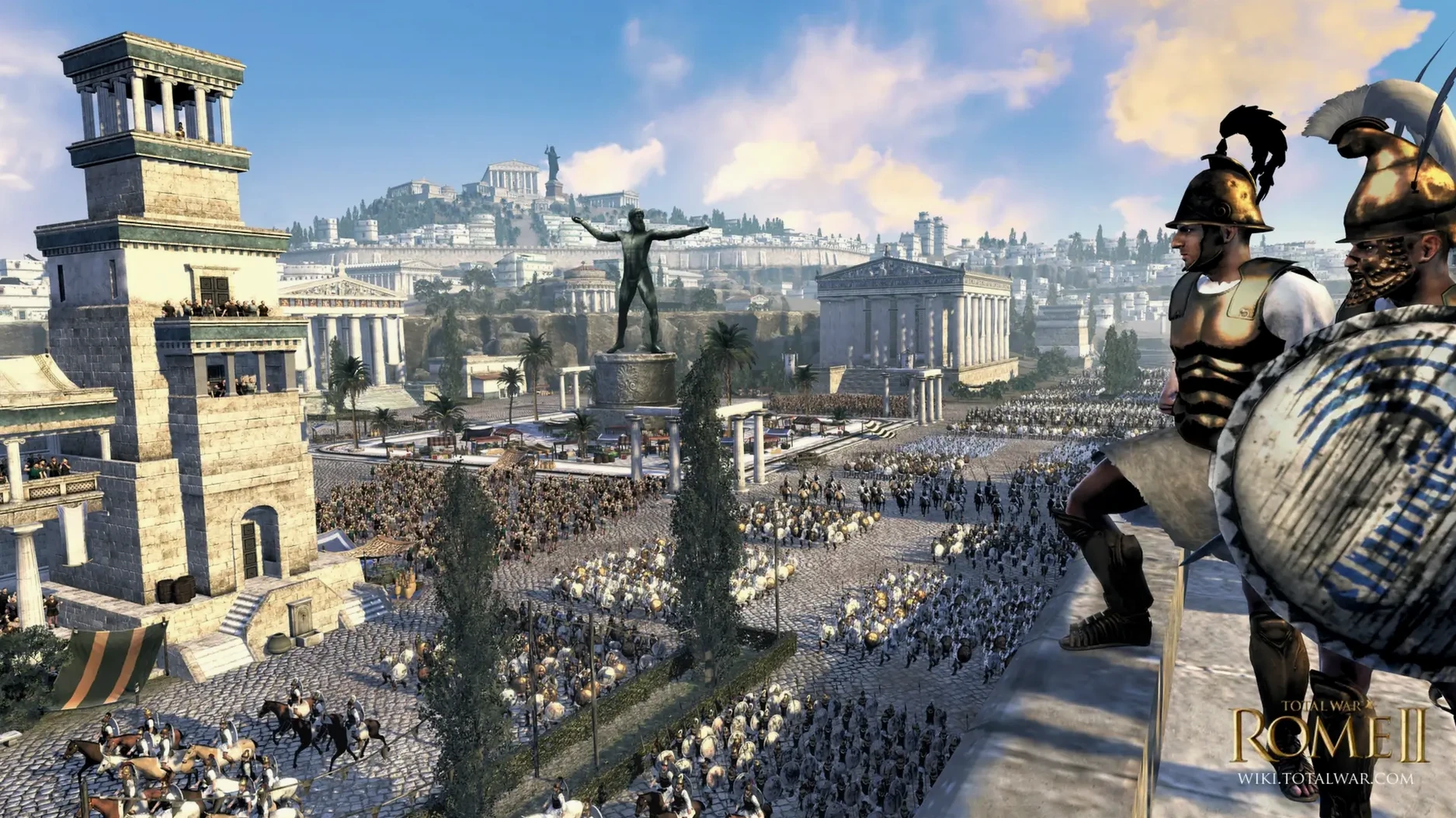
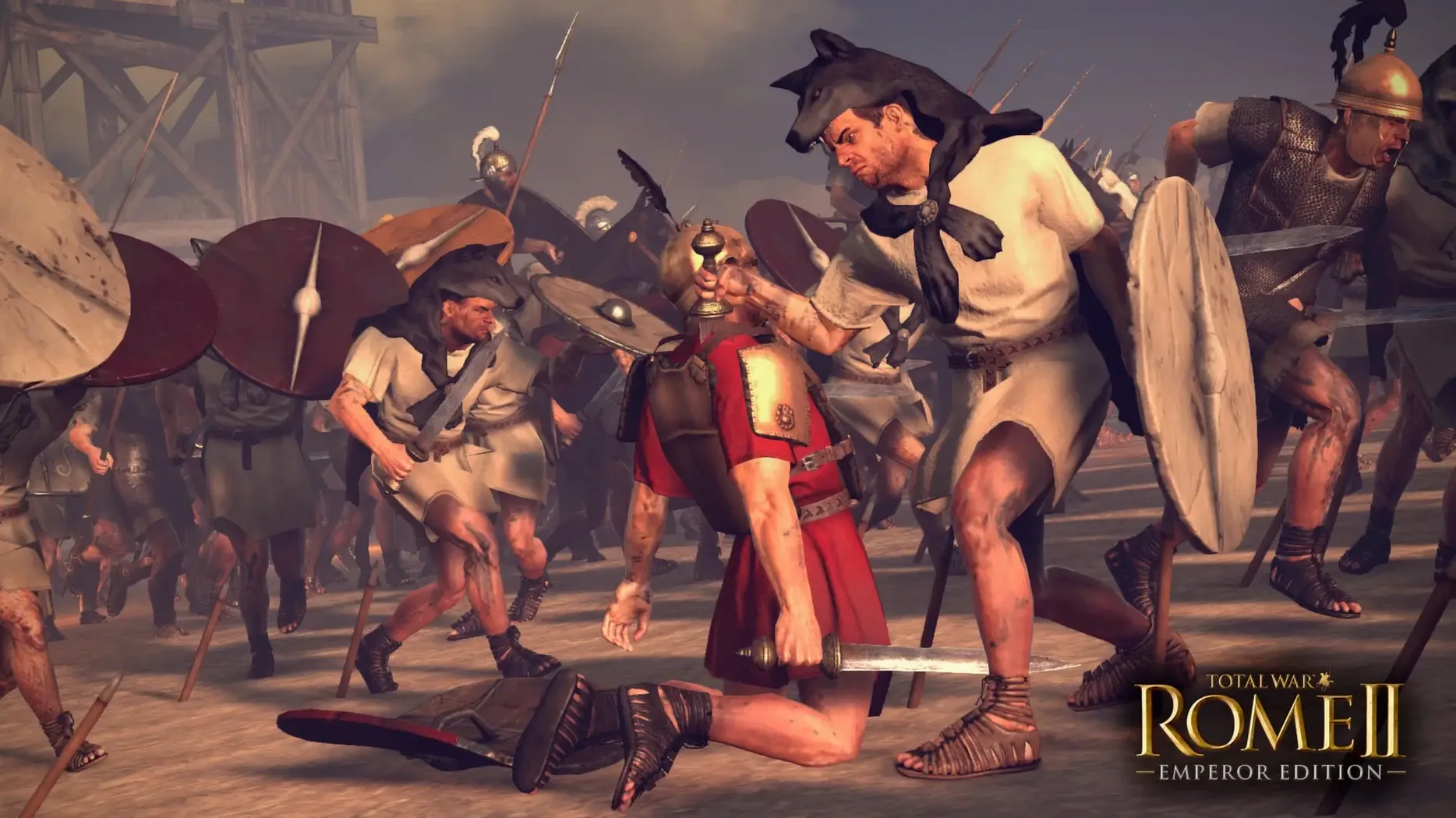
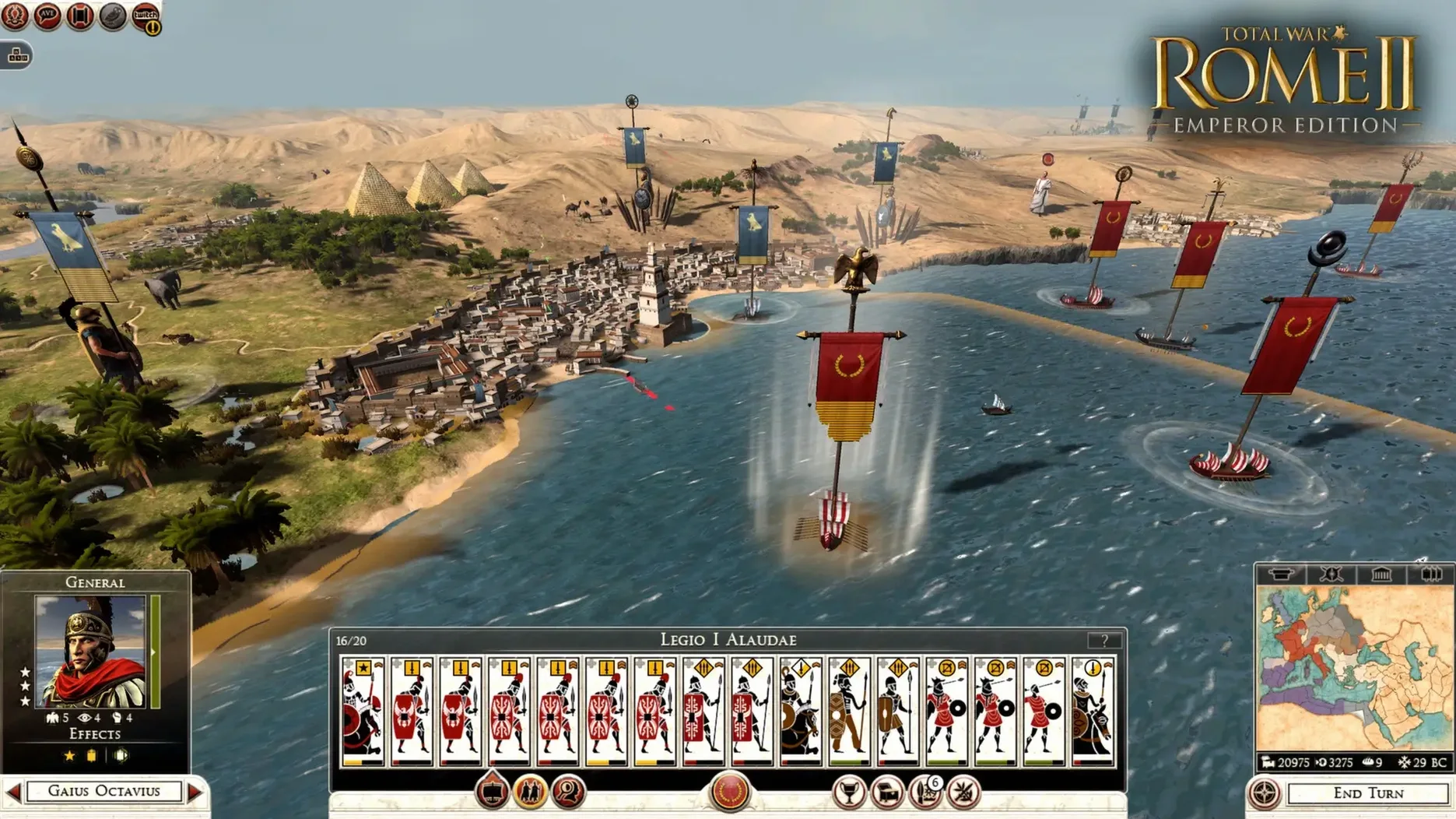
Total War: ROME II – Emperor Edition is a grand-strategy epic where you command ancient Rome's military, economic, and political machinery, now running natively on Apple Silicon. You choose whether to defend the fragile republic or dismantle it to crown yourself dictator. Every campaign pushes you to build a state, marshal legions, and carve an empire into the ancient world.
Why Feral’s Apple Silicon Port Is the Definitive Build
| Developer | CREATIVE ASSEMBLY / Feral Interactive |
| Native Build | Apple Silicon (ARM) |
| Key Campaign | Imperator Augustus (post-Caesar power struggle) |
| Languages | English, French, Italian, German, Spanish, Russian, Czech, Polish, Turkish |
This is the definitive version. Feral’s port matches the latest Windows release, so the Emperor Edition content lands in one package. The standout is the Imperator Augustus campaign, dropping you into the chaos after Julius Caesar’s assassination. You still manage the full trinity of power—turning senate rivals into allies or ash while paying legions and conquering provinces. Since the binary targets Apple Silicon, turns fly and the real-time battles stay fluid when thousands of units collide. Crashes sometimes surface in localized builds; switching the interface back to English in the config file clears that up, so I treat that workaround as a launch parameter and get on with the campaign.
A Campaign Walkthrough: Imperator Augustus as Octavian
Start Imperator Augustus and pick Octavian. His starting position in Italy looks safe, but the senate is a knife-fight and Lepidus eyes your provinces from the west. The first five turns set the tempo for the whole campaign.
Turn one: pause. Open the faction screen and study the political landscape. Octavian starts with a fragile majority. Promote the most loyal general to a second-in-command role—this buys you a few turns before civil war murmurs begin. Queue a temple of Mars in Roma for recruitment bonuses. Move your main legion toward the Alps but keep a second force in Ariminum to stare down potential usurpers.
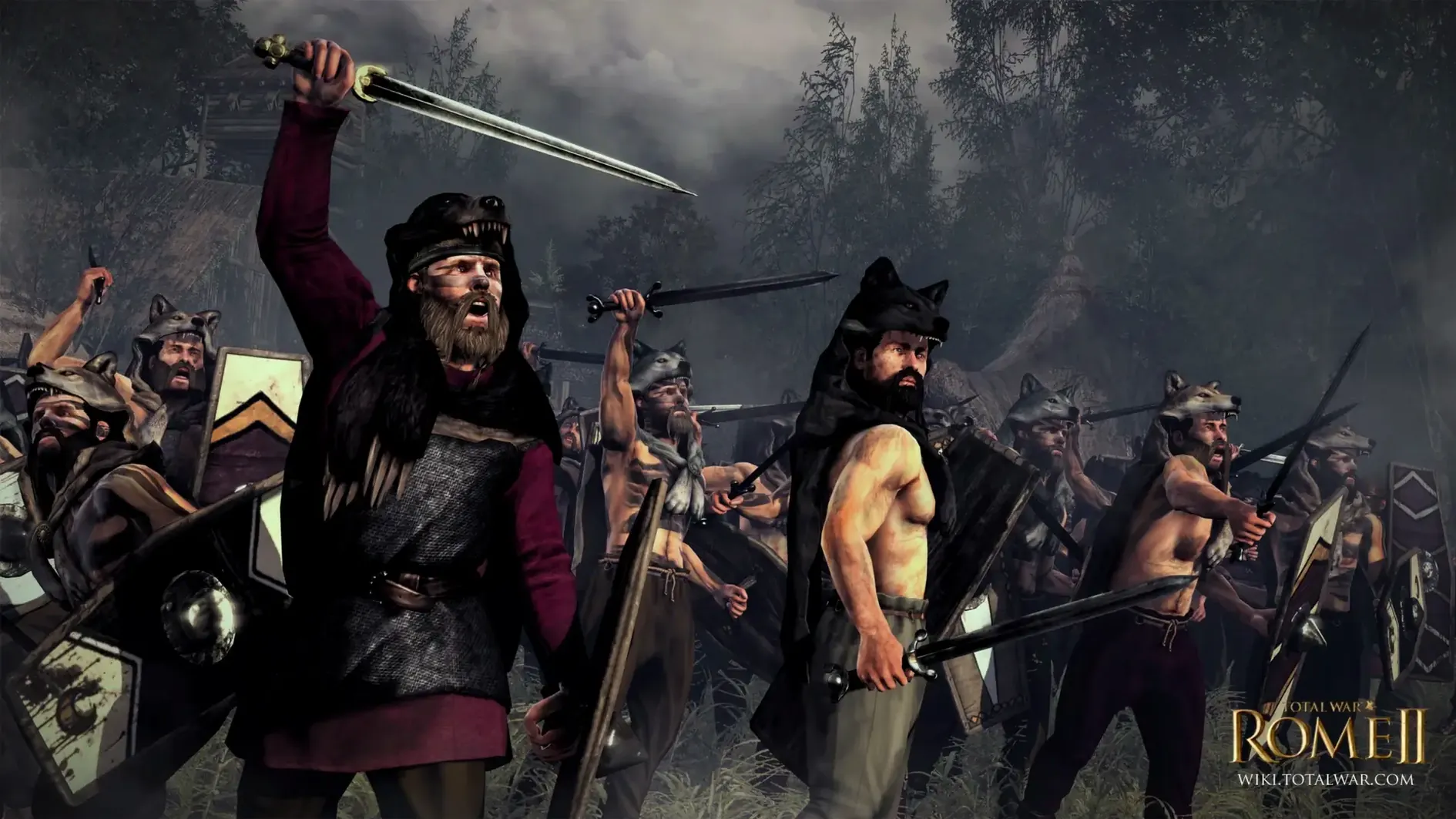
Turn two through four: push north into Cisalpina. Auto-resolve is tempting, but fight the first two battles manually. You need to learn how your hastati hold a line before the Gallic factions test you later. Use the terrain—hills and forests in this region let you ambush with cavalry on the flanks. After securing the province, issue an edict for food surplus. Starving cities revolt faster than a corrupt senator.
By turn ten, you should control two full provinces. Now open the diplomacy panel and offer non-aggression pacts to the eastern Greek states. You cannot fight a three-front war. Use the breathing room to convert settlements to Roman culture and build a barracks chain. This is the pivot moment: defend the republic from external threats while stockpiling political influence at home. When a rival family's general earns a victory, spend gravitas to adopt him into your faction. Steal their talent before they become a dagger.
Set Unit Size to Large Before Your First Campaign
After you drag the app to Applications and launch it, do three things before you start your first campaign. First, open the graphics settings and cap the unit size to Large initially. The M1 handles Ultra fine in field battles, but siege pathfinding still chugs when every wall has three thousand bodies on it. Test with a custom battle set in a walled city; adjust from there.
Second, remap the camera controls. The default binds treat the keyboard like a flight stick. Swap Q and E rotation to strafe left and right via A and D—it feels more like a modern strategy game and saves your wrist during long sessions. Save this as a preset so you don't lose it when the preferences file resets.
Third, download the Imperator Augustus campaign from the in-game menu if it does not appear unlocked. The content ships with the build, but the launcher sometimes needs a nudge. If the campaign button stays greyed out, quit, open NemirtingasSteamEmu.json, confirm the DLC block lists the campaign, and relaunch. Once it loads, bookmark the save folder in Finder. Turning off iCloud sync for that folder prevents turns from taking a coffee break while macOS negotiates with the cloud.
Draw Formation Lines with Shift-Drag Instead of Blobs
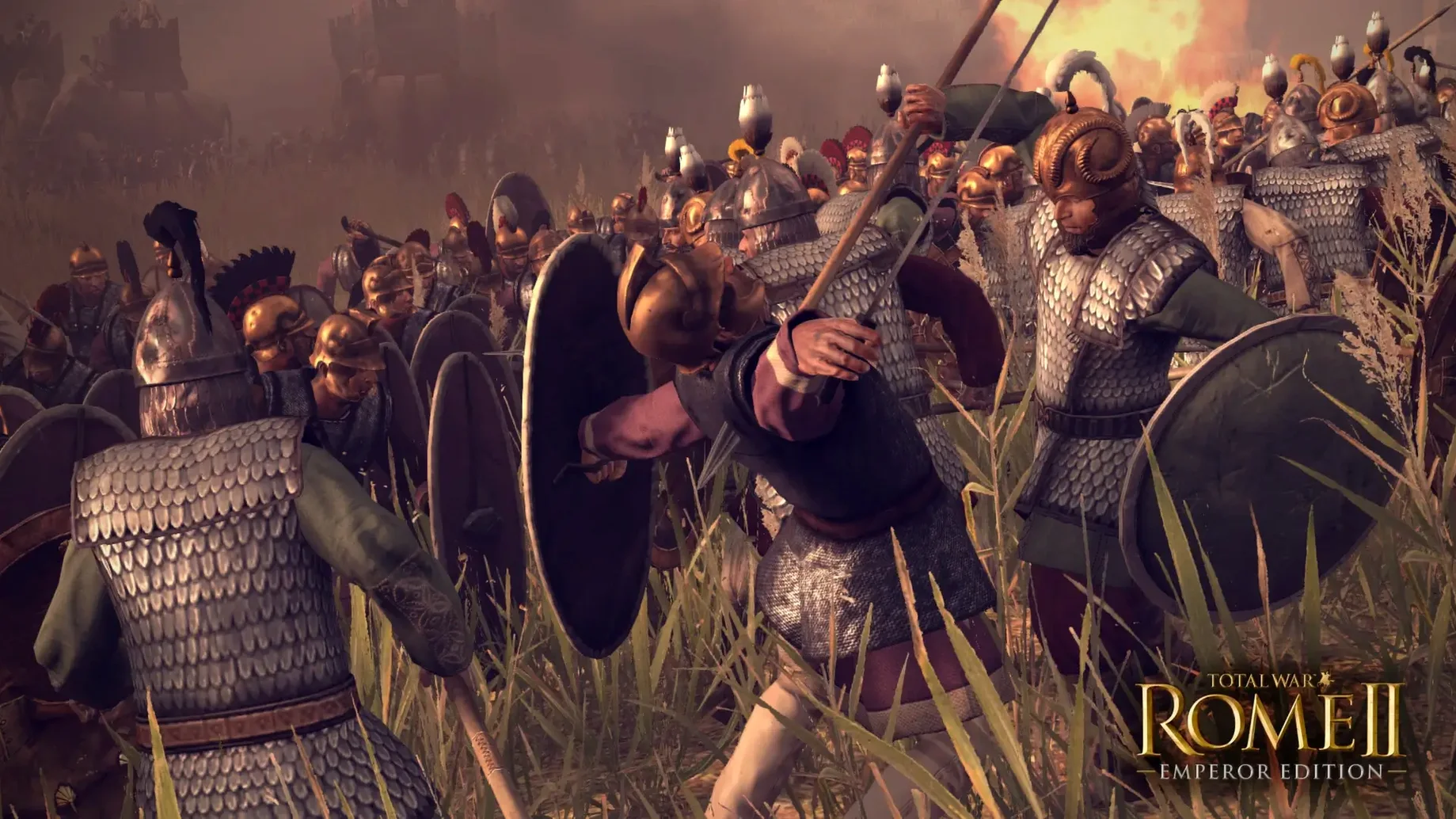
Hold Shift while dragging a unit card in battle to draw a formation line instead of a blob. The game never explains this, and it turns messy infantry engagements into actual tactics. Combine it with Ctrl+G to group and lock the formation so your triarii don't wander off chasing slingers.
The campaign map has its own hidden shortcut: press Tab to cycle through settlements queued for construction. When you manage twenty regions, tabbing beats zooming in and out hunting for that one city you forgot to upgrade. Pair it with the F5 quick-save habit—turn-based strategy is cruel, and Rome wasn't built without reloads.
Diplomacy screens remember your last offer. If a faction refuses a trade agreement, tweak one term—add a small gold payment—and resubmit instantly. The AI re-evaluates just enough to accept minor adjustments. And when the senate screen feels like a chore, right-click any character portrait to open their full stat panel without navigating back through the faction tree. Little things like that keep a sprawling campaign from feeling like a spreadsheet.
What's New in 2.4.1
The Emperor Edition content is now folded into the Mac build, matching the current Windows version. The Imperator Augustus campaign is the headliner—start after the Ides of March and seize power in a fractured empire.
Also fixed: parity pass brings all previous Windows updates and balancing to the native ARM client.
System Requirements
- macOS: 15.0 or later
- Architecture: Apple Silicon (M1 or later)
- RAM: 8 GB minimum
- GPU: Apple M1 7-core GPU or better
- Storage: 50 GB free
Notes from the edit bay · 0
Sign in or get an edit-bay pass to leave a note.
No notes from the edit bay yet. They go up after I read them.