
Face search isn't the starting point; the mess is.
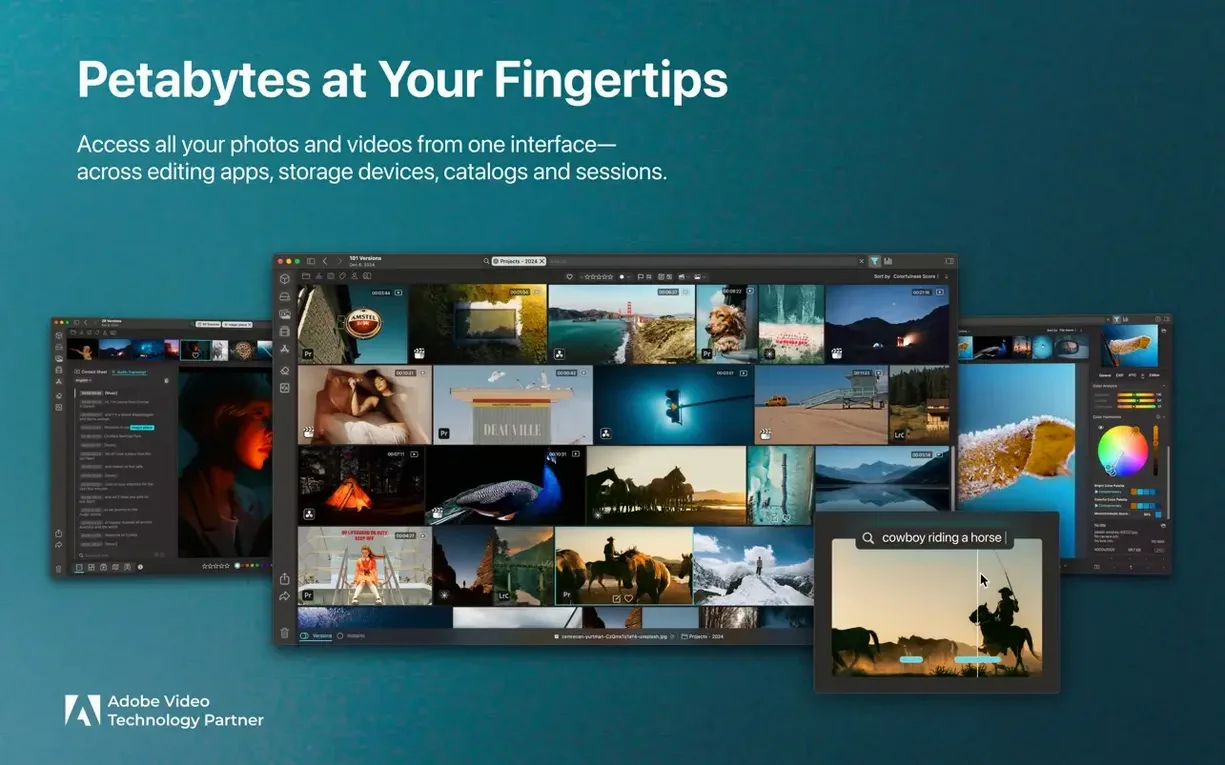
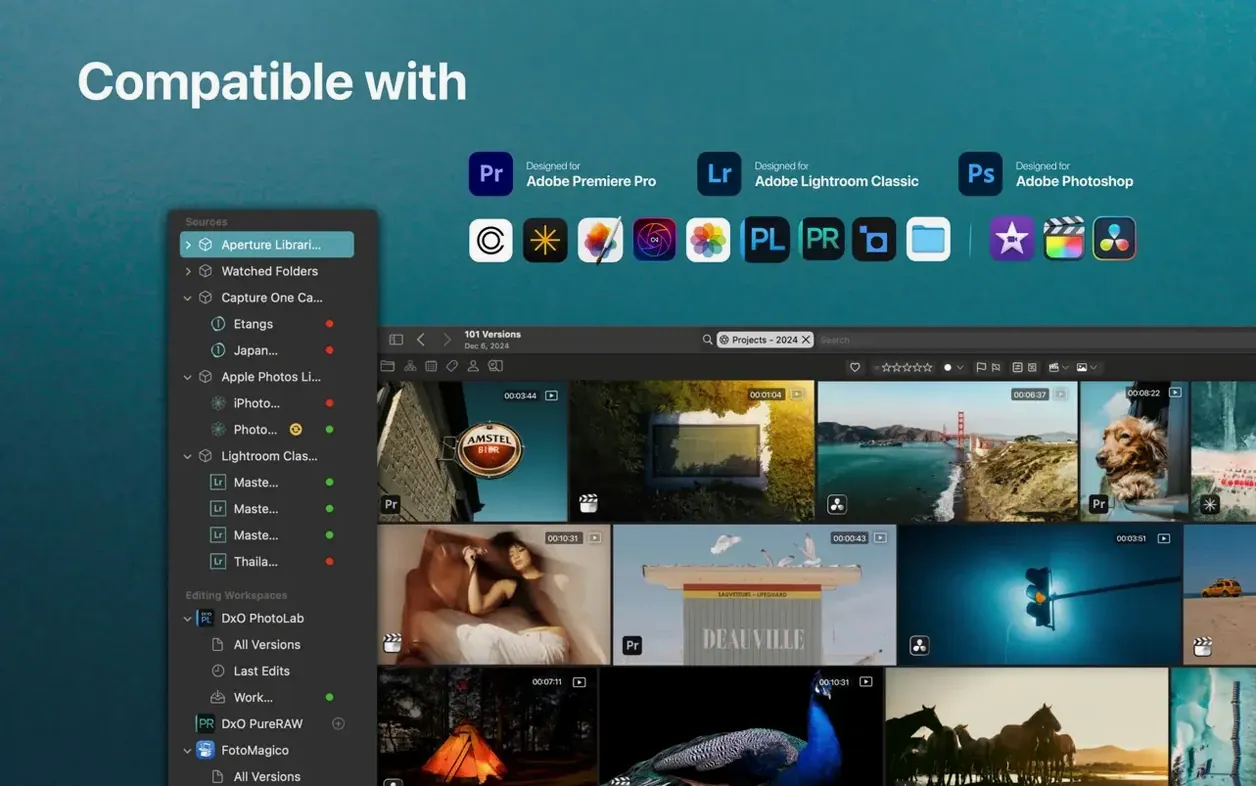
Meta-cataloger — Peakto reads your existing folder structures, Lightroom and Capture One catalogs, and Apple Photos libraries without moving or duplicating a single original file.
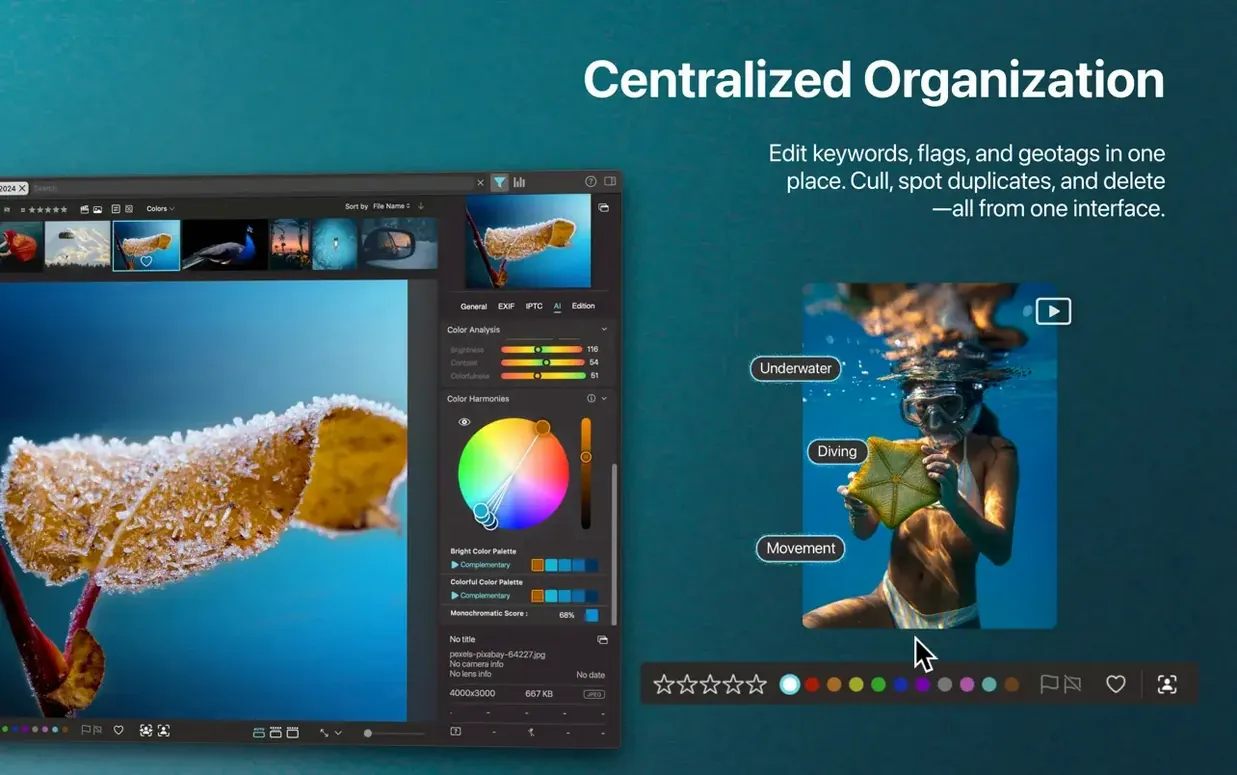
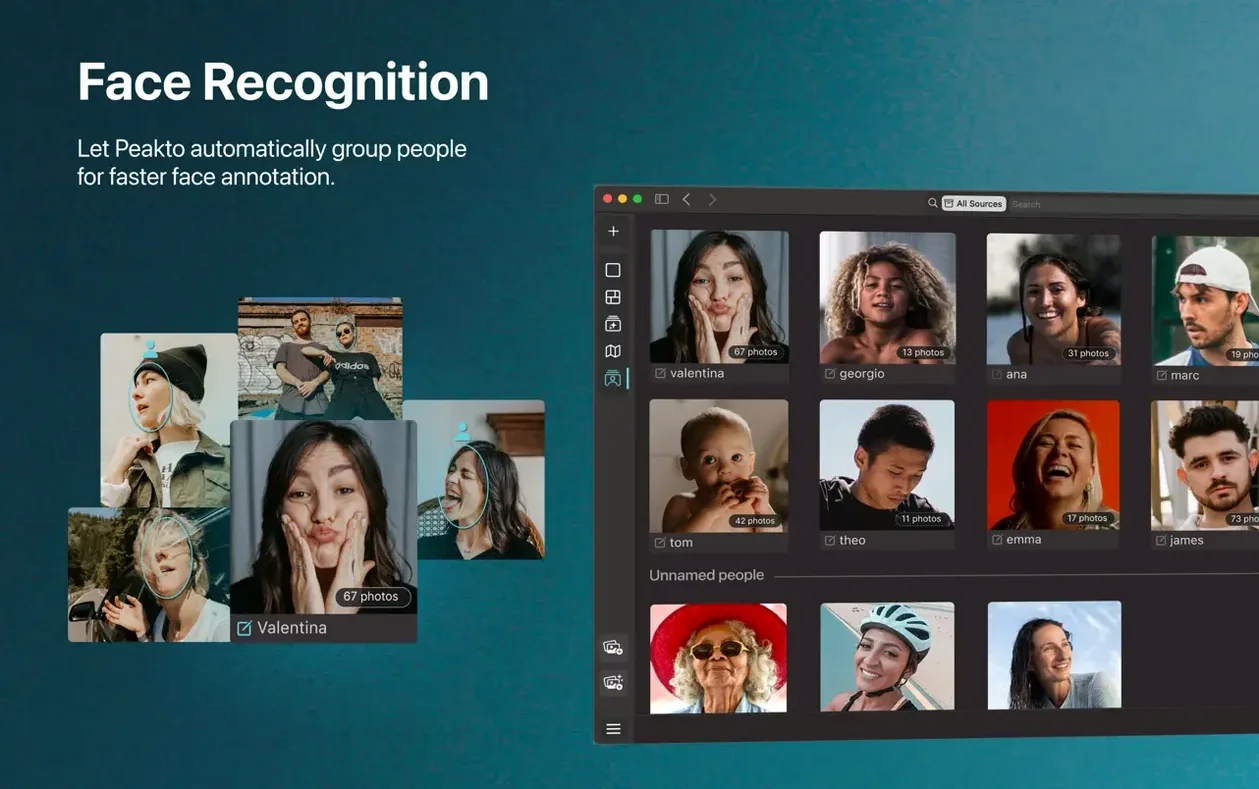
Unified face ID — The AI scans across every source you've connected, so "Aunt Carol" appears in one list whether she's in a 2016 Photos library on an external drive or a folder of RAW files on your desktop.
Similar-image search — Click any frame and Peakto pulls up visually alike shots. I use it to pick the sharpest burst from a dozen near-identical concert photos.
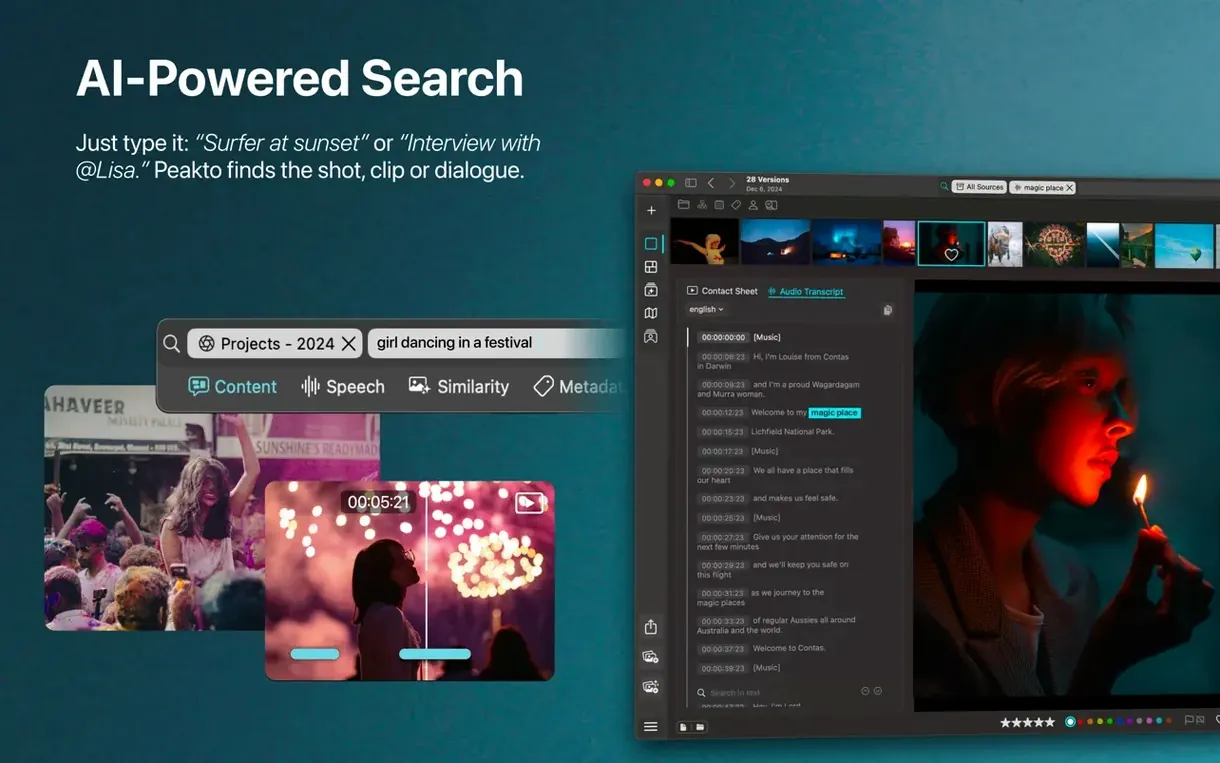
Description-based search — Type "dog in a hat" and the app finds it, no keywords required. It reads the image content, not metadata tags you forgot to add.
Timeline view — A scrollable calendar that respects the capture date, not the import date. Perfect when you've lost a photo to a wrongly set camera clock.
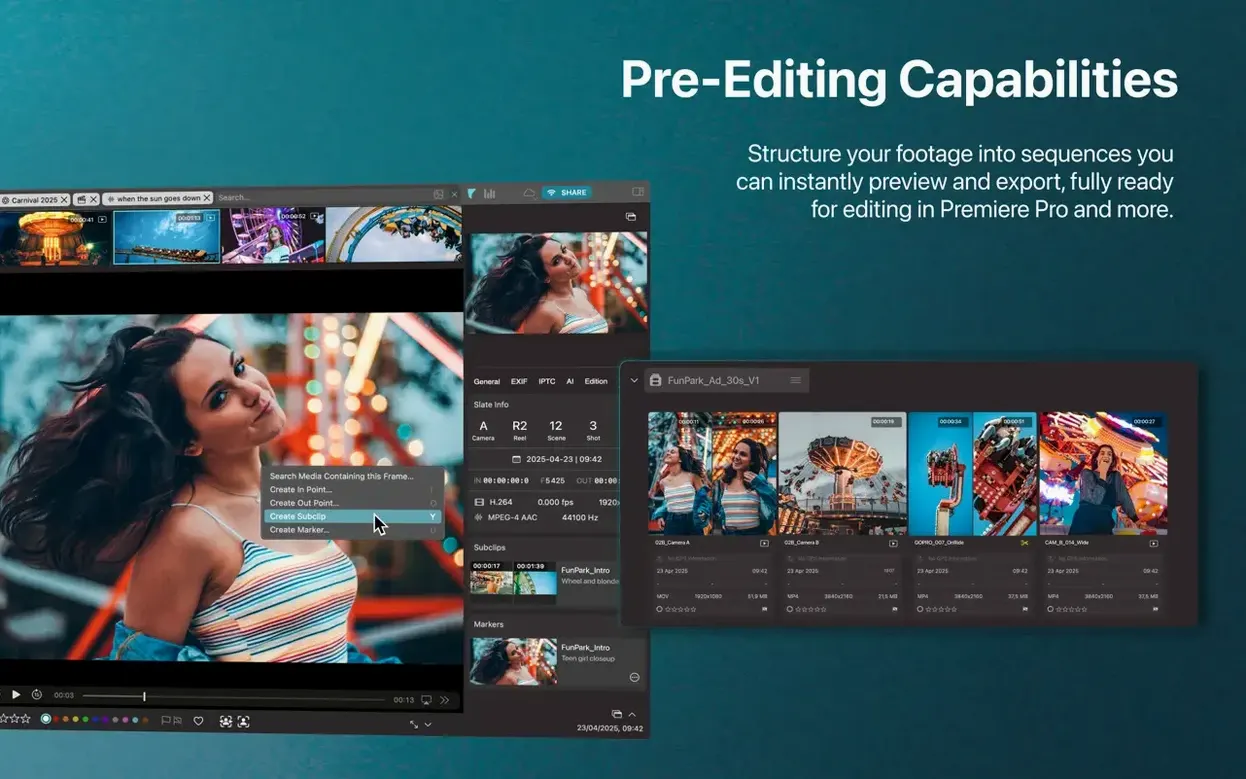
Selections from multiple sources — Drag clips and stills from three different drives into one virtual album, then share lower-resolution previews with a client for feedback.
Where Peakto Fits in the Mess
Peakto isn't trying to replace your image editor or your raw processor. It sits one layer above. Think of it as the librarian that finally learns where every book is shelved, even though you dumped them across three rooms and a storage locker.
In my setup, Capture One holds the selects from paid shoots, Apple Photos hoovers up iPhone snaps and family video, and a folder tree on an NVMe enclosure stores years of stock footage and music-video rushes. Before Peakto, the only thing those silos shared was my growing irritation. Now I open one window. The AI tags, face clusters, and timeline span all of it. I can find a clip by describing the action — “woman adjusting a microphone stand” — and the result appears whether it lives inside a Capture One session or a loose folder of H.264 files.
macOS Spotlight knows filenames and a few metadata fields. Peakto knows content. That's the difference. It also plays nice with Quick Look: tap the spacebar on any thumbnail and you get an instant preview without launching a separate viewer. If you’re already using peakto – al media organizer mac full version, you’ll notice it doesn’t demand that you reorganize anything first. It works with the mess you have, not the mess you promise you'll clean up next weekend.
The Initial Scan Demands Patience on Older Macs
The initial scan is the heavy lift. Point it at a few terabytes of media and you’ll feel the fans on an Intel Mac. On my M1 Max MacBook Pro, the AI processing hums along quietly — the app is clearly written for Apple Silicon first. Once the catalog is built, browsing is responsive. Timeline scrolling stays smooth even across a decade of photos. Face thumbnails populate with a slight fade-in, which sounds cosmetic but makes the wait feel intentional rather than buggy.
Memory pressure is real when you connect six or seven sources. Peakto keeps a live link to each, and if one external drive spins down, the app pauses gracefully rather than beachballing. I've had exactly one crash in two months, and it happened when I yanked a Thunderbolt cable mid-sync. The library file itself survived intact. That's better behavior than some NLEs I bill clients for.
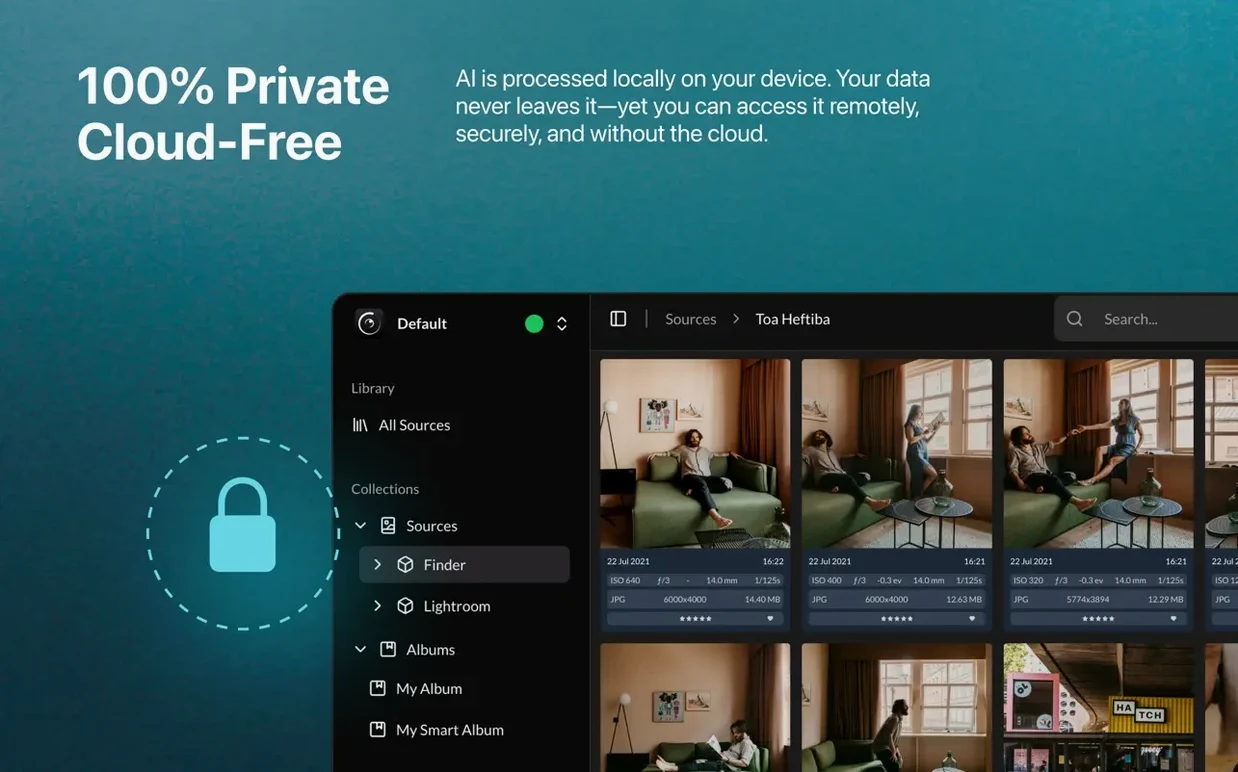
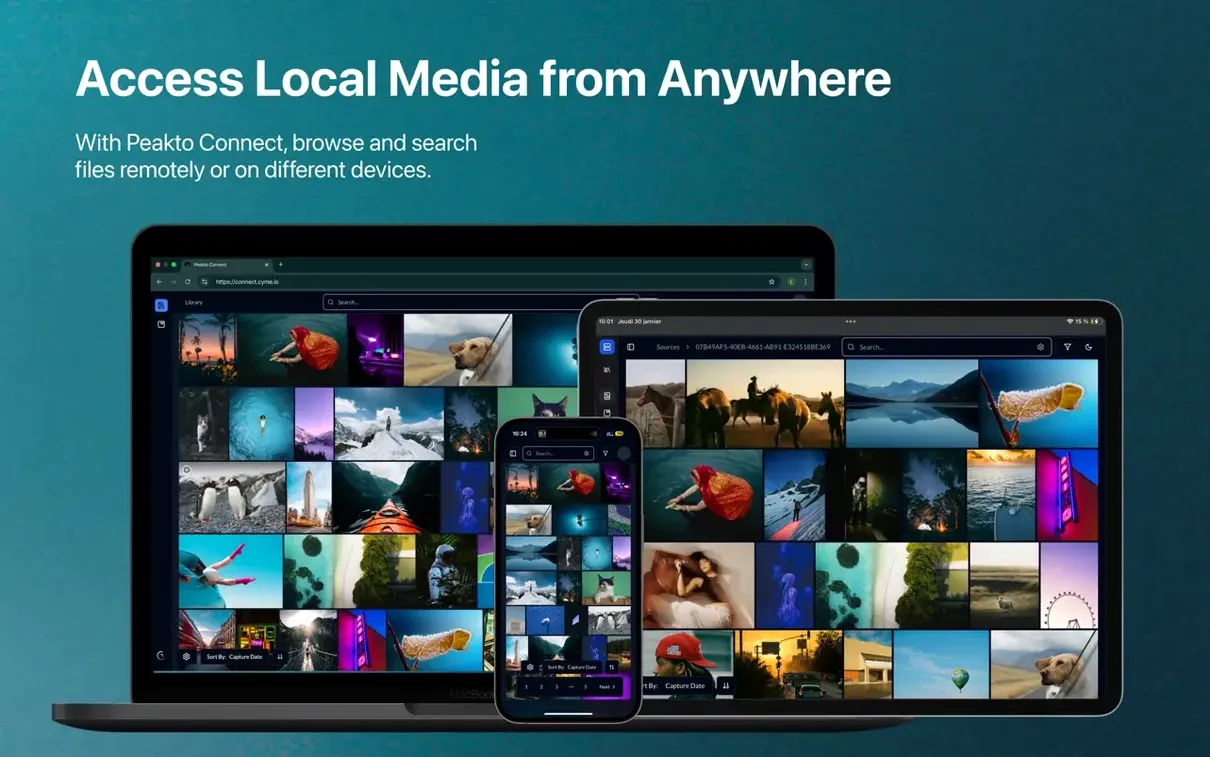
Relay Mode in version 2.7.10 deserves a mention for remote workflows. It lets me browse a catalog on my laptop when the media drives are back at the studio, without pushing anything to a cloud service. The preview stream is compressed but perfectly adequate for culling or client selects. Latency depends on your upload speed, obviously, but scrubbing a 4K timeline proxy felt snappier than I expected.
Rookie Traps Worth Avoiding
Treating Peakto like a backup tool. It catalogs, it doesn't duplicate. If the original file lives on a drive that dies, the preview thumbnail in Peakto becomes a ghost — visible but useless. The app shows you what you have; it doesn't protect it.
Dumping every folder in at once. I did this on day one and then stared at a progress bar for an afternoon. Add your most-used sources first, let the AI finish its index, then layer in the archives. You'll get useful results faster and avoid the impression that the app is sluggish when you've just handed it a mountain.
Ignoring the exclusion settings. Peakto will happily catalog screenshots, texture libraries, and render caches unless you tell it not to. Filter those folders out early. Your "dog in a hat" search works better when the AI isn't also scanning 3,000 UI mockups.
Skipping the keyboard shortcuts. The interface is click-friendly, but muscle memory for rating and flagging across sources will save you hours. Set them to match what you use in Lightroom or Capture One — the consistency pays off when you bounce between apps during an edit session.
The Peakto Connect UI got a clean, simpler layout that clicks with the rest of the app instead of feeling bolted on. Relay Mode is the bigger news — remote access to your catalog now works without uploading media to anyone's cloud. Also fixed: a handful of edge-case workflows that could trip on error states.
- macOS 12.4 or later
- Intel or Apple Silicon Mac
- 4 GB memory (8 GB recommended)
- 2 GB free disk space
- Fast SSD storage recommended for the Peakto library and database files
- Media files may be stored on external drives
Questions I actually get
Does Peakto duplicate my media when it catalogs it?
No, it works as a meta-cataloger, reading and referencing files where they currently live without creating copies or moving originals.
Can Peakto find the same person across different photo libraries?
Yes, the face search and identification engine works across all connected sources, unifying results for the same individual in one interface.
Notes from the edit bay · 0
Sign in or get an edit-bay pass to leave a note.
No notes from the edit bay yet. They go up after I read them.