Version 6.6.2 landed quietly — a maintenance pass that keeps the clipboard engine running smooth without shaking up the interface. If you’ve been running an older build, this is the one to grab.
What Does Paste Actually Do?
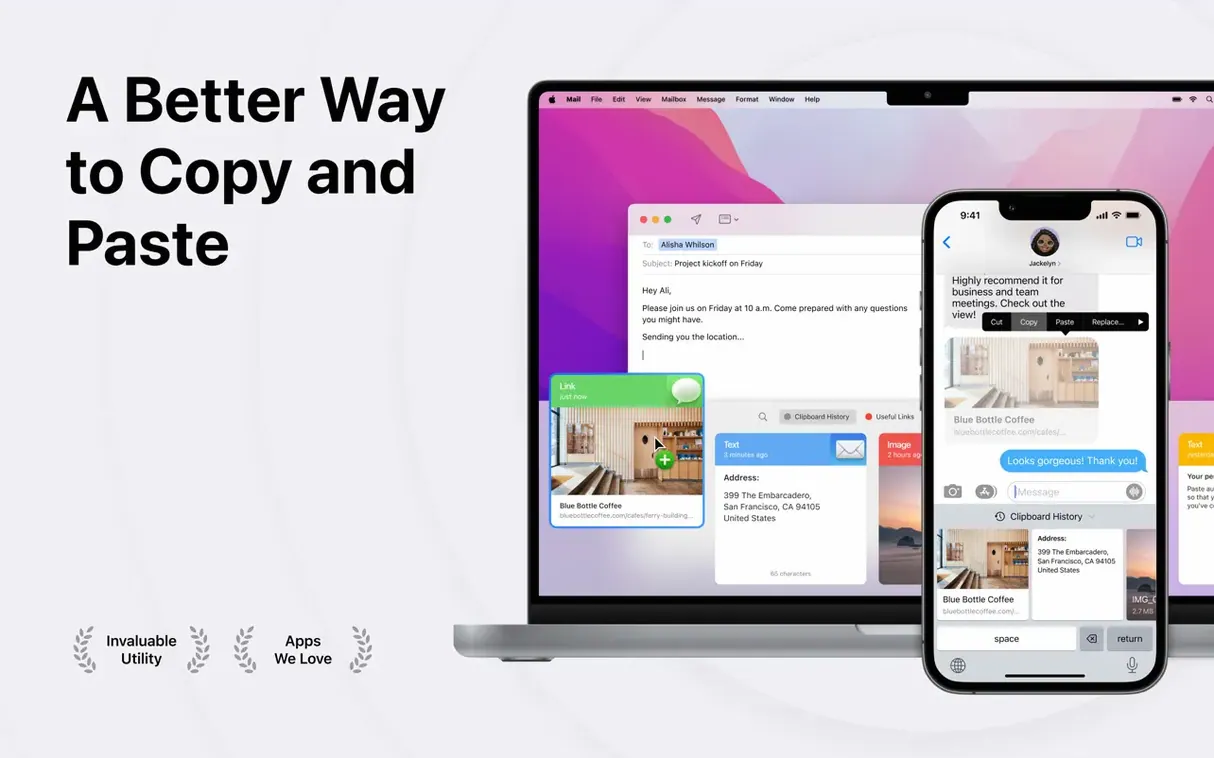
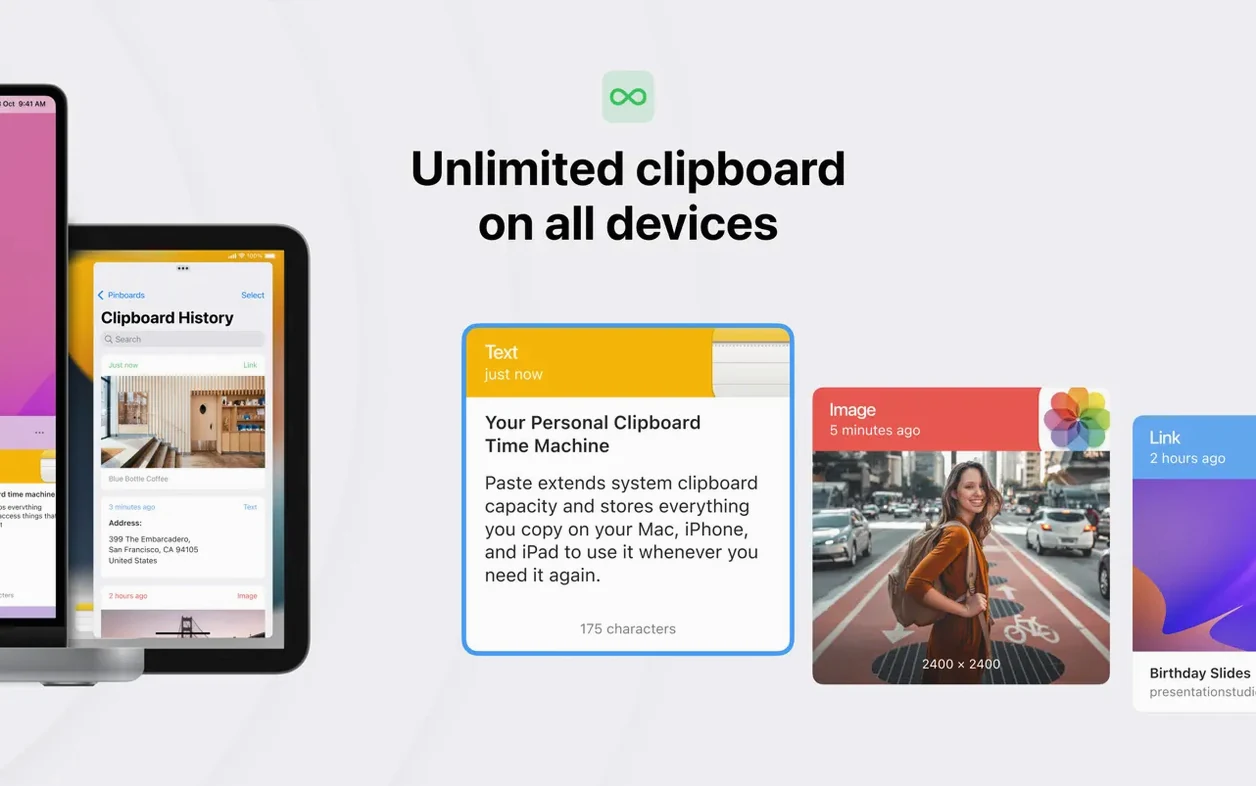
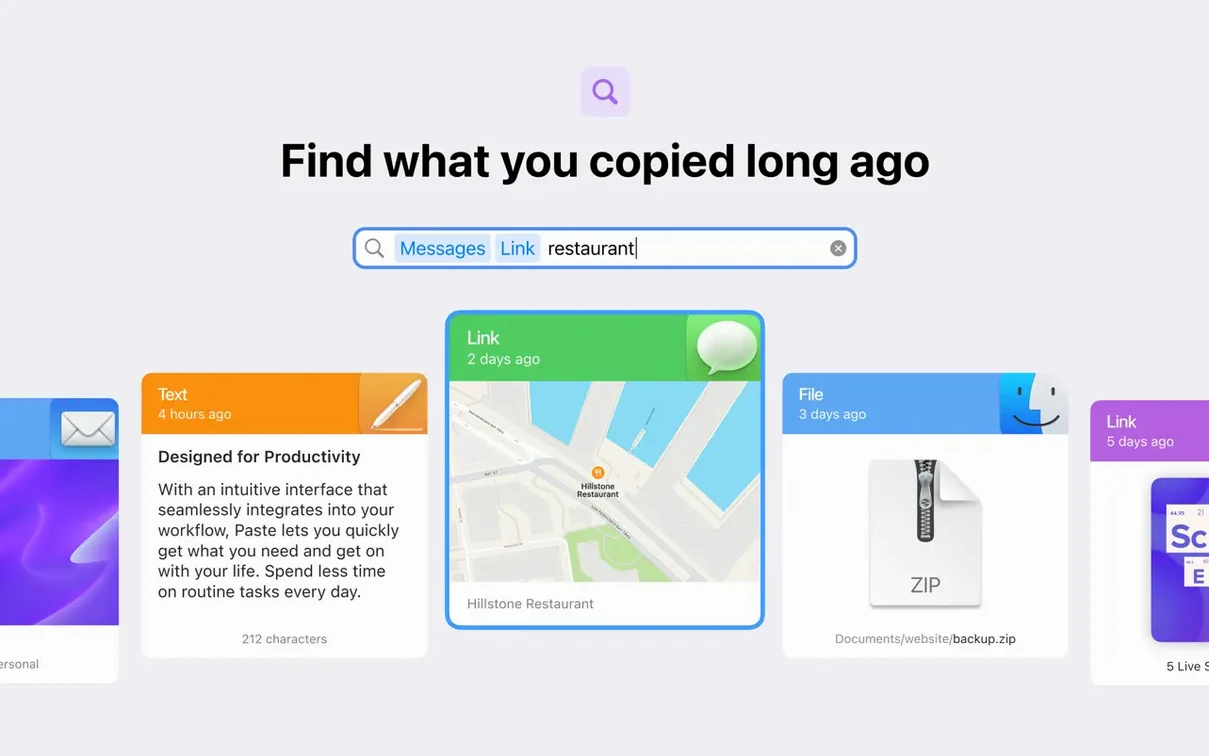
It remembers everything you copy — text, images, files, links — and keeps it in a visual, searchable history instead of letting the system clipboard overwrite itself every time. Think of it as an infinite undo for Copy.
For Anyone Who Hits ⌘C More Than Twice an Hour
Anyone who copies and pastes more than twice an hour. Editors assembling selects, devs moving snippets, writers pulling quotes — if your fingers know ⌘C and ⌘V by heart, Paste saves you from re-copying the same thing twelve times.
A Menu Bar App That Syncs Your Clipboard History via iCloud
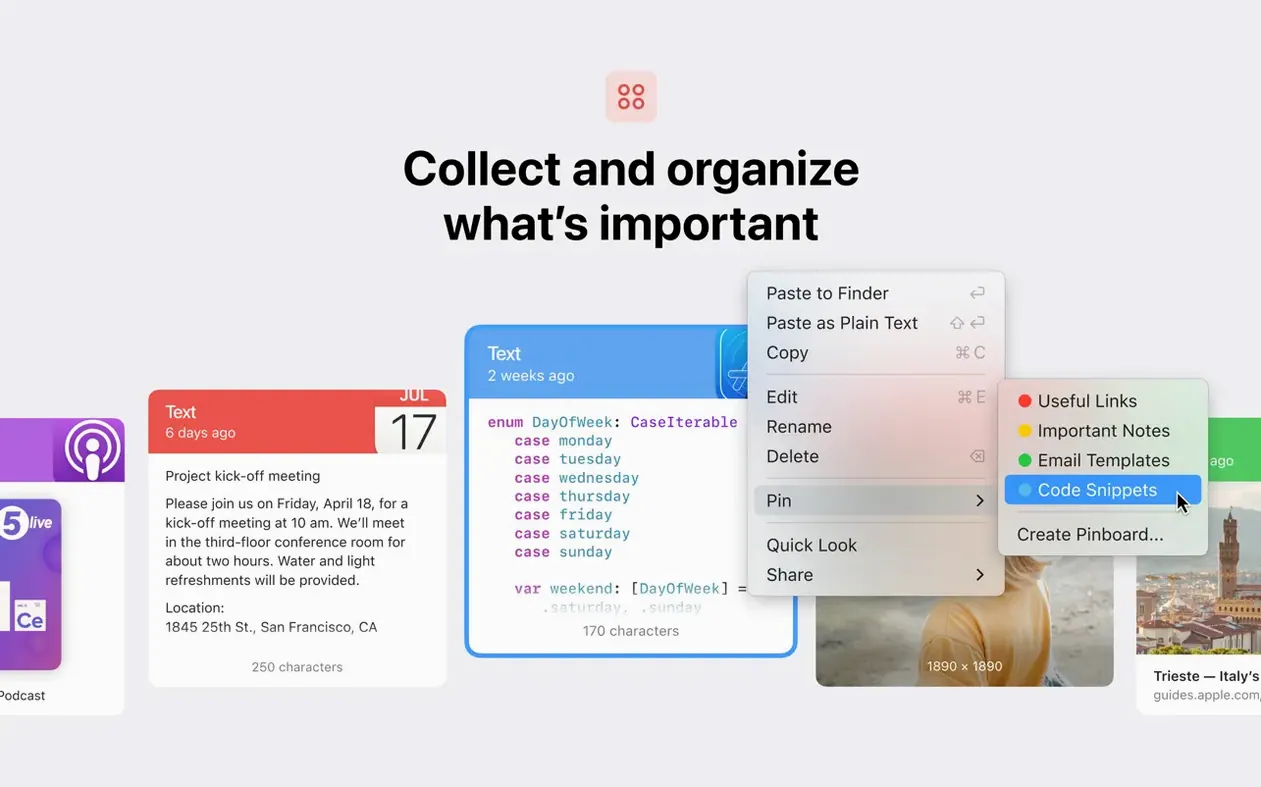
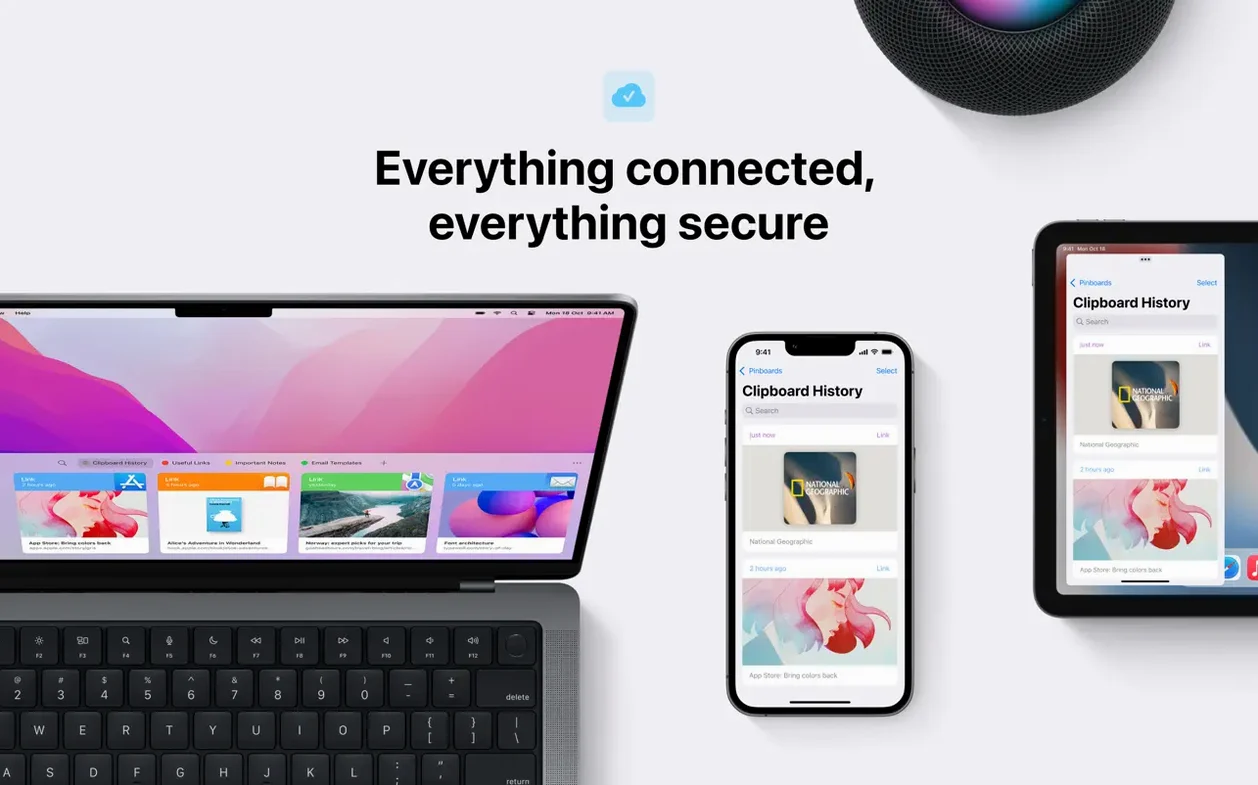
It lives in the menu bar or pops up with a system-wide shortcut. Pinboards hold the stuff you reach for constantly; iCloud sync means your history follows you to another Mac. You can paste plain text without the formatting cruft, or queue up multiple items and drop them in one go.
Why Not Just Use the Built-in Clipboard?
macOS remembers exactly one thing. Paste remembers thousands, across unlimited lists, and finds any of them with a few keystrokes. That’s the difference between a notepad and a filing cabinet.
How Motion Designers Grab a Grade from One Shot and Apply It to Another
Video editors and motion designers live in Paste. A timeline demands constant copying — clip segments, color corrections, effect stacks. Grabbing a grade from one shot and applying it to another without digging through menus is where Paste earns its keep. The visual thumbnail for each copied item means you spot the right adjustment layer instantly.
Developers benefit differently. Snippets, function signatures, terminal commands — Paste holds them all and the smart search cuts through the noise. Type a few characters and the relevant block surfaces, no scrolling required.
Writers and researchers juggling quotes across documents get the multiple-item paste queue. Copy five passages, switch to your draft, and drop them in sequence. One trip instead of five. Anyone who composes emails from templates or repeats client responses will fill a pinboard within the first week.
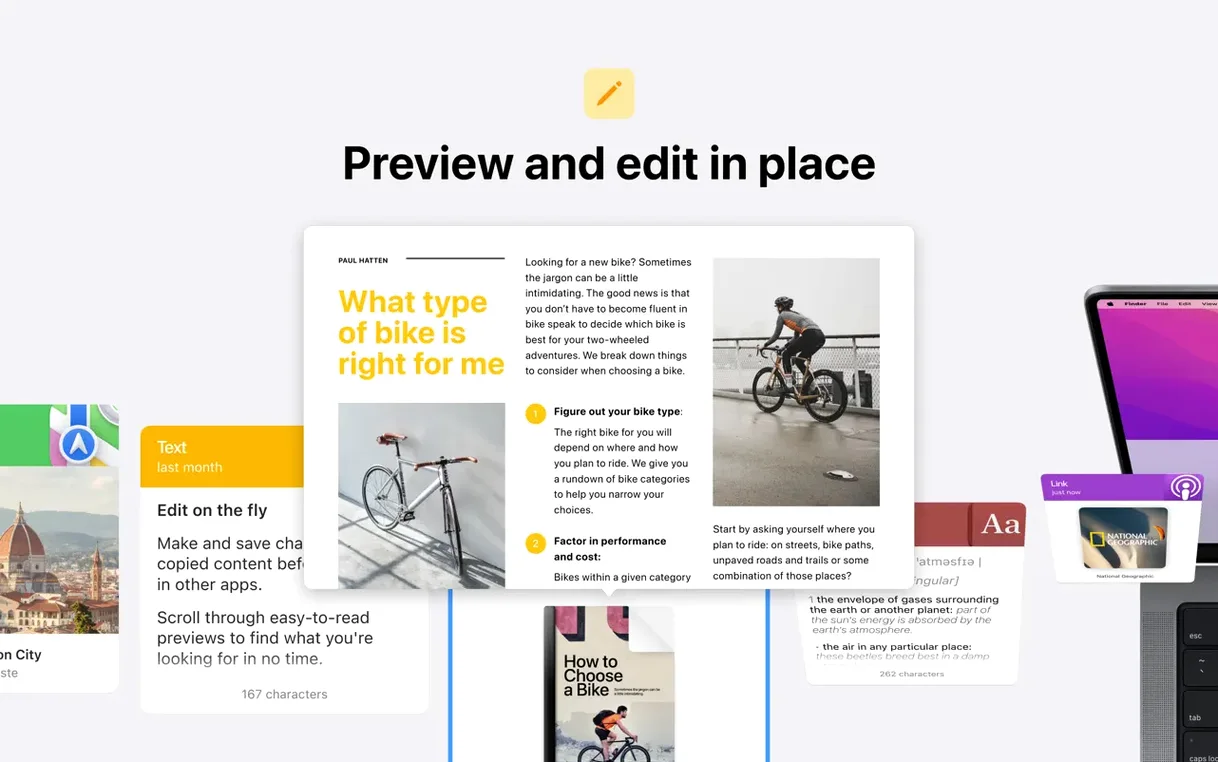
Designers moving assets between Sketch, Figma, and Finder appreciate that Paste handles images and file references, not just text. A screenshot copied from one app appears as a thumbnail you can drag directly into another.
Ignoring Pinboards Is Why Most People Miss the Real Speed
The most common one: ignoring pinboards entirely. New users treat Paste like a bigger clipboard — copy, paste, forget. But the pinboards are where the real speed lives. Anything you paste more than twice a day belongs on a pinboard, accessible with its own shortcut.
Another trap is not adjusting the history capacity. The default limit is generous, but if you copy large images or video frames, you fill it faster than expected. Setting a lower item count or excluding certain apps from tracking keeps the history lean and responsive.
People also overlook the plain-text paste option. Pulling formatted text from a web page into a script or email injects unwanted fonts and colors. Holding Option while pasting strips it, but many users never discover this. Mapping a dedicated shortcut to "Paste as Plain Text" is a one-time tweak that saves constant cleanup.
Finally, newcomers sometimes grant full disk access without understanding the scope. Paste can see everything you copy, including passwords if you copy them from a manager that doesn't mark them as concealed. Use the app exclusion list to keep sensitive sources out of the history.
Large Histories No Longer Feel Like Wading Through Molasses
The 6.6.x line tightened performance around large histories. Earlier versions could hitch when searching a backlog with thousands of items; the current build handles that smoothly. Scrolling through months of clipboard entries no longer feels like wading through molasses.
iCloud sync became more aggressive about conflict resolution. Where older releases sometimes duplicated pinboard items when two Macs edited them simultaneously, the current version reconciles cleanly. You see the latest state, not a fork. The sync engine also respects low-data mode on metered connections now, which matters if you tether a MacBook on location.
The share-to-AirDrop flow tightened up. Selecting a clipboard item and sending it to an iPhone or iPad used to require a few extra taps; the current version surfaces AirDrop targets faster in the share sheet. For anyone who grabs a screenshot on a Mac and needs it on an iPhone for Messages, this shaves off seconds that add up.
A Workflow: Assembling a Client Brief from Scattered Sources
Imagine a freelance editor pulling together a client brief. The assets are everywhere: a paragraph from a PDF treatment, three reference stills from a Vimeo link, two file paths to project folders on an external drive, and a chunk of boilerplate contract language used every time.
First, open the PDF and copy the relevant paragraph — Paste captures it instantly. Flip to the Vimeo page, grab each reference still with Control-click > Copy Image. Those thumbnails appear in Paste's history stacked right under the text. In Finder, select the project folders and hit ⌘C. Paste stores them as file references, not just names.
Now open your boilerplate document. Select the contract text you reuse and copy it. Pin it immediately — ⌘⇧P or drag it to the pinboard section. Next time, it's one keystroke away instead of hunting through files.
Switch to your email draft or Notion page. Invoke Paste with your shortcut. The smart search field handles fragments — type "treat" and the PDF paragraph surfaces. Hit Enter to paste it. For the stills, arrow down through thumbnails until you spot the right one, then paste. The folder references drop into your document as clickable paths. The pinned boilerplate goes in last with its dedicated shortcut.
The whole assembly takes under a minute because you never recopy anything. Paste held every piece in the order you grabbed it, and the visual thumbnails meant no guessing which text block was which. That's the difference the history makes — not just remembering, but letting you move at the speed of thought instead of the speed of file navigation.
- macOS 13 or later
- Apple Silicon or Intel 64-bit Mac
Questions I actually get
Can I sync my clipboard history between two Macs?
Yes. iCloud sync keeps your history and pinboards up to date across all your Macs running Paste.
Does it run on older Intel Macs?
It runs on any Mac with macOS 13 or later, supporting both Intel 64-bit and Apple Silicon machines.
Notes from the edit bay · 0
Sign in or get an edit-bay pass to leave a note.
No notes from the edit bay yet. They go up after I read them.