
Runs Natively on M-Series and Intel Macs
ON1 Photo RAW 2026.5.2 needs macOS 13 Ventura or later. It runs natively on both Apple Silicon and Intel hardware, so M-series and older Intel Macs are covered.
What actually comes in the download?
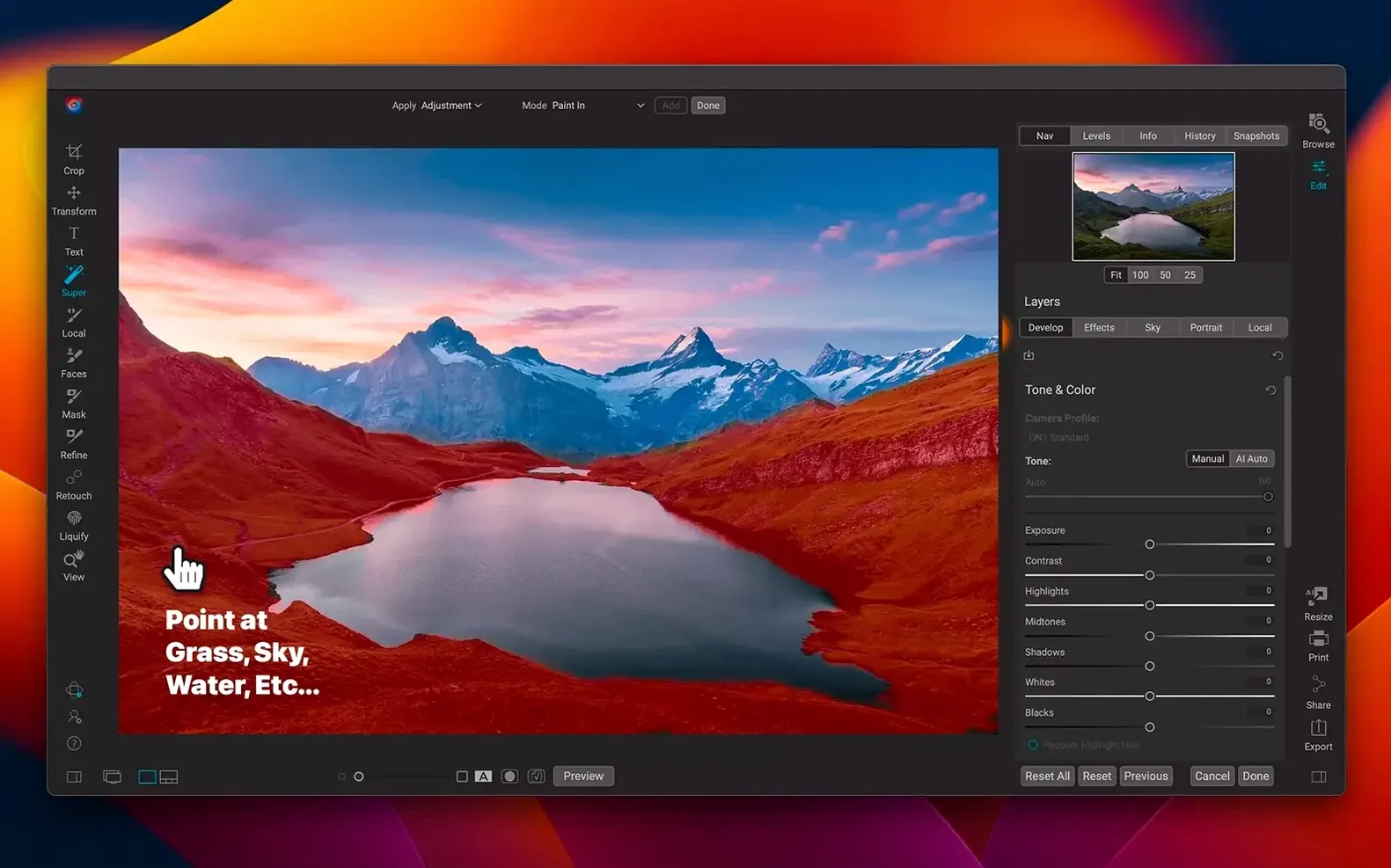
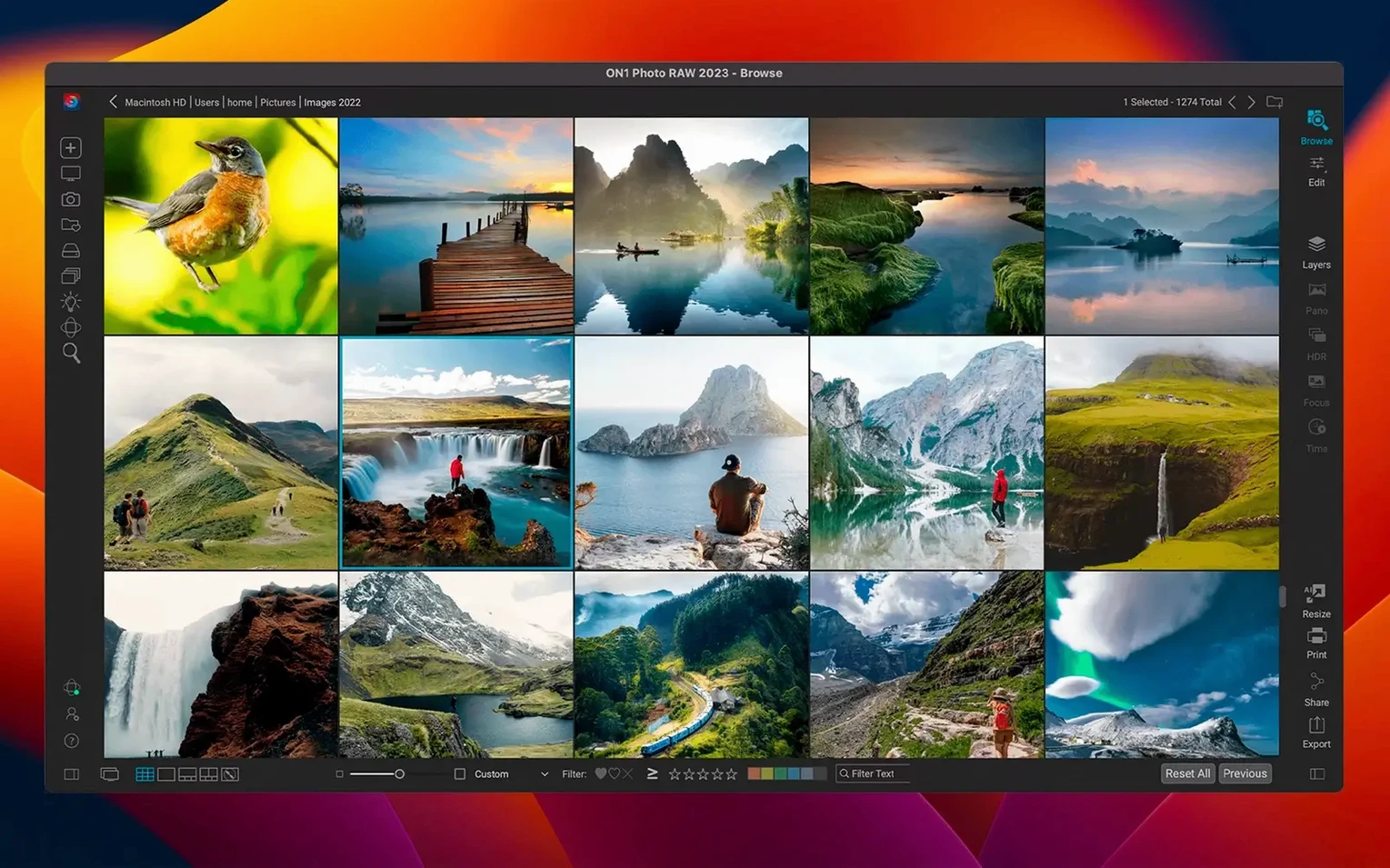
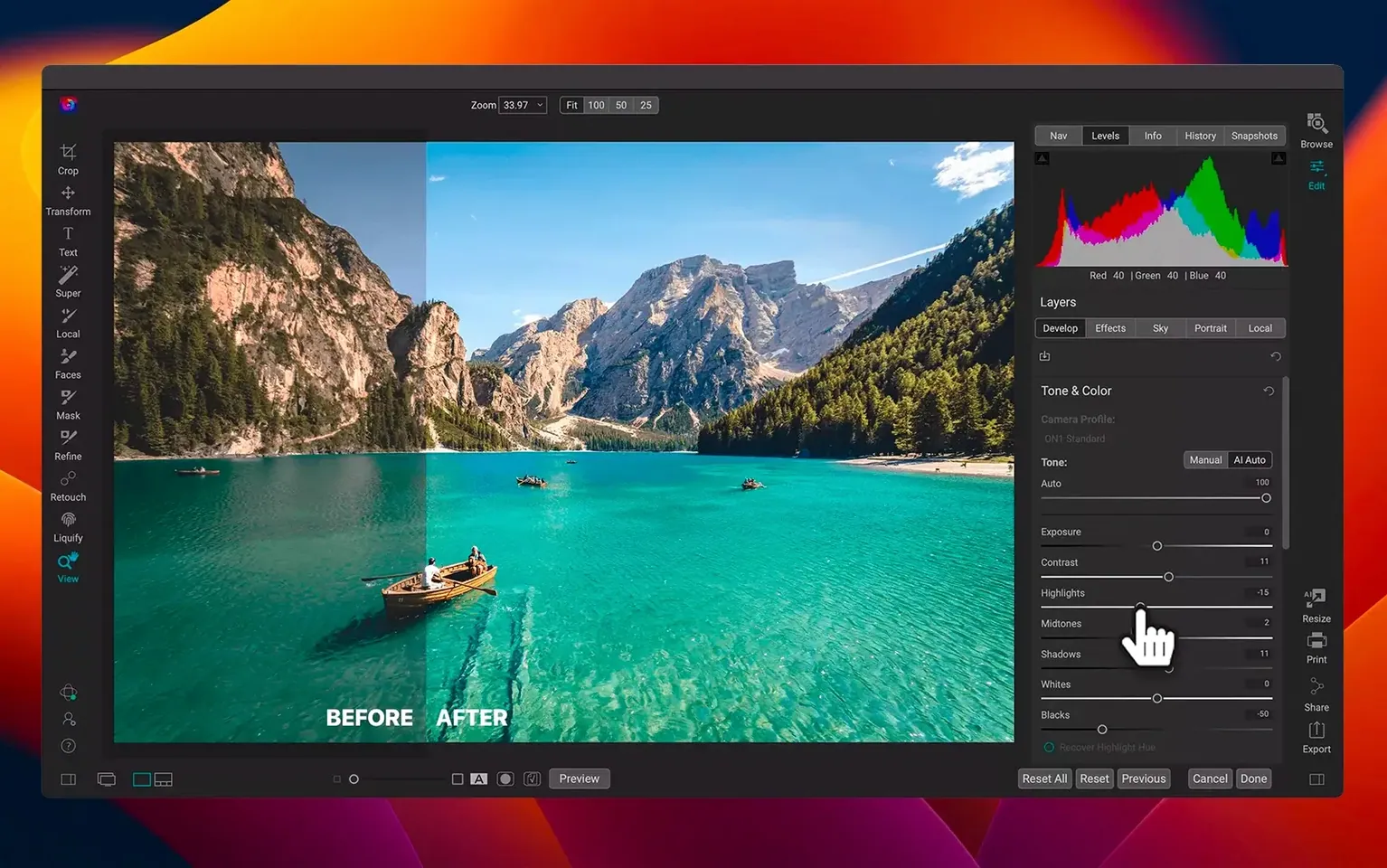
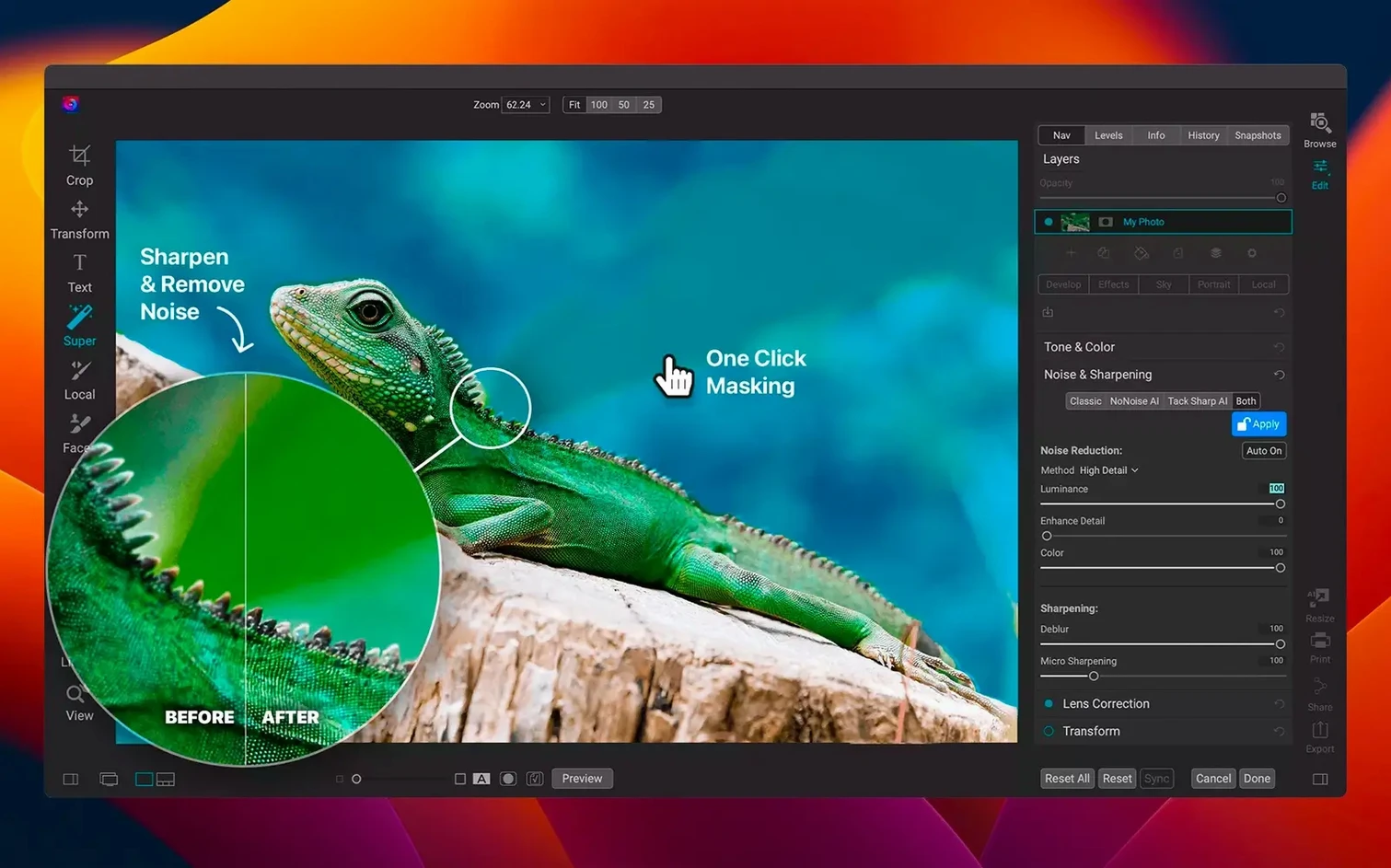
You're not just grabbing a raw processor. This is an all-in-one photo organizer and layered editor. Browse, cull, edit with masks and effects, then export — all inside a single local workflow.
Where does the "raw" part fit?
The raw engine handles your camera files without roundtrips to another app. You get lens corrections, color grading, and now faster filters with the latest update — all working directly on the raw data.
Is it only an editor?
No. It's also a full organizer for managing libraries across computers and mobile. The effects module is built in too, so you can stack looks without launching a separate plug-in.
Heavy Filter Previews Snap In Noticeably Faster
I won't bury the lead — the filter speed bump is real. Slap a heavy dynamic contrast or HDR Look across a 45-megapixel raw file and the preview snaps into place noticeably quicker than the 2025 builds. It's not a "blink and you'll miss it" micro-optimization. For wedding photographers culling 800 shots at 2 a.m., those saved seconds stack up.
The new lens profiles arrived quietly but they plug some annoying gaps. A handful of recent Sigma and Tamron zooms that previously forced you into manual distortion correction now get automatic geometry fixes. If you shoot adapted glass or third-party lenses, poke through the lens correction dropdown — you might find your oddball combo listed for the first time.
Also fixed: a flicker bug when brushing masks at high zoom levels, and a crash some users hit when merging HDR brackets shot on certain Sony bodies. Neither fix makes marketing copy, but they matter when you're deep in a project.
Option-Drag Duplicates Filters Instead of Moving
Hold Option while dragging a filter in the effects stack and you'll duplicate it instead of moving it. I've watched editors re-build complex filter chains from scratch for years without knowing that one.
The crop tool has a hidden straighten shortcut: Command-drag along any line you want to be horizontal. Draw across a crooked horizon and the canvas rotates to match. Faster than eyeballing the angle slider.
In Browse mode, Command-Option-0 through Command-Option-5 assign star ratings without your hands leaving the keyboard. Combine that with auto-advance (found in the grid view's right-click menu) and you can rate a full shoot without touching the mouse.
The masking brush respects pressure sensitivity if you use a Wacom or similar tablet, but you need to toggle it on in Preferences under Input Devices. It ships turned off, which I suspect most users never realize.
Browse Mode Edits Are Preview Instructions, Not Real
Editing in Browse mode instead of Edit mode. Browse gives you basic adjustments that look like the real thing, but they're applied as preview instructions, not pixel-level edits. You'll wonder why your exported JPEG looks flat compared to what you saw on screen. Always switch fully into Edit before grading.
Leaving Proofing mode on. The soft-proof toggle in the bottom toolbar simulates print or screen output, and it's easy to bump it without noticing. If your colors suddenly look muted or the histogram shifts strangely, check that little toggle before rebuilding your whole edit.
Stacking too many effects at 100% opacity. The effects module lets you pile on filters endlessly, and newcomers often crank every slider instead of dialing back layer strength. Try running a single texture or glow at 20–40% opacity before adding another — the results usually look more intentional.
Ignoring the catalog location. ON1 Photo RAW defaults to storing its catalog in your user folder, but that folder balloons fast once you start editing. Point it to an external drive with headroom. Moving catalogs later is possible but tedious.
Pin Background Processing Cores to Stop Lag
Head straight to Preferences > General and switch Background Processing to a specific core count instead of "Automatic." On M-series chips, the automatic setting sometimes overcommits and makes the interface feel laggy during exports. Pinning it to two or four cores keeps the UI responsive.
Under Preferences > Display, bump the Preview Quality slider to "High" if your Mac has the horsepower. The default "Balanced" setting softens fine detail at zoom-to-fit, and you'll second-guess your sharpening decisions because of it.
In Color Management, set your RGB working space to ProPhoto if you're printing or handing off files to a retoucher. The default sRGB is safe for web delivery but clips wider gamuts your camera captures. You can always convert down to sRGB at export.
Turn on Auto-save recovery data every five minutes. It's buried in the General preferences and it's off by default. The app is stable, but if you've ever lost a stack of masked adjustments to a random power flicker, you'll appreciate the insurance.
Filters snap into place faster in this build, and the lens profile library grew with fresh additions for recent glass. Also fixed: a handful of stability bugs in the layered editor.
- macOS 13 Ventura or later
- Apple Silicon or Intel processor
Questions I actually get
Which languages does the interface support?
English, German, Spanish, French, Italian, Russian, Japanese, Korean, Dutch, Portuguese, and Traditional Chinese.
Notes from the edit bay · 0
Sign in or get an edit-bay pass to leave a note.
No notes from the edit bay yet. They go up after I read them.