Final Cut Pro Reads Windows SSDs Directly
Paragon NTFS doesn't live in a bubble. It works alongside Finder, Disk Utility, and whatever backup or media apps you already run. Connect a Windows-formatted SSD and Final Cut Pro reads media straight off it. Lightroom can write exports to an NTFS scratch disk without a hiccup. Time Machine won't back up to NTFS — that's still an HFS+ or APFS party — but for shuttling project files between a Mac and a Windows machine, this driver is the quiet middleman.
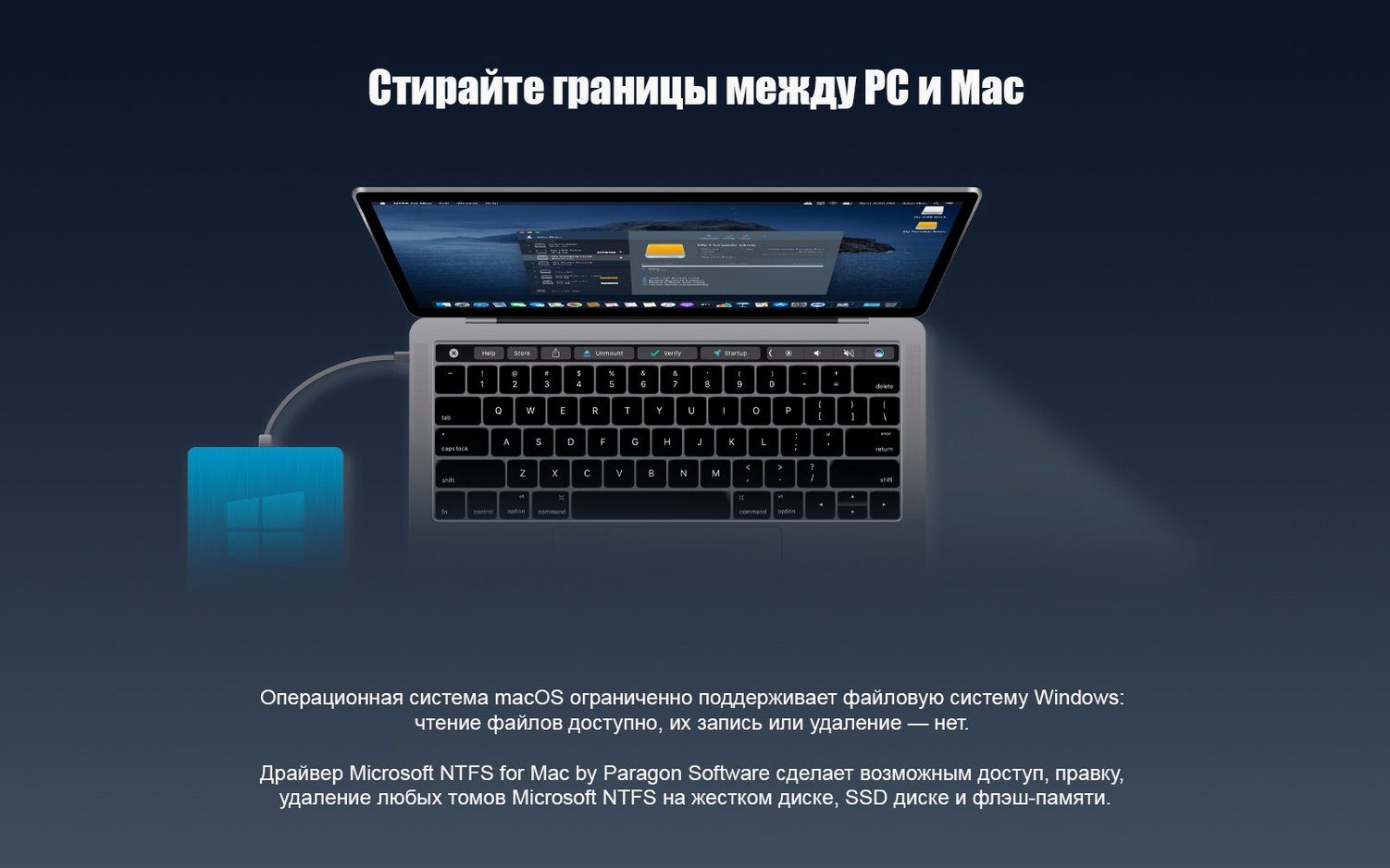
The real glue is how it handles cross-platform projects. You cut on a Mac, your colorist works on a Windows tower, and the drive bounces between you. Without Paragon, you're stuck: macOS mounts the drive read-only, so you can grab files but never send anything back. With it, Finder treats that NTFS volume like any other external drive — drag, drop, rename, delete, no warnings, no workarounds. It also coexists fine with macOS's built-in NTFS read support; Paragon simply layers write capability on top without disabling anything native.
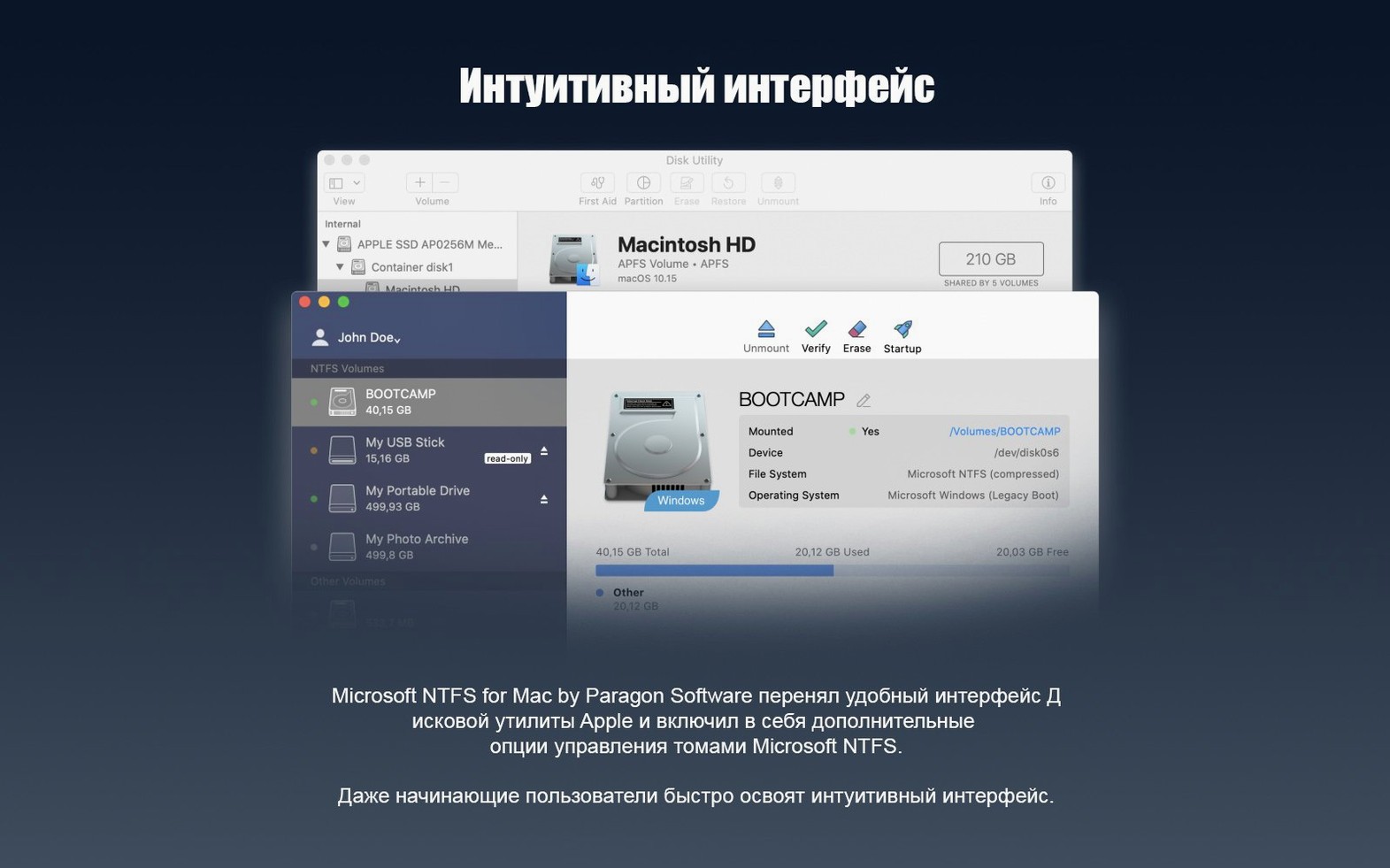
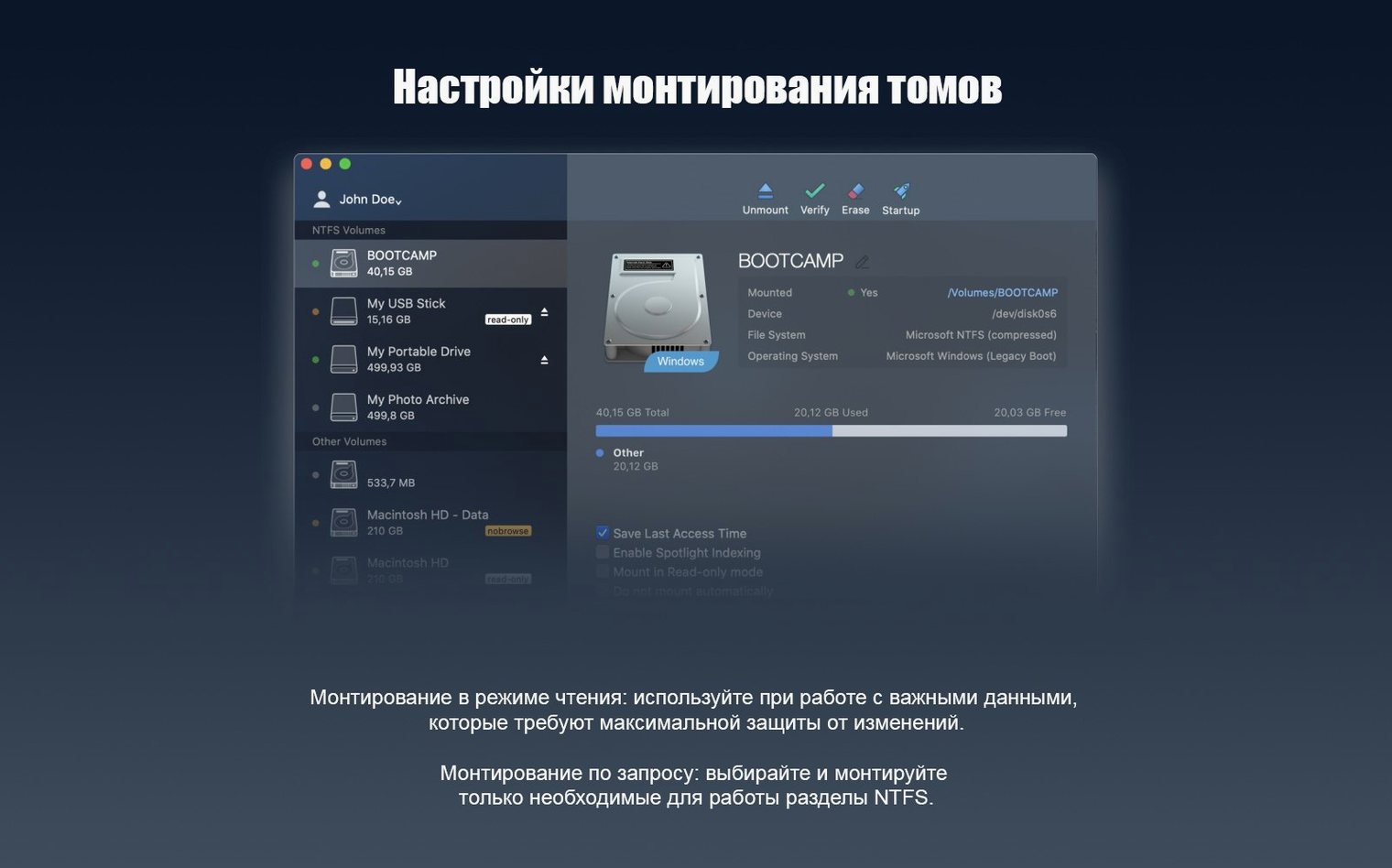
If you're running a Boot Camp partition, the driver sees the Windows volume inside your Mac. That means you can pull files off the Windows side while booted into macOS, which saves a reboot when you just need a stray After Effects project or a render someone left in the Downloads folder.
Workflow: Offloading Camera Cards to an NTFS Archive
Picture this: you just wrapped a shoot. Cards are full of BRAW and ProRes. Your archive drive is a 4TB WD spinning disk formatted NTFS because your DIT runs Windows. You're on a MacBook Pro back at the hotel, and you need those cards safely on the drive before sunrise. Here's the step-by-step.
Plug the NTFS archive into a Thunderbolt port. Finder pops it open in under five seconds — Paragon mounts it with write permissions automatically. Next, connect your card reader. The camera card mounts on the desktop as usual. Open both volumes side by side. Create a folder on the NTFS drive named with the shoot date and card label — standard DIT practice. Select the DCIM or root folder from the card, drag it across. The copy dialog shows a progress bar and an estimated time. Because version 15 tightened the driver core, transfer speeds stay consistent even on large sequential writes; a 128GB card lands in roughly the same time it would on a native APFS volume.
Once the copy finishes, eject the card and run a quick sanity check: open a few clips on the NTFS drive directly in QuickTime or VLC. They play. Close them. Eject the archive drive — no force-eject warnings, no "disk in use" errors. The drive goes to the DIT tomorrow, and they plug it into a Windows machine without a single permission issue or hidden dot-file cleanup. That's the loop Paragon keeps invisible.
macOS Already Reads NTFS—This Adds the Write Path
Does this replace anything macOS already does? No. macOS reads NTFS out of the box; it just refuses to write. Paragon adds the write path. You won't lose any existing functionality, and if you uninstall the driver later, your Mac reverts to read-only behavior as if nothing happened.
Will it slow down my system? The driver loads at boot and sits quietly until you connect an NTFS volume. It doesn't scan drives constantly or run background processes that chew CPU. On both Intel and Apple Silicon Macs, the memory footprint is negligible. The only time you feel it is during heavy sustained writes, and even then the overhead is minimal compared to the raw speed of the drive itself.
Can I use it with encrypted drives? BitLocker volumes are not supported by the base driver — that's a separate product from Paragon. Standard NTFS volumes, including those with Windows 10 system compression, work without issue. If someone hands you a BitLocker-protected external drive, you'll need the decryption key and a tool that handles it. Plain NTFS, though, is fully accessible.
What about APFS-formatted drives on Windows? Wrong direction. Paragon NTFS is strictly for reading and writing NTFS on a Mac. If you need the reverse — APFS on Windows — that's a different utility. For the common video workflow of Windows drives meeting Macs, this is the right side of the bridge.
Drive Mounts Read-Only? Check for a Dirty Volume Flag
Drive mounts but won't write. Sometimes the driver loads but the volume comes up read-only anyway. First thing to check: is the drive dirty? If a Windows machine didn't eject it cleanly, the NTFS volume flags itself as needing a check. macOS won't touch it. Plug the drive into a Windows PC, let it run chkdsk automatically, eject safely, then reconnect to your Mac. Paragon picks it up normally after that.
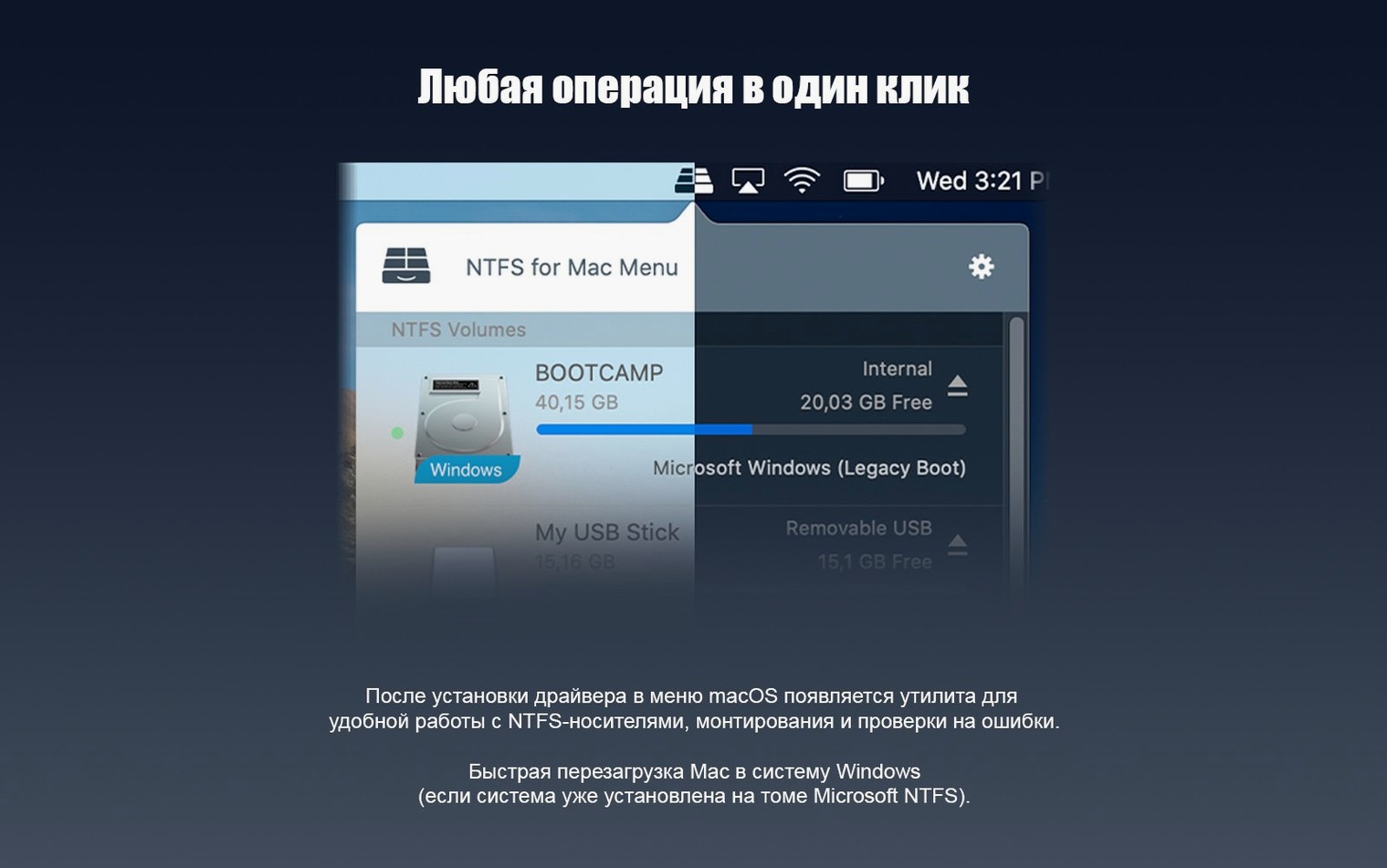
Paragon doesn't seem to be running after installation. The installer places a preference pane in System Settings (or System Preferences on older macOS). If drives aren't mounting with write access, open that pane. You'll see a status indicator — if it says "disabled," click to enable. A restart usually isn't required, but on Apple Silicon Macs the system extension sometimes needs explicit approval. Head to Privacy & Security in System Settings and look for a prompt about Paragon's kernel extension; allow it, then reconnect the drive.
Finder shows the drive but files are grayed out. This happens when macOS grabs the volume with its native read-only driver before Paragon steps in. Eject the drive, wait five seconds, plug it back in. If it recurs, a quick Terminal check can confirm which driver mounted the volume, but for most people the eject-and-replug trick sorts it.
Transfer speeds seem lower than expected. NTFS always carries a tiny overhead on macOS compared to APFS, but a dramatic drop usually points to a cable or port bottleneck, not the driver. Test the same drive on a native APFS volume if you can. If APFS speeds are normal and NTFS lags badly, a clean reinstall of Paragon — uninstall using the provided script, restart, reinstall — clears any driver version conflicts leftover from an older build.
Stop Every Drive from Auto-Mounting
The driver works out of the box, but three tweaks make it fit tighter into your workflow. Open the Paragon NTFS preference pane to find these.
Disable automatic mounting. If you juggle a lot of drives and don't want every NTFS volume cluttering your desktop the second it's connected, switch off auto-mount. You'll still see the drive in Disk Utility, and you can mount it manually with a click when you actually need it. This is especially useful on edit workstations where you might have a Windows archive permanently connected but only access it for renders.
Enable file ownership. By default, Paragon ignores NTFS file permissions so you can access everything without friction. If you're working in a shared environment and need Windows-style access controls to stick, turn this on. It respects the NTFS permissions set on the Windows side, which prevents accidental overwrites when multiple people touch the same drive.
Check the compression setting. Version 15 supports Windows 10 system compression, but the preference pane lets you toggle how the driver handles compressed files. If you frequently move compressed system files from a Boot Camp partition, leave it at full support. If all your NTFS drives are straight media storage with no compression, you can turn it off for a marginal speed gain on metadata-heavy operations like folder enumeration.
- macOS 10.12 or later
- Apple Silicon or Intel 64-bit processor
Questions I actually get
Does Paragon NTFS work on Apple Silicon Macs?
Yes, the current version supports Apple Silicon Macs alongside 64-bit Intel systems.
Can I write to NTFS drives without this tool?
macOS provides built-in NTFS support that is read-only by default. Paragon NTFS adds full write capability.
What operating systems does version 15 support?
It runs on macOS 10.12 and later, including systems as far back as OS X in some compatibility contexts.
Notes from the edit bay · 0
Sign in or get an edit-bay pass to leave a note.
No notes from the edit bay yet. They go up after I read them.