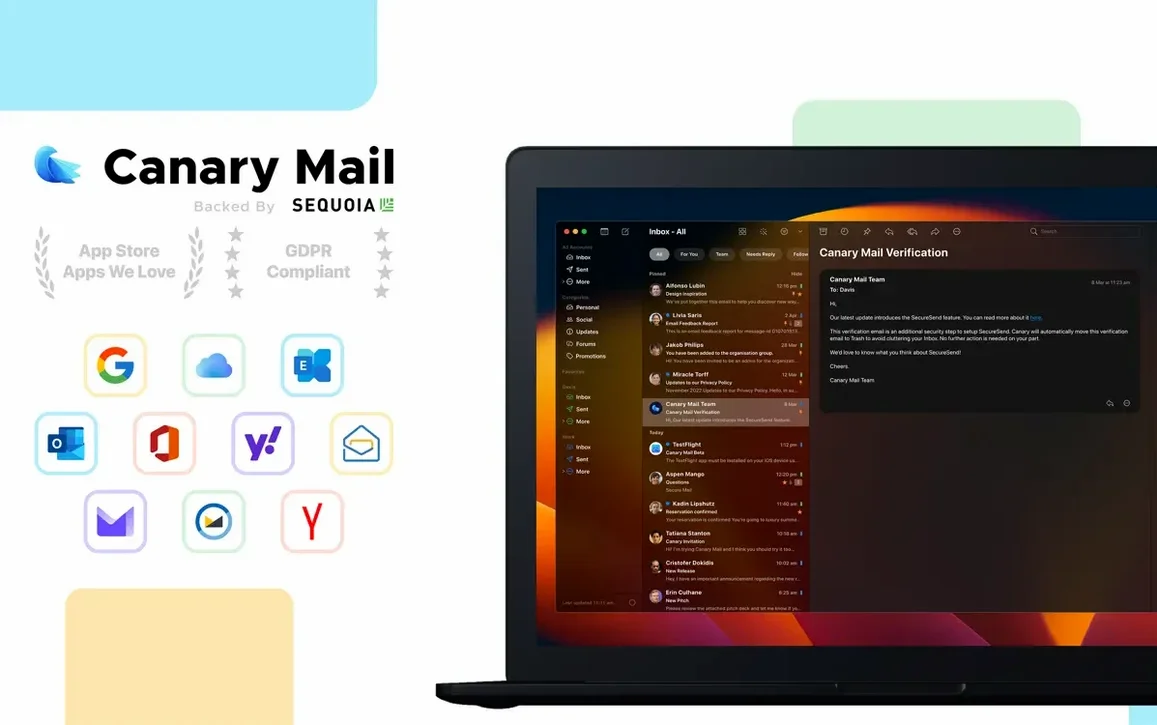
Open the app and add two accounts from different providers — say, a Gmail and an iCloud address — to see how the unified inbox handles the mix in one stream.
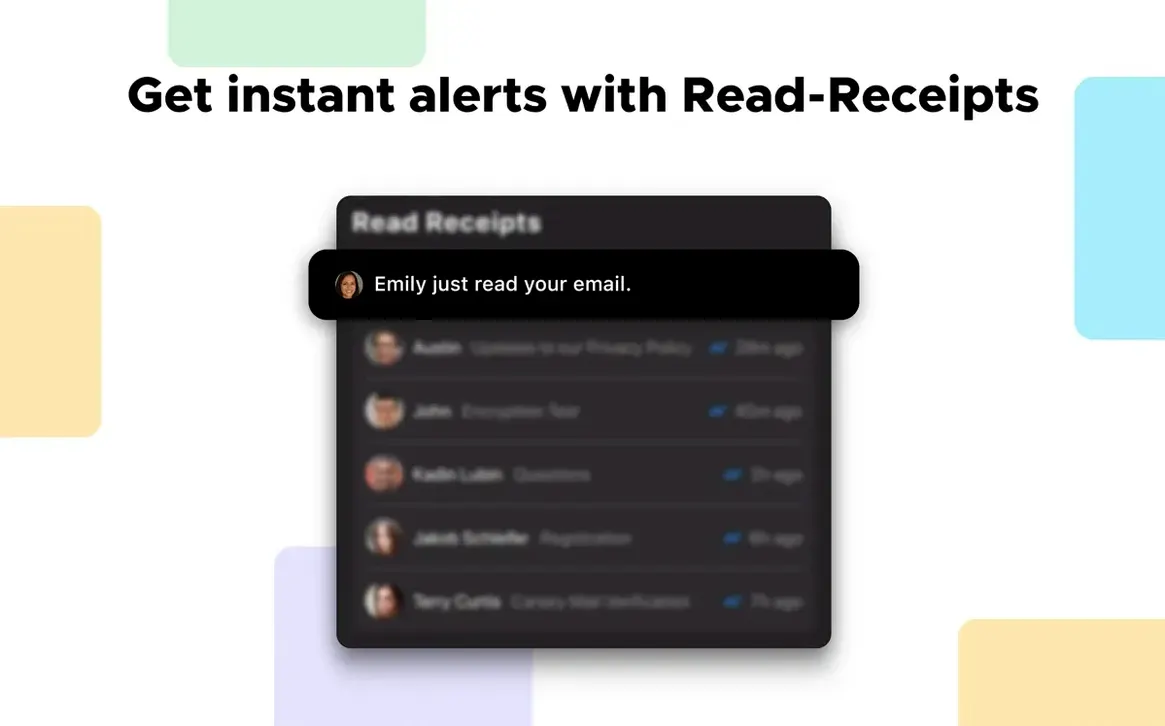
Read Receipts — Tracking pixels but native. Turn them on per-message when you send something important. The app logs when the recipient opens it, no external extensions required.
Custom Notification Sounds per Account — A practical way to know which account got mail without looking. Assign a distinct sound to your work Exchange and another to your personal IMAP. You filter noise before touching the keyboard.
Dark Message Composer — Not just a dark theme on the chrome. The compose window itself goes dark, which helps when you write long messages at night and don't want a white rectangle burning through your focus.
Attachment Browser — A single pane that pulls every file from a conversation thread. Dig through long client email chains to find a specific PDF without scrolling through 47 replies.
Local Encryption Check — Go into preferences and confirm the automatic encryption for stored data is active. Your mail database sits encrypted on your Mac, not just behind a login password.
Will This Scramble Where My Mail Actually Lives?
Does it mess with where my email lives? No. Canary Mail connects to your existing accounts — Gmail, iCloud, Office 365, Yahoo, whatever speaks IMAP or Exchange — and pulls everything into a local database on your Mac. Your messages stay on Google’s servers, Apple’s servers, or Microsoft’s, exactly where they were. The app is a window into those accounts, not a migration tool.
What if I already use Apple Mail or Outlook? You can run them side by side. Add the same accounts to Canary and both clients will fetch mail independently. Nothing breaks. Some editors keep Apple Mail for quick replies and Canary for the encrypted, read-receipt, snoozed-message workflow. Switch when you need the extra tools.
Is the local encryption actually useful? For a freelancer with NDAs and client footage floating through inboxes, yes. If someone walks off with your MacBook, the mail database isn’t sitting there readable. The automatic encryption ties to your system credentials. It’s not PGP-level end-to-end — that’s a separate feature — but it’s a solid first wall for stored data.
Will a canary mail mac torrent give me the same version? The build you grab here is 5.1.0, Intel and Apple Silicon, macOS 10.15 and up. Same app, same features. No activation hoops.
How a Session Usually Goes
Monday morning. You drag the app open and the unified inbox surfaces everything — client feedback from Gmail, an invoice notification from iCloud, a scheduled call reminder from Exchange. Three accounts, one list. You don’t switch identities.
The invoice thread has a PDF buried somewhere. You click into the conversation, open the attachment browser, and there it is — second file, no scrolling. You drag it to the desktop.
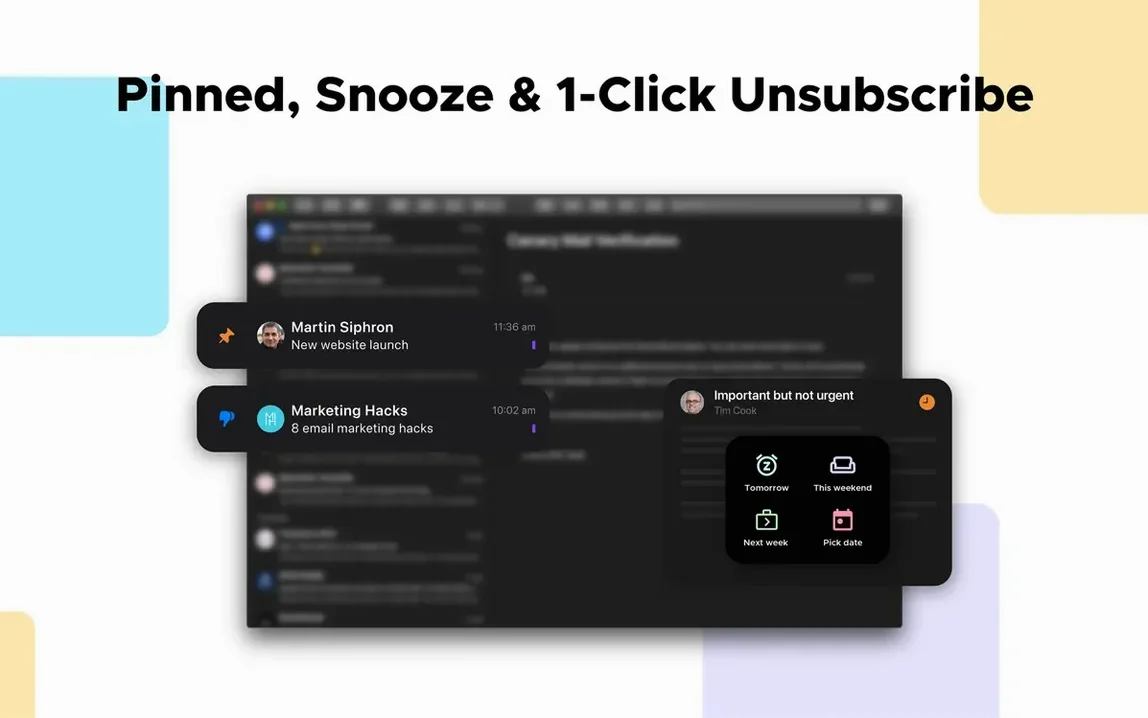
Next, a message from a producer needs a response, but you’re mid-render. You hit snooze and pick “Later today.” The email vanishes from the inbox and returns at 4 PM when you can actually think.
A contract draft goes out to a new client. You toggle read receipts on before sending. No tracking-pixel guilt trip — the app logs the open natively. You’ll get a notification when they’ve seen it.
By evening, a sensitive discussion starts about project rates. You switch to a PGP-encrypted thread with a collaborator who also has keys set up. The compose window is dark, the room is dim, and you type without squinting. When the reply arrives from your personal IMAP, the custom notification sound tells you it’s not a work alert before you even glance at the screen.
Stuck on ‘Adding Account’? The App-Specific Password Fix
Account won’t add — keeps spinning. Check that you’re using an app-specific password if the provider requires it. Gmail and iCloud both demand one when two-factor authentication is on. Don’t paste your regular login; generate a dedicated password in your Google or Apple account settings and use that.
Unified inbox shows gaps. Some accounts might be set to fetch manually. Open preferences, find the account, and switch the sync schedule to “Automatically” or a short interval. New messages won’t appear until the app polls the server.
Read receipts not firing. They’re per-message, not a global toggle. Before you hit send, click the receipt icon in the compose toolbar. If it’s not lit, the recipient won’t trigger a log. Also, some corporate Exchange servers block receipt requests — nothing the app can override.
Local encryption seems off after an OS update. Rare, but a macOS point release can reset permissions. Reopen Canary’s security preferences and toggle the encryption setting off and back on. The database re-locks under your current system credential.
Attachment browser shows nothing. The pane works per conversation, not globally. Click into the specific email thread first, then open the browser. If the files still don’t appear, the messages may not have finished downloading — check the sync status bar at the bottom of the window.
- macOS 10.15 or later
- Intel and Apple Silicon Macs
Questions I actually get
Does Canary Mail handle end-to-end encryption?
Yes. It supports both its own Canary encryption and standard PGP, so you can send encrypted messages to other Canary users or anyone with a PGP key.
Notes from the edit bay · 0
Sign in or get an edit-bay pass to leave a note.
No notes from the edit bay yet. They go up after I read them.