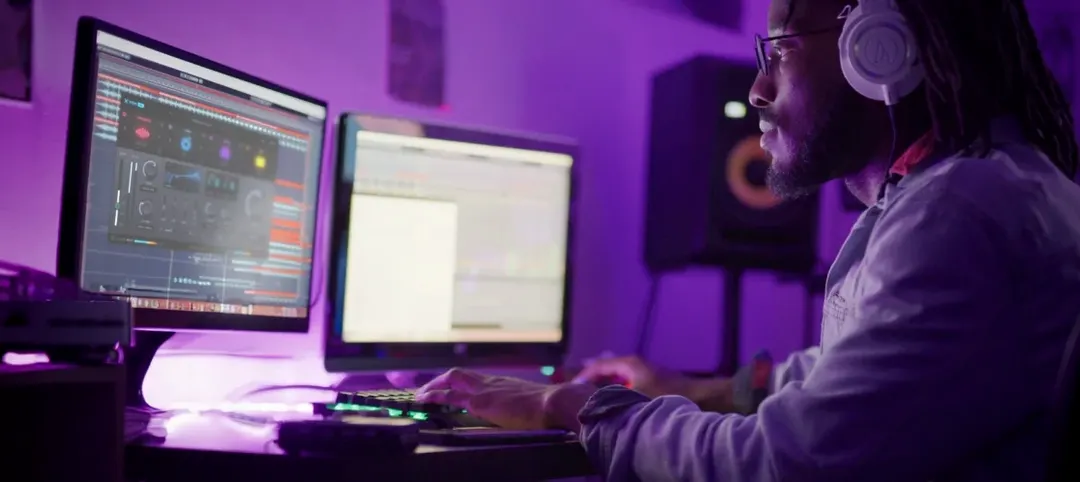
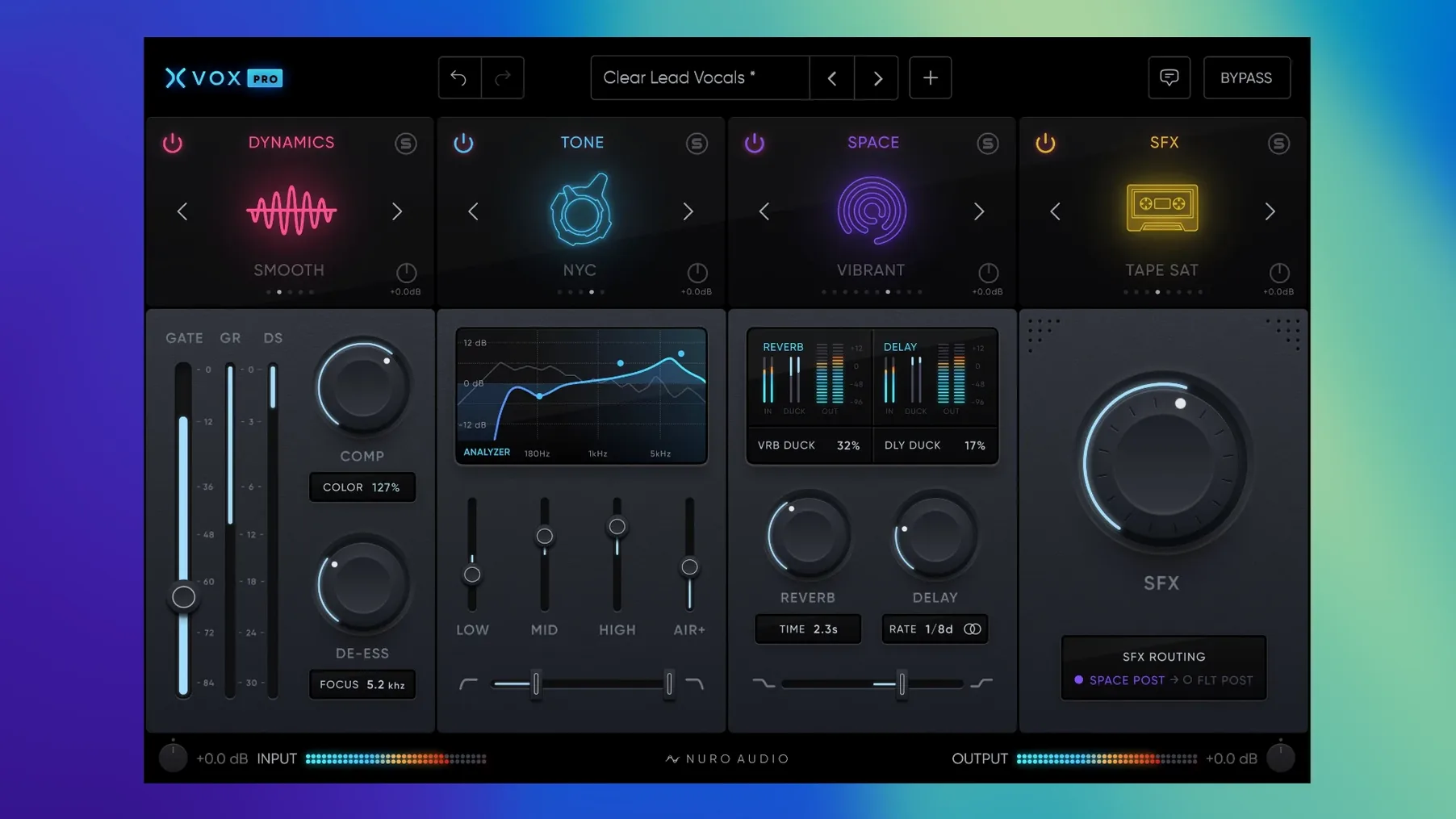
You've tracked a lead vocal and the clock is running. You pull up Ableton Live 11, drop a channel strip on the insert, and need the whole chain—dynamics, tone, air—without auditioning a dozen different plugs. That's the slot XVOX Pro is built to fill.
Six Vocal Mixing Modules in One Window
| Fact | Detail |
|---|---|
| Current version | 1.5.2 |
| macOS minimum | 10.13 High Sierra |
| Architecture | Apple Silicon & Intel |
| Plugin formats | AU, VST3, AAX (64-bit) |
| Confirmed hosts | Live 11+, Cubase 12+, FL Studio 20+, GarageBand 10.1.1+ |
Nuro Audio packages this as a complete vocal mixing suite—six modules in one window. You get the XVOX Comp for dynamics control and the XVOX DS for taming sibilance, plus four more processors to handle EQ, presence, and space. On a deadline, that means fewer floating windows and a single mental model for the vocal bus. The AU, VST3, and AAX trio covers every major DAW on the Mac, from GarageBand's lightweight environment up to Pro Tools sessions, and native Apple Silicon support keeps render times short on M-series machines. It installs straight from a disk image and runs on anything back to High Sierra, so even older rigs in a shared studio can load the session without a compatibility headache.
Beginners often load XVOX Comp and push the threshold too deep, right out of the gate. The gain reduction meter slams past 10 dB and the vocal turns into a pancake—no life, no front-to-back movement. Back the threshold off until you see 3 to 5 dB of reduction on the loudest phrases, then use the makeup gain to bring the level back up. The compressor module is tuned for vocal program material, so it grabs transients quickly without needing a fast-attack knee you’d set on a drum bus.
Where the De-Esser Trips People Up
The XVOX DS module defaults to a frequency range that works for most sibilant “s” and “sh” sounds. The mistake I see constantly is soloing the sidechain and sweeping until the vocal sounds dull, then leaving it there. That kills air. Instead, leave the solo off, loop a phrase with heavy sibilance, and nudge the frequency down in small steps until the harsh edge softens without the “t” and “f” consonants disappearing. If you still hear spit after that, tighten the bandwidth a click—don’t just add more gain reduction.
Preset Overload
With over 200 presets across the six modules, the temptation is to click through them like a jukebox while the artist waits. That burns ten minutes fast. Pick a starting point from the XVOX Pro main module—something close to the genre you’re mixing—and commit. You can tweak the individual module settings in under a minute once the broad tone is in the ballpark. The presets are solid reference points, not finish lines.
Real-World Session: Podcast Post in Studio One
A dialog editor I know runs Studio One 6 and handles a weekly interview podcast with three hosts. Each voice lands on its own track, and he used to stack a half-dozen separate plugins per channel—EQ, compressor, de-esser, exciter, reverb send. When he switched to XVOX Pro as an insert on each vocal track, the CPU meter dropped noticeably because he wasn’t running six plug-in instances per voice anymore. He sets XVOX Tone to correct the proximity boom from a host who works the mic too close, dials XVOX Space for a short room reverb that glues the stereo image, and uses XVOX SFX sparingly for telephone-filter flashback segments. The whole chain lives in one window, so when the client asks for “a little less reverb on Sarah,” he opens one instance and pulls the mix knob—no hunting through a send bus at 11 p.m. The de-esser module catches the co-host whose Ess sounds cut through headphones, and he’s learned to leave the bandwidth at default unless the sibilance is truly piercing. The result sounds polished but not processed, and he finishes edits two hours faster than his old template. If you’re hunting the nuro audio xvox pro macos free download for a similar workflow, the installer handles AU and VST3 formats without extra configuration—Studio One scans it on launch and you drop it onto a track.
- macOS 10.13 High Sierra or later
- 8 GB RAM minimum
- 64-bit AU, VST3, or AAX host
- Apple Silicon or Intel processor
Questions I actually get
Which DAWs can I run XVOX Pro in on a Mac?
It works in any 64-bit host that loads AU, VST3, or AAX. Confirmed compatible DAWs include Ableton Live 11+, Cubase 12+, FL Studio 20+, and GarageBand 10.1.1+.
Notes from the edit bay · 0
Sign in or get an edit-bay pass to leave a note.
No notes from the edit bay yet. They go up after I read them.