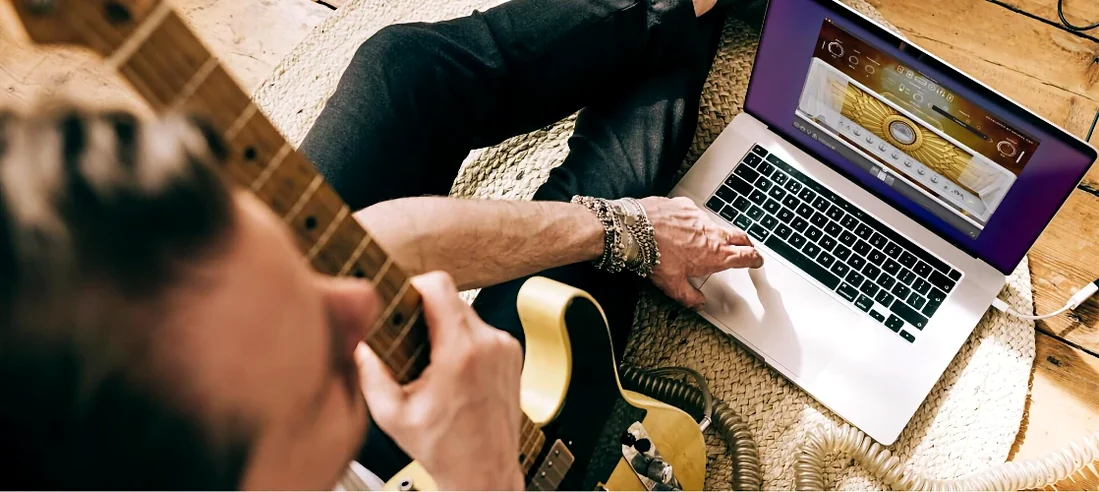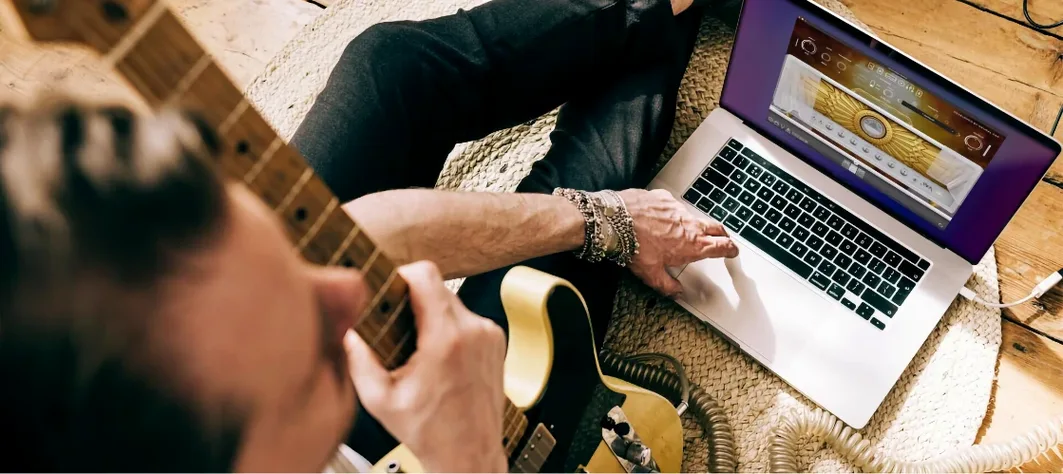
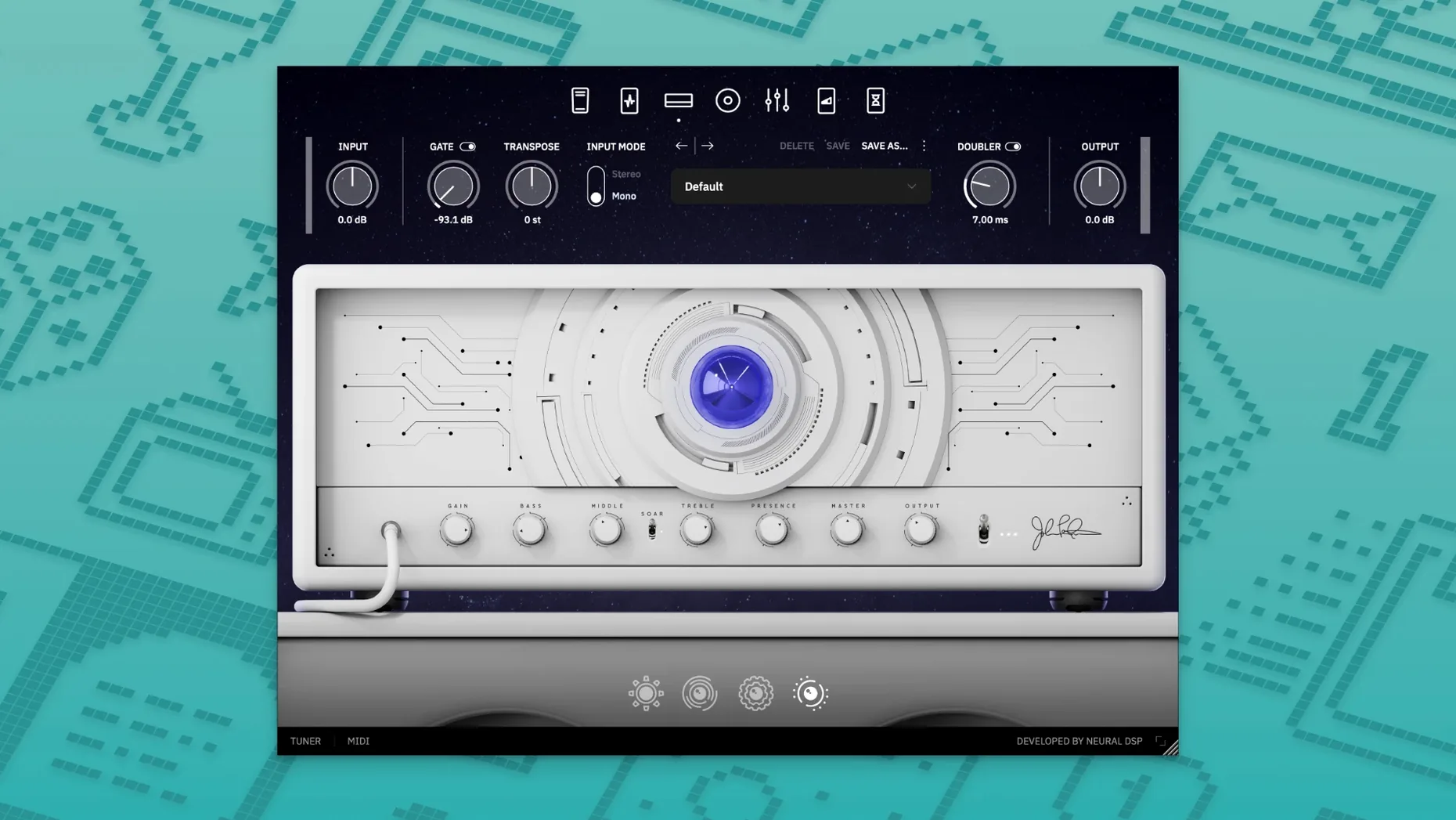
Archetype Petrucci is a guitar plugin that brings a restrained, powerful, and precisely tuned character straight into your DAW. It doesn't shower you with options; it gives you the exact controls to shape a tone that sits in a mix without a fight. The amp section feels immediate. A twist of the gain knob goes from a glassy clean that still has weight, to a high-gain crunch where every note in a complex chord holds its own. The built-in EQ is surgical enough to notch out the low-mid mud before it ever hits your channel strip.
The real action happens with the effects routing. Placing the delay and reverb pre- or post-amp fundamentally changes their job. Pre-amp, the repeats bloom into natural distortion, blending into the drive. Post-amp, the space stays pristine, wrapping around the distorted signal without getting fizzy. The transpose control is a lifesaver for quick drop-tuning experiments, tracking tight enough that artificial artifacts don't smear the transient.
It's the metering that ties the room together. A quick glance tells you if your input gain is hot enough to push the amp model properly. It turns guesswork into a one-second check, so you're dialing with your ears, not fighting your interface's preamps. This isn't a plugin that tries to be every amp ever made. It's a focused toolkit for a modern, mix-ready guitar sound that needs minimal post-processing.
Why the Warehouse Approach Fails Next to a Purpose-Built Rig
Put this next to something like Amplitube 5 and the difference in philosophy hits you immediately. Amplitube is a warehouse of gear — dozens of amps, cabs, mics, and rack effects spread across a virtual studio floor. That breadth is its strength, but it also means you spend more time auditioning than playing. Archetype Petrucci does one thing: a tight, modern high-gain voice with effects that feel like they belong to the amp, not bolted on after. When a deadline's breathing down my neck, I'll take three perfectly dialed tones over thirty I have to wrestle into shape.
STL Tones AmpHub gets closer in spirit with its monthly amp releases and a similarly focused interface. Their models have that same immediate, "record-ready" quality. Where Archetype Petrucci pulls ahead for me is the metering section and the pre/post effects routing. AmpHub's models sound fantastic, but I'm still reaching for a separate meter plugin to check input gain, and its effects routing is more traditional. The transpose feature here also tracks cleaner than AmpHub's pitch shifting, especially on extended-range instruments where artifacts become glaringly obvious.
ML Sound Lab's Amped series offers another point of comparison. Their Archetype-style single-amp plugins nail specific high-gain flavors, and the IR loader is genuinely excellent. The difference comes down to integration — Neural DSP builds the cab section, mic choices, and post-effects as a single voice rather than separate blocks you assemble. It's less flexible on paper, but faster to a finished sound. For a neural dsp for mac workflow that prioritizes decisions over options, Petrucci trims the fat without leaving you hungry.
What to Know Before You Even Hear a Note
Does this work on my M1 or M2 Mac?
Yes, and it's not running through Rosetta. The 1.0.0 build has native Apple Silicon support, so the AU, VST3, and AAX versions load directly on ARM processors. CPU hit is reasonable — a fully wet preset with stereo delay and reverb runs comfortably on a base M1 without forcing a buffer size bump. The standalone app also launches natively, which makes it a solid practice rig when you don't want to fire up a full session.
Can I use this with my Quad Cortex?
Archetype Petrucci integrates with both the Quad Cortex and Quad Cortex mini. You're not locked into the desktop — capture a preset, load it onto the hardware, and the same amp model travels with you. This isn't a watered-down approximation either; it's the same modeling engine running on both platforms. If you're hunting for a neural dsp plugin free download to test on your Cortex before committing, this compatibility makes the trial process painless.
Does it handle low tunings without turning to mush?
Drop A and below are where a lot of amp sims fall apart — the low end bloats and note separation disappears. The built-in EQ here is voiced to address exactly that. A narrow cut around 250 Hz cleans up the mud without thinning the body, and the amp's gain structure keeps palm mutes percussive rather than flubby. The transpose control lets you pitch down further without re-tuning, and the tracking algorithms handle it with fewer warbles than most real-time shifters.
What plugin formats are included?
The installer drops in VST2, VST3, AU, and AAX versions. That covers Logic Pro, Cubase, Pro Tools, Ableton Live, Reaper — pretty much any DAW you're running on macOS 10.15 or later. The standalone application is included as well, so you don't need a host just to plug in and play.
The Input Gain Sweet Spot That Prevents a Muddy First Impression
Before you touch a single knob, open the standalone app and check the input meter. Play your hardest-hit chord and watch the peak. You want it dancing around -12 dB to -6 dB with no clipping. Adjust your interface's preamp gain, not the plugin's input, to land there. This one step prevents the "why does every preset sound fizzy" rabbit hole that eats half an afternoon.
Start with the default factory presets and toggle the cab section off and on. Seriously. It trains your ear to hear what the cabinet and microphone choices are actually doing to the raw amp signal. Once you can identify the difference, swap through the mic options on a single IR before browsing through the full cabinet list. You'll make smarter choices instead of scrolling endlessly.
Map a MIDI expression pedal to the wah block on day one. Even if you're not a wah player, half-cocked filter positions do something magical to lead tones — it pushes the midrange forward without the honk of a static EQ boost. Leave it parked at 60% travel and ride it subtly during solos. It's the kind of movement that makes a recorded performance feel alive.
Save a "dry benchmark" preset immediately: amp only, flat EQ, no effects, your preferred cab and mic combination set neutral. Use this any time you audition new IRs or need a baseline when a mix isn't working. It's faster than bypassing every block manually and gives you a consistent starting point every session.
A Tracking Workflow, Start to Finish
You've got a doubled rhythm guitar part that needs to sit under a dense synth pad and aggressive drums. The challenge is clarity without ice-pick highs eating the vocal space. Here's how Archetype Petrucci handles the job.
Input gain first. Plug in, watch the meter, and set your interface so your hardest chugs peak at -8 dB. The amp model responds to input level dynamically, so this isn't just gain staging — it's tone shaping. A cold input makes the high-gain channel sound starved; too hot and the transients flatten out.
Amp choice and dialing. Load the high-gain amp model. Gain at 1 o'clock, bass rolled back to 10 o'clock to leave room for the kick drum, mids pushed to 2 o'clock for note definition, treble at noon. The presence knob goes slightly higher — about 1:30 — to give the pick attack bite without brightening the whole signal.
EQ section. Engage the graphic EQ and make two moves: a tight -3 dB cut at 250 Hz with a narrow Q, and a +2 dB boost at 1.2 kHz with a medium Q. The cut clears space for the bass guitar; the boost ensures the guitar's fundamental notes cut through the synth wash without turning up the faders.
Cabinet and microphone. Pick the 4x12 cabinet with a dynamic mic placed on-axis, halfway between the dust cap and edge. Add a ribbon mic on a second IR, blended about 30% in volume, panned to match. The ribbon softens the top-end transients just enough that the compressor on the guitar bus won't pump on hard downstrokes.
Effects routing. The delay stays post-amp for a clean stereo slap — 120 ms left, 90 ms right, mix at 15%. Reverb also stays post-amp: a medium room, decay at 1.2 seconds, mix at 20%. The pre-amp routing would dirty up the repeats, and this track needs the space to stay clean so the synths don't fight it.
Final check. Record a test pass, solo the guitar against the drum bus, and listen to the kick drum interaction. If the low-end thump of the kick masks the palm mutes, go back to the amp EQ and tighten the low cut slightly — the 80 Hz region, not the 250 Hz cut. Bounce, double-track with a slightly different cab IR on the second pass, and pan hard left and right. The part sits exactly where it should: present, aggressive, and never stepping on anything else.
- macOS 10.15 or later
- 64-bit host
- Native Apple Silicon support
- Intel Macs also supported
Questions I actually get
Is Archetype Petrucci compatible with Apple Silicon Macs?
Yes, it has native Apple Silicon support, so it runs efficiently on M-series chips without needing Rosetta.
Does this plugin work with the Quad Cortex?
Yes, Neural DSP states it is compatible with both the Quad Cortex and Quad Cortex mini hardware units.
Notes from the edit bay · 0
Sign in or get an edit-bay pass to leave a note.
No notes from the edit bay yet. They go up after I read them.