Native Silicon Engine Won’t Break a Sweat
The architecture now runs native on Apple Silicon, so the analysis engine doesn't break a sweat on M-series Macs. Intel 64-bit support is still there, with the whole package tightened up for macOS 10.12 onward.
Which Part of the Workflow Does It Own?
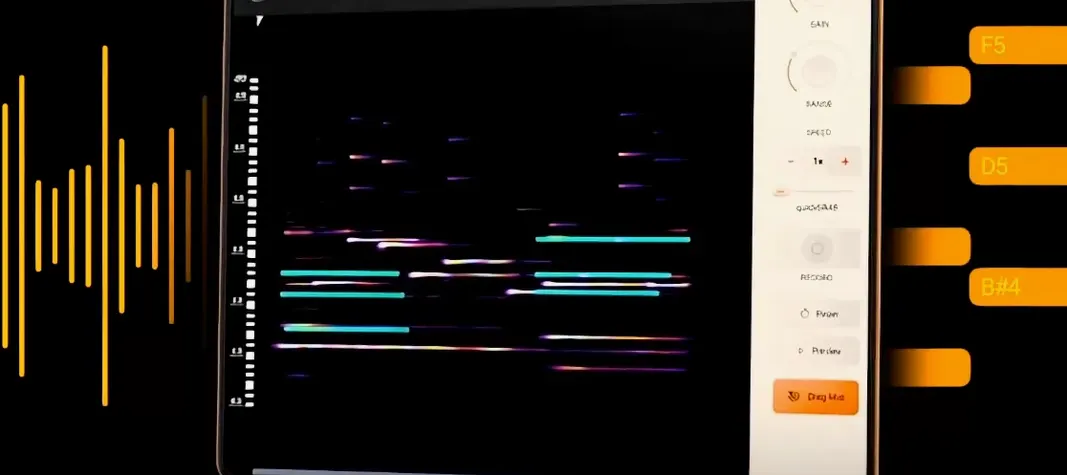
The moment between dragging in a sample and staring at a blank piano roll. noteGRABBER listens to the audio, identifies the notes, and spits out MIDI data so you can layer a bassline over a dusty loop or re-trigger a melody with a different synth immediately.
How Do the Main Controls Shape a Result?
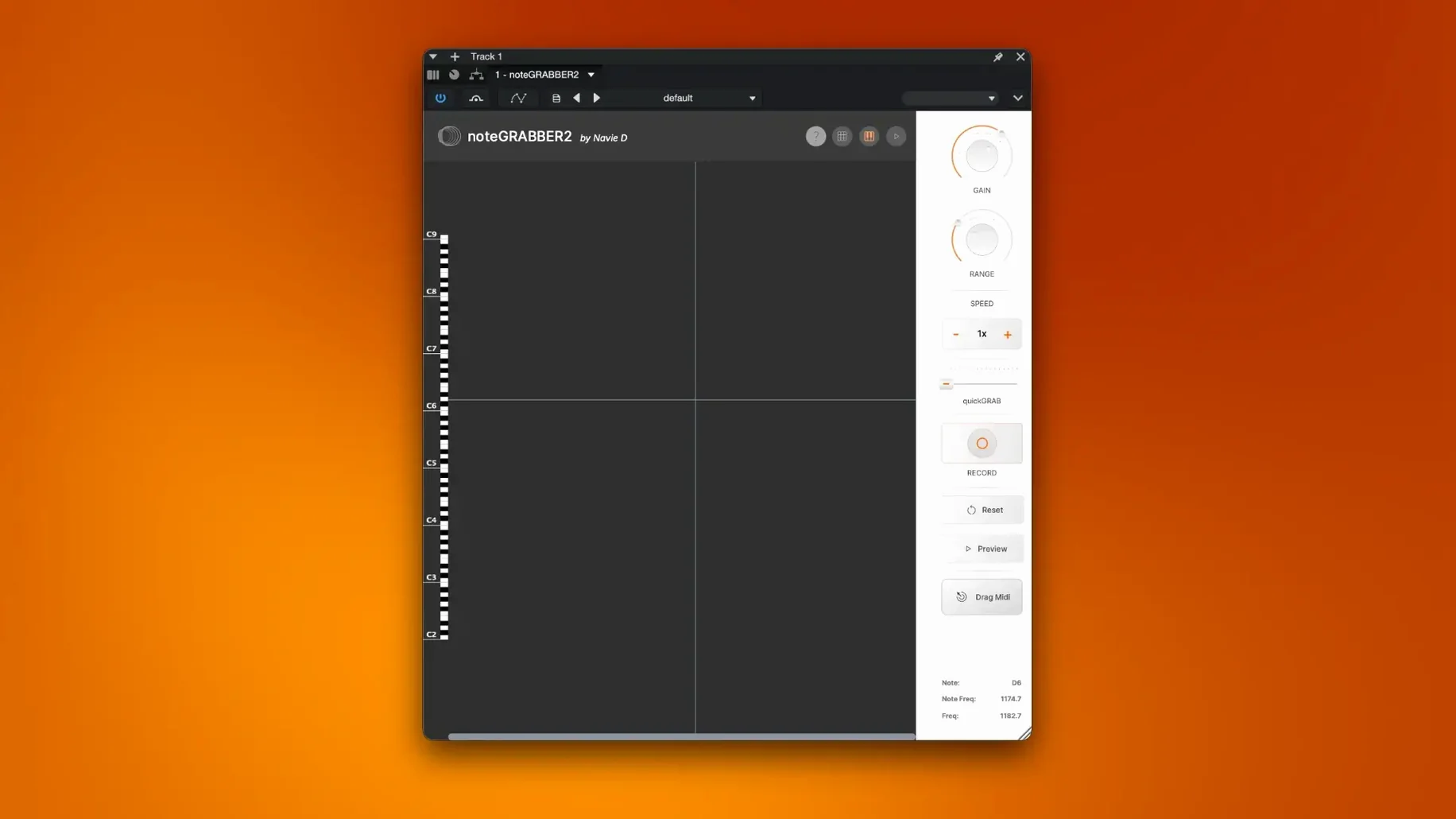
It's a single-window affair built around detection sensitivity. Pulling the threshold back makes the plugin more selective—ghost notes and hi-hat bleed get ignored. Pushing it forward grabs every transient it hears, which turns an old Rhodes chord into a full polyphonic pattern you can quantize or swing.
Where Does That Fit in a Session?
When you'd rather not hunt for notes on a keyboard. Feed it a horn stab, drag the MIDI to a sampler, and you've got a new rhythmic pattern that locks to the original without mangling the feel. It's a shortcut from audio to arrangement, not a replacement for your ears.
Beat Block, Meet Your New Shortcut
A crate digger lands a dusty soul loop with a piano line that sits exactly right—except it's in the wrong key for the 808 they've already laid down. Instead of high-passing the life out of it or spending twenty minutes plunking keys against the waveform, they drop noteGRABBER on the channel. The plugin scans the two-bar phrase, outputs MIDI, and ten seconds later the same notes trigger a Rhodes patch that hugs the 808 without clashing. The original loop stays as texture underneath, filtered wide, while the new MIDI drives the harmony. That's the move: steal the intention, swap the sound.
Low-Register Detection No Longer Chokes Below E2
Version 2.0.0 brought native Apple Silicon support, which matters when you're running thirty tracks and need an analysis to finish before the creative impulse fizzles. The detection window used to choke on low-register material—bass guitar below E2 would spit out octave-doubled garbage half the time. That's been reined in noticeably. Polyphonic detection got tighter too; dense jazz voicings with four or five notes ringing out now translate with fewer phantom pitches sneaking into the MIDI clip. Also fixed: plugin state recall in Logic Pro sessions stopped being a coin toss, and the GUI no longer pixel-doubles on Retina displays when switching between scaled resolutions.
Grab Chord Voicings Without the Surgical Overhead
Melodyne lives at the opposite end of the spectrum. It's surgical: per-note timing, vibrato, formant shifts, the works. For correcting a vocal take, nothing touches it. But dropping Melodyne on a sample just to grab the chord voicing feels like renting a crane to lift a shoebox. noteGRABBER does exactly one job with the absolute minimum friction.
Ableton Live's Convert Harmony to MIDI sits closer. It's built-in, it's fast, and for monophonic material it's genuinely good. Where noteGRABBER pulls ahead is outside the Ableton ecosystem—if you're in Logic, FL Studio via wrapper, or any DAW that hosts third-party plugins, the comparison becomes moot because Live's feature isn't available. noteGRABBER also reads polyphonic content more cleanly than Live's stock algorithm, especially on sources with reverb tails.
Waves Tune overlaps in the pitch-analysis lane but bends toward vocal processing, and its MIDI output feels bolted on rather than purpose-built. The interface buries the extraction settings behind tuning tabs, which costs you clicks every time. Different tool, different headache.
Roll Off Below 80 Hz Before the Plugin
Muddy detection on 808-heavy samples. When the sub frequencies saturate the analyser, it mistakes the fundamental for multiple notes. Roll off everything below 80 Hz with an EQ before the plugin—the MIDI comes out cleaner, and you can always layer the sub back underneath after.
Stuck notes in the output. Occasionally the MIDI clip holds a note past the original audio's decay. A quick pass with your DAW's note-length quantize or a manual trim at the clip edge sorts it. Reducing the sensitivity threshold a hair usually prevents it from happening on the next pass.
Plug-in not showing up after installation. If your DAW scans only certain plugin formats, make sure the package dropped the component into the right folder. Logic users need the AU in /Library/Audio/Plug-Ins/Components/. Rescan, restart, and it should appear under the pitch or utility category.
Offline bouncing ignores the MIDI output. noteGRABBER outputs MIDI in real time during playback—it won't render anything to an audio bounce directly. Record the MIDI onto a separate track first, then bounce. One extra step, but it keeps the workflow predictable.
- macOS 10.12 or later
- Apple Silicon & Intel 64-bit support
Notes from the edit bay · 0
Sign in or get an edit-bay pass to leave a note.
No notes from the edit bay yet. They go up after I read them.