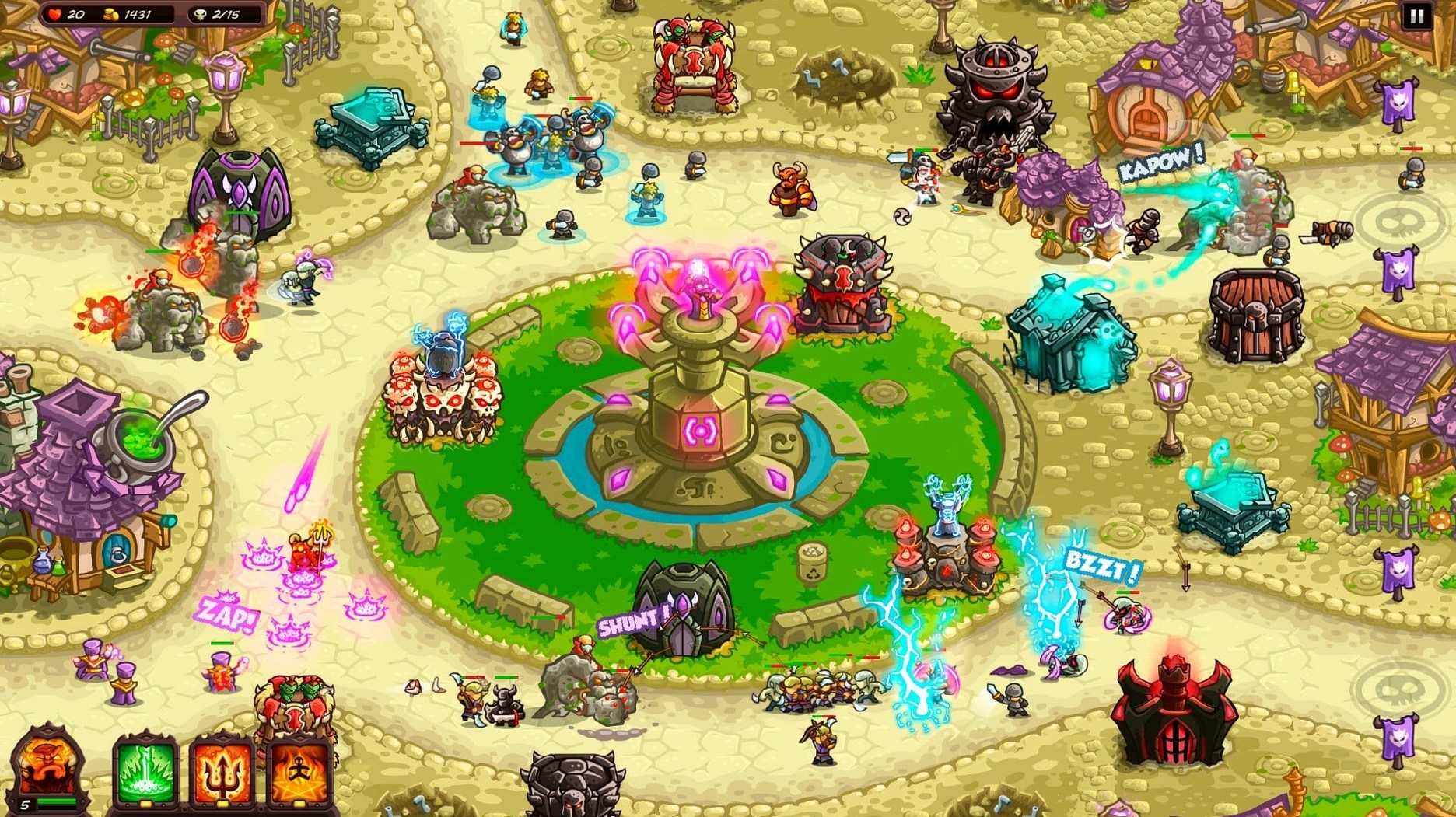
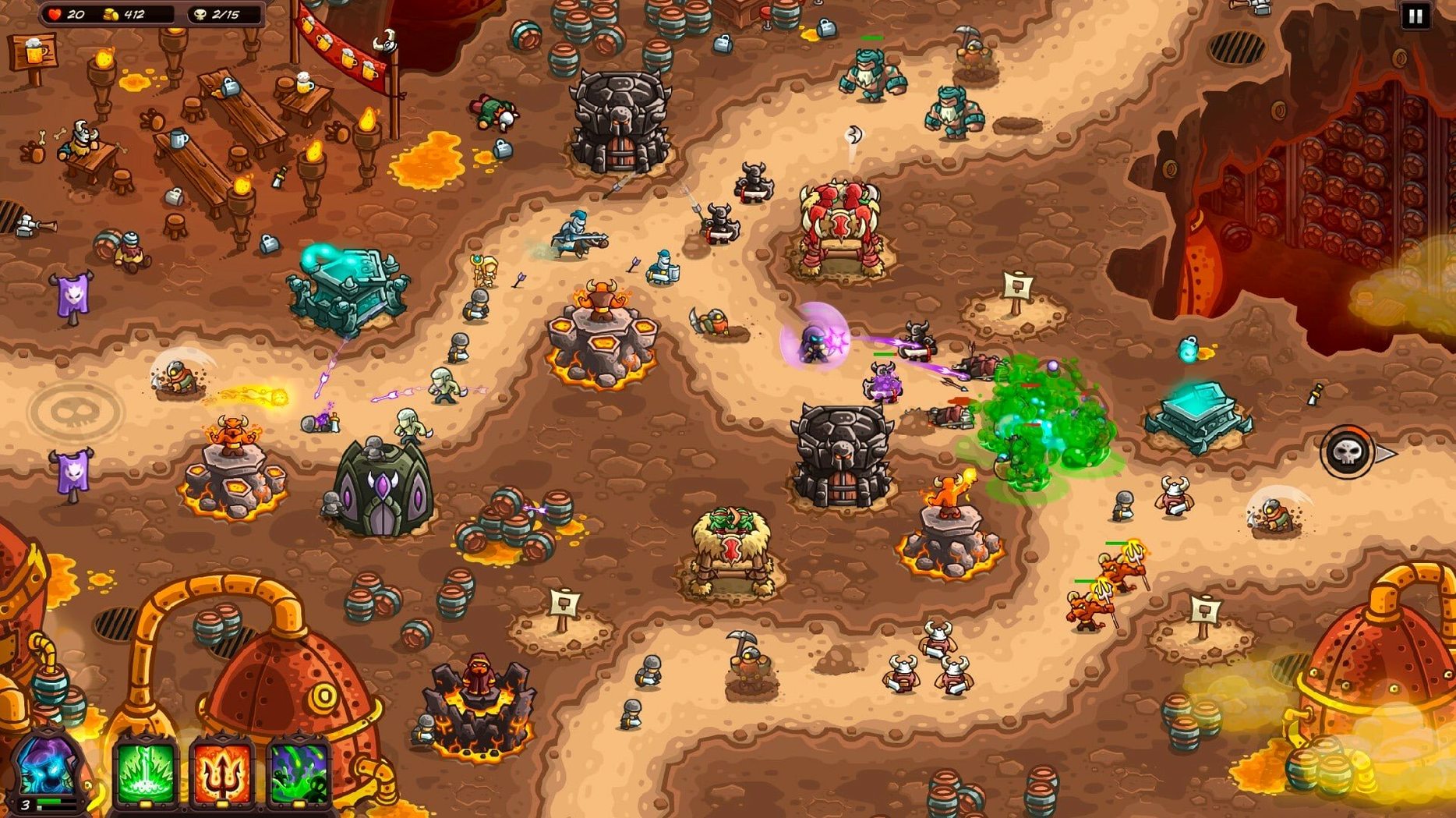
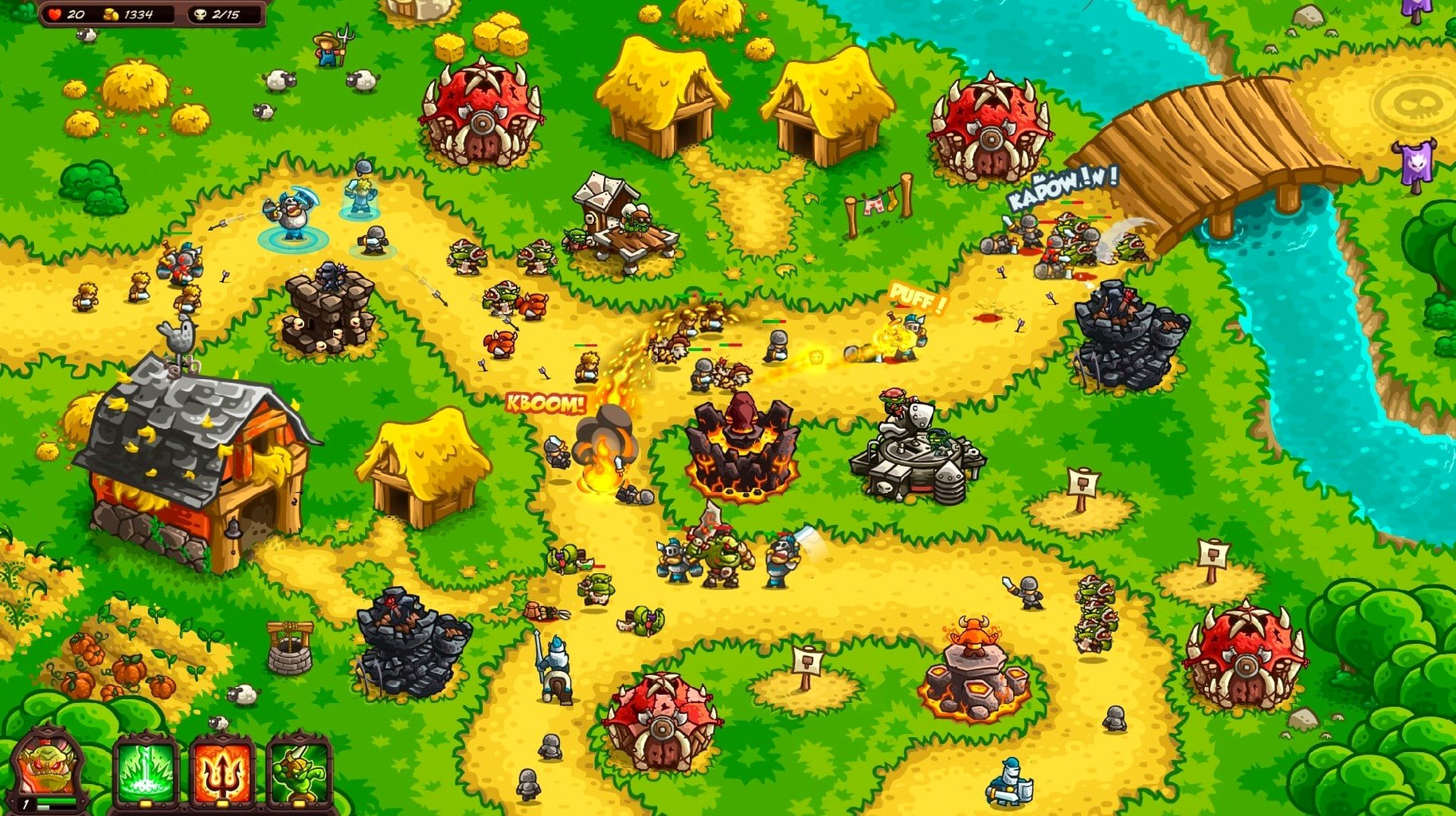
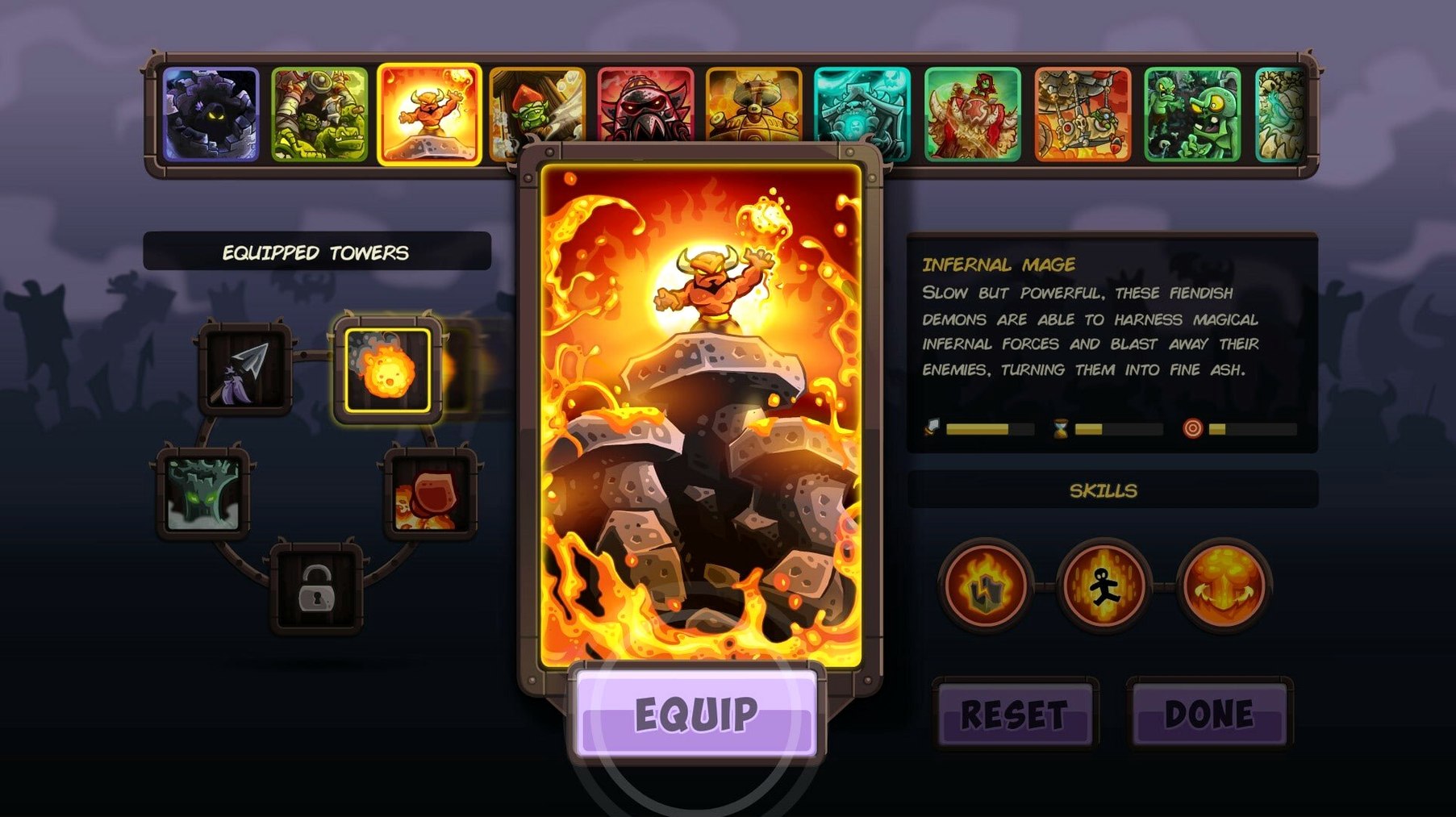
If you’ve ever spent a commute obsessing over arrow placement in a Kingdom Rush game, this one flips the script. You’re not defending against the horde — you are the horde, marching under Vez’nan’s banner. The pixel-perfect art and click-to-upgrade loop are pure Ironhide, but the roster of dark towers and anti-heroes gives the formula a sharp, satisfying twist.
What’s the campaign structure?
Twenty-five stages spread across five distinct lands, each ending with a king-tier boss fight. You’ll face dwarven citadels, elven forests, and more, with over 40 enemy types trying to stop your revenge tour.
How do towers work this time around?
Sixteen tower options, from Shadow Archers to Orc Barracks, each with unique upgrade paths. Mixing tower abilities isn’t just viable — it’s the whole game. A well-timed reinforcements drop or a hero spell can salvage a lane that’s about to break.
What keeps you playing after the credits?
More than 60 achievements, multiple save slots for different challenge runs, and the sheer joy of unlocking every hero and fully upgrading a tower’s weirdest ability. The ARM-native build means it sips battery on a MacBook, which is dangerous for your deadline but great for a long flight.
Overbuilding the Entrance Bleeds Stars
New players tend to overbuild at the entrance and leave the exit naked. One fast enemy slips through and you’re down a heart. Spread your towers across the path — let the gauntlet do the work, not just the welcome mat.
Another classic: ignoring hero micro. Vez’nan and the unlockable heroes aren’t set-and-forget turrets. Drag them to a choke point when a wave spikes, then pull them back before the boss cleaves their health bar. A dead hero recharges painfully slow.
The third trap is upgrading one tower to max while the rest sit at level one. A fully juiced Blazing Gem is beautiful, but three level-two towers with abilities that slow, stun, or shred armor will carry you further. Spread the love.
Stage Manager Swiping Without Interruptions
The game plays nice with Stage Manager — pop it into its own space and it won’t fight you when you swipe to Safari mid-wave to look up why those dwarven mechs keep wrecking your back line. Turn off “Displays have separate Spaces” if you’re on dual monitors and the cursor keeps escaping to the other screen during frantic reinforcement drops.
If you run Shortcuts, a one-tap automation that quits everything except the game and enables Do Not Disturb turns your Mac into a dedicated tower defense machine. Pair it with a Bluetooth controller via the system’s game controller settings and you’ve got a console-like session without touching a trackpad.
Recording a run for a channel or a friend? The game captures cleanly through QuickTime Player screen recording — no OBS plugin tangle required. The pixel art holds up fine at 1080p, and the soundtrack doesn’t trigger Content ID headaches.
Unlaunchable App? The One-Time Gatekeeper Dance
Game won’t launch after copying to Applications. Gatekeeper moaning about an unsigned developer. Head into System Settings → Privacy & Security and click “Open Anyway” — the usual dance. It’s a one-time thing.
Frame drops on an M-series Mac. The ARM build runs smooth, but the game sometimes picks the wrong display refresh rate. Toggle fullscreen off and back on, or set your display to 60 Hz if it’s at ProMotion 120 Hz. That clears it up nine times out of ten.
Save slot confusion. The game supports multiple slots but doesn’t lock them to a difficulty. If you start a Casual run in slot two and then accidentally load it thinking it’s your Veteran campaign, you’ll wonder why everything feels soft. Name your slots differently — just stick a “V” or “C” at the end of the save name.
Steam Cloud doesn’t apply here. The standalone build keeps saves locally in ~/Library/Application Support. If you move Macs, grab that folder and bring it across. No automatic sync, so don’t assume your progress follows you.
A less obvious one: the in-game encyclopedia is genuinely useful, but most beginners don’t open it until they’ve failed a stage three times. Flip through the enemy entries before you place your first tower. Knowing that a certain unit resists magic damage will save you from dumping gold into a mage tower that hits like a wet sponge.
- macOS details not specified — runs natively on both Apple Silicon and 64‑bit Intel Macs.
Notes from the edit bay · 0
Sign in or get an edit-bay pass to leave a note.
No notes from the edit bay yet. They go up after I read them.