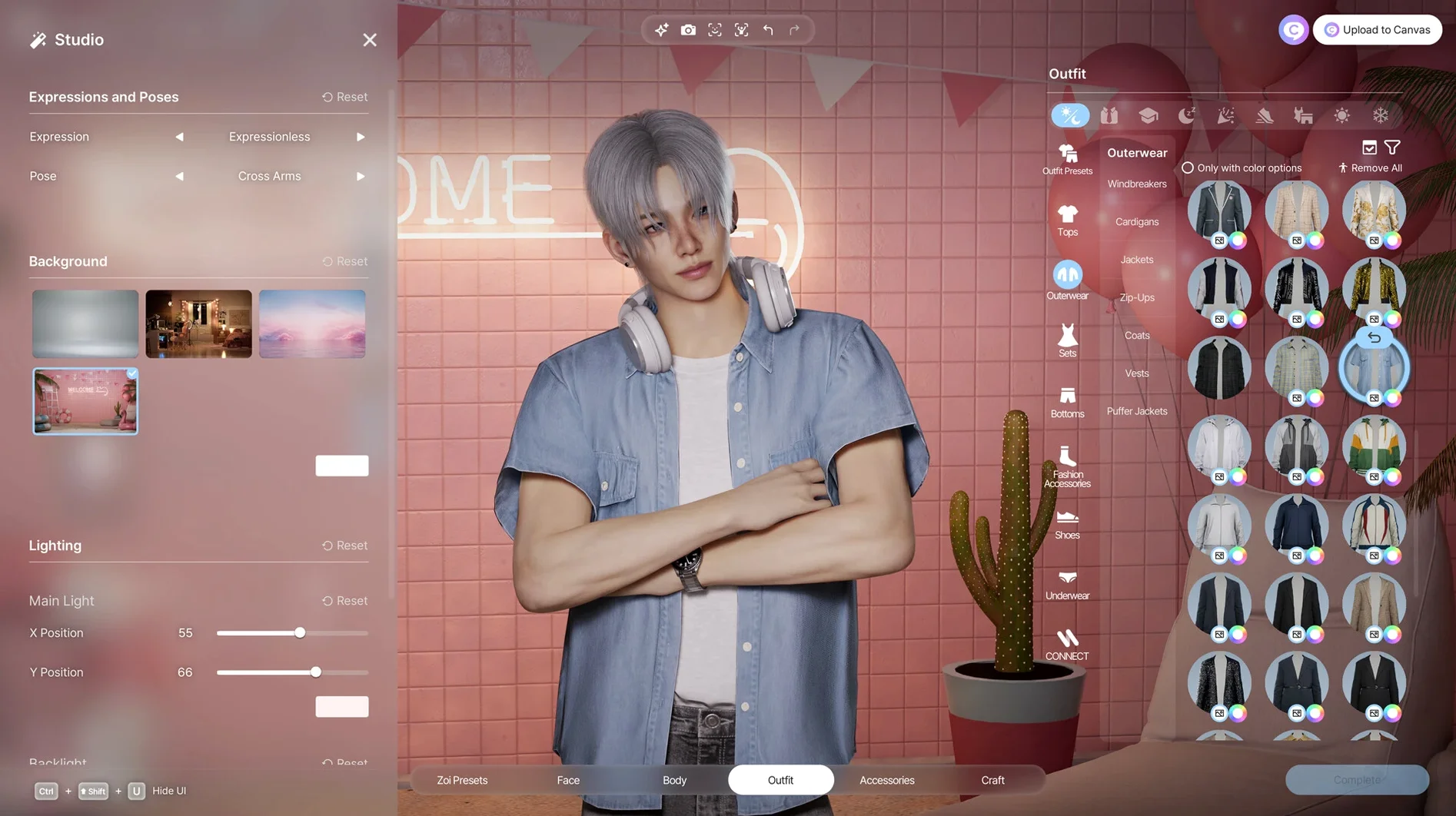

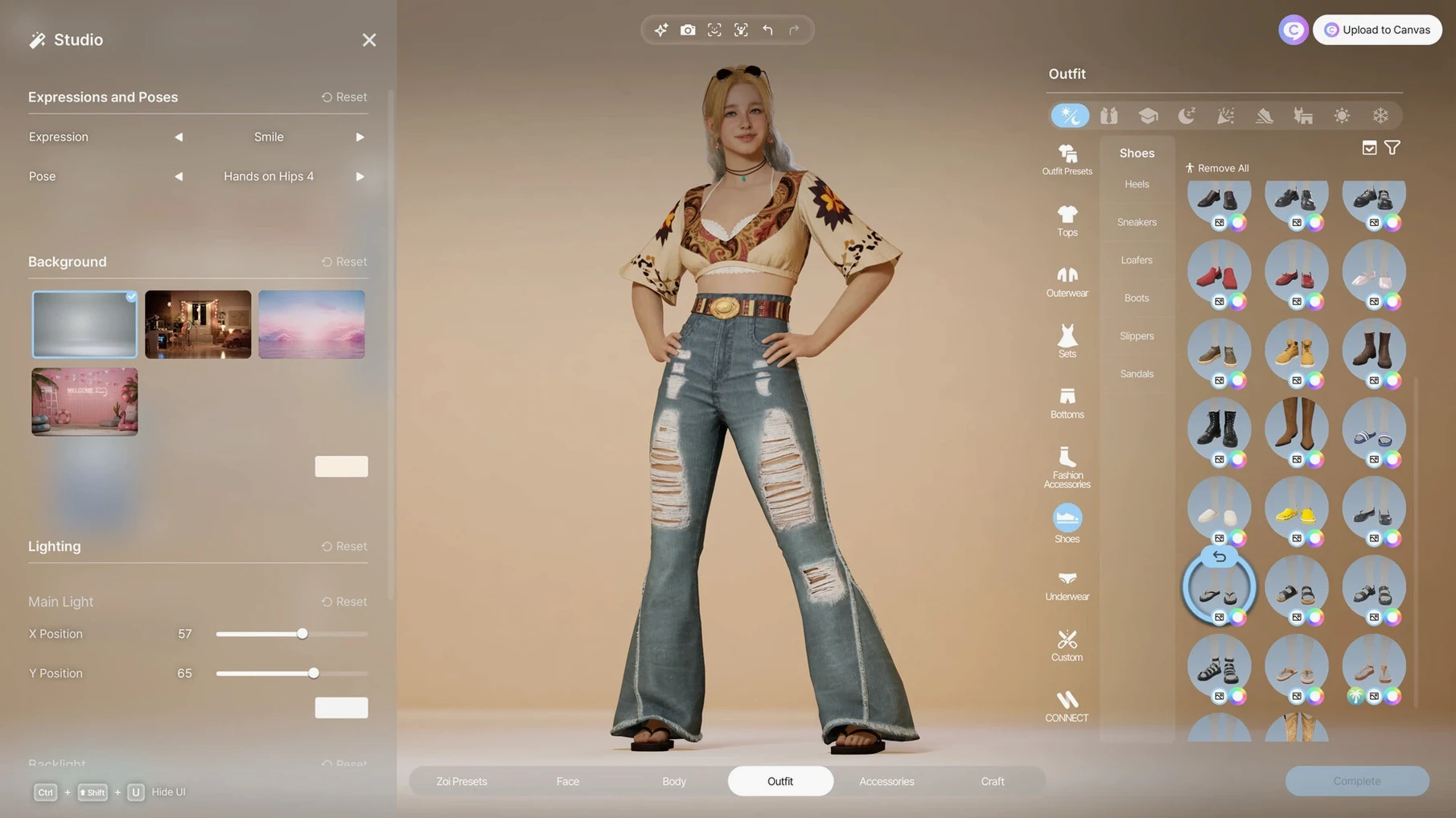
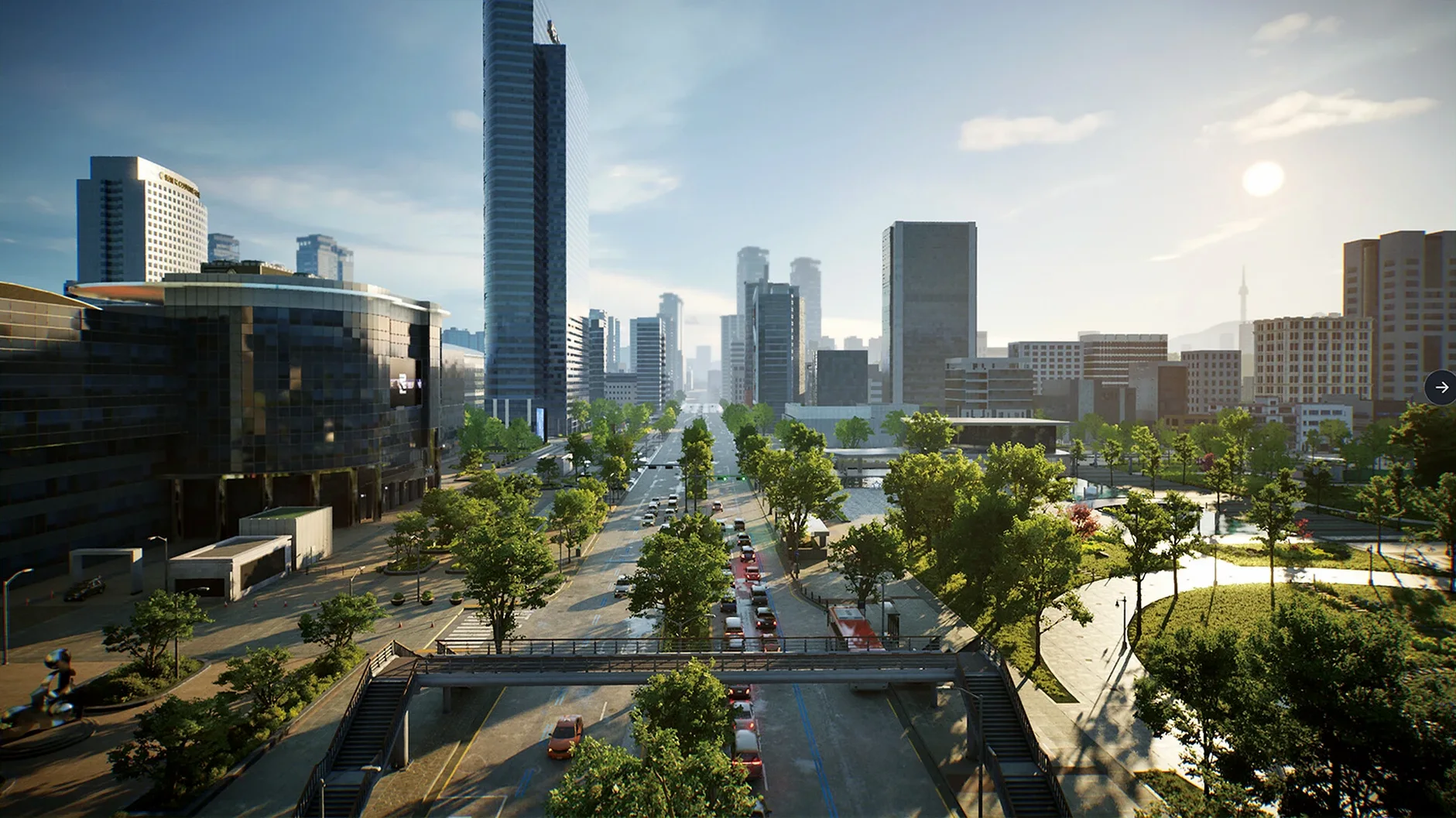

inZOI is a life sim that hands you the keys to an entire community and says, "run with it." You're not just guiding a single character through a preordained arc — you're god, mayor, and architect rolled into one. A typical session flips between granular character design and god-mode city management. One minute you're in the character studio, tweaking a Zoi's skin texture, dragging a slider to adjust their body shape, or using an uploaded video to generate a specific walk cycle. The customization goes deep: hair, nails, accessories, layered outfits. It's the kind of editor where you lose an hour before you've even started playing.
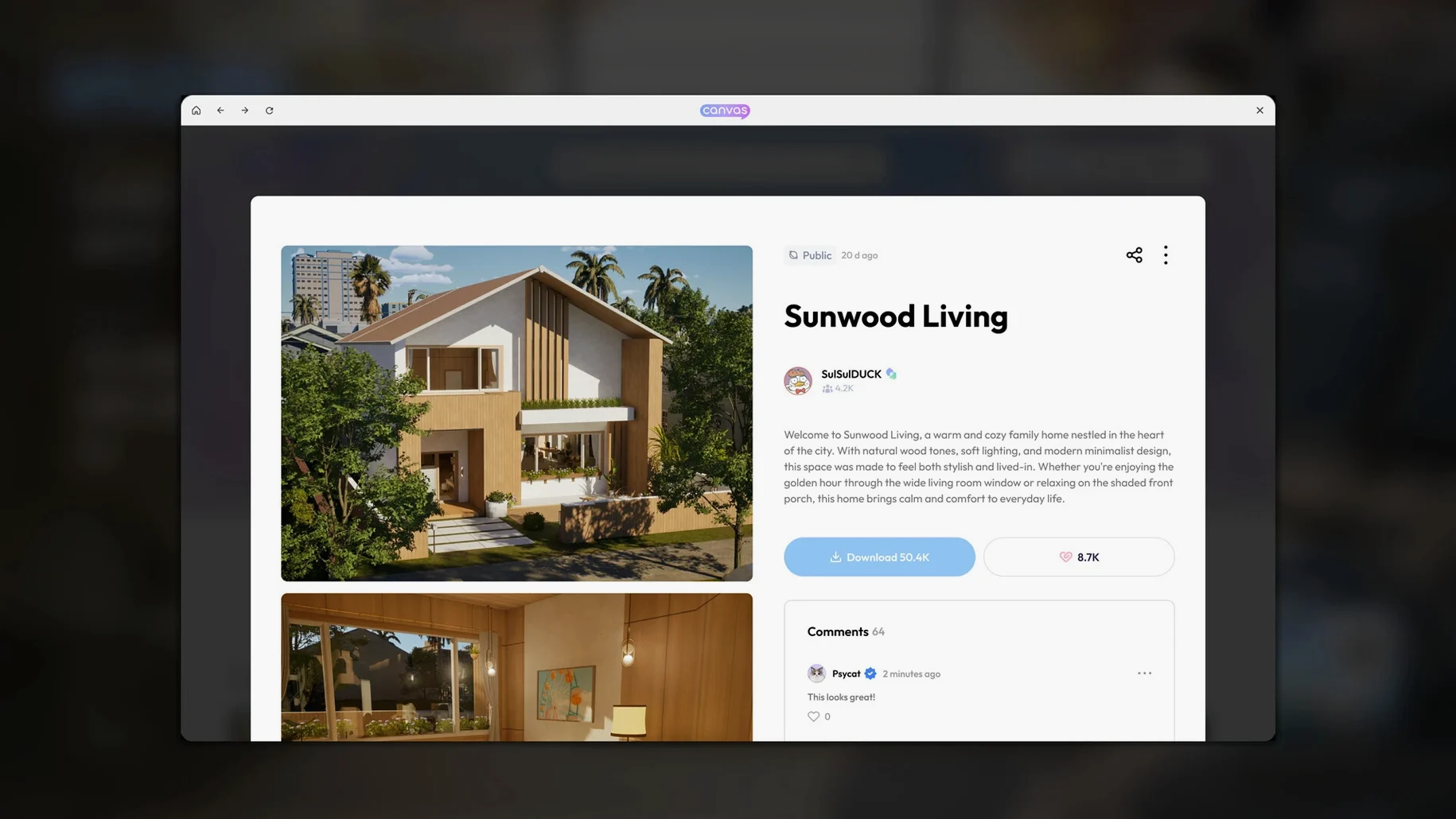
Then you zoom out. The city tools let you alter weather on a whim, redraw streets, or rezoning lots. You populate that world with Zois who don't just exist — they act on their own personality traits and life experience, forming relationships, holding grudges, or falling in love while you're busy redecorating a cafe. Building out an interior is a separate rabbit hole; every piece of furniture can be customized, swapped, and tweaked. The wildcard is the generative AI model running locally. You can feed it a 2D sketch of a couch or a lamp and watch it turn into a fully textured 3D object you can place in the world. It turns the whole game into a feedback loop: you shape the world, the world shapes your Zois, and the Zois give you new reasons to reshape everything again.
Generative AI Tightened So Your Gothic Wallpaper Prompt Hits
Since the early access build hit Mac, the updates have been smaller calibration passes — the kind that quietly make a session smoother. Version 0.10.4 tightened the generative AI model so a prompt for "gothic wallpaper with peeling roses" doesn't drift into uncanny smeary territory as often. The clothing pattern generator respects seams now; a floral print wraps around a jacket sleeve without that jarring mirror-flip effect earlier builds had. Not a headline feature, but when you're forty minutes into dressing a Zoi for their wedding, it matters.
City simulation logic got a nudge too. Rumors and trends spread at a slightly slower, more believable pace. Before, a rumor about a Zoi cheating at a cooking contest could sweep across a neighborhood in two real-time minutes. Now it simmers, which gives you time to notice it unfolding and decide whether to intervene — or just watch the chaos. Disease propagation works on the same smarter curve. The inzoi mac free build also stabilized facial capture on Apple Silicon. A fifteen-second video of yourself nodding and shrugging now translates into a Zoi's idle animation with fewer joint pops, though fast head turns still occasionally send a ponytail into low-earth orbit.
Also fixed: furniture snapping stopped fighting you when placing items near diagonal walls; the roof tool no longer leaves a one-pixel gap at the ridge on certain lot sizes; and the Russian and Korean localizations ironed out several menu truncations that made the build mode read like a puzzle.
Cap the Frame Rate at 30 or Unleash It for a Humming Session
The defaults are reasonable, but a few tweaks make the difference between a game that feels sluggish and one that hums along. Head into Graphics first. The frame rate cap defaults to 30 fps — fine if you're on battery, but on a desktop M4 you can lift it to 60 without the fan ever waking up. Shadow quality on "High" is the sweet spot; "Ultra" costs about eight frames for a subtle improvement most people won't spot during normal play.
Under Gameplay, toggle "Autonomous Reactions" to "Contextual." The default "Full" setting means Zois will interrupt your carefully staged dinner scene to start a fight over a rumor you didn't even know existed. Contextual mode keeps them reactive without turning your narrative into improv night at a theater gone wrong. While you're there, extend the "Day Length" slider to 45 real minutes. The default 20-minute day rushes seasons past before you've furnished a single patio.
In the AI Tools tab, set "Generative Quality" to "Balanced." The "Best" preset runs the local model longer for marginal gains, and on an M1 machine that can mean staring at a spinning pattern for an extra twelve seconds per prompt. Balanced gives you usable textures in about four seconds — fast enough that you stay in the flow of designing a room rather than scrolling your phone while a couch loads.
Before the Download
Same UE5 Renderer, Zero Rosetta Tax on Apple Silicon
Feature for feature, yes. The same Unreal Engine 5 renderer, the same 250-plus customization sliders, the same generative AI pipeline. The difference is optimization: the Mac build targets Apple Silicon directly, so there's no Rosetta translation tax. On an M4 Mac mini, the city simulation runs at a locked 60 fps at 1440p with settings on High. The AI model loads faster from the unified memory architecture too — pattern generation starts quicker than on equivalent PC builds. If you're hunting an inZOI crack Mac download, the Apple Silicon native build is the one you want; older Intel Macs aren't officially supported and you'll want to verify your machine has an M-series chip before launching.
34 GB Installed, 8 GB of That Is an Offline AI Model
About 34 GB after installation. The generative AI model accounts for roughly eight gigs of that — it ships locally, not as a cloud service, which is why the game works offline. Your save files and custom patterns stay tiny; it's the base assets and the AI weights that eat the space. Keep that in mind if you're grabbing an inzoi mac download free on a machine with a 256 GB drive.
Does it need always-online or any account?
No activation, no account, no always-online check. The game runs entirely locally once installed. The facial capture and generative tools process everything on your own hardware. The only time it reaches out is if you manually choose to share a creation, and that's opt-in. For anyone looking at an inzoi utorrent or inzoi torent source, this offline design means you're not locked out of features if your connection drops mid-build.
LaunchPad to Live Mode in Under Eight Seconds on Apple Silicon
You launch the game from Launchpad on a Saturday morning, coffee in hand. The main menu loads in under eight seconds — the Apple Silicon build skips the shader compilation wait that plagues the PC version. You pick your ongoing save: a coastal city modeled loosely after Busan, three neighborhoods deep, a hundred Zois living their messy lives.
First stop is the character studio. You've been meaning to create a rival for the mayor. You grab a photo of a friend (with permission) and feed it into the facial capture tool. The app maps their jawline and brow shape onto a new female Zoi in about twenty seconds. You spend ten more minutes adjusting: narrowing the shoulders, picking a silk blouse from the catalog, generating a custom paisley pattern for the cuffs via the text prompt. The prompt takes four seconds on Balanced quality. You drag the result onto the fabric slot, rotate it slightly, and lock it in.
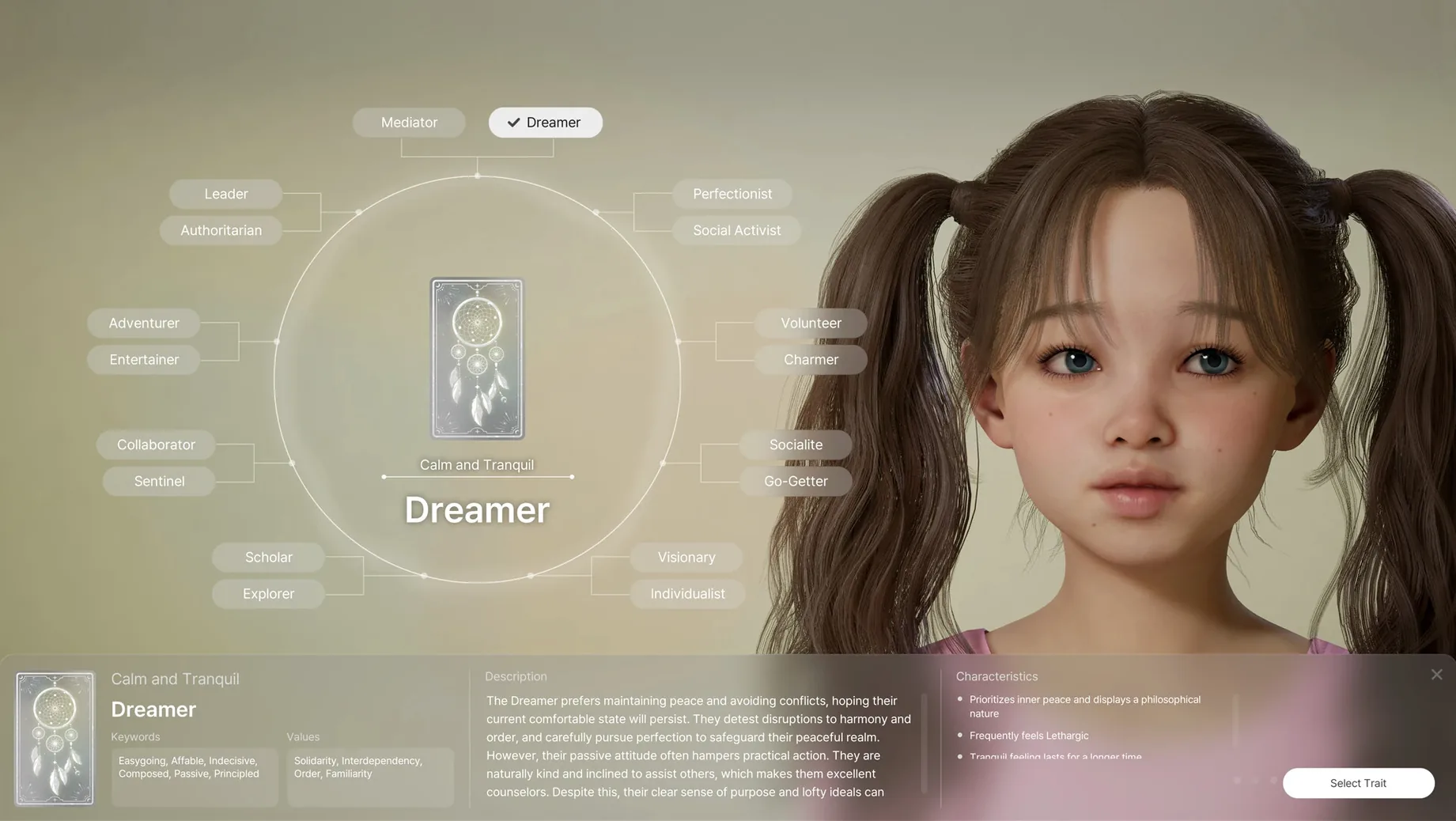
You drop the new Zoi into the downtown district. Within a minute of real time, she's introduced herself to a street vendor and joined a conversation about rising rent. You watch for a bit — Contextual autonomy means she's not going to derail anything, but she's already forming an opinion about the local economy based on her "Ambitious" trait.
Then you zoom out to city view. A heatmap overlay shows a flu trend spreading through the residential block near the harbor. You could intervene — raise the wellness budget, close a clinic — but you let it simmer. Instead, you switch to build mode and start remodeling a vacant warehouse into a gallery. The roof tool snaps cleanly now; you place a platform, raise it three clicks, and drag out a mezzanine. You generate a concrete texture from a prompt, slap it on the walls, and pull a 2D sketch of a sculpture from your desktop into the 3D converter. Twenty seconds later, it's a plinth-ready object. You place it, rotate it toward the afternoon light, and save.
Two hours have passed. You've created a character, set her loose in a living simulation, let a disease run its course, and built a gallery from scratch — all without a single loading screen or online check. This is what an early-access build that's already this stable on Mac lets you do: not just play a game, but run a world in the gaps between real life.
- macOS Tahoe
- Apple Silicon chip
Questions I actually get
How do the characters actually behave when I'm not controlling them?
Zois function as a fully simulated community. They act autonomously based on their personality traits and accumulated life experience, forming relationships and going about their days whether you intervene or not.
Can I really turn a drawing into an object in the game?
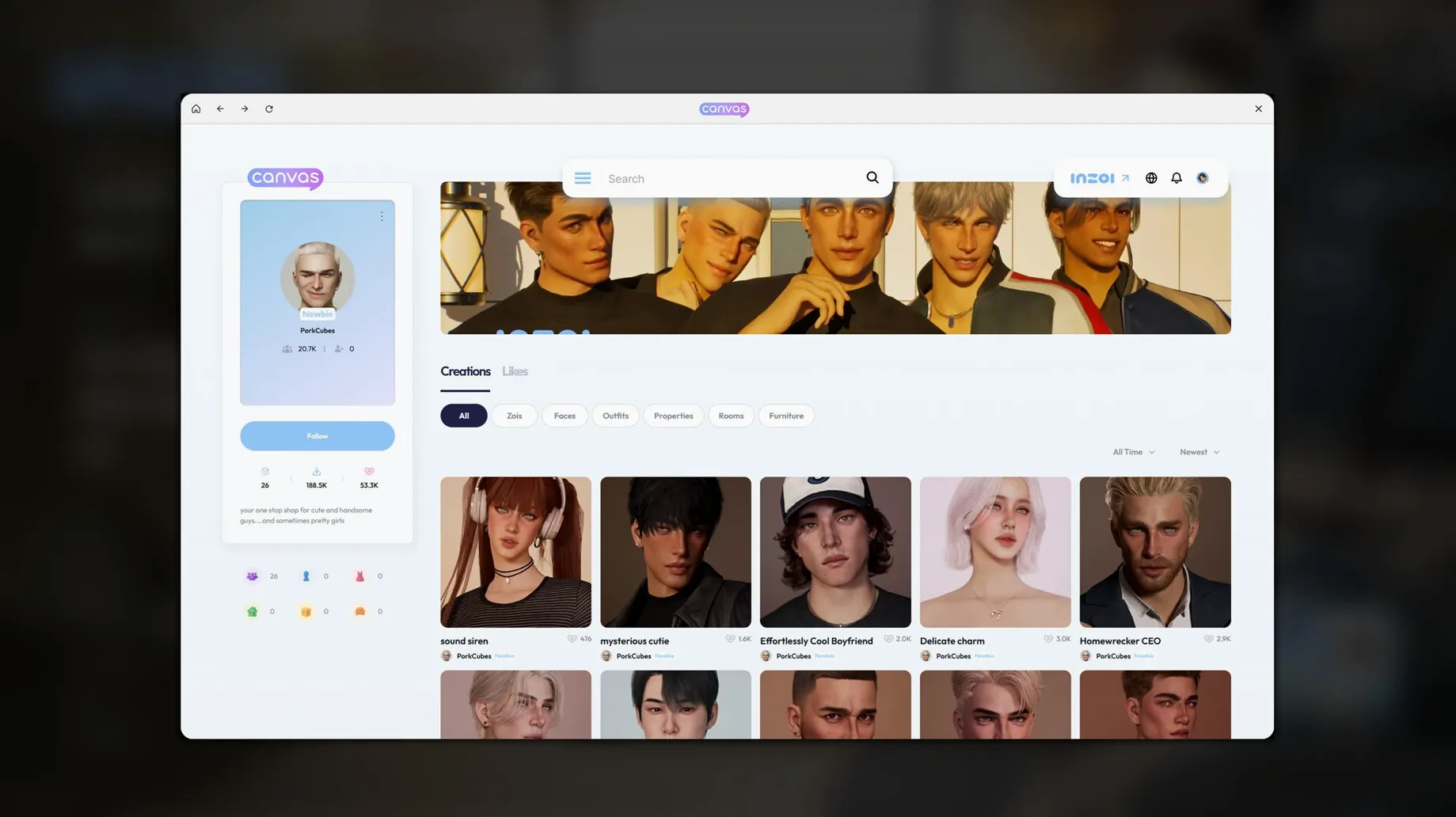
Yes. inZOI uses a local generative AI model that can transform 2D images into textured 3D in-game objects, which you can then decorate and place in your world.
Notes from the edit bay · 0
Sign in or get an edit-bay pass to leave a note.
No notes from the edit bay yet. They go up after I read them.