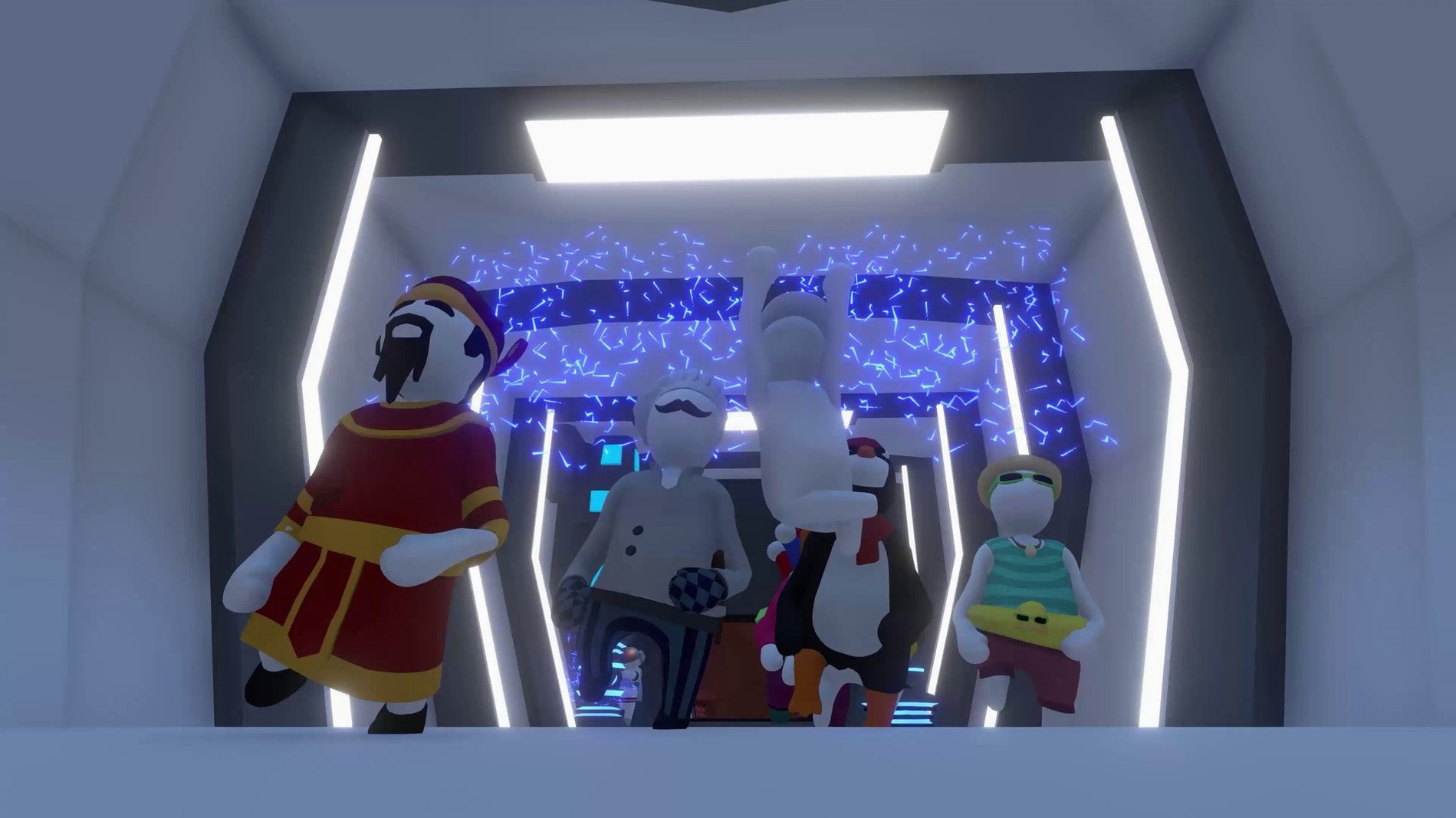
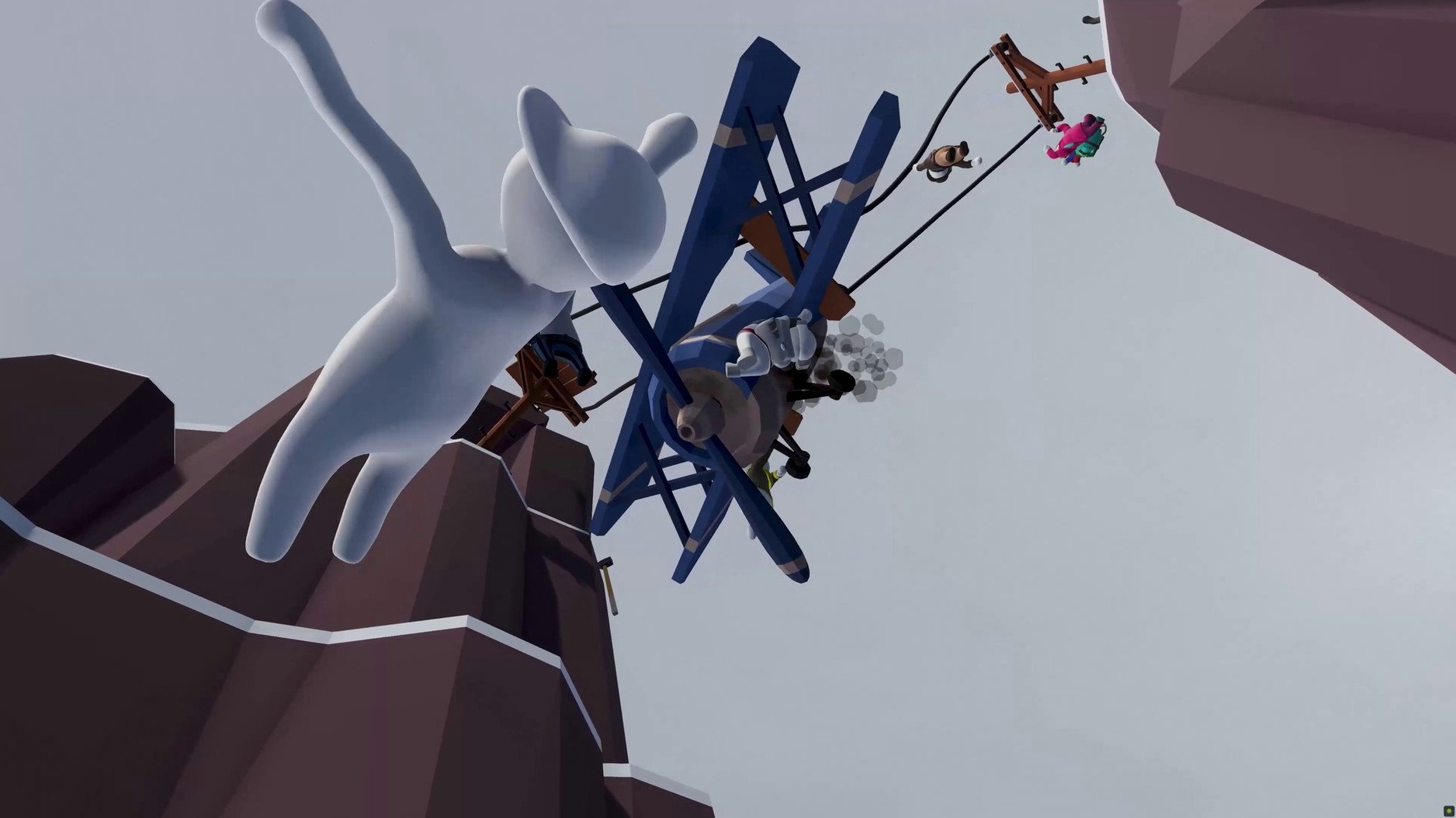
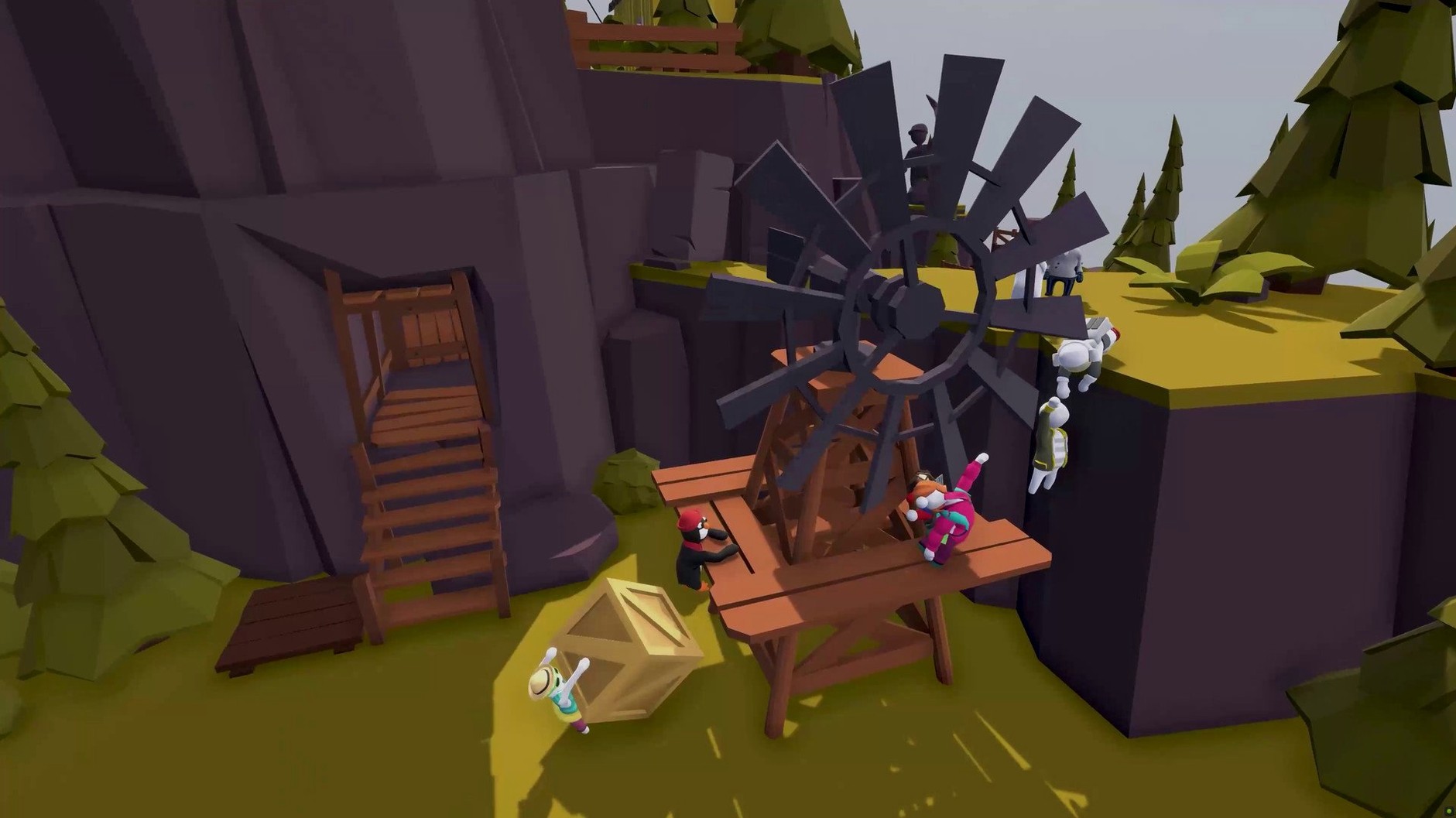
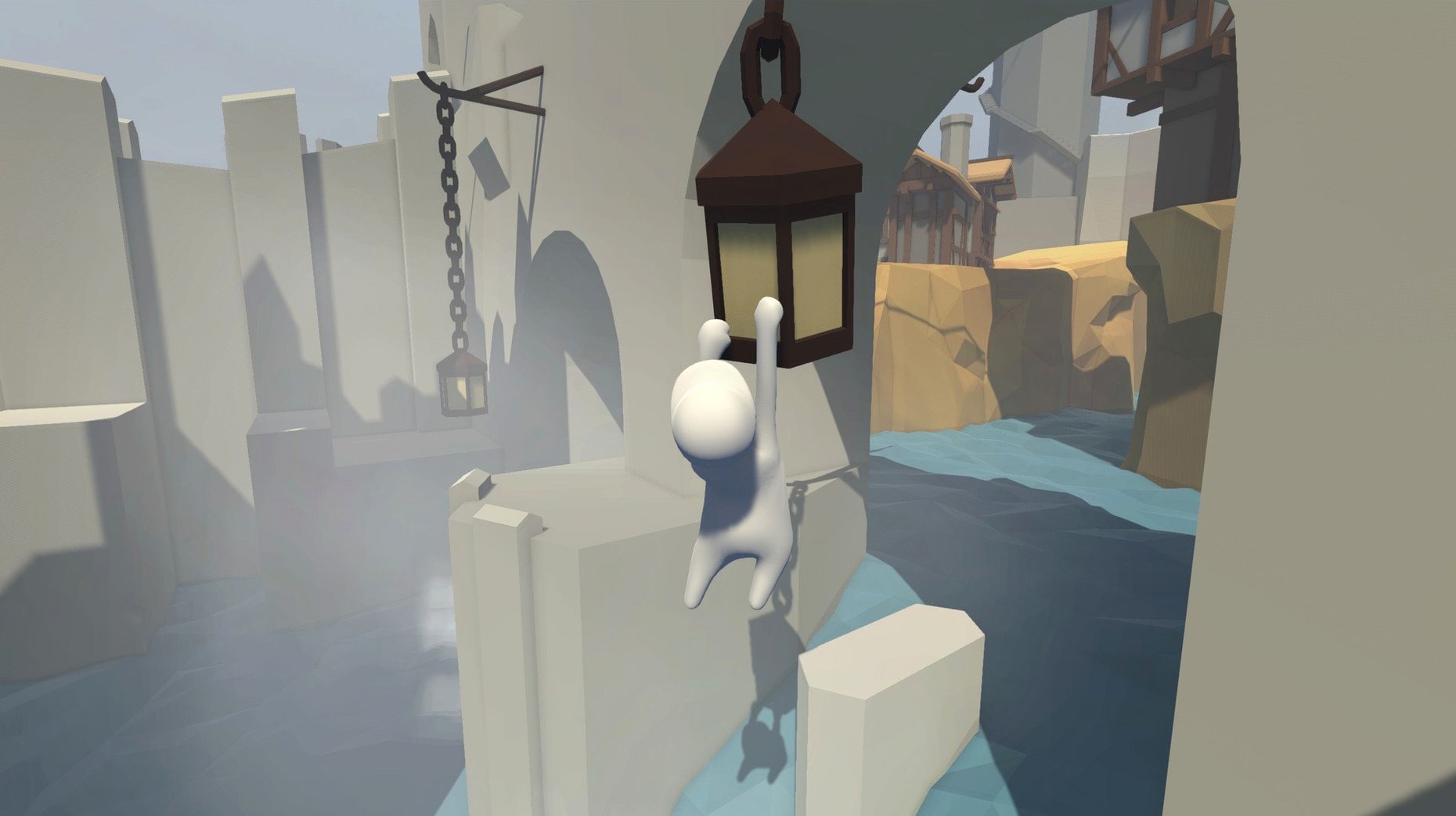
16 levels, and not one of them cares about your dignity. The build 1097493 lands on your Mac as a native binary for both Apple Silicon and 64-bit Intel, so the only thing holding you back is your ability to steer a gelatinous dreamer through a mansion one minute and an industrial zone the next. I fired it up on a Mac mini M4 running macOS Tahoe, and it's smooth enough that the physics chaos stays funny rather than frustrating.
The Sandbox Where Your Left Hand Is the Real Puzzle
This is a late-night, no-stakes sandbox. You wander through castles, snowy peaks and Aztec ruins solving physical puzzles where the real enemy is your own left hand. Every surface is climbable if you're stubborn enough, and multiple paths mean you can skip a puzzle entirely by falling off a ledge in just the right way.
Mac Controls and Feel
Keyboard and mouse work fine, but a controller makes the grab-and-climb rhythm click. The ARM build runs cool, so a MacBook Air won't turn into a hot plate during a long session. Frame pacing stays consistent because the art style prioritizes clean, simple geometry over anything that would choke the GPU. Expect the same goofy momentum on a desktop Mac as you'd get on a console.
Fix That Claustrophobic FOV Before Your First Grab
Before you ragdoll through a single doorway, flip the field-of-view slider up to around 90. The default feels claustrophobic on a MacBook screen, and widening it gives you peripheral awareness for those grab-a-ledge-or-die moments. The graphics presets barely matter on Apple Silicon — the game runs on a toaster — but I drop shadow quality one notch just to keep the fans silent during co-op.
Controller sensitivity defaults to sluggish. Bump it to 70% and the camera stops feeling like it's wading through honey. If you're sharing a keyboard for two-player local co-op, rebind the second player's grab and jump away from the arrow keys before your knuckles collide. Split-screen divides horizontally, which makes ultrawide monitors genuinely useful for once.
An Animator's Playground
A friend who does character animation in Blender keeps this installed for reference. Not because the movement is good — it's deliberately terrible — but because watching the arms flail during a missed grab teaches more about weight and momentum than a textbook. When a swing goes wrong and the little dough-man plummets four stories, the limb chain reacts exactly as physics demands: elbows bend backward, wrists catch on geometry, and the whole mess resolves into a heap that somehow looks different every time.
She'll load up the industrial level just to push crates off girders and study how the ragdoll tumbles. The replay value for anyone in 3D production isn't in the puzzles; it's in the simulation. Human Fall Flat on macOS handles these collisions identically to the Windows build, so the reference translates directly to animation blocking in any DCC tool.
How It Stacks With Other Apps
Games that lean hard on physics play nicely with recording tools. I've pulled clips into Final Cut via OBS screen capture — the Metal encoder keeps the file sizes manageable — and the clean, uncluttered backdrops mean you can isolate the character for meme edits without much rotoscoping. If you stream, the game's built-in voice chat for online co-op routes through the same macOS audio device you've already set in Loopback or Audio Hijack, no fiddly in-game mixer required.
It also sits well inside a family sharing setup on a single Mac. Multiple save profiles live in ~/Library/Application Support/, so you can back them up with Time Machine or zip them for a clean restart without losing a kid's outfit collection. Speaking of which, the ninja and astronaut unlocks survive a reinstall as long as that folder stays intact. For anyone hunting a local multiplayer game that doesn't demand a burner email or an online account, Human Fall Flat macOS free of activation hoops fits the bill — drag it to Applications and you're done.
On the accessibility side, the color palette shifts wildly between the night scenes and snow levels. If you use macOS display filters or Reduce White Point in Accessibility settings, the brighter Aztec and industrial zones won't blow out. The contrast between the character and background stays readable even with the grayscale filter on, which isn't true of every physics platformer dumped onto the Mac.
- Apple Silicon (native) and 64-bit Intel Macs
Notes from the edit bay · 0
Sign in or get an edit-bay pass to leave a note.
No notes from the edit bay yet. They go up after I read them.