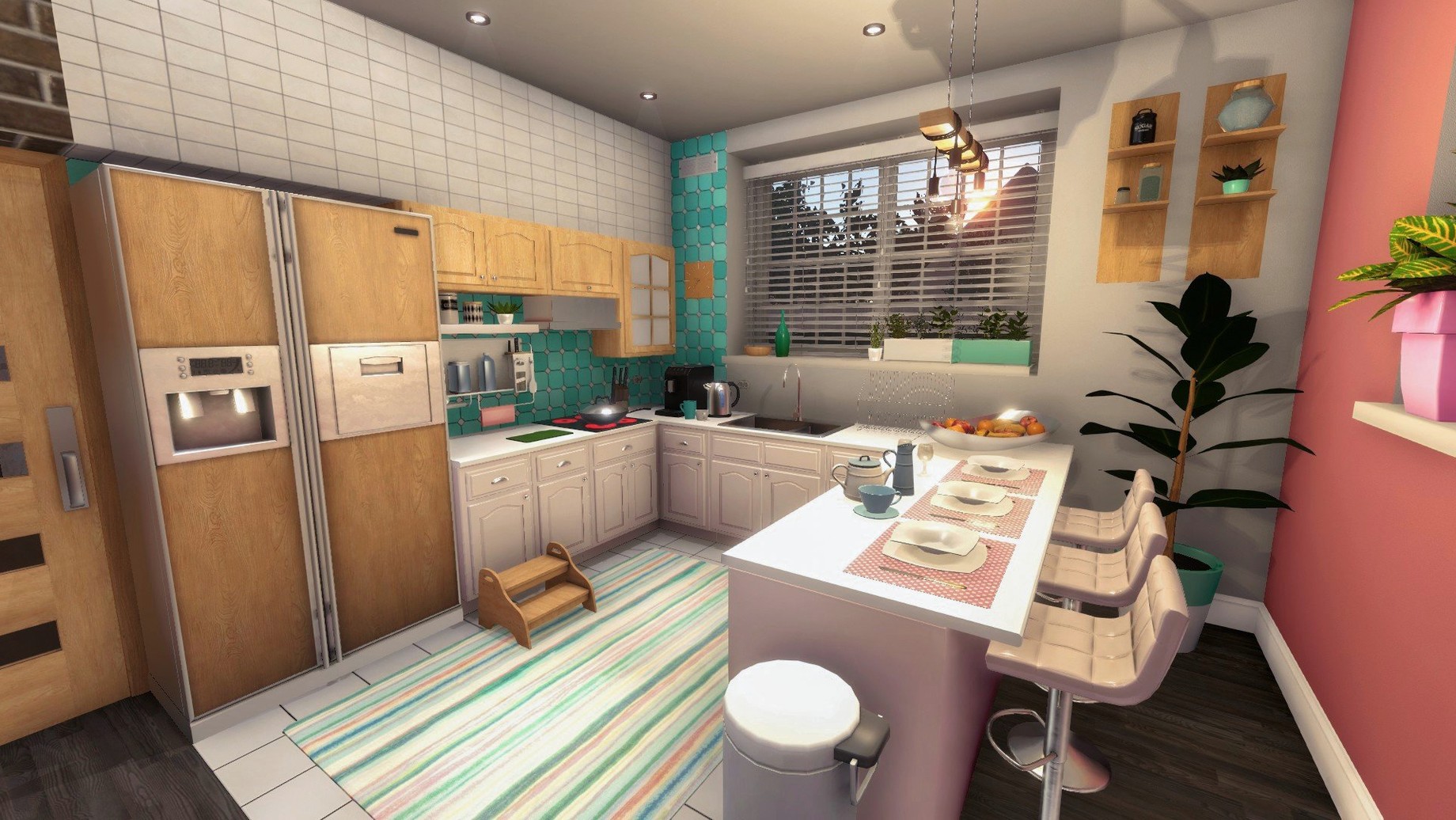
No big patch notes for this build — version 1.26252 is a maintenance update that keeps the renovation machine running smooth on Apple Silicon and Intel Macs. The loop is still the same, and it still works: you grab a tablet full of grimy job listings, scrub someone else's mess, and bank the cash until you can afford a wreck of your own.
Hammer Swings and Mop Drags, Not Menu Clicks
- Minute-to-minute physical labor: you swing the hammer, drag the mop, and roll paint onto walls with a button held down. It's methodical, not twitchy.
- A clear zero-to-hero arc. You start with a trowel and a window cleaner, cleaning other people's stained bathrooms. Eventually you're knocking down walls and flipping entire apartments.
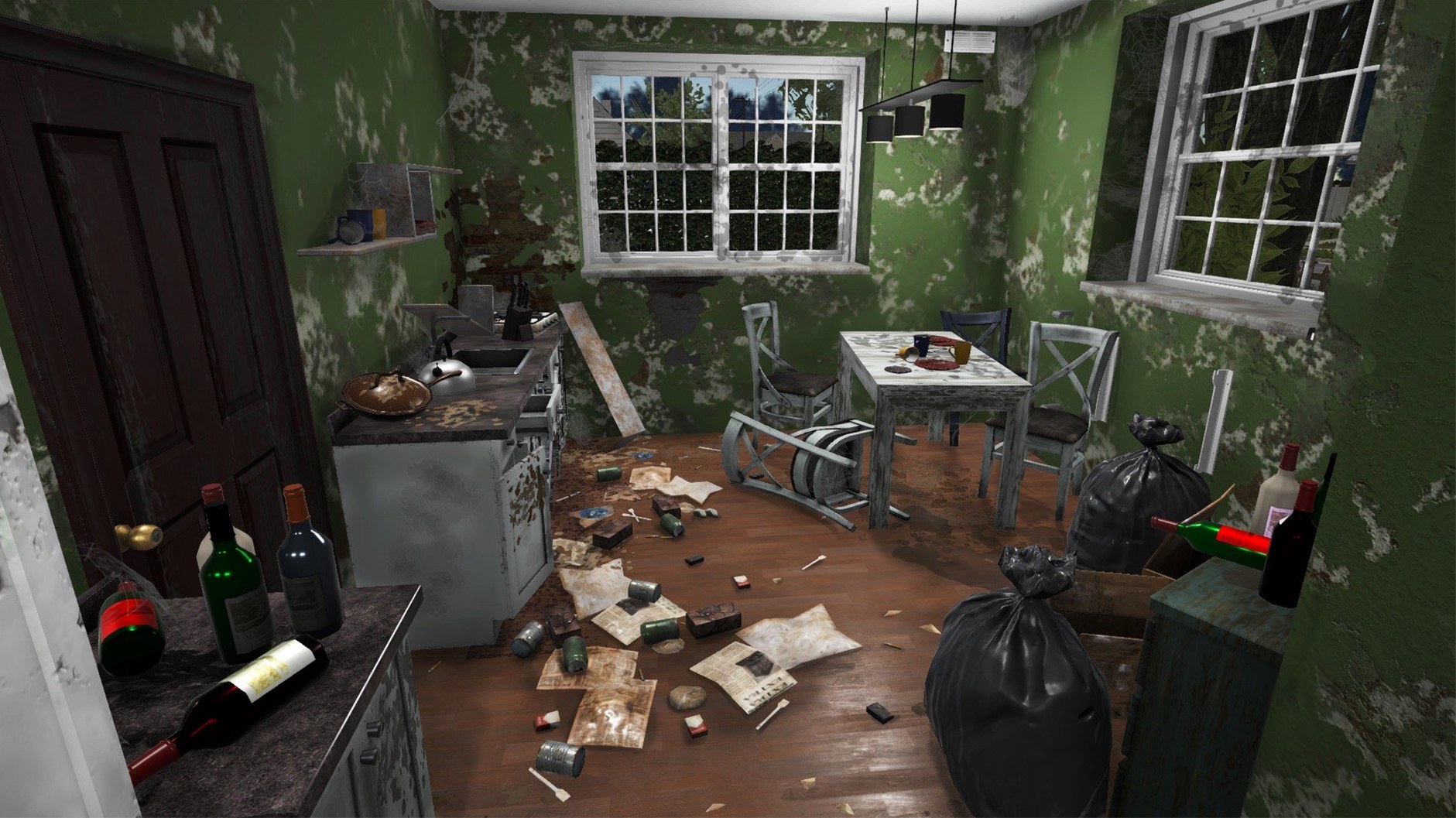
- The cleanup itself. Picking up trash, broken glass, and abandoned furniture is a simple loop that scratches a very specific, very satisfying itch.
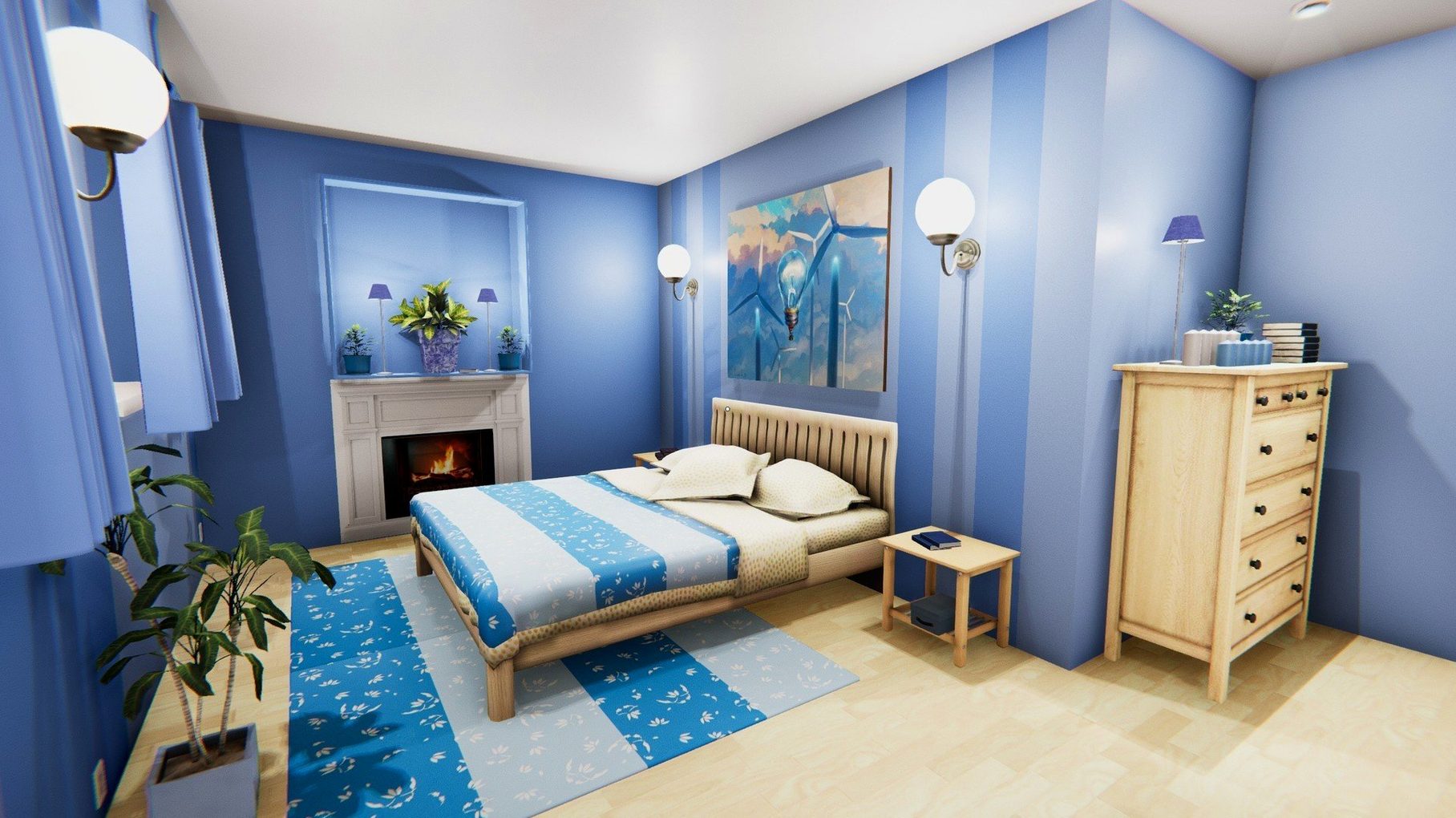
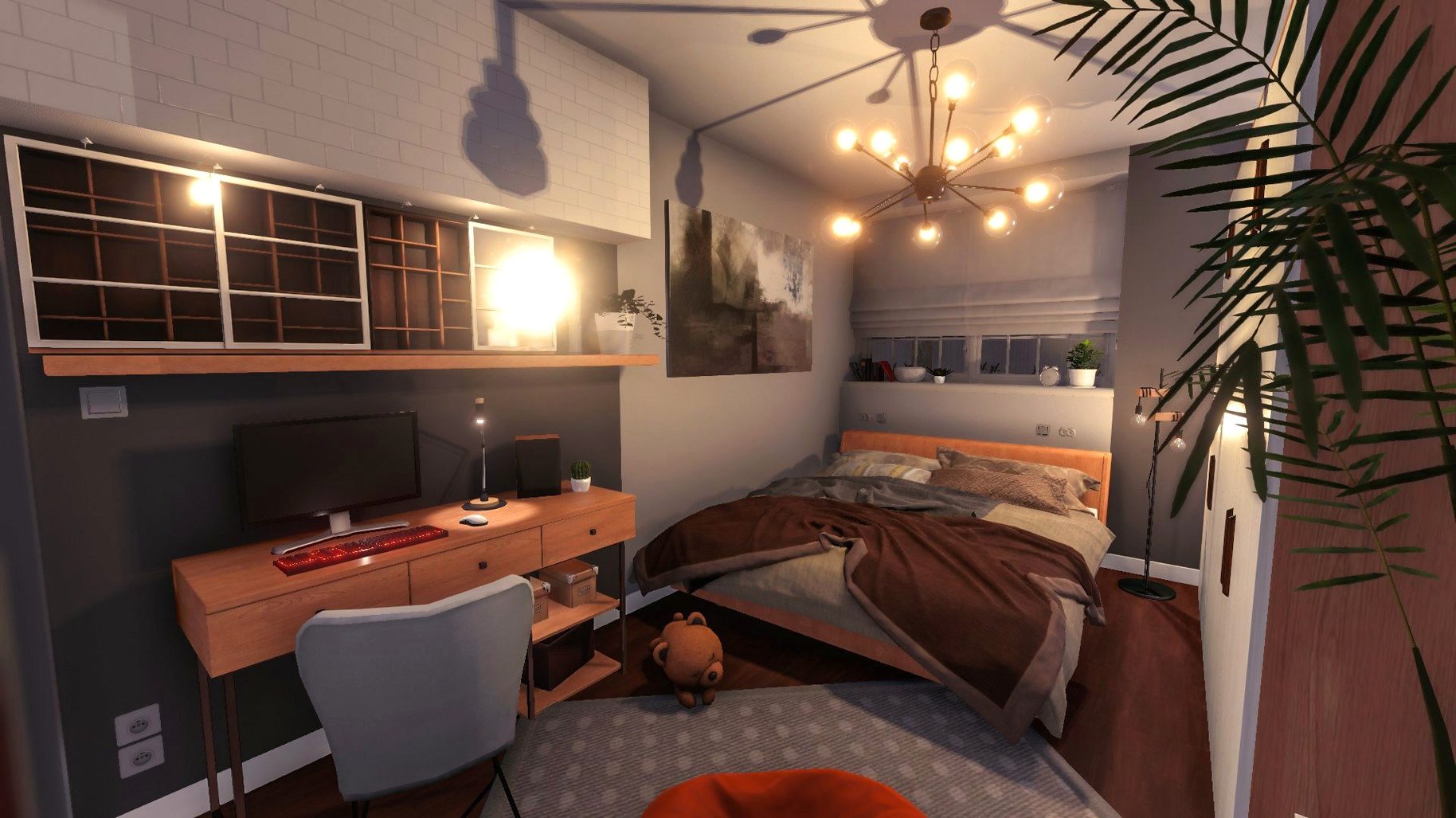
- Playing your own way after the first few jobs. Once you buy a property, the game steps back and lets you demolish, paint, and furnish at your own pace.
Holding a Button to Scrub Glass
- This is a sim about physical chores. If the idea of holding a button to scrub a shower screen sounds like a second job, it might not click.
- The audio is purely a music accompaniment — no character chatter or voice-over.
Trashing Three-Story Houses Without a Stutter
I've thrown a lot at this build on an M4 Mac mini — three-story houses crammed with trash, every radiator and toilet ripped out and replaced, paint colors switched three times because I changed my mind. The frame pacing stays steady. Even when the screen fills with debris bags and half-demolished drywall, the fans don't kick up. That's the real test for a sim like this: can you zone out for two hours without the machine reminding you it's working? On Apple Silicon, you can.
RAM usage sits modest — around 2 GB during heavy renovation scenes — which leaves headroom for a browser full of floor-plan references or a music app in the background. On an Intel Mac I've seen it hover closer to 3 GB, still no problem unless you're running it alongside a render. Launch time from an internal SSD is under ten seconds, and the game resumes from sleep without a hiccup. Stability has been uneventful, and for a simulation game that's exactly what you want: no crashes when you're three rooms deep into a flip and haven't saved since lunch.
The tablet interface — your in-game job board and shopping catalog — stays responsive. I've seen it lag on older builds when scrolling through furniture thumbnails; here, the tiles pop in with zero hesitation. If you're grabbing a house flipper torrent download to run on your Mac, this version is the one you want.
Swing the Hammer Yourself Instead of Watching a Bar Fill
House Flipper shares shelf space with a few other sims, but the overlap is smaller than it looks.
Next to The Sims 4, the difference is the hands-on labor. The Sims abstracts renovation into a menu click and a budget slider. You don't scrub the counter or swing the hammer; you watch a bar fill up. House Flipper makes you do the work. That sounds like a downside to some people, but it's the whole point. The Sims is about life management; this is about the physical act of fixing a place. If you've ever spent more time building houses in The Sims than actually playing with the families, the shift feels natural.
PowerWash Simulator is the closer cousin. Both games turn repetitive physical chores into a meditative loop — hold the trigger, watch the grime disappear, hear the satisfying sound cue when a section is clean. PowerWash Simulator is pure exterior cleaning, one tool, no furnishing. House Flipper gives you a broader toolbox and an end goal that changes: sometimes you clean, sometimes you install, sometimes you knock a wall down and decide what the room becomes. PowerWash is a single, perfectly tuned instrument; House Flipper is a whole workshop.
Viscera Cleanup Detail also puts you in rubber gloves with a mop, but it's sci-fi horror gore instead of suburban grime. The cleanup loop is tighter and more punishing — you have to dispose of bloody water, not just bag up trash — but there's no renovation and no ownership. You're a janitor on someone else's spaceship. House Flipper lets you buy the place afterward.
With a house flipper dlc torrent adding more furniture sets and job types, the gap widens further. None of the cleanup sims give you the full arc from scrubbing someone's toilet to selling a fully furnished loft you designed yourself.
Rosetta Steps Aside for Native ARM Support
Version 1.26252 isn't a feature drop. What it does is shore up the Mac build for modern hardware — native ARM support means the Rosetta translation layer stays out of the picture, and that's the biggest practical win for anyone on an M-series chip. Earlier Mac versions ran translated, which worked but occasionally introduced micro-stutter when the physics engine calculated debris scatter across multiple rooms. That's gone now.
Loading times between properties improved noticeably around the time the ARM version landed. The maintenance updates since have focused on asset streaming: furniture and material thumbnails cache more aggressively, so flipping through paint colors or tile options doesn't redraw from scratch every time. Small thing, big difference when you're decorating a four-bedroom house and cycling through fifty wall finishes.
Controller support on Mac has been steady. The game reads a DualSense or Xbox controller without any fiddling, and the button mapping makes sense — triggers for tool use, bumpers to cycle inventory. Keyboard and mouse is still the faster way to navigate the tablet menus, but for the actual renovation work, a controller feels right.
Secondary Monitor While Messages Sits on the Main Screen
The game sits comfortably in a typical Mac workflow. It runs fine on an external display — I keep it on a secondary monitor while a messaging app and a music player sit on the main screen. macOS Spaces handles it cleanly; you can swipe between desktops without the game minimizing or hiccuping.
If you're running a house flipper mac os setup alongside creative tools, the resource split is manageable. I've had it open while Logic Pro plays back a mix — no audio dropouts, no input lag on the paint roller. The game's background behavior is polite: it throttles frame rate when focus switches to another app, which keeps the GPU available for Final Cut or Blender renders on the same machine.
For streamers on Mac, it plays well with OBS. Window capture picks it up without workaround drivers, and the music accompaniment — instrumental, loop-friendly — doesn't trigger content ID flags. The UI scales to 1440p and 4K cleanly; text stays sharp on high-DPI screens, and the tool icons don't turn into tiny smudges. That's not always a given with ports, and it makes a house flipper mac download feel less like an afterthought and more like a proper build.
- macOS (Apple Silicon and 64-bit Intel supported)
- Interface languages: English, French, German, Italian, Spanish, Russian, Japanese, Korean, Simplified Chinese, Traditional Chinese, and more
Questions I actually get
Does House Flipper run on Apple Silicon Macs?
Yes, version 1.26252 supports both ARM (Apple Silicon) and 64-bit Intel Macs natively.
What tools do you actually use in the game?
You work with a paint roller, window cleaner, trowel, mop, hammer, and a tablet for browsing renovation jobs.
How do you start earning money in House Flipper?
You take renovation jobs from your tablet, cleaning trash and broken glass or painting rooms for clients, before buying your first fixer-upper.
Notes from the edit bay · 0
Sign in or get an edit-bay pass to leave a note.
No notes from the edit bay yet. They go up after I read them.