You have a rough mix of a five-piece band. The drums are boxy, the bass is fighting the kick, and the vocal needs to sit on top without ripping your head off. Instead of reaching for five different EQs and compressors, you load a single instance of Neutron 5. The Mix Assistant listens to your track and builds a custom signal chain before you've finished your coffee.
Native Silicon Support and a Smarter Assistant View
- Runs natively on both Apple Silicon and Intel Macs, so your sessions won't need Rosetta gymnastics.
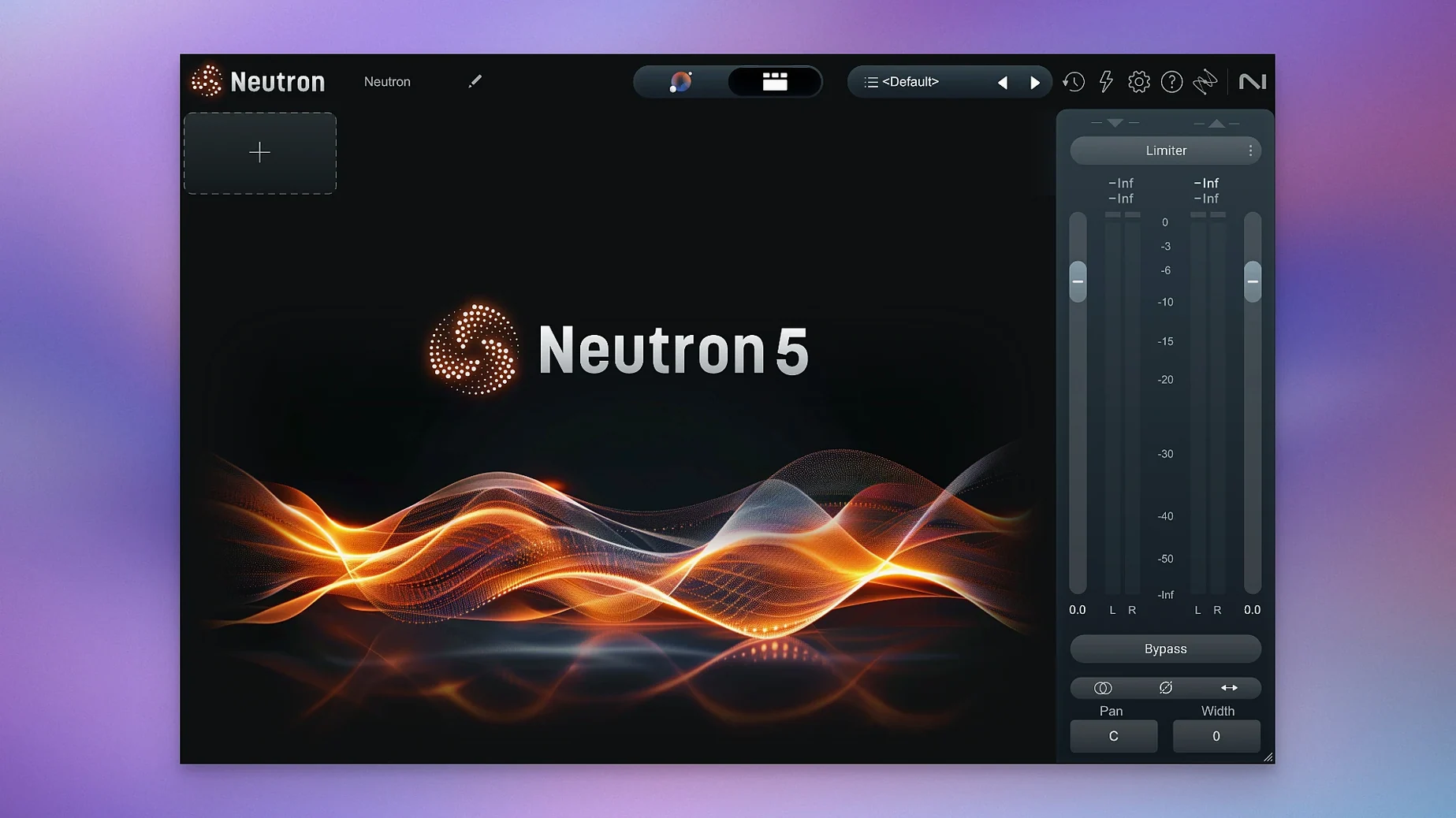
- The updated Assistant View puts clearer metering and visualizations right at the front, making it faster to see what the AI is doing to your signal.
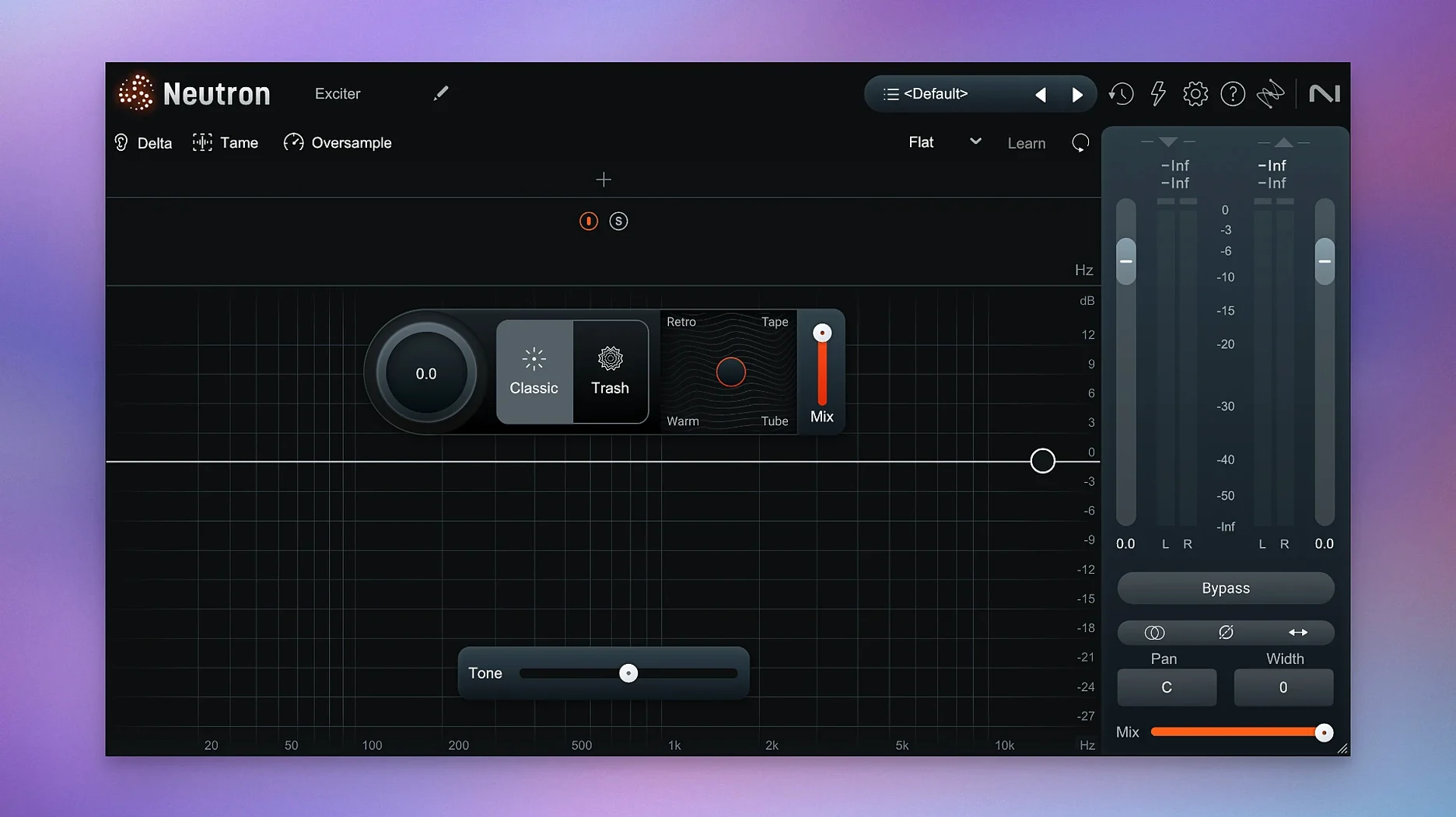
- Trash Mode is on board for distortion duties—useful for adding grit to a bass DI or pushing a vocal into overdrive without reaching for another plugin.
- Version 5.2.0 squashes a specific authorization bug that hit surround instances, which is a headache you won't have to troubleshoot mid-session.
CPU Cost of Running It on Every Channel
- Neutron is a deep mixing suite. Loading it on every channel in a large session will ask more of your CPU than a simple channel strip.
- The interface is in English only, which matters if you're collaborating with engineers who prefer a localized UI.
- Requires macOS 13.4 or later—older cheese-grater Macs stuck on Monterey are out of luck.
Audition Only the Difference with the Delta Button
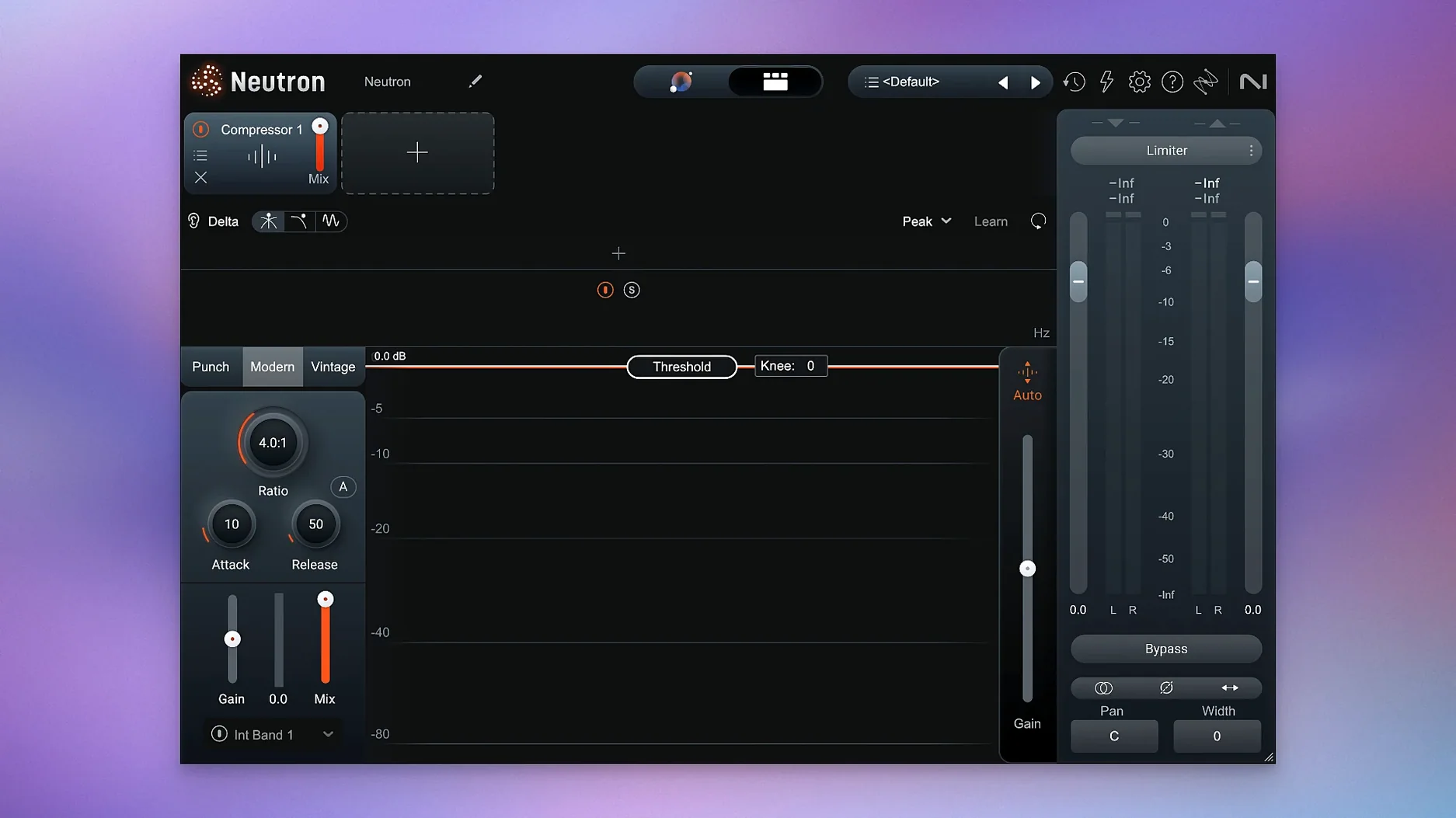
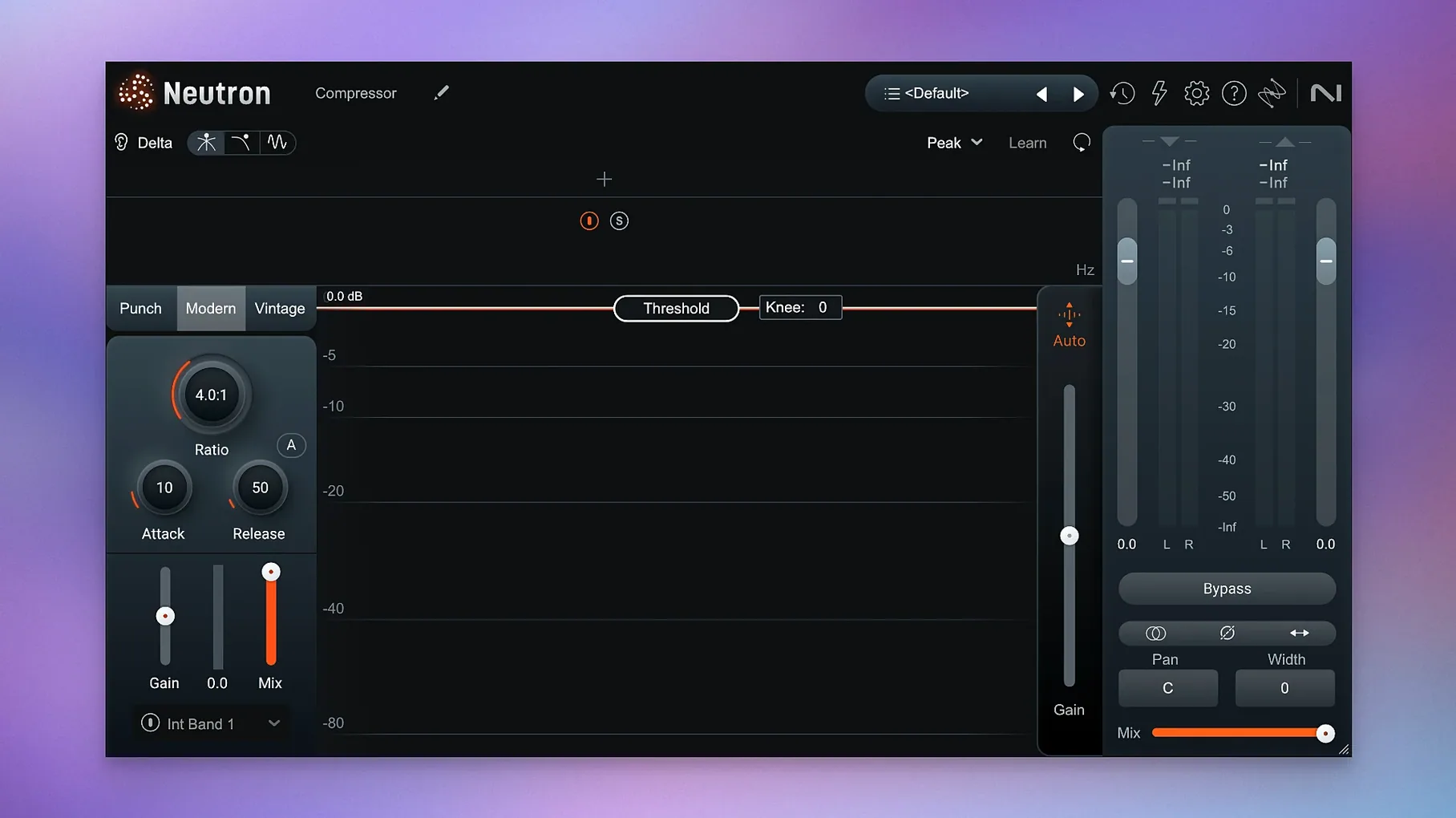
The Delta button sits in every module, and if you're not using it, you're leaving clarity on the table. Click it once and you hear only the difference the processor is making—the frequencies being cut, the gain being reduced, the transients being shaped. It's a solo button for your processing decisions. I use it most on the compressor, where hearing exactly what the attack and release are doing stops me from over-squeezing a snare.
Another easy miss: double-clicking any knob resets it to default. Not a groundbreaking feature, but when you've spun the Exciter's drive into questionable territory at 2 AM, a quick double-click is faster than hunting for the undo.
The Masking module has a sidechain listen function tucked into its interface. Click the headphone icon and you hear only the frequencies where two tracks are colliding. It turns a broad "these two things sound muddy" problem into a surgical fix. I wish every EQ had this.
If you hold Option while dragging a band in the EQ module, the Q narrows or widens without changing the gain. Small thing, but it saves you from switching back and forth between mouse and keyboard when you're dialing in a notch.
Dial Back the Intensity Slider First
Out of the box, the Mix Assistant defaults to a balanced approach. That's fine for a starting point, but the first thing I change is the Intensity slider in the Assistant View. Pull it back to around 40% if you want the AI to suggest moves without committing hard—useful when you already have a decent static mix and just need the assistant to catch masking issues you missed. Crank it past 80% if you're starting from raw tracks and want aggressive help with levels and EQ.
Next, head to the compressor module's detection circuit. The default RMS mode works for most material, but switching to Peak on a snare or kick changes the grab entirely—faster release, more punch. It's one dropdown menu that beginners rarely touch.
In the Exciter, the default blend sits at 50% wet. I knock it down to around 30% for most sources. A little harmonic excitement goes a long way, and the Delta button will confirm you're adding texture, not fizz.
If you work in Logic or another DAW that reports latency accurately, turn on Neutron's linear-phase mode in the EQ module only when you need it. The default zero-latency mode keeps your tracking responsive; linear phase is for mastering or parallel chains where phase shift matters.
Why Mix Assistant Isn't a One-Click Finish
The big one: running the Mix Assistant once and calling it done. The assistant is a starting point, not a finish line. It hears an isolated track and makes decisions based on the instrument profile you selected, but it doesn't hear the song. That vocal profile might push 3 kHz hard because it sounds "present" in isolation, then you drop it into a mix where the guitars already live there. Always adjust after the assistant does its pass.
Another trap is stacking the full mothership plugin on thirty tracks. Neutron is not a lightweight channel strip. The component modules—EQ, compressor, transient shaper—are available separately. Use the mothership on your busiest channels where the inter-module communication matters, and drop the individual modules on tracks that only need one or two processors. Your CPU will thank you.
The Masking module is powerful but it gets misused as a fix-all. It detects frequency collisions between two tracks, but it doesn't know which one should win. If you let it scoop the same range out of both your bass and your kick, you end up with two thin tracks instead of one clear low end. Decide which element owns the space before you open the module.
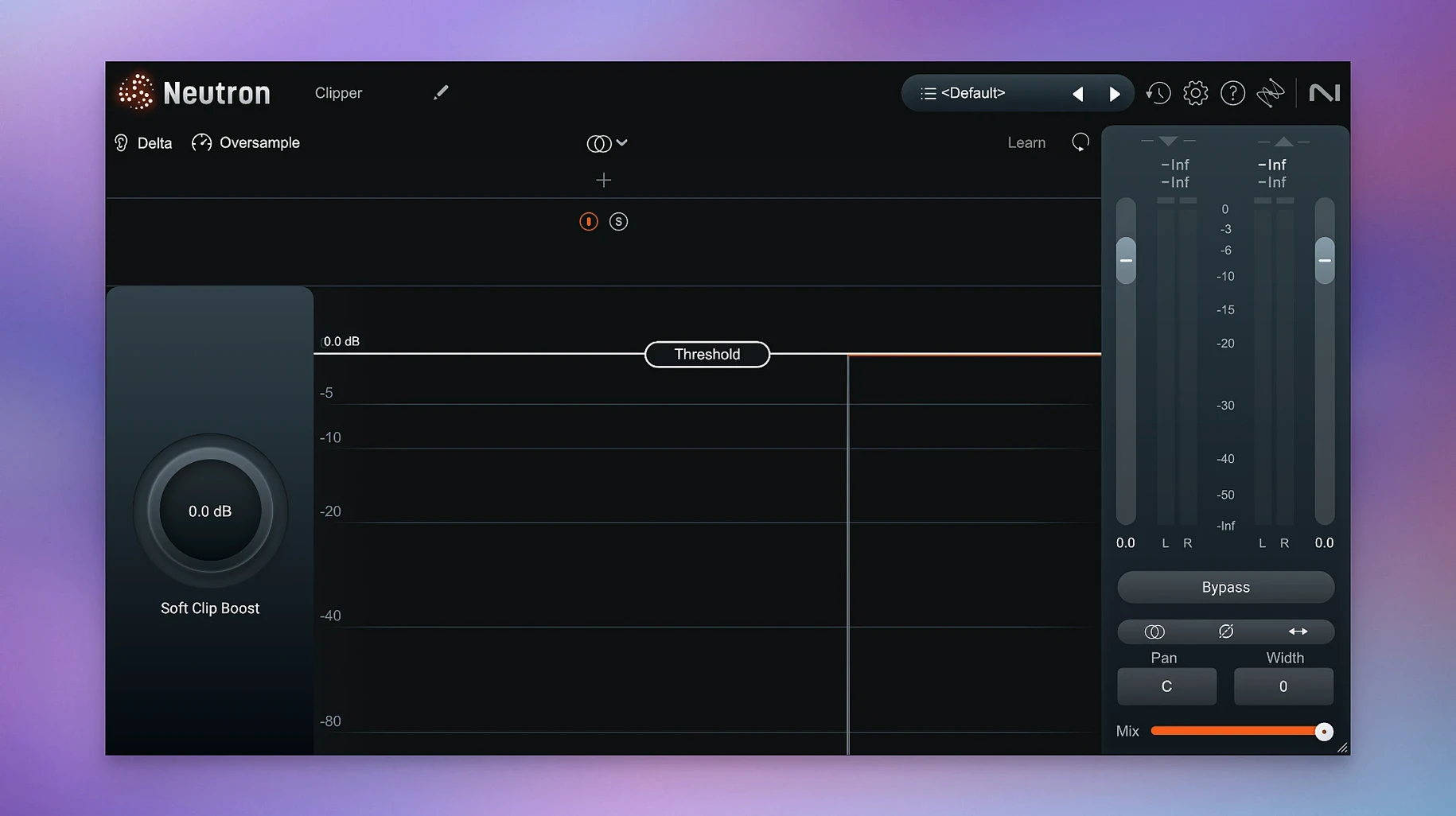
Trash Mode is fun. Trash Mode on every channel is a mess. Treat it like hot sauce.
Where Neutron Fits in a Real Workflow
Neutron works best as the centerpiece of a mix, not the entire toolbox. I often pair it with a surgical EQ like Pro-Q for problem cuts before Neutron handles the musical shaping. The Masking module talks to other Neutron instances, so putting it on your bass and kick lets them negotiate low-end space without third-party routing. That inter-plugin communication is the feature that keeps me reaching for the mothership over a grab-bag of single-purpose plugins.
On the macOS side, Neutron plays well with Audio Unit hosts—Logic, in particular, handles the larger GUI without the lag some other plugin suites suffer from. If you're on an Apple Silicon machine, the native ARM build means you can run more instances than the Rosetta-translated alternatives some engineers still rely on.
For sound design or post-production, the transient shaper module combined with Trash Mode turns clean dialogue or Foley into something aggressive. I've used it on a documentary where the director wanted interview clips to feel "damaged" during a flashback sequence. One instance, two modules, no external routing.
If you're coming from older versions and searching for a neutron 3 download or an iZotope Neutron 4 crack, the jump to Neutron 5's updated Assistant View and masking improvements is substantial enough that it's worth the upgrade. People hunting for an iZotope Neutron 5 free download or iZotope Mac crack are usually after exactly what this version delivers—an assistant that actually saves time and modules that communicate with each other instead of just stacking in a chain. Version 5.2.0's iLok fix for surround instances also means it's stable in post-production sessions, which wasn't always true before.
When the assistant hands you a starting point and the Delta buttons let you verify every move, you spend less time guessing and more time mixing. That's the whole pitch.
The big fix here is iLok authorization finally behaving itself in surround instances of Neutron 5. Also changed: the list of supported macOS versions has been updated.
- macOS 13.4 or later
- Apple Silicon or Intel (64-bit)
- Plugin formats: VST3, AU, AAX
Questions I actually get
What Mac architecture does Neutron 5 support?
It supports both ARM (Apple Silicon) and x86 64-bit Macs running macOS 13.4 or later.
Notes from the edit bay · 0
Sign in or get an edit-bay pass to leave a note.
No notes from the edit bay yet. They go up after I read them.