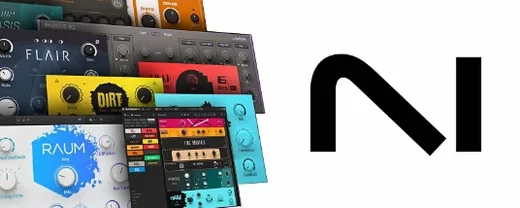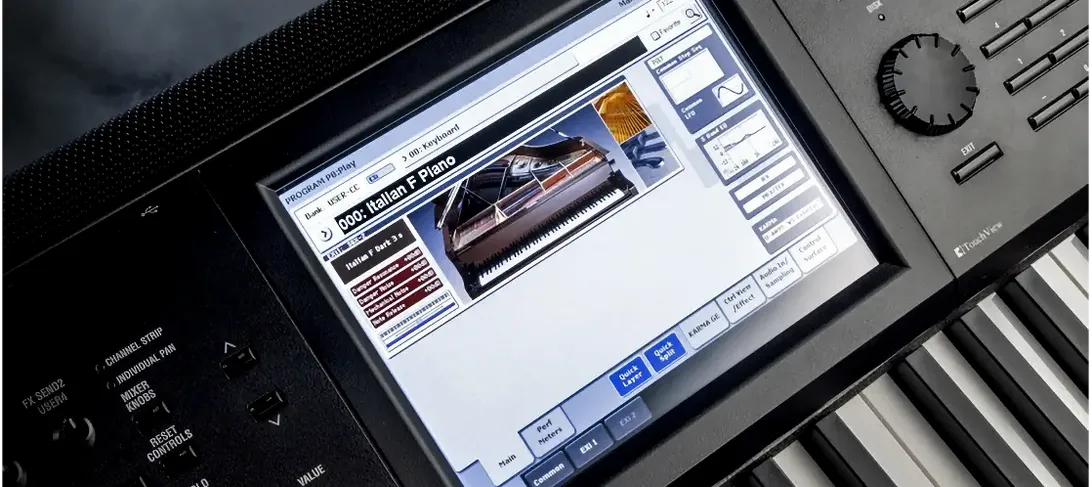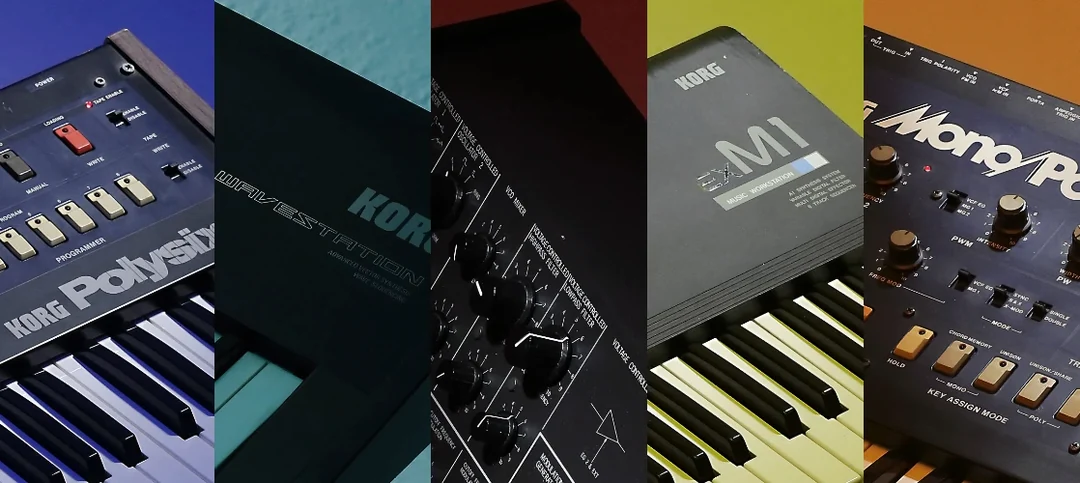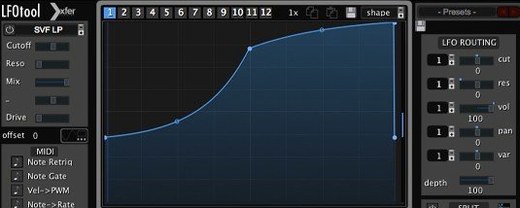
Komplete Kontrol is a librarian and performance bridge that sits between your ideas and every instrument you own.
Scrolling Your Entire Sound Library from the Hardware
Anyone running a session with a Native Instruments S-Series keyboard or a third-party NKS controller. It turns a pile of plug-ins into one scrollable, taggable sound source with real-time visual feedback on the Light Guide.
The Shell That Keeps Your Hands off the Mouse
It lands on a virtual instrument track in any DAW. Load it as a shell, and the real plug-in—an NKS partner synth or a Kontakt library—hosts inside it, keeping your hands on the hardware and off the mouse while a part plays.
What’s a Typical Job?
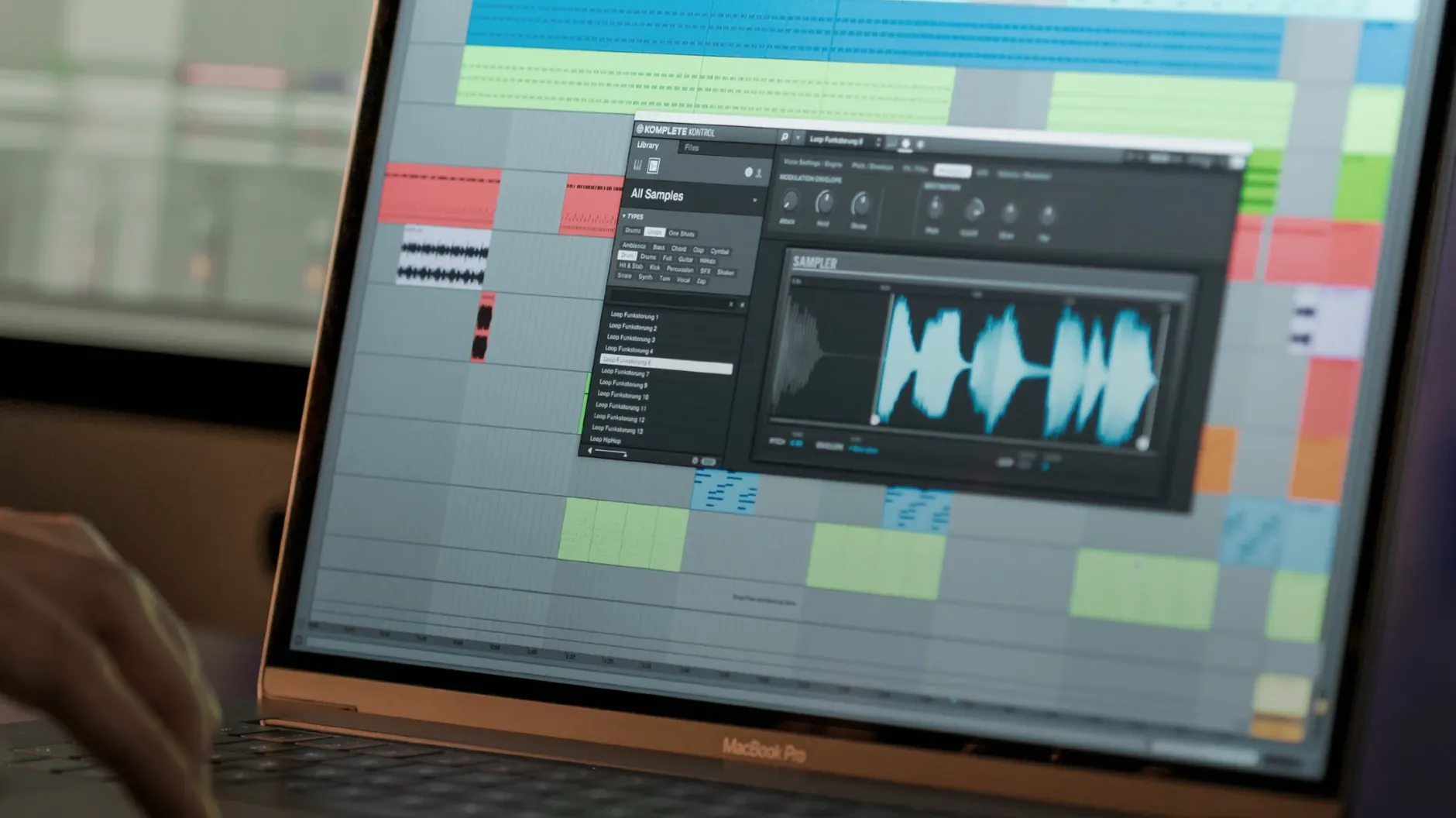
Auditioning bass presets across three different developers without opening a single window. Or dropping a sampled loop into the built-in sampler, key-mapping it, and pushing it through effects—all from the keyboard’s encoders—while a rough mix plays.
Why Not Just Open the Synth Directly?
Direct access loses the unified tag browser and the pre-mapped knob assignments that NKS enforces. With over 750 supported plug-ins, Komplete Kontrol gives you a consistent physical layout for parameters that otherwise shift with every developer’s UI.
When the Light Guide Becomes a Real Map
Two groups benefit disproportionately. First, producers who own an S-Series MK2 or MK3 keyboard. The Light Guide stops being a light show and starts being a map—scales light up, key switches glow in different colors, and chord positions become visible before you press a key. You don't need to remember which octave the articulation trigger lives on; the hardware tells you.
Second, heavy preset browsers. If you've amassed Kontakt libraries, Reaktor ensembles, and NKS partner synths from companies like Arturia or u-he, the unified tag system saves hours. You search "warm analog pad" once and see results from five different plug-ins. Without Komplete Kontrol, that's five separate browser windows and five different naming conventions.
Beatmakers who lean on the built-in sampler for loop manipulation also punch above their weight here. Dragging a loop from the browser straight into the sampler, pitching it across keys, and running it through an arpeggiator takes seconds—no extra sampler plug-in needed.
Wrapping Around Your DAW Without Fighting It
Komplete Kontrol works as a plug-in inside your DAW, which means automation, track freezing, and project recall all behave as expected. The software doesn't fight your session; it wraps around the instruments already there. Logic's Smart Tempo follows the MIDI it generates. Ableton Live's capture feature grabs performances played through Smart Play.
On the hardware side, NKS Connect in version 3.5.4 broadens controller support beyond Native Instruments' own keyboards. A compatible third-party controller now sees the same parameter mapping and visual feedback that an S-Series board gets. If you're on a compact setup—say, a travel rig with a small NKS Connect controller and a laptop—the browsing and control experience stays consistent.
Sounds.com integration sits quietly in the background. Tagged loops and one-shots sync into the same browser where your instruments live, and dragging one to your DAW timeline bypasses the file-system hunt.
A Silent Track Because Nothing's Loaded Inside
Loading Komplete Kontrol and expecting it to make sound. It's a shell. If no instrument loads inside it, the track stays silent. New users sometimes open the plug-in, scroll presets, and stare at a dead meter before realizing they haven't actually instantiated a synth.
Ignoring the instance chain. Running multiple Komplete Kontrol instances, each hosting a heavy Kontakt library, eats RAM fast. A single instance with a multi-timbral setup inside Kontakt is leaner, but beginners often fire up eight instances and wonder why the session chokes.
Leaving Smart Play on by accident. Smart Play's scale mapping and chord modes are brilliant for writing, but if you're tracking a part you already know—one with chromatic movement outside the selected scale—the locked scale filter silently blocks notes. Disable it before recording a pass you need to be unedited.
Skipping the plug-in scan setup. New third-party NKS instruments don't appear in the browser until a rescan. After installing a partner synth, running the scan from Preferences pulls it into the unified library. Skip that, and you'll think the plug-in isn't supported.
Firmware Mismatch After an Update
Controller not recognized after an update. Version 3.5.4 addressed parameter-change performance issues on MK3 keyboards, but if the hardware still goes dark after an install, the fix is usually a firmware mismatch. Check that the keyboard firmware matches the software version—Native Instruments releases them in pairs.
Level meters drop out on MK2. A Cubase-on-Windows bug was patched in this release. On macOS, the same symptom can sometimes appear if the DAW's audio engine restarts while Komplete Kontrol is active. Reloading the plug-in instance brings the meters back.
Browser shows "Missing Content" for instruments you own. This usually means the library path changed—an external drive disconnected, or the folder got moved after a system migration. Rescanning the content location from Preferences rebuilds the index.
Third-party NKS mapping feels incomplete. Not every partner plug-in maps all parameters to the eight encoder knobs. Some developers ship minimal NKS templates. The fix isn't technical—it's just knowing that the mapping depth varies by developer, and the browser still gives you tagged access even when knob assignments are sparse.
Loop drag-and-drop fails in certain DAWs. A handful of hosts handle drag events differently. If dragging a loop from Komplete Kontrol to the timeline does nothing, try the DAW's import menu as a fallback, or drop the file onto a dedicated sampler track instead of an audio track.
Version 3.5.4 brings NKS Mode integration for compatible NKS Connect controllers, along with NKS Connect support inside Komplete Kontrol itself. Also fixed: performance stutters when adjusting plug-in parameters from a Kontrol S-Series MK3.
- macOS 12 or later
- Apple Silicon or Intel processor
Questions I actually get
Does Komplete Kontrol work without Native Instruments hardware?
Yes, it runs as a plug-in in any DAW and you can click through sounds with a mouse, but the knob mapping and Light Guide feedback are built for NKS controllers.
Notes from the edit bay · 0
Sign in or get an edit-bay pass to leave a note.
No notes from the edit bay yet. They go up after I read them.