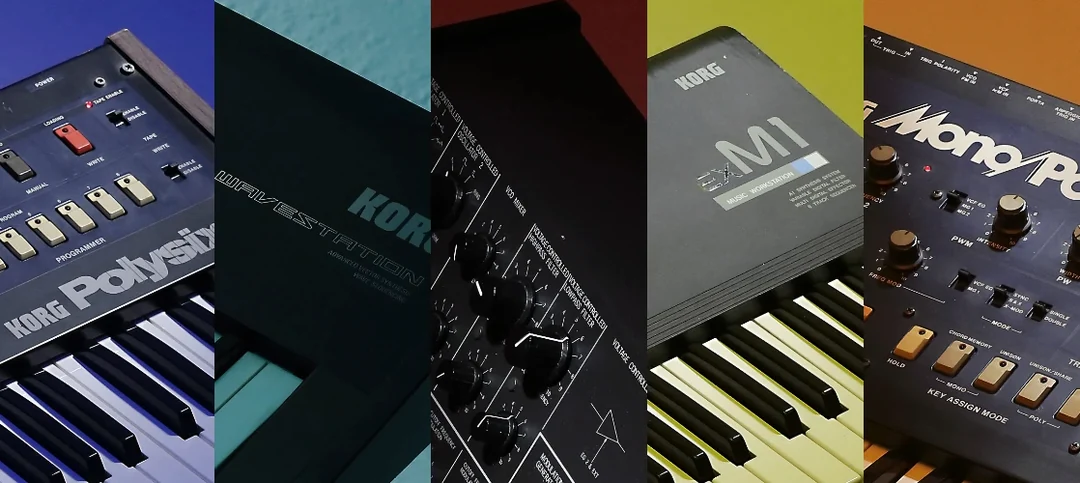
Six engines, one installer. That's the core of KORG Collection, a bundle that puts a rack of software synthesizers on your timeline without the patch cables. The 2026 update brings SGX-2 into the fold, so acoustic piano sits next to the M1's PCM workstation tones and a handful of analog-modeled synths. Everything speaks the same MIDI language inside your DAW.
I Grab M1 for Pads, Polysix for Bass, Wavestation for Gaps
| Session Role | What I Grab From It |
|---|---|
| Sketching a cue | M1 for pads or a quick organ layer—low CPU, instant recall |
| Building a bass line | Polysix or MS-20 for a saw wave that cuts through a busy pop mix |
| Filling a soundtrack gap | Wavestation's evolving textures when a drone needs motion |
A track can eat up plugin slots fast if I'm chasing individual sounds. KORG Collection flips that: I'll load one instance on a bus, audition a few patches, and commit to audio once the part locks in. That keeps the render bar moving, especially on a deadline. Jazz, pop, a classical mockup—the range covers the jobs that land in my inbox most weeks. It's not a one-synth-to-rule-them-all situation, but when a session calls for a sound that has a history, I'd rather reach here than scroll through a generic wavetable preset.
Plenty of good stuff hides behind a right-click or a modifier key. The patch browser, for instance, accepts typed searches—hit the first few letters of "Dark Pad" and the list jumps there instead of making you scroll past eighty brass stabs. In the MS-20, holding Shift while turning a knob slows the sweep to a crawl, which is how you dial in that exact filter frequency when the resonance is cranked. And if you've ever closed a plugin window by accident mid-edit, the Cmd+Z undo inside KORG's own interface remembers parameter moves independently of your DAW's undo history. Little things, but they stack up at 2 a.m.
Fix the MIDI Velocity Curve Before Your First Note
Fresh install, default patch—stop right there and hit the preferences gear. Two settings pay off immediately. First, MIDI velocity curve: the stock linear curve works for weighted controllers, but if your keyboard leans stiff or spongy, switch to one of the custom curves. SGX-2 in particular transforms when the curve matches how hard you actually dig in. Second, plugin window scaling. On a Retina display the default size can feel cramped. The collection now supports GPU-accelerated scaling; bump it to 125% or 150% and the knobs stay crisp. I also kill the animated keyboard at the bottom of the window—it's a CPU siphon that adds nothing once you're tracking.
Those Baked-In Effects Are Fully Editable
The biggest one: treating KORG Collection like a preset jukebox and never touching the effects routing. Every synth in the suite has insert effects that are baked into the patch, but they're fully editable. If a Wavestation pad washes out in the mix, don't reach for a separate reverb plugin—open the patch's internal effects and shorten the decay or pull the wet/dry back. It's faster and keeps the original character intact.
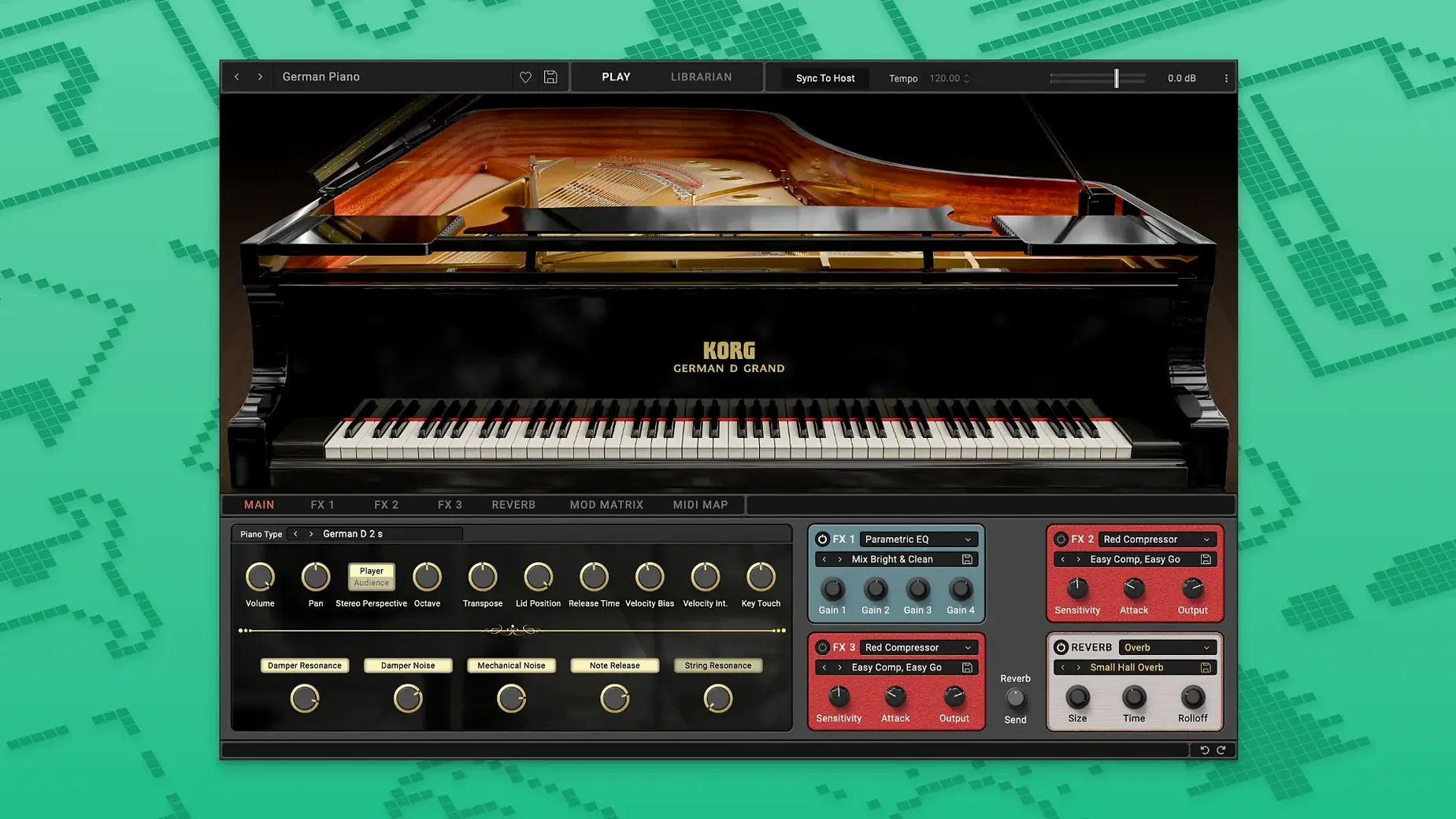
Another classic: stacking four M1 instances for a layered string part. The M1 is a multitimbral beast. One instance can host up to eight patches on separate MIDI channels. Set up a multi patch once, save it as a template, and save yourself the mixer clutter. And on the SGX-2 side, beginners often ignore the damper resonance and key-off simulation sliders. Crank those up a touch before you judge the piano as "too clean." They're what give the sustain pedal its breath.
Building a Cinematic Cue With SGX-2 and Wavestation
Here's a walkthrough for the kind of thirty-second tension cue that pays rent. I need a piano figure that feels organic and a pad that moves underneath it—no loops, no sample libraries.
- Create a stereo instrument track and load SGX-2. Dial the brightness up to 65% and set the reverb to the "Medium Hall" algorithm, decay around 2.4 seconds. This gives the piano distance without burying the attack.
- Play in a sparse, low-velocity pattern—single notes, left-hand territory. Don't quantize harder than 70%. The natural note decay in SGX-2 does the heavy lifting, so leave space between hits.
- Bounce that region to audio. Freezing is fine, but I like having the waveform visible for the next step.
- Open a new instrument track and load Wavestation. Search for "Slow Motion" or any evolving vector patch that cycles through four waveforms. Drop the patch volume to -8 dB so it sits under the piano.
- On the Wavestation track, insert a sidechain compressor triggered by the piano audio. Fast attack, medium release. Now the pad breathes every time the piano hits, which saves me from drawing automation curves.
- Print the pad to audio, trim both clips to the same length, and group them. A touch of bus compression glues the two together. Render.
The whole sequence takes under ten minutes once the patches are chosen. Nobody listening will guess it came from two software synths and a compressor.
- macOS: 10.13 or later
- Architecture: Intel and Apple Silicon
- Language: English
Questions I actually get
What synthesizers are in KORG Collection 6?
It recreates the sound and behavior of classic KORG hardware, including the M1, MS-20, Polysix, Wavestation, and the SGX-2 acoustic piano engine.
Is KORG Collection compatible with Apple Silicon Macs?
Yes, the suite supports both Intel and Apple Silicon architecture on macOS 10.13 and later.
What genres work well with these instruments?
The official description lists it as suitable for classical, jazz, pop, and soundtrack production.
Notes from the edit bay · 0
Sign in or get an edit-bay pass to leave a note.
No notes from the edit bay yet. They go up after I read them.