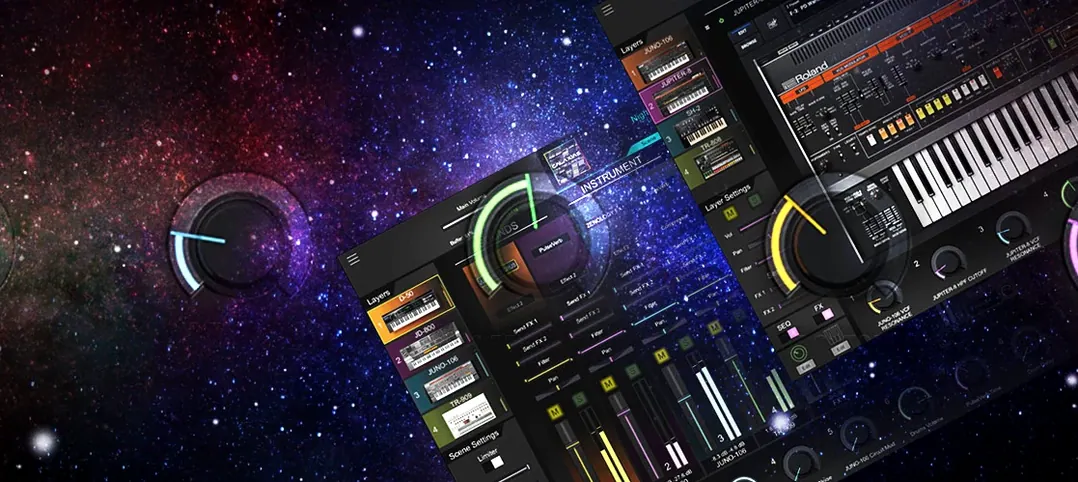
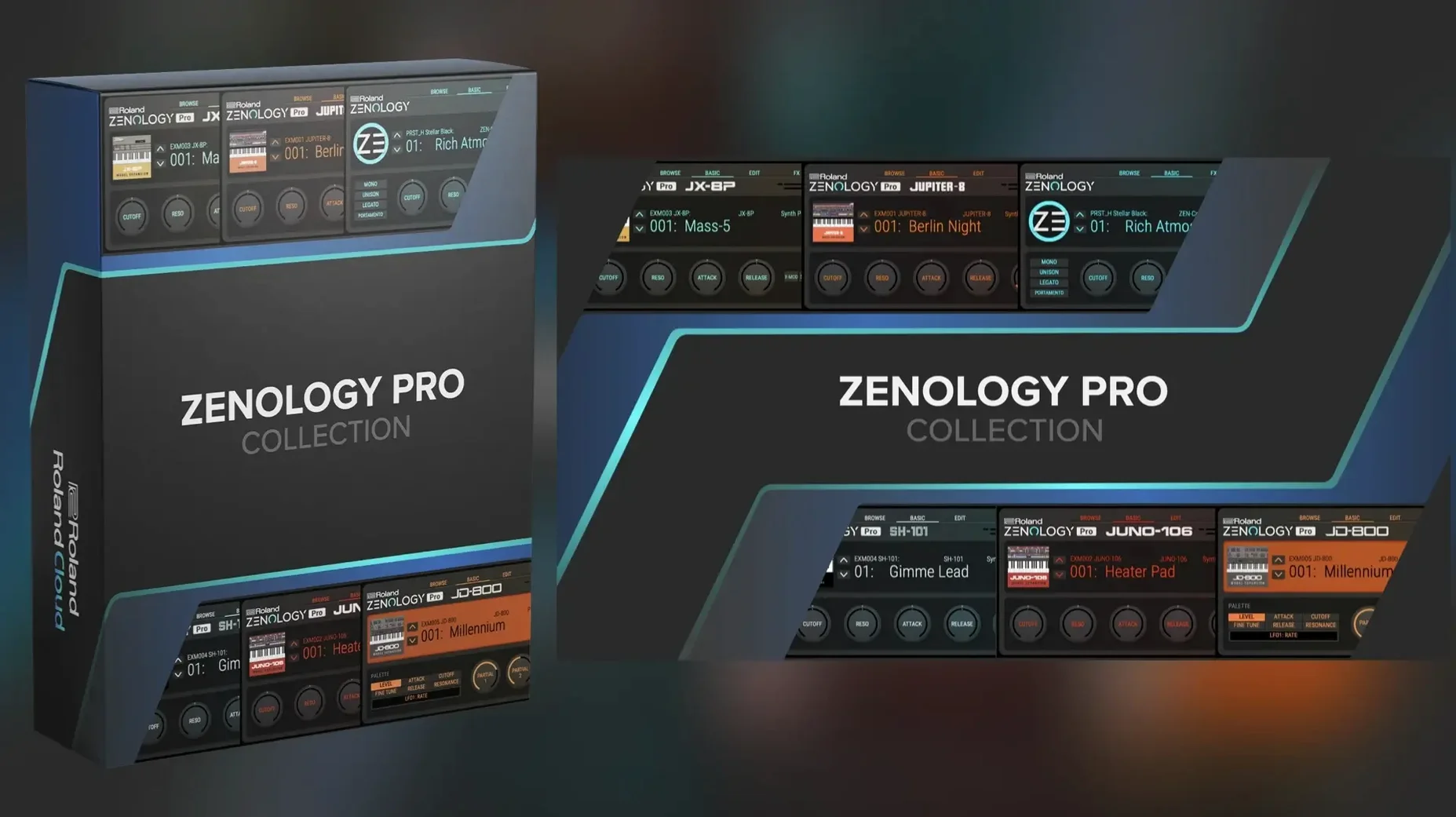
It runs on any Mac with macOS 11 or later, both Apple Silicon and Intel, as an AU, VST3, or AAX plug-in. Here’s what that hardware-grade synthesis engine actually delivers.
ZEN-Core on a timeline — A full plug-in version of Roland’s synthesis system, not a stripped-down preset player. The same architecture that powers their FANTOM and JUPITER-X hardware lives inside your DAW.
Four partials per tone — Each tone stacks up to four oscillators. You get virtual analog shapes, Supersaw, noise, and 1,840 PCM waveforms to layer or split across the keyboard. PCM SYNC mode makes lo-fi samples track pitch without the chipmunks.
4,000 tones, 200 kits — The factory library is a career’s worth of starting points. Dive as deep as you want, or grab a Sound Pack or Wave Expansion from Roland Cloud and keep moving.
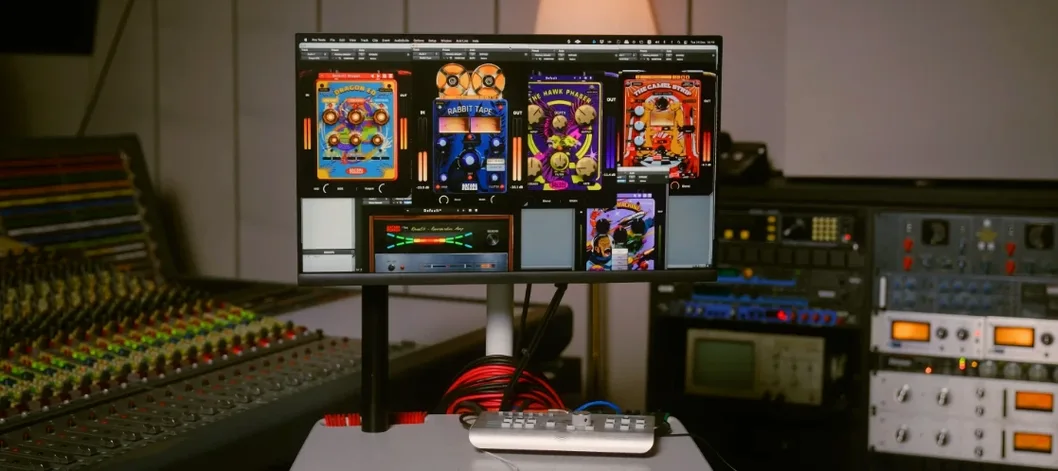
90 effects, hardwired for performance — Roland’s MFX stack covers everything from classic choruses and delays to modern bit-crushers and shimmer verbs. Eleven LFO shapes with tempo sync push modulation further than most hardware.
Round-trip editing — Design a patch in the studio, then load it onto a ZEN-Core keyboard for the gig. Changes made on hardware come back into the plugin. One sound library, two environments.
When 40 Tracks and Three Multi-Part Tones Don't Make It Flinch
The first thing I noticed after a week of daily use: ZENOLOGY Pro doesn't blink. I've thrown it into Logic sessions with 40-plus tracks of audio, a half-dozen other synth instances, and three instances of Pro all running multi-part tones, and the transport just rolls. No GUI lag, no crackles when you drag a fader mid-playback. That's partly the 64-bit engine doing its job, but mostly Roland's optimization—this plug-in loads faster than most sample libraries I own.
CPU usage sits in the sweet spot for a deep synth. A single four-partial tone with a few effects chews about the same as a dense wavetable synth. Stack eight voices of unison on a Supersaw patch with the JUPITER filter and a shimmer reverb, and you'll feel it on older Intel Macs. On Apple Silicon, it's barely a blip. I routinely run three or four Pro instances on an M1 MacBook Air without the fan spinning up. If you're still on an Intel machine from 2017 or so, freeze tracks when you're done tweaking—standard practice for any serious soft synth, but worth mentioning because those 90 effects can add up fast.
RAM is the quiet surprise. The 1,840 PCM waveforms stream efficiently, and the tone browser doesn't preload everything. Scrolling through 4,000 patches feels instant. The plug-in reserves a modest chunk of memory and stays there. I've never seen a memory leak or watched Activity Monitor creep upward during a long session. Stability-wise, version 2.0.7 hasn't crashed on me once across Logic Pro, Ableton Live 11, and REAPER. No validation headaches in Logic's plug-in manager, no VST3 scanning issues in Live. It just shows up and works.
One quirk: the resizable interface can get a little soft at extreme sizes on non-Retina displays. I keep it around 130% on a 1440p monitor and it looks crisp. If you're hunting for a zenology mac crack that actually holds up under real session pressure, stability is the metric that separates a toy from a tool. This one's a tool.
The Two-Minute MIDI Tweak That Prevents a World of Friction
Out of the box, ZENOLOGY Pro makes a few assumptions about how you work. A couple of tweaks in the first ten minutes will save you friction later.
Set the default MIDI mode. The plug-in can operate in Single Tone mode or Multi Part mode. Single gives you one tone across the keyboard—great for leads and basses. Multi Part unlocks the four-part engine, where each partial gets its own MIDI channel, key range, and velocity window. If you're building splits and layers, switch to Multi Part in the System menu and leave it there. You can always drop back to Single for simple patches.
Turn off the tempo-sync default for LFOs you're not using. Each of the 11 LFO shapes defaults to tempo sync. That's useful maybe half the time. When you want a free-running modulation that breathes independently of the grid, click the SYNC button off and set a rate in hertz. Your pads will thank you.
Assign the macro knobs immediately. The four knobs above the mod wheel in the interface are empty by default. Right-click any parameter—filter cutoff, reverb mix, LFO depth, oscillator detune—and map it to Macro 1 through 4. Now your MIDI controller talks to the things you actually reach for during a take.
Check the global tuning reference. It defaults to 440 Hz. If you work with orchestras or older keyboards tuned to 442 or 432, change it in the System settings before you start layering with acoustic instruments. Tiny detail, huge headache avoided.
Toggle the velocity curve. The default curve feels linear. There are four options, including a "Loud" curve that compresses dynamics for pads and a "Light" curve that opens up nuance for piano-style PCM patches. I keep it on Medium for most work, but try Light if your controller has heavy keys.
The Heart Icon That Skips the Endless Patch Scroll
Some features don't make the marketing bullet points but change how fast you move.
Favorites with a single click. The tone browser has a heart icon next to every patch. Click it. That tone now lives in a Favorites bank that appears at the top of the category list. No hunting through menus, no saving copies. I have about 80 favorites organized by project: "Score Pads," "Bass Drops," "Lead Tweak Later." It takes five minutes to set up and saves hours over a month.
Copy partials between tones. Got a filter setting you dialed in on patch 237 that would sound perfect on patch 891? Right-click the partial slot, copy it, open the target tone, paste. The oscillator, filter, amp envelope, and both LFOs carry over in one move. This is the kind of thing hardware users take for granted, and it's fully intact in the plug-in.
Ctrl-click for parameter defaults. Every knob and slider resets to its default value with a Ctrl-click on Mac. Detune went too far? Ctrl-click brings the oscillator pitch back to zero. Envelope release got out of hand? Ctrl-click resets it. No manual dialing, no undo history.
Drag-and-drop modulation routing. The modulation matrix isn't hidden in a menu. It's a grid on the main screen. Drag a source—LFO 1, velocity, aftertouch—onto a destination slot like filter cutoff or oscillator shape. The depth slider appears immediately. It's the fastest mod routing I've used outside of a modular environment.
MIDI learn that sticks. Right-click any control, choose MIDI Learn, wiggle a knob on your controller, and it's mapped. That mapping persists across sessions and even across different instances of the plug-in. No re-learning when you open a saved project.
The Category filter remembers. Browse to "Synth Bass" in the tone browser, close the window, reopen it—you're still in Synth Bass. Small thing, but it respects your train of thought instead of resetting to "All" every time.
Questions Worth Answering Before You Install
Does this replace my hardware ZEN-Core synth?
Not replace—extend. ZENOLOGY Pro shares patch formats with JUPITER-X, FANTOM, and other ZEN-Core instruments. You can design a tone on your laptop at a coffee shop, save it as a bank file, and load it onto your keyboard via USB. The other direction works too: a patch you tweaked at soundcheck loads into the plug-in for the studio remix. When people hunt down a zenology vst torrent, they're often keyboard players who want to prep sounds away from their rig. This does exactly that, with full round-trip fidelity.
What's the difference between ZENOLOGY and ZENOLOGY Pro?
The standard ZENOLOGY gives you the core engine and a streamlined interface for playing presets and making basic tweaks. Pro opens up every synthesis parameter: four partials per tone with full oscillator, filter, amp, dual LFO, and EQ control on each. You also get the 90-effect MFX rack, the mod matrix, and patch export for hardware. If you're just browsing 4,000 tones and flicking the mod wheel, the base version covers you. If you want to build sounds from a blank partial, you need Pro.
How Far Back Can My Mac Go Before It Hits a Wall?
macOS 11 Big Sur is the floor, so any Mac that runs Big Sur or later qualifies. That includes 2013 Mac Pros, 2015 MacBook Pros, and everything newer. Intel Macs load the plug-in without Rosetta overhead because Roland ships a universal binary. Apple Silicon machines get native ARM code. If your machine boots Big Sur, it runs ZENOLOGY Pro. The performance difference between an old Intel i7 and an M-series chip is real, but not a dealbreaker—freeze tracks on the Intel side and you'll work fine.
Is this a subscription trap?
People searching for a zenology crack for mac often assume the software phones home or locks features behind a recurring paywall. The plug-in itself is a straightforward install. The version at hand includes the full 4,000-tone library, all PCM waveforms, and the complete effect rack. Sound Packs and Wave Expansions are additional content, not missing pieces of the core synth. What you download is what you get.
Is There Any Path to Playing It Without a DAW Open?
ZENOLOGY Pro is a plug-in, not a standalone application. It needs an AU, VST3, or AAX host. That means Logic Pro, Ableton Live, Cubase, REAPER, Pro Tools, or any other DAW that supports those formats. There's no standalone executable. If you want to jam without opening a full session, load it into a lightweight host like AU Lab (free from Apple) or a minimal VST3 wrapper.
How's the preset management for people with huge libraries?
Custom banks are straightforward: create a bank, drag tones into it, reorder them, and save the bank file anywhere on your drive. The file format is portable, so you can share banks with collaborators or move them between machines. The tone browser indexes everything by category, articulation, and even the Sound Pack it came from. If you decide to get a zenology pro free download and load it with expansions later, the browser scales without turning into a mess.
Scoring a Tense Cue from Temp to Finished Tones
Picture a Tuesday afternoon. I have a cue for a short film due Friday—dark, tense, synth-driven. The director sent a clip with temp music that leans on pulsing bass and cold pads. I open Logic Pro, create a software instrument track, and load ZENOLOGY Pro as an AU instrument.
Step 1: Find a bass that breathes. I open the tone browser and filter by "Synth Bass." The list narrows to a few hundred patches. I click through maybe twelve before landing on one with a tight envelope and a JUPITER-modeled filter that already has the right grit. I hit the heart icon to favorite it for later.
Step 2: Shape the attack. The patch decays a little too fast for the tempo. I switch to the partial view, grab the amp envelope's release slider, and pull it to about 600 ms. While I'm there, I route velocity to filter cutoff in the mod matrix—drag the source, drop it on cutoff, set the depth to about 30%. Now the low notes hit harder when I dig in.
Step 3: Add motion with LFO 2. LFO 1 is already modulating pitch for a subtle warble. I leave that. LFO 2 goes to oscillator shape at a slow triangle wave, synced to the project tempo at a half-note rate. The bass now shifts timbre every two beats without me automating a thing.
Step 4: Layer a pad on Part 2. I switch the plug-in to Multi Part mode, select Part 2, and browse "Slow Pad." I pick a glassy PCM-based tone that uses the PCM SYNC oscillator—keeps the sample's character in tune across the keyboard. I set Part 2's key range to C3 and above, leaving the bass on Part 1 from C-2 to
- macOS 11 or later
- Apple Silicon or Intel processor
- AU, VST3, or AAX host
Questions I actually get
What’s the difference between Zenology and Zenology Pro?
Zenology offers the core sounds in a streamlined interface, while Zenology Pro unlocks the full ZEN-Core editing engine to build patches from oscillators, filters, and deep modulation.
Can Zenology Pro load sounds from Roland hardware?
Yes, it can edit and share tones with compatible ZEN-Core instruments like the FANTOM or JUPITER-X, making it a bridge between studio production and live performance.
What synthesis types does ZEN-Core include?
It combines virtual analog, PCM sample playback, and PCM SYNC across four oscillator types, plus Supersaw and noise generation to cover vintage and modern textures.
Notes from the edit bay · 0
Sign in or get an edit-bay pass to leave a note.
No notes from the edit bay yet. They go up after I read them.