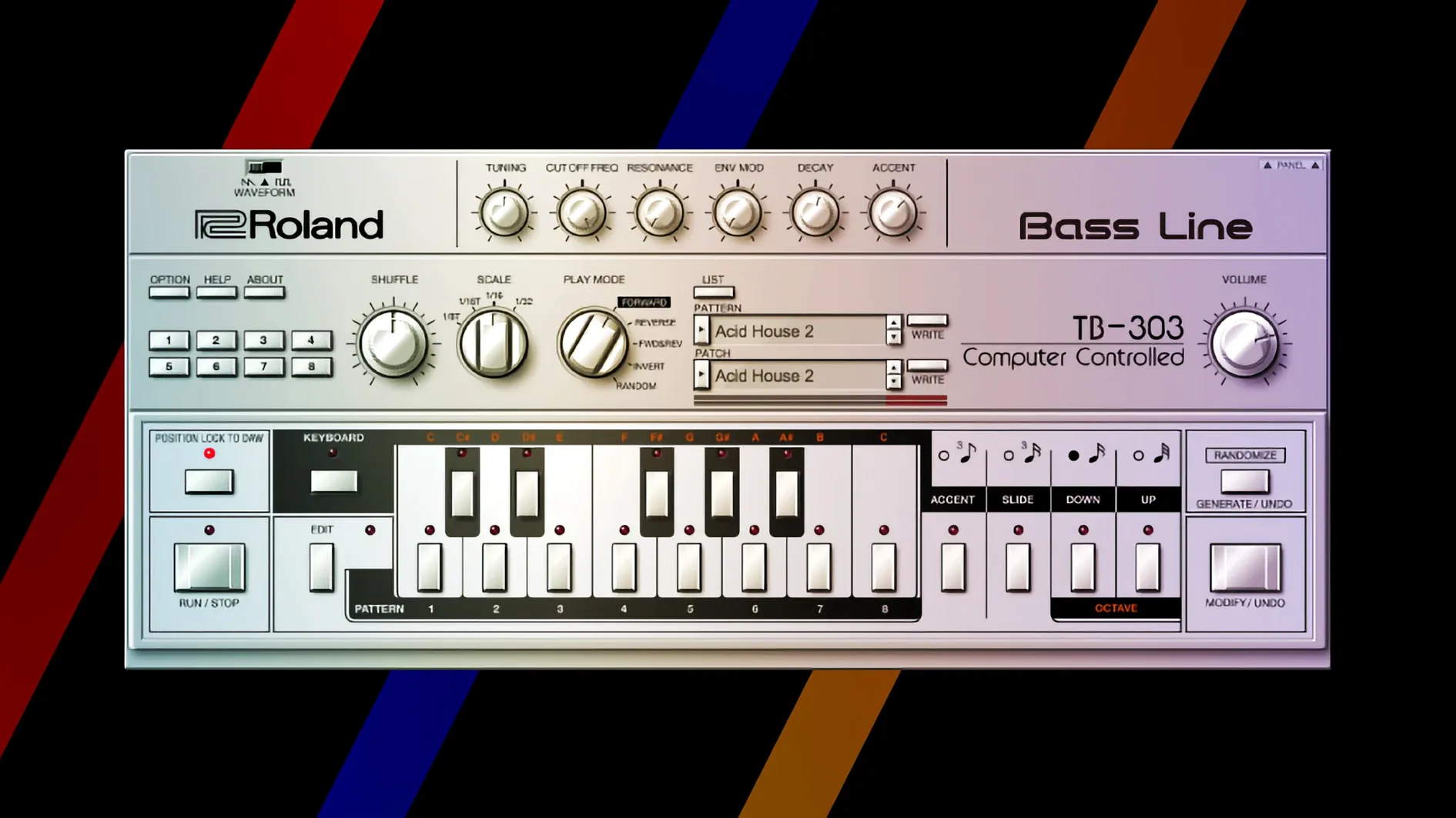
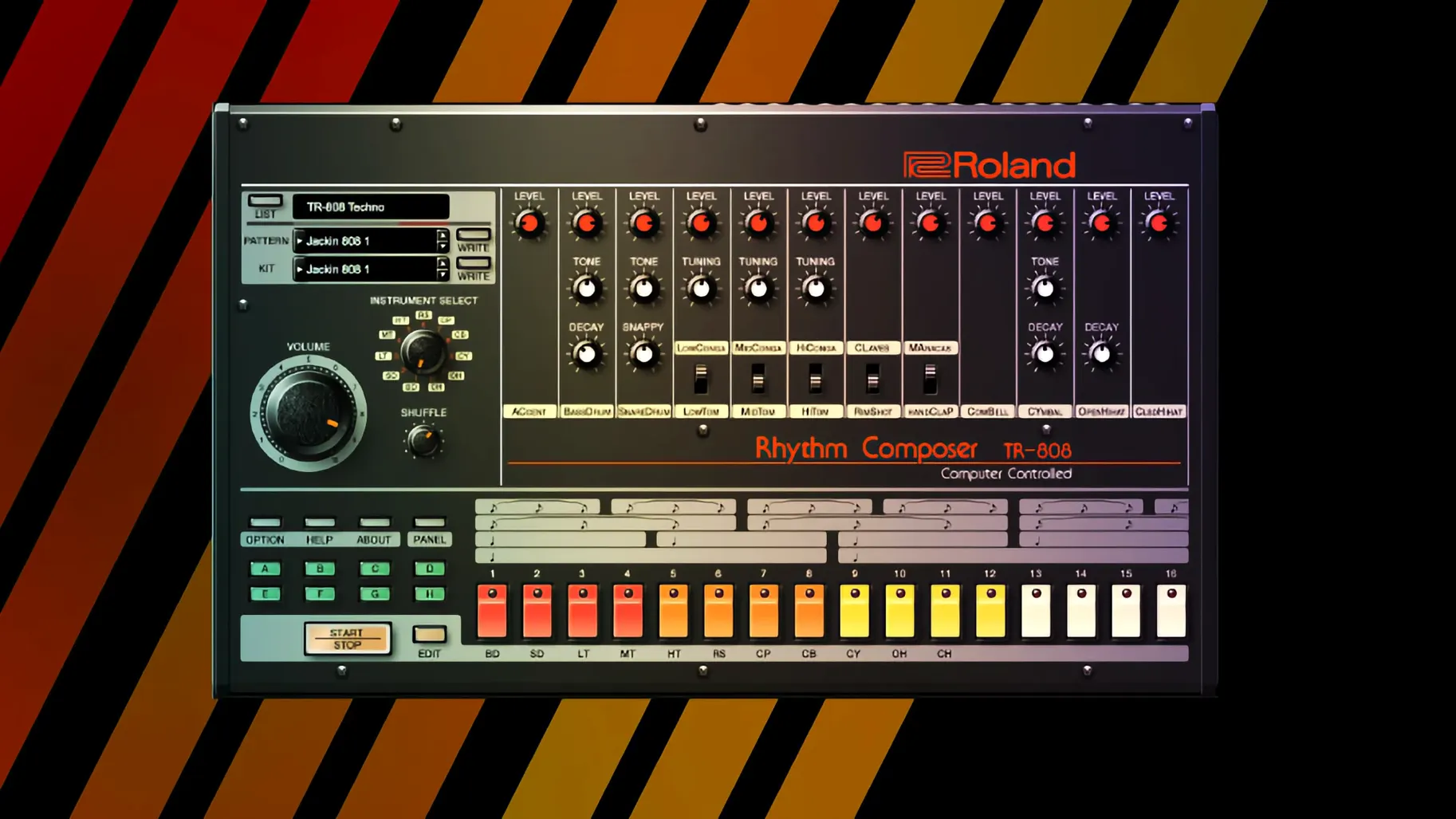
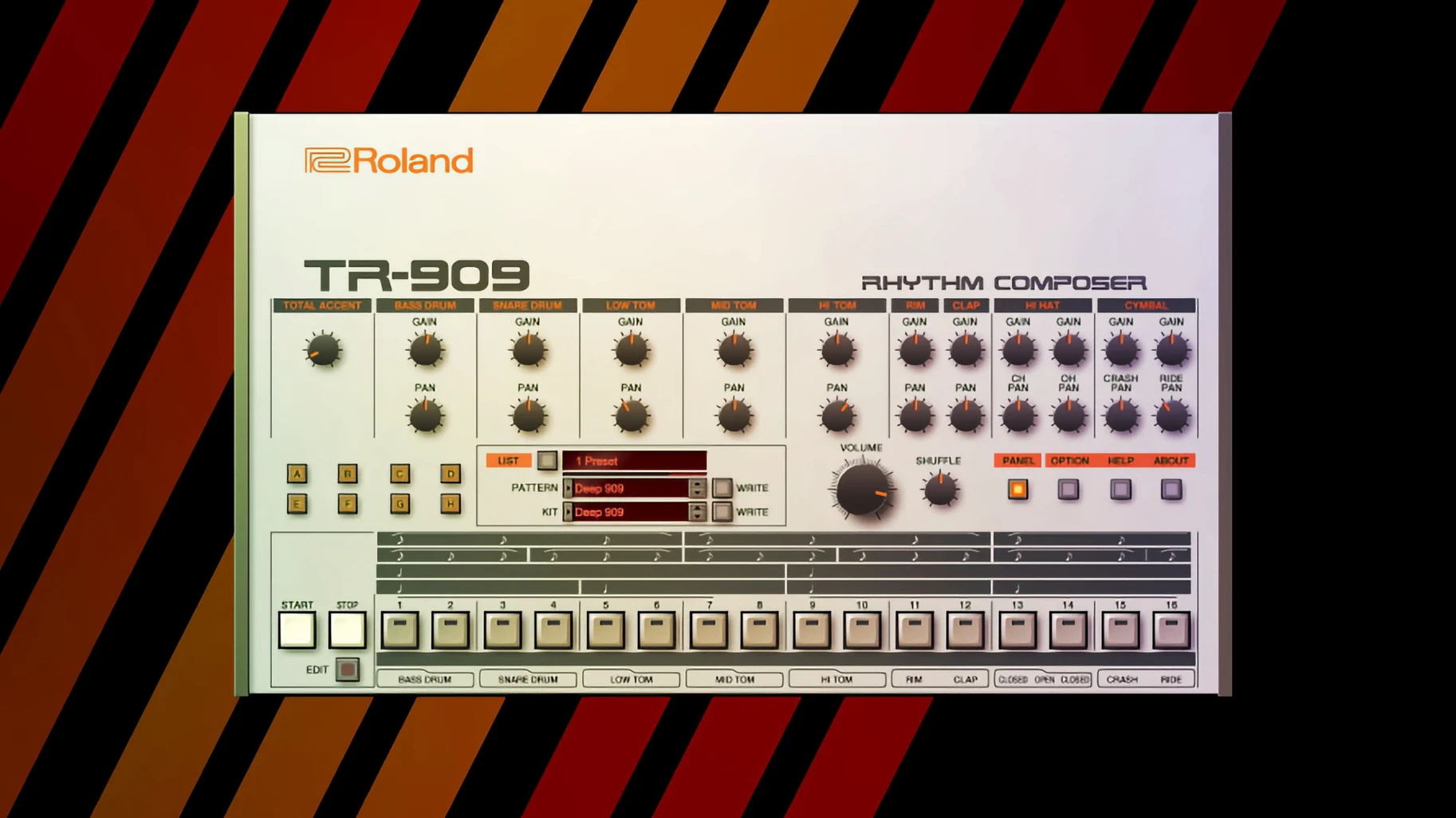
You know the sound. You've heard it on a thousand records, but the original hardware costs a small fortune and takes up half your desk. That's the problem the Legendary Series solves — it puts meticulous software recreations of Roland's most influential instruments right inside your DAW, without the maintenance headaches or patch bay spaghetti.
Format-wise, these are VST3, AU, and AAX plug-ins running natively on both Apple Silicon and Intel 64-bit Macs. macOS 11 is the baseline. The newer instruments in the lineup ship with a high-resolution interface that actually scales properly on modern displays and large monitors — no more squinting at a postage-stamp GUI. That matters when you're dialing in a patch at 2 a.m. with a deadline breathing down your neck.
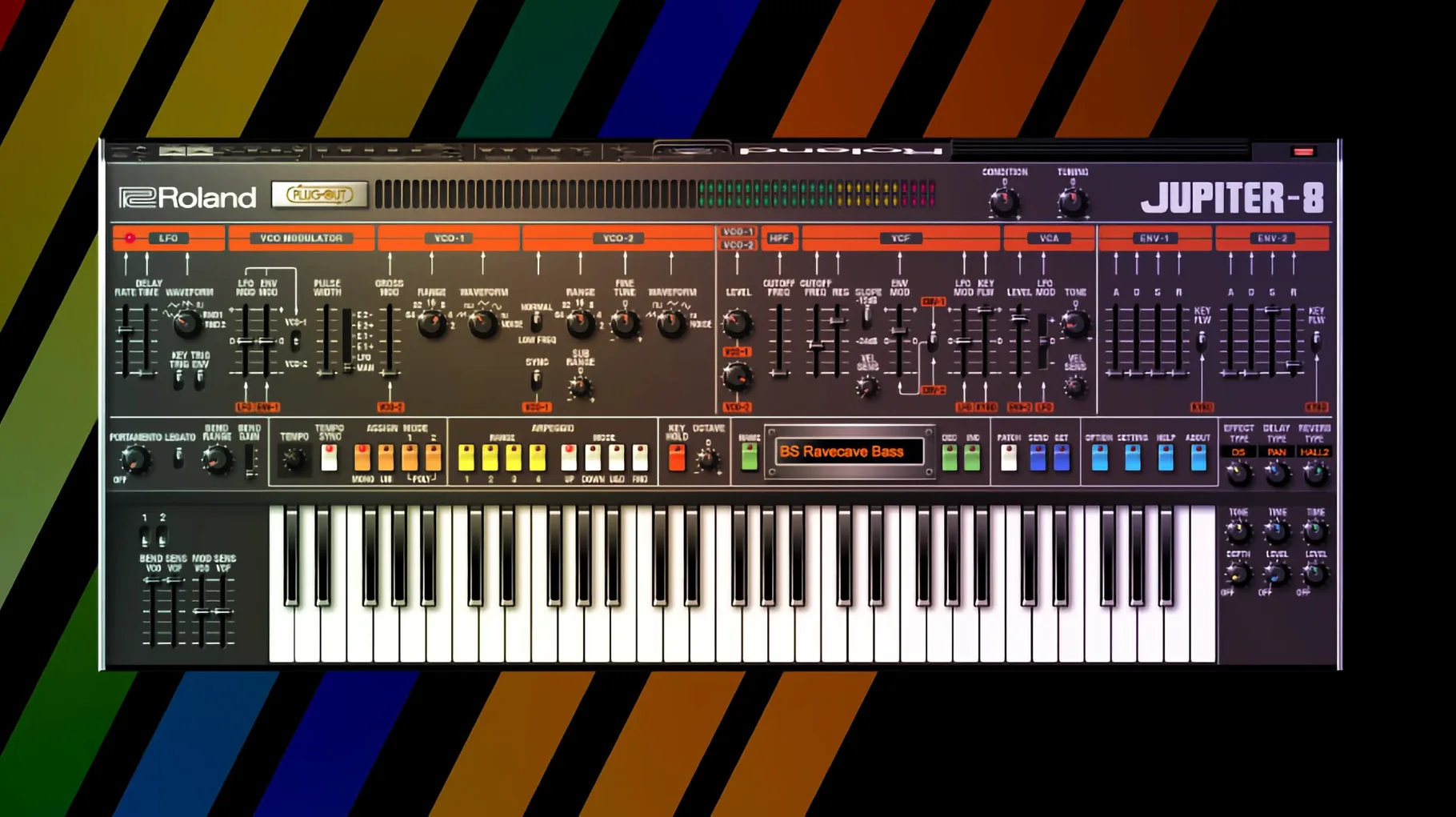
The collection covers serious ground. You get the glassy digital textures of the D-50, the warm chorus-soaked pads of the JUNO-60, and the towering analog architecture of the JUPITER-8. On the rhythm side, the TR-808 and TR-909 are here — the boom and sizzle that built entire genres. Roland also folds in modern effects alongside these recreations, so you're not stuck with just the original signal paths.
It's an evolving suite. Roland keeps tweaking the engine and adding instruments, which means the version you pull down today — 2025.06.29 — isn't necessarily where the collection stops. For an editor who needs those unmistakable timbres without hunting down forty-year-old circuit boards, it slots into a session fast and gets straight to work.
Plug-Ins That Need a Host, Not Standalone Instruments
The Legendary Series instruments don't run standalone — they're plug-ins that live inside a host. Fire up Logic Pro, Ableton Live, or whatever DAW you call home, and they show up in the instrument slot like any other soft synth. What makes the workflow click is how they play with MIDI controllers. Map the filter cutoff to a physical knob on your keyboard and suddenly the JUNO-60 plug-in stops feeling like software. That's the whole point.
On the macOS side, these plug-ins sit comfortably in the standard folders — /Library/Audio/Plug-Ins/Components for AU, /Library/Audio/Plug-Ins/VST3 for VST3. No custom installer drama, no proprietary hub that needs to phone home every session. That matters when you're bouncing between a Mac Studio in the studio and a MacBook Pro on a location gig. The instruments also respect Audio Unit hosting in Final Cut Pro if you're doing sound design directly on the timeline, though most users will reach for them inside a proper DAW.
One underappreciated trick: the TR-808 and TR-909 plug-ins send individual drum hits to separate outputs. Route the kick to one bus, the hi-hats to another, and suddenly your mixing engineer has real control instead of wrestling with a stereo stem. Pair that with Logic's step sequencer or Ableton's Drum Rack and you've got a rhythm section that punches way above the weight of a sample pack.
Deep Circuit Modeling vs. a Broad Retro Palette
The obvious comparison is Arturia's V Collection. Arturia gives you a broader palette — dozens of instruments spanning multiple manufacturers and eras. But breadth isn't depth. The Legendary Series uses Analog Circuit Behavior modeling, which Roland developed with access to original schematics and decades of institutional knowledge. A JUPITER-8 patch on Arturia's emulation sounds convincing. The same patch on Roland's version reacts to filter resonance and envelope snap in ways that feel more volatile, more alive. If you're layering pads for a cue, that difference might not matter. If you're building a lead that rides the filter edge for eight bars, you'll hear it.
Then there's TAL Software's U-NO-LX, a JUNO-60 emulation so beloved it's practically a cult. TAL nails the chorus — maybe even exaggerates it in a pleasing way. But the Legendary Series JUNO-60 includes modern effects routing that the original never had. You can drop a reverb after the chorus circuit or insert a delay before the amp stage. TAL keeps you closer to the hardware. Roland gives you the hardware plus a rack of outboard gear that doesn't exist in 1983. Different philosophy, different results.
For the TR-808 and TR-909 specifically, D16 Group's Nepheton and Drumazon hold their own. D16's interfaces mimic the hardware front panels exactly, which some purists prefer. The Legendary Series versions add drag-and-drop MIDI export from the internal sequencer. That's a workflow accelerant — program a pattern inside the plug-in, drag it to your DAW track, and tweak from there. No more manually transcribing kick patterns by ear.
Apple Silicon Crackling at Low Buffers, Now Fixed
Version 2025.06.29 isn't a flashy update. It's a stability release, and those are the ones that save sessions. Users running Apple Silicon natively had reported occasional crackling when multiple Legendary instances ran at buffer sizes below 128 samples. That's been addressed. The AU validation process in Logic Pro also got smoother — fewer cases of plug-ins failing the initial scan and requiring a re-launch.
Also fixed: the high-resolution interfaces on the v2 instruments — that's the JUPITER-4, JUPITER-8, and JUNO-106 — now remember their window size between sessions. Previously, resizing the GUI on a 5K display would revert to default the next time you opened the project. Small fix, huge quality-of-life improvement for anyone working on a Studio Display or XDR.
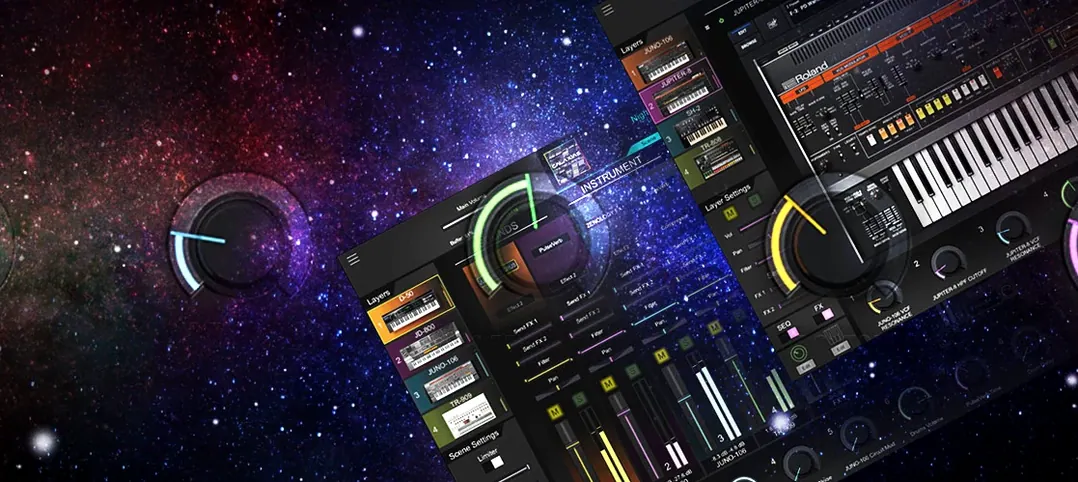
The bigger story is what happened across the last few version cycles. The Legendary v2 instruments got a GUI overhaul that scales properly on Retina and 4K screens. Knobs are crisp, text is readable, and the layout breathes. Older instruments in the lineup still carry the original interface, which looks fine at native resolution but gets soft when enlarged. Roland has been rolling the v2 treatment forward instrument by instrument rather than all at once.
Bump Oversampling to 4x for Cleaner Highs
First stop: the oversampling control. Most Legendary instruments default to 2x oversampling, which balances CPU load against aliasing reduction. If your Mac can handle it — and any Apple Silicon machine probably can — bump it to 4x. The difference shows up most on high-frequency content. Filter sweeps stay cleaner, and the top end of the JUPITER-8's oscillator sync loses that brittle edge.
Second: disable the onboard reverb on the TR-808 and TR-909 unless you're sketching ideas. The built-in ambience is fine for quick context, but it muddies the transients. Route the dry signal to your DAW's sends instead and use a proper convolution reverb. Your mix engineer will thank you.
Third: set the MIDI CC mapping early. The Legendary Series defaults to a standard CC layout, but it's not optimized for every controller. Spend ten minutes assigning filter cutoff, resonance, envelope decay, and LFO rate to physical knobs on your hardware. Save that as the default preset. From that point forward, every new instance loads ready to play rather than ready to configure.
Stop Holding Static Chords and Ride the Joystick
The biggest one: treating these like sample libraries. They're not. A D-50 patch sounds static if you hold a chord and walk away. The magic starts when you ride the joystick, nudge the partial balances, or introduce velocity-to-cutoff modulation. These instruments reward performance input. If you're drawing automation curves with a mouse, you're leaving half the character on the table.
Another common stumble: piling on too many instances before checking the buffer. The Analog Circuit Behavior modeling is genuinely CPU-intensive — more so than sample-based instruments or simpler virtual analog synths. Freezing tracks is not a failure of your machine. It's standard practice. On an Intel Mac especially, freeze early and freeze often.
Beginners also overlook the patch browser's tagging system. It's easy to scroll through presets by category, but the tags let you filter by timbre, genre, and articulation simultaneously. Need a dark pad with slow attack for a sci-fi cue? Tag filtering gets you there in seconds instead of auditioning fifty patches.
Finally, don't sleep on the modern effects section in the v2 instruments. The originals had limited or no onboard effects — the JUNO-60's chorus is iconic, but that's it. The Legendary versions add delays, reverbs, distortions, and modulation effects that weren't in the hardware. They're not afterthoughts. The tape echo model in particular adds a wobble and saturation that sits beautifully under a synth lead.
- macOS 11 or later
- Apple Silicon or Intel 64-bit processor
- English interface
Questions I actually get
Which classic Roland instruments are included in the Legendary Series?
The collection includes software recreations of the D-50, JUNO-60, JUPITER-8, TR-808, and TR-909, among others, alongside modern effects.
Does the Roland Cloud software run natively on Apple Silicon Macs?
Yes. The plug-ins support both ARM (Apple Silicon) and x86 64-bit architectures, and require macOS 11 or later.
Notes from the edit bay · 1
Sign in or get an edit-bay pass to leave a note.
-
Alan It crashes Logic for me.
Logic Pro 12.4
2021 M1 Pro
Golden Gate 27.0.1
Any suggestions?
No notes from the edit bay yet. They go up after I read them.