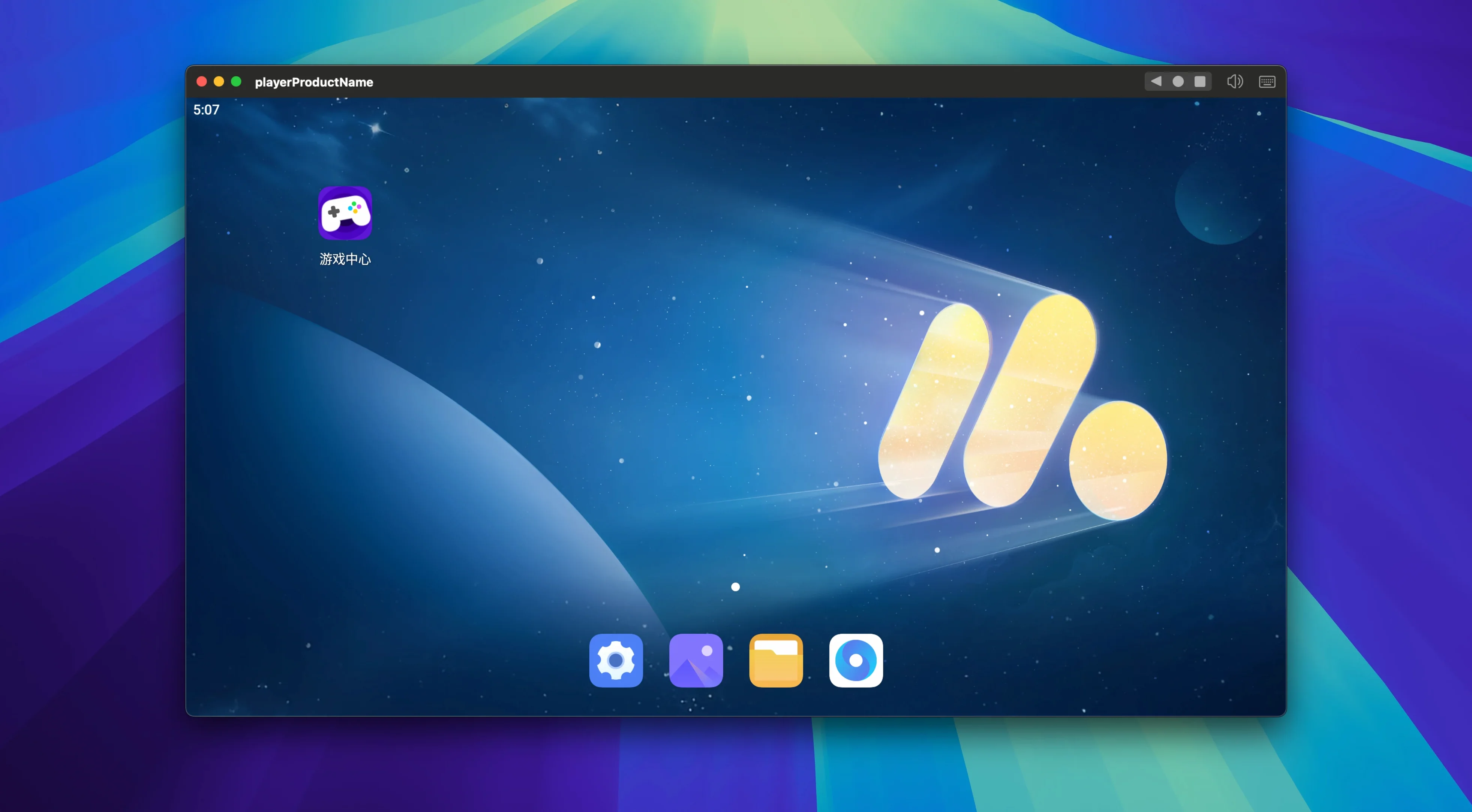
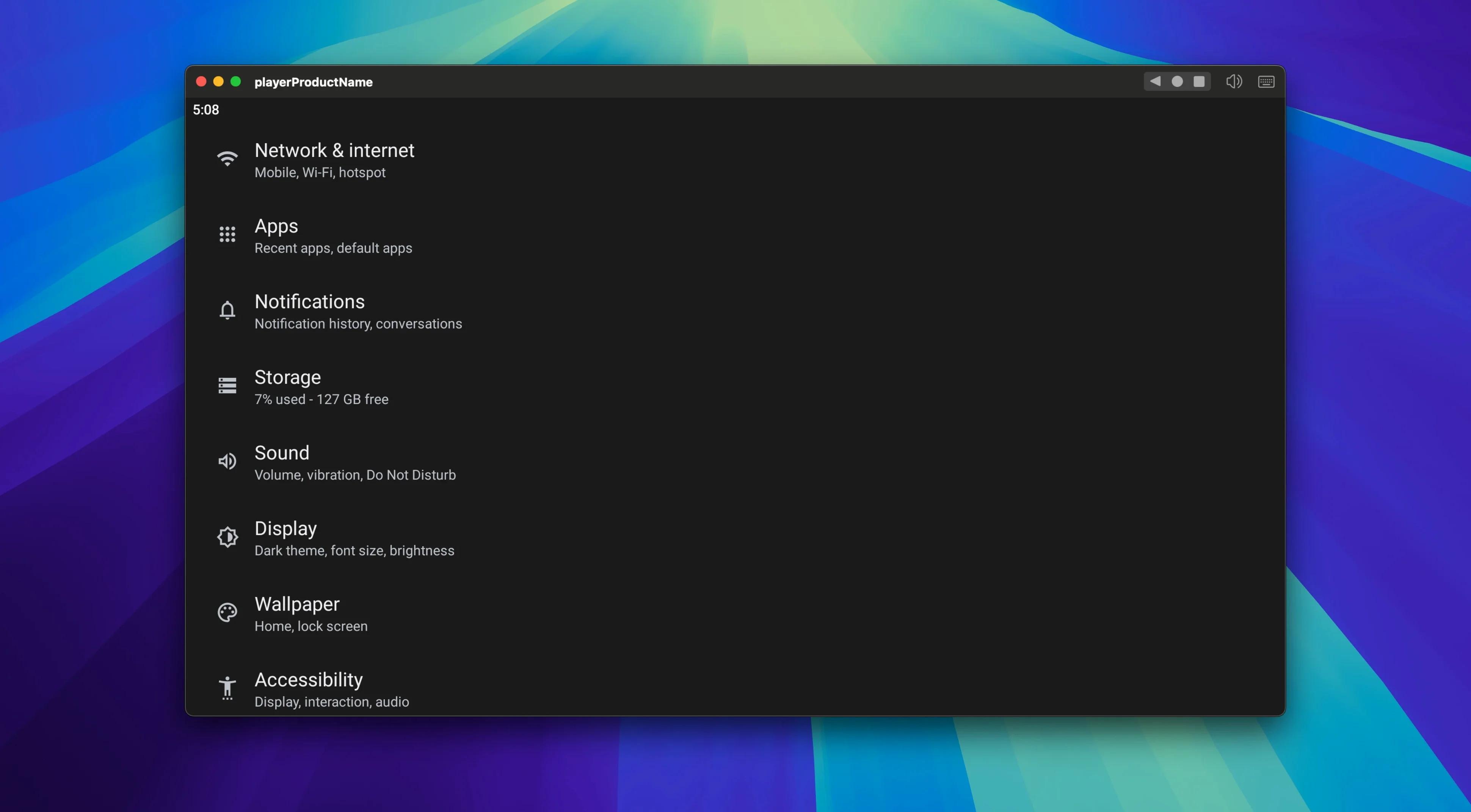
If you've ever pushed the built-in Android emulator in Android Studio past its limits, you know why a dedicated tool matters. MuMu Player Pro is the macOS build of NetEase's emulator, stripped of dev overhead and tuned for actual use.
Refresh Rate Lock — Set a hard ceiling from 30 to 120 frames per second instead of hoping the window compositor keeps up.
Render Resolution — Decouple the display resolution from your Mac's scaling. Run a tablet UI at 1920×1200 inside a small window, or push a game to native Retina pixels.
Keyboard Mapping — Bind screen zones to physical keys. A single tap on a cooldown icon becomes a keystroke; a swipe becomes a mouse drag. No overlay that fights the app underneath.
Orientation Control — Force portrait or landscape per instance. Useful when an app locks itself to the wrong orientation on startup.
Spend Ten Minutes in Settings Before You Start
Don't just launch an app and start tapping. Spend ten minutes in the settings panel before you commit to any workflow.
Start with the performance core count. MuMu Player Pro defaults to a conservative CPU allocation that leaves headroom for macOS — fine for messaging apps, useless for Genshin Impact. Bump it to at least four cores if you're gaming. Leave RAM at the default unless you see stuttering during texture loads, then push it incrementally. Over-allocating RAM starves macOS and slows both systems.
Next, lock your frame rate ceiling to match your Mac's display. Running the emulator at 120 FPS on a 60 Hz panel just burns GPU cycles and spins up fans. The setting lives under Display, not Performance, which confuses everyone the first time.
Finally, create one keyboard mapping profile for a test app before you need it under pressure. The mapping editor opens with a right-click on the sidebar icon — not an obvious entry point. Save the profile with a descriptive name. You'll thank yourself when a game drops controller support in its next update.
Beginner Mistakes That Waste an Afternoon
The most common one: installing APK files from random archives without checking the architecture. MuMu Player Pro runs an ARM-based Android environment. Some x86-only APKs install silently and crash on launch with no useful error. If an app refuses to open, grab the ARM64 variant. The emulator doesn't translate instruction sets.
Another headache comes from ignoring the shared clipboard toggle. It's off by default. People copy a URL or an activation code on the Mac side, switch to the emulator, paste nothing, and assume the feature is broken. Flip the toggle once and it stays on across sessions.
Beginners also tend to scale the window instead of changing the render resolution. Dragging the window corner stretches every pixel and makes text illegible. Go into Display settings and set the internal resolution to match the aspect ratio you actually want, then resize the window to taste. The difference in sharpness is immediate.
One more: running multiple instances before verifying your Mac's thermal behavior. Two copies of a 3D game on a fanless MacBook Air throttle within minutes. Test one instance under load first, check temperatures, then decide.
Clipboard Sync Now Survives Mac Sleep
Version 1.6.10 fix inquten didn't ship a flashy feature list, but the fixes land exactly where heavy users felt friction. The clipboard sync stability improved noticeably — earlier builds would sometimes drop the connection after the Mac woke from sleep, requiring an emulator restart. That specific annoyance is gone.
Screen recording output also tightened up. Previous macOS builds occasionally produced recordings with a green flash on the first two frames. The current build writes clean files from frame one, which matters if you're pulling quick gameplay clips for Discord or social feeds without re-encoding.
What hasn't changed — and what trips up users coming from the Windows version — is the file sharing path. MuMu Player Pro still uses a shared folder rather than drag-and-drop install for APKs. The folder lives inside the emulator's application support directory. Once you know where it is, it's reliable. Expecting drag-and-drop is the mistake; the build notes don't promise it.
Recent macOS builds ship fixes for several known issues. The 1.6.10 line keeps that cadence going with stability improvements NetEase hasn't detailed individually.
- macOS 11 or later
- Apple Silicon Mac
Questions I actually get
Does MuMu Player Pro run on Intel Macs?
No. The current macOS build requires Apple Silicon and runs on macOS 11 or later.
What languages does the interface support?
The emulator interface is available in English and Simplified Chinese.
Can I adjust the performance settings?
Yes. You can lock the frame rate anywhere between 30 and 120 FPS and change the display resolution independently of your Mac's window size.
Notes from the edit bay · 0
Sign in or get an edit-bay pass to leave a note.
No notes from the edit bay yet. They go up after I read them.