
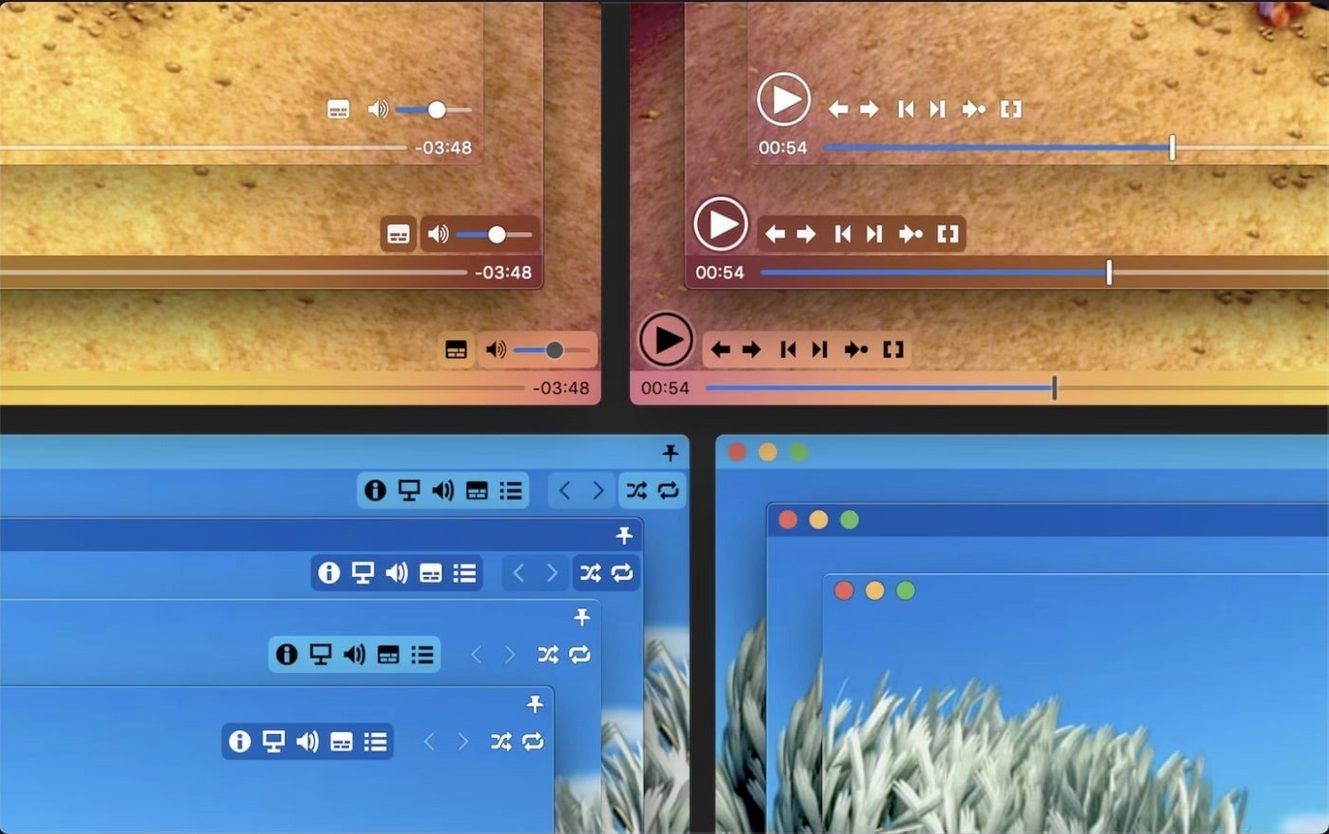
Freelancers who pull footage from a dozen cameras, subtitle nerds who stack three languages on screen at once, and anyone whose Mac has choked on a misbehaving .TS file. Movist Pro steps in when QuickTime Player shrugs and another app tries to upsell you a media server.
When QuickTime Fails and You Just Want a Reliable Reference Player
- QuickTime Player can't open it, but you just need to watch the clip, not organize a library.
- You're pulling an all-nighter with a messy timeline and want a reference player that doesn't fight H.265 hardware decoding.
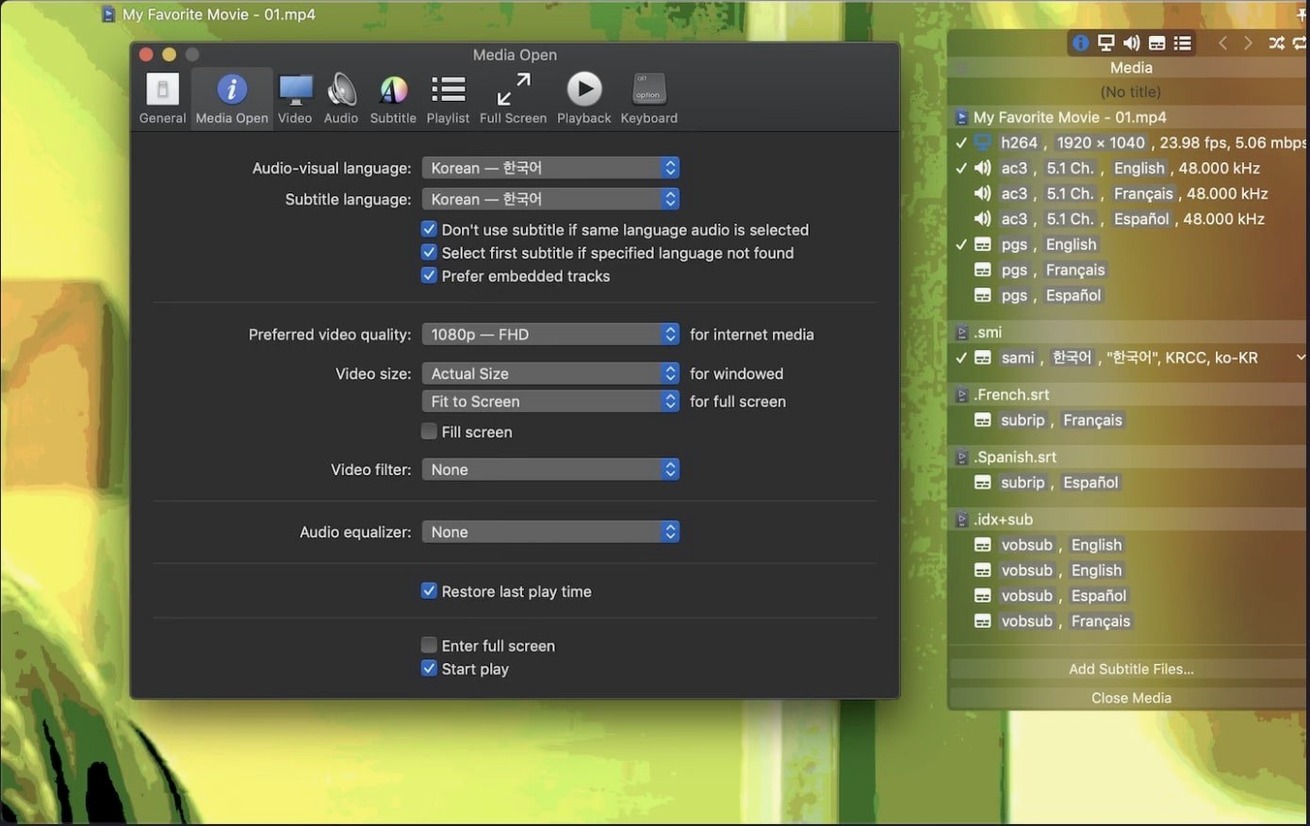
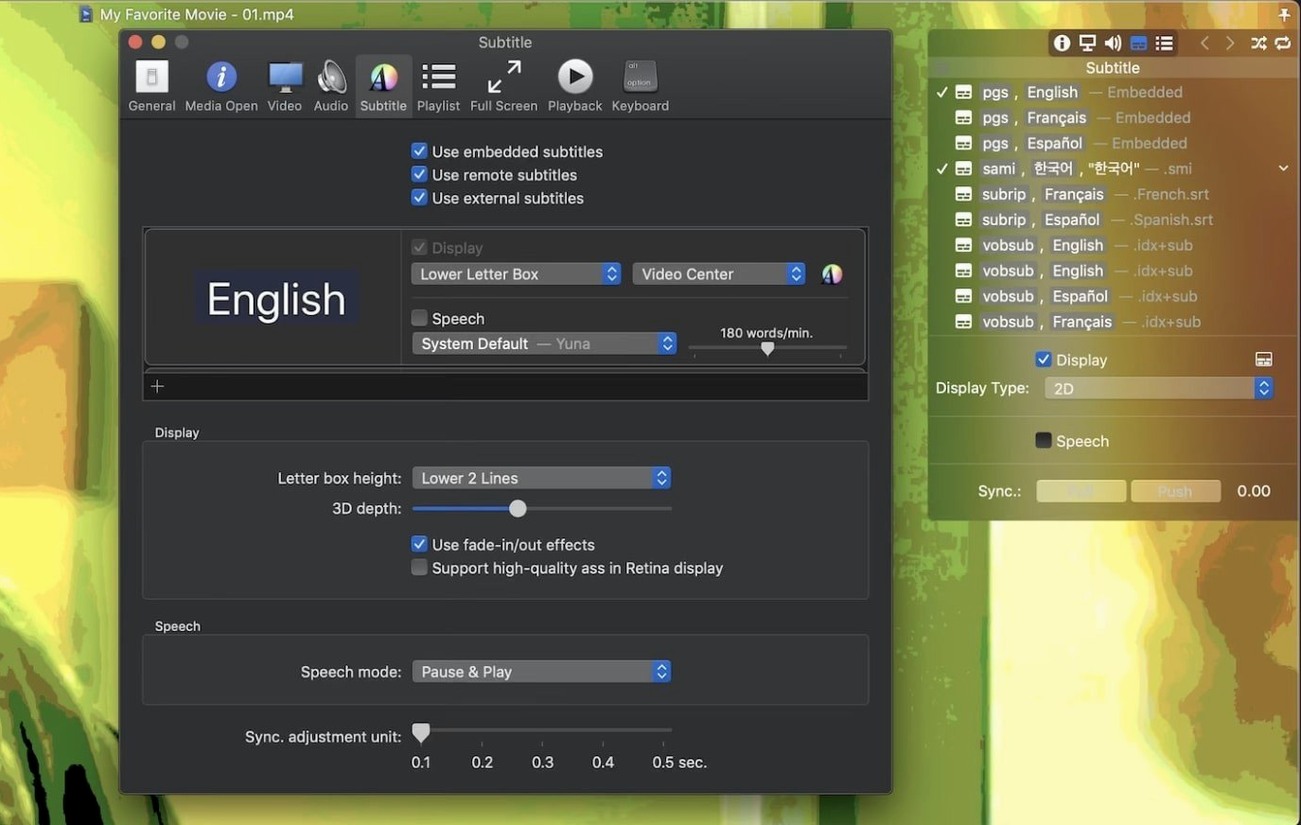
- The built-in subtitle engine is too basic. Here you can throw unlimited subtitle tracks at the screen, auto-detect the encoding so Korean doesn't render as gibberish, and tuck them into a letterbox bar.
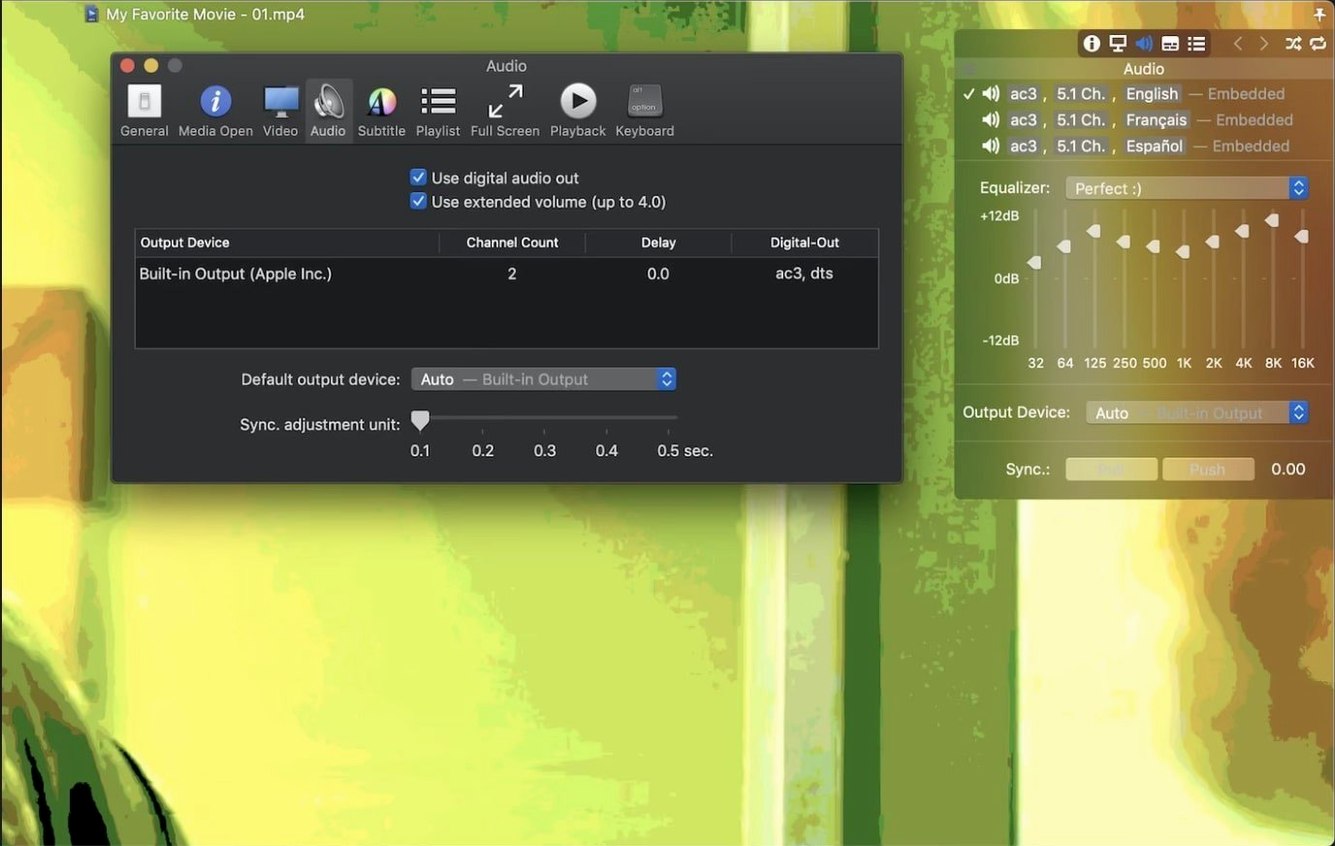
- You need a clean digital signal path: S/PDIF output just works.
Dual-Engine Playback That Sidesteps Codec Wars
Movist Pro doesn't pick a side in the video engine wars. It leans on QuickTime for some codecs and swaps to FFmpeg for others, chasing reliable playback instead of ideological purity. Hardware acceleration for H.264 and HEVC keeps the fans quiet on long renders. The playlist tools are oddly practical—drag a folder of dailies, let it auto-complete episode names and matching subtitle files, then save the whole stack for tomorrow. The sandboxed mode is there if you need it, though most editors will leave it off for quicker file access. Version 2.17.2 quietly patched a crash tied to System Integrity Protection and fixed playback for some stubborn TS videos. It's a player that minds its own business so you can mind yours.
Common Snags and Fast Fixes
A blank screen on a file you know should play usually comes down to the codec engine. Movist Pro ships with QuickTime as the default for Apple-friendly formats, but a stray MKV with a weird audio track lands better under FFmpeg. Head into Preferences > Playback and toggle the engine for that codec family. Takes ten seconds, saves a headache.
Subtitles refusing to show up? Nine times out of ten the file name doesn't match the video, or the encoding detection guessed wrong. Drag the subtitle file onto the playback window manually—it accepts .srt, .ass, .ssa, and even compressed archives. If the text still looks like wingdings, hit Subtitle > Text Encoding and pick the right codepage. Korean and Russian users bump into this constantly, and the auto-detect is good but not psychic.
Choppy H.265 playback on an older Intel Mac almost always traces back to software decoding kicking in when hardware acceleration drops out. Confirm HEVC hardware decode is active under the Video menu. If it's greyed out, the file's profile level might exceed what your GPU handles. Transcoding a proxy is the real fix, but dialing the playback speed down to 0.9x can sometimes buy you smooth scrubbing in a pinch.
That crash when System Integrity Protection was off? Patched in 2.17.2. If you're on an earlier version and seeing random quits, the update squashes it. No config tweaking required.
The Finder-to-Eyeballs Fast Lane Without Importing
Movist Pro doesn't try to be a hub. It's the fast lane from Finder to eyeballs. Drag a clip out of Final Cut's event browser and drop it on the Movist icon in the Dock—it opens instantly, no import, no catalog, just playback. Editors who keep a reference monitor fed via S/PDIF will appreciate that the digital output handshake stays alive even when the app sits idle, so your audio interface doesn't click and reconnect every time you pause.
The playlist auto-completion feature plays nicely with folder structures that follow the ShowName_S01E03 convention. Drop the season folder in, and Movist Pro hunts for matching subtitle files in the same directory. It's not a scraper—it's pattern matching—so it works offline and doesn't phone home. Saved playlists export as plain .plist files, which means you can version-track them in a git repo alongside project notes if you're that kind of organized.
For screenshot captures, the app respects macOS screen recording permissions. Grant it once in System Preferences, and frame grabs land wherever you set the destination, with the timestamp baked into the filename. No watermark, no overlay, no fuss.
Can It Sit Alongside VLC and IINA?
Does Movist Pro replace VLC or IINA? It sits next to them, not on top of them. VLC handles streaming protocols Movist Pro ignores. IINA leans on mpv and has a different subtitle pipeline. Where Movist Pro earns its spot is when you need both QuickTime and FFmpeg codec paths in one window, hardware-accelerated HEVC without fiddling with config files, and the ability to stack unlimited subtitle tracks with per-track sync offsets. If your workflow touches broadcast TS files or you send audio over S/PDIF to a calibrated monitor setup, the alternatives get fiddly fast.
Why is there a separate Pro version outside the App Store? Sandboxing rules prevent certain direct hardware access and codec integrations that the standalone build uses. The App Store variant works fine for casual playback, but if you want S/PDIF passthrough, unrestricted FFmpeg codec selection, and the ability to read subtitle archives directly from zip files without unpacking, the Pro build is the one that does all that. Same codebase, fewer walls.
Will it handle 10-bit HDR files properly? The HDR tone mapping in version 2.17.2 maps PQ and HLG content to SDR displays without crushing highlights into a white blob. It's not a grading monitor replacement—no software player is—but it gives you a viewable image that preserves shadow detail, which is what you need when you're checking a render on a MacBook screen at 2 a.m.
Two playback gremlins got the boot in 2.17.2. First, some TS videos that flat-out refused to play now run without a hiccup. Second, a crash tied to having System Integrity Protection disabled—an edge case for power users—has been squashed.
- macOS 10.13 or later
- Intel and Apple Silicon Macs
Notes from the edit bay · 0
Sign in or get an edit-bay pass to leave a note.
No notes from the edit bay yet. They go up after I read them.