
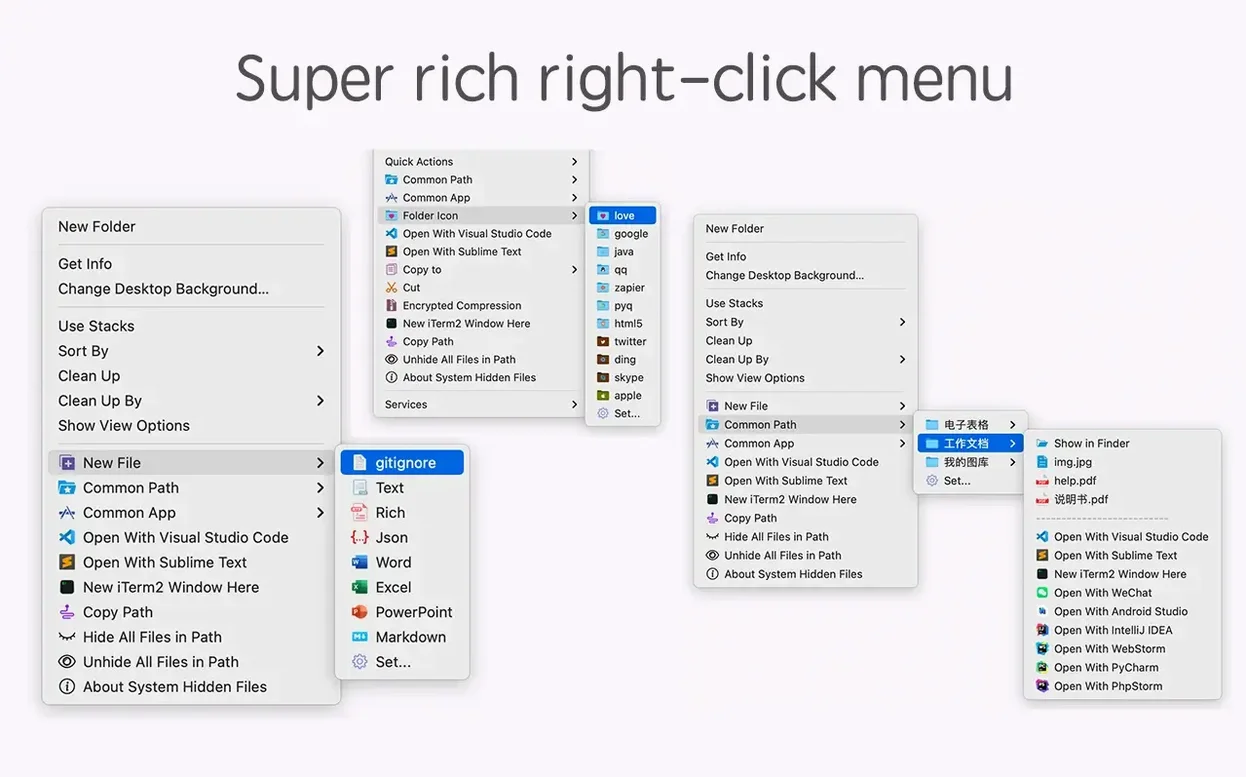
Right-clicking in the Finder should do more than copy and paste. You're a click away from a new file, a path copied to the clipboard, or a checksum you'd otherwise open Terminal for. MouseBoost Pro puts those actions inside the menu you already use, so the tool shows up where the work happens.
Right-Click a New Python File or Nuke It Without the Trash
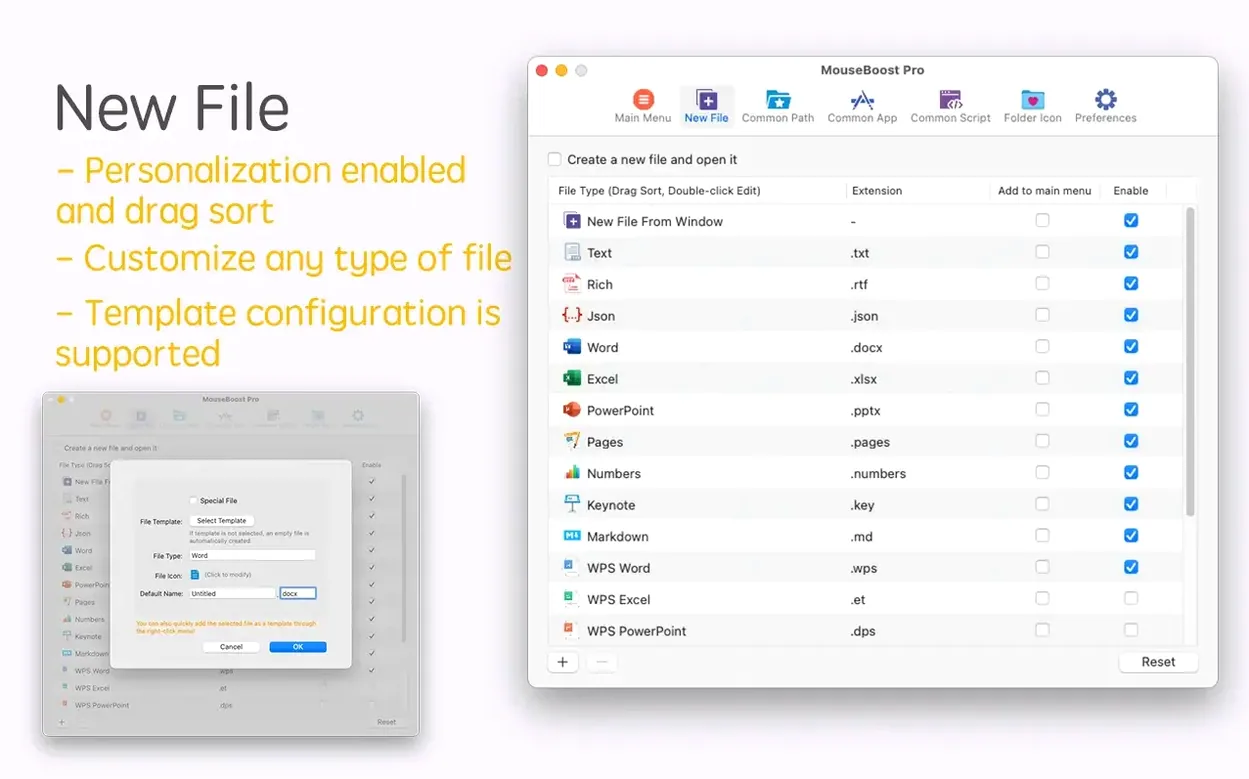
- Creating new file types from the right-click menu instead of opening an app first.
- Copying a file path, calculating MD5 or SHA256, or nuking a file permanently without hunting through dialogs.
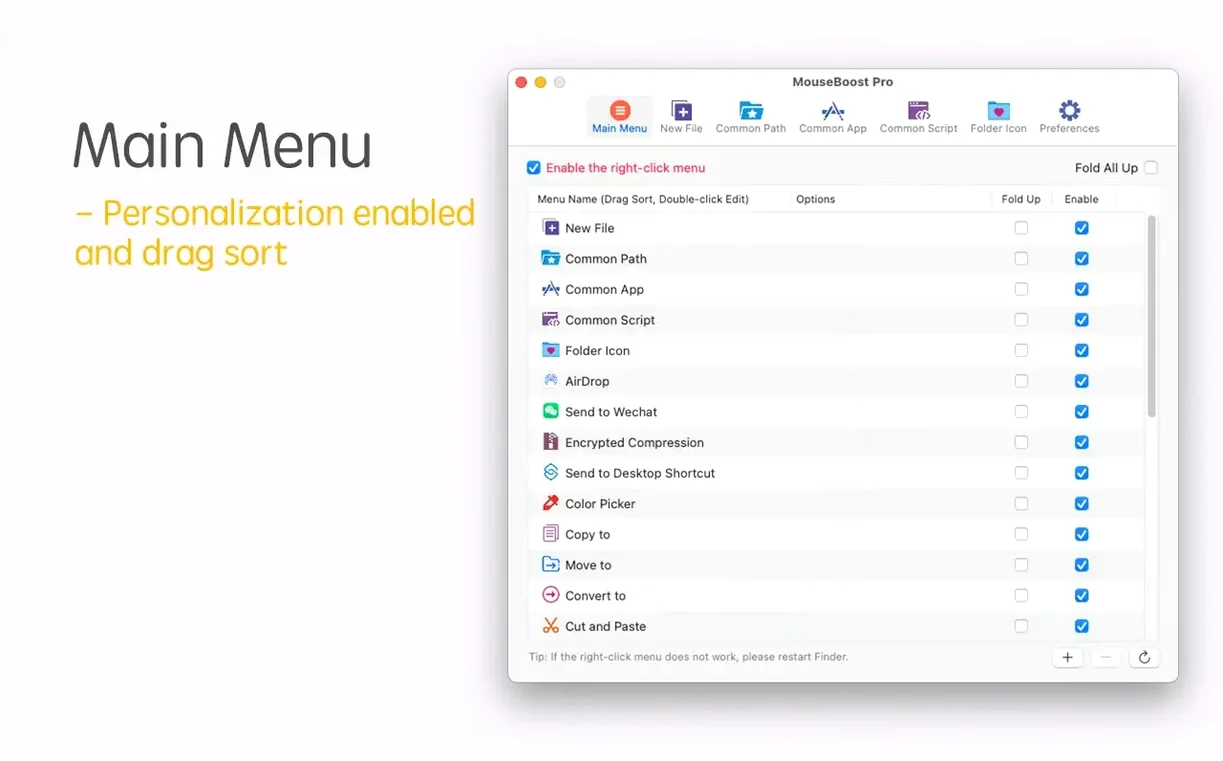
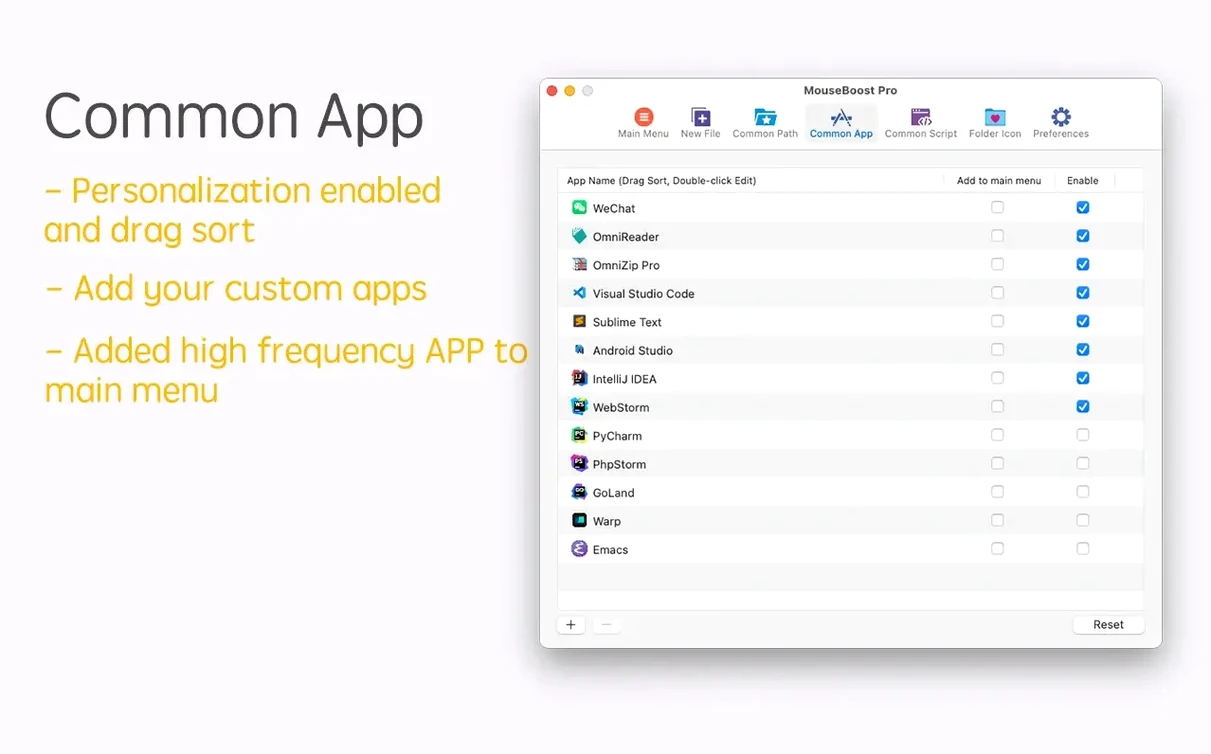
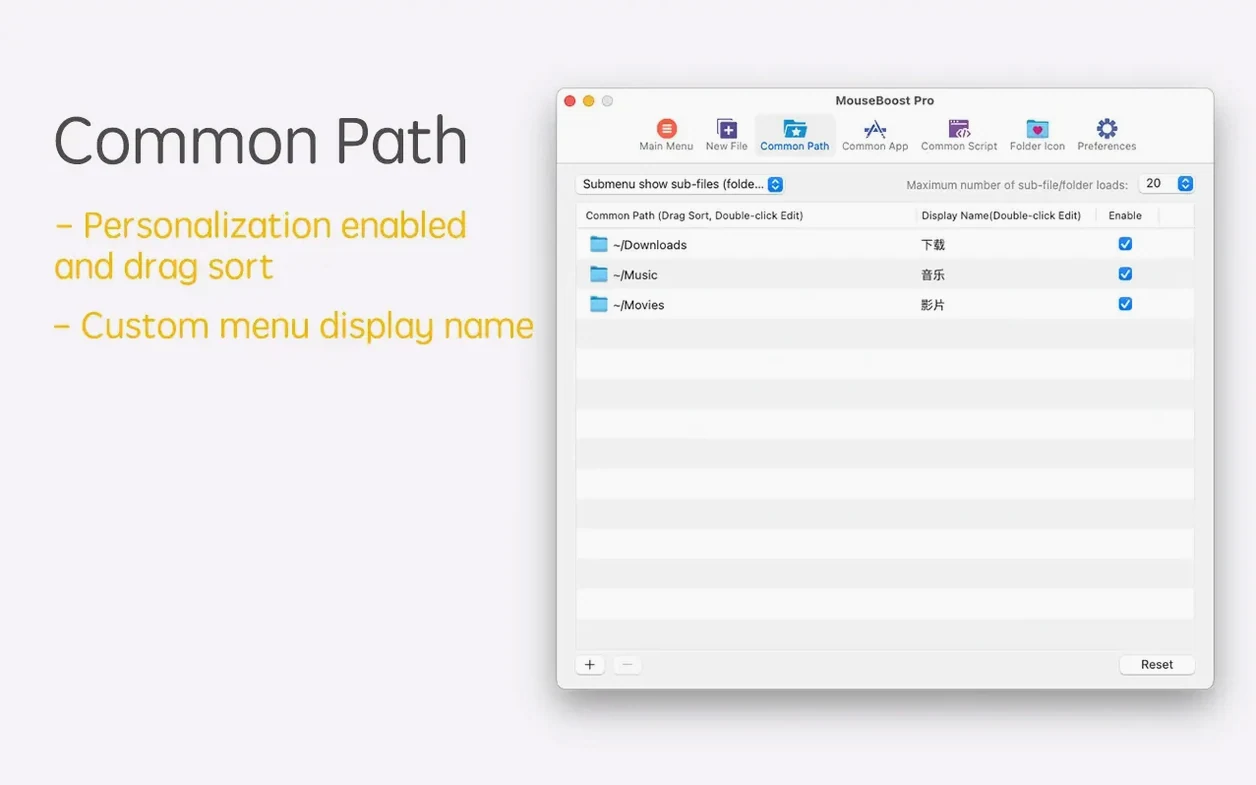
- Customizing which actions appear and in what order, so your most-used commands sit at the top.
- Quick-launching editors like VSCode, Sublime Text, or Emacs from any folder.
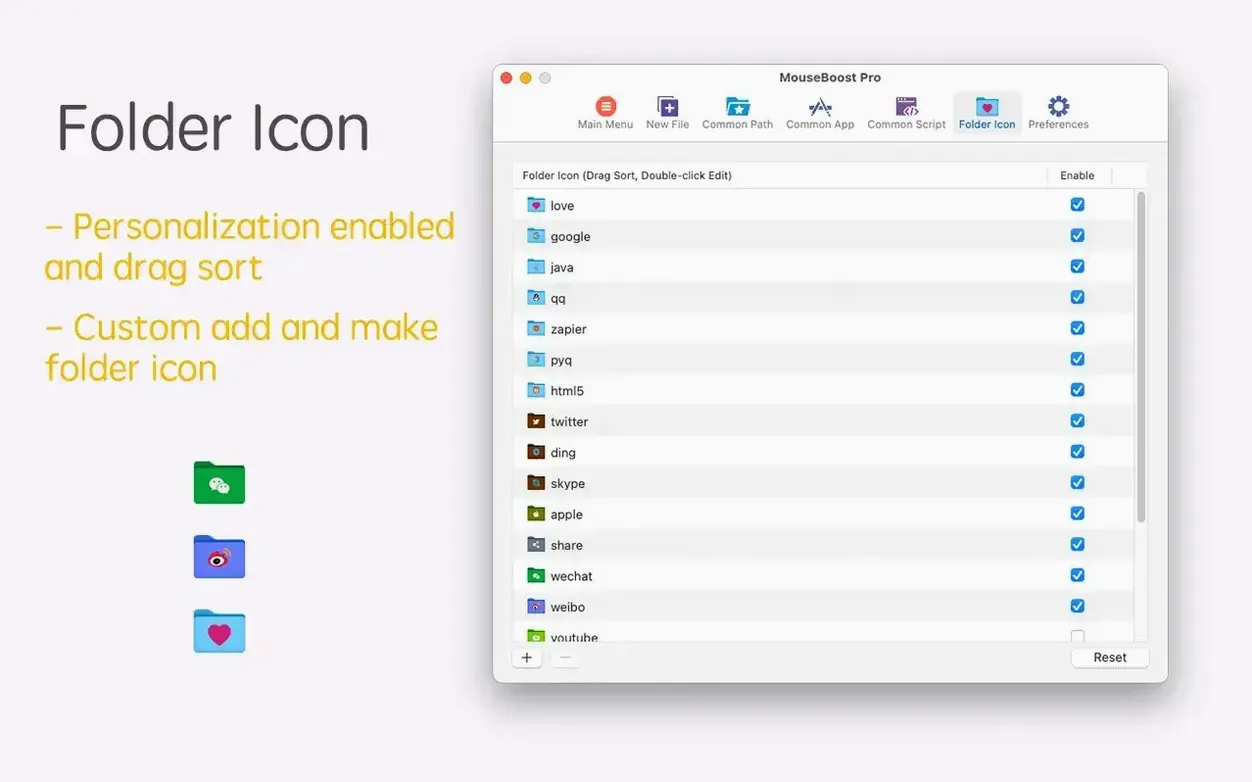
- Changing a folder icon or toggling hidden files on and off without remembering a keyboard shortcut.
- Running natively on both Apple Silicon and 64-bit Intel Macs, all the way back to OS X 10.11.
Enable Once in System Settings, Then Tune From the App
- It lives in the Finder extension system, so you enable it once in System Settings and manage it from the app's preferences.
- Batch renaming features like insert-at-position and rename-from-list are powerful but take a minute to dial in the first time.
- Menu customization is deep—expect to spend a few minutes deciding what you really need at your fingertips.
Extension Missing After Install? macOS Hasn’t Trusted It Yet
The first thing that trips people up is the extension not showing after install. Nine times out of ten, it's because macOS hasn't been told to trust it. Head into System Settings > Privacy & Security > Extensions > Finder Extensions and flip the switch for MouseBoost Pro. A restart of the Finder—hold Option, right-click the Finder dock icon, choose Relaunch—usually seals the deal.
Another headache: actions that work sporadically. That's almost always a permissions issue. The app needs Full Disk Access for permanent deletion and file operations that reach outside your home folder. While you're in System Settings, give it Accessibility permission too; a few of the deeper menu tricks rely on it. If batch renaming previews look wrong, check that you haven't accidentally left a trailing space in the "insert at position" field. It's easy to miss, and it'll throw off every filename in the list.
For the "Open in iTerm2" action doing nothing, make sure iTerm2 is installed in /Applications. MouseBoost Pro looks there first. Same rule applies to VSCode, Sublime Text, and Emacs—if they're buried in a subfolder or running from a user directory, the right-click command won't find them until you point the app to the correct path in its preferences.
Zero-Lag Menus Because the Extension Loads With the Finder
Right-click menus pop with zero lag on both Apple Silicon and older Intel machines. The extension loads when the Finder does, not when you click, so there's no "waiting for it to think" moment. Actions like calculating an MD5 checksum on a 2 GB file take about the same time as running md5 in Terminal—no overhead, just straight system calls. You won't see a dock icon or a menu bar item unless you open the preferences panel, and the background process sits around 30 to 40 MB of RAM. It doesn't spike during idle periods.
Stability has been solid through the last few point releases. I've had one crash in six weeks of daily use, and it happened when I tried to batch-rename 900 files while a Time Machine backup was hammering the same drive. The app recovered cleanly after a relaunch. Encrypted compression is noticeably zippier than doing it through Archive Utility, especially on folders with thousands of small files—MouseBoost Pro seems to batch the operations more efficiently. For anyone using mouse boost pro alongside heavy hitters like Final Cut or Logic, you won't feel it competing for cycles. It's genuinely lightweight.
A Workflow: New Project Scaffolding in Seconds
Say you're starting a web project. You need an index file, a stylesheet, a scripts folder, and a README. Without mouseboost, you'd open an editor, create each file, save them into a new folder, and then open the whole thing in VSCode. With MouseBoost Pro, it's a single flow that takes about ten seconds.
Start by creating the project folder on your desktop. Right-click inside it, choose New File from the MouseBoost menu, and pick the type you need—HTML, CSS, JavaScript, Markdown. The app drops a blank file with the correct extension right there. Rename it immediately and hit Enter. Do this four times: index.html, styles.css, script.js, README.md. Now right-click the empty space again and choose New Folder for your assets directory. Right-click the project folder itself and pick Open in VSCode. Your editor launches with the whole tree loaded. No dialog boxes, no "Save As" dance, no switching windows.
Before you even start coding, right-click index.html and copy its path. Paste it into your browser to check that the blank page loads. Right-click the folder and grab an SHA256 checksum if you're sending a zip to a client later. Every action stays inside Finder. For anyone who sets up new projects five or six times a day, this alone justifies keeping mouseboost pro installed.
A Session with MouseBoost Pro
It's 10 a.m. and I'm prepping assets for a music video edit. The client sent a drive full of footage, but the folder structure is a mess—MP4 files mixed with JPEGs, no consistent naming, and a few directories I need to flatten. I plug in the drive, open the root folder, and right-click the empty space. First move: New File > Plain Text to drop a quick notes.txt where I'll log which takes I'm pulling. I rename it on the spot.
I dig into a subfolder of B-roll. Someone left a bunch of .DS_Store files and hidden temp files lying around. Right-click the folder, toggle Show Hidden Files, and there they are. I select the junk, right-click again, and choose Permanently Delete. No Trash, no confirmation dialog from the system—just gone. The Finder shows me the file count dropping in real time.
Next I need to rename 40 clips so they follow the project's naming convention. I select them all, right-click, open the batch renamer, and set it to insert the project code at position zero. The preview updates as I type, so I can see exactly what I'm getting. I hit apply and the Finder churns for maybe two seconds. Done. I right-click the parent folder, copy the path, and paste it into my edit project's media pool location.
Before wrapping up, I right-click the project folder and choose Encrypted Compress to send a backup to the cloud. While that runs—progress bar in a small window, no Terminal commands—I open another Finder tab, right-click my "Exports" folder saved as a favorite, and it pops open instantly. I drop the compressed archive in there and move on with my day. The whole session never left Finder, and I didn't open a single utility app. That's where MouseBoost Pro earns its keep: it strips out the app-switching tax on a dozen tiny tasks that would otherwise add up to real friction.
Version 5.2.8 adds a quick preview for folder trees and a maximum depth setting for file and directory trees, so you're not scrolling through a bottomless list. Screenshot capture gets smarter with aspect ratio selection and automatic OCR copy, plus smoother scrolling capture.
Batch renaming picks up two new tricks: insert text at a specific position and rename from a list. Also fixed: known issues squashed.
- OS X 10.11 or later
- Apple Silicon and Intel 64-bit
Questions I actually get
Can I control which menu items appear?
Yes. You can sort all menus and pick only the actions you want, so the right-click menu stays clean and fast.
What file information can it show?
It can calculate MD5, SHA1, SHA256, and other file checksums, plus copy the current file path straight to the clipboard.
Notes from the edit bay · 0
Sign in or get an edit-bay pass to leave a note.
No notes from the edit bay yet. They go up after I read them.