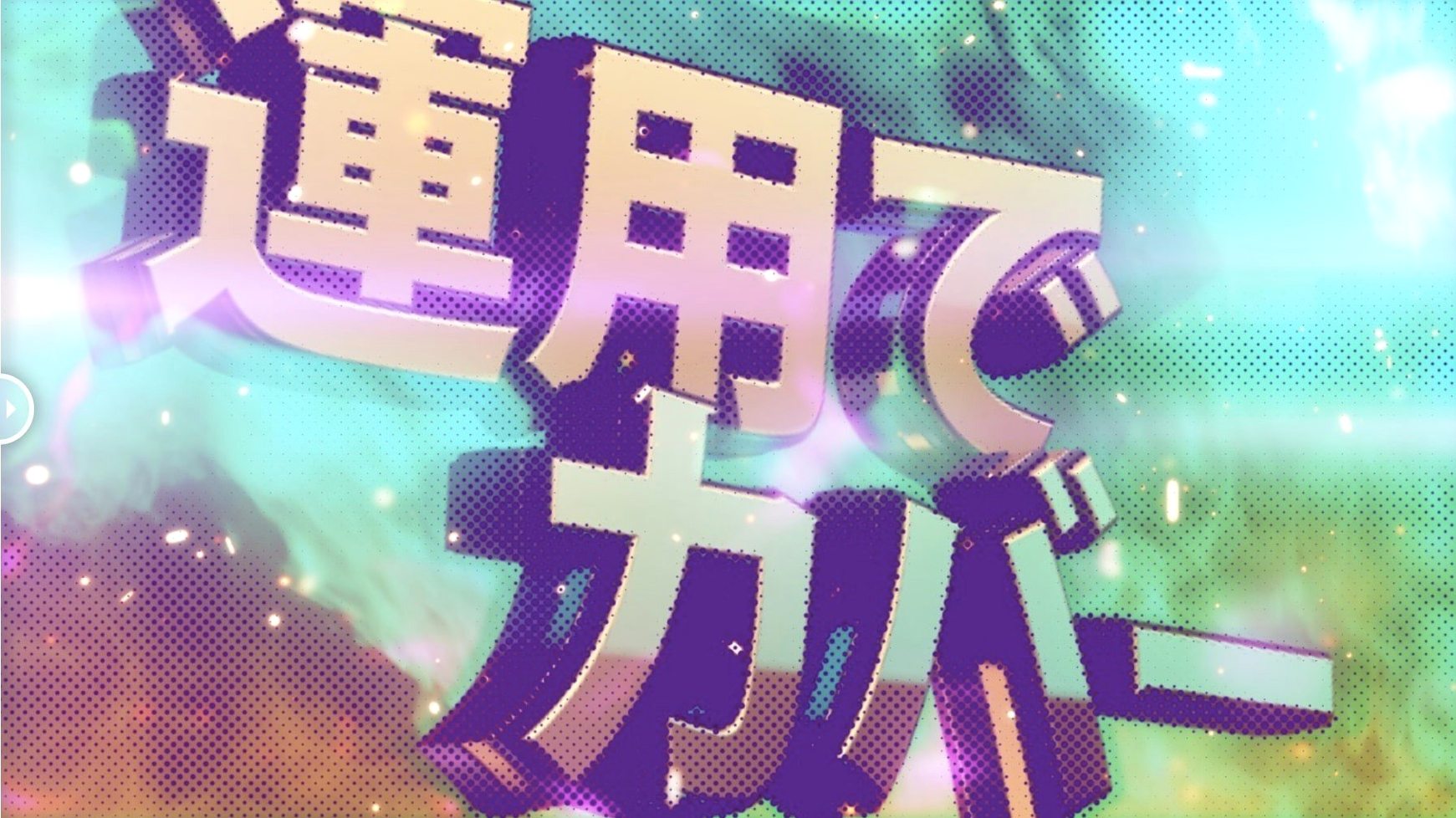
Comic-Book Looks and Pop-Art Transitions on a Deadline
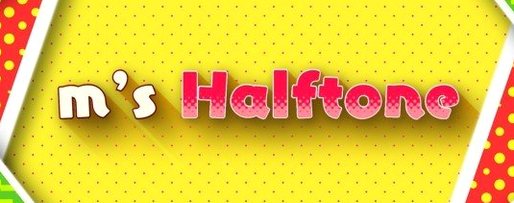
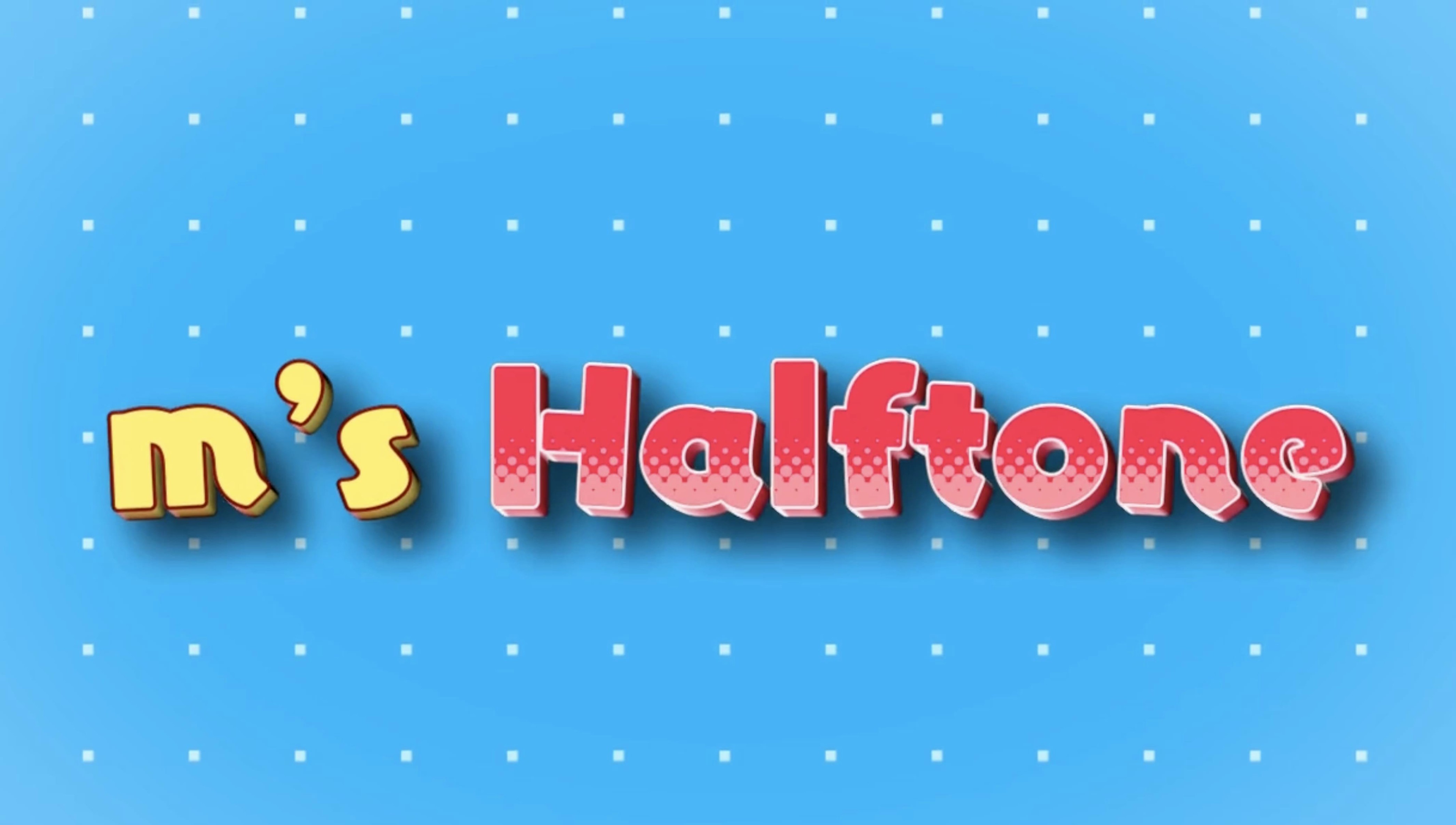
Motion designers and compositors who want halftone effects without rebuilding them from scratch every time. If you're pulling a comic-book look, a pop-art transition or a screen-print style on a deadline, this plugin lands right in the middle of your style pass.
The Workflow
- Apply to a layer. Drop m's HalfTone onto a solid, footage or pre-comp.
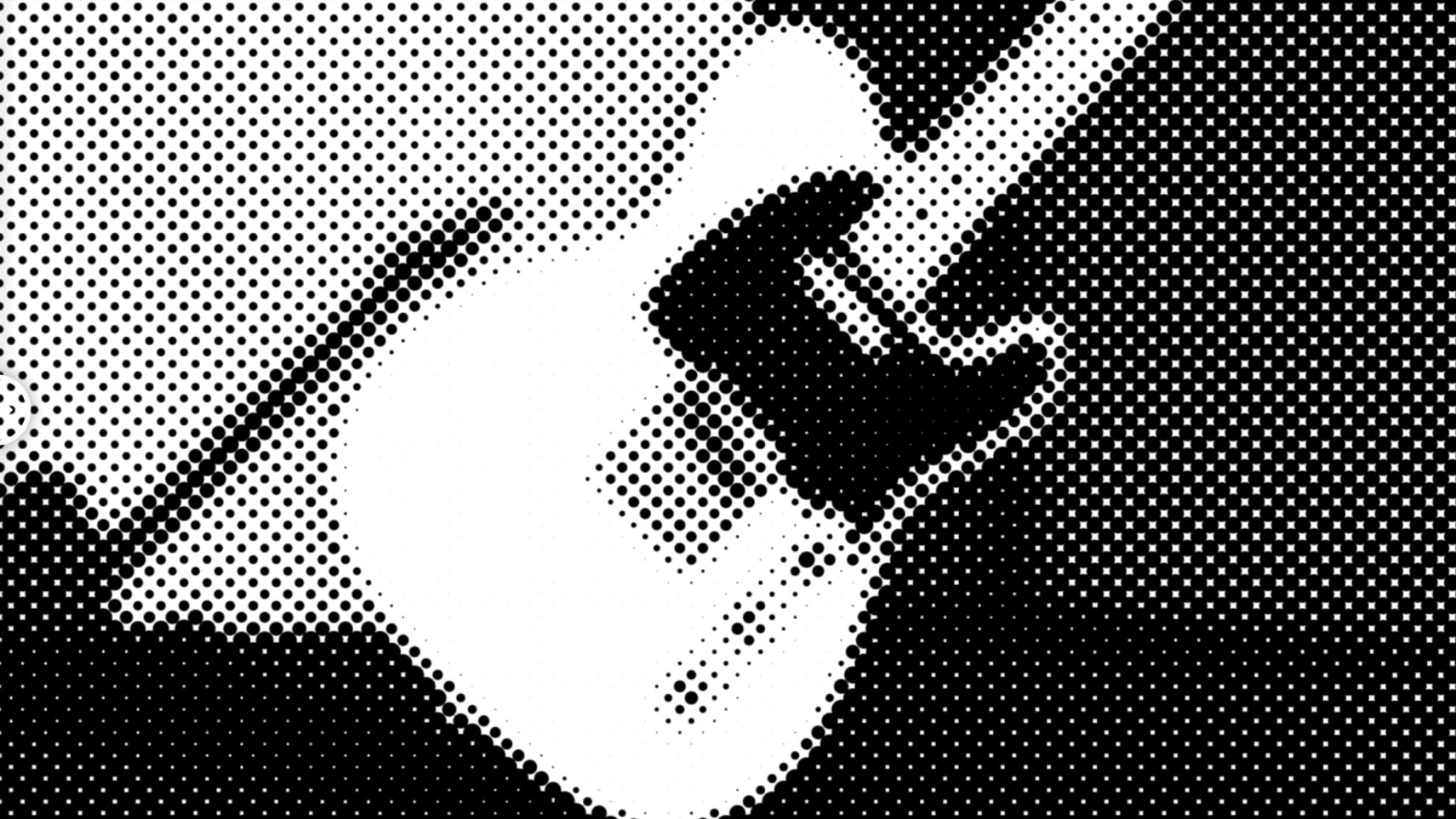
- Size the dots. Dot Size is the first control you'll reach for — push it large for a Roy Lichtenstein punch or pull it tight for subtle texture.
- Dial in the angle. Rotation and Offset let you align the dot grid to movement in the shot or break it deliberately.
- Manage transparency. Alpha and Sampling controls keep edges clean when the effect hits semi-transparent regions, so you don't get crunchy fringes on a keyed subject.
Single-Purpose Dots-and-Grid Control Across a Broad Host Range
This isn't a general texture suite — it does one thing: a dots-and-grid halftone with tight control over the pattern. The broad host range (CS5 through 2026) makes it a safe bet on older machines or collaborative pipelines where versions don't match.
Sampling Mode Before Playback Even Finishes
The defaults are fine for a first look, but they won't match the shot you're actually working on. The control I reach for before playback even finishes is Sampling. Out of the box it's set to Average, which reads the whole area under each dot. Switch it to Center and the effect grabs luminance from a single point — suddenly your halftone reacts to fine detail instead of smearing it. On a face, that's the difference between a readable expression and a blob.
Second stop: Alpha behavior. If your layer has transparency — a logo, a keyed actor, a mask — the default alpha handling can leave a staircase of half-dots along the edge. Pull the Alpha threshold up a touch and those fringe artifacts vanish. It takes ten seconds and saves a garbage matte later.
Lastly, bump Rotation off zero. A dead-straight dot grid reads as a printer error. Tilt it three degrees and suddenly it's a design choice. For line halftones, rotation is the whole game — horizontal lines feel like video scanlines, vertical lines feel like engraving, everything in between is pure style.
Six 4K Pre-Comps with Different Dot Sizes
This is a pixel processor, not a simulation, so render times stay reasonable. On a recent project I threw it onto six 4K pre-comps in a comp, each with different dot sizes, and the frame cache didn't buckle. It's not free — you'll notice the fan on a MacBook Air — but it's lighter than stacking three native effects to fake the same result.
Stability is a strong point. I've run m's HalfTone across After Effects 2022 through the 2025 beta without a single plugin-related crash. It doesn't phone home, doesn't spawn background processes, and doesn't leave anything behind when you purge memory. On Apple Silicon it's a native binary, so Rosetta never enters the picture. The version 1.5.3 licensing update was purely housekeeping — no feature changes, no new bugs introduced.
One thing to watch: the effect recalculates every time you scrub, and a full-resolution preview with Dot Size dialed low can chug. Work at half-res while you tune, then flip to full for the render. Standard After Effects hygiene, but worth repeating.
Slapping It on Footage and Stopping
The most common mistake is slapping the effect on footage and stopping. A halftone needs contrast to read, so a flat shot gives you a flat grid. Drop a Curves or Levels adjustment before m's HalfTone in the effects stack and crush the blacks a little. The pattern will pop immediately.
Another classic: ignoring the layer resolution. If your pre-comp is 1080p and your main comp is 4K, those dots scale up into soft mush. Apply the effect at the final resolution, or pre-compose at target size. m's HalfTone doesn't do vector dots — it's raster all the way, so resolution decisions matter.
Beginners also tend to leave the shape on Circle for every project. Circle is versatile, but Square reads as pixel art or low-res LCD, and Line does things no other built-in tool handles well — woodcut, engraving, CRT scanlines, even a passable moiré when you animate the offset. Swapping shapes mid-project often unlocks a look you didn't know you were chasing.
Small Things You'll Kick Yourself for Missing
Hold Shift while scrubbing Dot Size and the increments jump in tidy steps. Not documented anywhere obvious, but it's been in the plugin since at least 1.4 and it makes matching dot scale across two shots trivially exact.
The Offset X / Y controls accept expressions, which means you can link a dot crawl to a slider or a null's position. Tie Offset X to time*50 and the grid drifts like a misaligned print press — great for title sequences or anxiety builds. Pair it with a wiggle on Rotation and the whole pattern feels organic.
If you work with a lot of text layers, try pre-comping the text, applying m's HalfTone, and setting the blend mode of the pre-comp to Multiply over a colored solid. Instant pulp magazine cover. The alpha controls keep the letterforms crisp while the dots fill only the strokes. You'll get something that looks like a risograph print in about ninety seconds.
One workflow tip that saves clicks: save your base settings as an Animation Preset. Dot Size 12, Center Sampling, Rotation 3°, Alpha threshold bumped — name it "Halftone_Start" and you'll never dial from scratch again. For anyone hunting an m's halftone free download to test this workflow, the plugin installs clean and the activation guide walks you through it without friction.
- macOS (Intel and Apple Silicon supported)
- Adobe After Effects CS5 through 2026
Questions I actually get
What hosts does m's HalfTone support?
It runs in Adobe After Effects from CS5 all the way up to the 2026 version, on both Intel and Apple Silicon Macs.
What controls come with the halftone effect?
The plugin gives you dot size, rotation, offset, alpha handling and sampling adjustments to dial in the look.
Who develops m's HalfTone?
The developer is AE_OFF, currently maintaining the plugin at version 1.5.3 with an updated licensing framework.
Notes from the edit bay · 0
Sign in or get an edit-bay pass to leave a note.
No notes from the edit bay yet. They go up after I read them.